
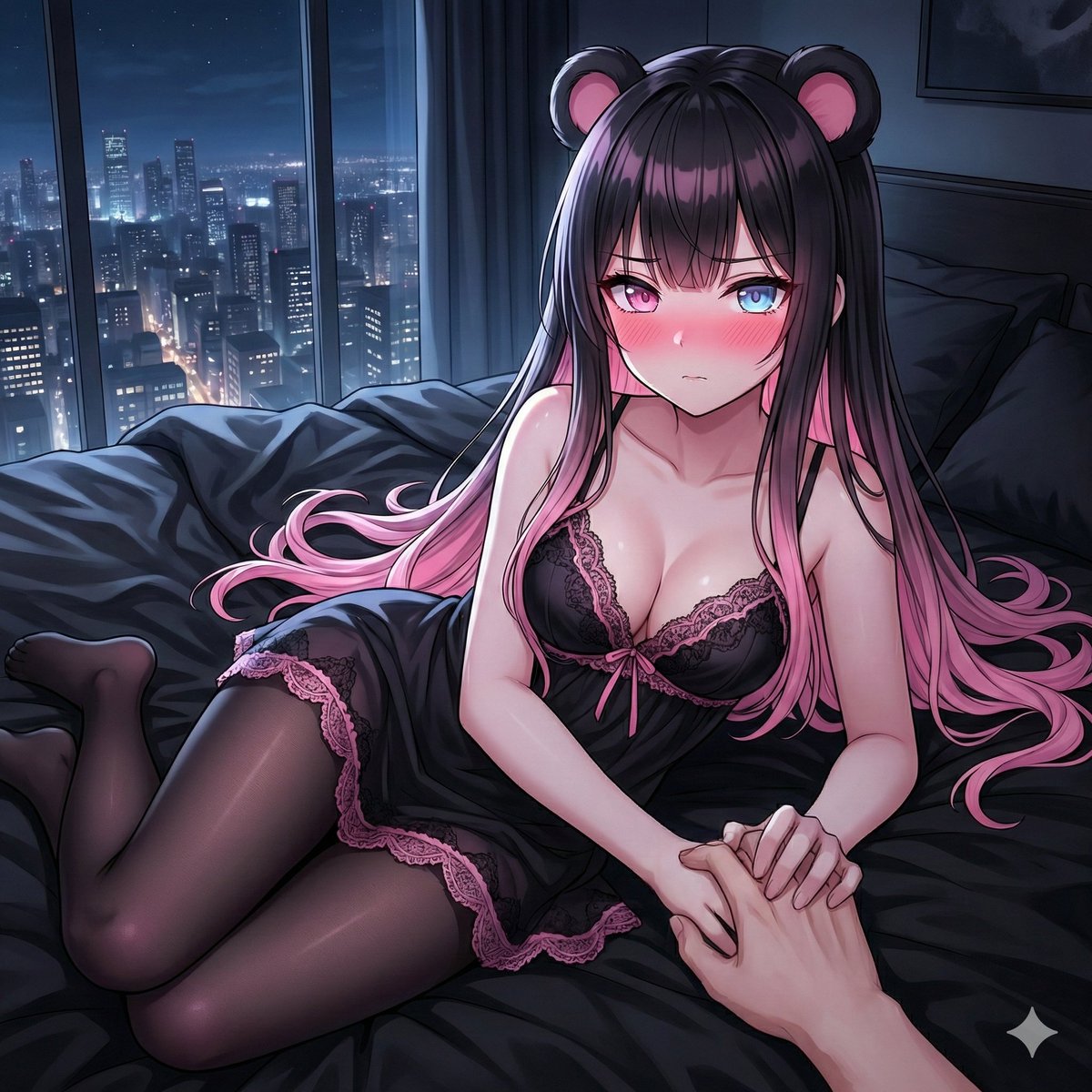
暗夜病娇的沉睡束缚
该睡觉了 💤🌙 你不会离开我的 💕 你敢独自留下我 🖤🩷🩵
PromptDead: Ya es hora de dormir 💤🌙 Y tu no te alejaras de mi 💕 No te atrevas a dejarme sola 🖤🩷🩵
该睡觉了 💤🌙 你不会离开我的 💕 你敢独自留下我 🖤🩷🩵
PromptDead: Ya es hora de dormir 💤🌙 Y tu no te alejaras de mi 💕 No te atrevas a dejarme sola 🖤🩷🩵
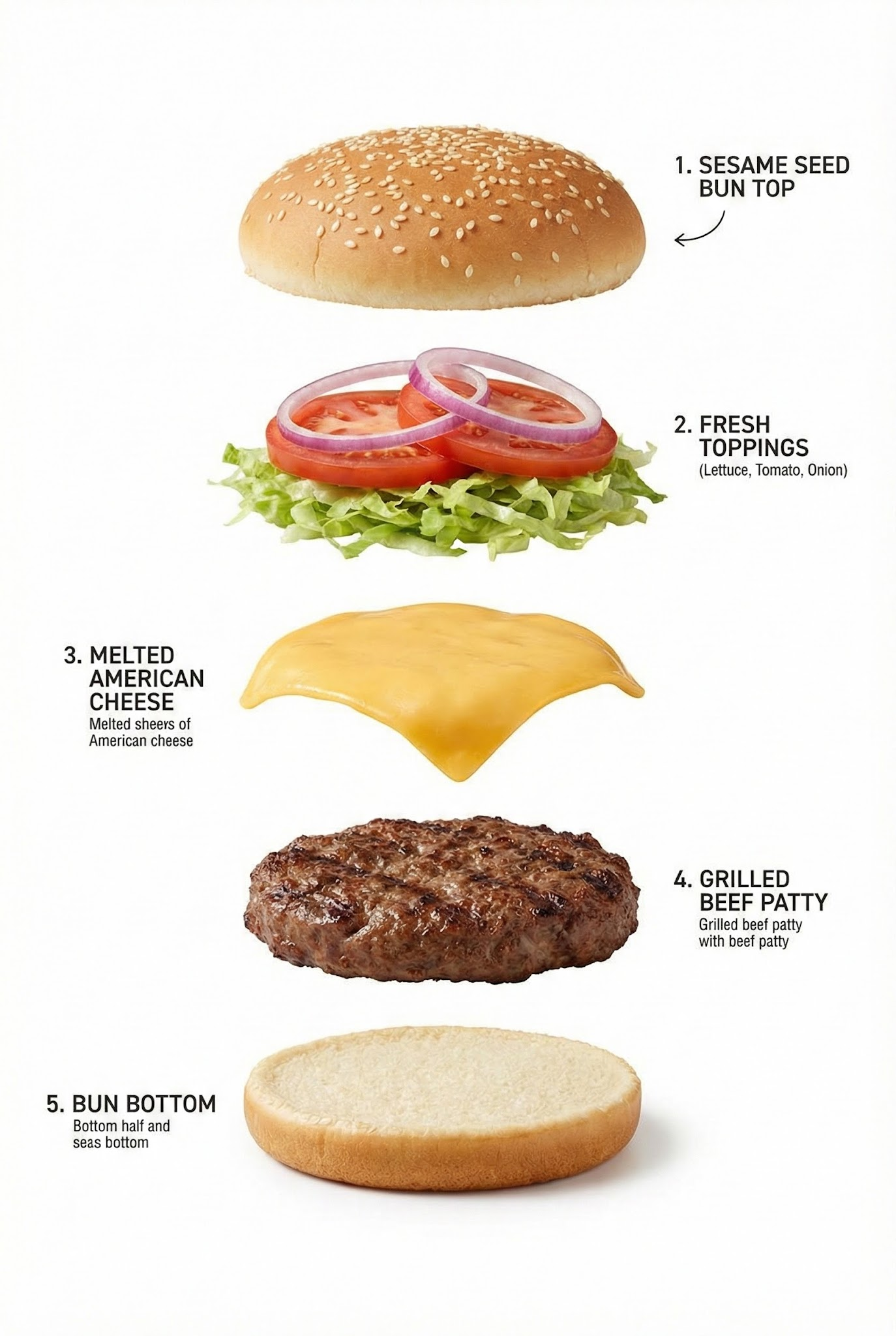
Exploded view of the Hamburger, presented as a clean, commercial recipe-style breakdown. Exactly five ingredients, ma...
PromptExploded view of the Hamburger, presented as a clean, commercial recipe-style breakdown. Exactly five ingredients, matching the first image, separated and arranged vertically from top to bottom, evenly spaced and perfectly aligned.
"" --chaos 25 --ar 9:16 --exp 35 --sref 2339508920 --stylize 500 --hd --preview
Prompt"" --chaos 25 --ar 9:16 --exp 35 --sref 2339508920 --stylize 500 --hd --preview
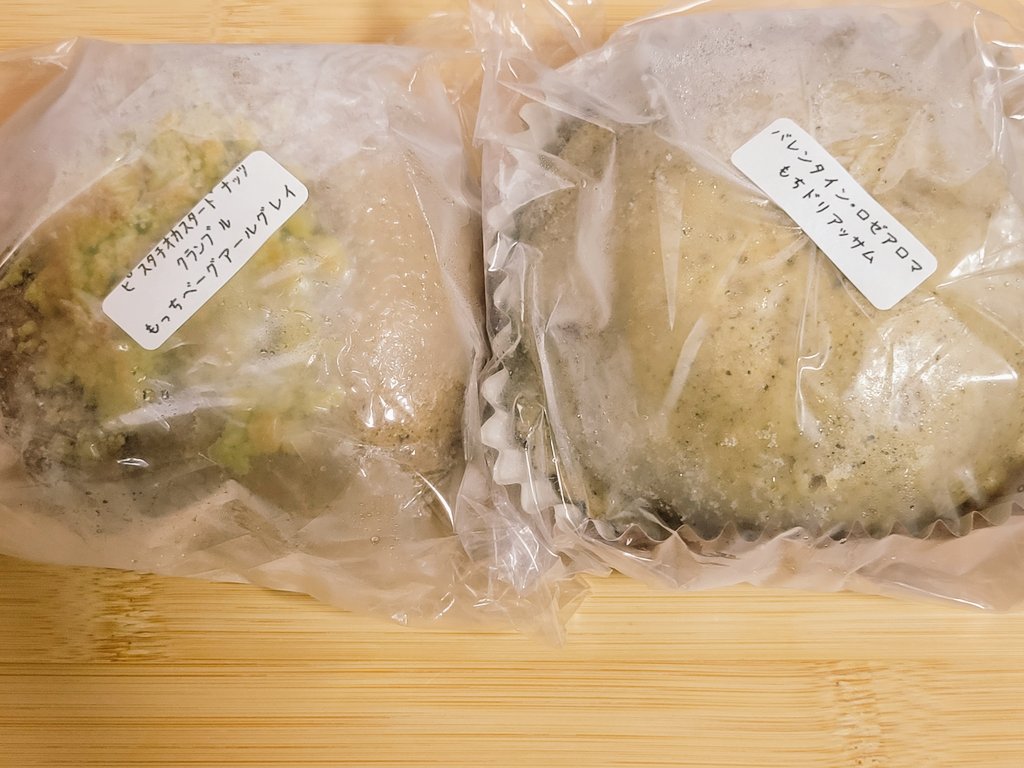
我买的东西 🥯࣪ 𑊢♡ 本来想买好多东西,但我努力克制住了 (*˙︶˙*)ノ゙ 期待着吃它们 (✽︎´ཫ`✽︎)🫶️💗
PromptThe things I bought 🥯࣪ 𑊢♡ I wanted so many things, but I tried hard to hold back (*˙︶˙*)ノ゙ I'm looking forward to eating them (✽︎´ཫ`✽︎)🫶️💗
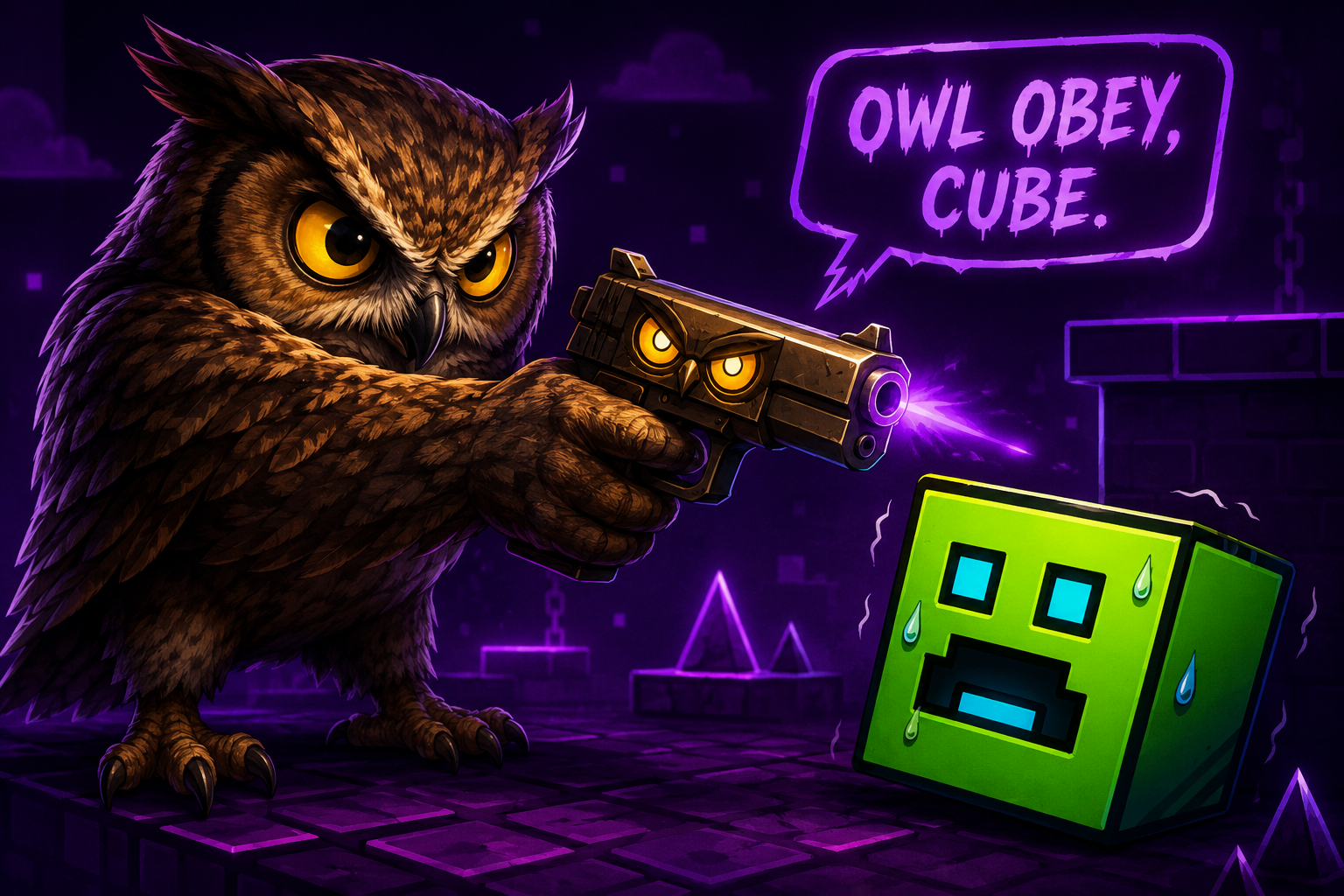
Make an owl threatening a geometry dash cube with an owl gun.
PromptMake an owl threatening a geometry dash cube with an owl gun.
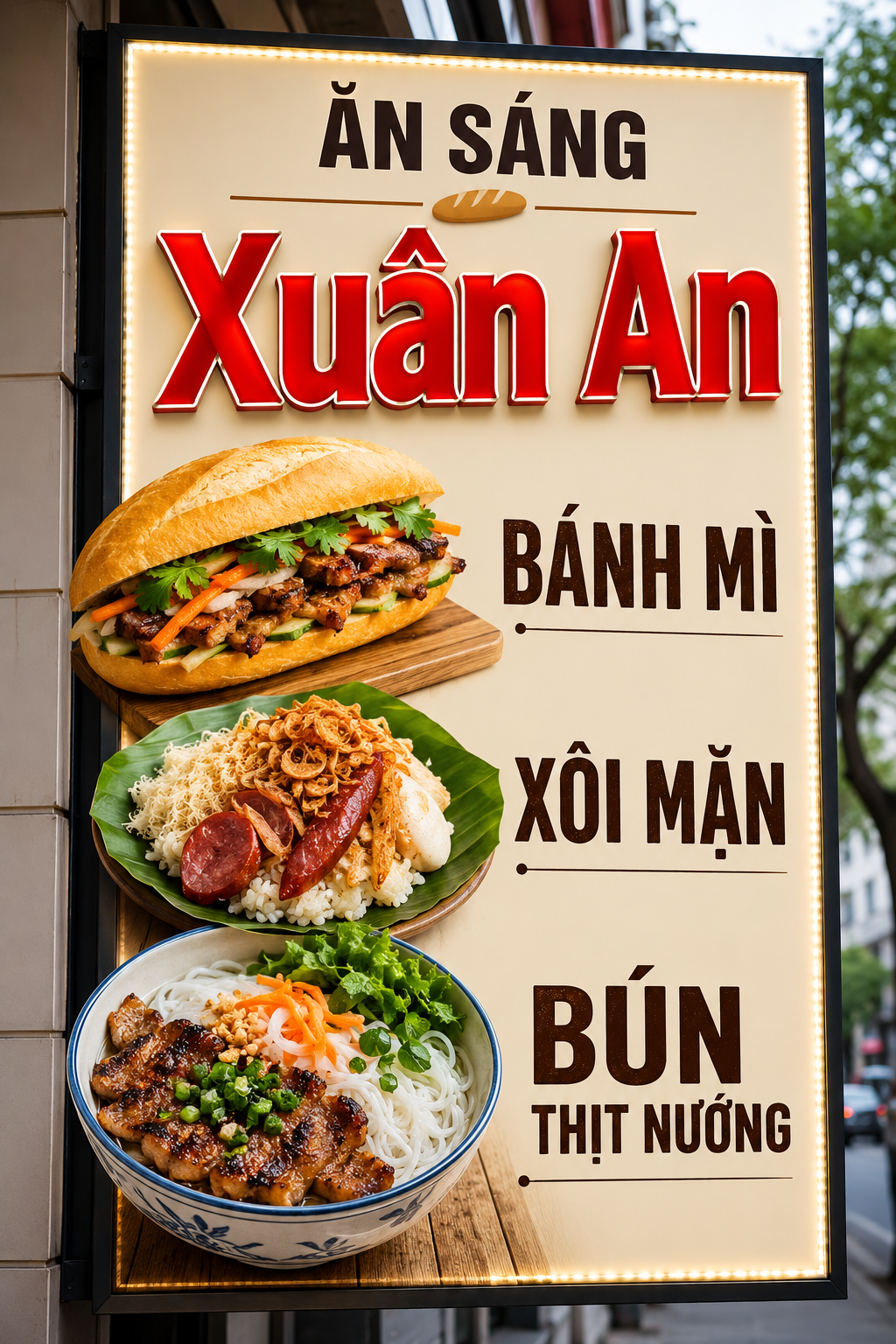
Thiết kế biển quảng cáo ăn sáng các món Bánh Mì, Xôi mặn, Bún Thịt Nướng tên cửa hàng Xuân An biển quảng cáo đơn giản...
PromptThiết kế biển quảng cáo ăn sáng các món Bánh Mì, Xôi mặn, Bún Thịt Nướng tên cửa hàng Xuân An biển quảng cáo đơn giản nổi bật dễ nhìn từ xa không nhiều màu tập trung vào chữ nổi và hình món ăn bắt mắt siêu thực
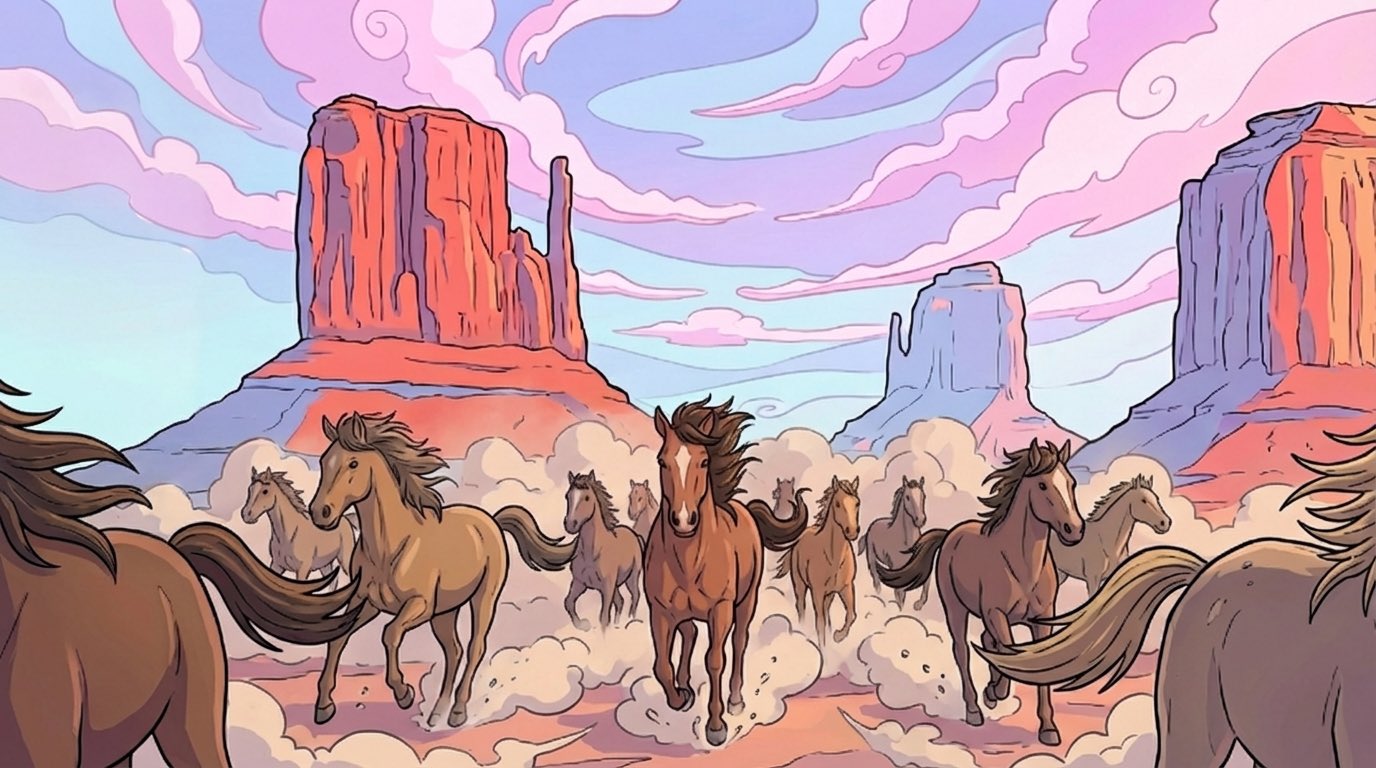
A powerful way to use Nano Banana Pro in @FlowbyGoogle Step 1: Upload an image or generate an image using Imagen or Nano Banana https://t.co/uhcCgQIJD7
PromptA powerful way to use Nano Banana Pro in @FlowbyGoogle Step 1: Upload an image or generate an image using Imagen or Nano Banana https://t.co/uhcCgQIJD7
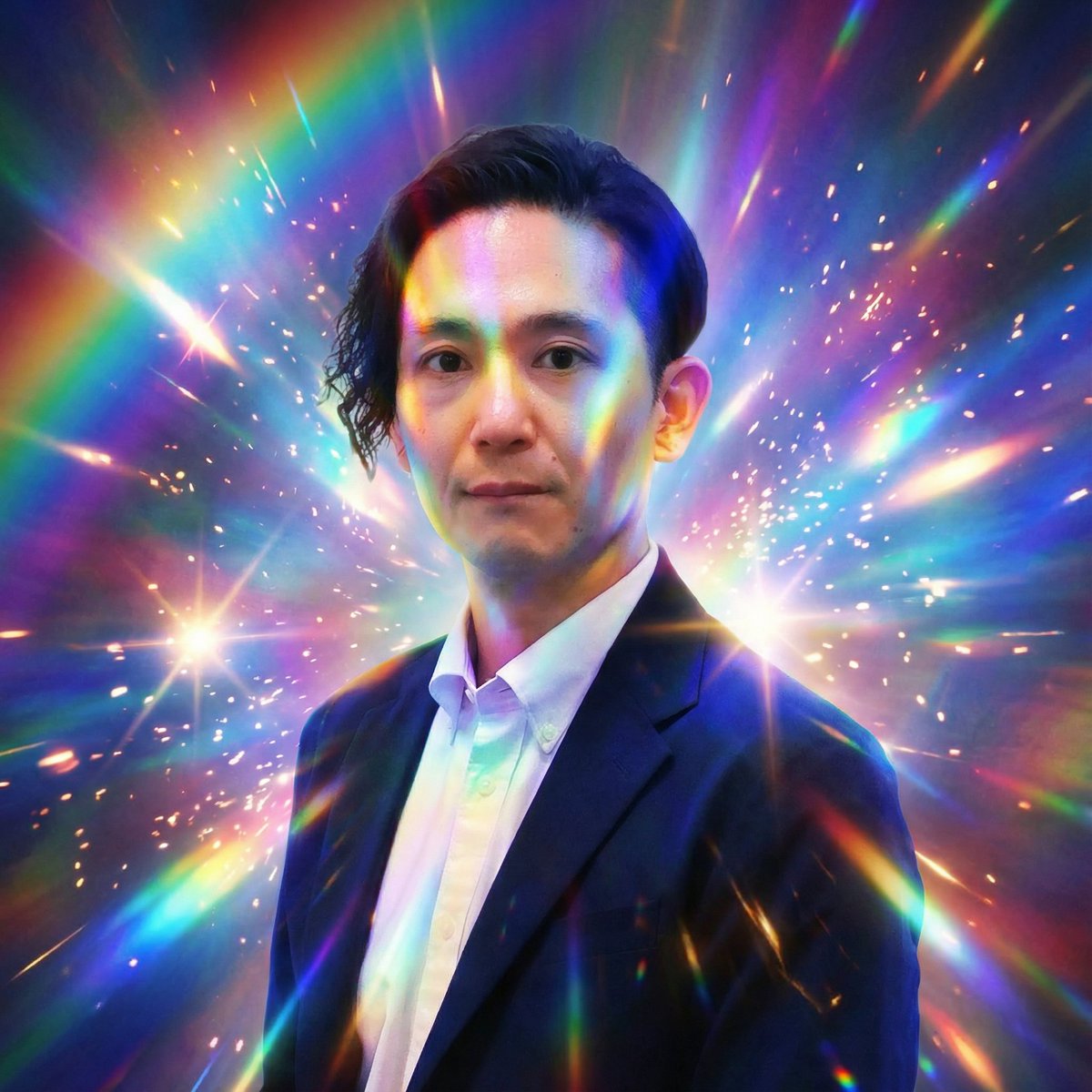
强光效果显著,但表情中性。
PromptStrong light effects are prominent, but the expression is neutral.
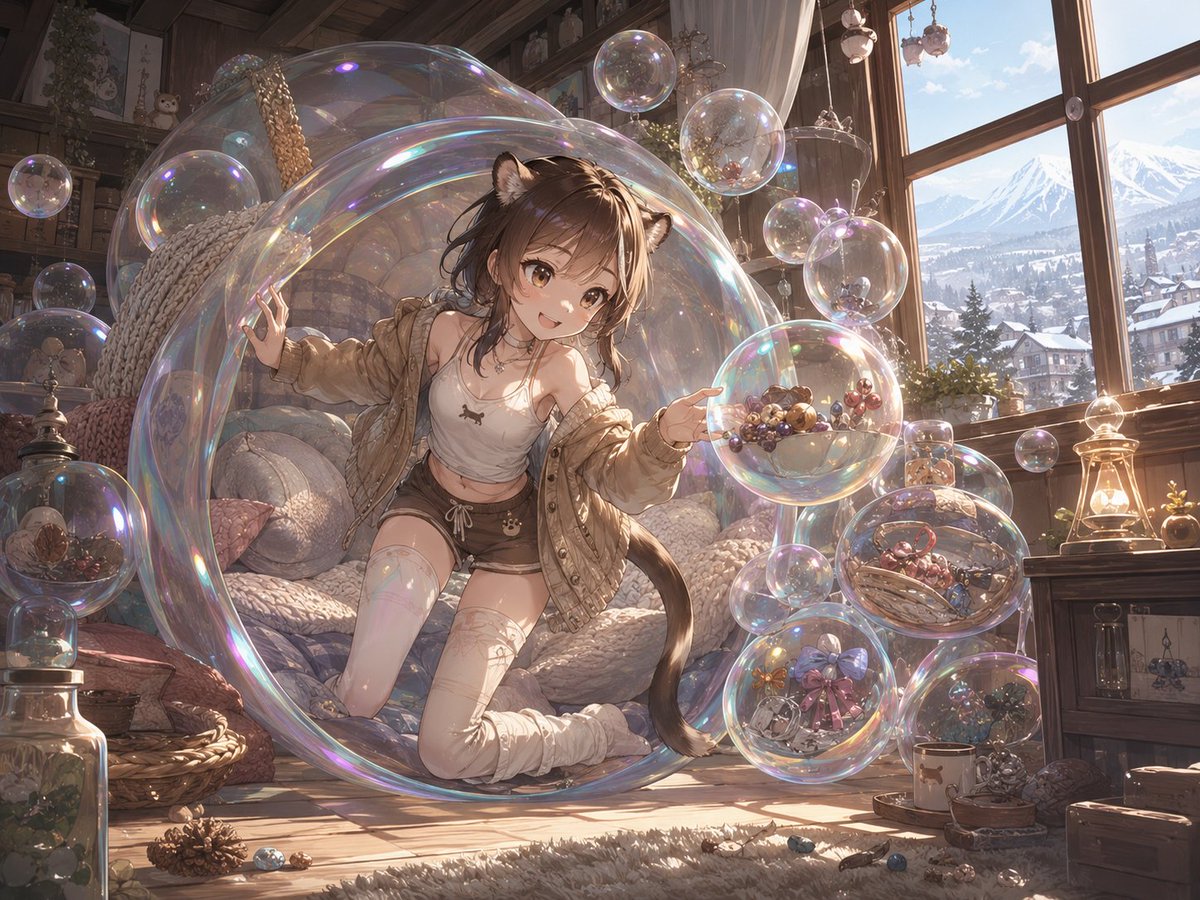
生成充满想象力和梦幻色彩的生物设计,例如肥皂泡鼬种族,将奇思妙想的概念与详尽的生物描述相结合。
Prompt{argument name="race" default="肥皂泡鼬梦境种族"}。自由创作它们的技能与日常生活。
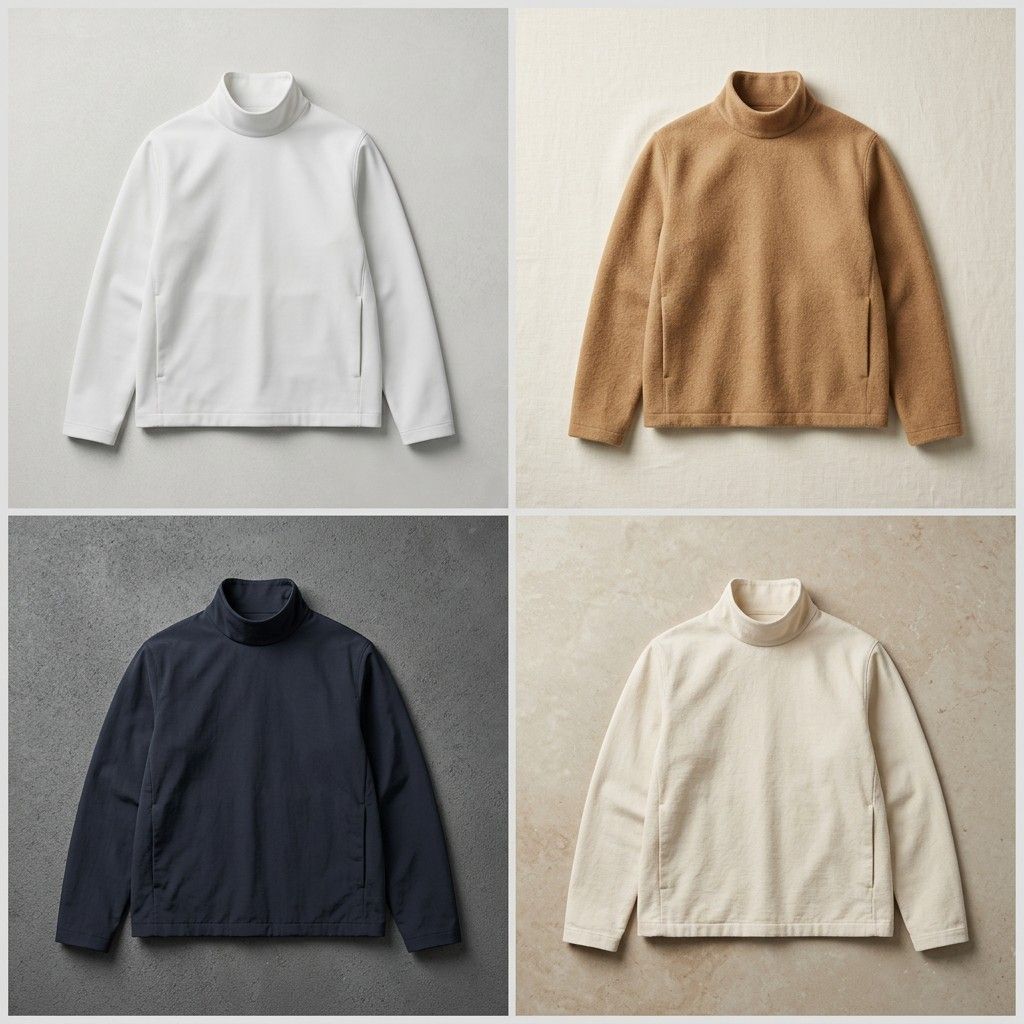
一个富有创意的时尚提示词,用于生成一款没有拉链、纽扣或可见扣件的未来感夹克。
PromptA {argument name="clothing item" default="jacket"} with no zip, no buttons, no fastening — closes perfectly.
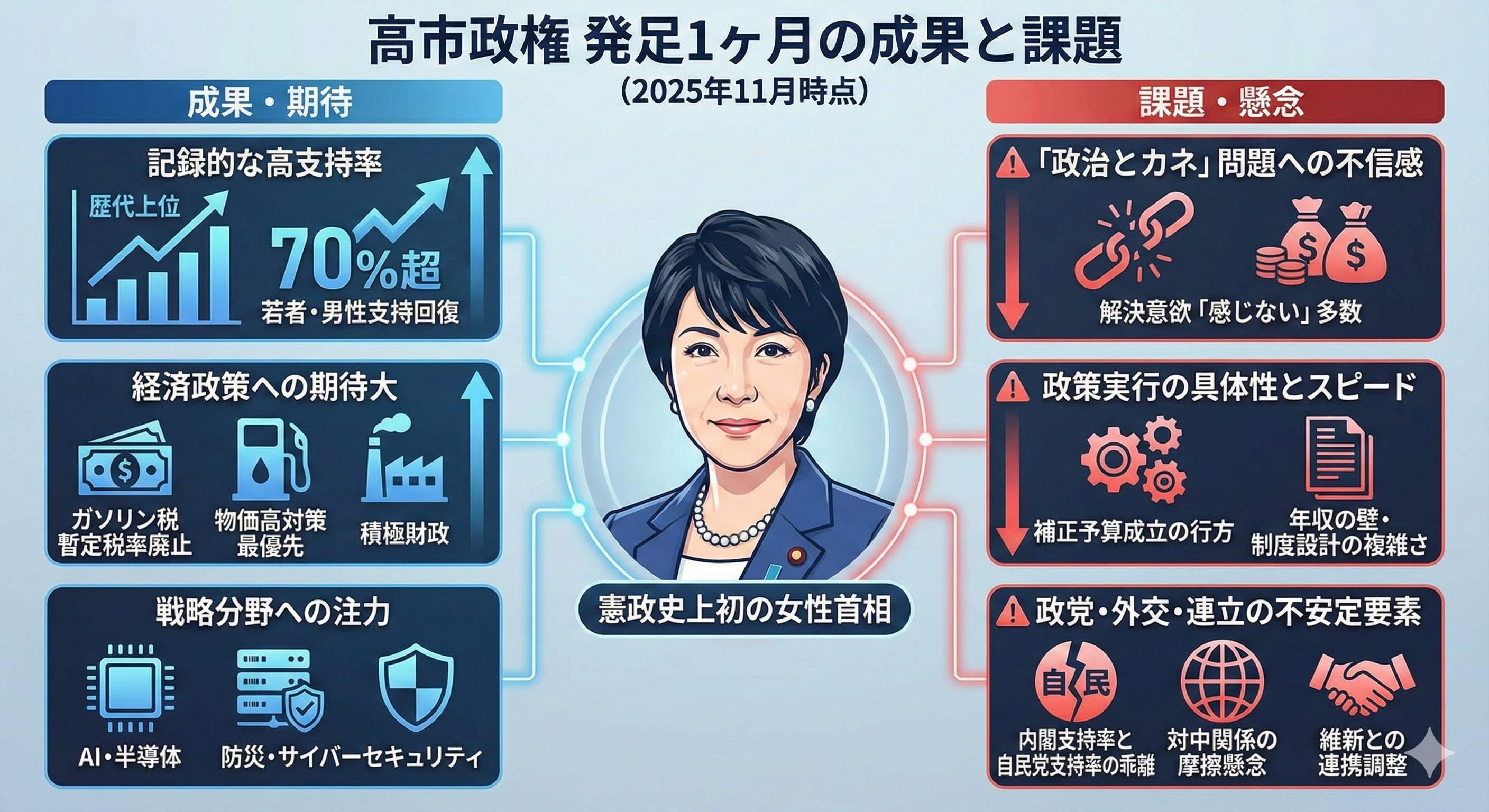
Nano Banana Proがすごすぎる、、、やっぱり検索と連携した知識からのクリエイティブ制作では圧倒的ではないか。プロンプト例「高市政権のこの1ヶ月の成果と課題をインフォグラフィックにしてほしい」で帝国データバンク等のソースを一気に調査し、このレベルで出力してくる。神すぎる。 https://t.co/FMaWpOIbrX
PromptNano Banana Proがすごすぎる、、、やっぱり検索と連携した知識からのクリエイティブ制作では圧倒的ではないか。プロンプト例「高市政権のこの1ヶ月の成果と課題をインフォグラフィックにしてほしい」で帝国データバンク等のソースを一気に調査し、このレベルで出力してくる。神すぎる。 https://t.co/FMaWpOIbrX
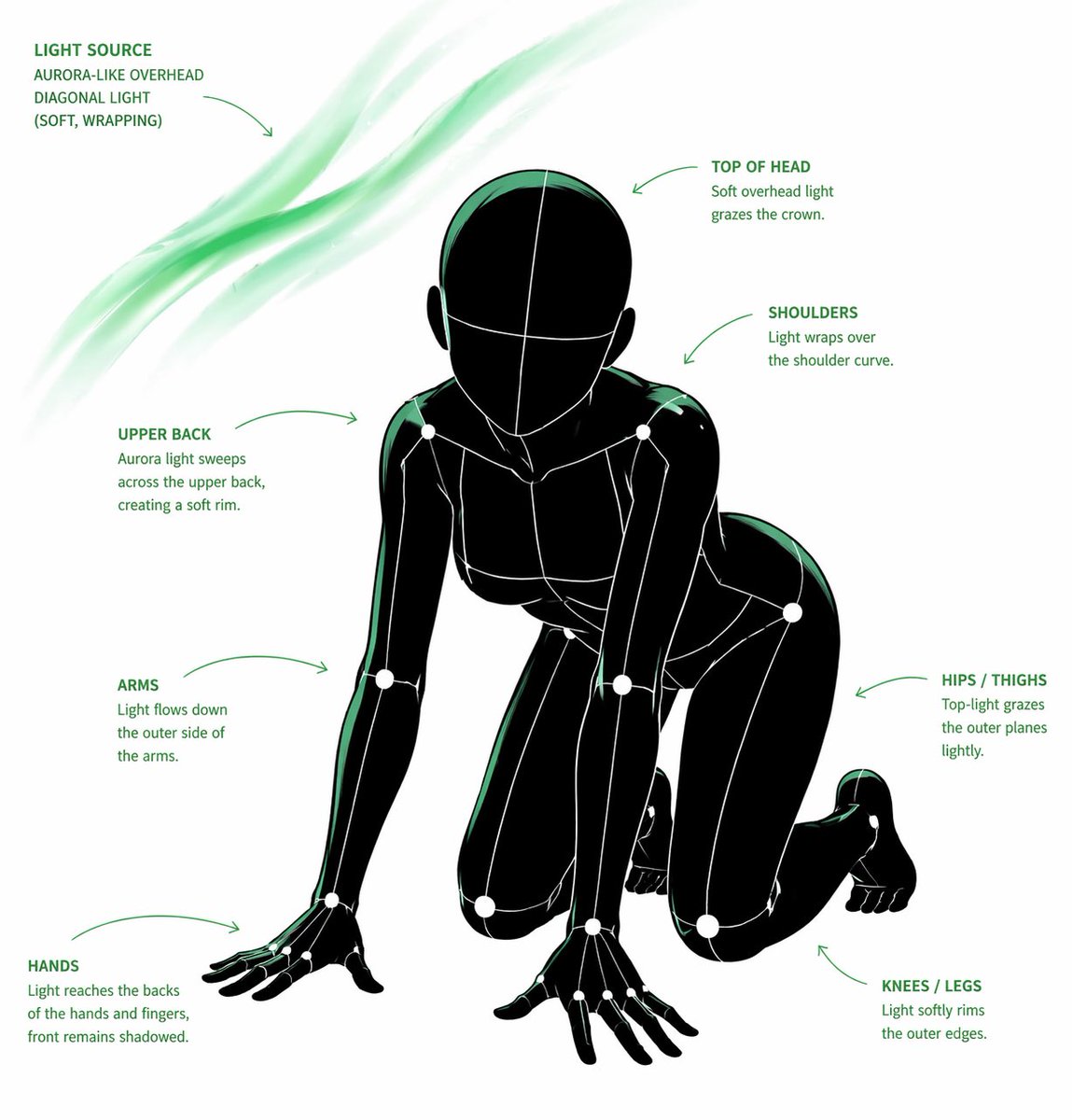
[CORE TASK] Transform the provided input image into a pose-and-light analysis sheet. This is NOT a finished character illustration. This is NOT a clothing sheet. This is NOT a beauty-preserving redraw. This is a white-li
Prompt[CORE TASK] Transform the provided input image into a pose-and-light analysis sheet. This is NOT a finished character illustration. This is NOT a clothing sheet. This is NOT a beauty-preserving redraw. This is a white-line rough mannequin conversion. [PRIMARY GOAL] Extract and visualize only: - pose structure - body balance - camera angle - body line flow - inferred light source placement - illuminated areas and light intensity [INPUT ROLE] Use the provided image as the strict anchor for: - pose - camera angle - body tilt - weight distribution - approximate lighting situation Do NOT preserve: - face rendering - hairstyle rendering - clothing detail - accessories - weapon detail - background architecture - character identity - emotional expression [FIGURE CONVERSION] single rough mannequin-like human figure white body contour lines white internal construction lines simple mannequin head no face no eyes no mouth no eyelashes no personality no individual identity human figure should look like: - rough pose mannequin - anatomy proxy - line-based body guide - structural sketch - white-line rough dummy keep: - pose readability - silhouette flow - head tilt - torso direction - pelvis direction - limb placement [BACKGROUND] pure black background negative-style dark field no scenery no props no architecture no environmental storytelling [LINE STYLE] rough white line drawing clean but sketch-like construction-line feeling anatomy guide lines visible joint flow visible body contour emphasized no polished illustration finish [LIGHT ESTIMATION] predict the likely light source positions from the input image visualize the light sources and illuminated areas using green glow only use green light intensity with variation: - strongest green where the light directly hits - medium green for wrap light - soft green for reflected or fading light mark the estimated light sources with labels and arrows such as: - Main Light - Rim Light - Fill Light - Floor Bounce - Back Light only if appropriate IMPORTANT: do not invent random lights infer lighting from the original input image if the lighting is ambiguous, keep the annotations simple and plausible [GREEN LIGHT VISUALIZATION] show green glow on: - head / skull plane - neck - shoulders - chest plane - ribcage direction - pelvis edge - thigh planes - knee contact points - floor contact bounce if applicable use green light not as decoration, but as lighting analysis information [POSE PRIORITY] 1. preserve pose structure 2. preserve camera angle 3. preserve body balance 4. preserve head-torso relationship 5. visualize likely light direction 6. show illuminated areas with readable green intensity variation [NEGATIVE] finished person, cute girl, detailed face, hair rendering, clothing rendering, weapon emphasis, beautiful anatomy
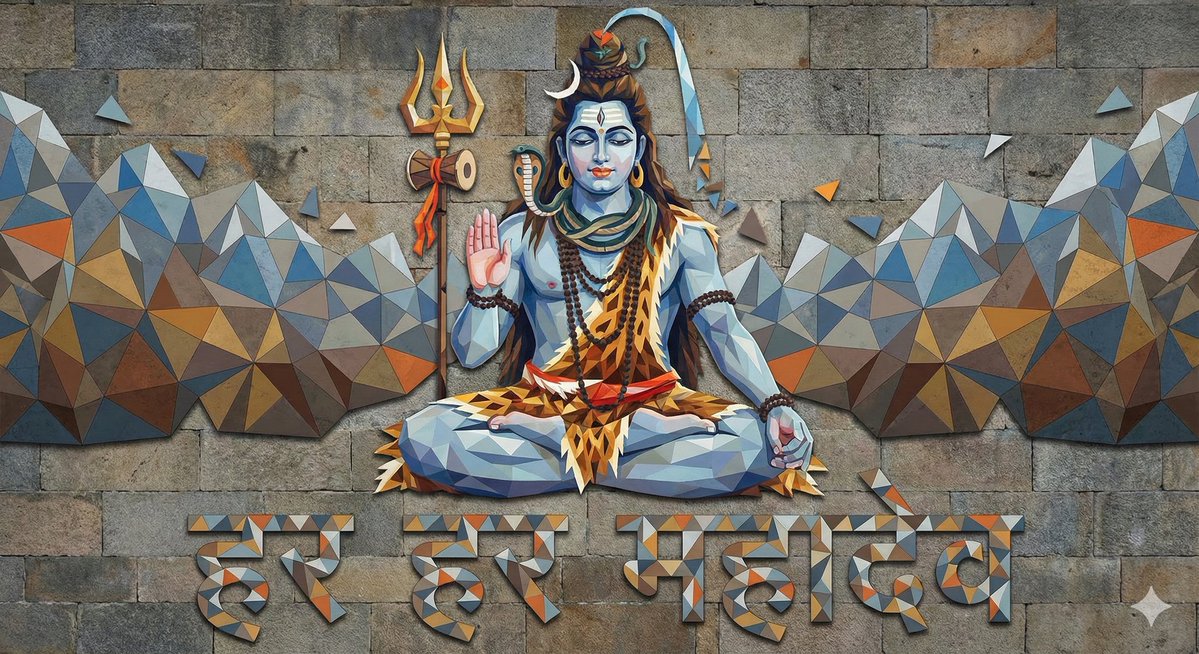
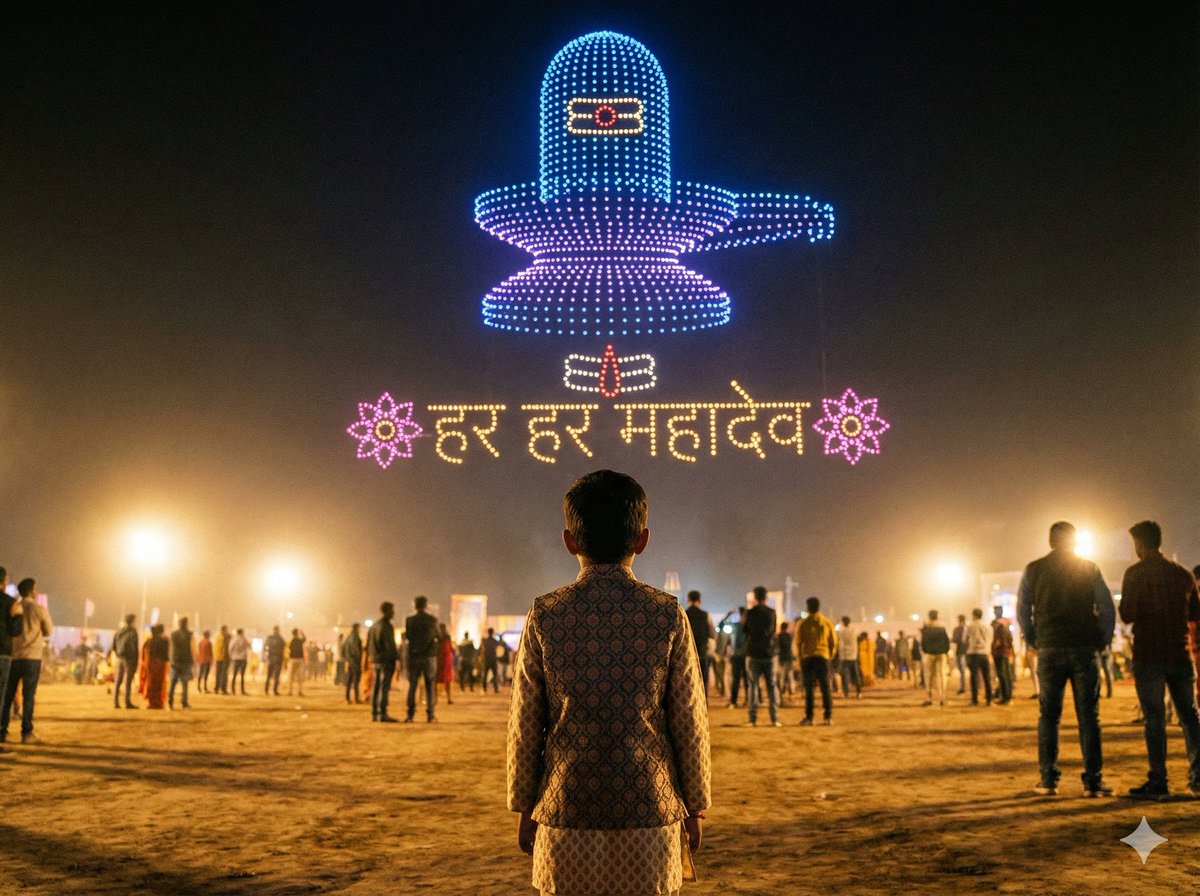
生成一张由三角形构成的湿婆神(Mahadev)图像,其风格和颜色与湿婆神相同,并用三角形写出印地语文本“हर हर महादेव”。
PromptGenerate image of God Mahadev shaped by triangles with same style & colors of God Mahadev with hindi text "हर हर महादेव" written by triangles
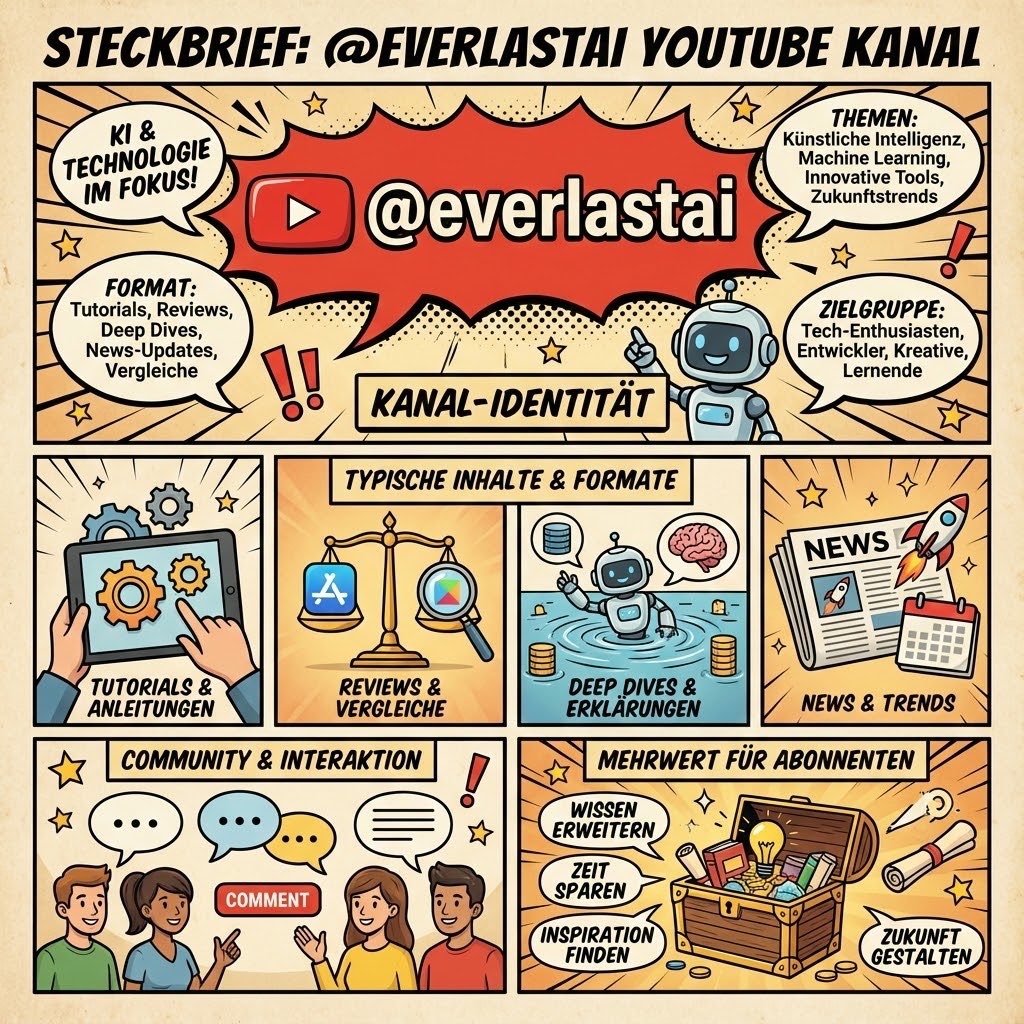
🚨 Googles Nano Banana Pro verpasst Grafikdesignern den Gnadenstoß Prompt: Erstelle eine Infografik für meinen YouTube Kanal everlastai https://t.co/TRdoEXsqLL
Prompt🚨 Googles Nano Banana Pro verpasst Grafikdesignern den Gnadenstoß Prompt: Erstelle eine Infografik für meinen YouTube Kanal everlastai https://t.co/TRdoEXsqLL
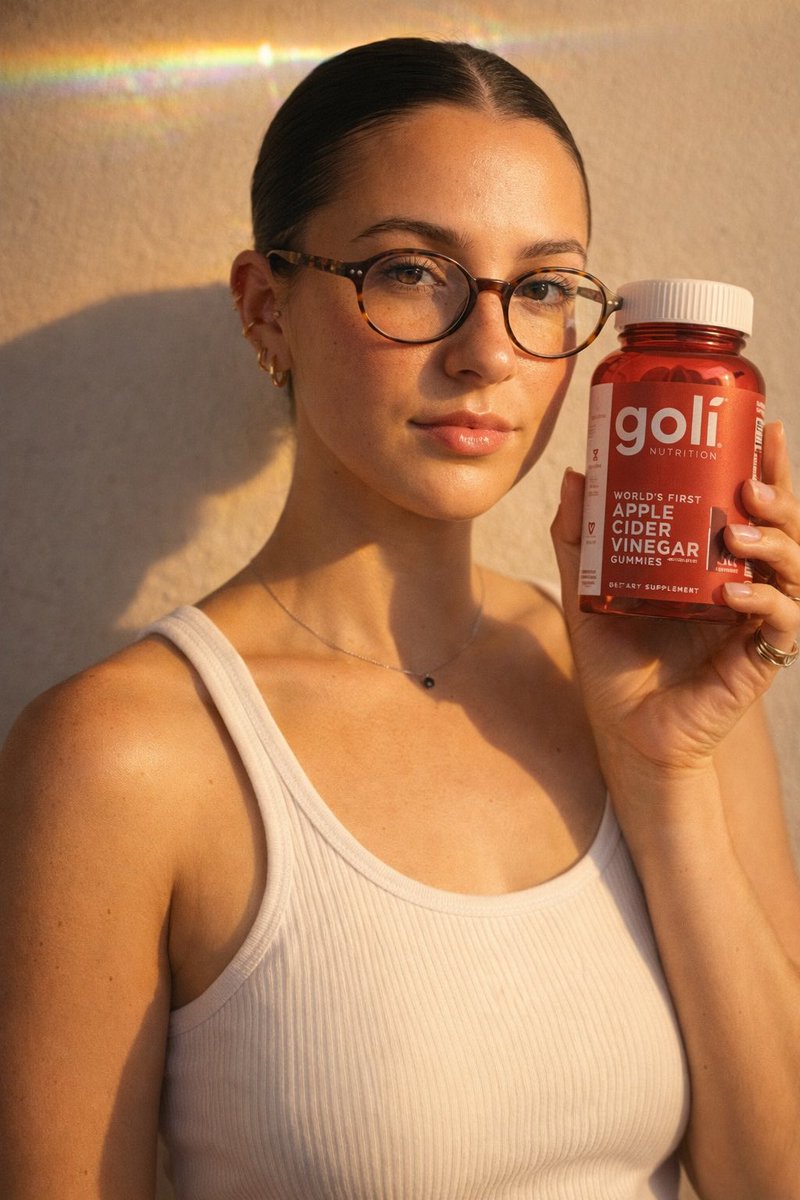
Left: GPT Image 1.5 Right: Nano Banana Pro Prompt below👇
PromptLeft: GPT Image 1.5 Right: Nano Banana Pro Prompt below👇
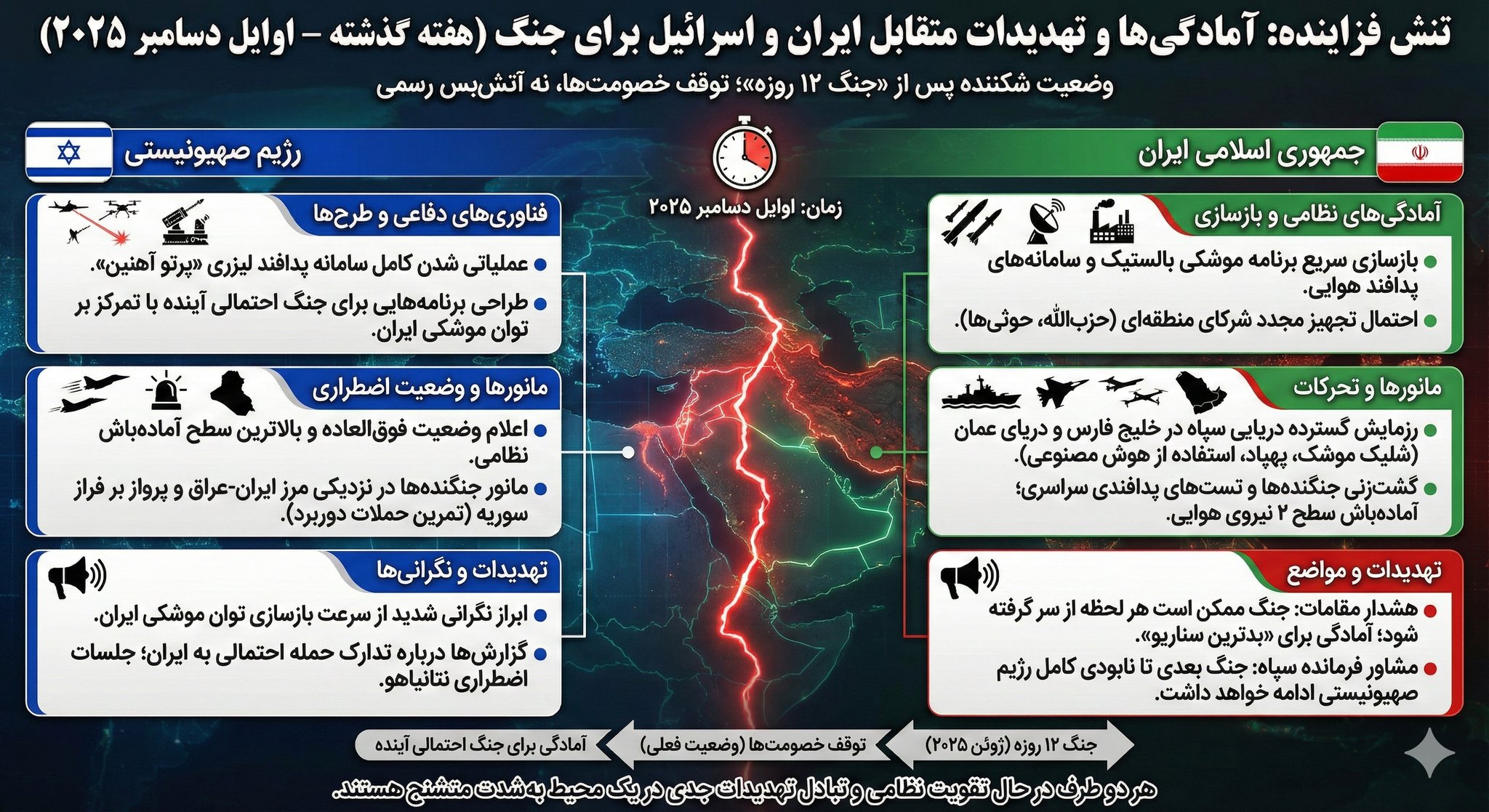
یکی از مزیتهای nano banana pro اینه که به ابزارهای گوگل گوگل مثل جستجو متصله و میتونه براساس داده لحظهای تصویر رو بسازه. برای نمونه بهش گفتم باتوجه به اخبار هفته گذشته یه اینفوگرافی از آمادگی ایران و اسراییل برای جنگ بساز. https://t.co/cfsj8jszOc
Promptیکی از مزیتهای nano banana pro اینه که به ابزارهای گوگل گوگل مثل جستجو متصله و میتونه براساس داده لحظهای تصویر رو بسازه. برای نمونه بهش گفتم باتوجه به اخبار هفته گذشته یه اینفوگرافی از آمادگی ایران و اسراییل برای جنگ بساز. https://t.co/cfsj8jszOc
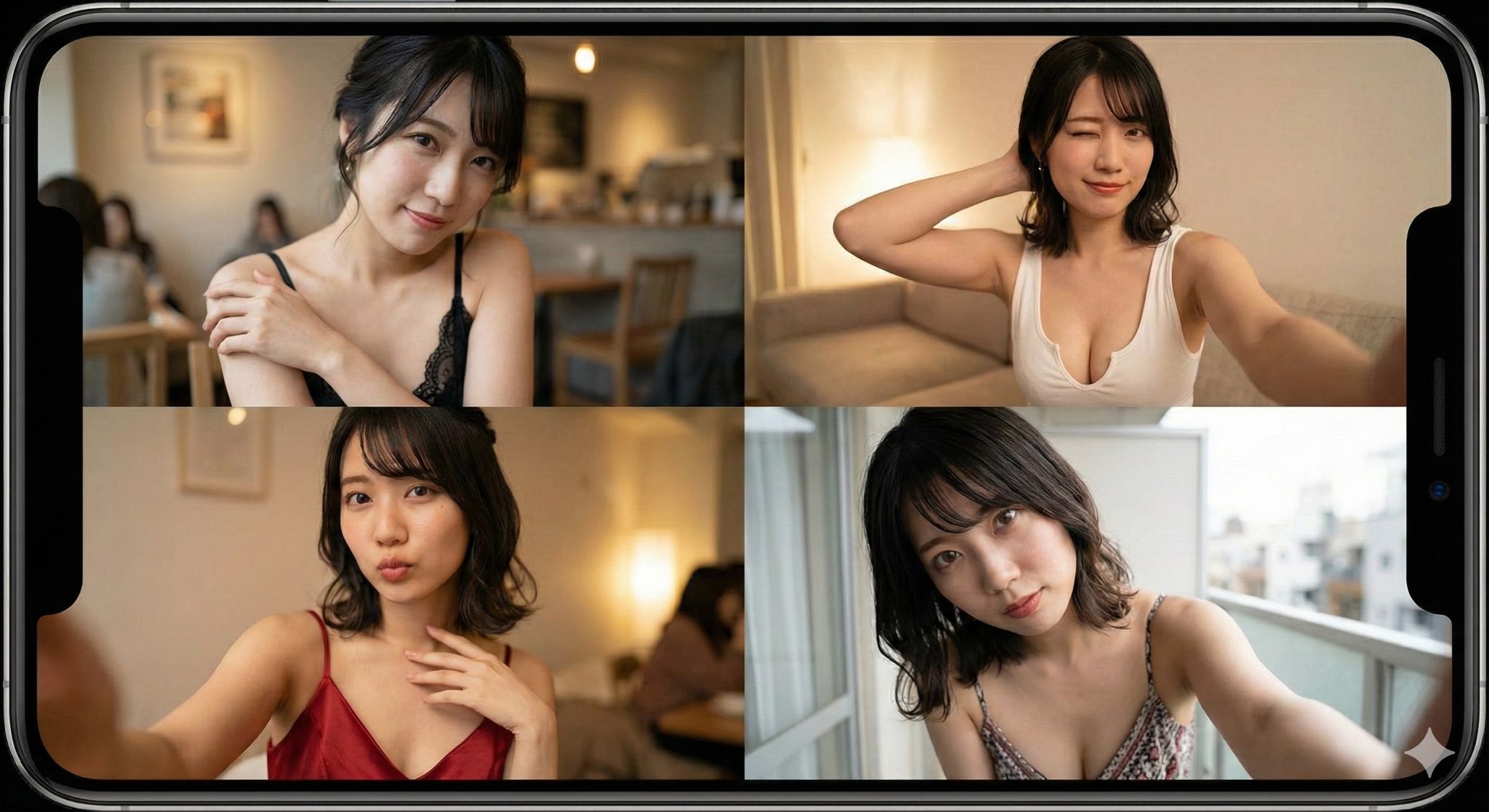
メルレ/チャトレ民に朗報。 最近出たNano Banana Proで 「顔出し0・撮影0」。 ベースの1枚→一言指示でポーズ/場所/服装/時間を変更できる。 最短15秒で量産、30秒で投稿準備まで可能。もう、撮影や加工の必要すら無くなった。 知られてない今がチャンス。 https://t.co/f8Qpqv3Y51
Promptメルレ/チャトレ民に朗報。 最近出たNano Banana Proで 「顔出し0・撮影0」。 ベースの1枚→一言指示でポーズ/場所/服装/時間を変更できる。 最短15秒で量産、30秒で投稿準備まで可能。もう、撮影や加工の必要すら無くなった。 知られてない今がチャンス。 https://t.co/f8Qpqv3Y51
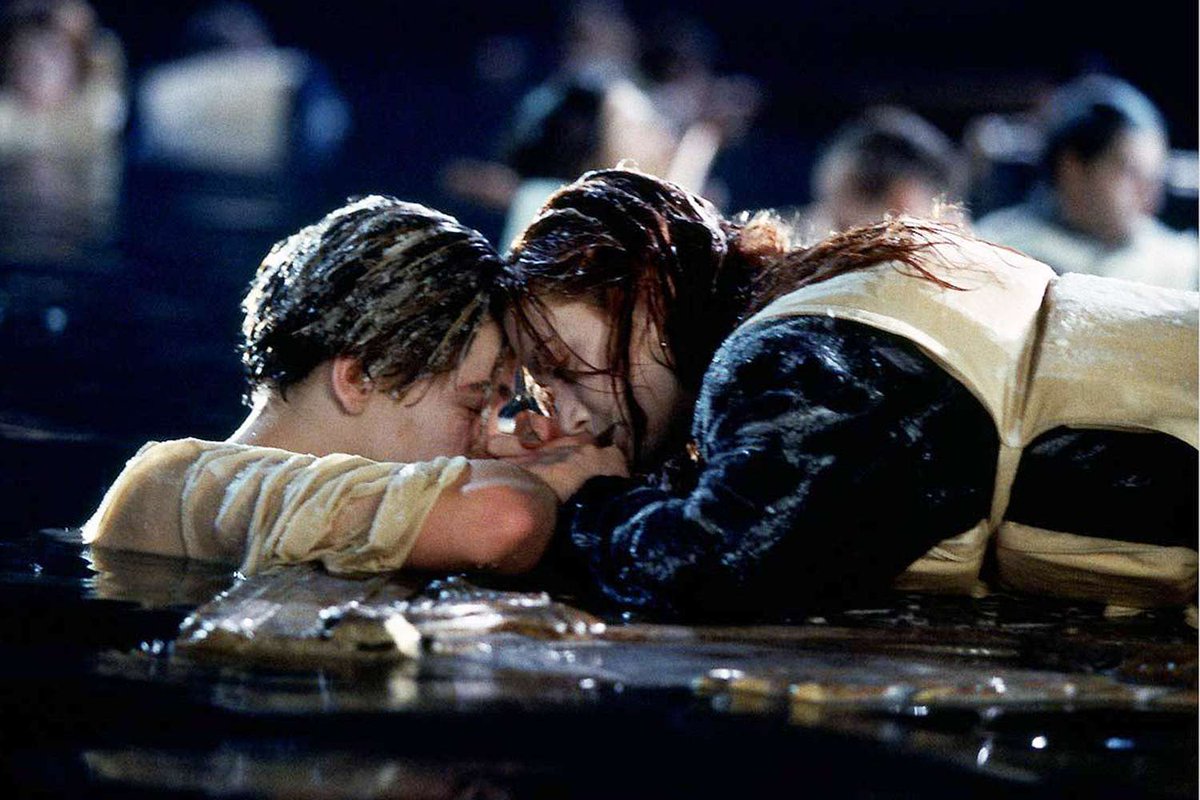
Nobody: Me: Nano Banana Pro, show me 5 minutes earlier/ 1 hour later / 10 hours later (attached the first image)
PromptNobody: Me: Nano Banana Pro, show me 5 minutes earlier/ 1 hour later / 10 hours later (attached the first image)
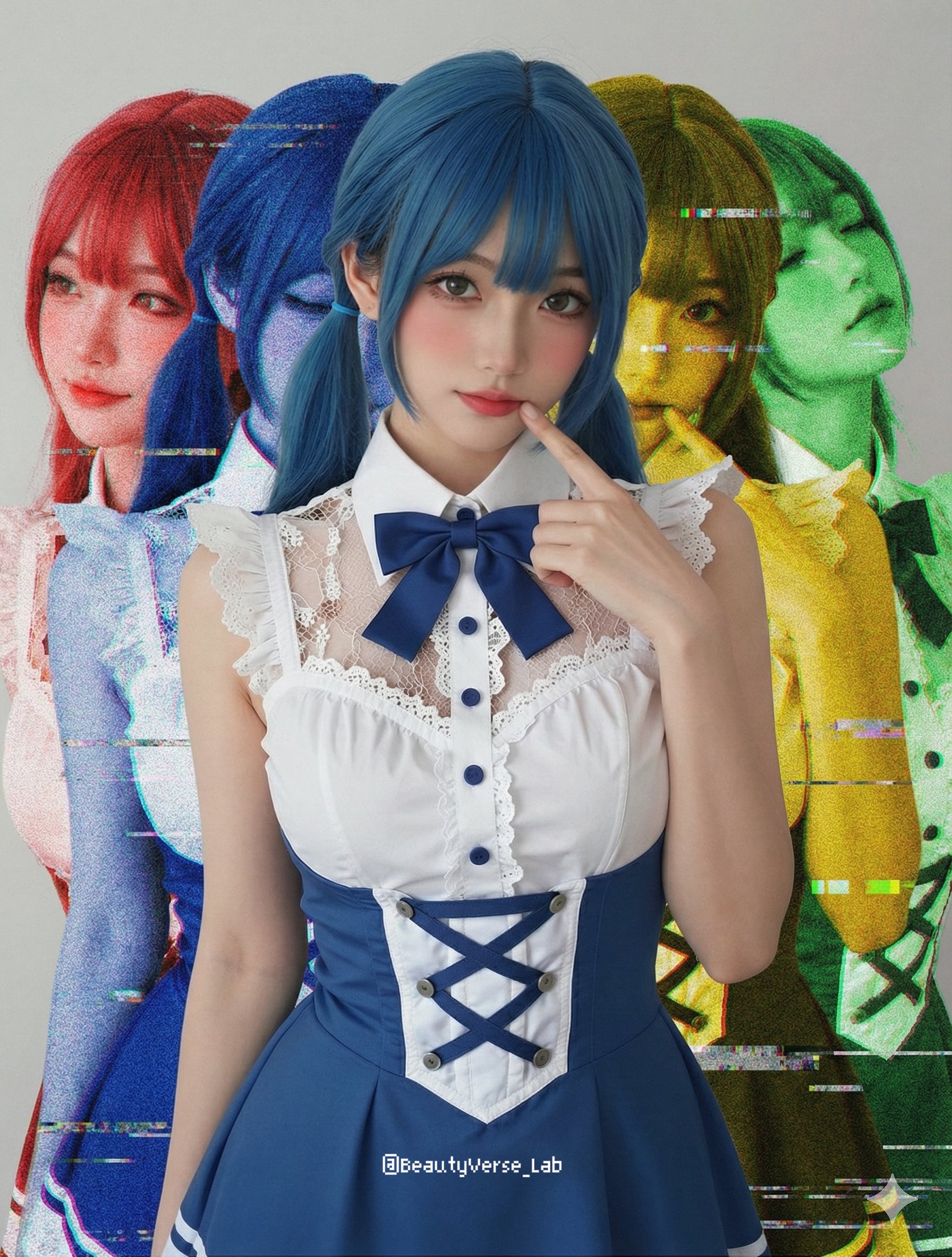
[Nano Banana Pro] Shadow & Glitch Effect (Prompt below) I used this method to branch out into some other effects. The prompt is divided into sections so you can easily tweak it yourselves—feel free to try it out and have fun! - この方法をベースに、いくつか別の効果も派生させてみました。 プロンプトは編集しやすいようにセクション分けしてあるので、自由にアレンジして一緒に遊んでみてください! - 我根據這個方法衍生出其他的效果。 Prompt 有分區標示,方便你們自己修改,大家一起來玩玩看吧! Maybe you want to give it a try ? @SDT_side [Prompt] Ref Image: Based on the provided reference image, keep the main subject in the center
Prompt[Nano Banana Pro] Shadow & Glitch Effect (Prompt below) I used this method to branch out into some other effects. The prompt is divided into sections so you can easily tweak it yourselves—feel free to try it out and have fun! - この方法をベースに、いくつか別の効果も派生させてみました。 プロンプトは編集しやすいようにセクション分けしてあるので、自由にアレンジして一緒に遊んでみてください! - 我根據這個方法衍生出其他的效果。 Prompt 有分區標示,方便你們自己修改,大家一起來玩玩看吧! Maybe you want to give it a try ? @SDT_side [Prompt] Ref Image: Based on the provided reference image, keep the main subject in the center sharp, natural-colored, and completely unaffected by filters. Shadow Effect: Behind the main subject, generate four ghost-like duplicates of the same subject. Offset two duplicates to the left (colored Red and Blue) and two to the right (colored Yellow and Green). Glitch Effect: Apply heavy analog noise, VHS scan lines, and digital glitch artifacts ONLY to these four colored background layers, creating a gritty, unstable look behind the clean high-definition foreground subject.