
▣
GPT Image 2 Text to Image
Text to Image
Turn text prompts into stunning images for any purpose.
Learn more →Propulsé par GPT Image 2
Créez, éditez et remixez des images avec GPT Image 2. Importez une image de référence, générez des designs similaires et exportez des visuels haute résolution.
Adopté par des créateurs et équipes dans le monde entier
★★★★★ 4,9/5 sur 12 389 avis
Aspect Ratio
Style
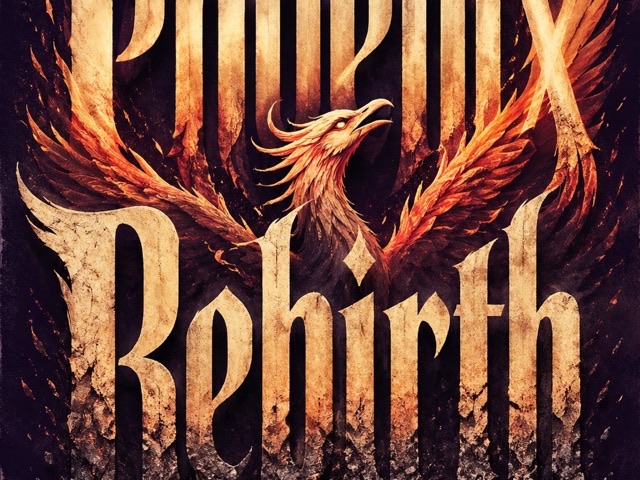
海报与排版
海报与排版 - 单款签名提取模板
GPT Image 2 Text to Image
Turn text prompts into stunning images for any purpose.
Learn more →GPT Image 2 Image Editor
Edit images with natural language. Remove, replace, or restyle easily.
Learn more →GPT Image 2 Reference Remix
Upload a reference and create similar designs in your style.
Learn more →GPT Image 2 Prompt Templates
Use ready-made prompts for posters, ads, icons, and more.
Learn more →GPT Image 2 for Social Media
Perfect for YouTube, TikTok, Instagram, Xiaohongshu, and more.
Learn more →GPT Image 2 for Business
Create product ads, pitch decks, ecommerce visuals, and more.
Learn more →awesome-gpt-image-2从输入图中的[位置/编号/风格名]签名里,提取该签名的核心笔势,生成一张纯签名图。
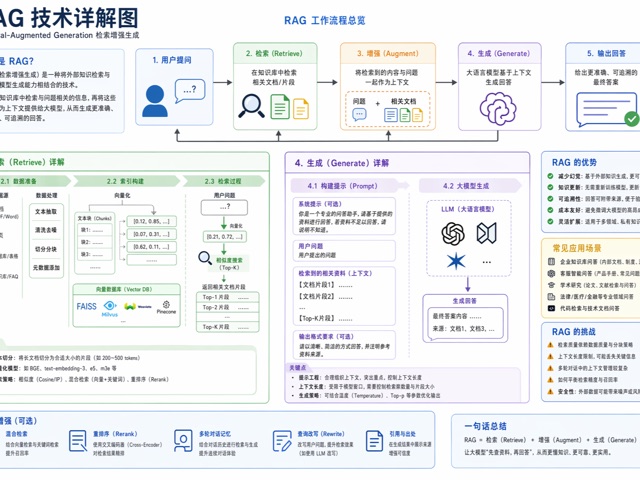 awesome-gpt-image-2
{
awesome-gpt-image-2设计一张[活动/产品/电影]海报,主题为[主题词]。
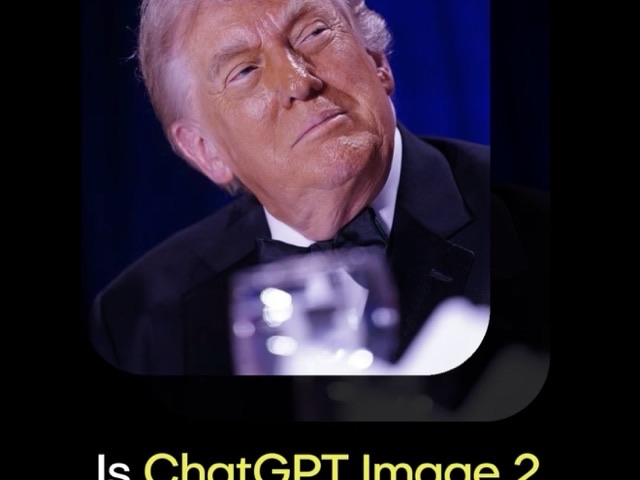 awesome-gpt-image-2
将输入照片转换为高端 3D 收藏玩具形象。
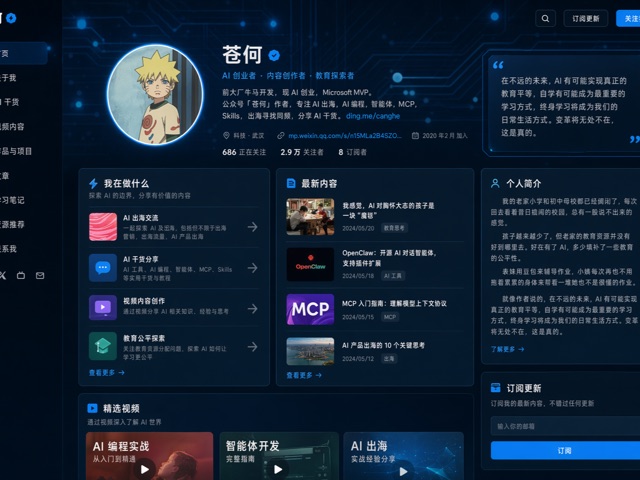 awesome-gpt-image-2
{
 awesome-gpt-image-2
{
 awesome-gpt-image-2
{
 awesome-gpt-image-2
生成[空间类型]设计效果图,功能定位为[用途]。
Générez, éditez et personnalisez en quelques étapes.
Saisissez un prompt ou importez une image de référence.
Sélectionnez un modèle ou un format.
Créez des images cohérentes et détaillées.
Affinez en langage naturel puis exportez.
Commencez gratuitement puis passez à l’offre supérieure.
For getting started
$0 /month
For creators and freelancers
$9.9 /month
For small teams
$29 /month
For large organizations
Custom
GPT Image 2 is an image generation model family for creating and editing images from prompts and image inputs. Picva wraps GPT Image 2 in a template-first workflow for posters, ads, covers, app icons, and social media visuals.
Use Picva online by entering a prompt, uploading a reference image, choosing a template or aspect ratio, and signing in to generate your first AI image.
Yes. Picva supports image editing workflows where you upload an image and describe changes such as replacing backgrounds, adjusting lighting, removing objects, or restyling the image.
Yes. Picva is designed around reference image remixing so you can create similar layouts, colors, and styles without copying the original.
You can create AI posters, product ads, ecommerce visuals, app icons, thumbnails, social media covers, pitch deck images, and marketing campaigns.
No. Picva is an independent AI image creation platform and is not affiliated with, endorsed by, or sponsored by OpenAI.
Picva is built for commercial workflows such as ads, ecommerce, and social media. Always review the terms for the model provider and your plan.
Picva includes an API foundation for template discovery, generation jobs, uploads, and webhooks, with server-side credentials kept out of the browser.