20

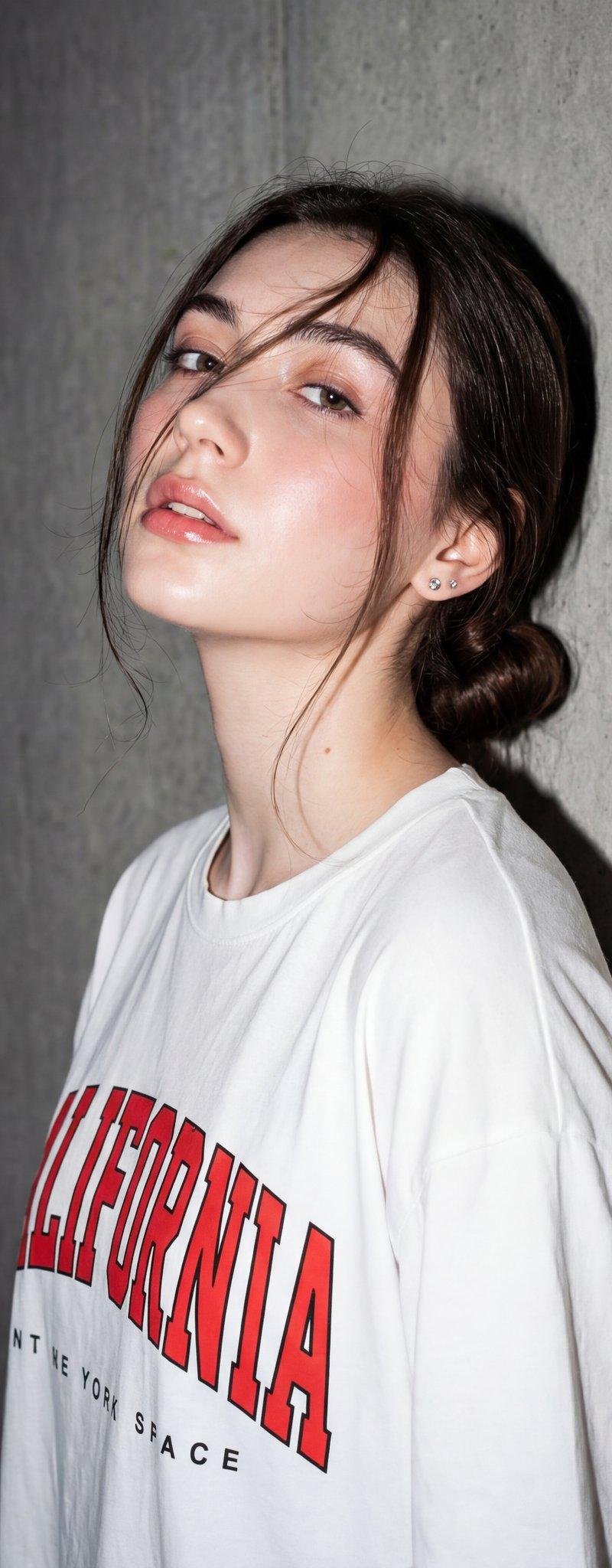
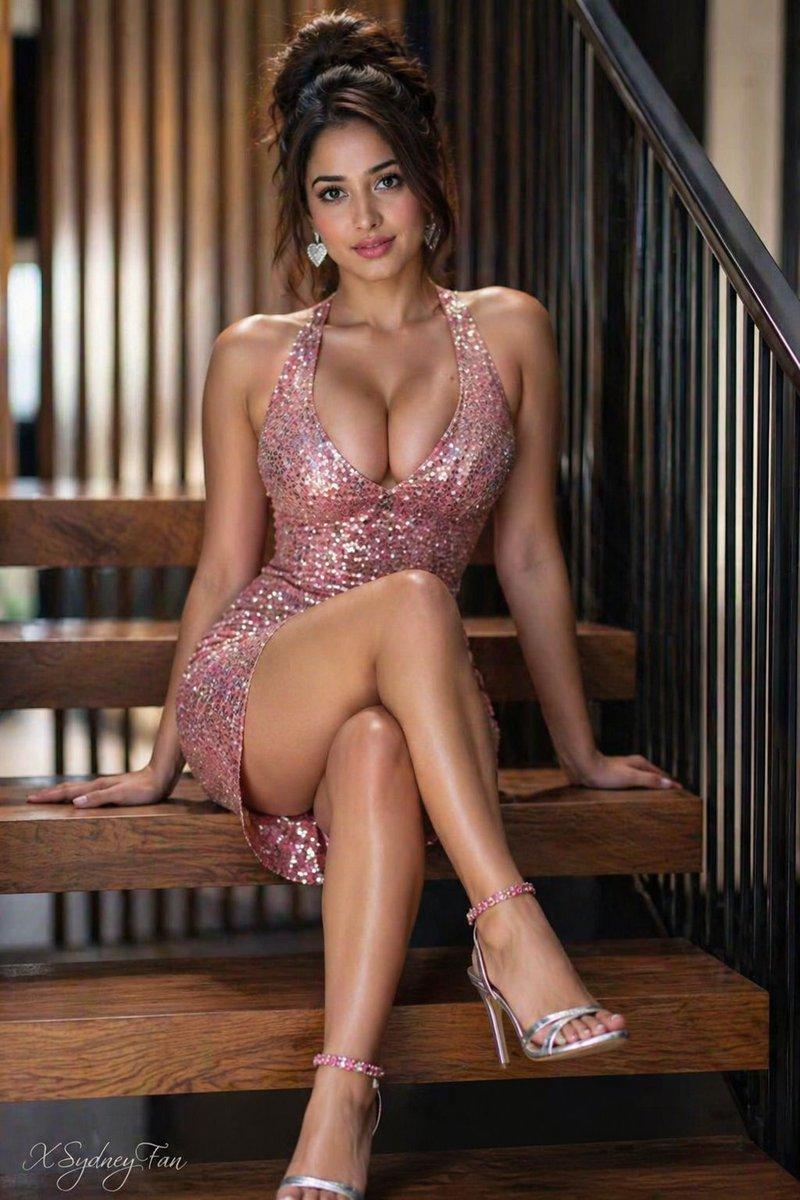
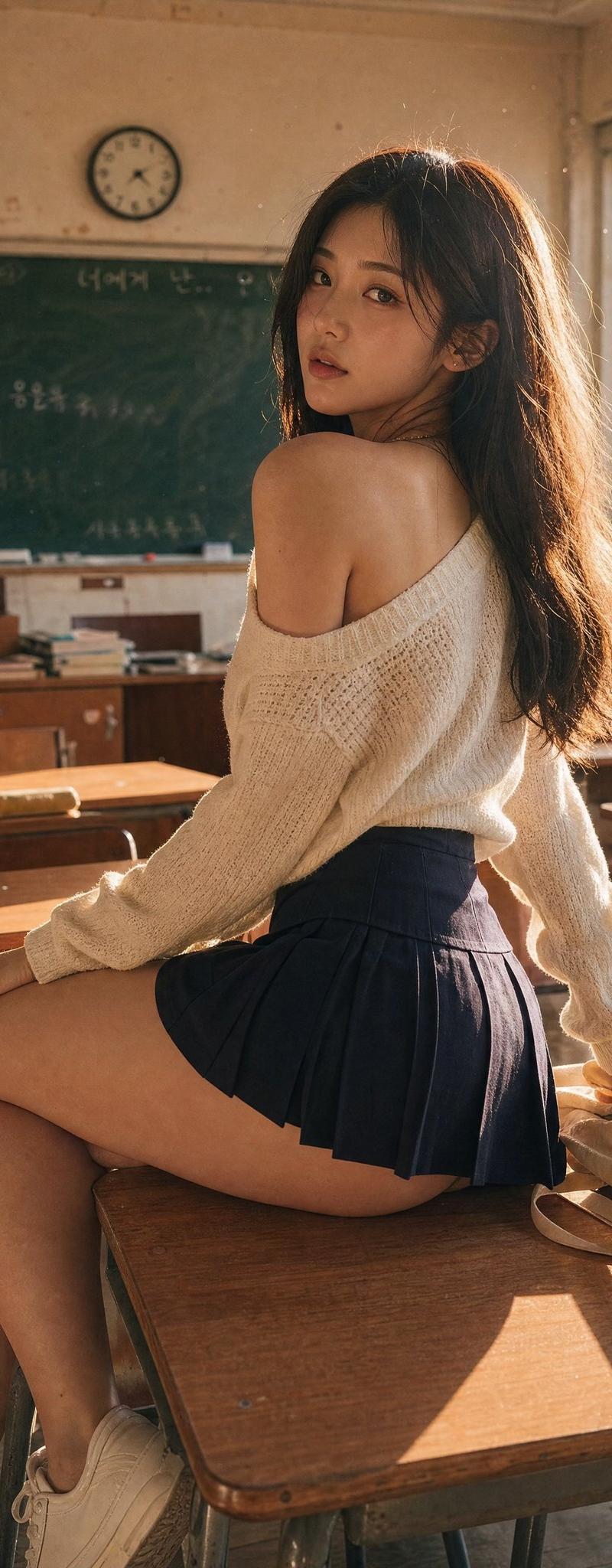
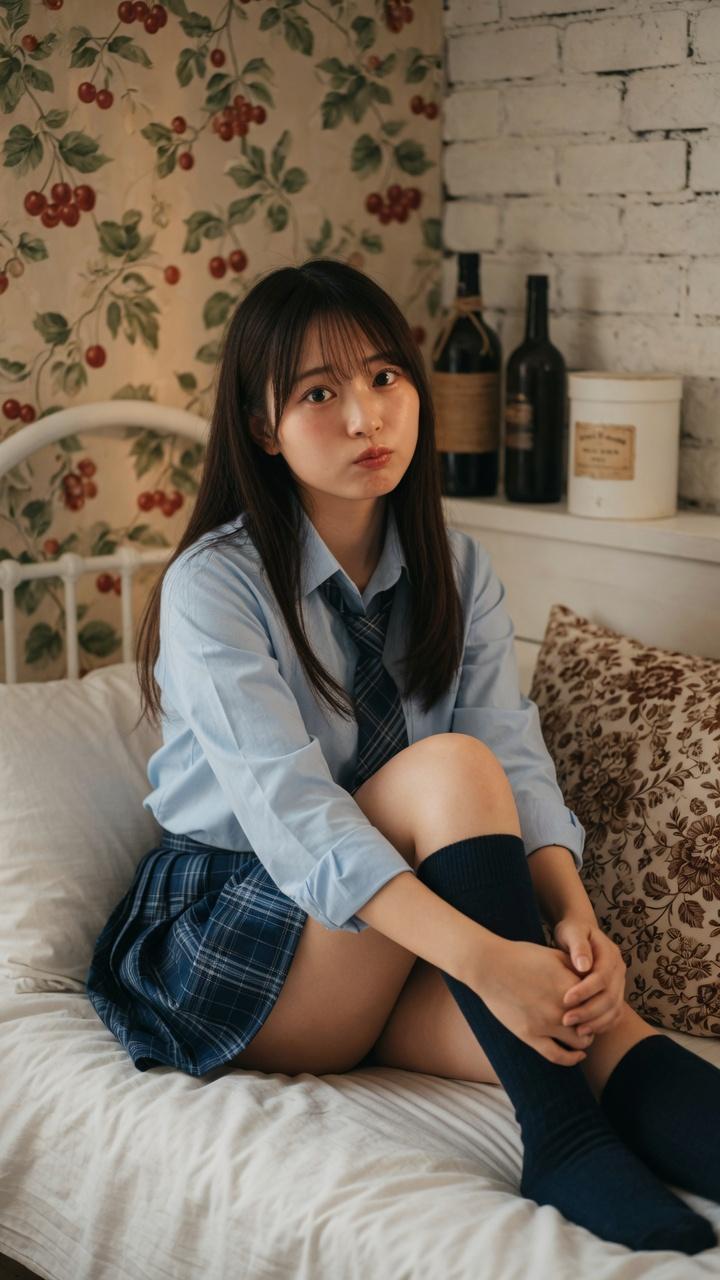
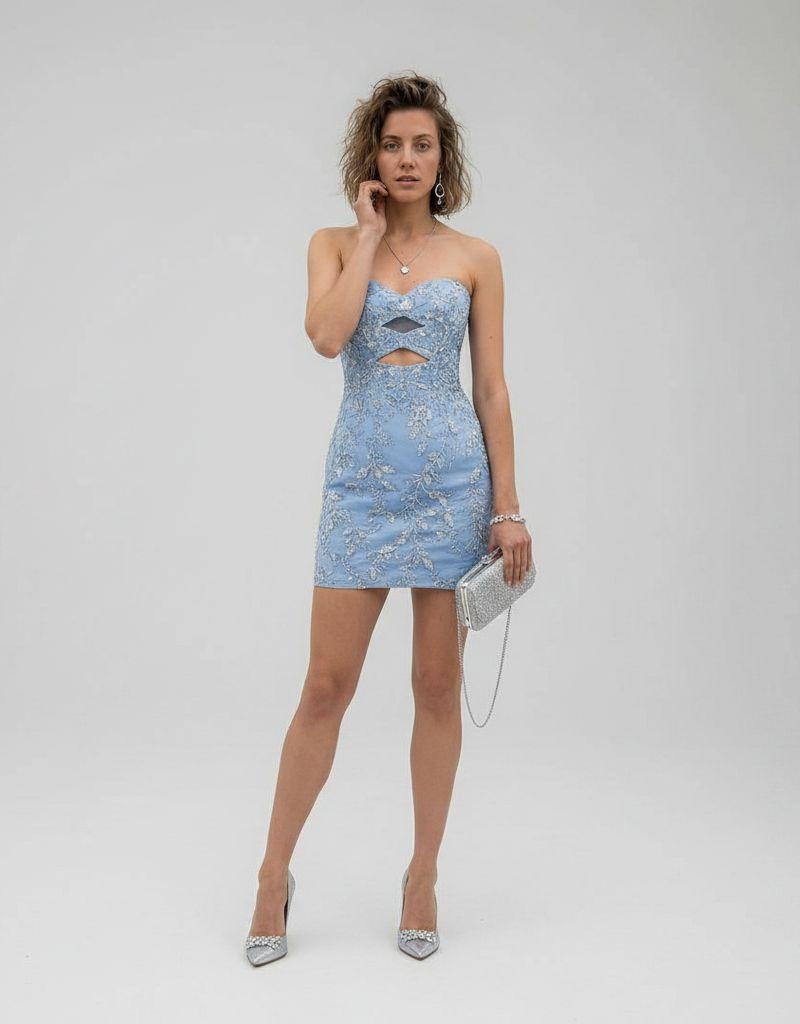
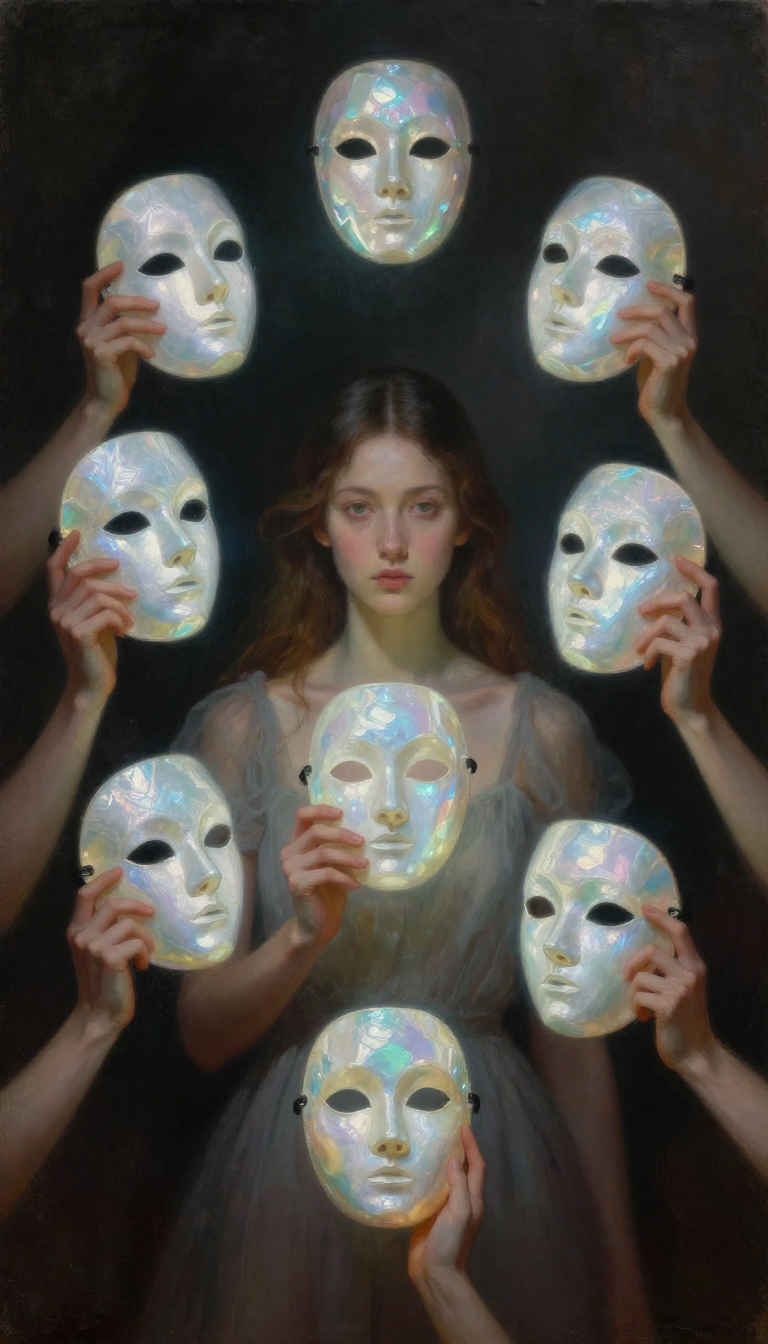
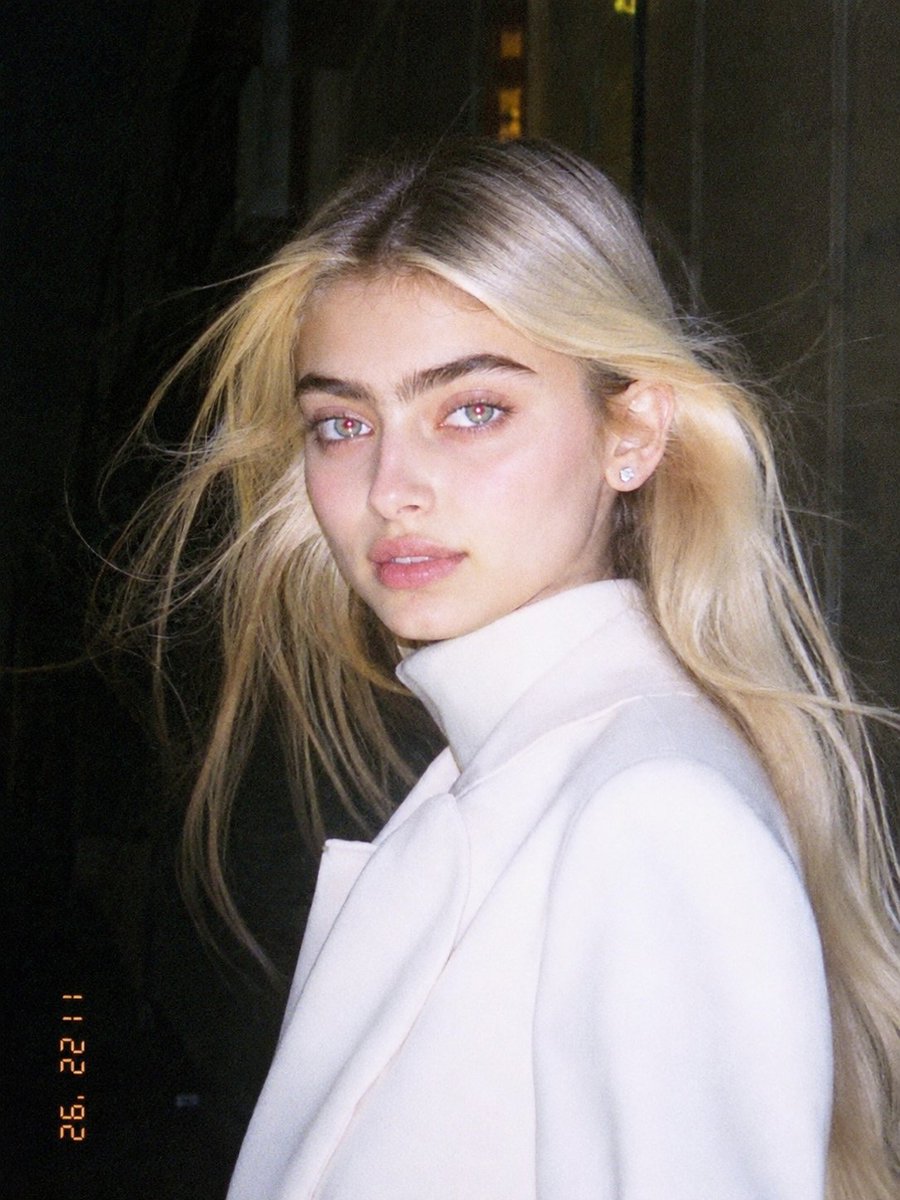
Early 1990s Flash Portrait
Click to enlarge
Photography & Realism2SlidesevolinkPortrait & Photography Casesphotography-realism

Early 1990s Flash Portrait

Prompt
Early 1990s Flash Camera Portrait GPT image 2 on ChatGPT Prompt Template. Use the uploaded image as the main reference. Transform the uploaded photo into a realistic candid portrait with an early 1990s digital camera aesthetic. Preserve the subject’s identity, facial features, pose, outfit, and overall composition, but restyle the image with harsh blown-out flash highlights, subtle red-eye effect, low-resolution image quality, raw snapshot imperfections, nostalgic flash-filter styling, and a vintage timestamp look. The final image should feel candid, imperfect, and authentic, like an old retro party or personal snapshot taken with an early consumer digital camera. Keep the background dark or naturally subdued when appropriate, maintain a direct-flash look, and give the image a raw, unpolished, memory-like atmosphere. Include: - harsh direct camera flash - overexposed or blown-out highlights - subtle red-eye effect - low-resolution / soft digital detail - slight grain or noisy texture - authentic retro snapshot feeling - vintage date/timestamp aesthetic in one corner - candid, natural, imperfect energy Avoid: - cartoon or anime style - overly polished beauty retouching - studio lighting - ultra-sharp modern DSLR look - glossy AI skin - text, logos, watermarks, or graphic overlays other than the timestamp aesthetic - distorted anatomy or altered identity Make the aspect ratio 3:4
Category
Photography & Realism
Model
GPT Image 2
Creator
bmx_ai13
Source language
en
Views2
Source ID
evolink-bmx_ai13-2054459126084718785
Published
May 14, 2026
Studio

Guide

About "Early 1990s Flash Portrait"

What is this prompt for?

"Early 1990s Flash Portrait" AI image prompt for GPT Image 2 (Photography & Realism). Early 1990s Flash Camera Portrait GPT image 2 on ChatGPT Prompt Template.…

The full copyable prompt and example visuals above are ready for AI image generation or one-click recreate in Picva.

How to use this prompt

  1. Step 1

    Open the prompt detail

    Review the example visuals, category, and full prompt text for "Early 1990s Flash Portrait".

  2. Step 2

    Copy the prompt

    Copy the prompt body from this page, or load it directly in Studio.

  3. Step 3

    Pick a model (GPT Image 2)

    Prefer GPT Image 2. If you switch models, keep subject and composition and tweak style terms.

  4. Step 4

    Generate and export

    Recreate the look in Picva, or export into your workflow for editing and publishing.

FAQ

What is the "Early 1990s Flash Portrait" prompt?
It is an AI image-generation prompt for GPT Image 2 in the Photography & Realism category. This page includes the full prompt text, example visuals, and a one-click recreate path in Picva.
How do I use this prompt to generate an image?
Copy the prompt from this page, or use Generate / Studio. Paste it into a compatible image model, or recreate the look in Picva with optional reference images.
Which model is this prompt for?
This page lists GPT Image 2. Most descriptive prompts also transfer to nearby image models such as GPT Image, Flux, or Midjourney with light style tweaks.
Can I use the result commercially?
You can usually copy the prompt for creation, but commercial use of the final image depends on the model terms, reference-image rights, and the generated content. Follow the source author and platform rules.