20

Wimbledon Broadcast Crowd Shot
Enlarge

Wimbledon Broadcast Crowd Shot

Prompt
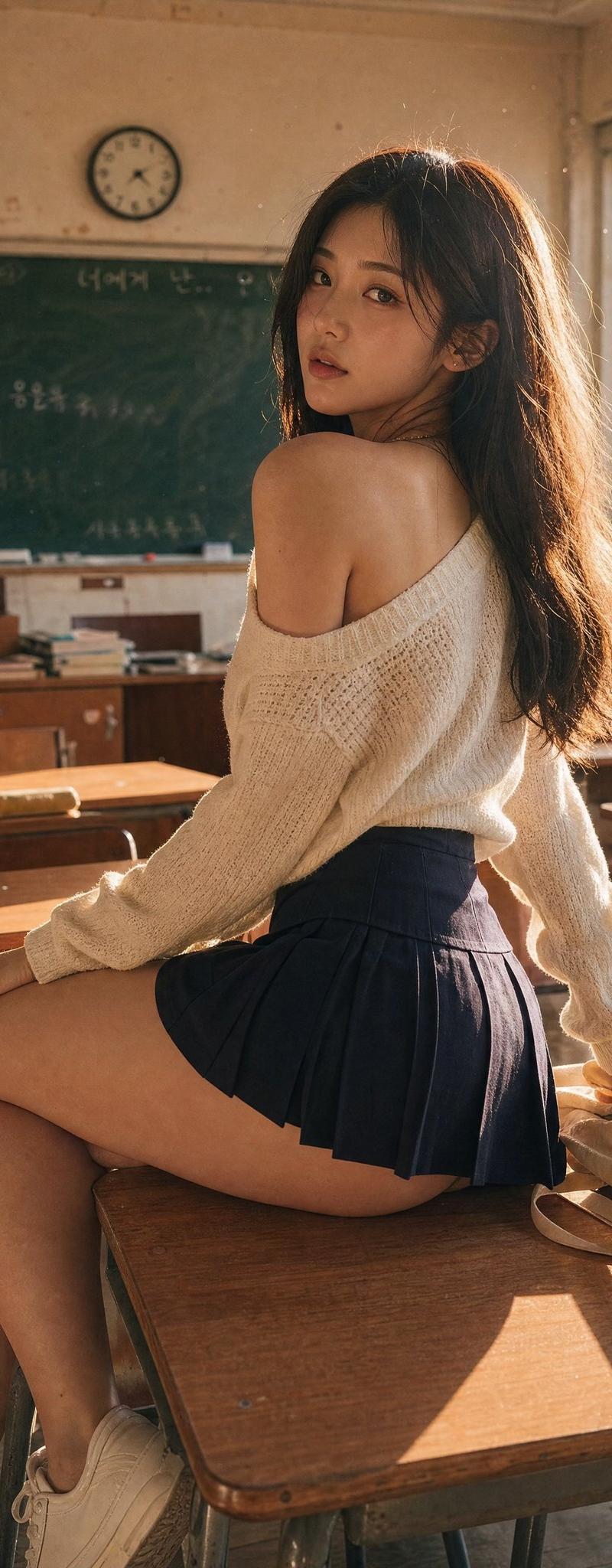
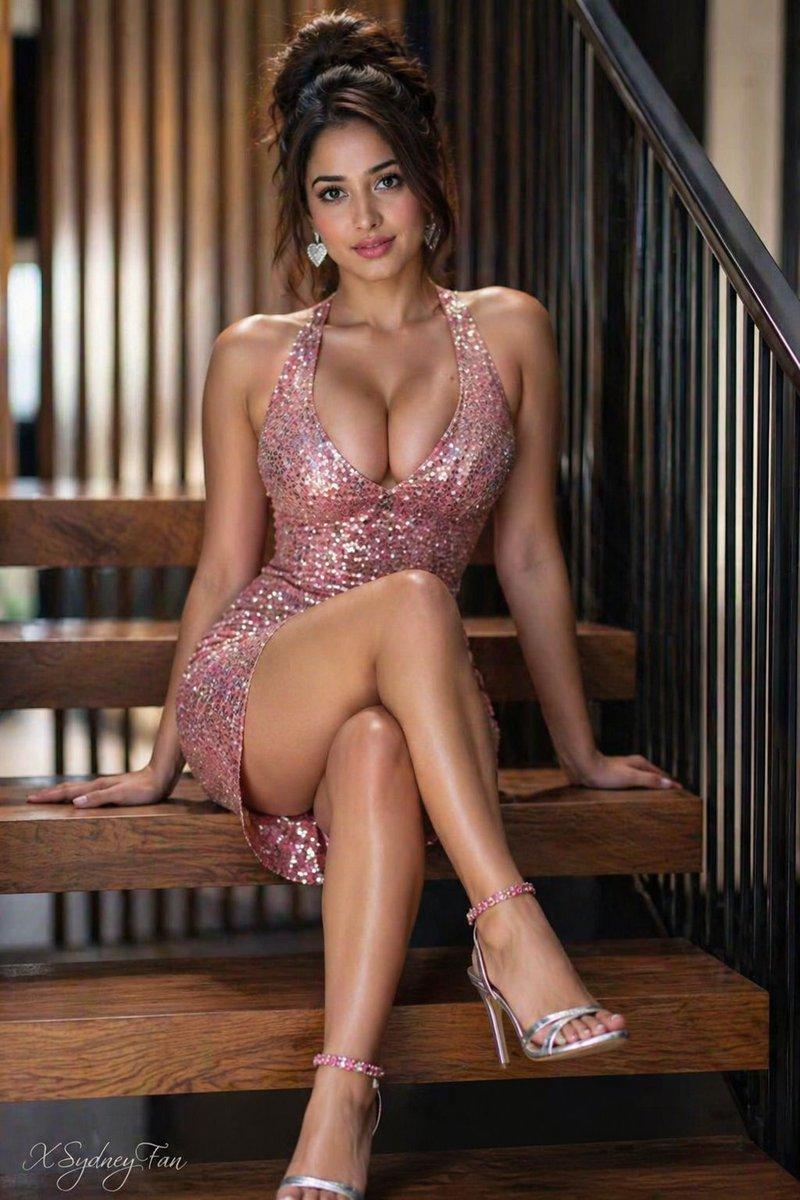
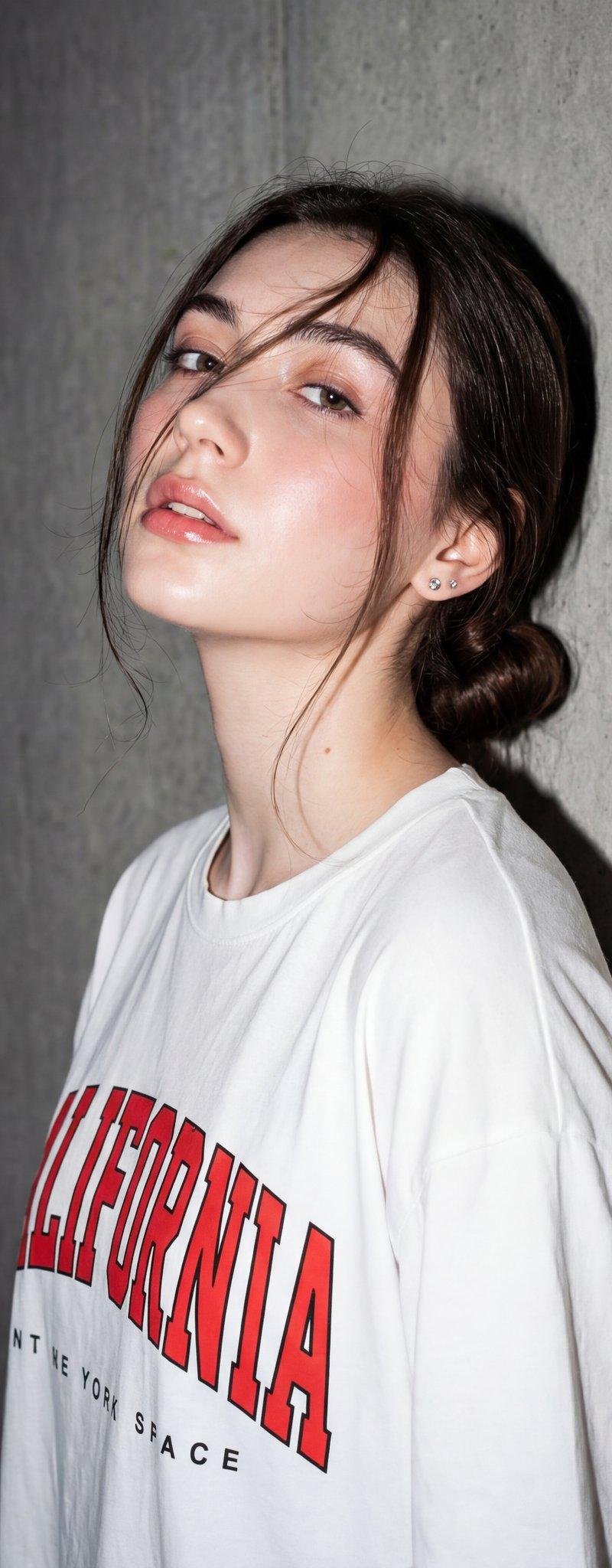
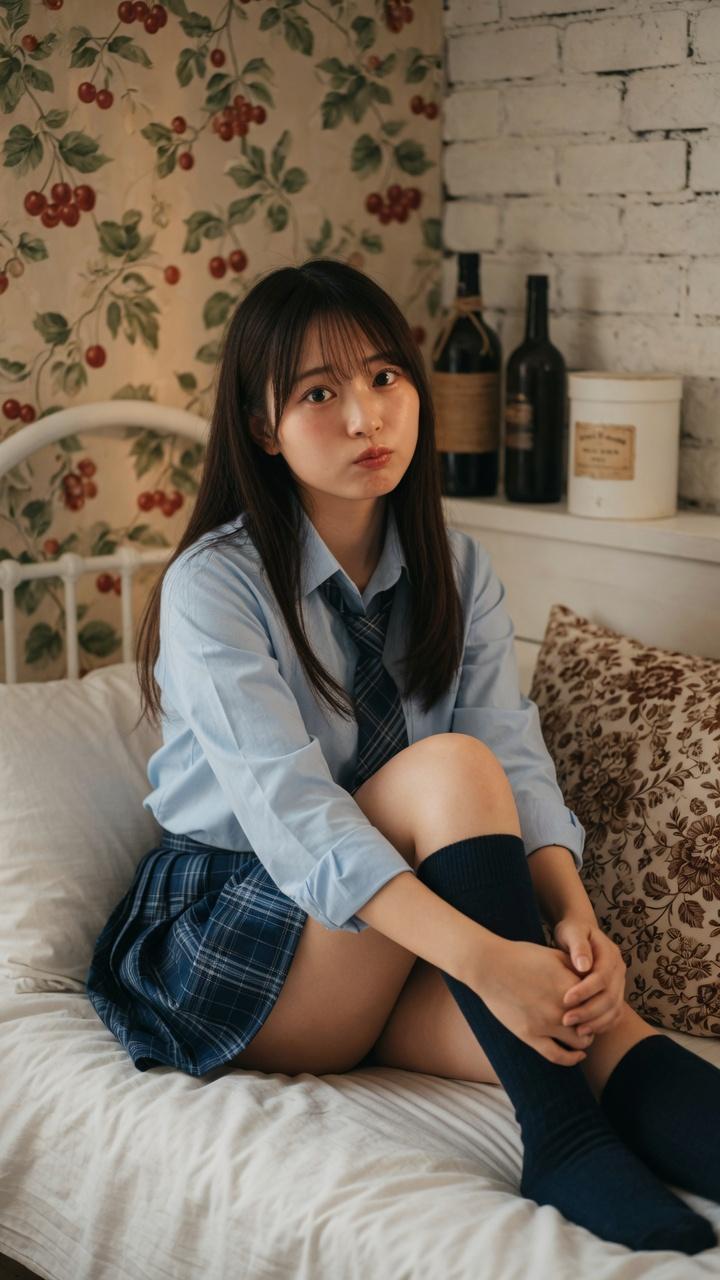
A screenshot from a live Wimbledon TV broadcast during a packed Centre Court match. The camera cuts to the audience, an unbelievably attractive woman in her 20s with long black hair, flawless skin, elegant makeup, and a luxurious aura, seated in the VIP section wearing a sophisticated cream-white low-cut summer outfit with subtle jewelry. She smiles naturally while reacting to the match, unaware she's on camera. Wealthy spectators and champagne glasses around her, old-money tennis atmosphere, shallow depth of field. Full live tennis broadcast overlay: scoreboard, network watermark, broadcast graphics, 16:9 aspect ratio. The image looks exactly like a real TV screenshot, telephoto broadcast lens, realistic live color grading, slight compression artifacts, interlacing grain, subtle motion blur, imperfect live-camera framing.
Category
Photography & Realism
Model
GPT Image 2
Creator
Mavericks_Prod
Source language
en
Views1
Source ID
evolink-mavericks_prod-2054342640439566739
Published
May 13, 2026
Studio

Guide

About "Wimbledon Broadcast Crowd Shot"

What is this prompt for?

"Wimbledon Broadcast Crowd Shot" AI image prompt for GPT Image 2 (Photography & Realism). A screenshot from a live Wimbledon TV broadcast during a packed Centr…

The full copyable prompt and example visuals above are ready for AI image generation or one-click recreate in Picva.

How to use this prompt

  1. Step 1

    Open the prompt detail

    Review the example visuals, category, and full prompt text for "Wimbledon Broadcast Crowd Shot".

  2. Step 2

    Copy the prompt

    Copy the prompt body from this page, or load it directly in Studio.

  3. Step 3

    Pick a model (GPT Image 2)

    Prefer GPT Image 2. If you switch models, keep subject and composition and tweak style terms.

  4. Step 4

    Generate and export

    Recreate the look in Picva, or export into your workflow for editing and publishing.

FAQ

What is the "Wimbledon Broadcast Crowd Shot" prompt?
It is an AI image-generation prompt for GPT Image 2 in the Photography & Realism category. This page includes the full prompt text, example visuals, and a one-click recreate path in Picva.
How do I use this prompt to generate an image?
Copy the prompt from this page, or use Generate / Studio. Paste it into a compatible image model, or recreate the look in Picva with optional reference images.
Which model is this prompt for?
This page lists GPT Image 2. Most descriptive prompts also transfer to nearby image models such as GPT Image, Flux, or Midjourney with light style tweaks.
Can I use the result commercially?
You can usually copy the prompt for creation, but commercial use of the final image depends on the model terms, reference-image rights, and the generated content. Follow the source author and platform rules.