20

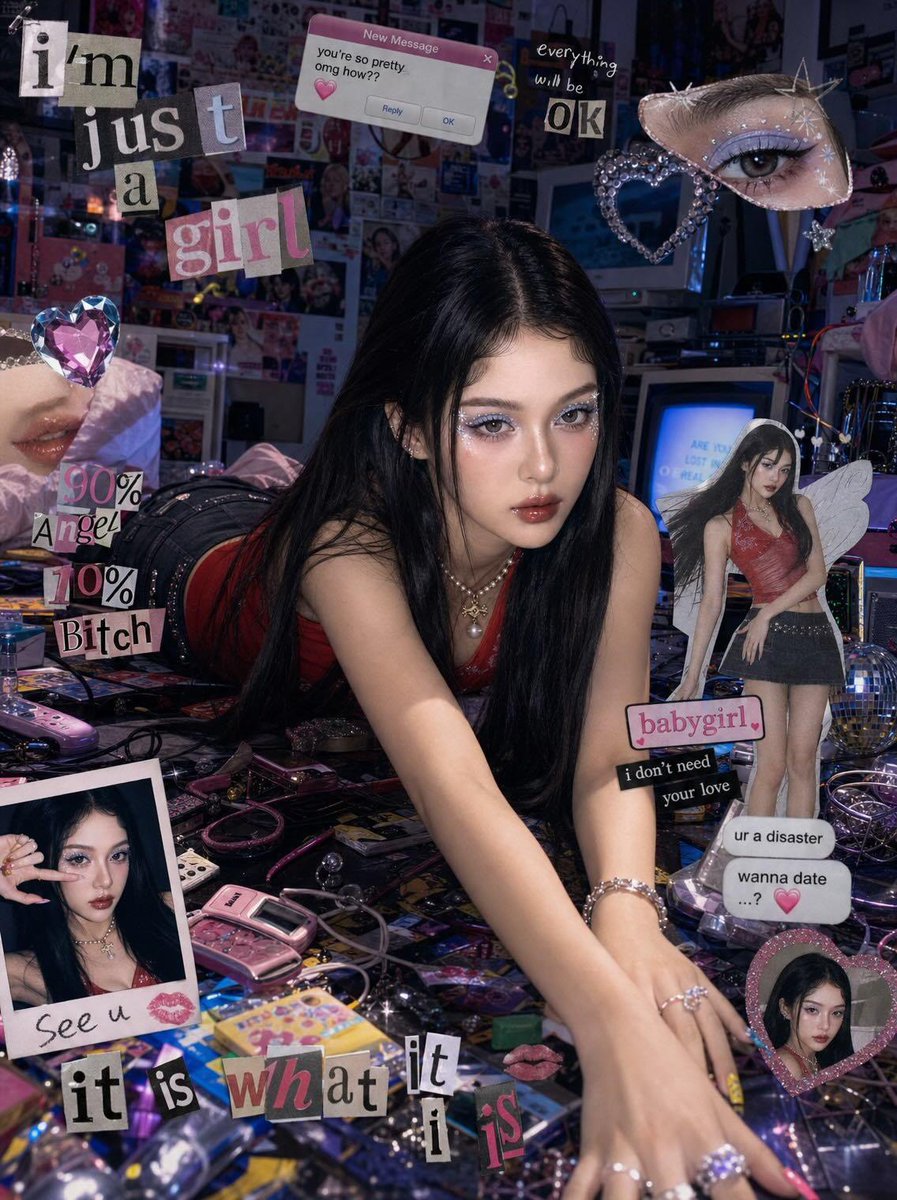
Y2K Cyber-Pop Editorial Shot
Click to enlarge
Photography & Realism2SlidesevolinkPortrait & Photography Casesphotography-realism

Y2K Cyber-Pop Editorial Shot

Prompt
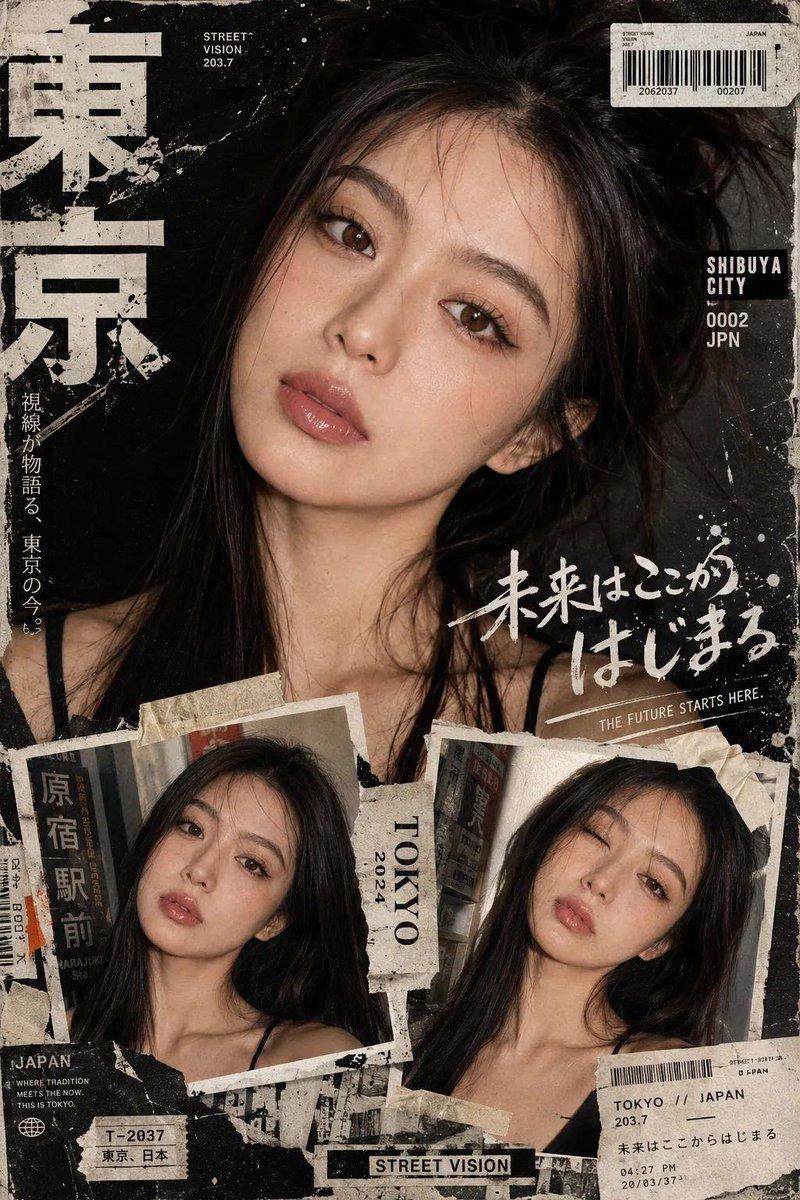
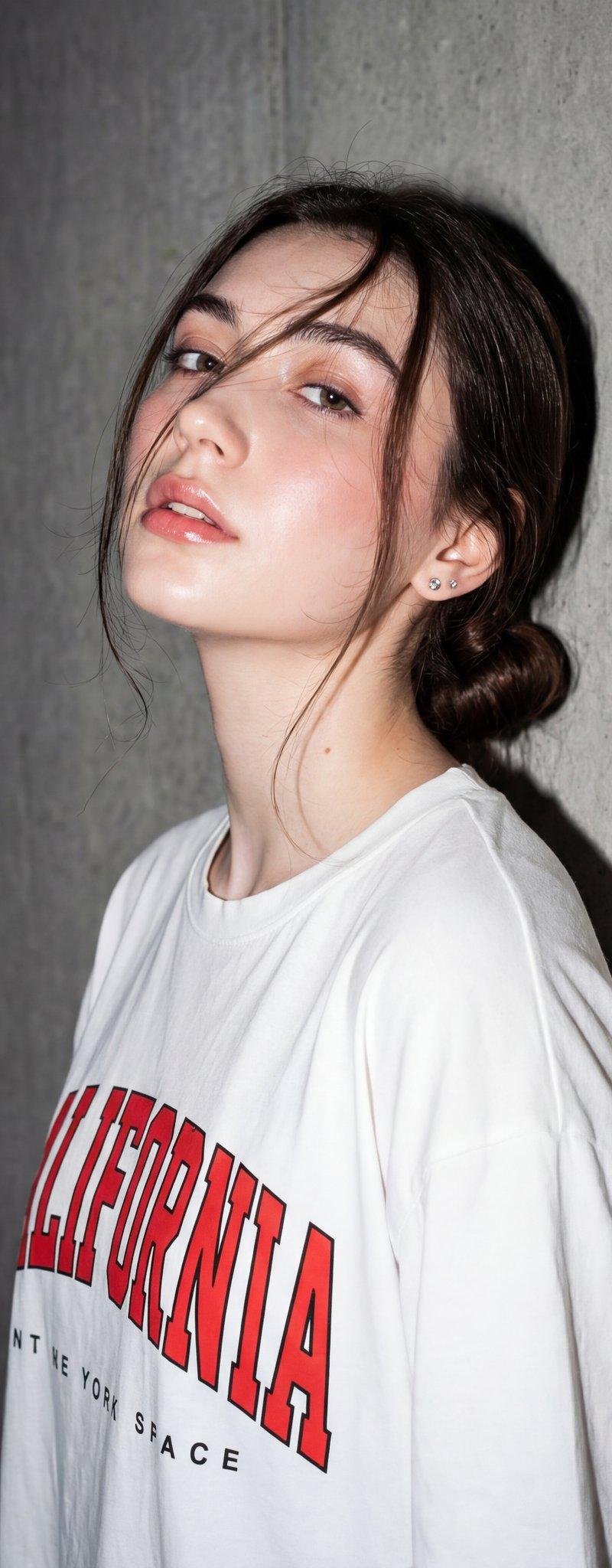
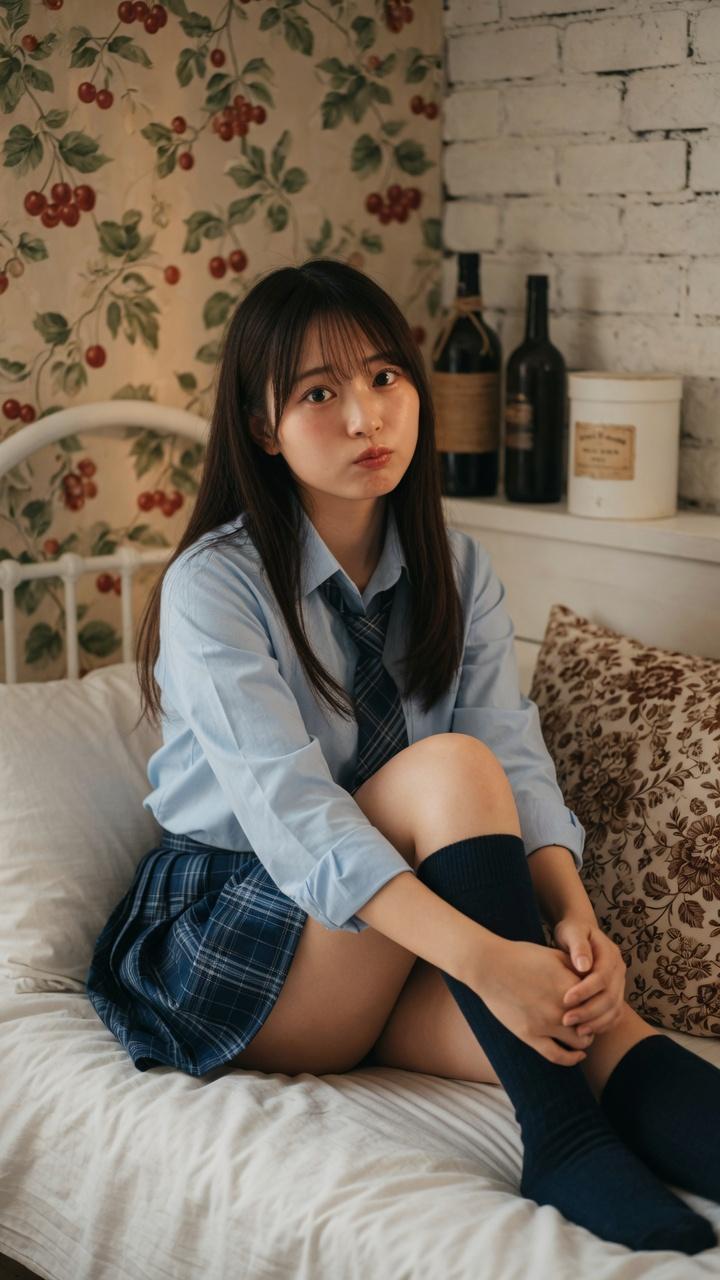
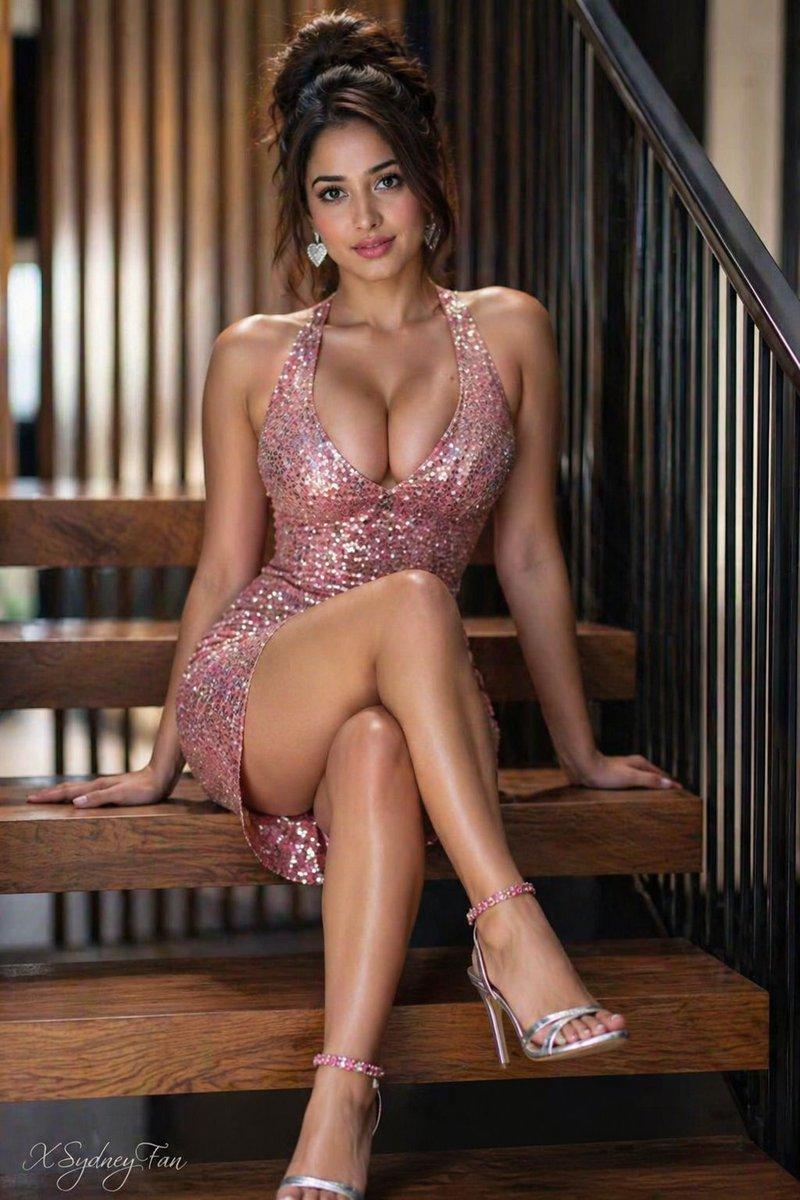
Don’t alter my facial feature. Create me a wide editorial shot of a girl leaning dramatically across a cluttered floor/desk in a chaotic Y2K cyber-pop room, low front-facing angle with cinematic framing. Moody cool-toned lighting mixed with warm highlights, glossy flash photography feel, dreamy magazine-editorial atmosphere. Long sleek jet-black hair with center part, soft pale glam makeup, subtle blush, glossy gradient red lips, large doll-like eyes with soft eyeliner and lashes. Red fitted tank top and dark mini skirt, colorful manicure, slightly messy dramatic pose with arms stretched forward, intense direct gaze at camera. Surrounding scene filled with scattered random objects, cables, gadgets, accessories, glittery props, and bedroom clutter for a chaotic pop-girl aesthetic. Collage-style edit layered with floating heart gems, cut-out eyes, sticker elements, scrapbook graphics, fake text-message popups, polaroid frames, magazine cutout of the girl, bold typography overlays, hyperpop/K-pop editorial vibe, nostalgic Y2K internet aesthetic, glossy fashion-campaign energy. Scale ratio 4:3
Category
Photography & Realism
Model
GPT Image 2
Creator
noorlewisx
Source language
en
Views2
Source ID
evolink-noorlewisx-2055507148541493282
Published
May 17, 2026
Studio

Guide

About "Y2K Cyber-Pop Editorial Shot"

What is this prompt for?

"Y2K Cyber-Pop Editorial Shot" AI image prompt for GPT Image 2 (Photography & Realism). Don’t alter my facial feature. Create me a wide editorial shot of a gir…

The full copyable prompt and example visuals above are ready for AI image generation or one-click recreate in Picva.

How to use this prompt

  1. Step 1

    Open the prompt detail

    Review the example visuals, category, and full prompt text for "Y2K Cyber-Pop Editorial Shot".

  2. Step 2

    Copy the prompt

    Copy the prompt body from this page, or load it directly in Studio.

  3. Step 3

    Pick a model (GPT Image 2)

    Prefer GPT Image 2. If you switch models, keep subject and composition and tweak style terms.

  4. Step 4

    Generate and export

    Recreate the look in Picva, or export into your workflow for editing and publishing.

FAQ

What is the "Y2K Cyber-Pop Editorial Shot" prompt?
It is an AI image-generation prompt for GPT Image 2 in the Photography & Realism category. This page includes the full prompt text, example visuals, and a one-click recreate path in Picva.
How do I use this prompt to generate an image?
Copy the prompt from this page, or use Generate / Studio. Paste it into a compatible image model, or recreate the look in Picva with optional reference images.
Which model is this prompt for?
This page lists GPT Image 2. Most descriptive prompts also transfer to nearby image models such as GPT Image, Flux, or Midjourney with light style tweaks.
Can I use the result commercially?
You can usually copy the prompt for creation, but commercial use of the final image depends on the model terms, reference-image rights, and the generated content. Follow the source author and platform rules.