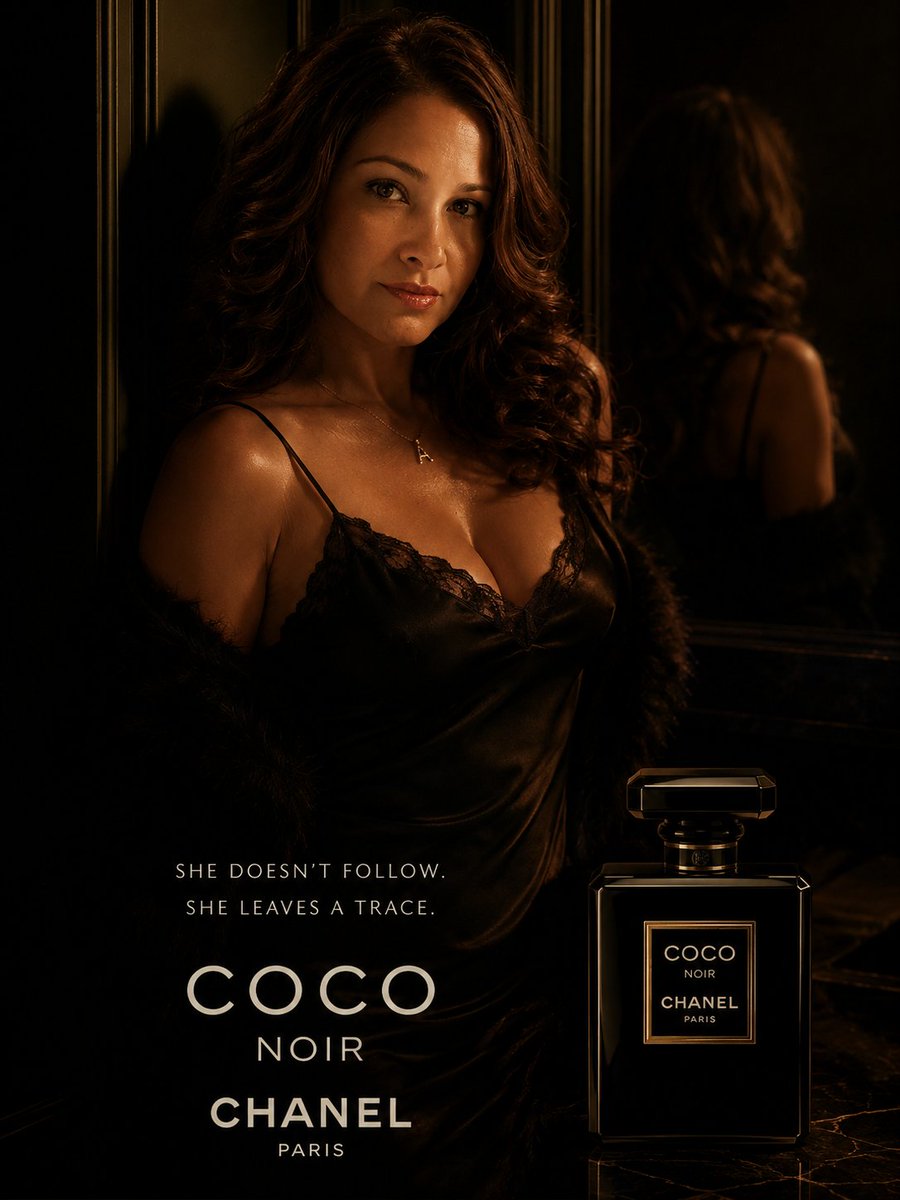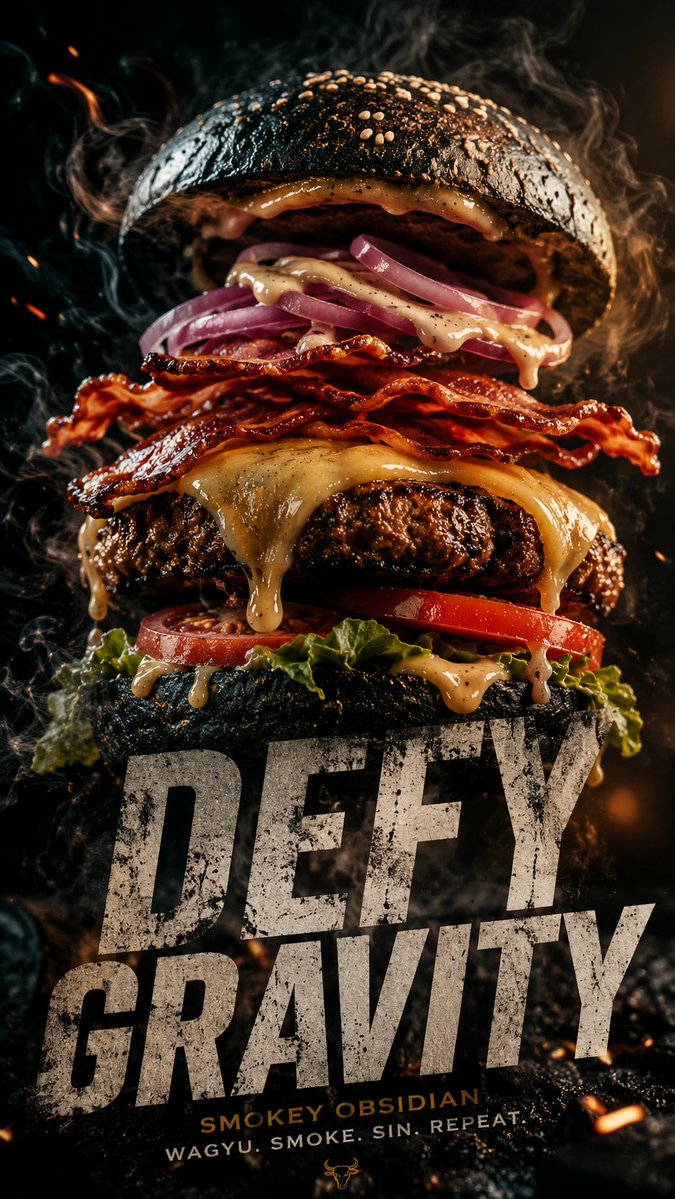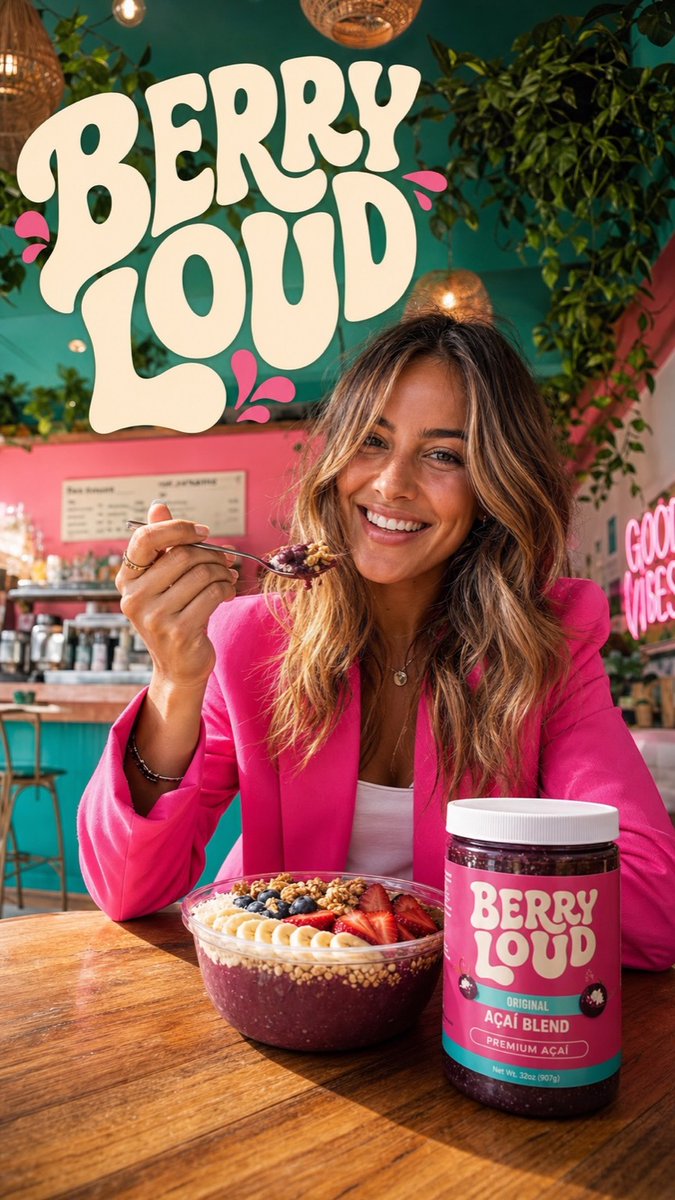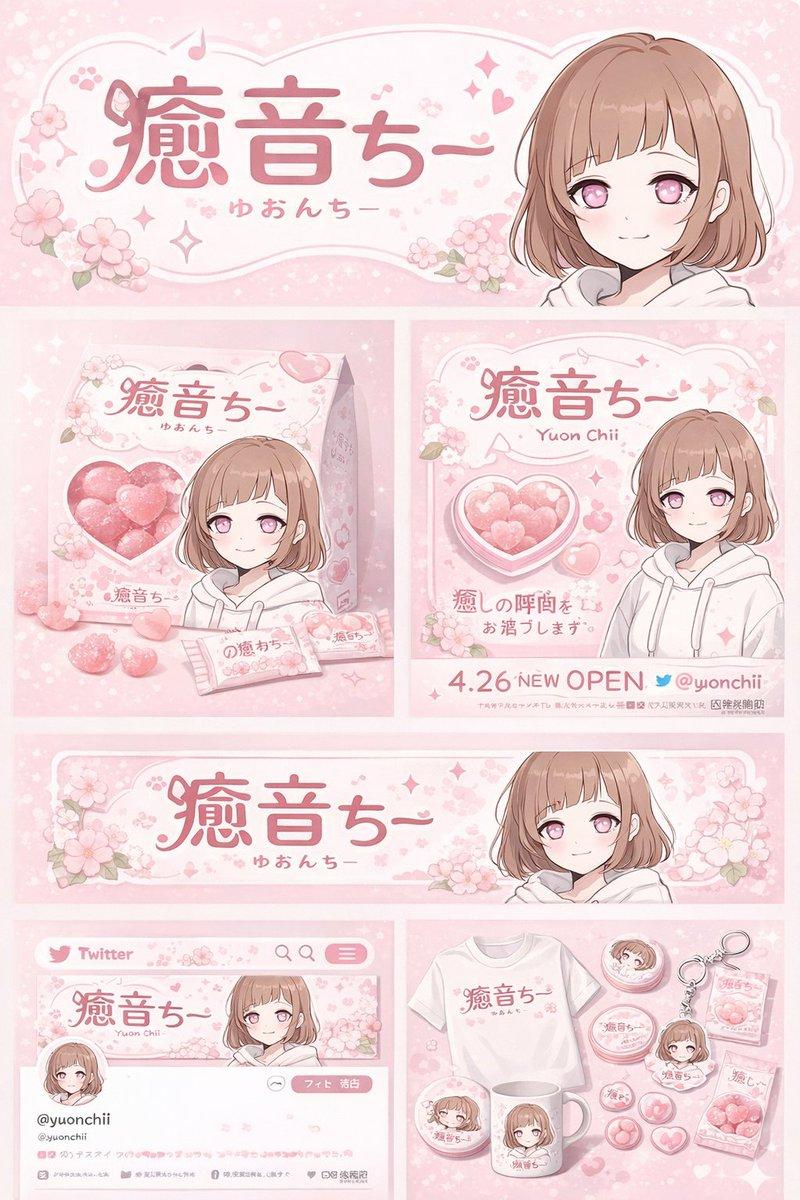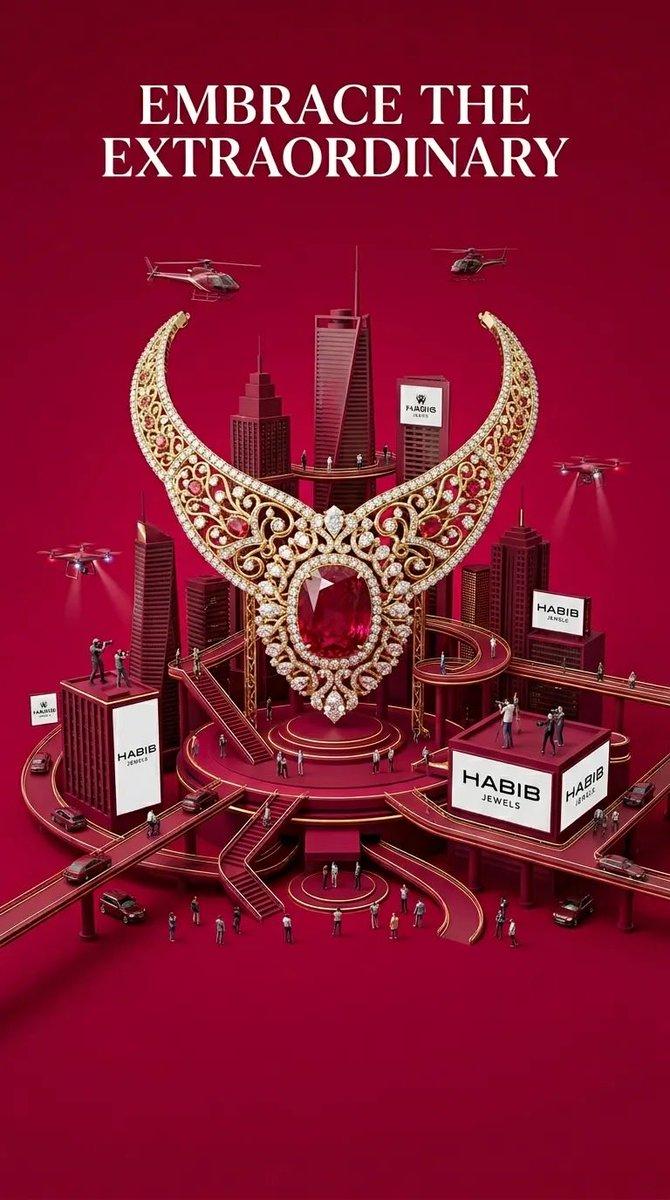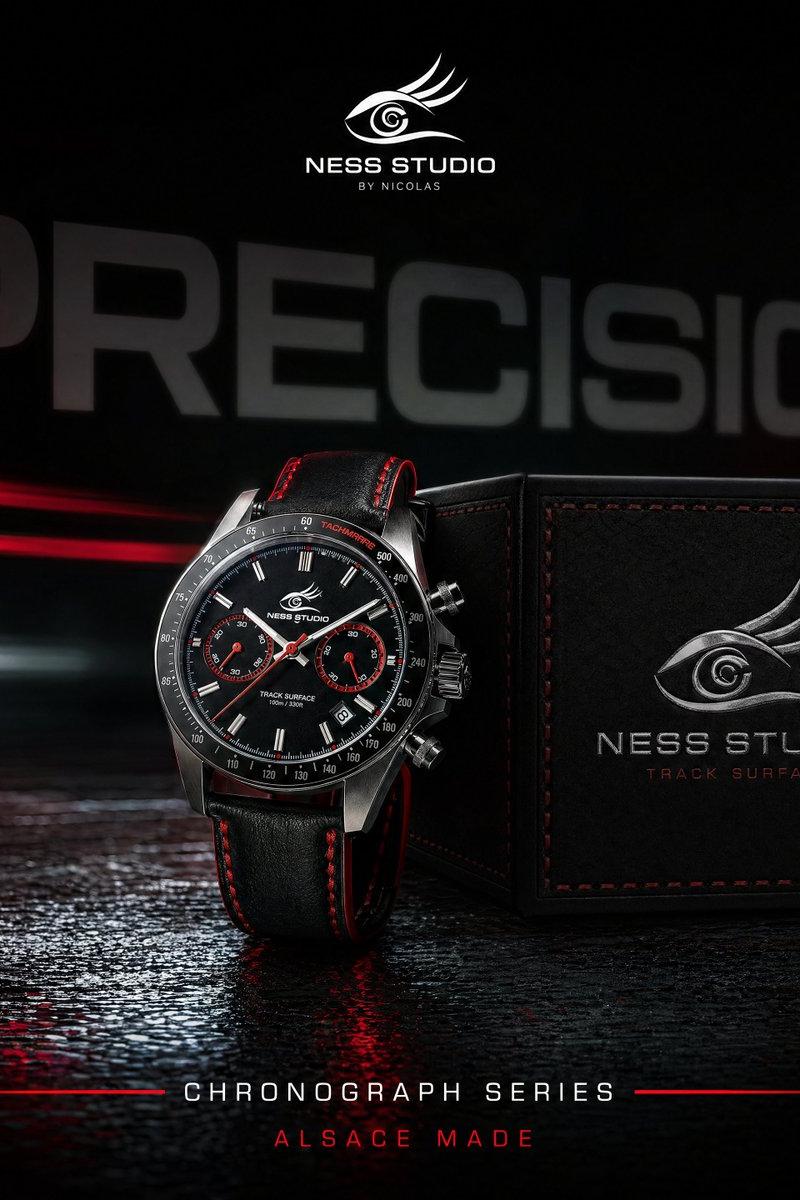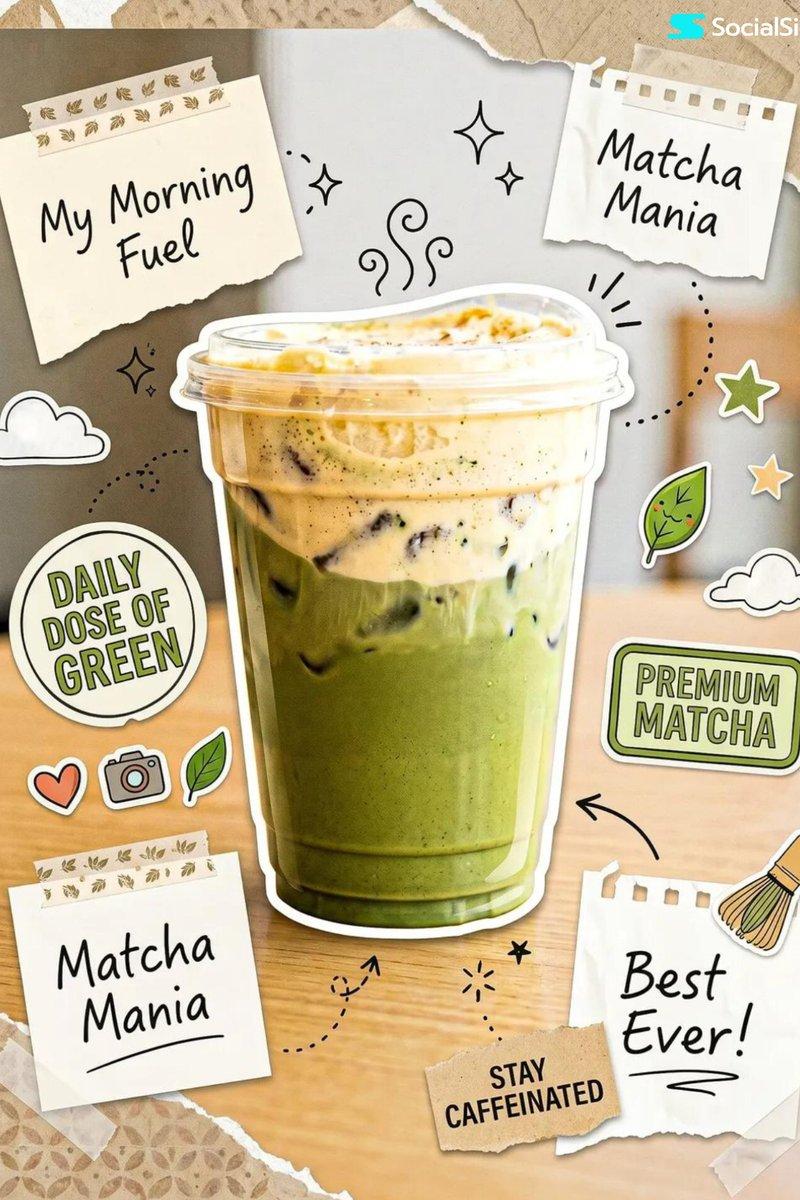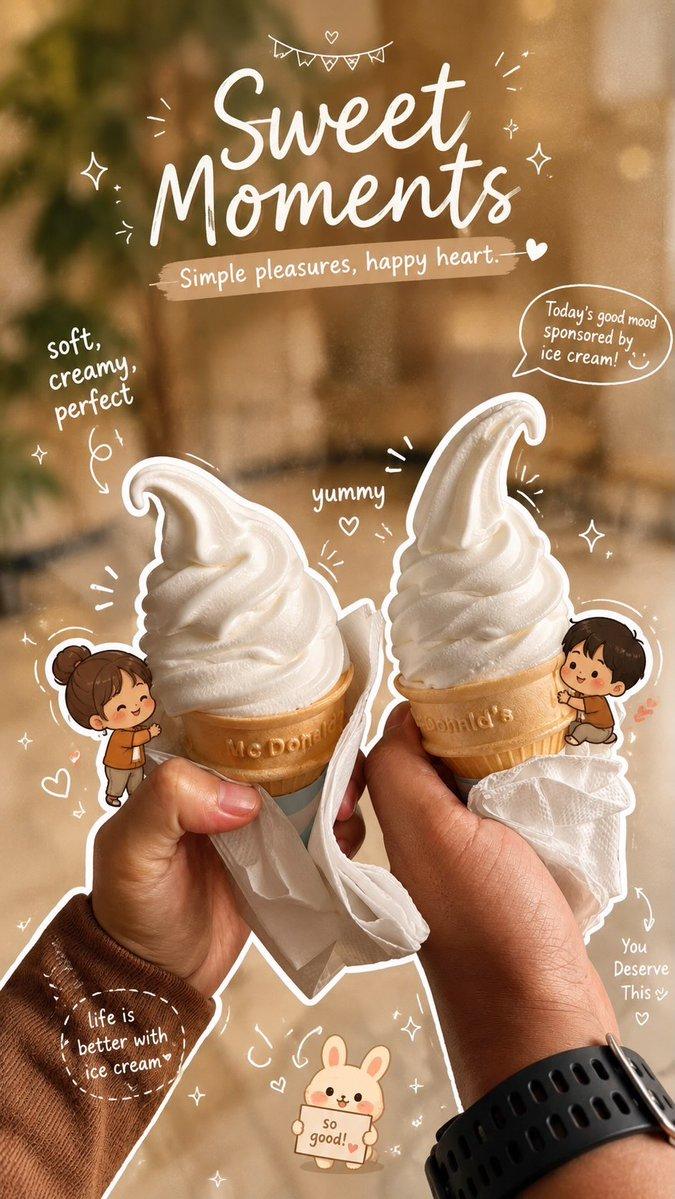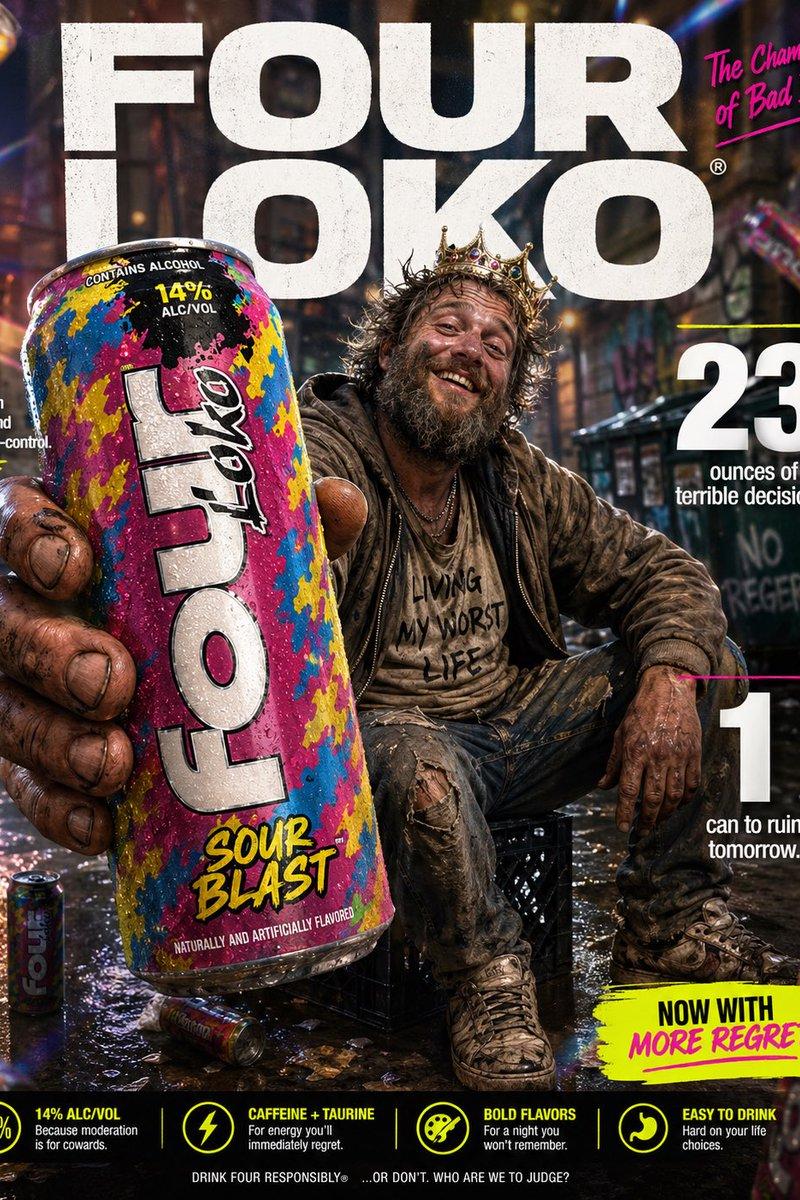
Surreal Brand World Poster
Prompt
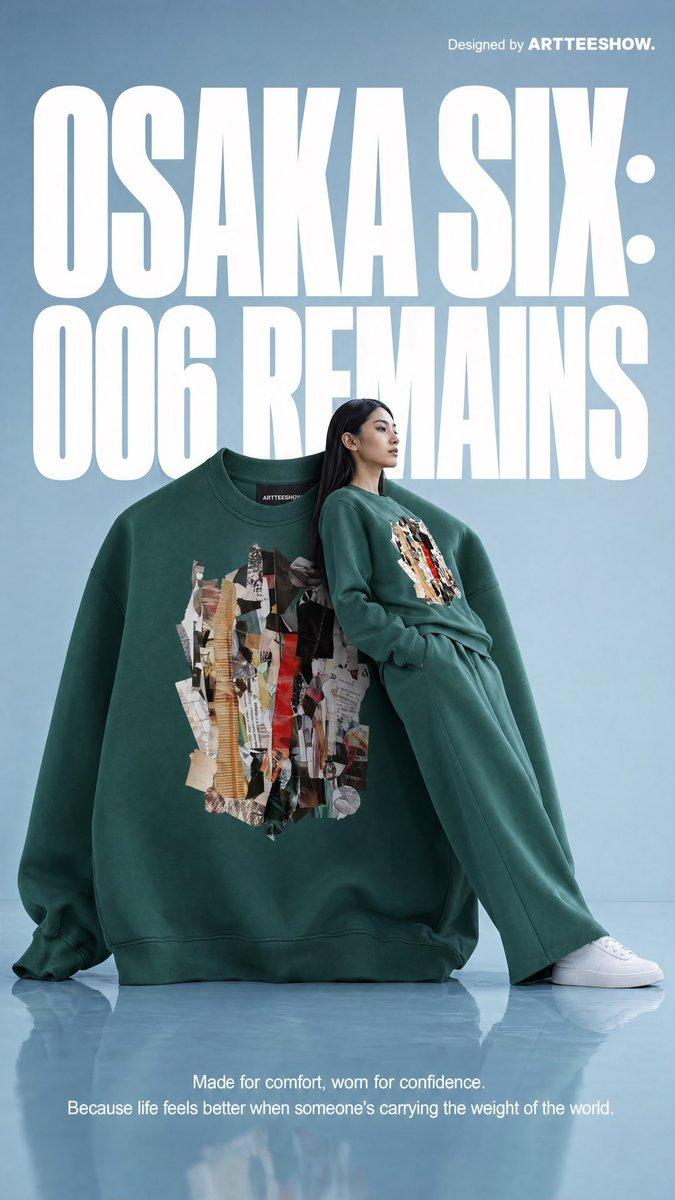
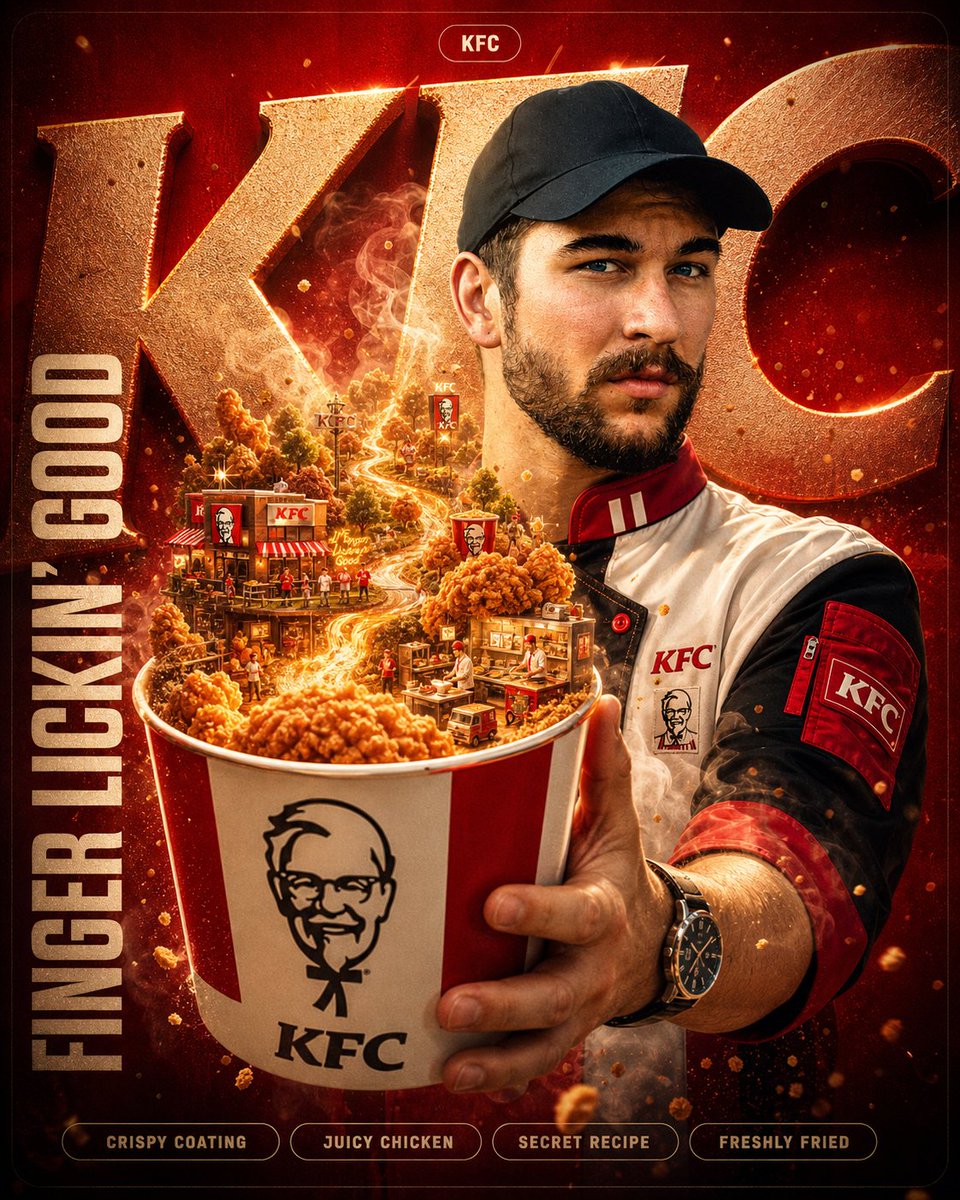
A hyper-detailed surreal advertising poster for [BRAND NAME].

BACKGROUND: A large deep-toned rounded rectangle in [BRAND NAME]'s signature brand color fills 90% of the frame. Behind the subject, massive cropped brand typography bleeds off-frame, letters constructed from the brand's core material texture, embossed and lit with sharp directional rim lighting. Subtle noise grain texture overlays the background.

SUBJECT: Use the uploaded reference image. Preserve the subject's exact face and skin tone from the reference. The person faces camera in a three-quarter foreground stance, holding the brand's most iconic product directly toward the lens.

EXPRESSION: Restyle the subject's facial expression to match [BRAND NAME]'s brand personality and emotional tone.

OUTFIT: Completely restyle the subject's clothing into a character that naturally belongs to [BRAND NAME]'s universe. Use [BRAND NAME]'s exact brand palette and add small branded details.

SURREAL PRODUCT MOMENT: The product held by the subject opens, spills, or expands into a self-contained miniature world tied to [BRAND NAME]'s identity and values.

GRAPHIC LAYER: Scattered sparkle glyphs, floating micro-elements, layered soft fog, and subtle chromatic aberration at frame edges.

TEXT SYSTEM:
- TOP: Rounded pill badge, "[BRAND NAME]"
- CENTER-LEFT: Brand tagline in bold condensed uppercase
- BOTTOM STRIP: Four feature tags in a row

QUALITY: Unreal Engine render quality, octane lighting, macro lens bokeh on background elements, 8K sharp foreground.
- Category
- Ad Creative
- Model
- GPT Image 2
- Creator
- SaasJunctionHQ
- Source language
- en
- Source ID
- evolink-saasjunctionhq-2050644926023844149
- Published
- May 3, 2026
Views2