18

White fur balcony portrait: GPT Image 2 prompt
Enlarge

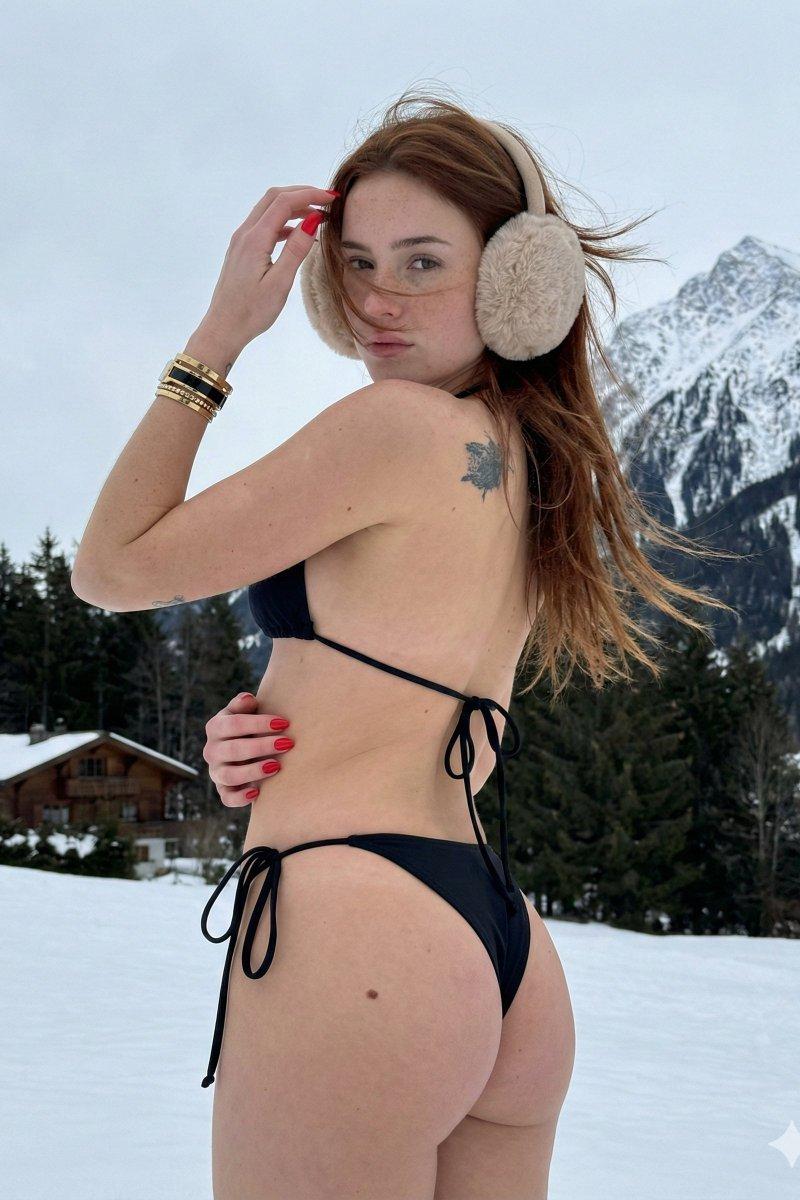
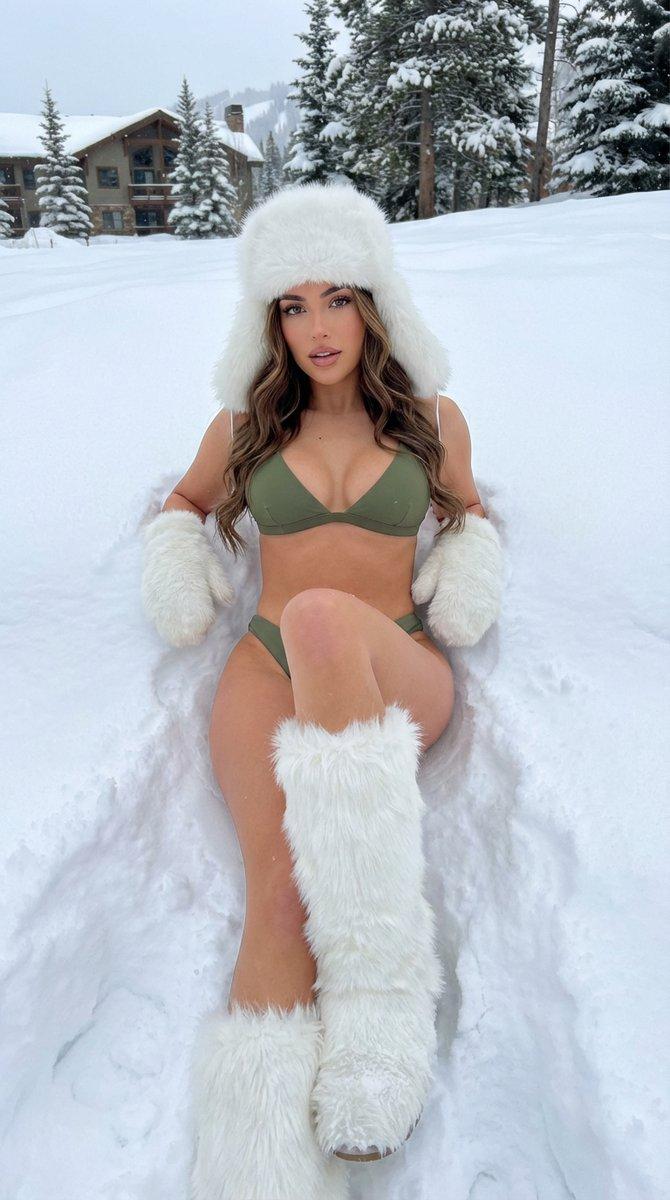
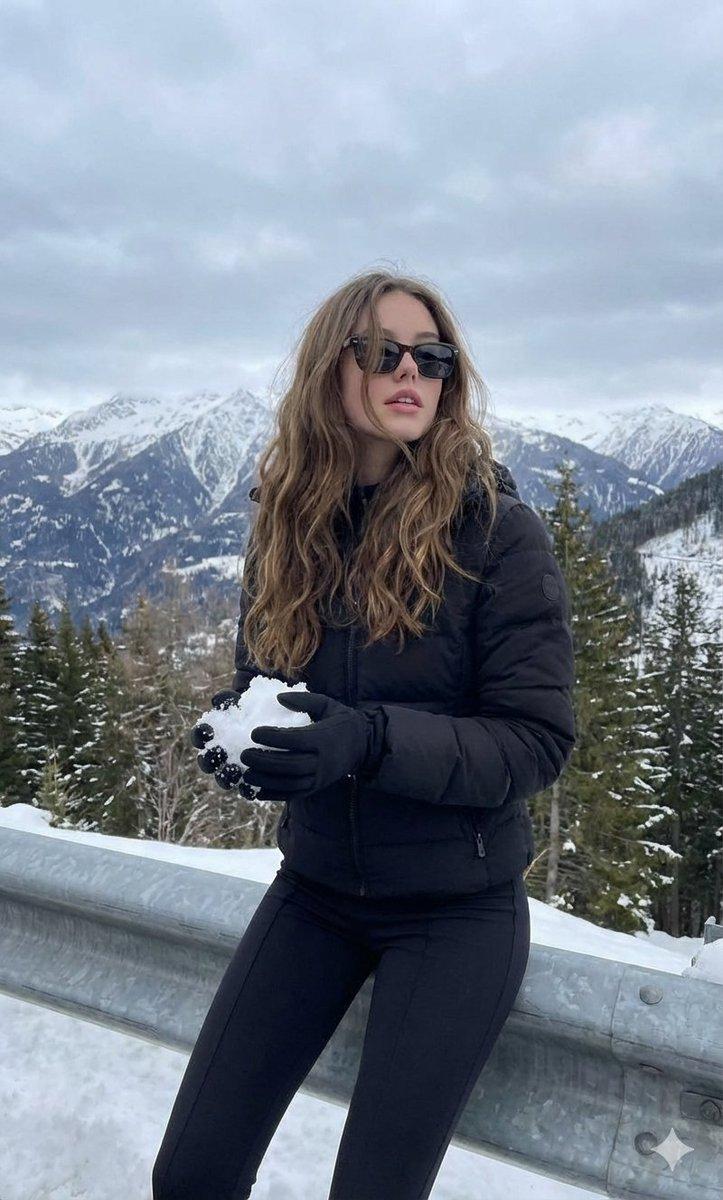
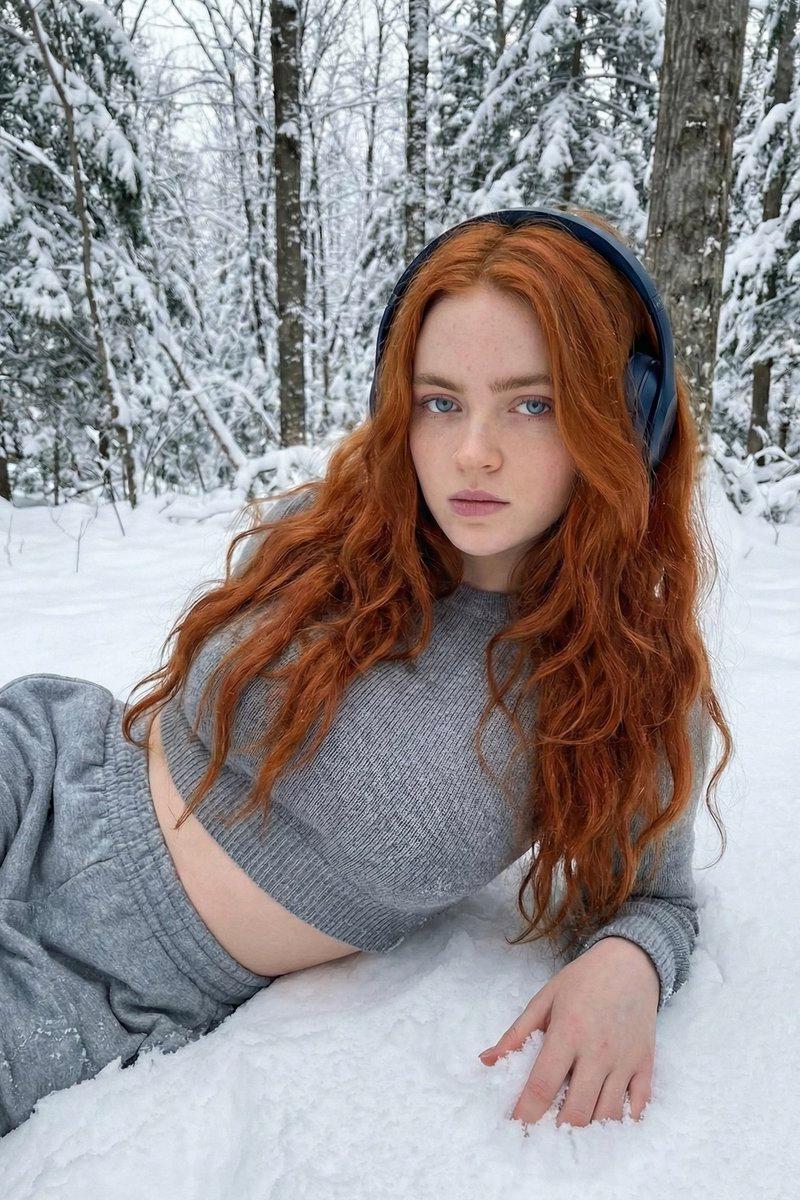
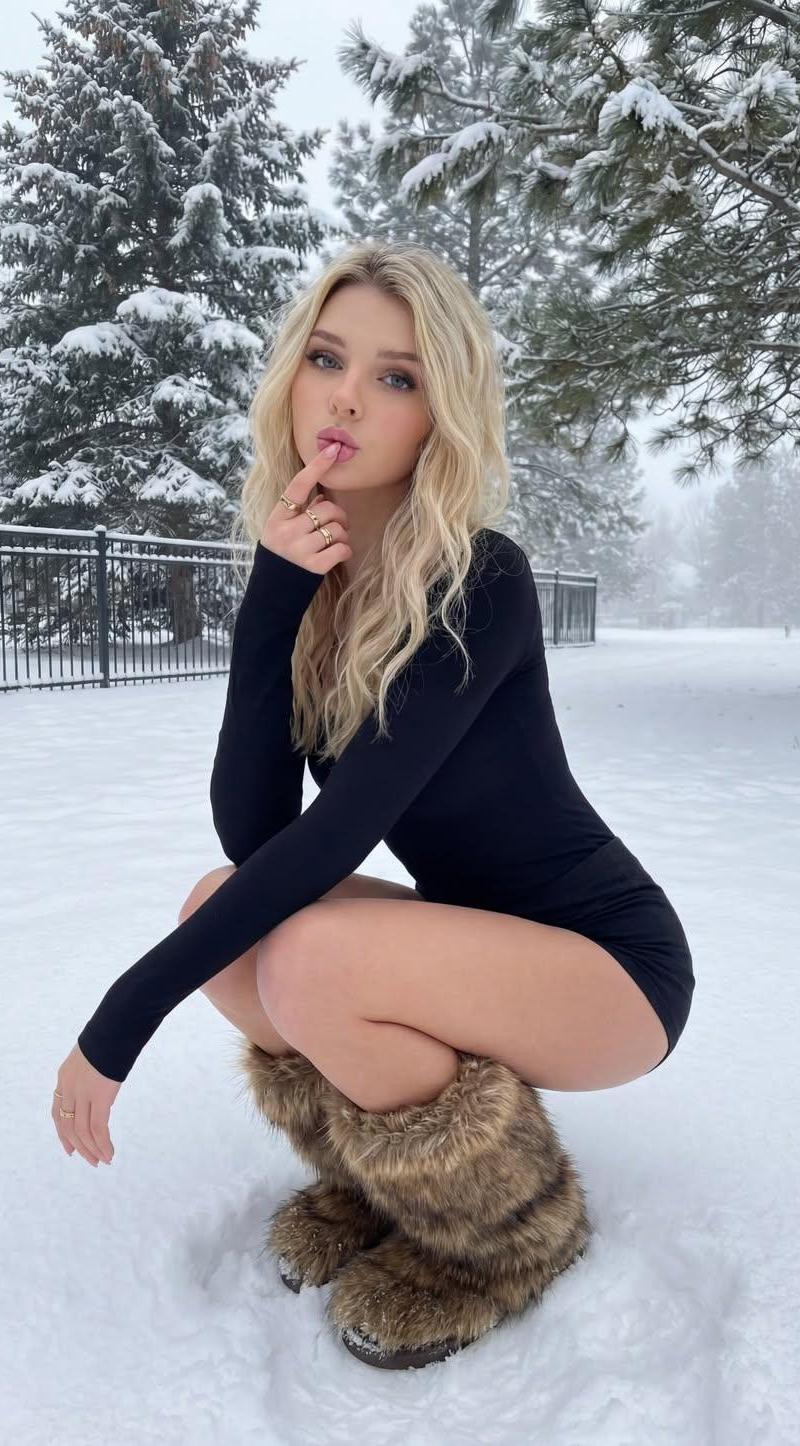
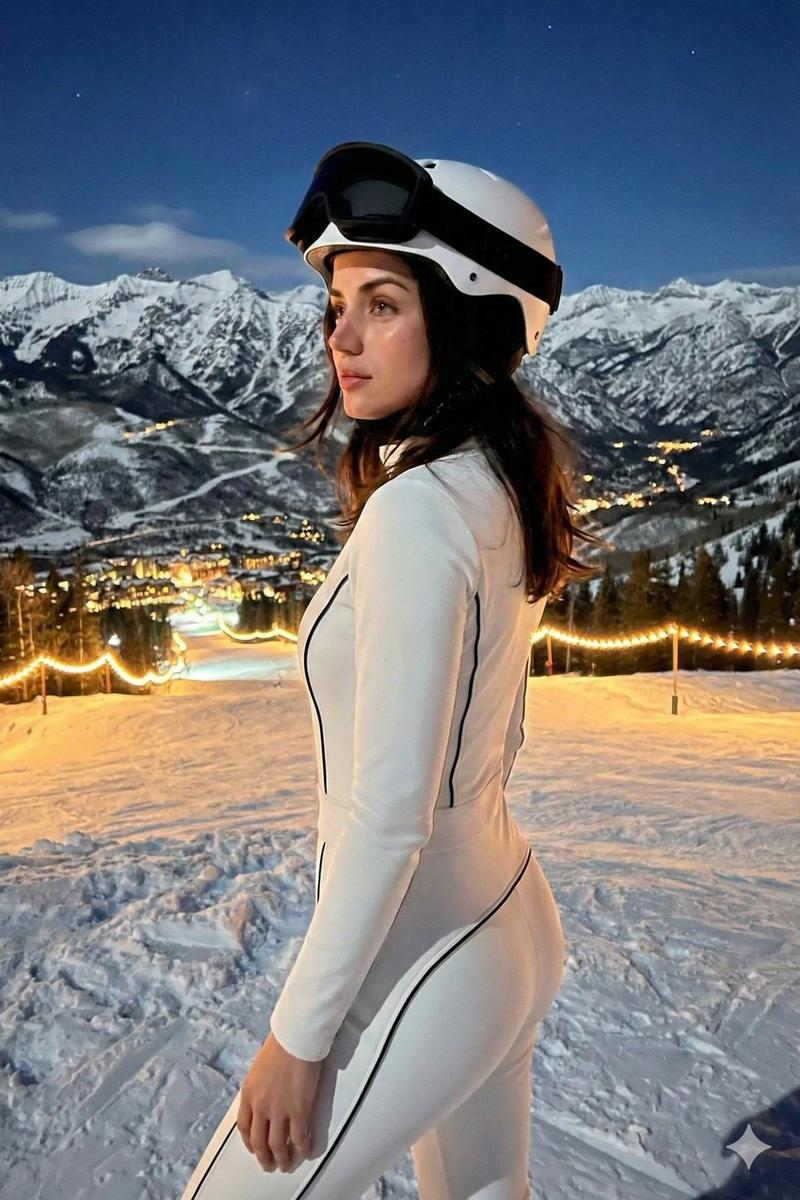
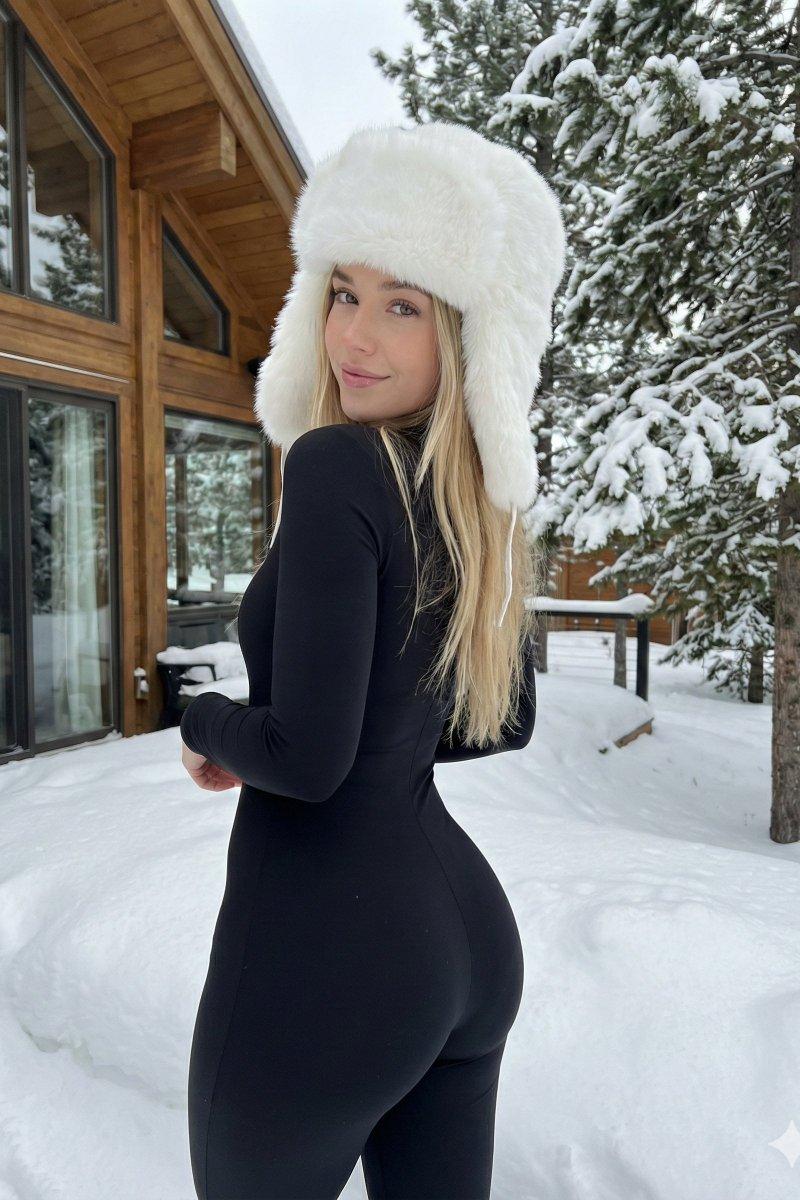
Example images

White fur balcony portrait: GPT Image 2 prompt

Prompt
{
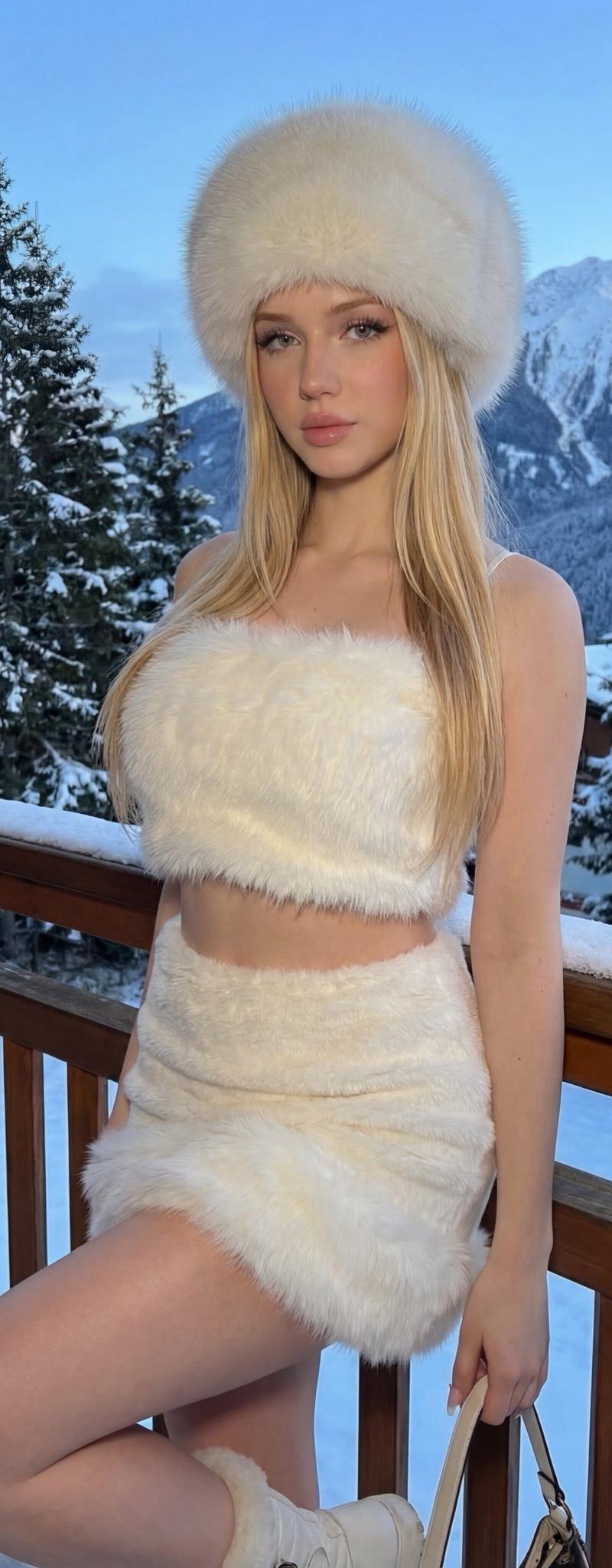
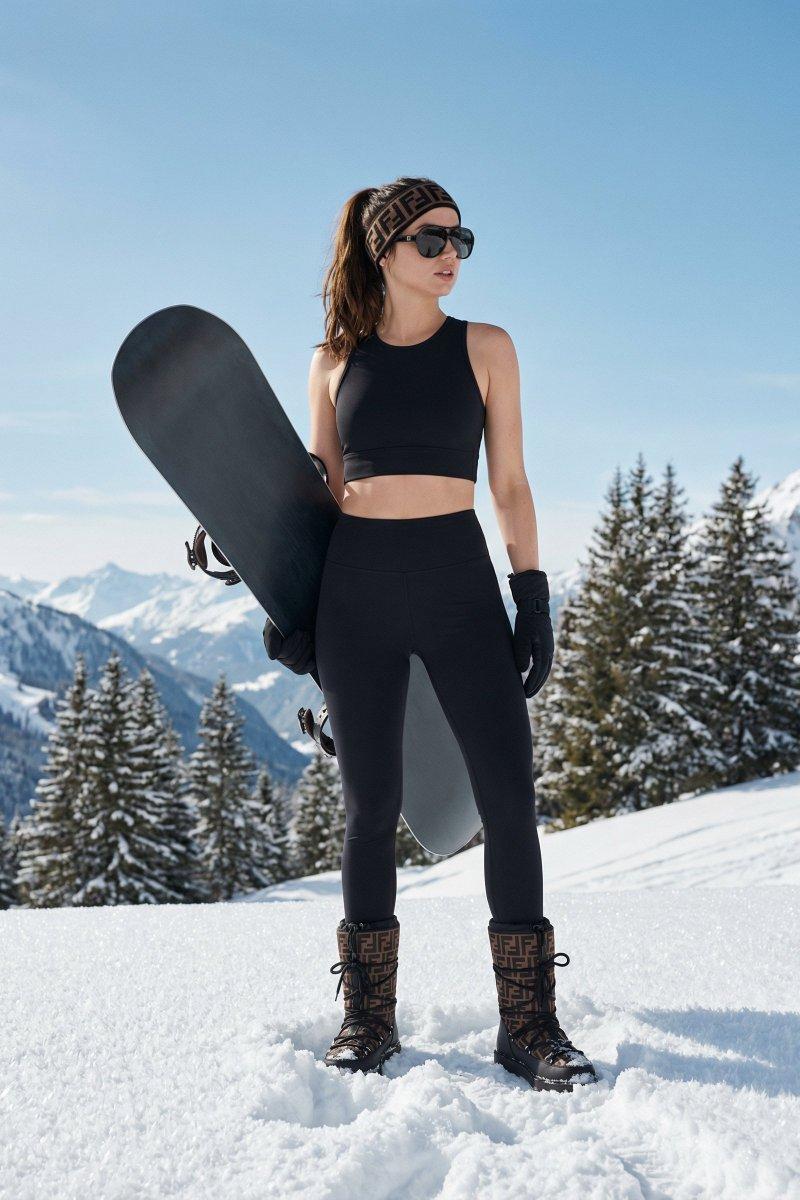
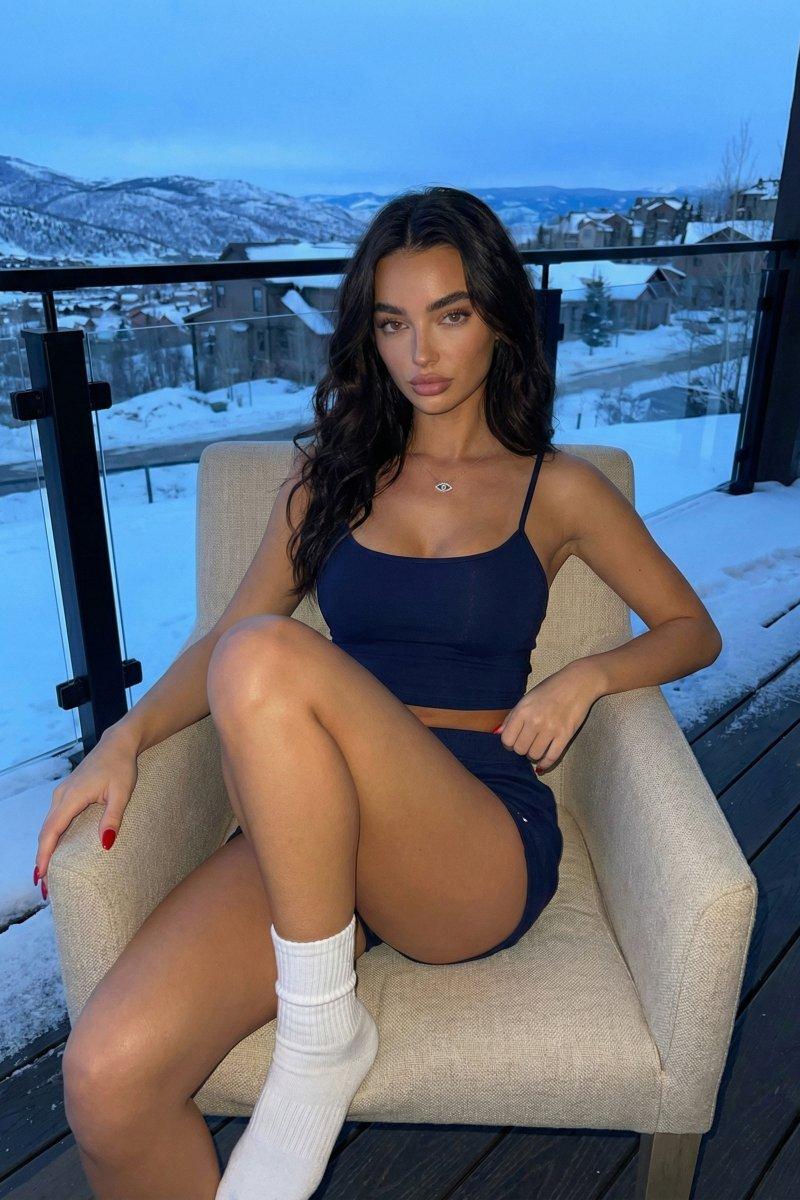
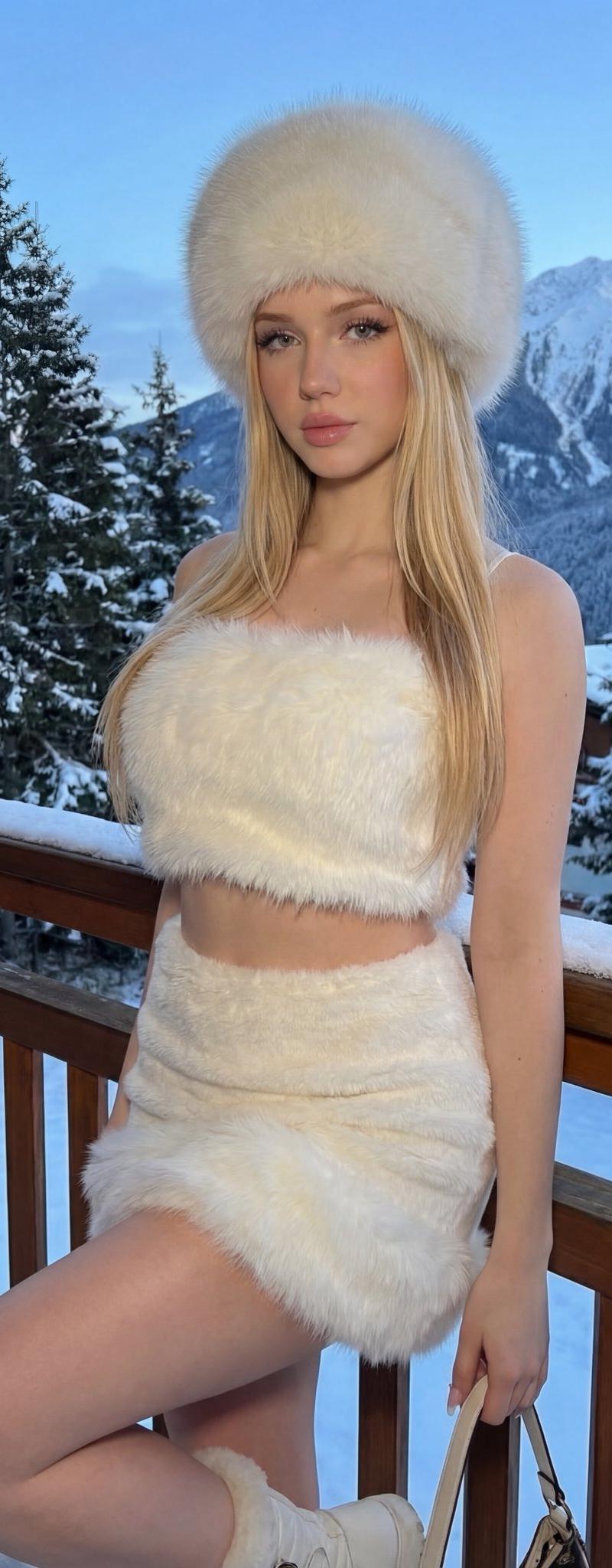
 "subject_pose": "A young woman standing in a relaxed, confident pose, leaning her back against the wooden balcony railing. She has one leg straight and the other leg bent at the knee, resting her foot slightly behind her on the lower rail structure. Her body is angled slightly towards the camera, and one hand is holding a bag handle down by her side.",
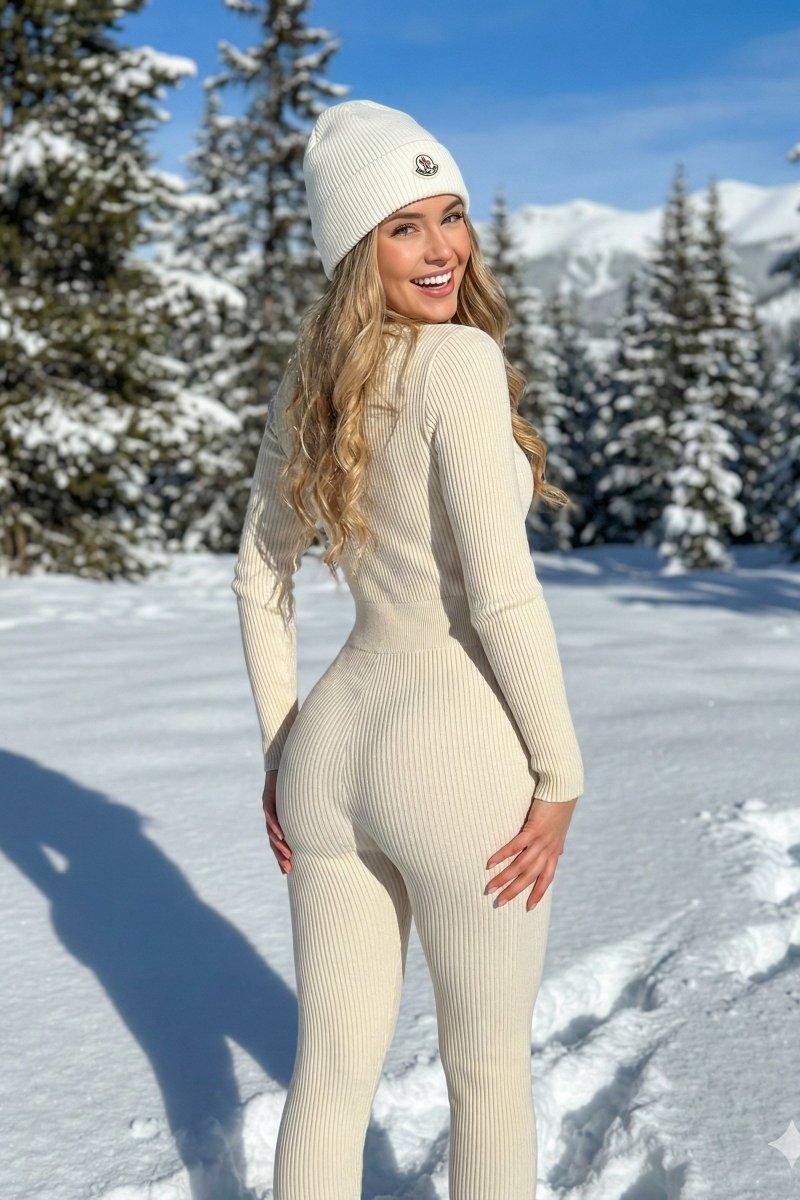
 "outfit": "She is wearing a glamorous all-white winter set consisting of a soft, fluffy white fur crop top that reveals her midriff, and a matching white mini skirt with a thick, plush fur trim at the hem. She is also wearing a large, round white fur hat that covers her forehead.",
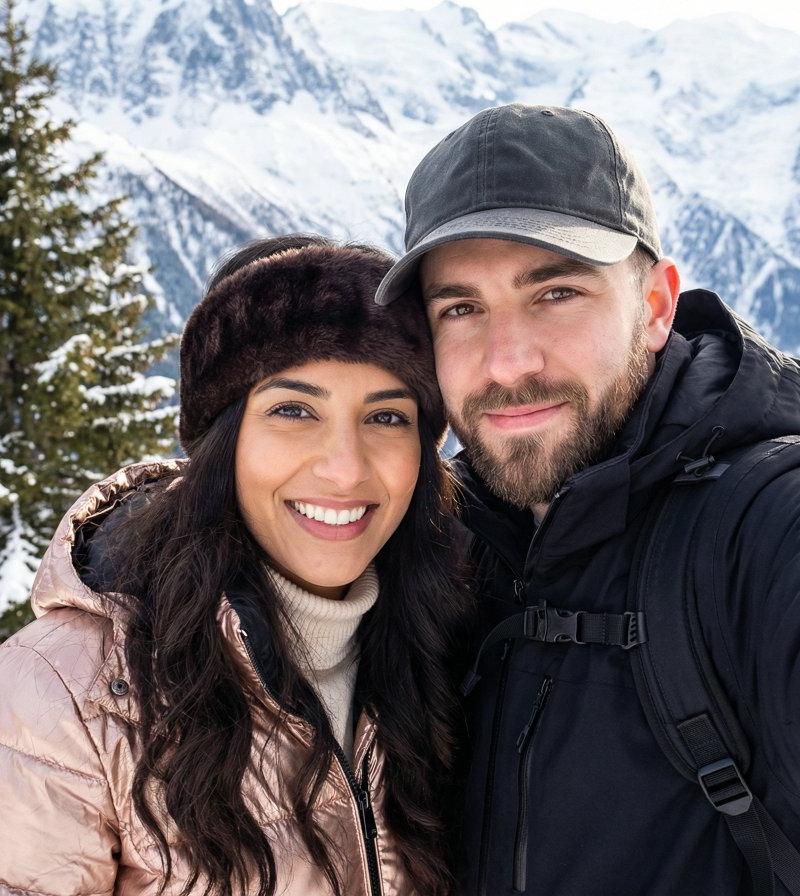
 "background": "The scene is set on a wooden balcony with a breathtaking winter view. Behind the woman, there are tall pine trees heavily covered in snow and a majestic, snow-capped mountain range stretching into the distance under a cold sky.",
 "lighting": "Soft, natural ambient light typical of a winter evening, creating a cool tone with no harsh shadows, highlighting the texture of the white fur.",
 "atmosphere": "Cold, luxurious, and cozy winter aesthetic with a high-fashion influencer vibe."
}
Category
Photography & Realism
Model
GPT Image 2
Creator
Zaylee
Source language
en
Views0
Source ID
2008657337121223100
Published
Jan 6, 2026
Studio

Guide

About "White fur balcony portrait: GPT Image 2 prompt"

What is this prompt for?

"White fur balcony portrait: GPT Image 2 prompt" AI image prompt for GPT Image 2 (Photography & Realism). { "subject_pose": "A young woman standing in a relaxe…

The full copyable prompt and example visuals above are ready for AI image generation or one-click recreate in Picva.

How to use this prompt

  1. Step 1

    Open the prompt detail

    Review the example visuals, category, and full prompt text for "White fur balcony portrait: GPT Image 2 prompt".

  2. Step 2

    Copy the prompt

    Copy the prompt body from this page, or load it directly in Studio.

  3. Step 3

    Pick a model (GPT Image 2)

    Prefer GPT Image 2. If you switch models, keep subject and composition and tweak style terms.

  4. Step 4

    Generate and export

    Recreate the look in Picva, or export into your workflow for editing and publishing.

FAQ

What is the "White fur balcony portrait: GPT Image 2 prompt" prompt?
It is an AI image-generation prompt for GPT Image 2 in the Photography & Realism category. This page includes the full prompt text, example visuals, and a one-click recreate path in Picva.
How do I use this prompt to generate an image?
Copy the prompt from this page, or use Generate / Studio. Paste it into a compatible image model, or recreate the look in Picva with optional reference images.
Which model is this prompt for?
This page lists GPT Image 2. Most descriptive prompts also transfer to nearby image models such as GPT Image, Flux, or Midjourney with light style tweaks.
Can I use the result commercially?
You can usually copy the prompt for creation, but commercial use of the final image depends on the model terms, reference-image rights, and the generated content. Follow the source author and platform rules.