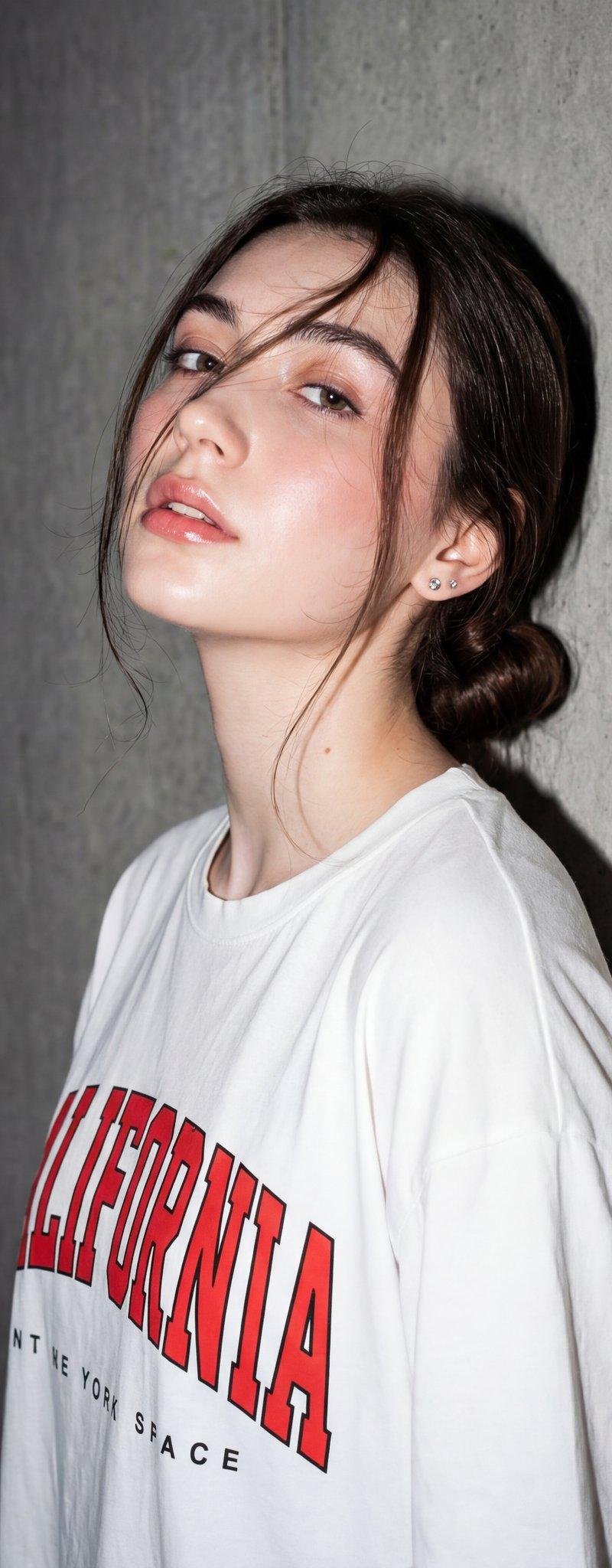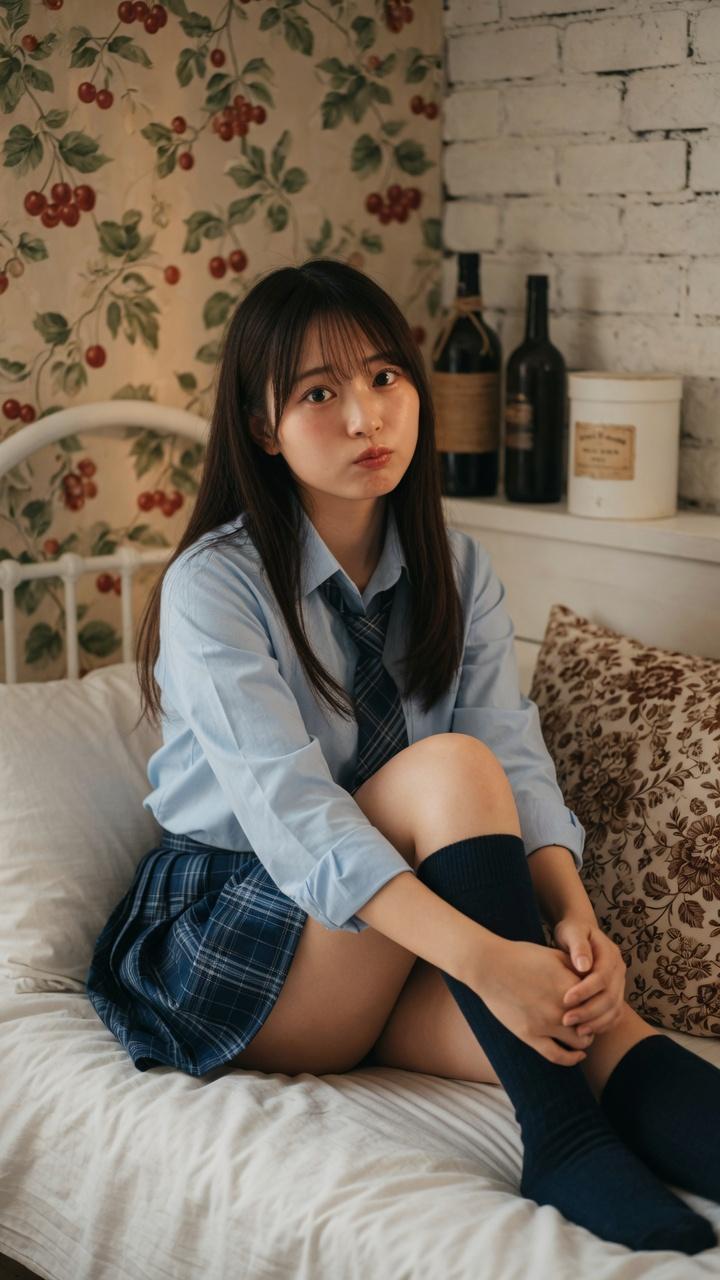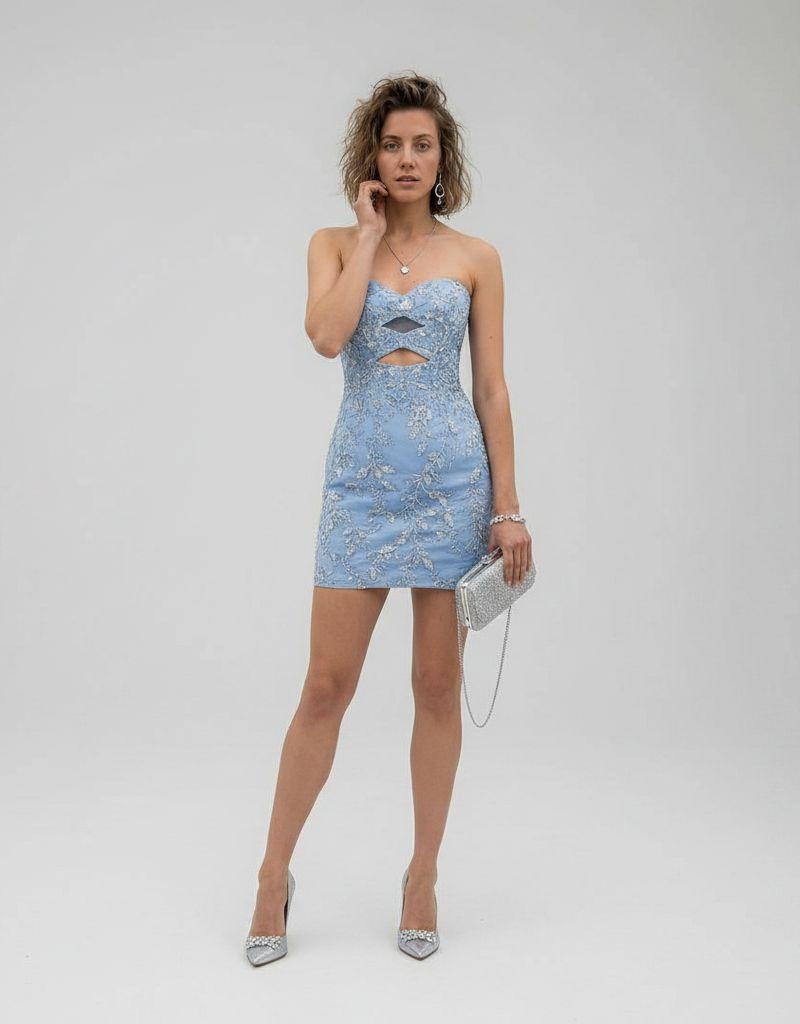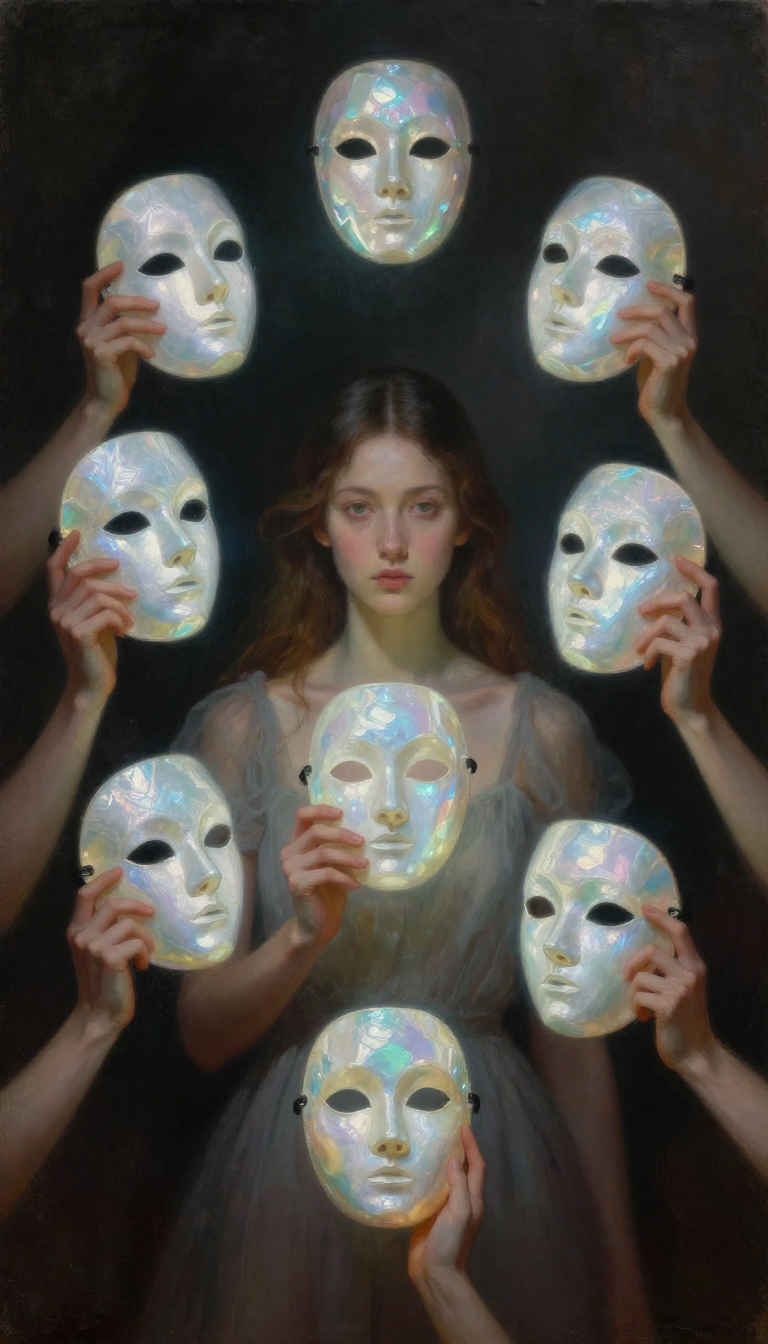
Loft sofa reclining portrait: GPT Image 2 prompt
Prompt
{
 "model": "Nano Banana Pro",
 "scene": "Modern loft living room with large industrial windows",
 "subject": {
 "type": "Young woman",
 "pose": "Reclining casually on a fabric sofa, one arm resting along the backrest, legs relaxed",
 "expression": "Calm, self-assured, quietly confident",
 "gaze": "Direct eye contact with the camera",
 "emotion": "Ease, confidence, natural presence"
 },
 "appearance": {
 "hair": {
 "color": "Dark brown",
 "style": "Loose, long waves with natural volume"
 },
 "skin": "Natural complexion with subtle freckles and realistic texture",
 "makeup": "Minimal, clean, natural tones"
 },
 "attire": {
 "top": "Vintage-style cropped graphic t-shirt",
 "bottoms": "High-waisted relaxed-fit blue jeans",
 "footwear": "White casual sneakers",
 "accessories": [
 "Layered gold necklaces"
 ],
 "style_note": "Effortless modern street-lifestyle fashion"
 },
 "environment": {
 "location": "Urban loft apartment",
 "background": [
 "Exposed brick walls",
 "Large black-framed windows",
 "City skyline softly visible outside",
 "Indoor potted plant",
 "Abstract framed artwork leaning against walls"
 ],
 "atmosphere": "Airy, contemporary, lived-in"
 },
 "lighting": {
 "primary": "Soft natural daylight from large windows",
 "effect": "Balanced illumination with gentle facial shadows",
 "contrast": "Low to moderate, natural realism"
 },
 "camera": {
 "angle": "Eye-level lifestyle portrait",
 "lens": "35mm lifestyle lens",
 "depth_of_field": "Moderate, subject in focus with softly blurred background",
 "framing": "Horizontal composition, relaxed editorial framing"
 },
 "color_palette": {
 "dominant": ["neutral beige", "denim blue"],
 "accents": ["warm skin tones", "muted green", "soft brick red"]
 },
 "mood": "Relaxed, confident, contemporary",
 "style": {
 "aesthetic": "Lifestyle editorial photography",
 "realism": "Photorealistic",
 "texture": "Visible denim grain, fabric upholstery detail",
 "post_processing": "Natural color grading, subtle warmth, no heavy filters"
 },
 "details": {
 "sofa": "Light neutral fabric couch with soft texture",
 "windows": "Tall industrial-style windows with diffused city light",
 "motion": "Still, candid moment"
 },
 "themes": [
 "Modern femininity",
 "Comfort and confidence",
 "Everyday luxury",
 "Authentic presence"
 ],
 "quality": "Ultra-detailed, high dynamic range, professional lifestyle photography"
}- Category
- Photography & Realism
- Model
- GPT Image 2
- Creator
- Maercih
- Source language
- en
- Source ID
- 2009487340285440312
- Published
- Jan 9, 2026
Views0