13

Brand sticker sheet vector set: GPT Image 2 prompt
Enlarge

Brand sticker sheet vector set: GPT Image 2 prompt

Prompt
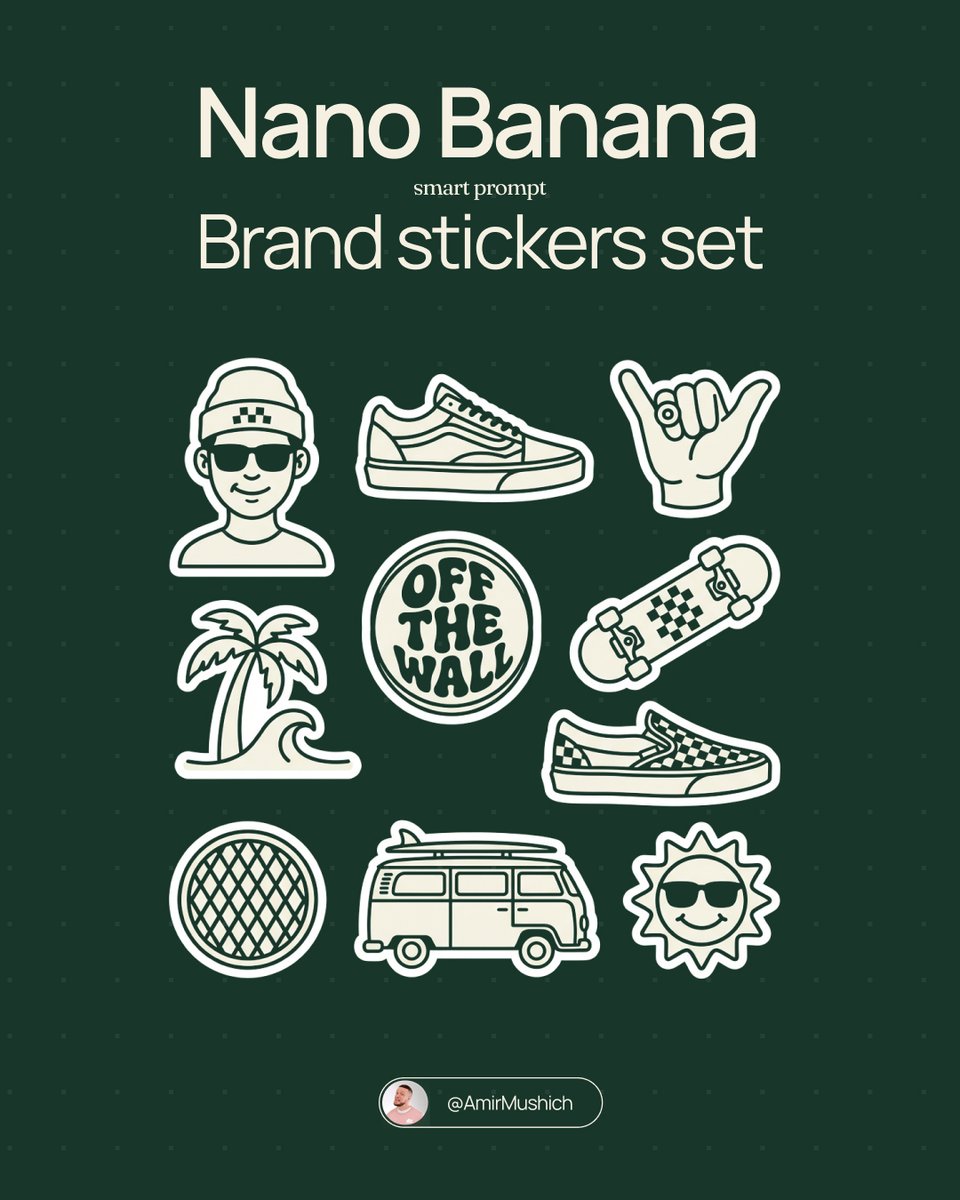
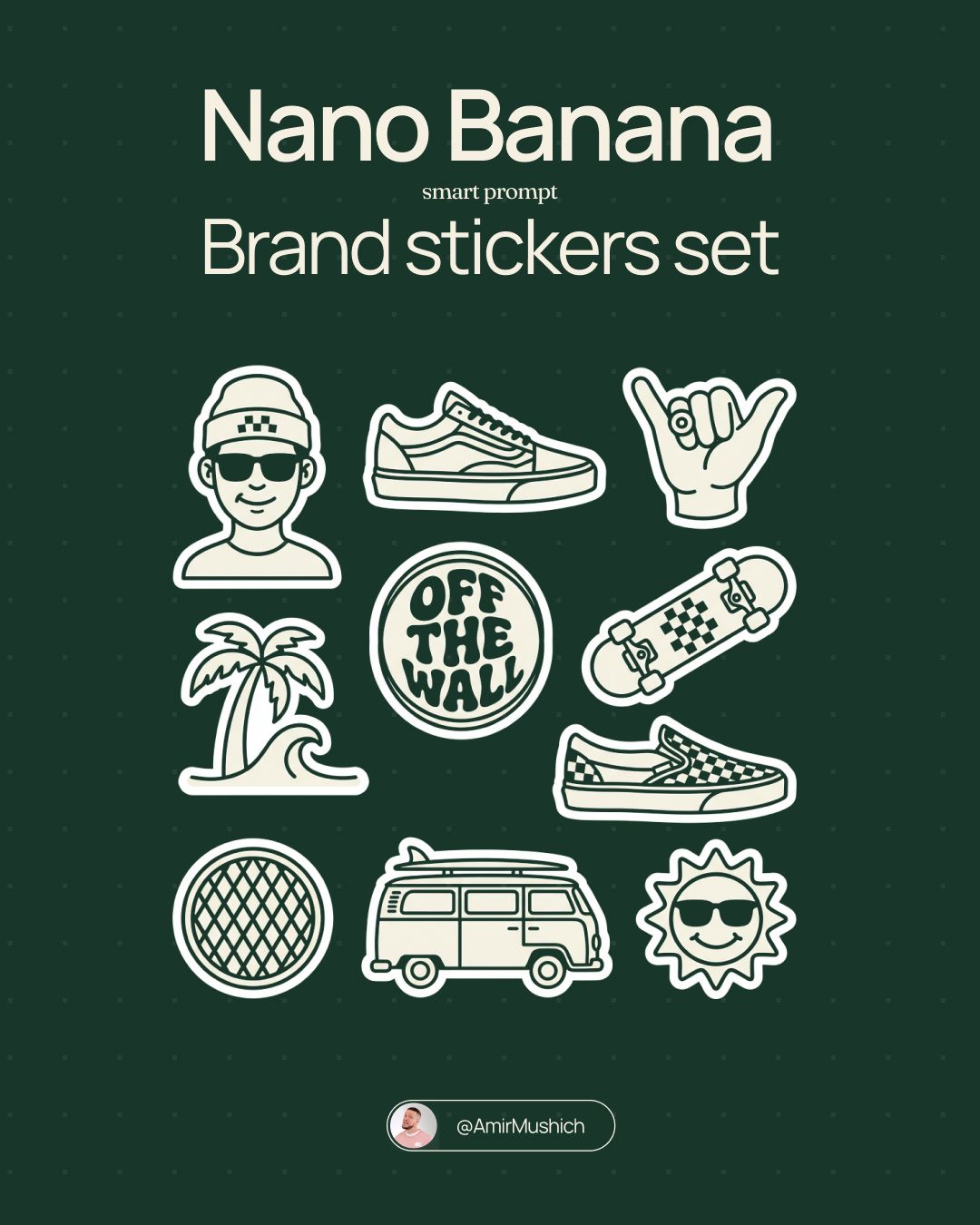
[BRAND NAME]. Act as a vector illustrator designing a trendy, high-end "Sticker Sheet" set.
THE TASK:
Deconstruct the brand identity of [BRAND NAME] into a playful, cohesive set of approximately 8-10 unique sticker designs arranged on a single sheet.
Content Generation: Do not just make logos. Autonomously invent a mix of:
Mascots/Characters: Stylized busts of people wearing brand-relevant accessories or expressing emotions.
Key Products: Iconic items associated with the brand.
Symbols/Objects: Abstract shapes or tools relevant to the brand's lifestyle.

VISUAL STYLE (MONOLINE VECTOR):
The art style must strictly match "Modern Trendy Line Art."
Line Work: Use a THICK, UNIFORM line weight (monoline) for all internal details. The lines should be smooth, rounded, and confident.
Coloring: The stickers must be filled with Solid Off-White or Cream, utilizing the line color for details. NO gradients, NO shading, NO 3D effects. Flat 2D vector look.
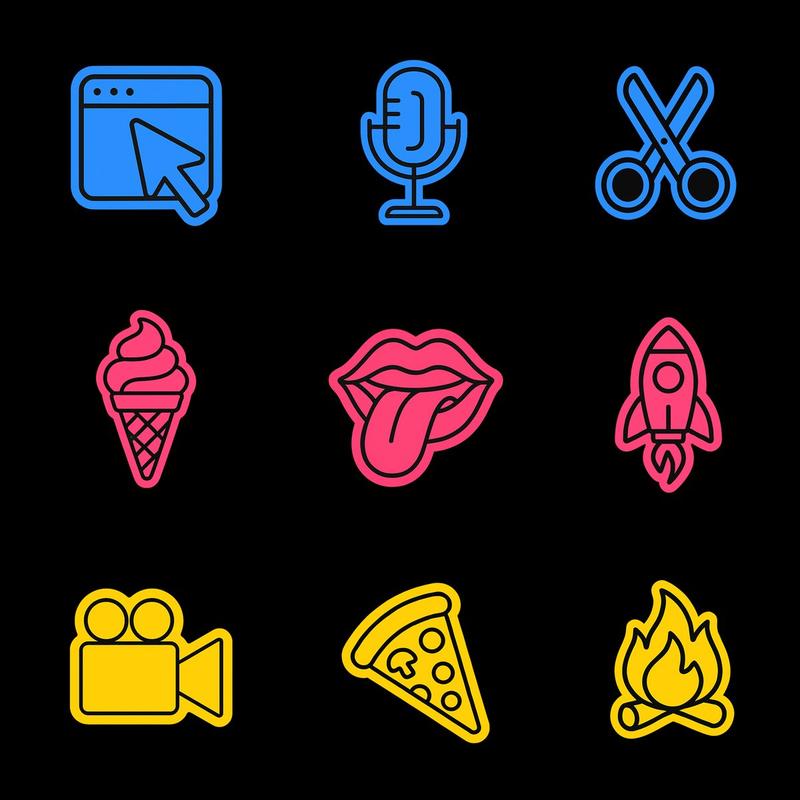
The "Sticker" Effect: Every element must have a thick, distinct White (or Cream) Die-Cut Border surrounding it, separating it from the background.
COLOR PALETTE (HIGH CONTRAST):
Background: A solid, deep, saturated color to create maximum contrast.
Stickers: High-brightness Cream or White fill with Dark (Black or Dark Brown) outlines.
COMPOSITION:
The stickers are scattered naturally across the sheet (knolling layout) with even spacing. No overlapping.
Category
Brand & Logos
Model
GPT Image 2
Views0
Source ID
2009717451710509473
Published
Jan 9, 2026

Guide

About "Brand sticker sheet vector set: GPT Image 2 prompt"

What is this prompt for?

"Brand sticker sheet vector set: GPT Image 2 prompt" AI image prompt for GPT Image 2 (Brand & Logos). [BRAND NAME]. Act as a vector illustrator designing a tre…

The full copyable prompt and example visuals above are ready for AI image generation or one-click recreate in Picva.

How to use this prompt

  1. Step 1

    Open the prompt detail

    Review the example visuals, category, and full prompt text for "Brand sticker sheet vector set: GPT Image 2 prompt".

  2. Step 2

    Copy the prompt

    Copy the prompt body from this page, or load it directly in Studio.

  3. Step 3

    Pick a model (GPT Image 2)

    Prefer GPT Image 2. If you switch models, keep subject and composition and tweak style terms.

  4. Step 4

    Generate and export

    Recreate the look in Picva, or export into your workflow for editing and publishing.

FAQ

What is the "Brand sticker sheet vector set: GPT Image 2 prompt" prompt?
It is an AI image-generation prompt for GPT Image 2 in the Brand & Logos category. This page includes the full prompt text, example visuals, and a one-click recreate path in Picva.
How do I use this prompt to generate an image?
Copy the prompt from this page, or use Generate / Studio. Paste it into a compatible image model, or recreate the look in Picva with optional reference images.
Which model is this prompt for?
This page lists GPT Image 2. Most descriptive prompts also transfer to nearby image models such as GPT Image, Flux, or Midjourney with light style tweaks.
Can I use the result commercially?
You can usually copy the prompt for creation, but commercial use of the final image depends on the model terms, reference-image rights, and the generated content. Follow the source author and platform rules.