19

Half-finished marble sculpture awakening: GPT Image 2 prompt
Enlarge

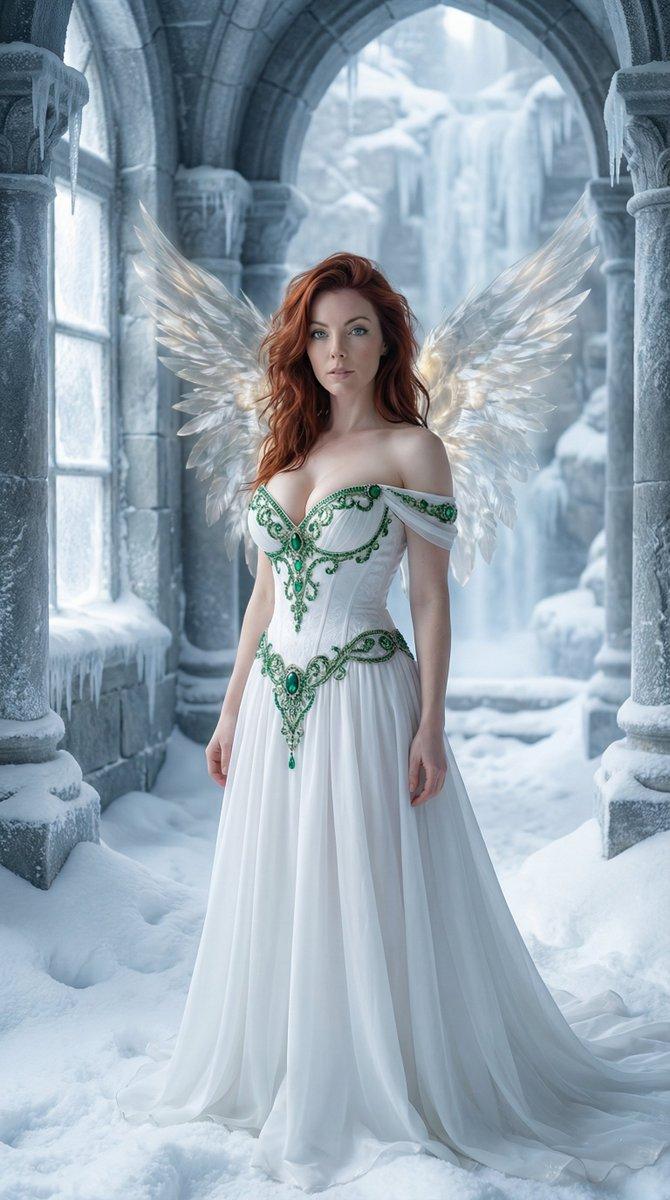
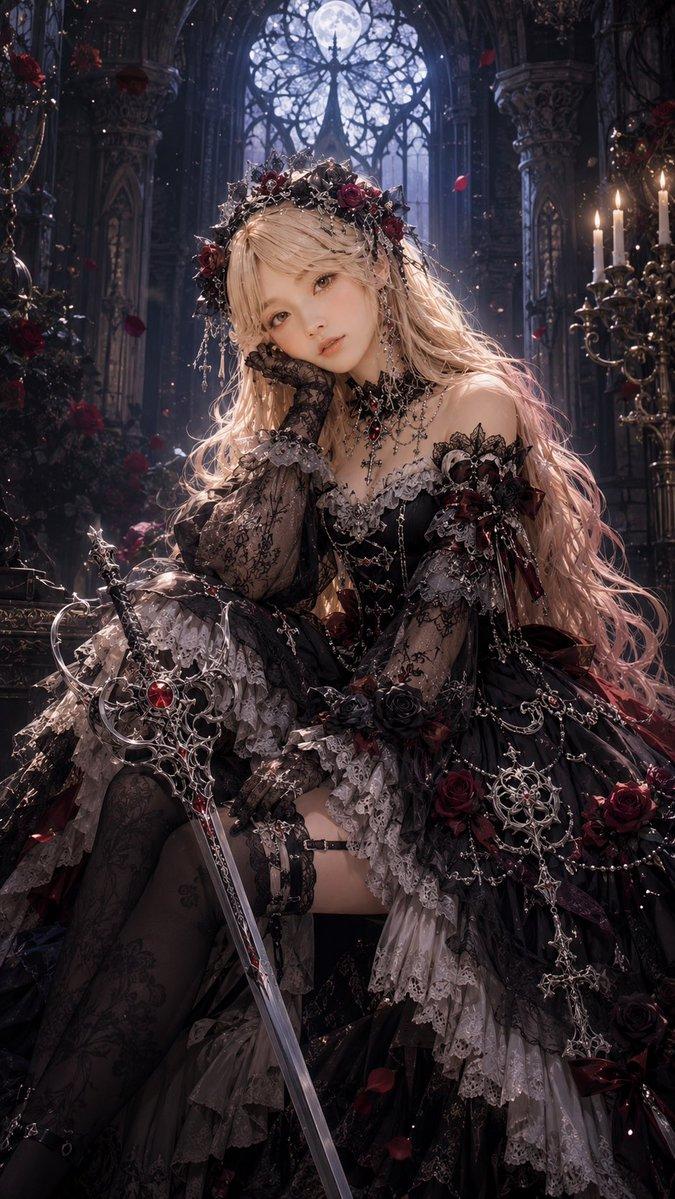
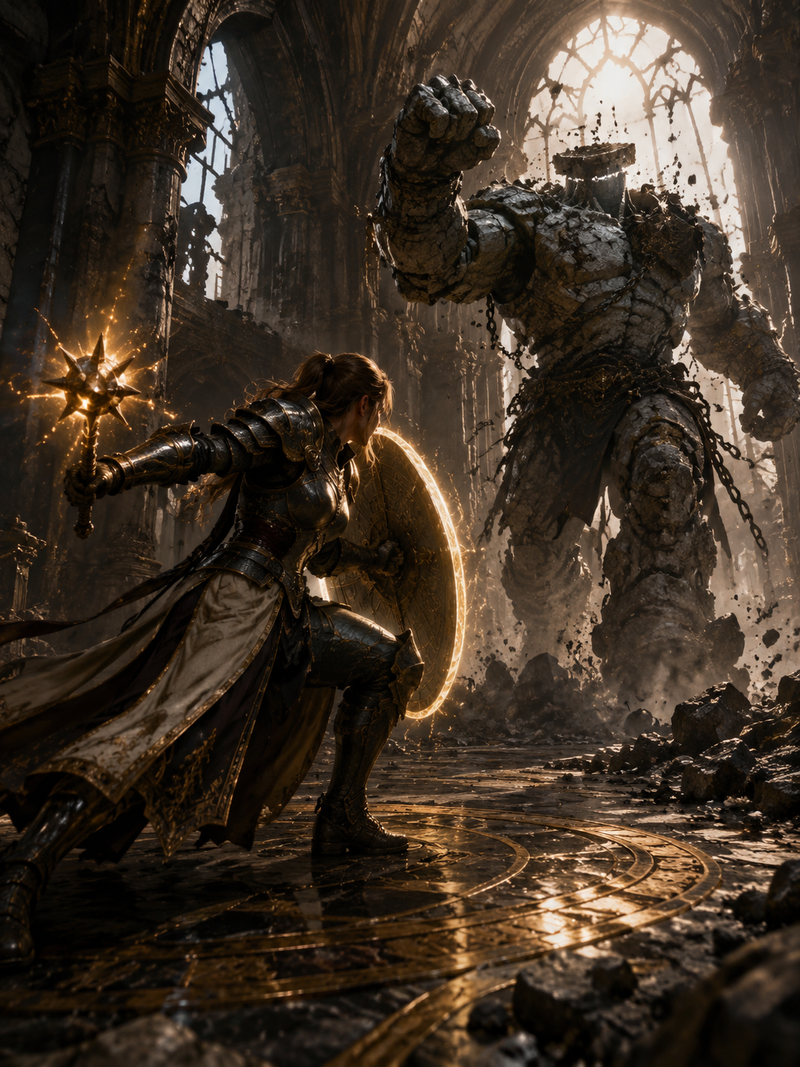
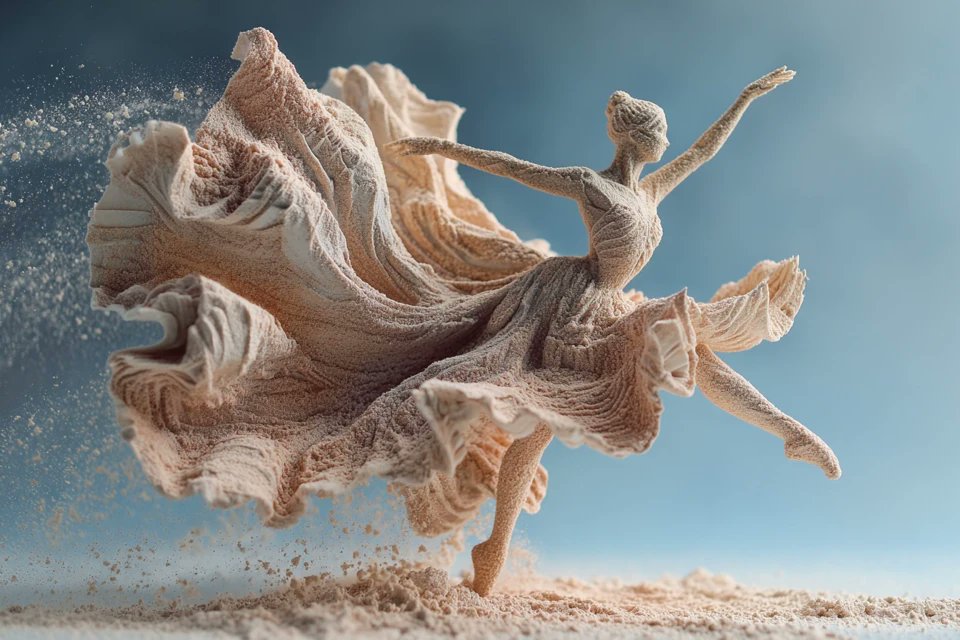
Example images

Half-finished marble sculpture awakening: GPT Image 2 prompt

Prompt
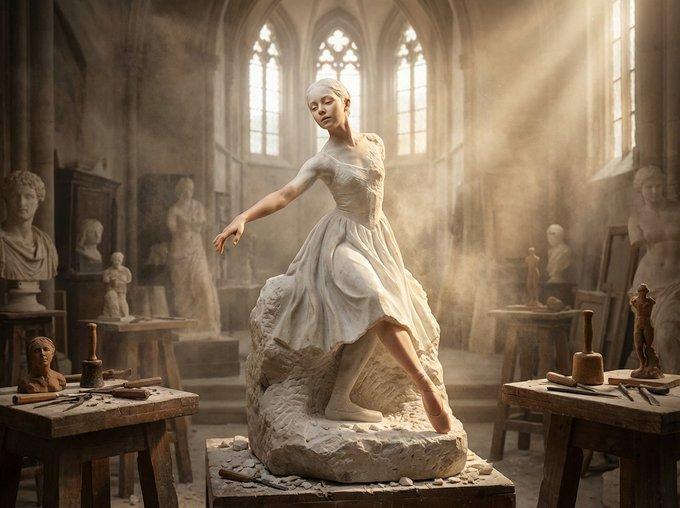
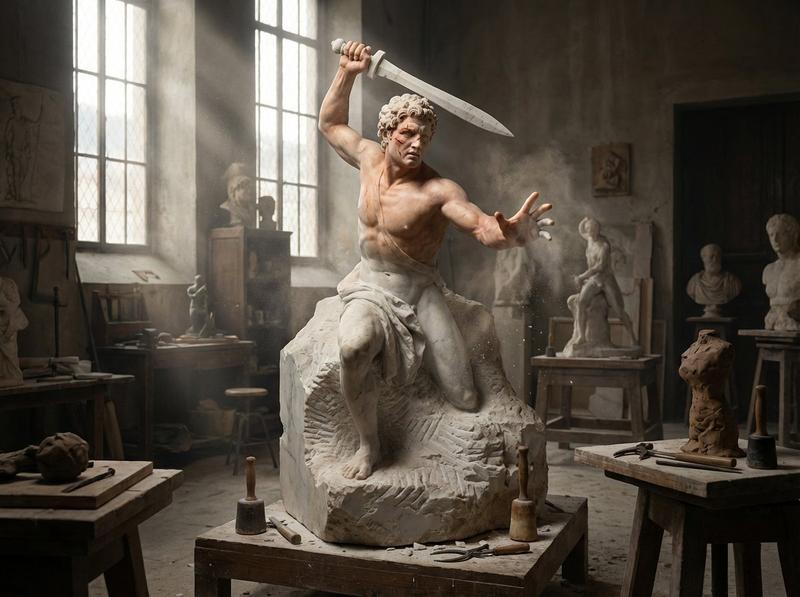
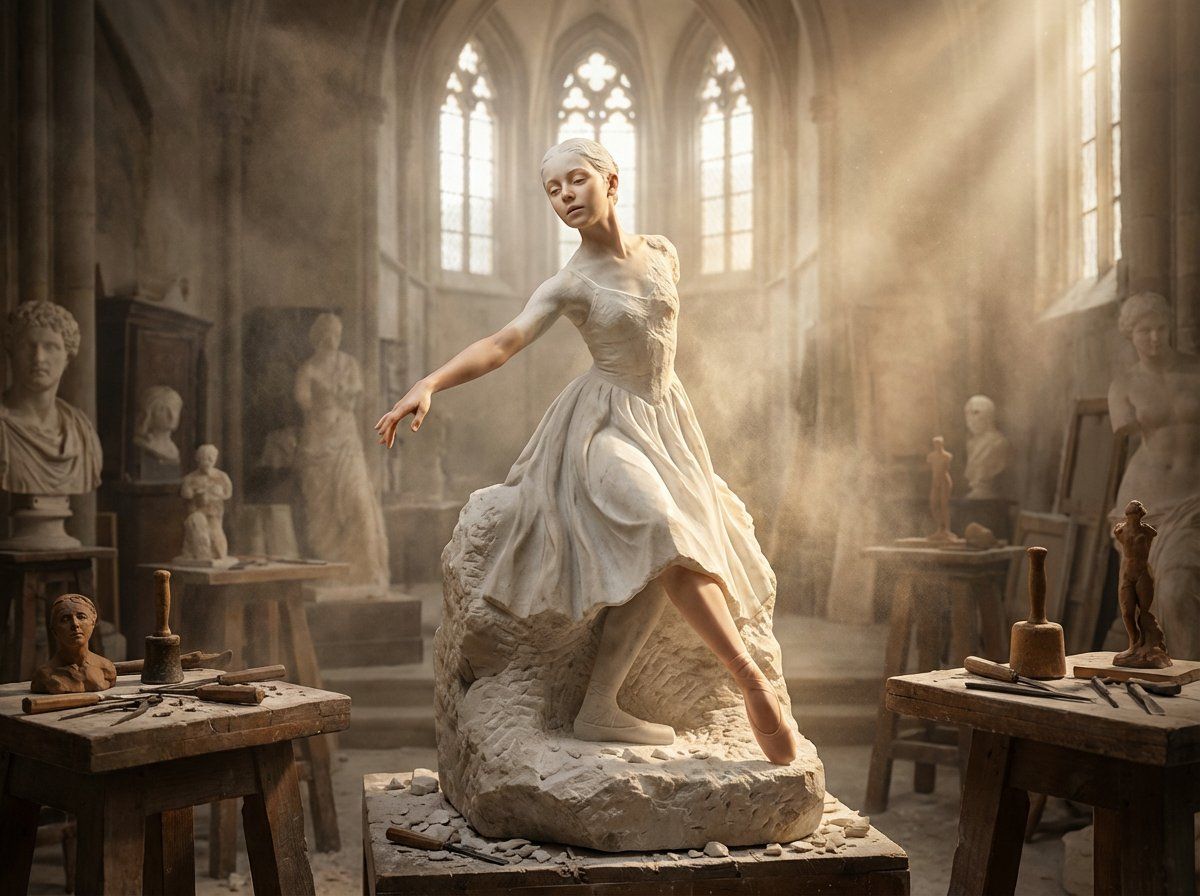
A half-finished marble sculpture in a dusty Renaissance workshop, with the [SUBJECT] emerging from the raw stone block in a breathtaking moment of creation becoming conscious. The figure is rough chisel marks at the base, transitioning through refined carving into impossibly lifelike flesh at the extremities. [KEY FEATURES] have achieved full life while the torso remains trapped in stone, mid-escape. Marble dust swirls in shaft lighting as if the awakening itself is generating atmosphere. The [SUBJECT] reaches forward, fingers transitioning from carved to living. Sculptor's tools scattered on wooden platforms: chisels, mallets, calipers, clay maquettes. Unfinished companion pieces watch from the shadows. The Pygmalion moment frozen. Cathedral-height workshop windows casting dramatic god-rays, cool marble tones warming to flesh, 8K, Bernini meets cinema.
Category
Characters & People
Model
GPT Image 2
Views0
Source ID
2010372126348284302
Published
Jan 11, 2026

Guide

About "Half-finished marble sculpture awakening: GPT Image 2 prompt"

What is this prompt for?

"Half-finished marble sculpture awakening: GPT Image 2 prompt" AI image prompt for GPT Image 2 (Characters & People). A half-finished marble sculpture in a dus…

The full copyable prompt and example visuals above are ready for AI image generation or one-click recreate in Picva.

How to use this prompt

  1. Step 1

    Open the prompt detail

    Review the example visuals, category, and full prompt text for "Half-finished marble sculpture awakening: GPT Image 2 prompt".

  2. Step 2

    Copy the prompt

    Copy the prompt body from this page, or load it directly in Studio.

  3. Step 3

    Pick a model (GPT Image 2)

    Prefer GPT Image 2. If you switch models, keep subject and composition and tweak style terms.

  4. Step 4

    Generate and export

    Recreate the look in Picva, or export into your workflow for editing and publishing.

FAQ

What is the "Half-finished marble sculpture awakening: GPT Image 2 prompt" prompt?
It is an AI image-generation prompt for GPT Image 2 in the Characters & People category. This page includes the full prompt text, example visuals, and a one-click recreate path in Picva.
How do I use this prompt to generate an image?
Copy the prompt from this page, or use Generate / Studio. Paste it into a compatible image model, or recreate the look in Picva with optional reference images.
Which model is this prompt for?
This page lists GPT Image 2. Most descriptive prompts also transfer to nearby image models such as GPT Image, Flux, or Midjourney with light style tweaks.
Can I use the result commercially?
You can usually copy the prompt for creation, but commercial use of the final image depends on the model terms, reference-image rights, and the generated content. Follow the source author and platform rules.