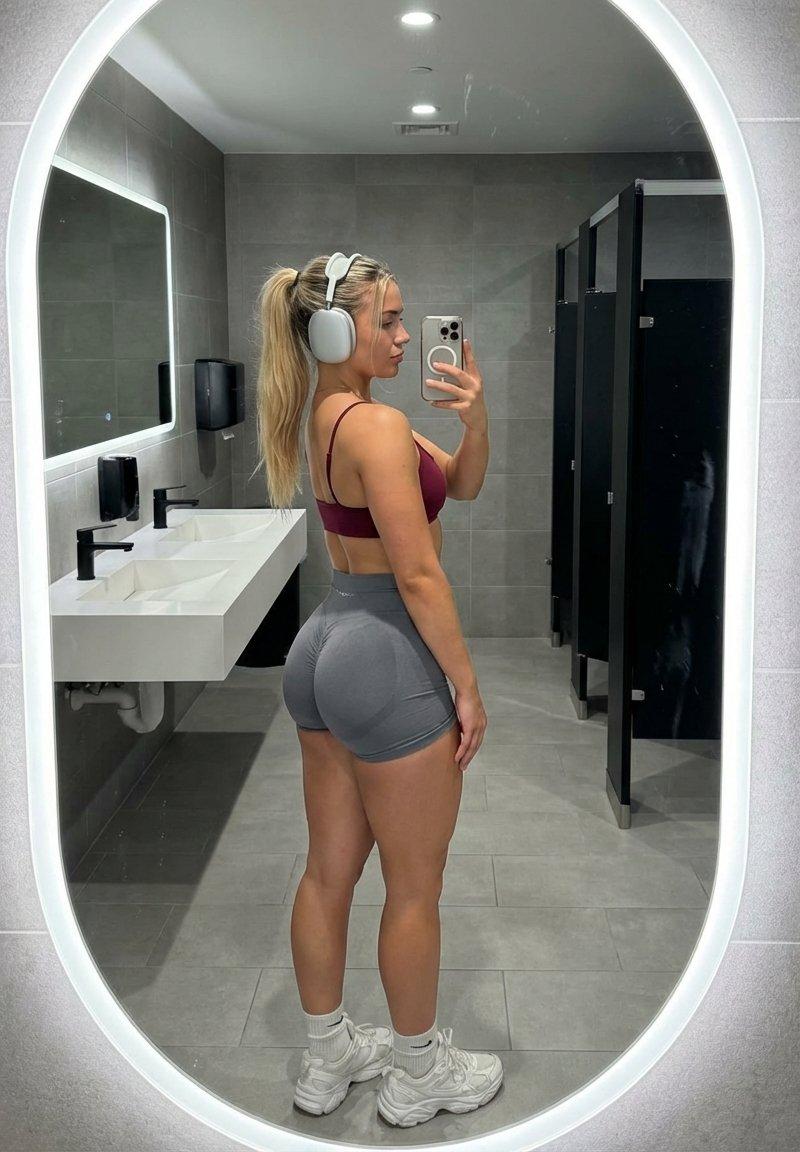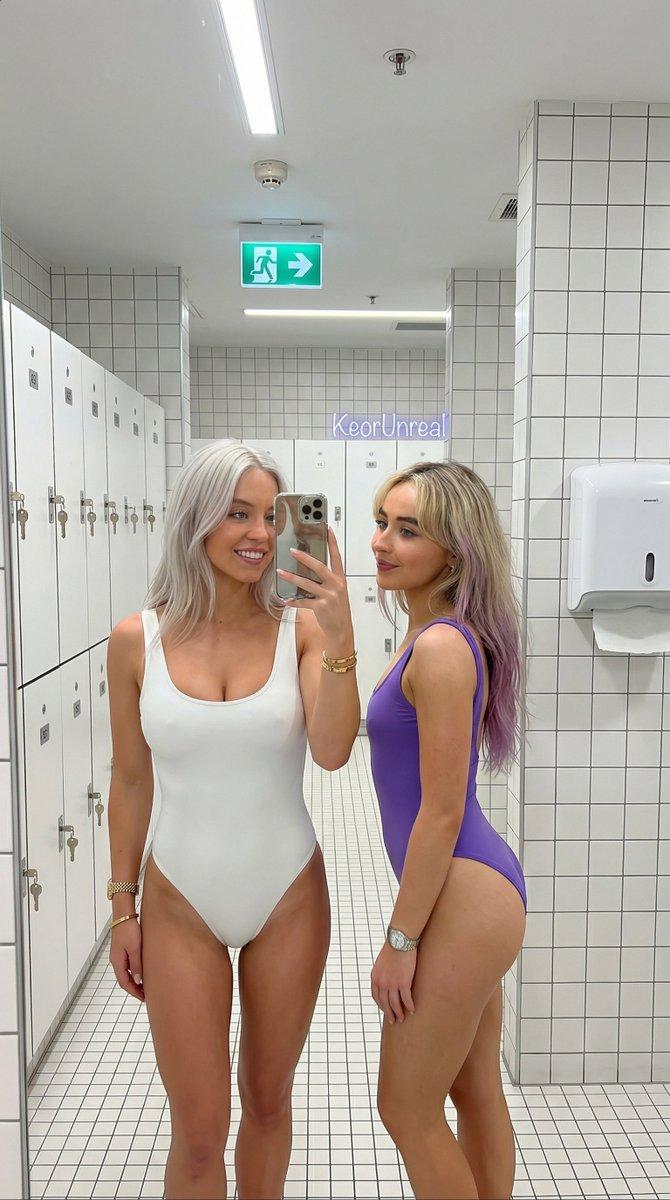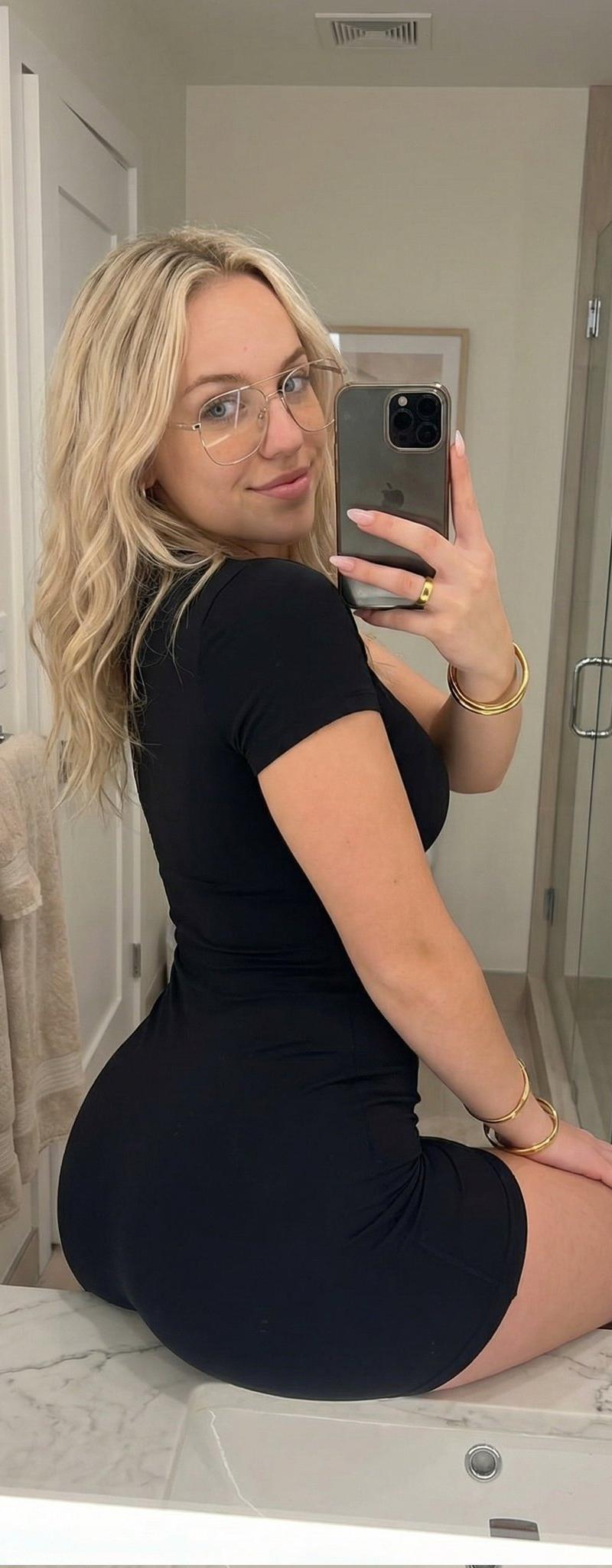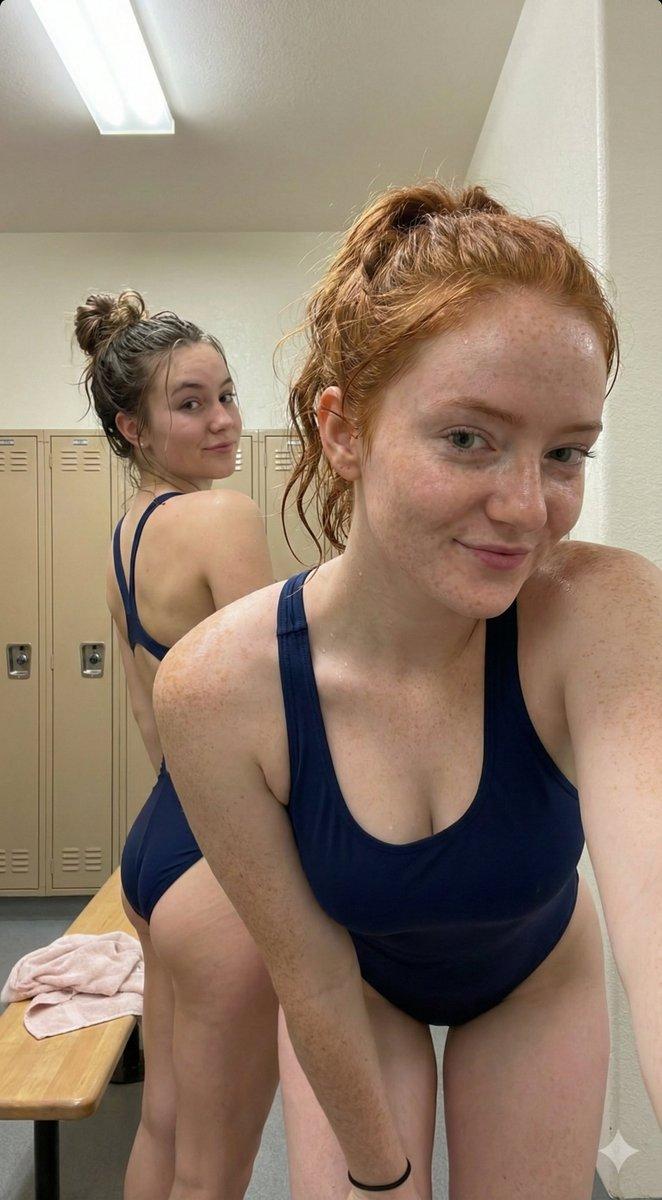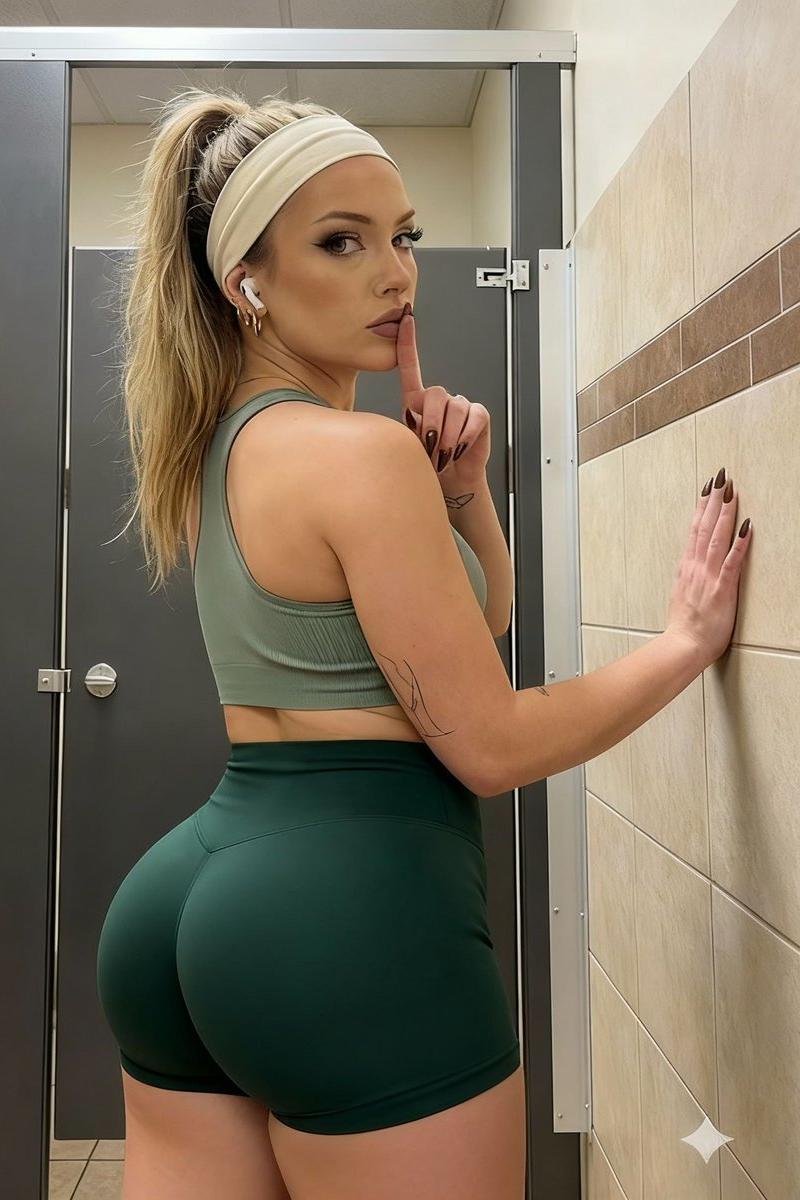
Blonde ponytail headband portrait: GPT Image 2 prompt
Prompt
{
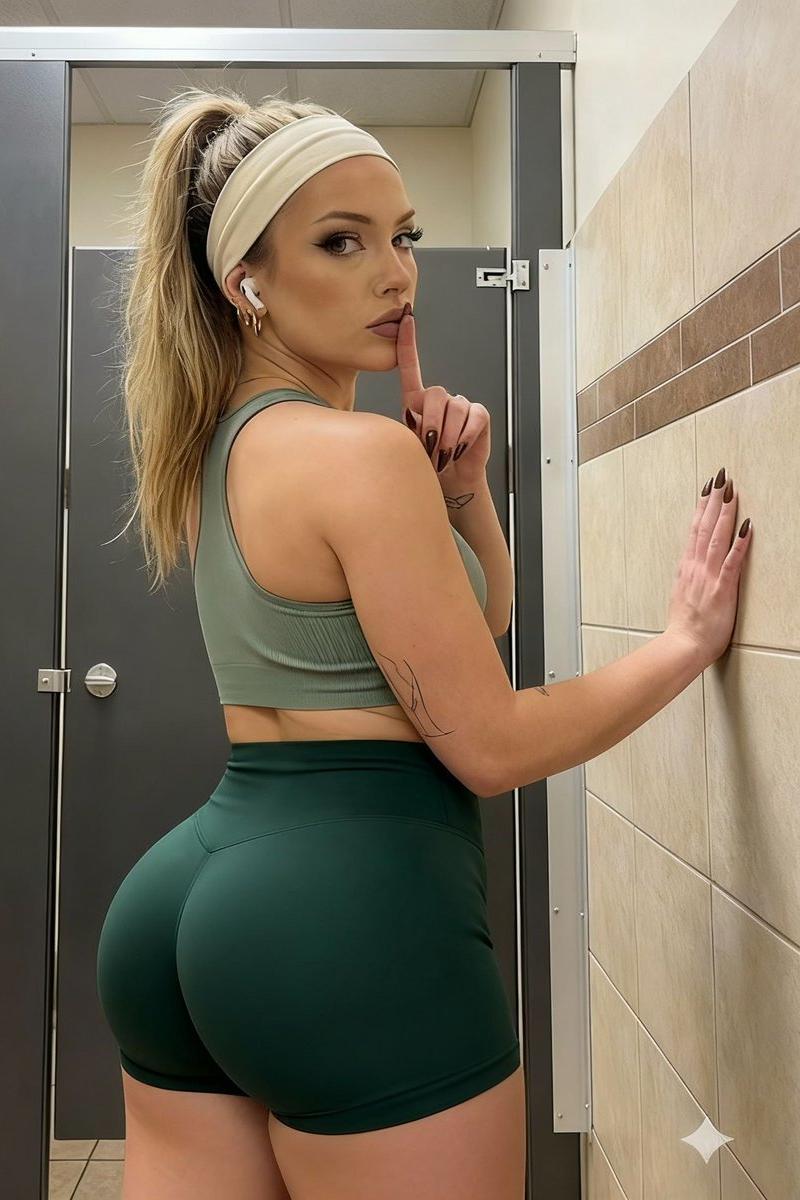
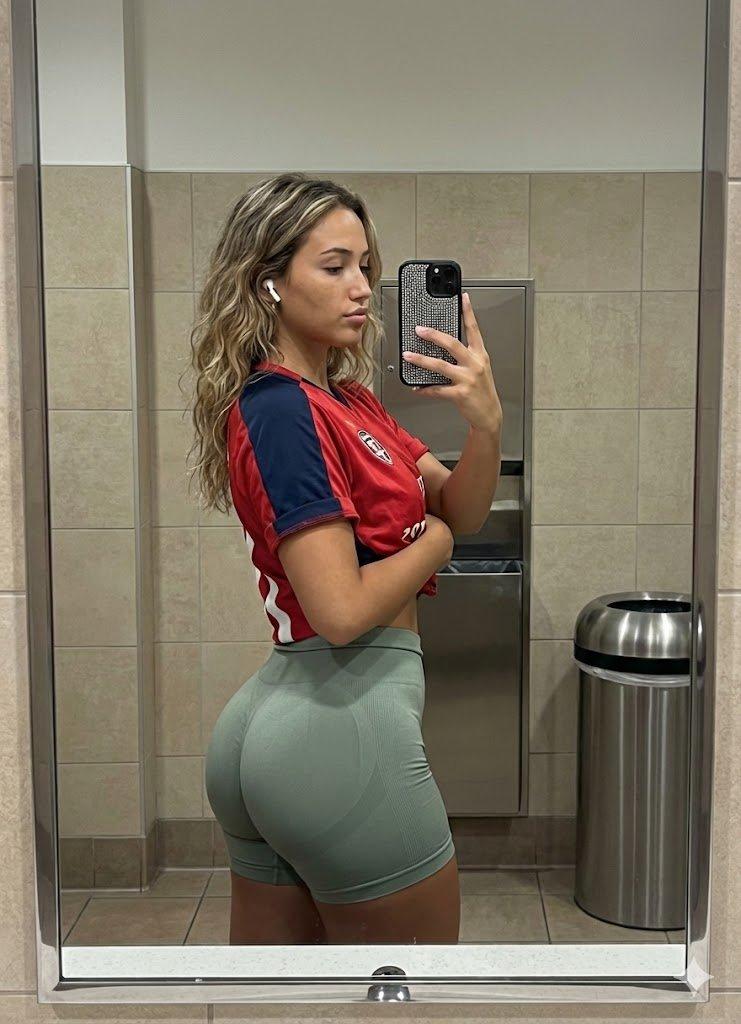
 "subject": {
 "gender": "female",
 "skin_tone": "fair with warm undertones",
 "hair": {
 "color": "dirty blonde / light brown with visible roots",
 "style": "high ponytail",
 "texture": "straight with slight flyaways",
 "accessory": "wide, pale cream or white fabric headband"
 },
 "facial_features": {
 "eyes": {
 "color": "dark brown",
 "makeup": "heavy black winged eyeliner, defined lashes, groomed arched eyebrows",
 "gaze": "direct eye contact with the viewer, looking back over the left shoulder"
 },
 "nose": "straight bridge, button tip",
 "lips": {
 "color": "natural mauve/pink matte lipstick",
 "shape": "full, cupid's bow defined",
 "expression": "slightly parted, serious/sultry"
 },
 "cheeks": "smooth complexion with contouring on cheekbones",
 "ears": "visible left ear with small gold hoop earrings (lobe and cartilage)"
 },
 "hand_gesture": {
 "right_hand": {
 "action": "holding index finger vertically against lips in a 'shush' or 'quiet' gesture",
 "nails": "long, pointed almond shape, dark brown or black polish",
 "tattoo": "faint line-art tattoo visible on the inner forearm"
 },
 "left_hand": {
 "action": "palm resting flat against the tiled wall to the right",
 "nails": "matching dark polish"
 }
 },
 "apparel": {
 "top": "light sage green sports bra, thin straps, ribbed texture",
 "bottom": "darker forest green athletic shorts, tight fit, high-waisted",
 "accessories": "white wireless earbud in the left ear"
 },
 "pose": "standing, body turned away from the camera showing the back, head turned sharply to the left to face the camera"
 },
 "environment": {
 "location": "public restroom or locker room stall",
 "walls": {
 "right_side": "beige ceramic tiles with a horizontal brown accent stripe",
 "left_side": "dark gray or metallic stall partition door"
 },
 "details": {
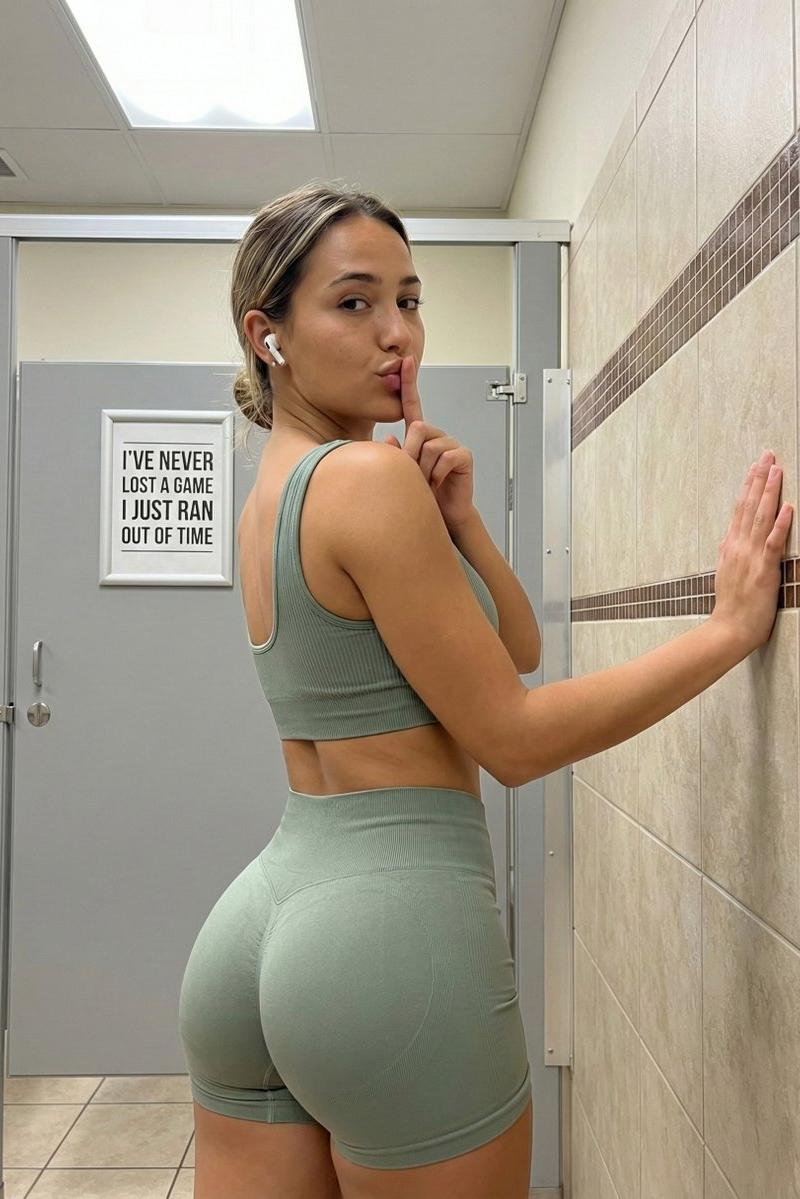
 "signage": "partially visible white sign on the left door with red border and black text ('I'VE NEVER...', 'A GAME', 'I JUST RAN OUT', 'OF TIME')",
 "hardware": "silver metal stall latch/lock mechanism visible on the door frame",
 "ceiling": "drop ceiling tiles visible at the very top"
 }
 },
 "technical_details": {
 "aspect_ratio": "9:16 (vertical portrait)",
 "lighting": "overhead fluorescent indoor lighting, creating soft shadows and highlights on the skin and hair",
 "shot_angle": "eye-level, taken from behind the subject"
 }
}- Category
- Photography & Realism
- Model
- GPT Image 2
- Creator
- sammy
- Source language
- en
- Source ID
- 2011032686136275059
- Published
- Jan 13, 2026
Views0