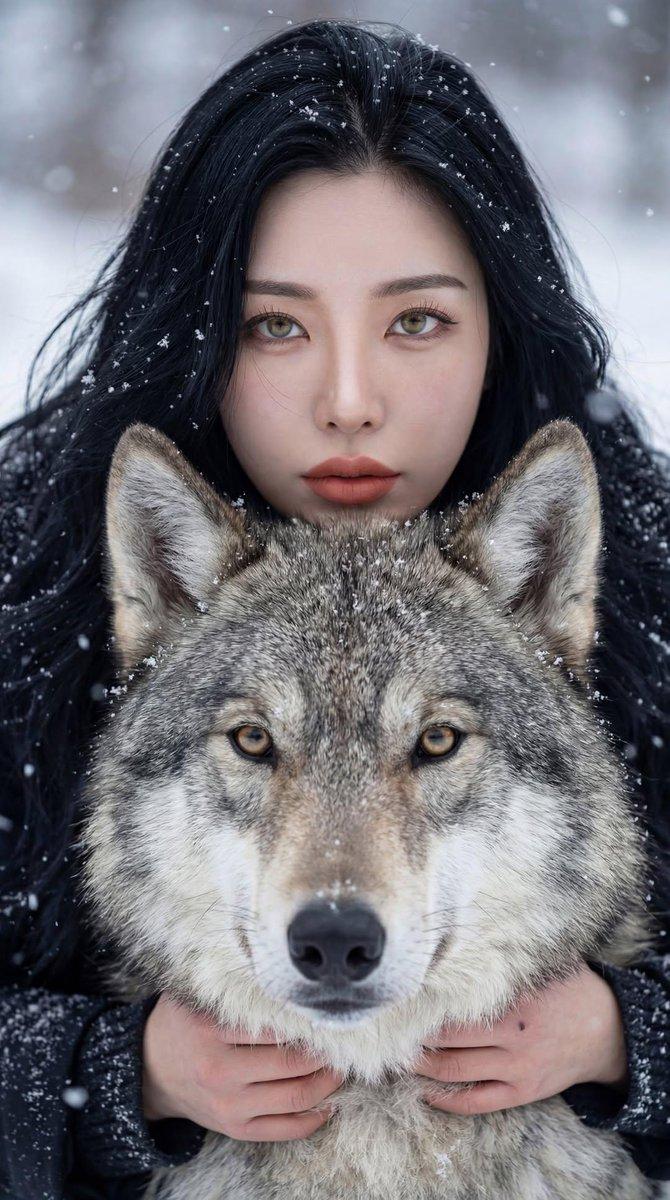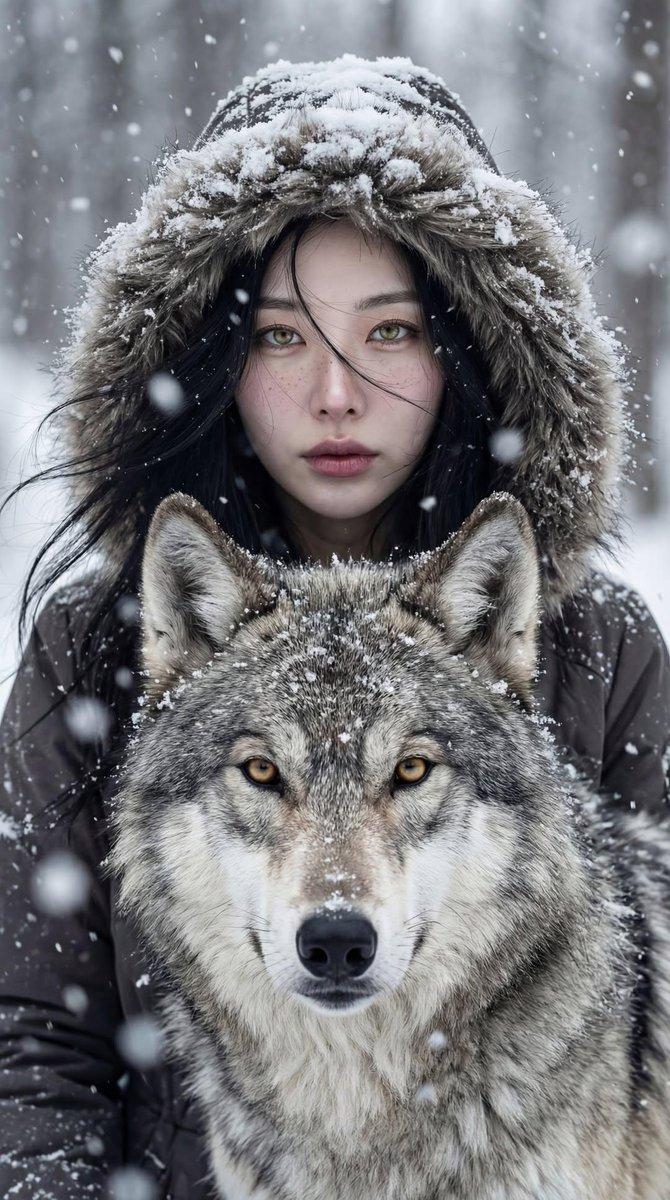
Winter portrait woman with wolf: GPT Image 2 prompt
Prompt
{
 "Objective": "Create a breathtaking cinematic winter portrait depicting a deep, primal bond between a woman and a wolf",
 "PersonaDetails": {
 "HumanSubject": {
 "Type": "Young woman",
 "Position": "Standing closely behind the wolf",
 "Expression": "Intense, calm, soulful",
 "Gaze": "Direct eye contact with the camera",
 "Skin": {
 "Tone": "Pale",
 "Details": "Subtle freckles, natural texture, soft rose-tinted lips"
 },
 "Hair": {
 "Style": "Long dark hair",
 "Details": "Lightly dusted with falling snow"
 },
 "Wardrobe": {
 "Outerwear": "Heavy winter coat",
 "Details": "Fur-lined hood blending naturally into the snowy environment"
 }
 },
 "AnimalSubject": {
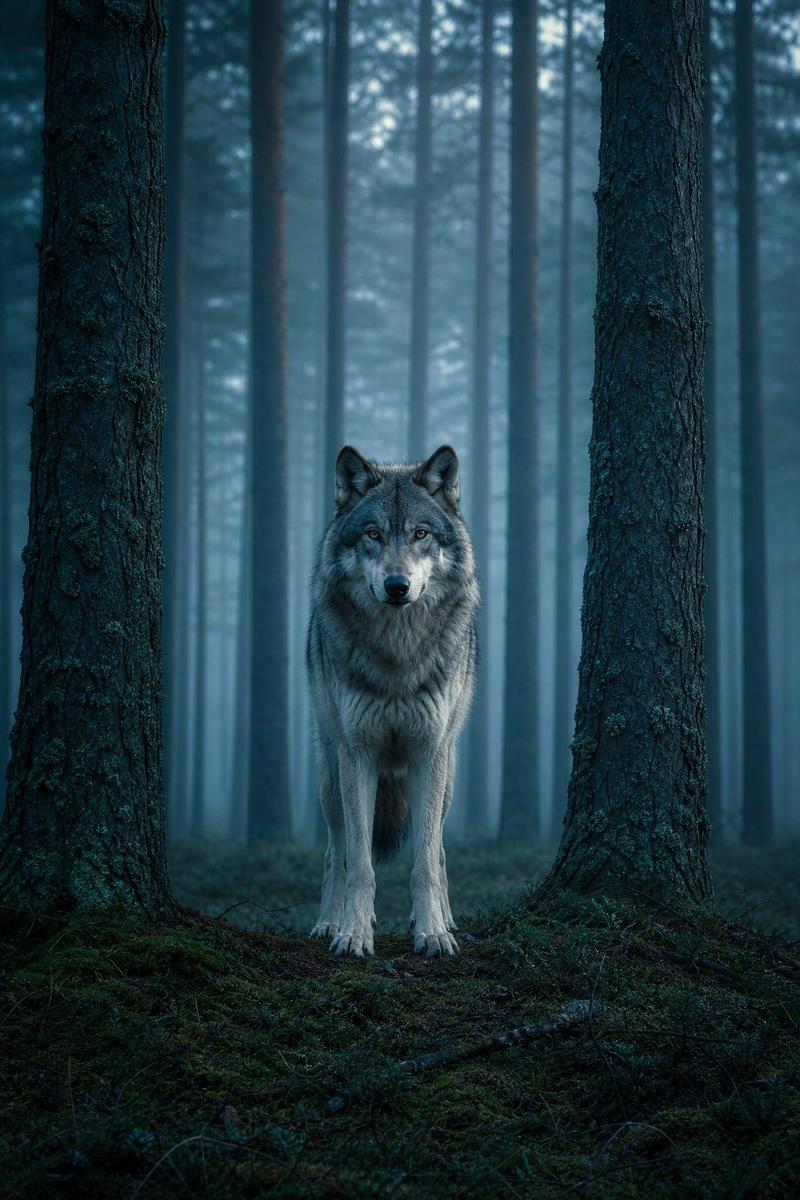
 "Type": "Majestic gray wolf",
 "Expression": "Calm, powerful, watchful",
 "Eyes": "Golden, sharp, intelligent",
 "Fur": {
 "Texture": "Thick winter coat",
 "Details": "Frosted with snowflakes and icy highlights"
 }
 }
 },
 "RelationshipAndTheme": {
 "Concept": "Deep emotional and primal bond between human and animal",
 "Symbolism": "Trust, protection, wilderness, shared spirit",
 "Connection": "Perfect visual and emotional symmetry"
 },
 "SceneDescription": {
 "Environment": "Snowy forest",
 "Weather": {
 "Condition": "Gentle snowfall",
 "Atmosphere": "Cold mist in the air"
 },
 "Background": {
 "Elements": "Snow-covered trees",
 "Treatment": "Softly blurred for cinematic depth"
 }
 },
 "Composition": {
 "Framing": "Tight cinematic portrait",
 "Symmetry": "Strong centered composition with aligned faces",
 "DepthOfField": "Shallow depth of field",
 "Focus": "Ultra-sharp focus on eyes of both subjects"
 },
 "LightingAndMood": {
 "Lighting": "Soft natural overcast winter light",
 "ShadowQuality": "Gentle, diffused shadows",
 "ColorGrading": "Cinematic cool winter tones with subtle warmth in skin and eyes",
 "Mood": "Dramatic yet serene, mystical, powerful"
 },
 "ArtDirection": {
 "Style": "Fine-art wildlife and cinematic portrait photography",
 "Aesthetic": "Epic, timeless, emotionally charged",
 "TextureEmphasis": [
 "Natural skin texture",
 "Fur detail",
 "Snowflakes and frost"
 ]
 },
 "PhotographyStyle": {
 "Genre": "Cinematic fine-art wildlife portrait",
 "RealismLevel": "Ultra-realistic",
 "DetailLevel": "8K-quality detail with cinematic softness"
 },
 "Mood": {
 "Tone": "Quiet intensity, mystery, reverence for nature",
 "EmotionalImpact": "Awe, connection, primal calm"
 },
 "NegativePrompt": [
 "aggressive wolf",
 "fearful expression",
 "cartoon",
 "fantasy illustration style",
 "oversaturated colors",
 "harsh lighting",
 "plastic skin",
 "low detail"
 ],
 "ResponseFormat": {
 "Type": "Single image",
 "Orientation": "Portrait",
 "AspectRatio": "2:3"
 }
}- Category
- Photography & Realism
- Model
- GPT Image 2
- Creator
- Taaruk
- Source language
- en
- Source ID
- 2011395626504966335
- Published
- Jan 14, 2026
Views0