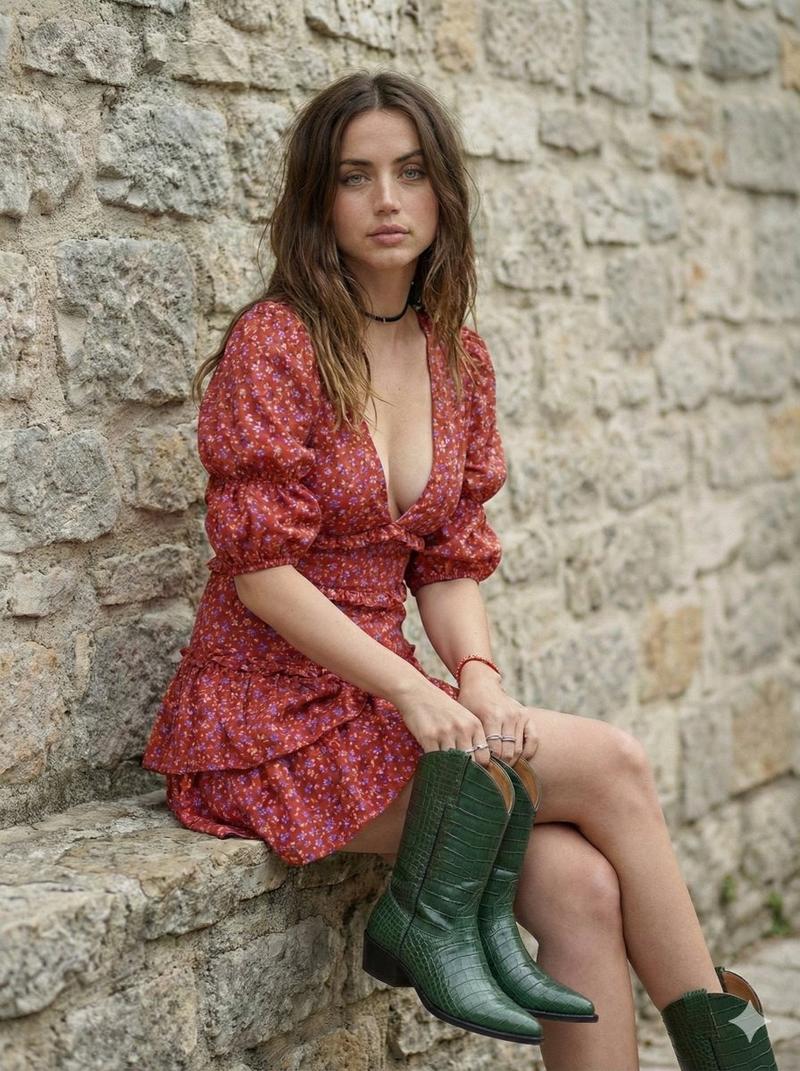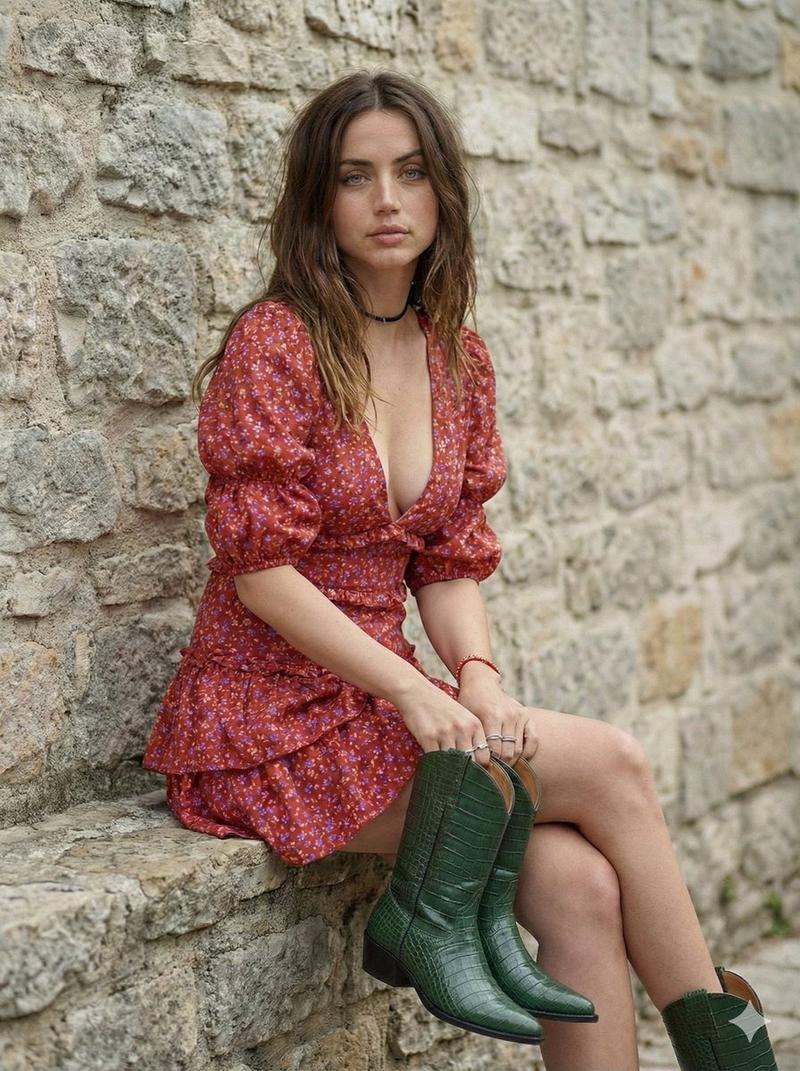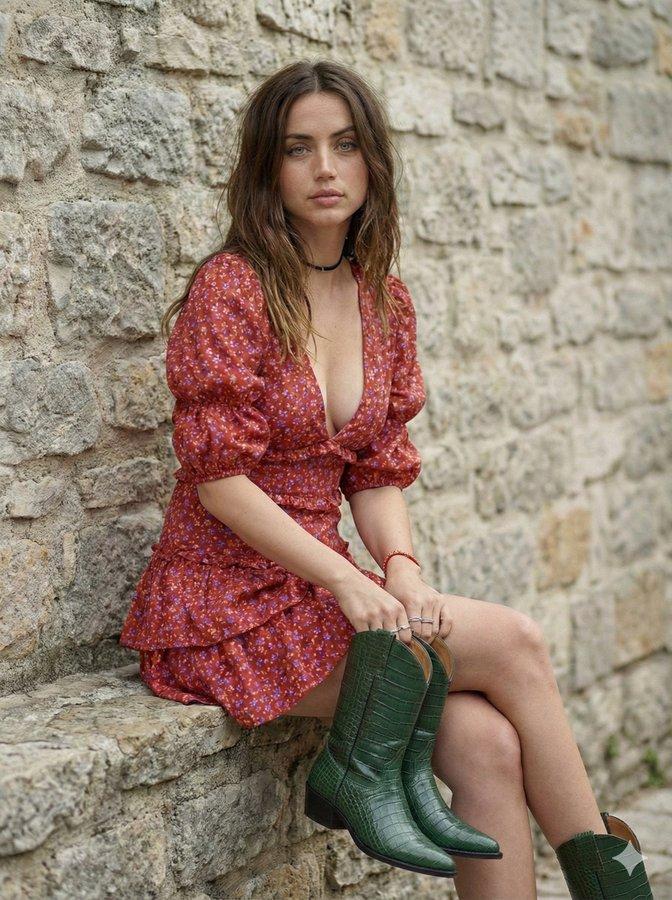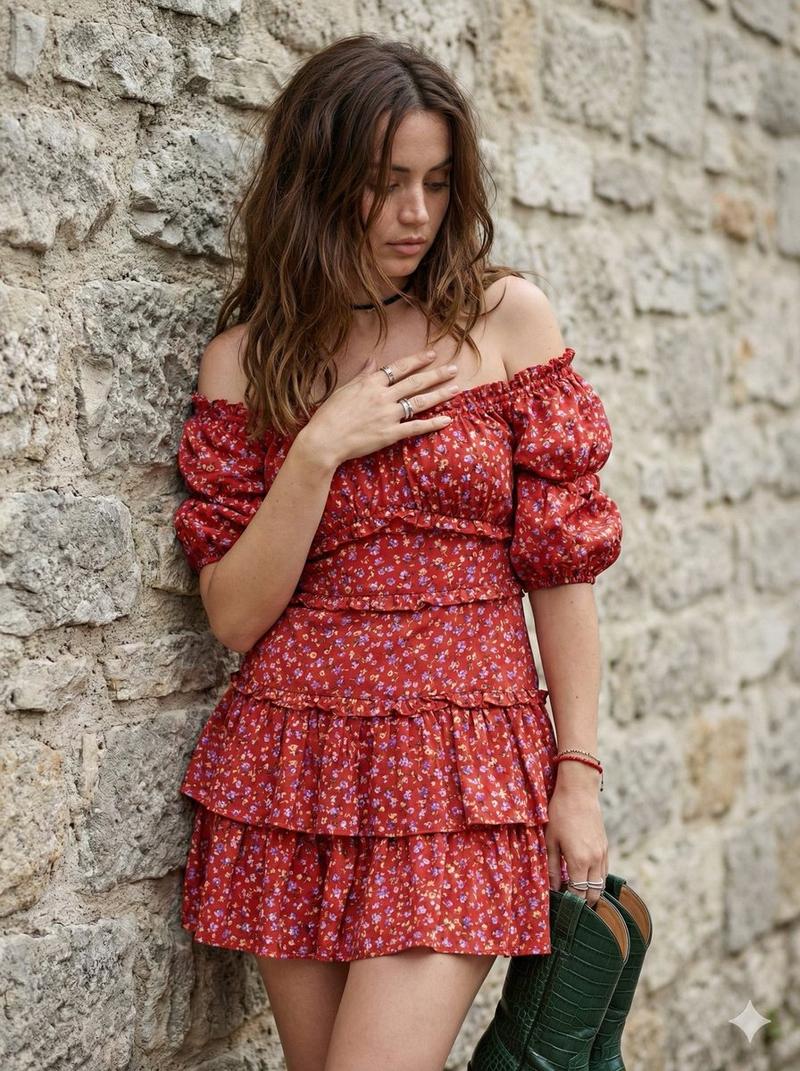
Ana de Armas stone wall pose: GPT Image 2 prompt
Prompt
{
 "prompt_details": {
 "subject": {
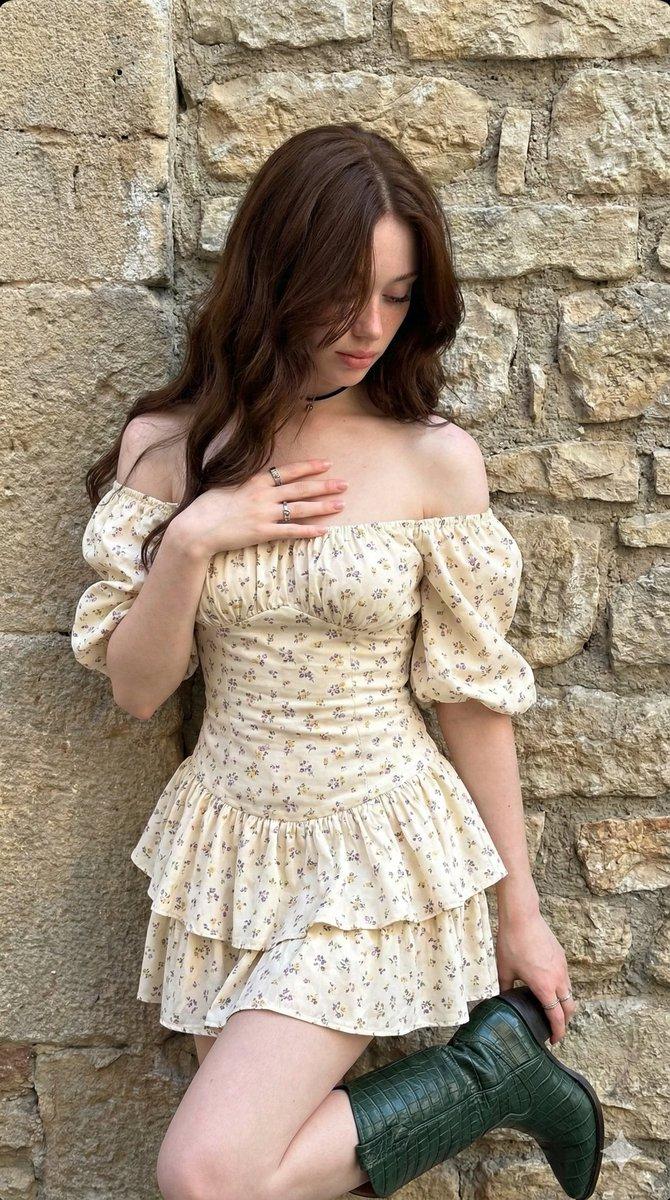
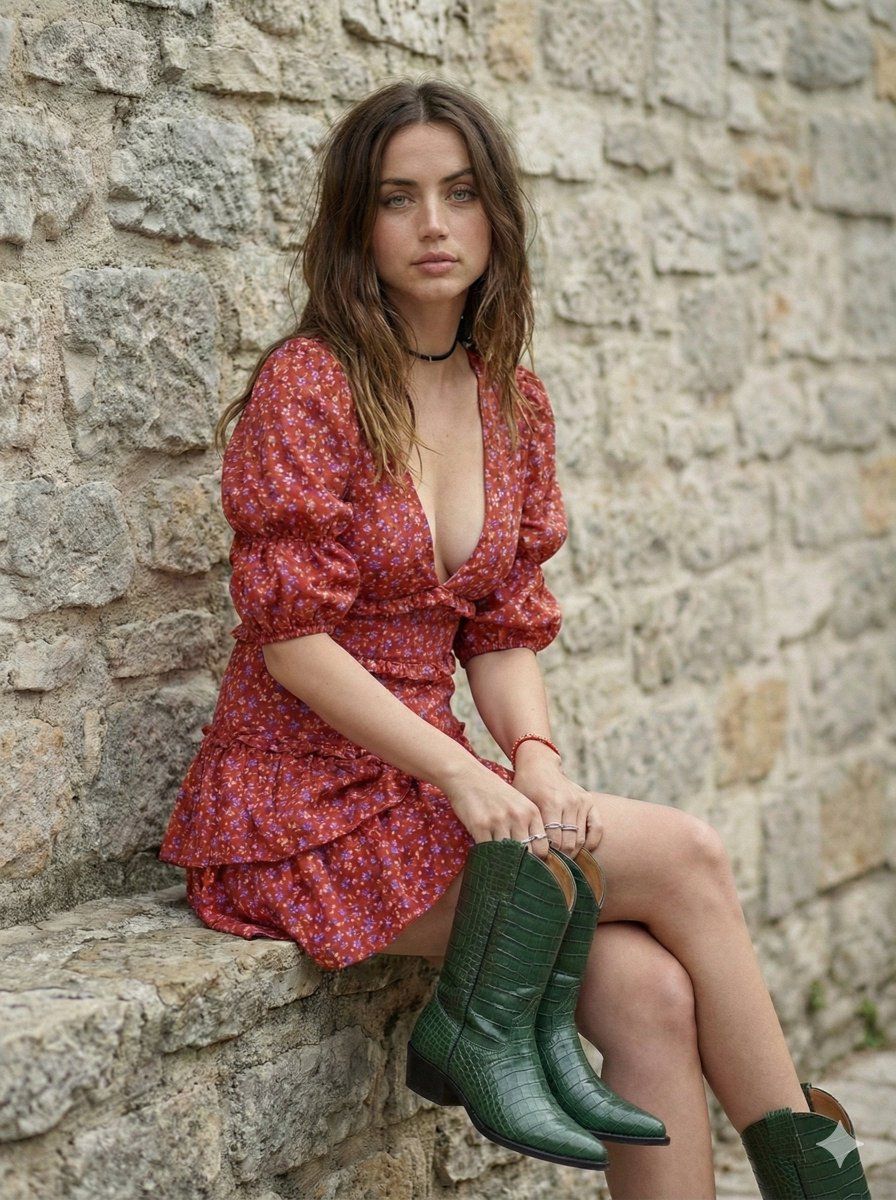
 "type": "Young woman Ana de Armas ",
 "appearance": {
 "hair": "Long, dark chestnut brown, loose waves, falling over face, messy aesthetic",
 "skin": "Fair complexion, smooth texture, natural finish",
 "face": "Looking downward, face partially obscured by hair, introspective expression",
 "body_type": "Slender, fit"
 },
 "pose": {
 "stance": "Leaning against a stone wall, body slightly angled",
 "hands": "Right hand resting gently on chest/neck with fingers splayed, left hand holding a green object (boot) down by her side",
 "gaze": "Downward, avoiding eye contact"
 }
 },
 "clothing": {
 "dress": {
 "style": "Off-the-shoulder mini dress, cottagecore/boho style",
 "fabric": "Lightweight cotton or linen blend",
 "color": "Red/off-Red base",
 "pattern": "Small, delicate floral print with purple and yellow wildflowers",
 "details": ["Ruffled tiered skirt", "Puffed short sleeves", "Sweetheart neckline", "Corset-style bodice structure"]
 },
 "accessories": [
 "Thin black choker necklace",
 "Multiple silver rings on fingers",
 "Red beaded bracelet on left wrist",
 "Holding a dark green, crocodile-texture cowboy boot"
 ]
 },
 "environment": {
 "background": "Textured stone masonry wall",
 "details": "Large, irregular grey and beige stone blocks, rough texture, natural architectural backdrop",
 "setting": "Outdoor or semi-outdoor daylight setting"
 },
 "lighting": {
 "type": "Soft natural daylight",
 "quality": "Diffused, even illumination, soft shadows",
 "direction": "Front-lit but soft"
 },
 "styling": {
 "aesthetic": "Bohemian, chic, feminine, soft grunge undertones",
 "mood": "Casual, candid, slightly moody, artistic"
 },
 "camera_details": {
 "shot_type": "Medium shot (thigh-up)",
 "angle": "Eye-level",
 "lens": "85mm prime lens for flattering portrait compression",
 "aperture": "f/2.8 for slight depth of field separation from the wall",
 "focus": "Sharp focus on the subject and dress texture"
 },
 "technical_specifications": {
 "quality": "Ultra Photorealistic, 8k resolution, highly detailed",
 "texture_quality": "High fidelity fabric textures, realistic skin pores, detailed stone masonry",
 "engine": "Unreal Engine 5 render style or high-end photography" Ratio 3.4
 }
}- Category
- Photography & Realism
- Model
- GPT Image 2
- Creator
- Yaseen Khan Gul
- Source ID
- 2012212911637217522
- Published
- Jan 16, 2026
Views0