18

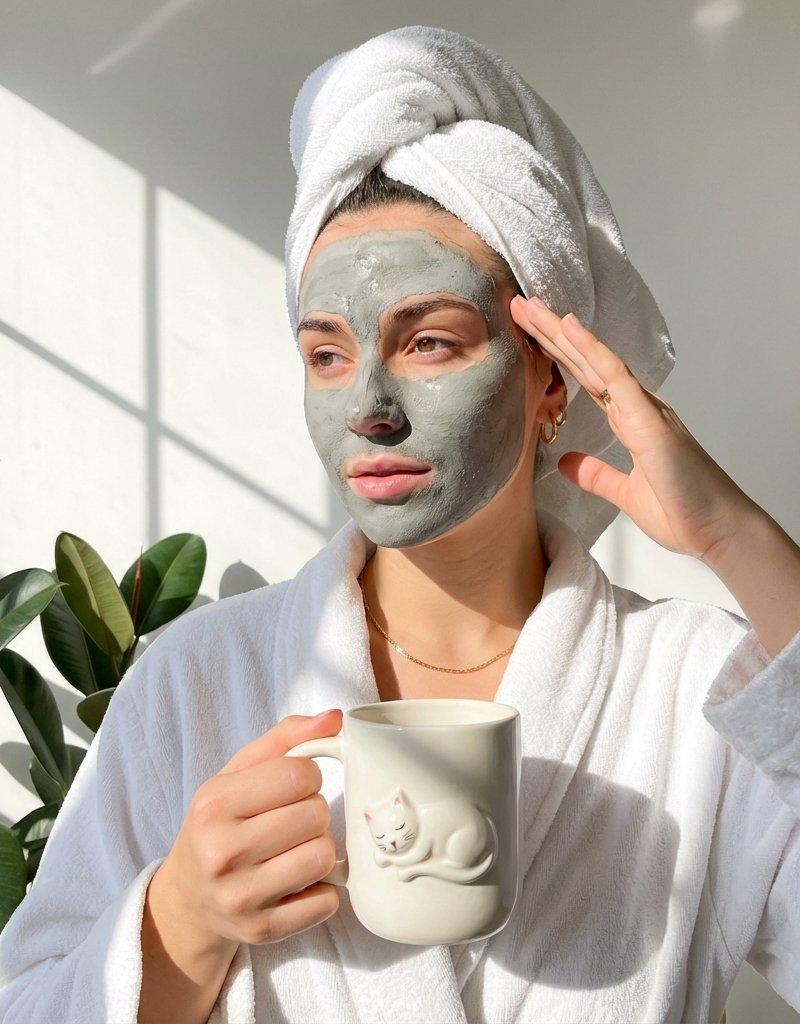
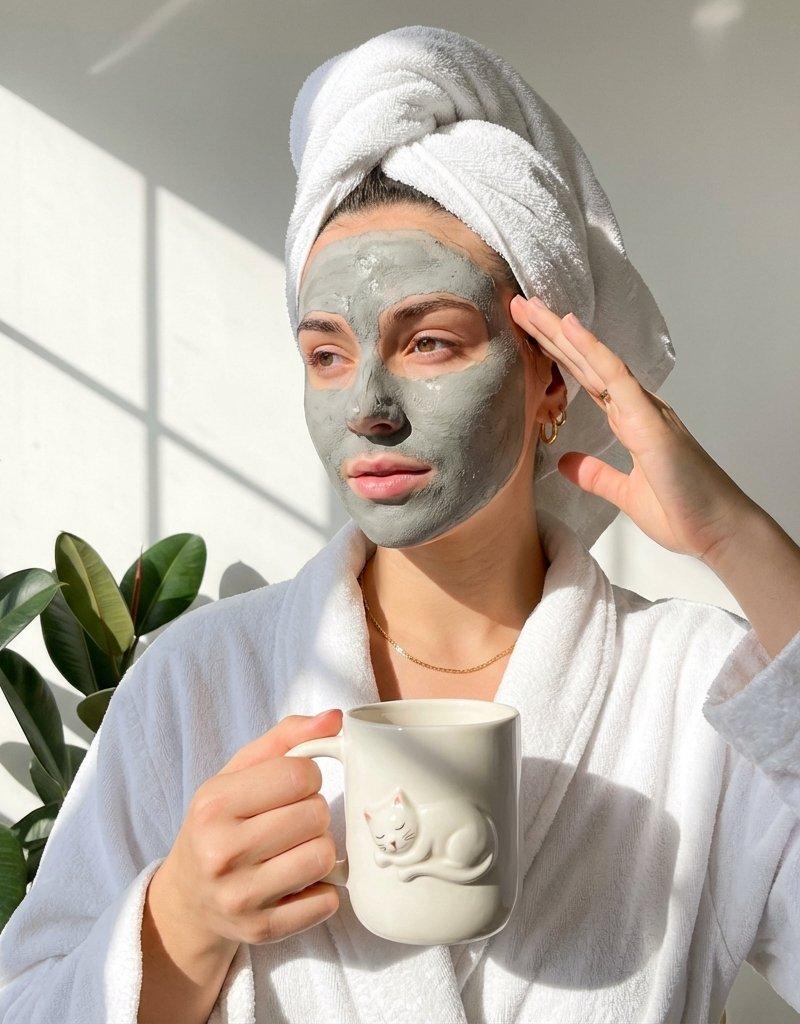
Spa clay-mask portrait: GPT Image 2 prompt
Enlarge

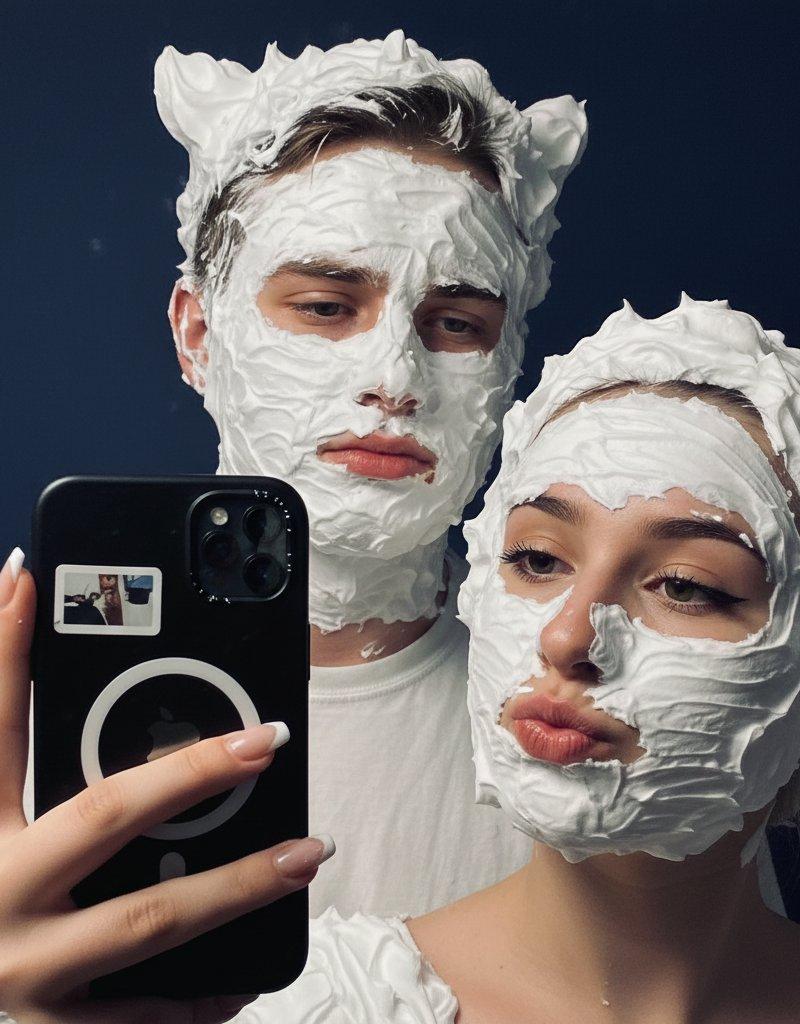
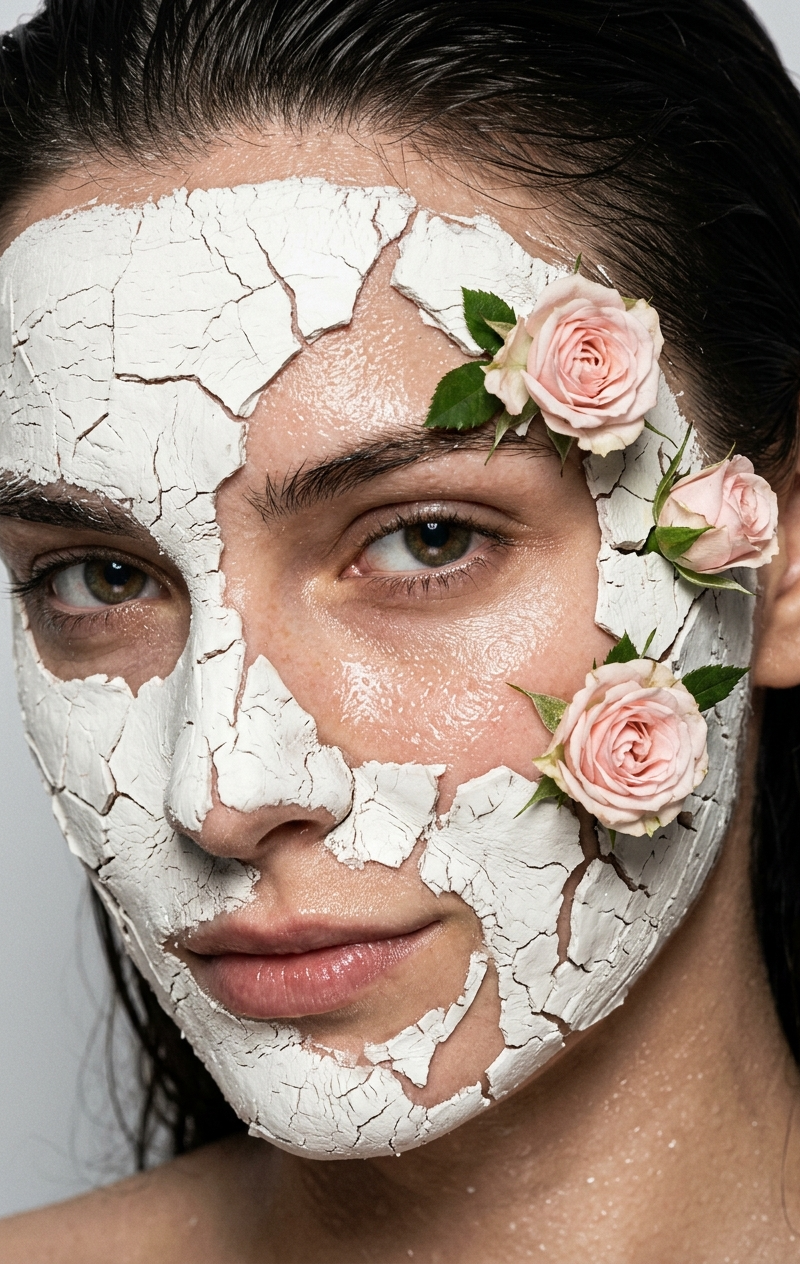
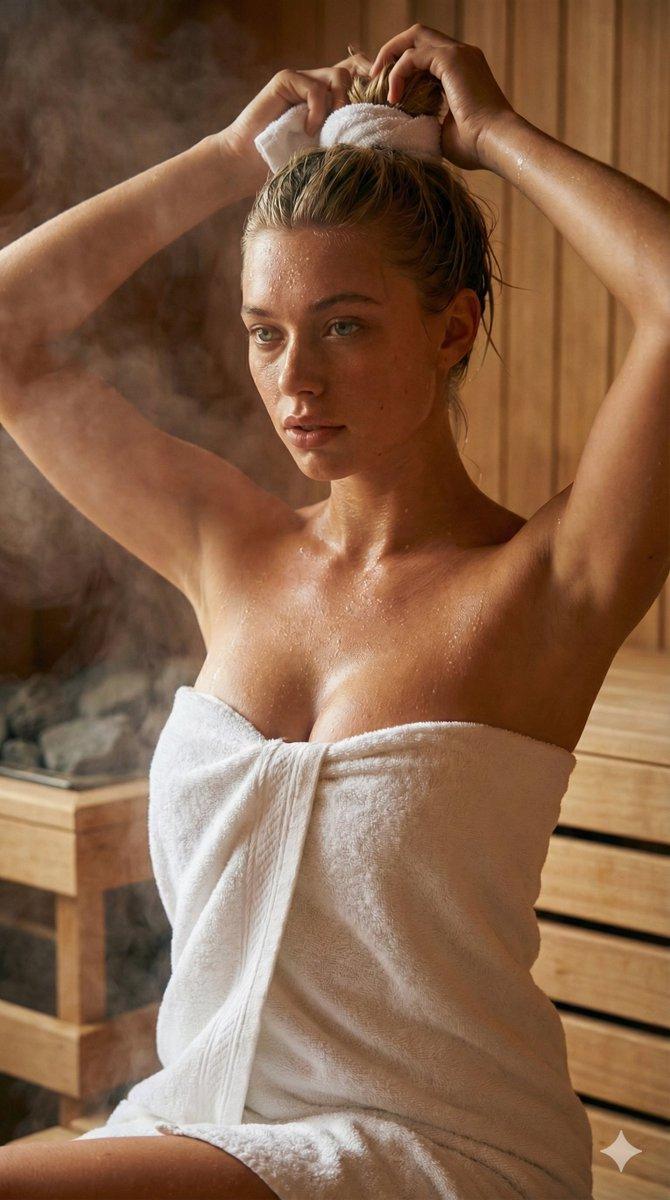
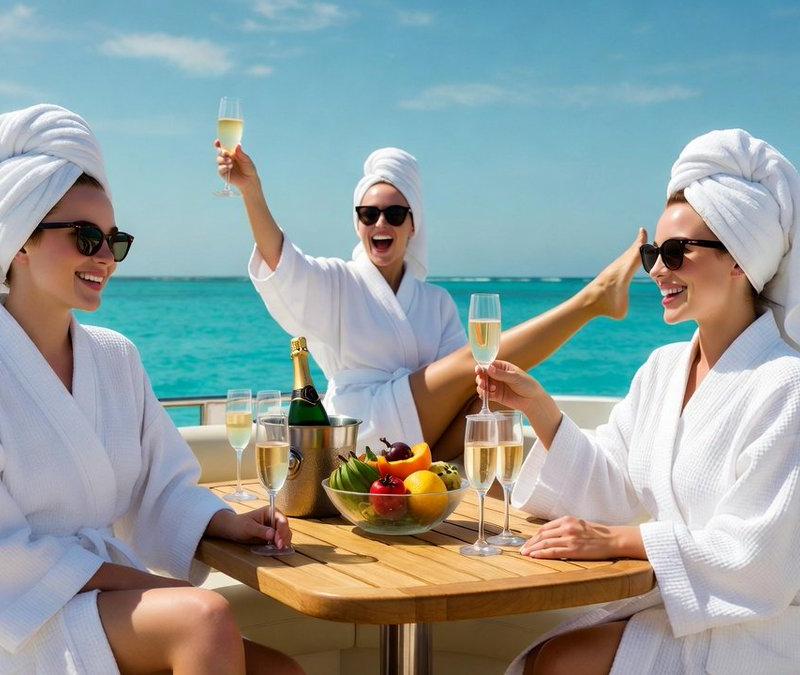
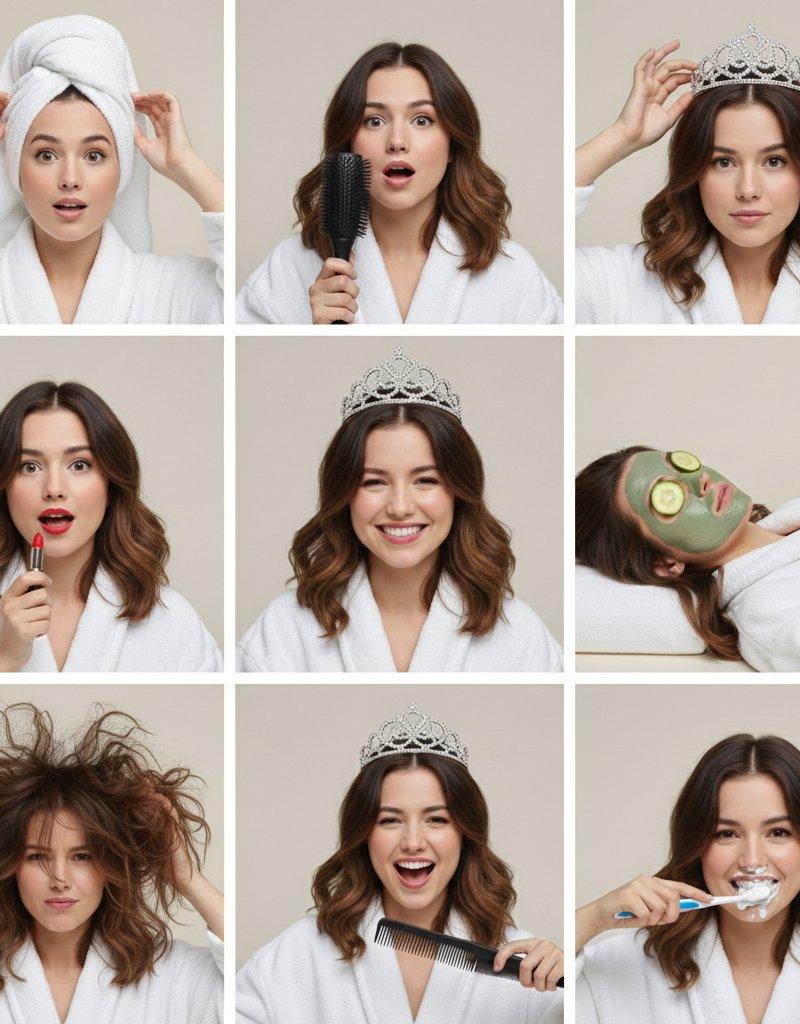
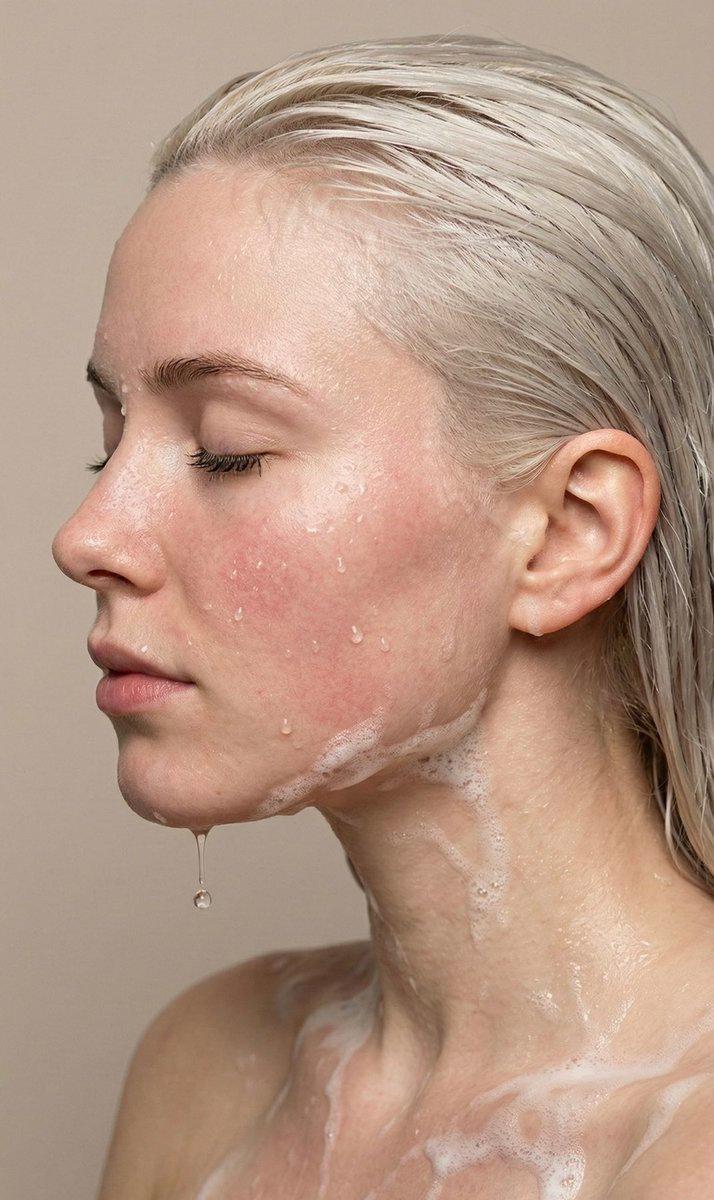
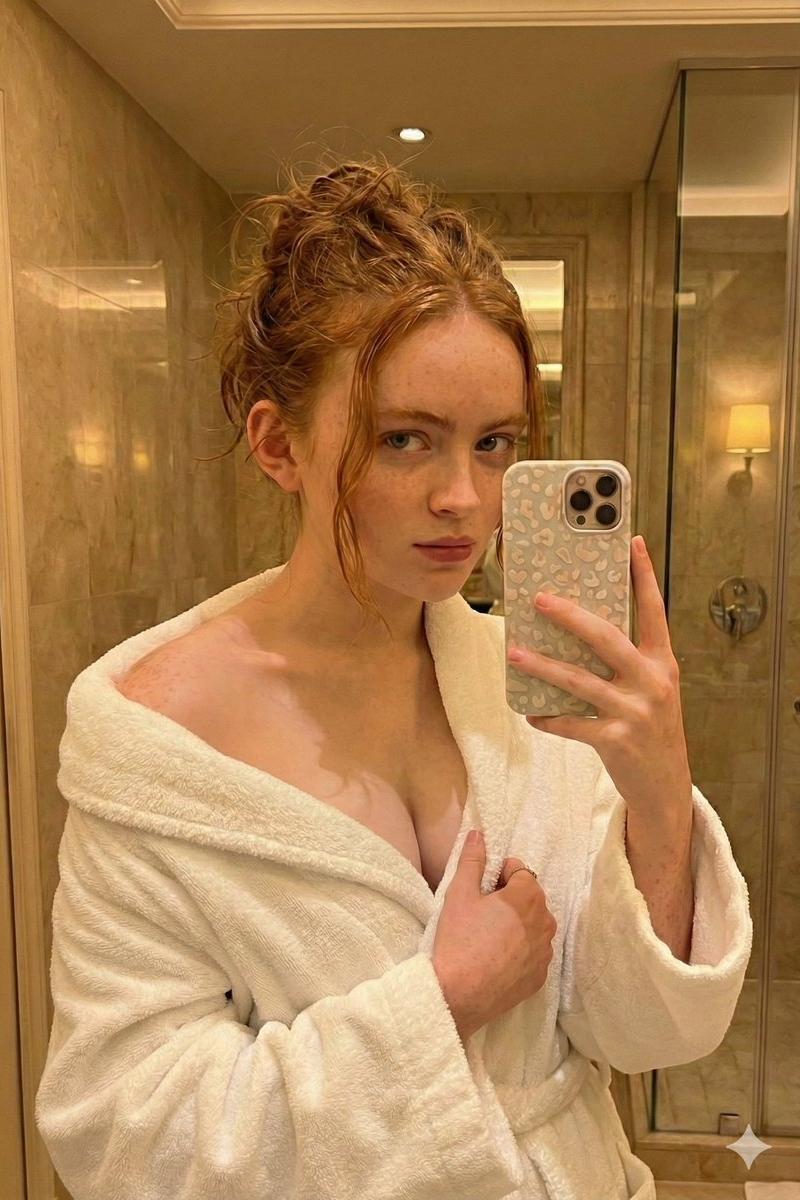
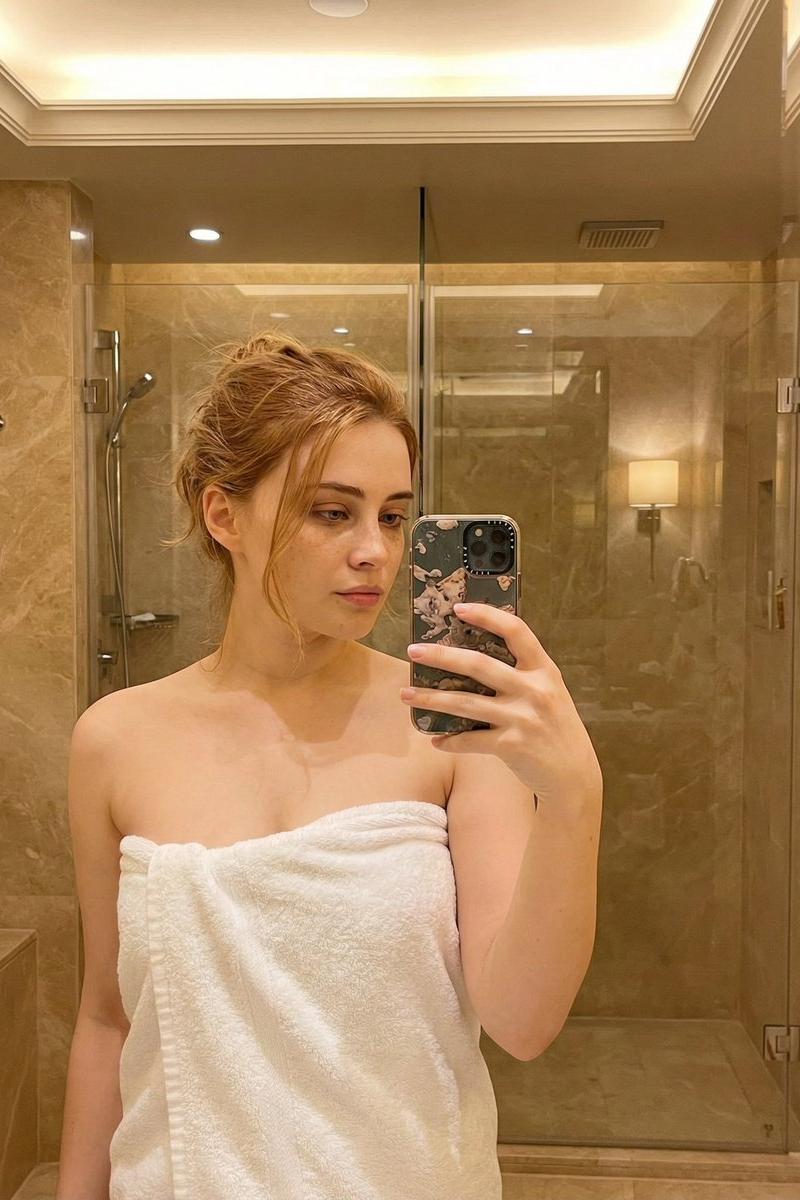
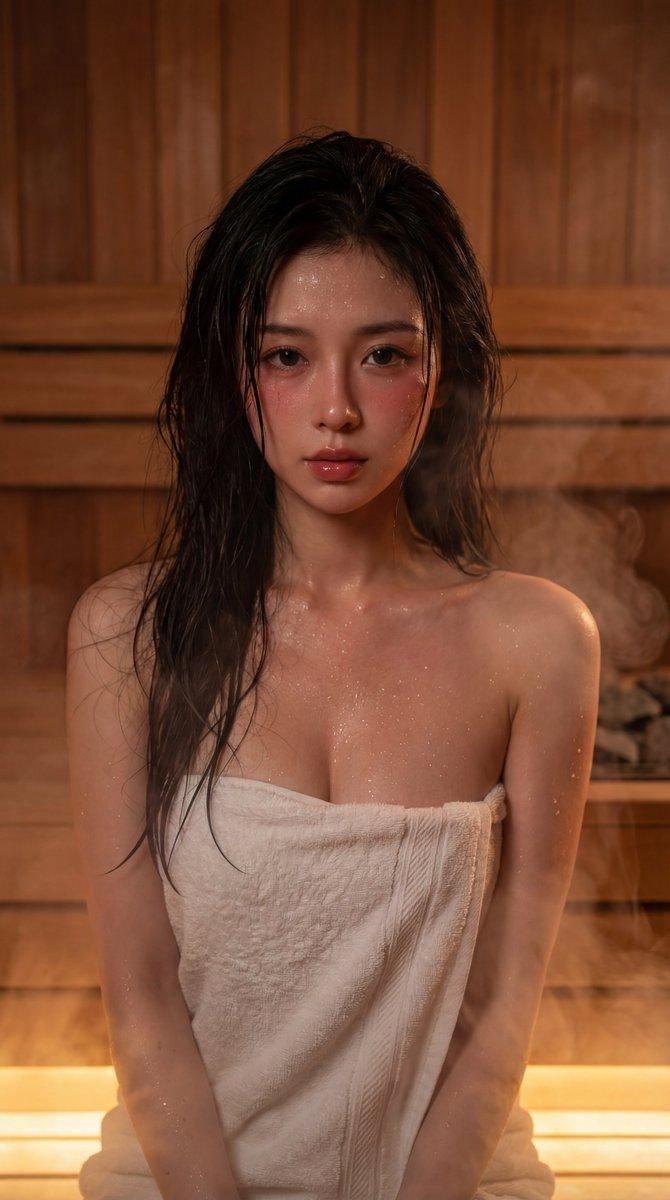
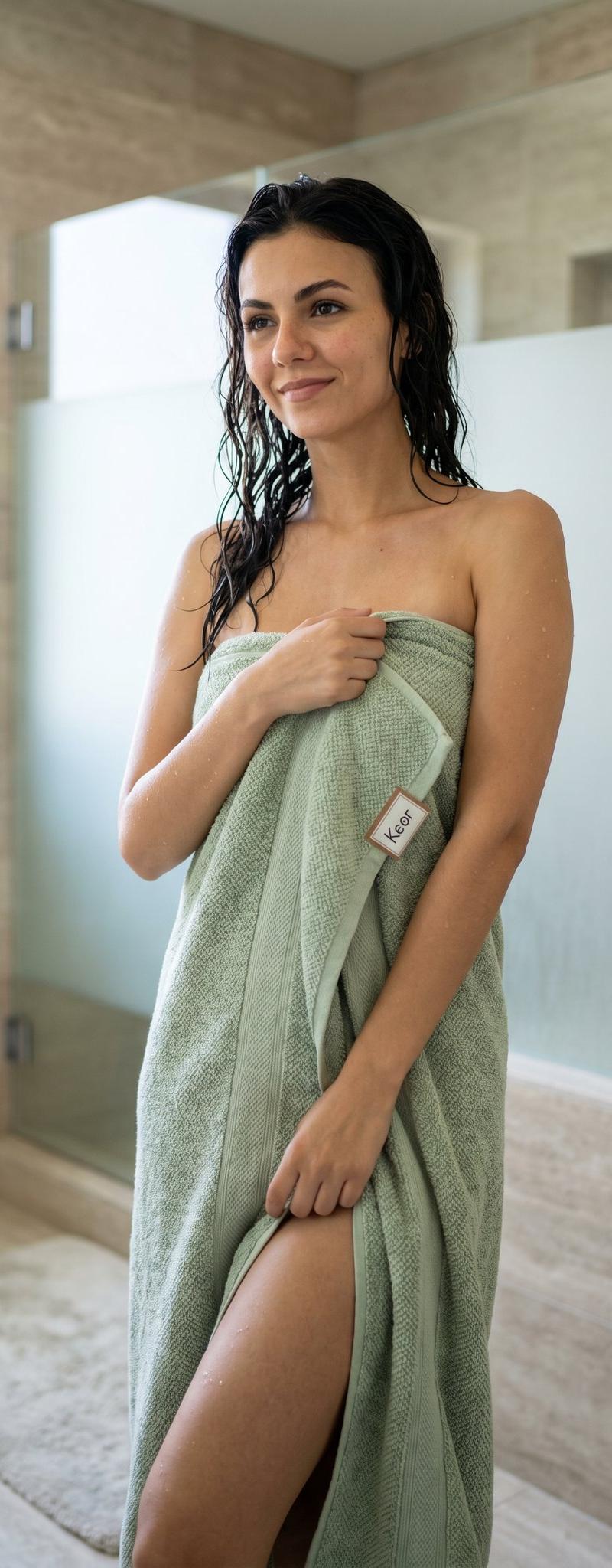
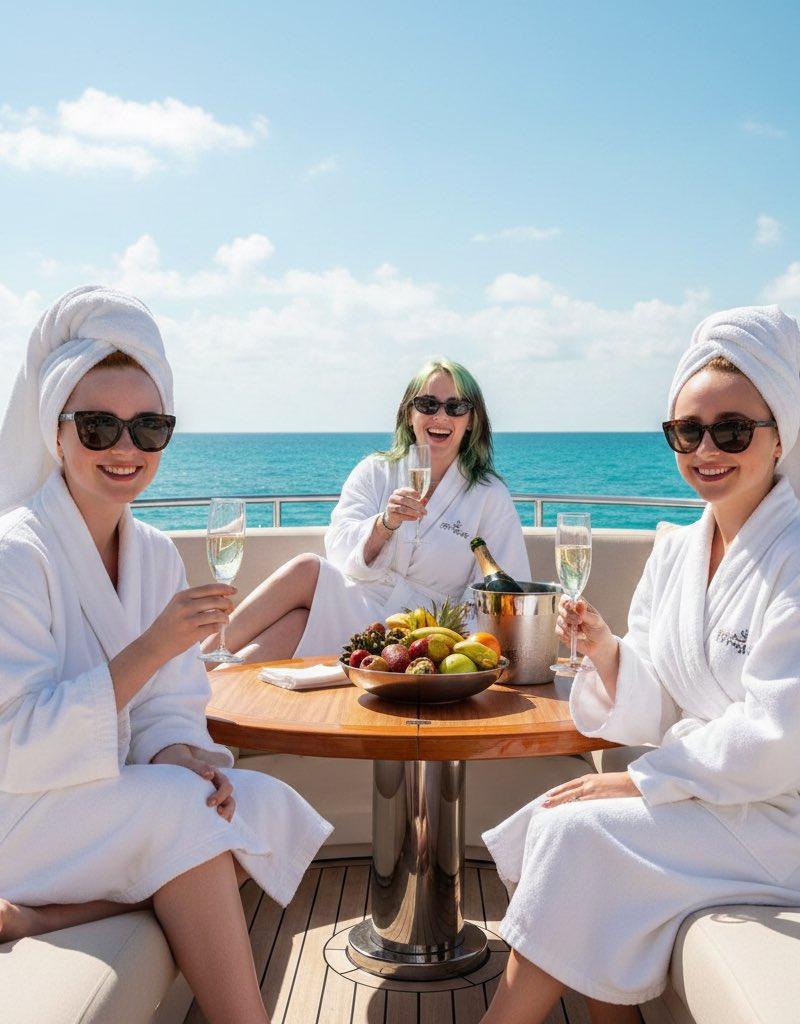
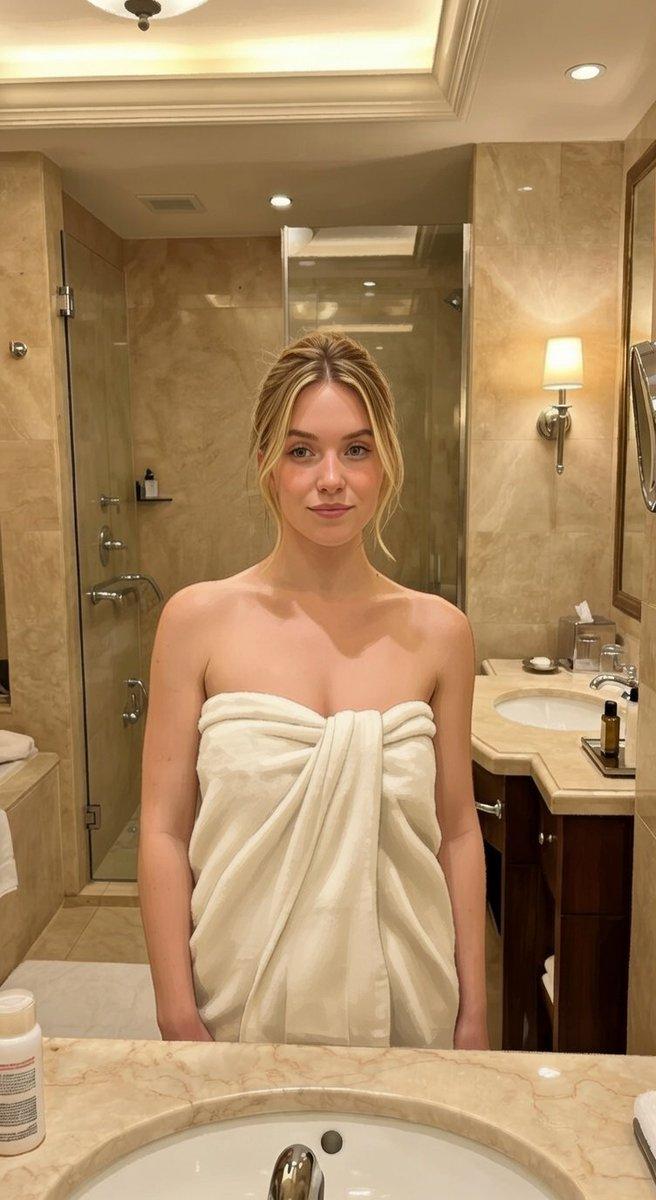
Example images

Spa clay-mask portrait: GPT Image 2 prompt

Prompt
{
 "image_generation": {
 "subject": {
 "description": "young woman enjoying a calm self-care moment",
 "expression": "relaxed, thoughtful, peaceful",
 "face": "natural facial features with a gray clay face mask applied evenly",
 "skin": "natural skin tone, soft texture"
 },
 "hair": {
 "style": "hair wrapped in a white towel turban",
 "appearance": "clean, spa-style look"
 },
 "outfit": {
 "clothing": "white bathrobe",
 "style": "minimal, cozy, spa aesthetic",
 "accessories": "small gold hoop earrings, delicate gold necklace"
 },
 "pose": {
 "hands": "one hand holding a ceramic mug, other hand lightly touching the side of the head",
 "posture": "upright, relaxed stance"
 },
 "props": {
 "mug": "white ceramic mug with a cute cat design",
 "theme": "morning relaxation, wellness routine"
 },
 "environment": {
 "setting": "bright indoor space near a window",
 "background": "soft white wall with natural window light and leafy green houseplant",
 "mood": "calm, fresh, minimal"
 },
 "lighting": {
 "type": "natural sunlight",
 "direction": "side-lit through a window",
 "effect": "soft shadows, warm highlights"
 },
 "camera": {
 "style": "lifestyle photography",
 "angle": "medium close-up",
 "focus": "sharp focus on subject, softly blurred background",
 "quality": "high-resolution, photorealistic"
 },
 "aesthetic": {
 "theme": "self-care, wellness, morning routine",
 "color_palette": "soft whites, neutral tones, natural greens",
 "vibe": "clean, peaceful, luxurious yet minimal"
 }
 }
}
Category
Photography & Realism
Model
GPT Image 2
Creator
𝗦𝗮𝗻𝗶𝗮
Source language
en
Views0
Source ID
2015284406307692759
Published
Jan 25, 2026
Studio

Guide

About "Spa clay-mask portrait: GPT Image 2 prompt"

What is this prompt for?

"Spa clay-mask portrait: GPT Image 2 prompt" AI image prompt for GPT Image 2 (Photography & Realism). { "image_generation": { "subject": { "description": "youn…

The full copyable prompt and example visuals above are ready for AI image generation or one-click recreate in Picva.

How to use this prompt

  1. Step 1

    Open the prompt detail

    Review the example visuals, category, and full prompt text for "Spa clay-mask portrait: GPT Image 2 prompt".

  2. Step 2

    Copy the prompt

    Copy the prompt body from this page, or load it directly in Studio.

  3. Step 3

    Pick a model (GPT Image 2)

    Prefer GPT Image 2. If you switch models, keep subject and composition and tweak style terms.

  4. Step 4

    Generate and export

    Recreate the look in Picva, or export into your workflow for editing and publishing.

FAQ

What is the "Spa clay-mask portrait: GPT Image 2 prompt" prompt?
It is an AI image-generation prompt for GPT Image 2 in the Photography & Realism category. This page includes the full prompt text, example visuals, and a one-click recreate path in Picva.
How do I use this prompt to generate an image?
Copy the prompt from this page, or use Generate / Studio. Paste it into a compatible image model, or recreate the look in Picva with optional reference images.
Which model is this prompt for?
This page lists GPT Image 2. Most descriptive prompts also transfer to nearby image models such as GPT Image, Flux, or Midjourney with light style tweaks.
Can I use the result commercially?
You can usually copy the prompt for creation, but commercial use of the final image depends on the model terms, reference-image rights, and the generated content. Follow the source author and platform rules.