19

Velvet armchair smoke shot: GPT Image 2 prompt
Enlarge

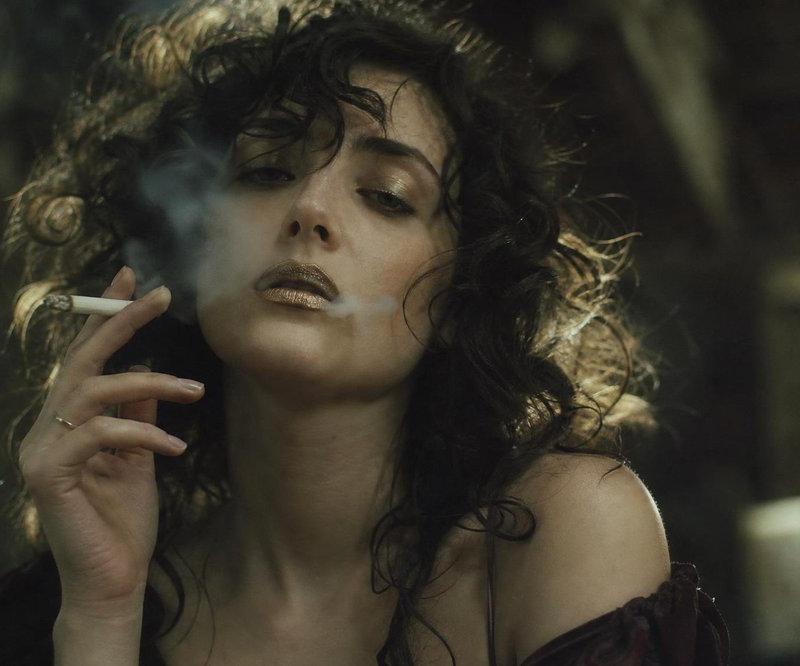
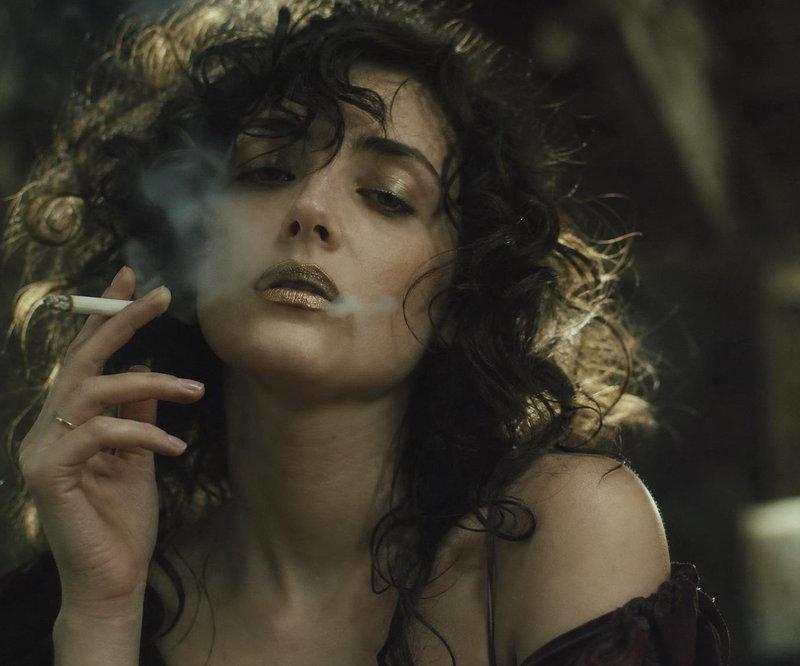
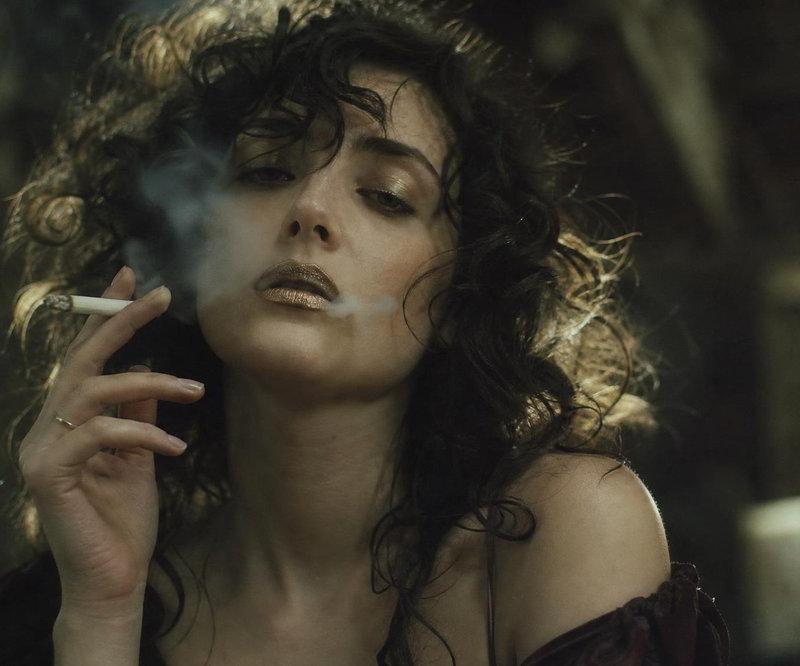
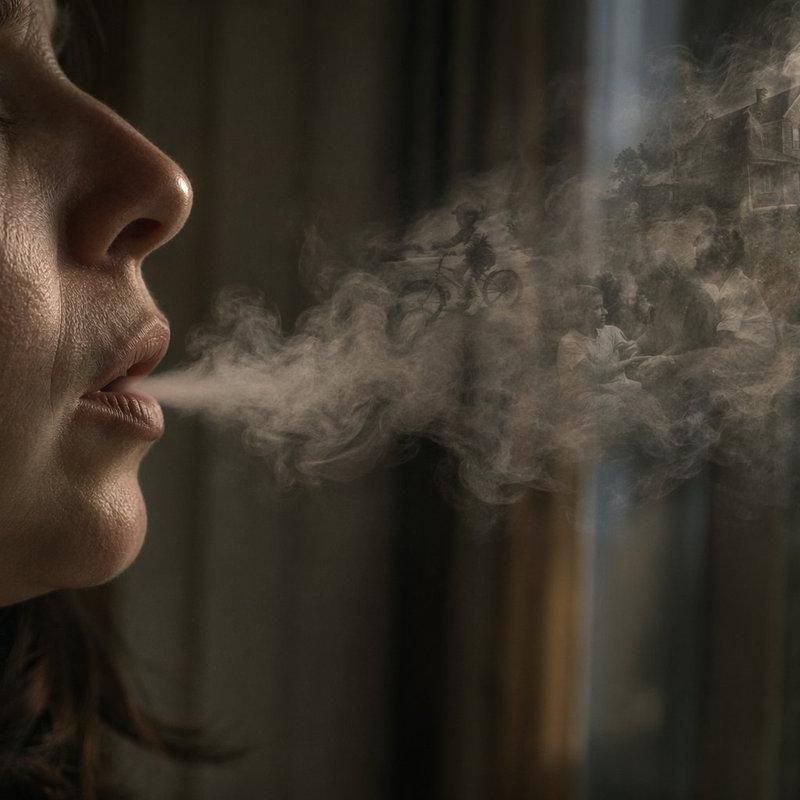
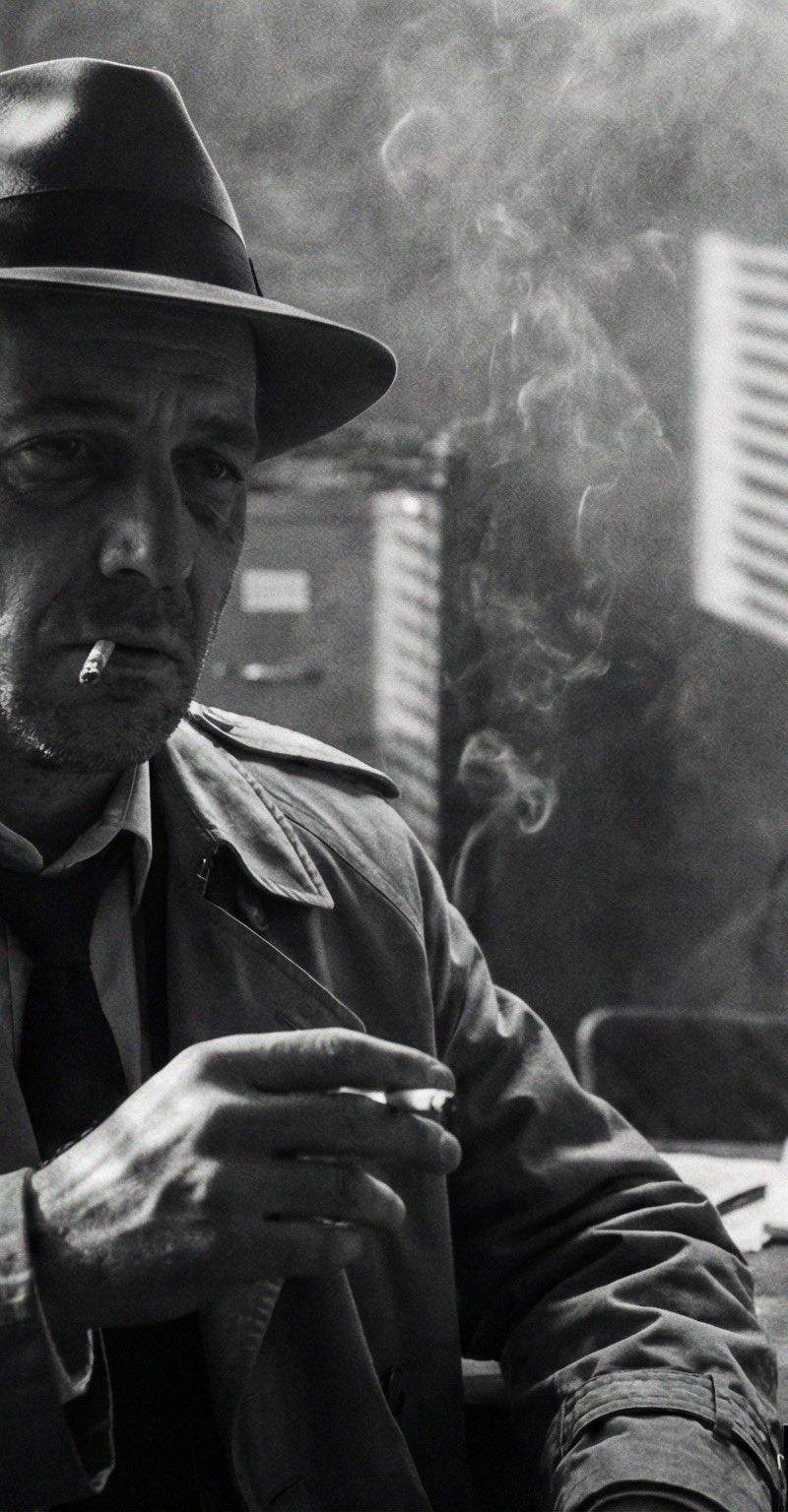
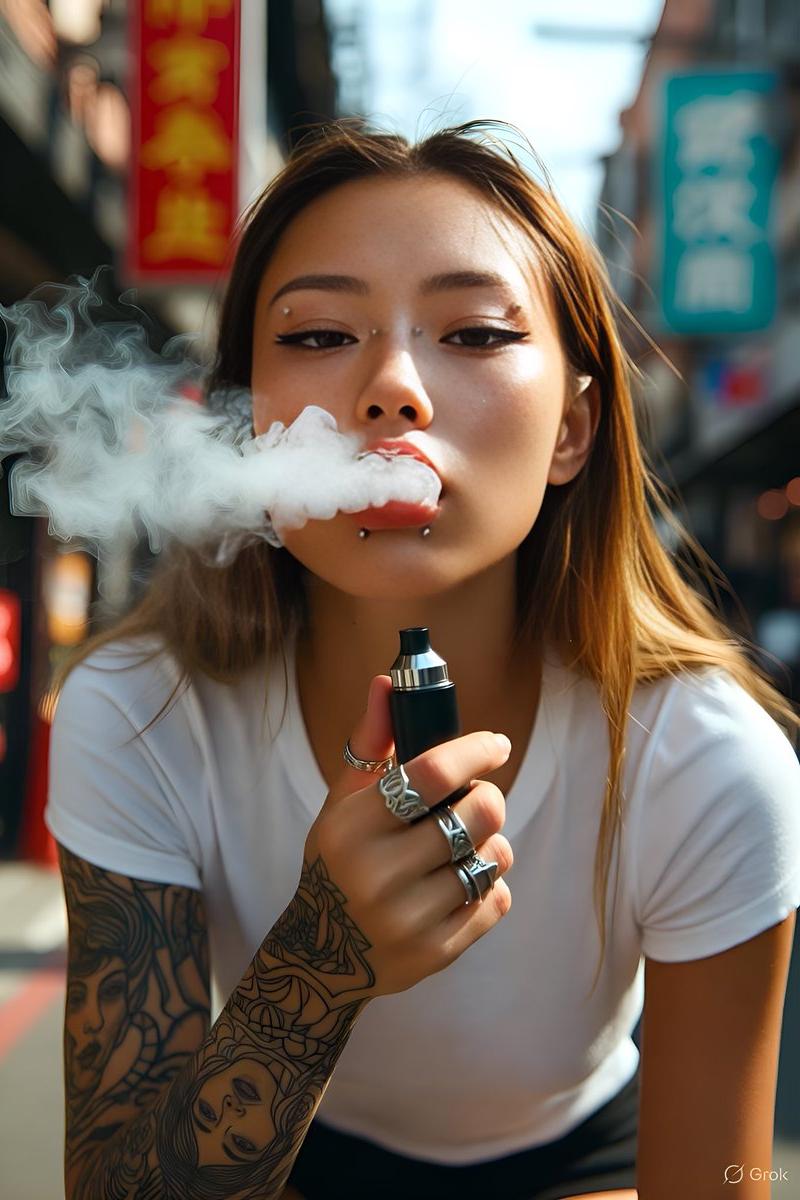
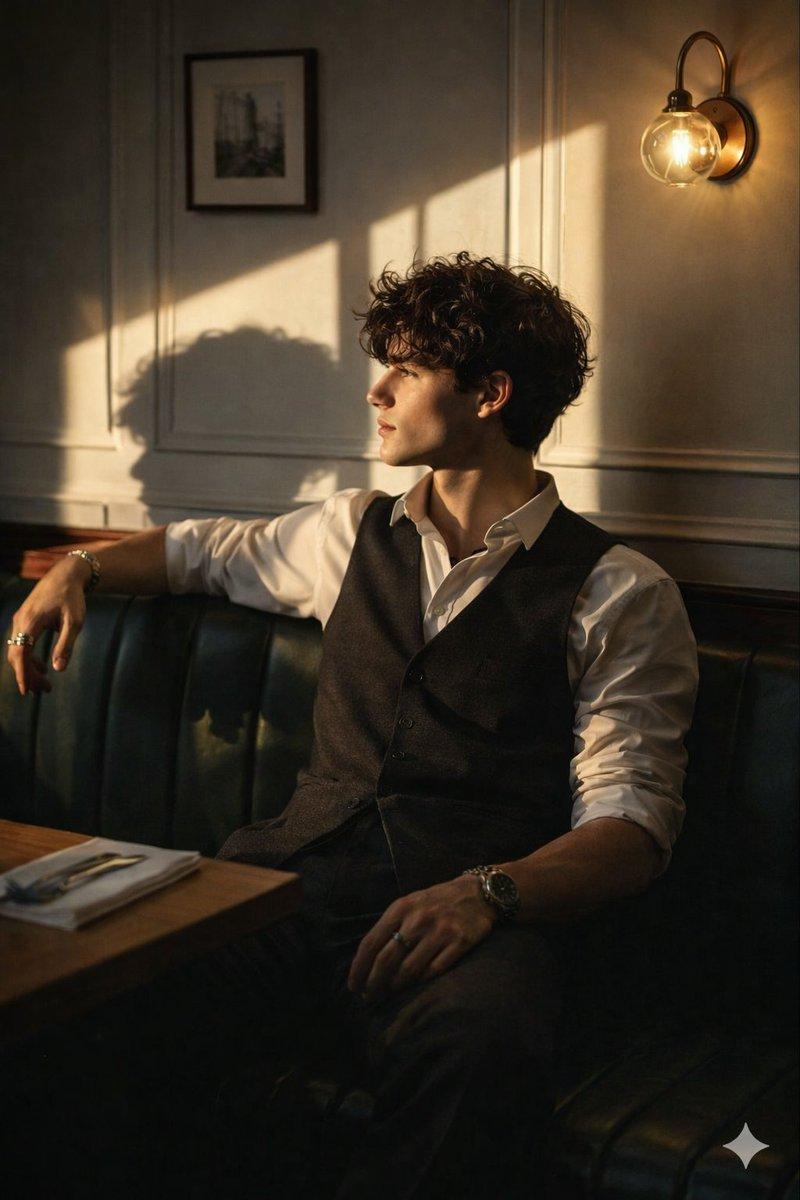
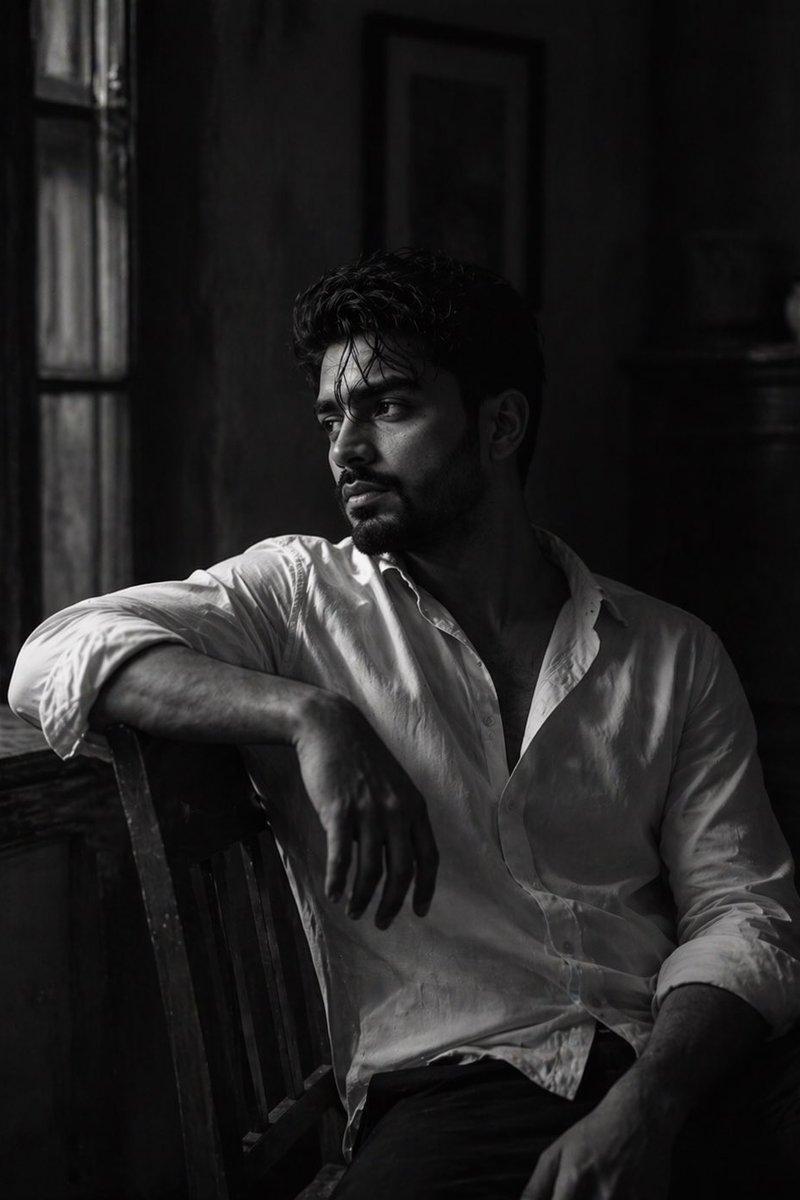
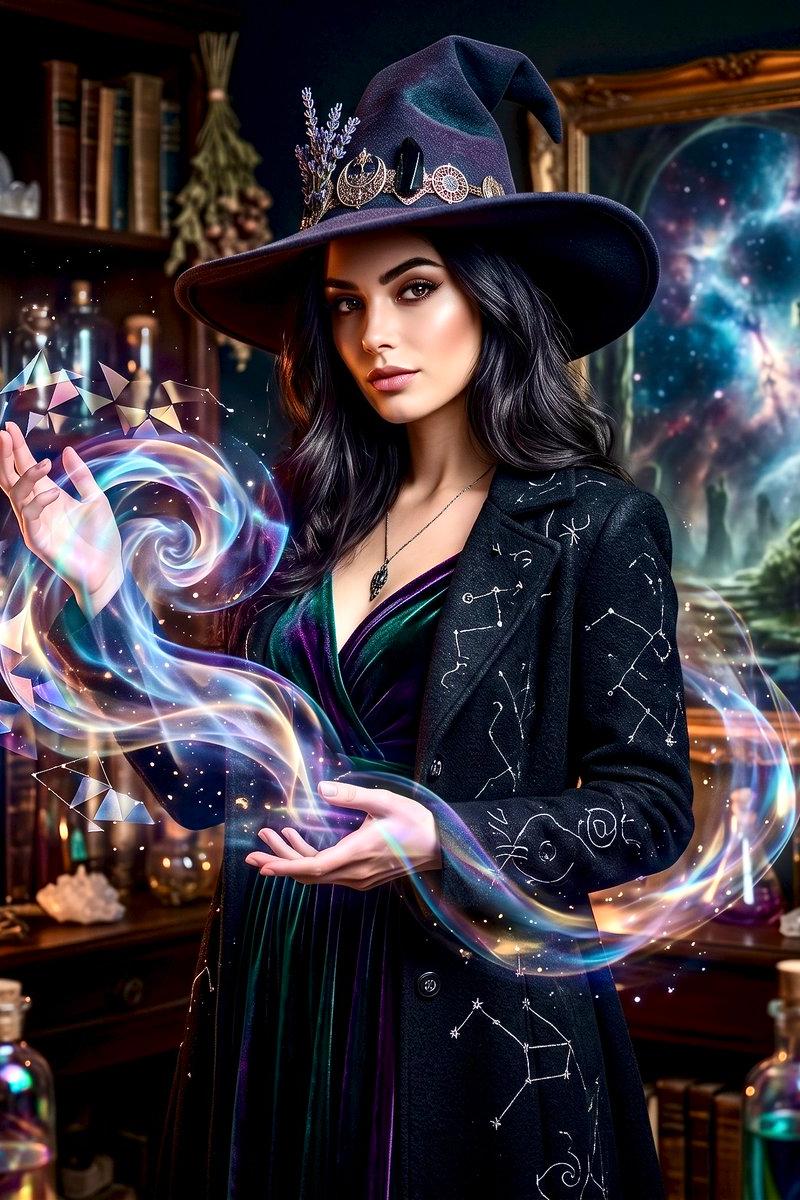
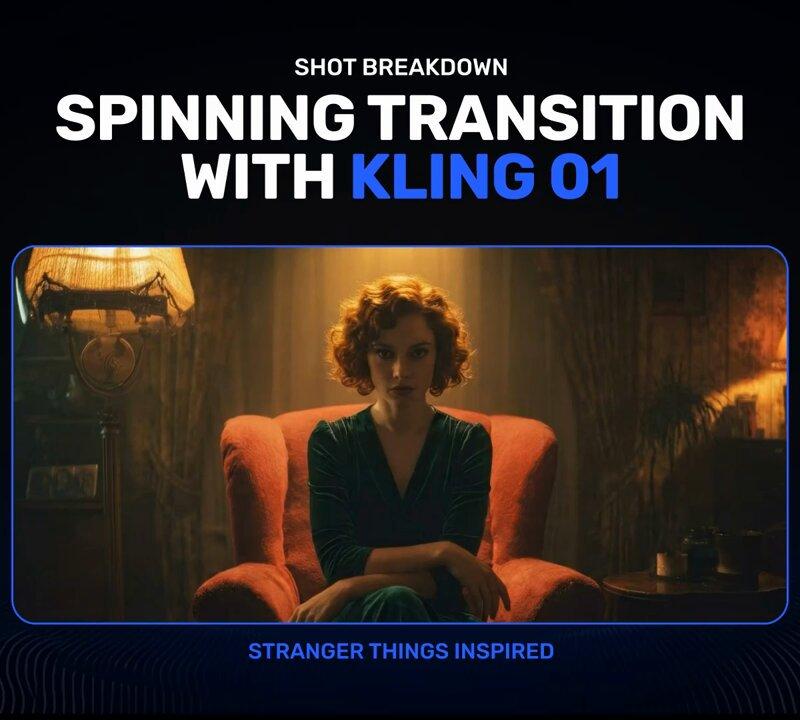
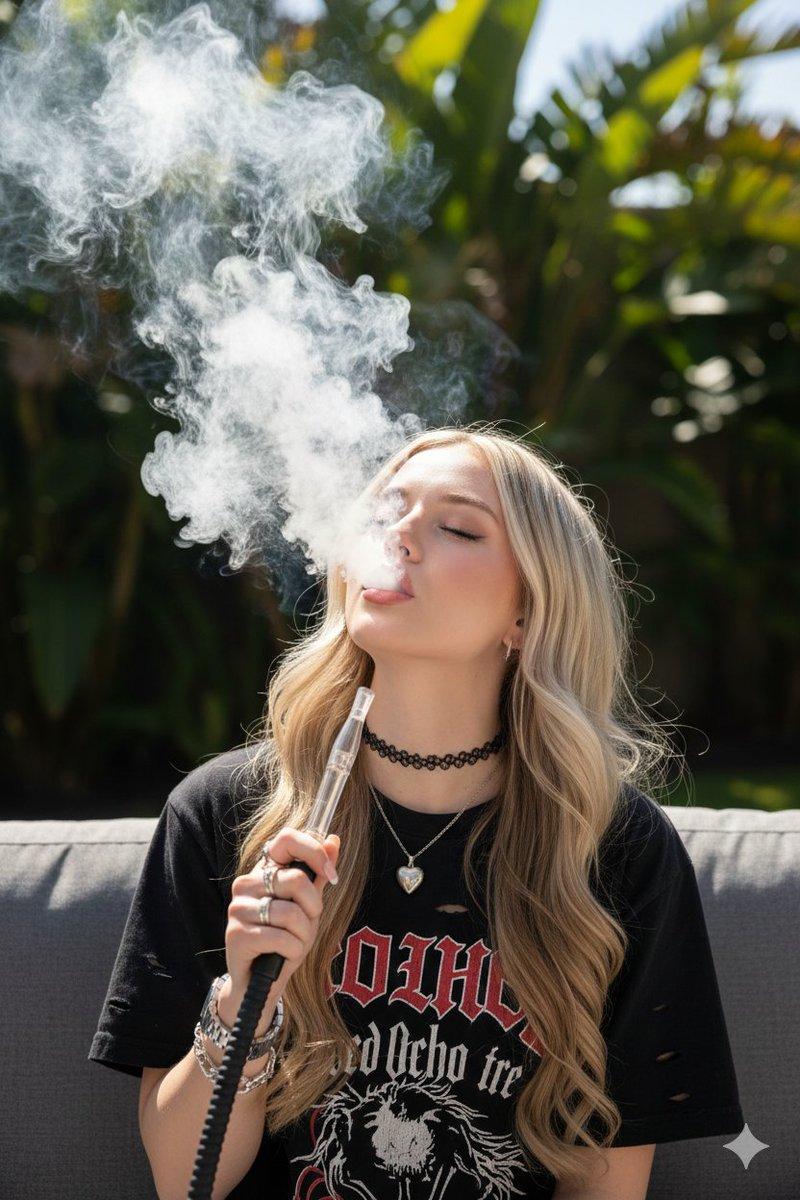
Example images

Velvet armchair smoke shot: GPT Image 2 prompt

Prompt
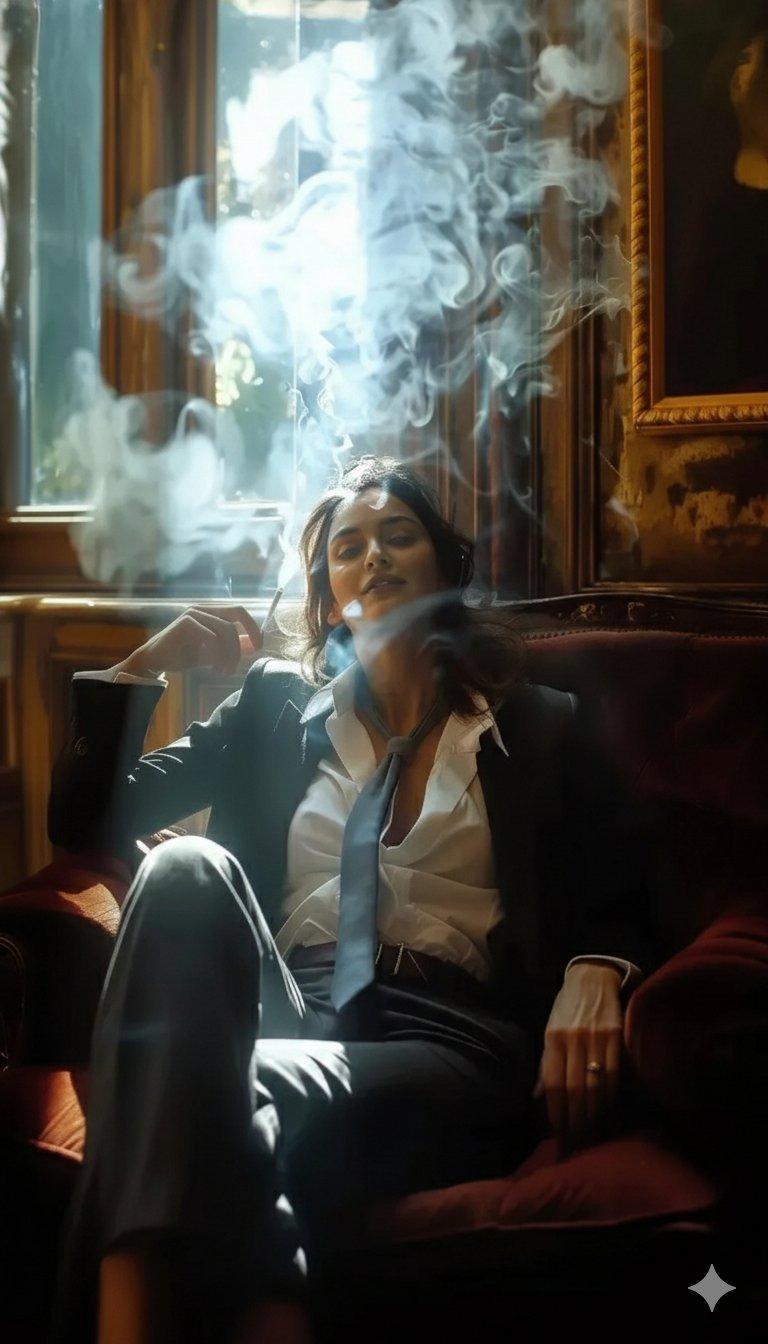
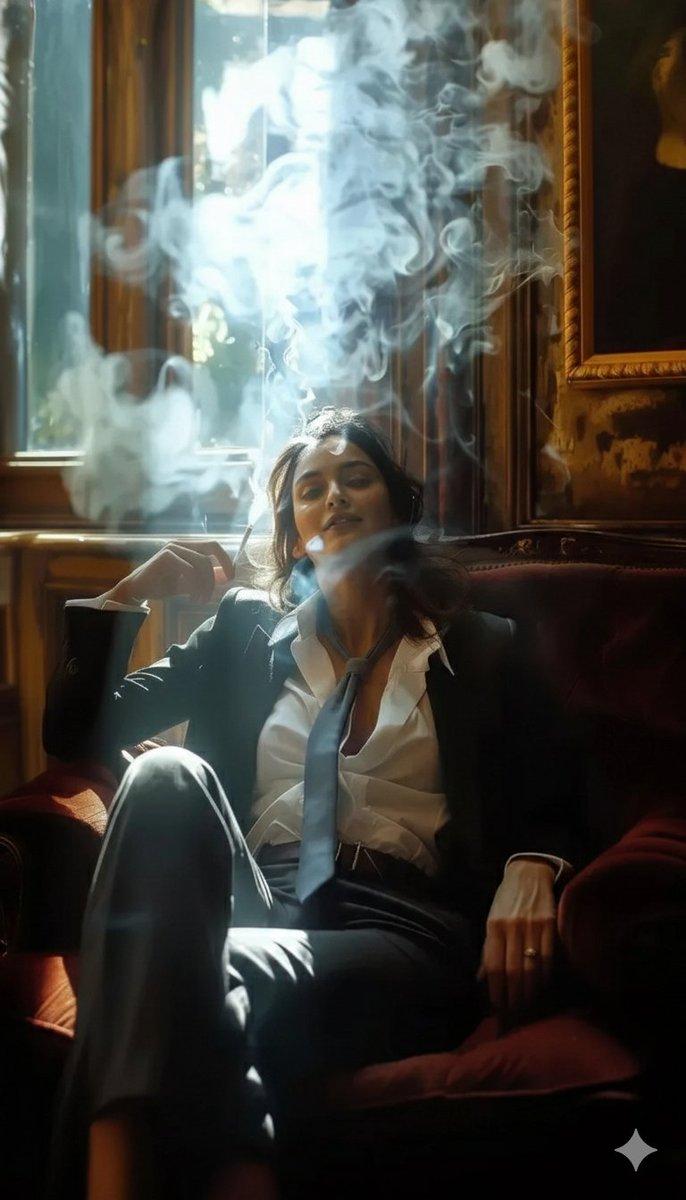
​A high-definition cinematic portrait of a sophisticated woman sitting in a plush, velvet burgundy armchair within a sunlit, vintage study. She is wearing a sharp black tailored suit, a crisp white button-down shirt slightly unbuttoned, and a loosely tied charcoal grey necktie. She holds a cigarette, with thick, ethereal plumes of white smoke swirling dramatically around her face and rising toward the ceiling. The lighting is dramatic "chiaroscuro" style, with bright sunlight streaming through a large window behind her, creating a glowing rim light on her hair and the smoke. The background features ornate wooden wall panels and a classic framed painting. Photorealistic, 8k resolution, moody atmosphere.
​Tips for Best Results:
​Aspect Ratio: If your tool supports it, use --ar 9:16 to get that tall, vertical phone-wallpaper look.
​Lighting Keywords: Using terms like "volumetric lighting" or "backlit" will help emphasize the way the light interacts with the smoke.
​Style: If you want it to look more like a movie still, add "shot on 35mm film" to the end.
Category
Photography & Realism
Model
GPT Image 2
Creator
Aijaz
Source language
en
Views0
Source ID
2016007845410701687
Published
Jan 27, 2026
Studio

Guide

About "Velvet armchair smoke shot: GPT Image 2 prompt"

What is this prompt for?

"Velvet armchair smoke shot: GPT Image 2 prompt" AI image prompt for GPT Image 2 (Photography & Realism). ​A high-definition cinematic portrait of a sophistica…

The full copyable prompt and example visuals above are ready for AI image generation or one-click recreate in Picva.

How to use this prompt

  1. Step 1

    Open the prompt detail

    Review the example visuals, category, and full prompt text for "Velvet armchair smoke shot: GPT Image 2 prompt".

  2. Step 2

    Copy the prompt

    Copy the prompt body from this page, or load it directly in Studio.

  3. Step 3

    Pick a model (GPT Image 2)

    Prefer GPT Image 2. If you switch models, keep subject and composition and tweak style terms.

  4. Step 4

    Generate and export

    Recreate the look in Picva, or export into your workflow for editing and publishing.

FAQ

What is the "Velvet armchair smoke shot: GPT Image 2 prompt" prompt?
It is an AI image-generation prompt for GPT Image 2 in the Photography & Realism category. This page includes the full prompt text, example visuals, and a one-click recreate path in Picva.
How do I use this prompt to generate an image?
Copy the prompt from this page, or use Generate / Studio. Paste it into a compatible image model, or recreate the look in Picva with optional reference images.
Which model is this prompt for?
This page lists GPT Image 2. Most descriptive prompts also transfer to nearby image models such as GPT Image, Flux, or Midjourney with light style tweaks.
Can I use the result commercially?
You can usually copy the prompt for creation, but commercial use of the final image depends on the model terms, reference-image rights, and the generated content. Follow the source author and platform rules.