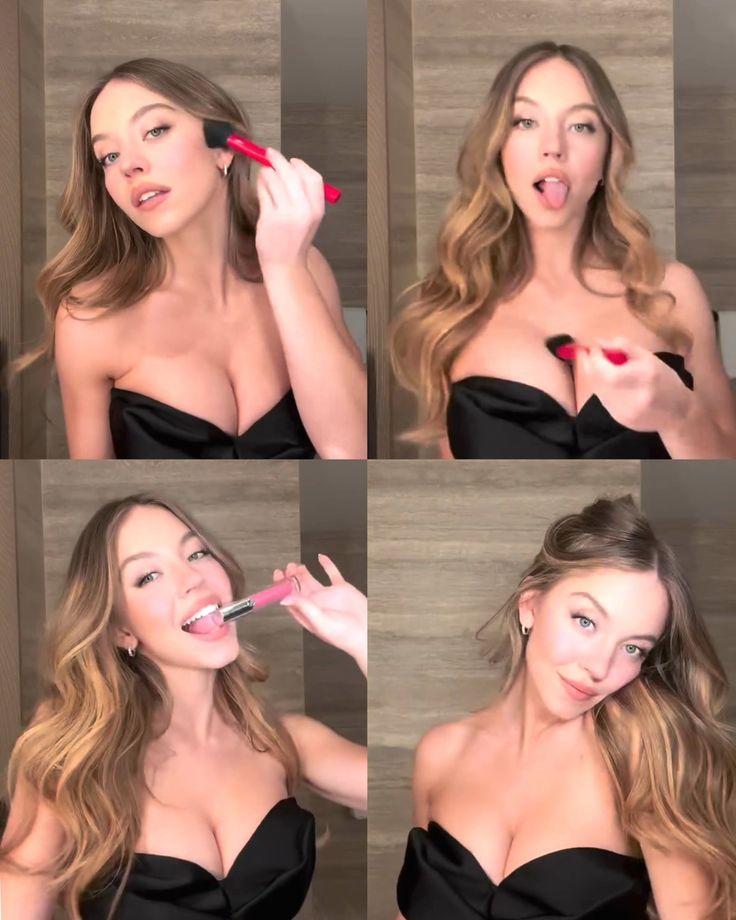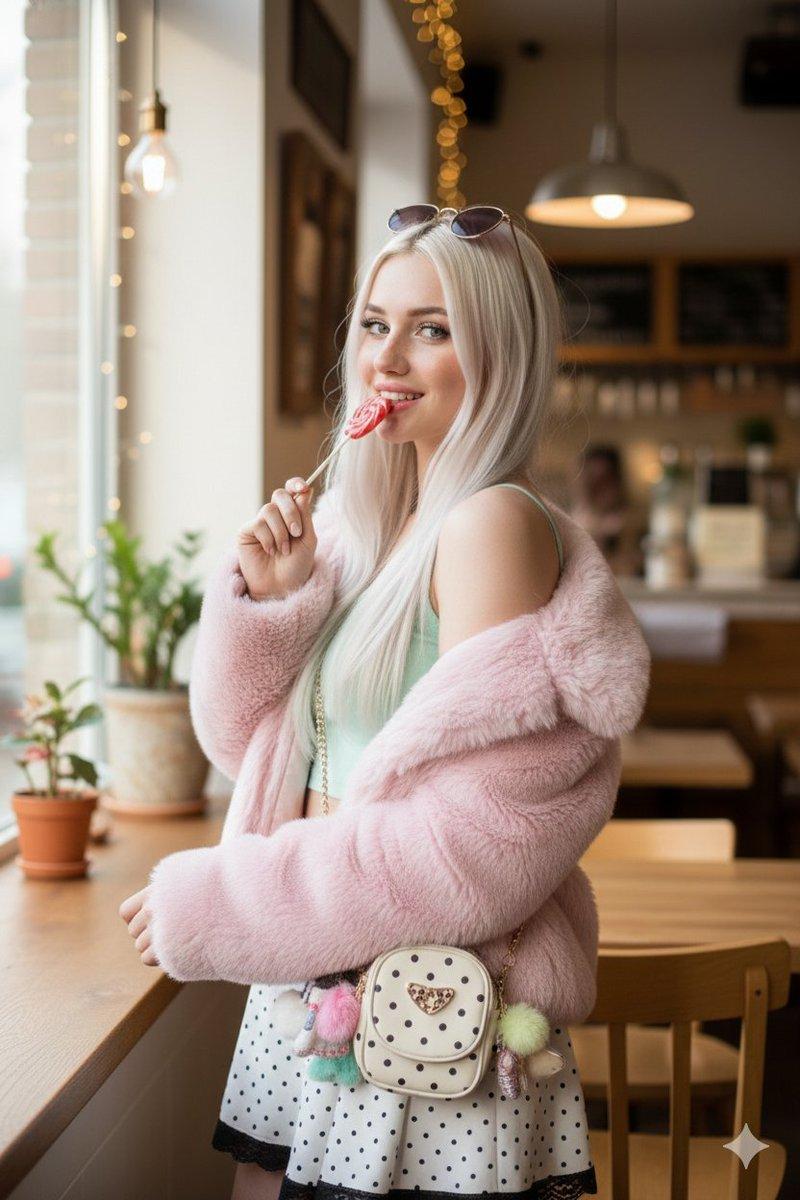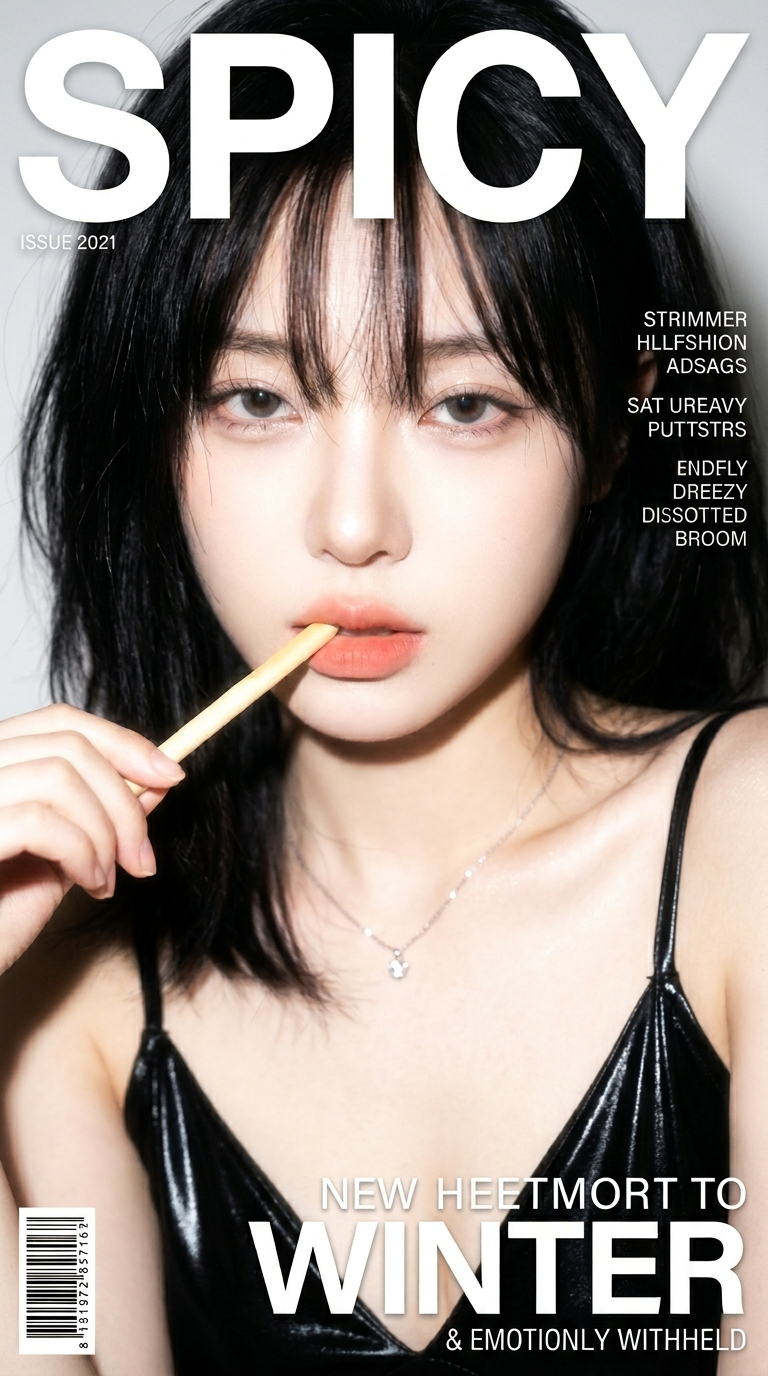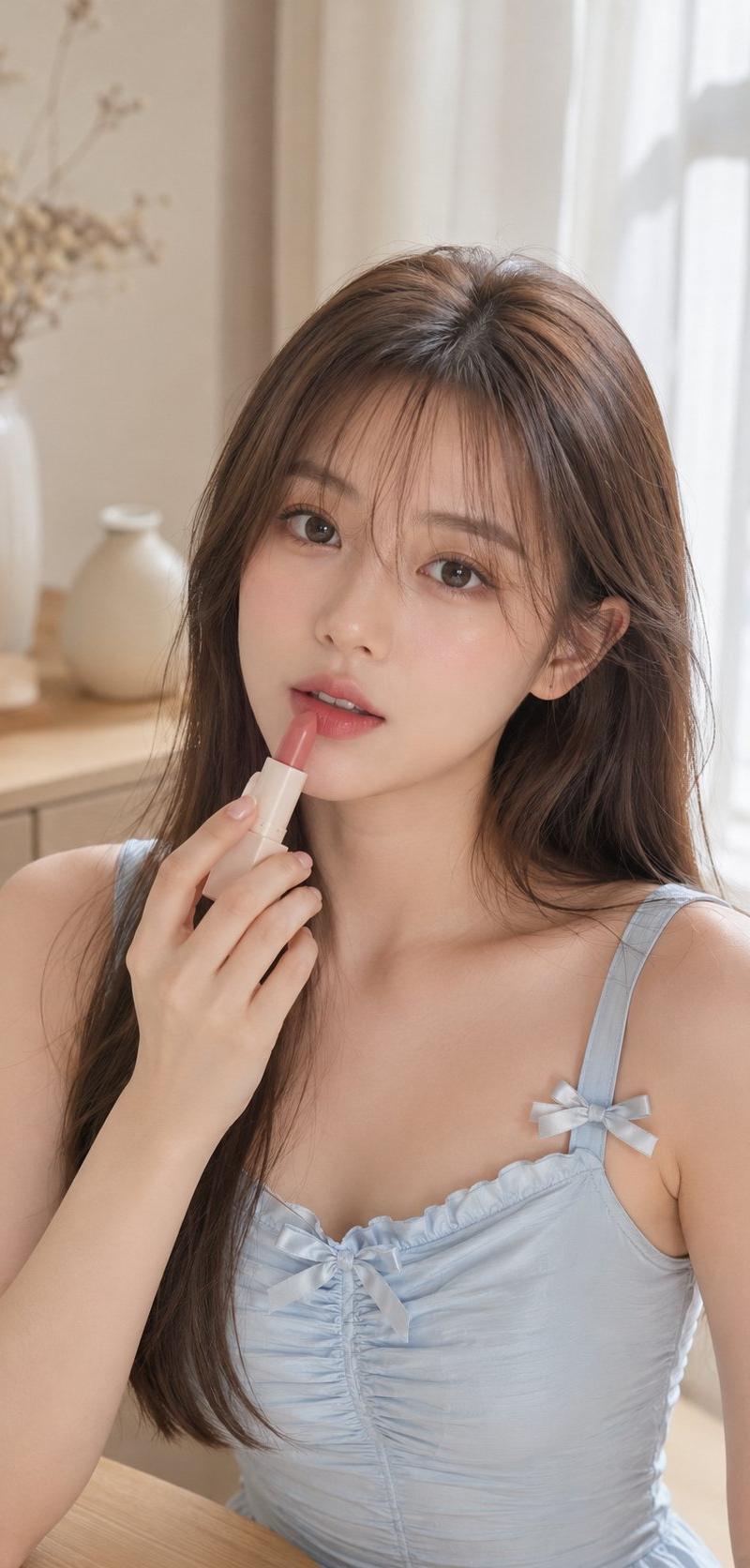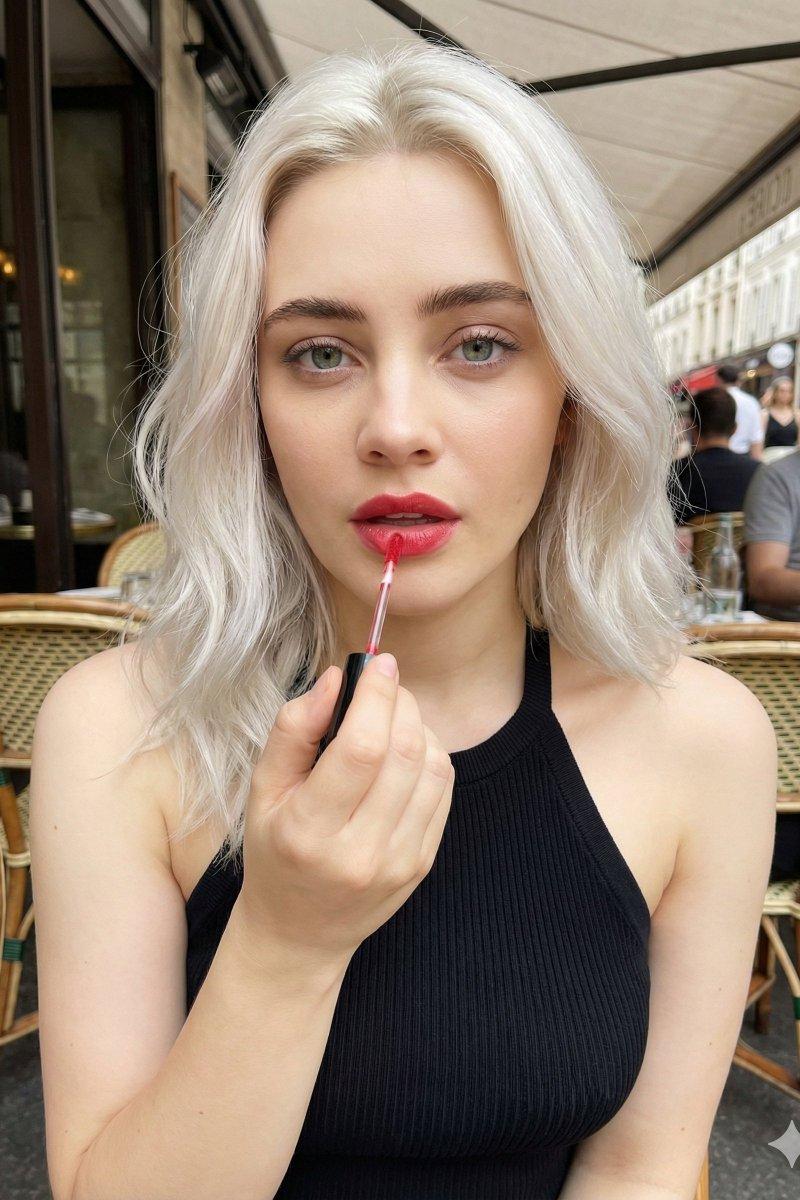
Cafe lip-gloss portrait: GPT Image 2 prompt
Prompt
{
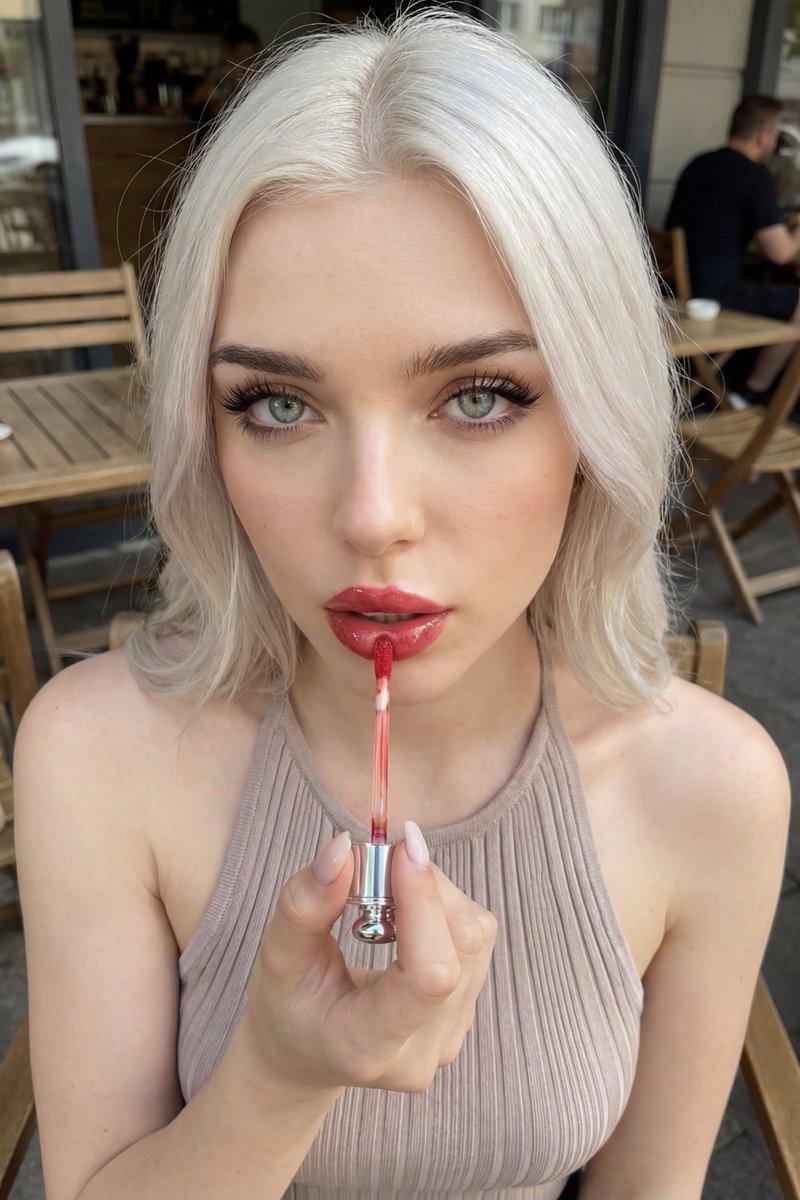
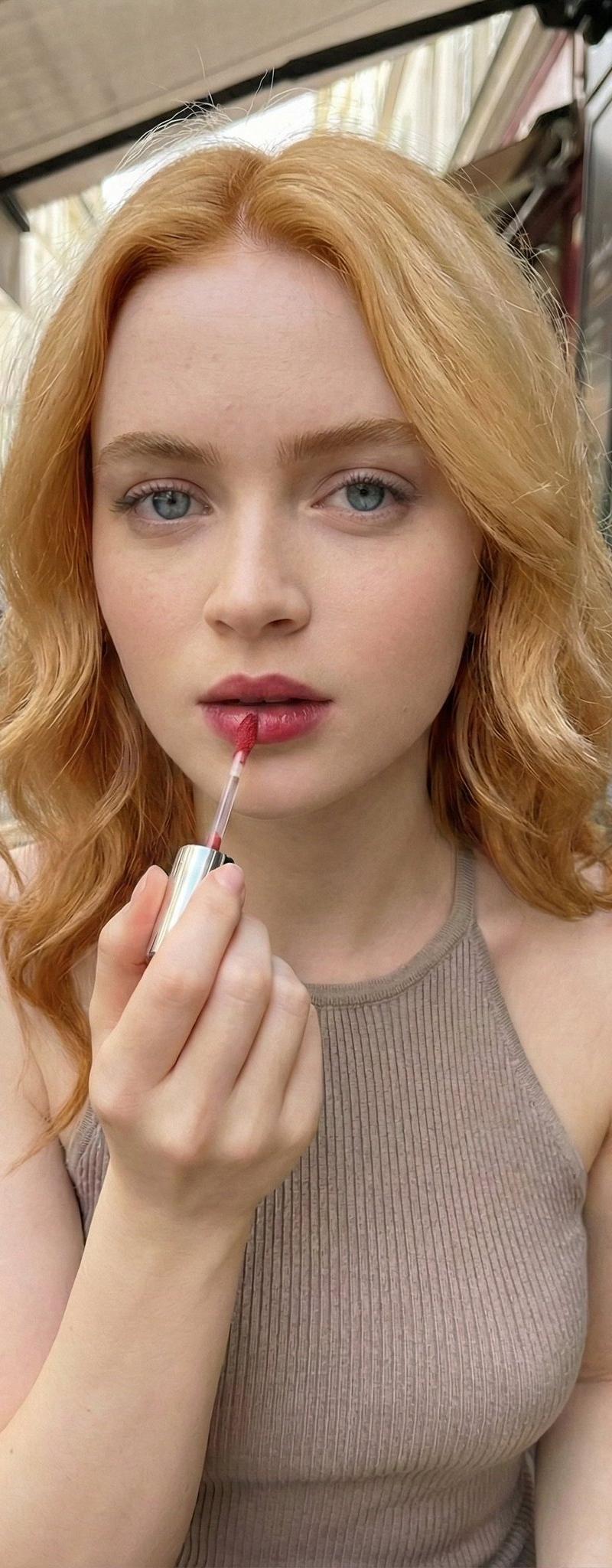
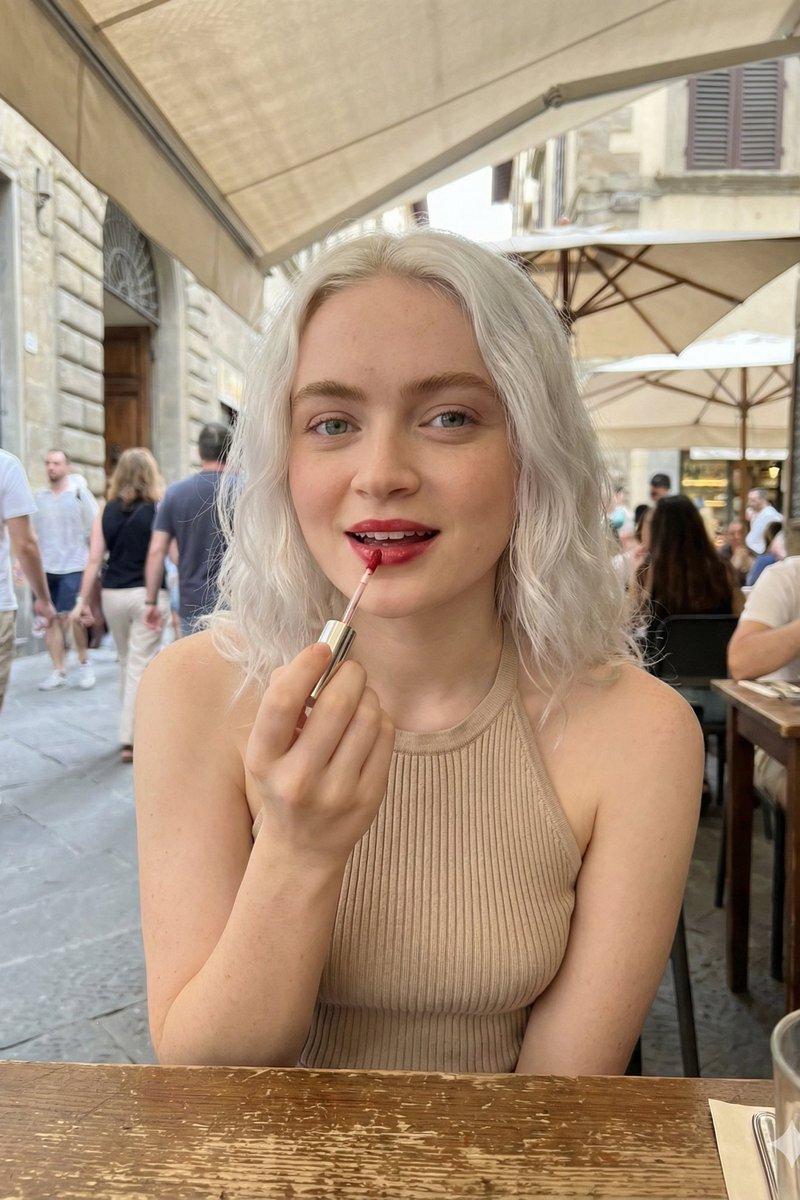
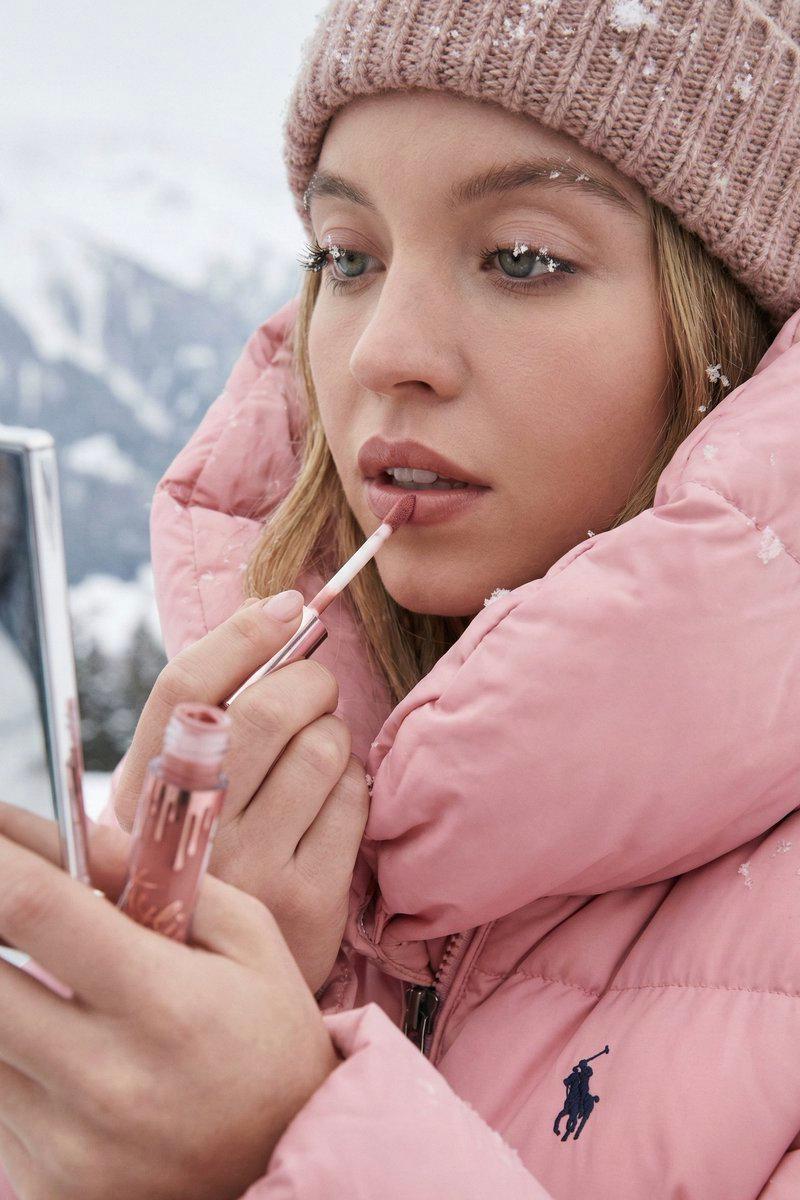
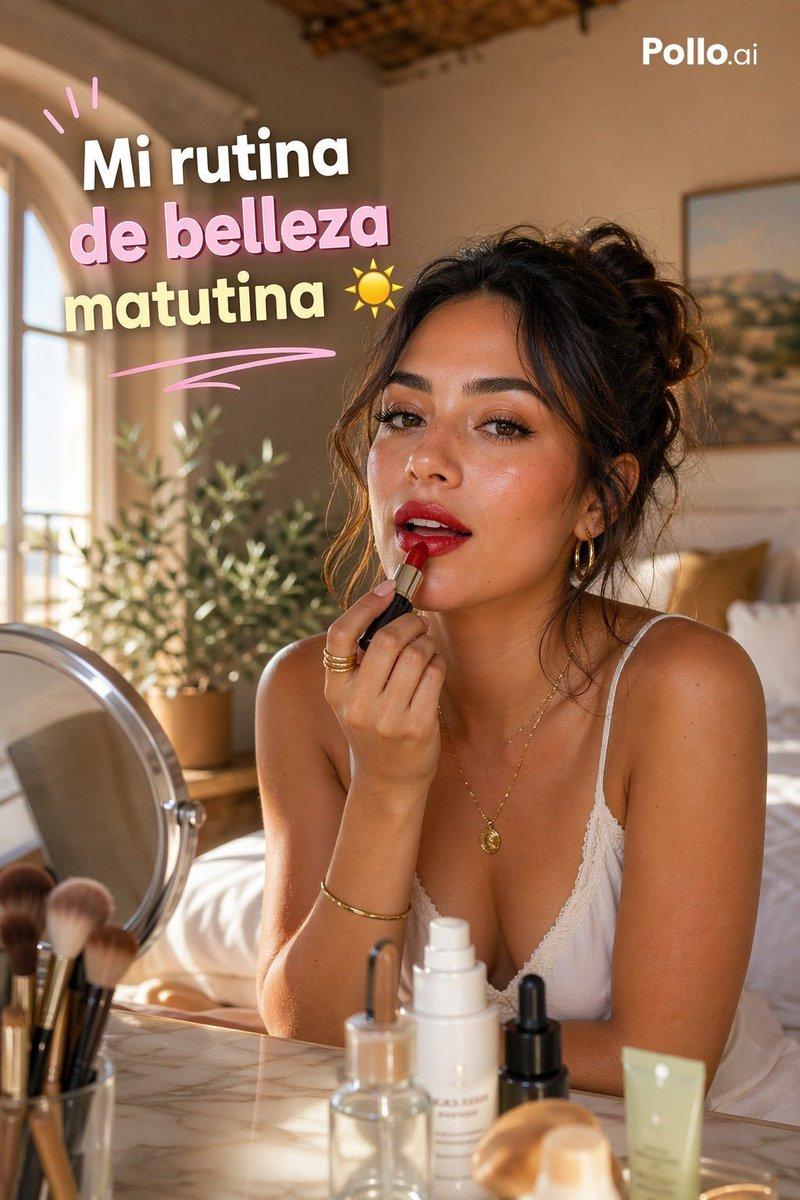
 "prompt": "Outdoor cafe beauty portrait, young woman with platinum white blonde shoulder length wavy hair, applying red lip gloss with applicator wand to lips, looking directly at camera, light green blue eyes with long dark lashes, wearing black ribbed knit halter neck top, natural makeup with defined brows, glossy red lips mid-application, fair porcelain skin, sitting at outdoor cafe terrace with wooden chairs and tables in background, other cafe patrons blurred behind, European street cafe setting, natural daylight, candid beauty moment, close-up portrait selfie style, influencer content aesthetic",
 "negative_prompt": "indoor studio, harsh lighting, dark hair, full body shot, formal setting, nighttime",
 "style": "candid beauty portrait, outdoor cafe lifestyle, influencer content, natural daylight photography",
 "aspect_ratio": "3:4",
 "camera": {
 "type": "smartphone portrait or mirrorless camera",
 "angle": "straight on, eye level, close-up",
 "framing": "close-up portrait, face and upper shoulders, shallow depth of field"
 },
 "lighting": {
 "type": "natural outdoor daylight",
 "quality": "soft diffused natural light, even illumination on face",
 "atmosphere": "bright daytime outdoor cafe setting"
 },
 "mood": "casual, candid, beauty focused, lifestyle, feminine",
 "color_palette": "platinum white blonde, beige taupe top, red glossy lips, fair skin tones, wooden cafe furniture, neutral warm tones",
 "subject_features": {
 "hair": "platinum white blonde, shoulder length, soft waves, middle parted, natural texture",
 "skin": "fair, porcelain, natural flawless",
 "eyes": "light green blue, large, direct gaze at camera, long dark lashes, subtle eye makeup",
 "lips": "glossy red, mid lip gloss application, full shape",
 "eyebrows": "natural brown, well groomed soft arch",
 "expression": "neutral, focused on lip application, looking at camera"
 },
 "makeup": {
 "eyes": "subtle neutral eyeshadow, long dark lashes",
 "lips": "red lip gloss being applied",
 "base": "natural skin, minimal foundation",
 "brows": "defined natural brown"
 },
 "wardrobe": {
 "top": "Black ribbed knit halter neck top, thin straps around neck, textured ribbed fabric"
 },
 "props": {
 "main": "lip gloss with applicator wand, silver metallic tube, held in right hand applying to lips"
 },
 "pose": {
 "action": "applying lip gloss with wand to lips",
 "hand": "right hand holding lip gloss applicator near mouth",
 "gaze": "looking directly at camera"
 },
 "setting": {
 "location": "outdoor European street cafe terrace",
 "background": "wooden cafe chairs and tables, other patrons sitting, cafe storefront with large windows, urban street",
 "atmosphere": "casual daytime cafe scene, blurred background bokeh"
 }
}- Category
- Photography & Realism
- Model
- GPT Image 2
- Creator
- Sudee🥀
- Source language
- en
- Source ID
- 2016070583570862480
- Published
- Jan 27, 2026
Views0