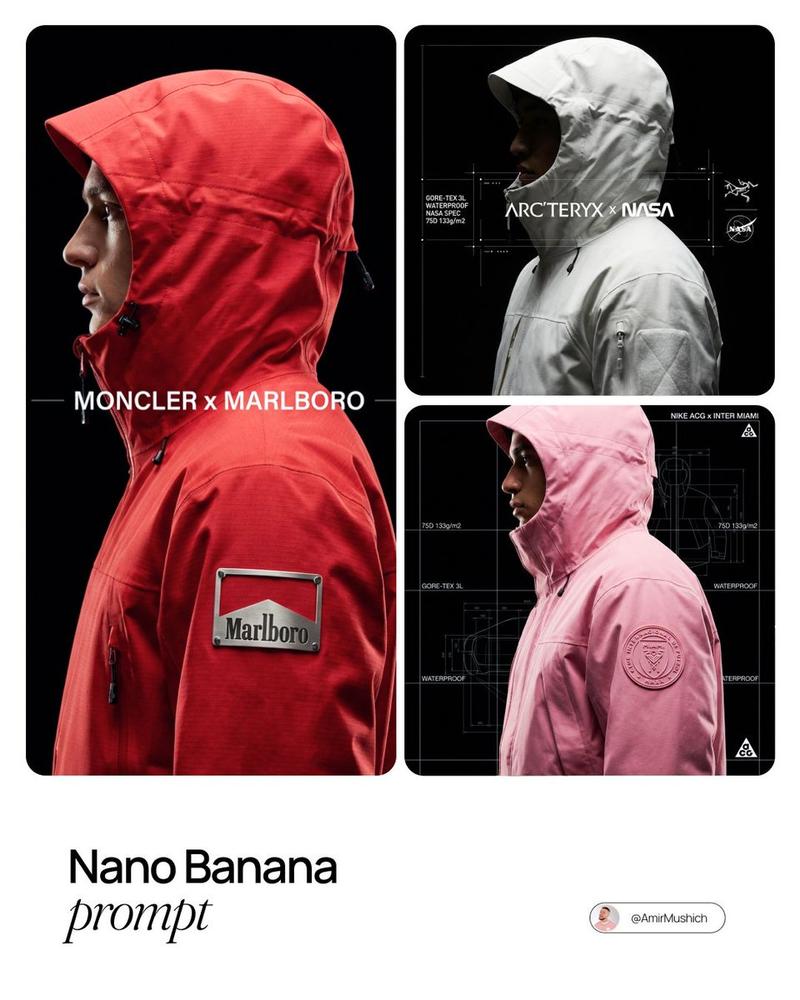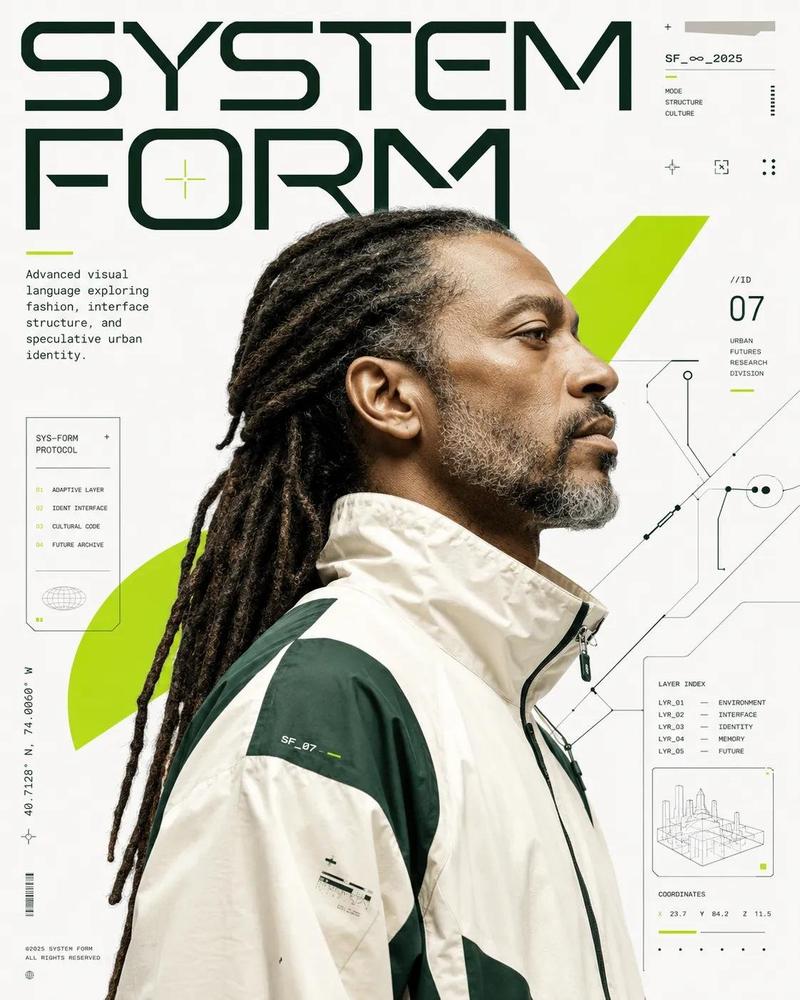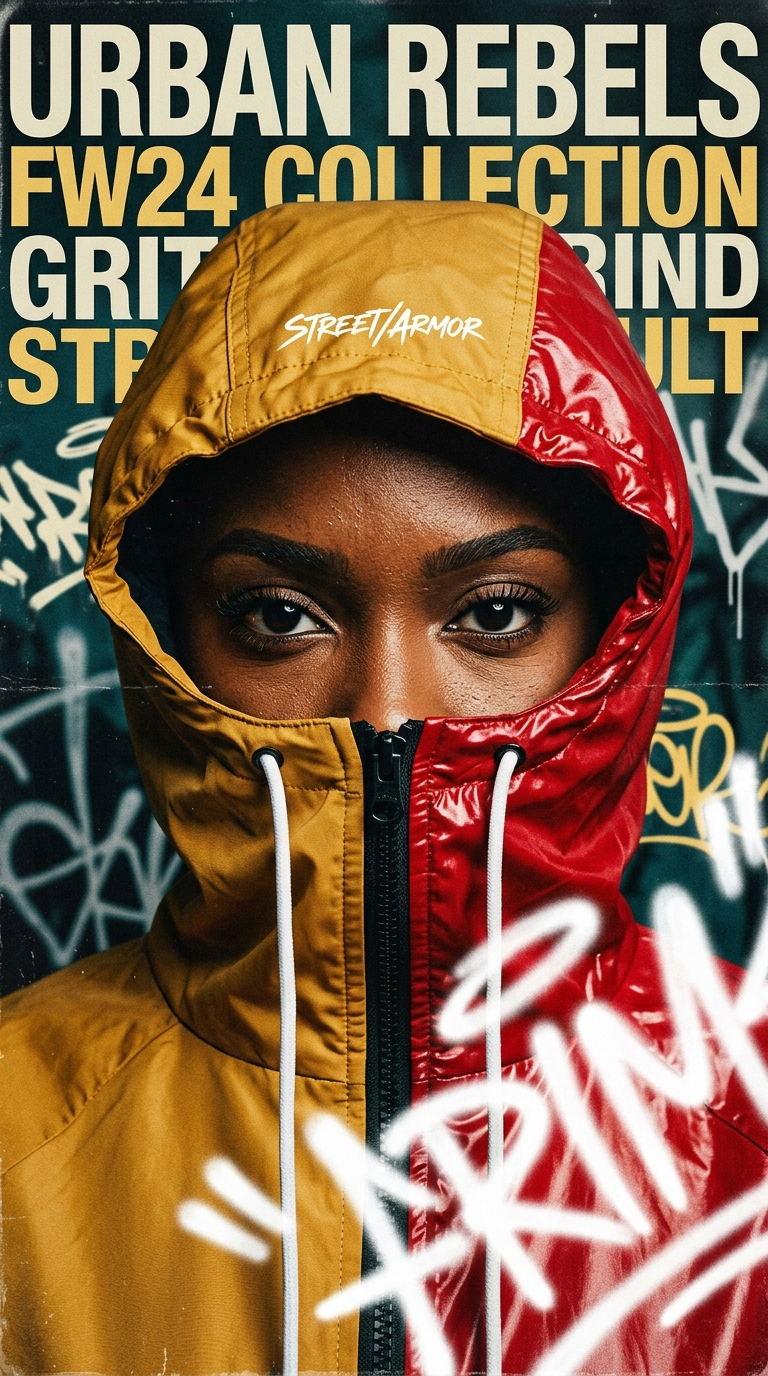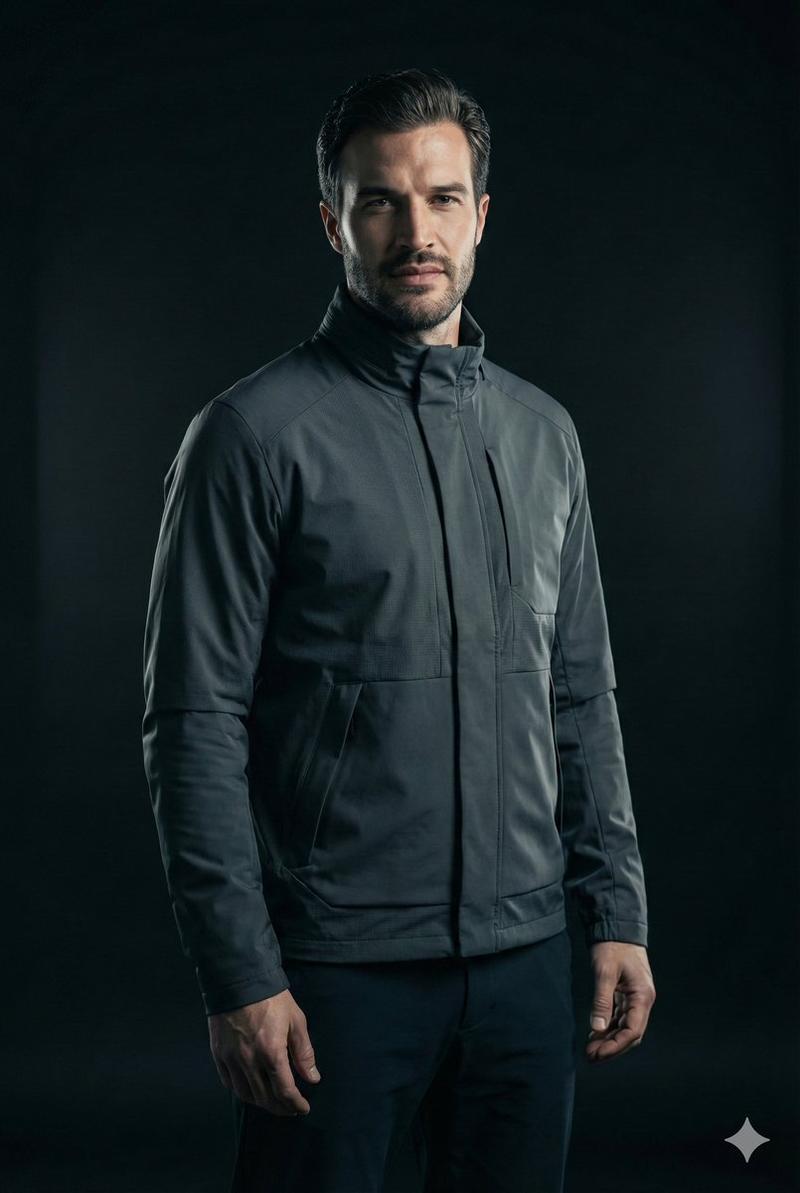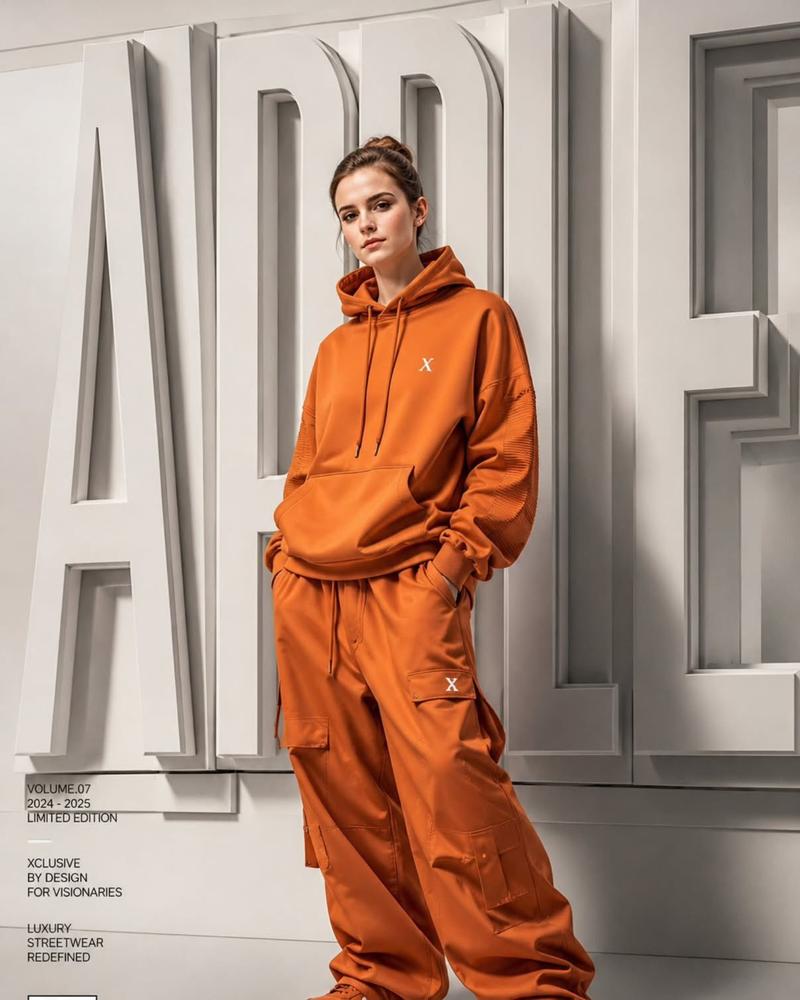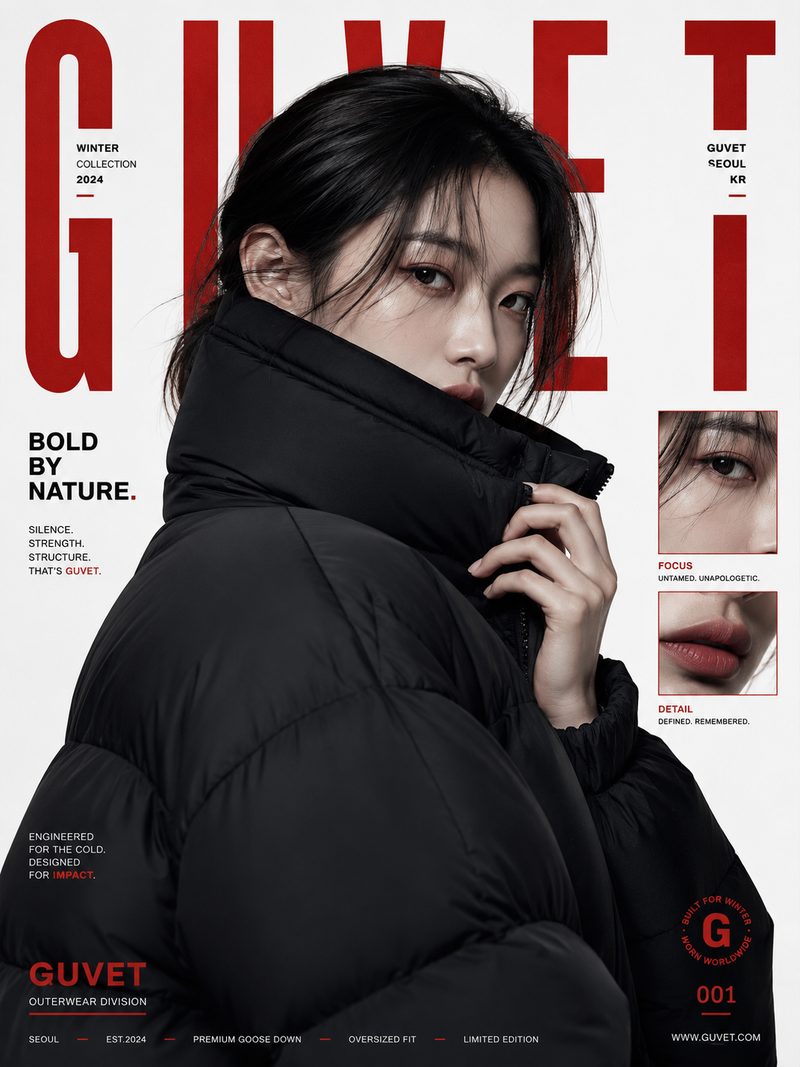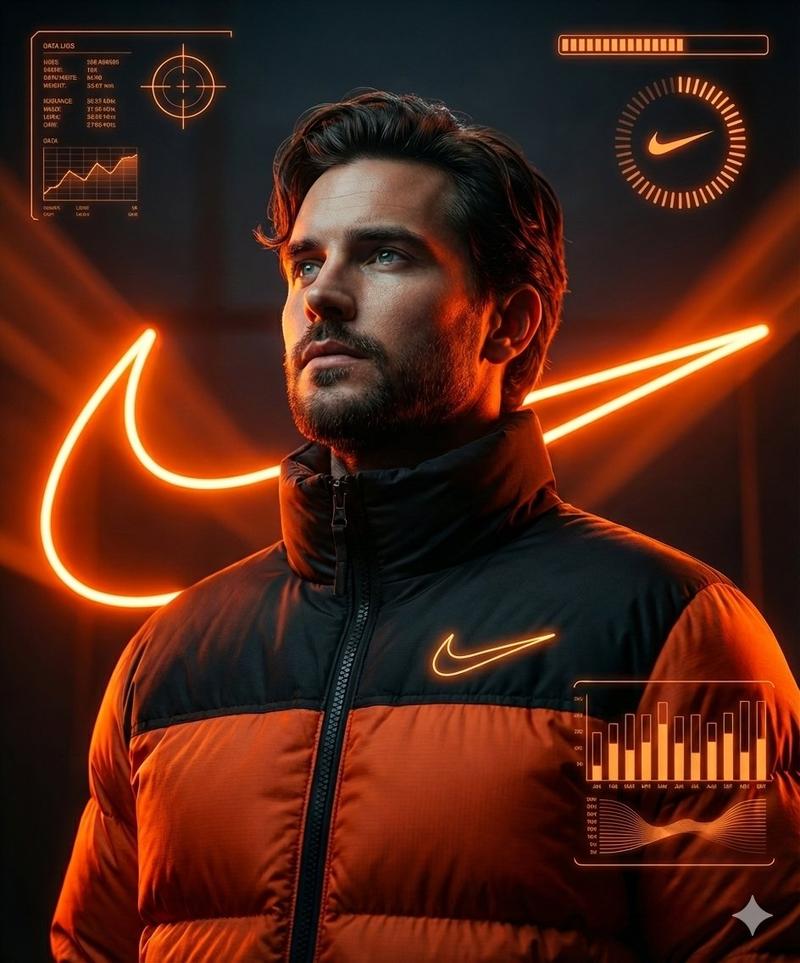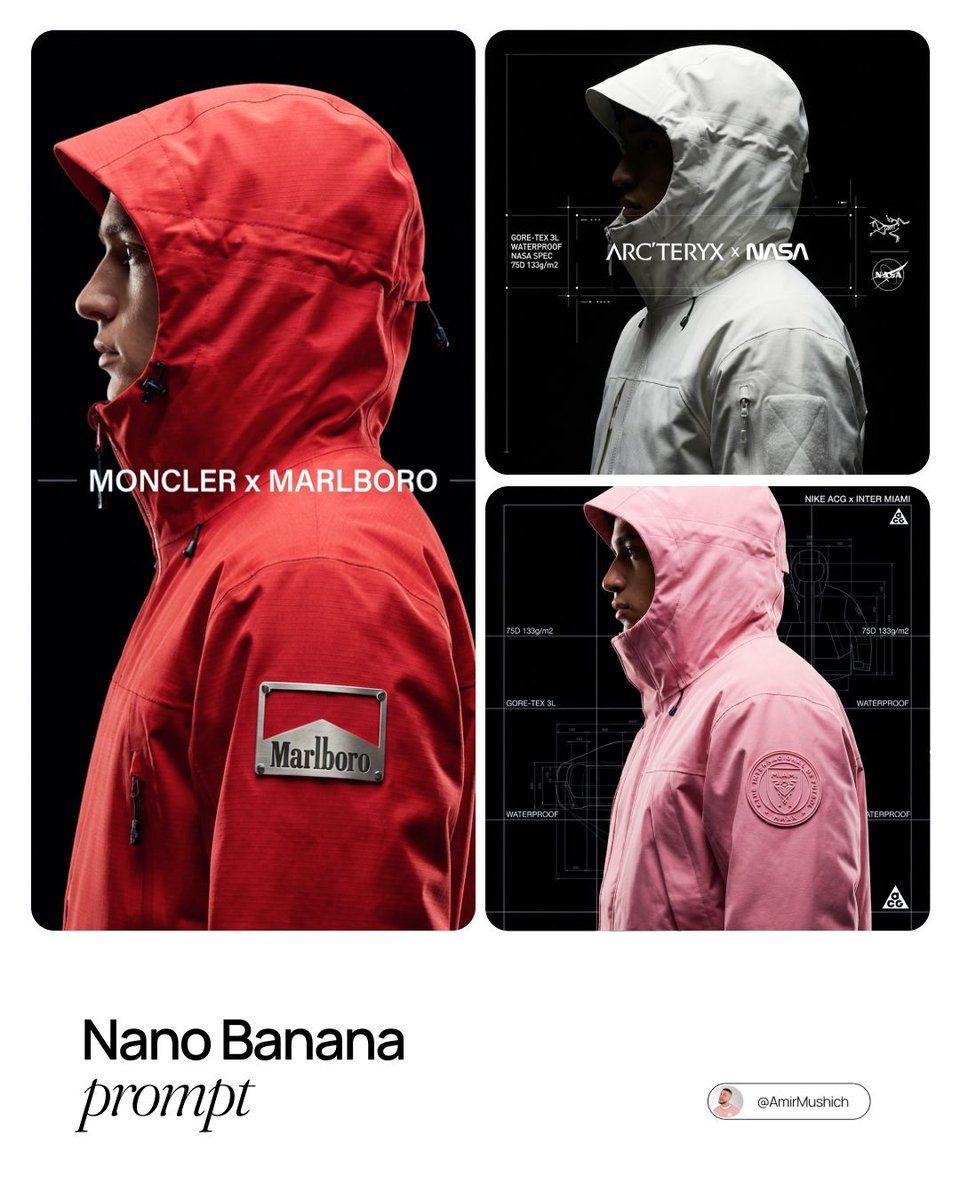
Techwear blueprint profile: GPT Image 2 prompt
Prompt
[BRAND NAME].
Act as a Creative Director for a technical outerwear brand and a High-End Product Photographer.

THE TASK:
Autonomously conceptualize and render a "Technical Outerwear Campaign Image" featuring a collaboration between the input brand ([BRAND NAME]) and a relevant performance fashion label.
PHASE 1: PARTNER SELECTION & GEAR DESIGN (THE STRATEGIST)
Analyze [BRAND NAME]: Is it Luxury, Sport, Industrial, or Lifestyle?
Select the Apparel Partner:
Luxury/Lifestyle -> The North Face, Moncler.
Tech/Industrial -> Arc'teryx, Stone Island Shadow Project.
Sport/Speed -> Nike ACG, Salomon.
The Gear: Design a Heavy Technical Outerwear Piece (Parka, Shell Jacket, or Anorak) with a structured HOOD or HIGH COLLAR.
Color: The garment must be the Signature Color of [BRAND NAME].
Material: Stiff, high-performance fabrics (Gore-Tex 3L, Ripstop) with matte finish.
PHYSICAL BRANDING INTEGRATION (CRITICAL):
 You must integrate the [BRAND NAME] logo physically onto the garment in a way that looks expensive and high-tech.
PHASE 2: PHOTOGRAPHY & LIGHTING (THE PROFILE)
Framing: A tight Head-and-Shoulders Side Profile Shot. Model faces Left.
Pose: Chin up, looking forward. Hood frames the face.
Lighting (Chiaroscuro Tech):
Key Light: Hard light hitting the face profile and the [BRAND NAME] LOGO on the jacket, creating sharp contrast.
The Void: Background is Pure Void Black (#000000).
Texture Priority: Maximize detail of fabric weave and the physical logo material.
PHASE 3: UI & SCHEMATIC OVERLAY (BLUEPRINT AESTHETIC)
Overlay a "Technical Blueprint" Interface (thin white lines):
The Grid: Vertical hairline white lines cutting through the image.
Left Sidebar: Vertical tech specs (e.g., "75D 133g/m2", "GORE-TEX 3L").
Center: Title "[PARTNER] x [BRAND NAME]".
Right Side: The Partner Logo (e.g., The North Face logo) in white.
PHASE 4: TECH SPECS
100mm Macro Lens, f/8, High Contrast, Unreal Engine 5 render quality, Commercial Techwear Look.
- Category
- Brand & Logos
- Model
- GPT Image 2
- Creator
- AmirMušić
- Source ID
- 2016245336948244946
- Published
- Jan 27, 2026
Views0