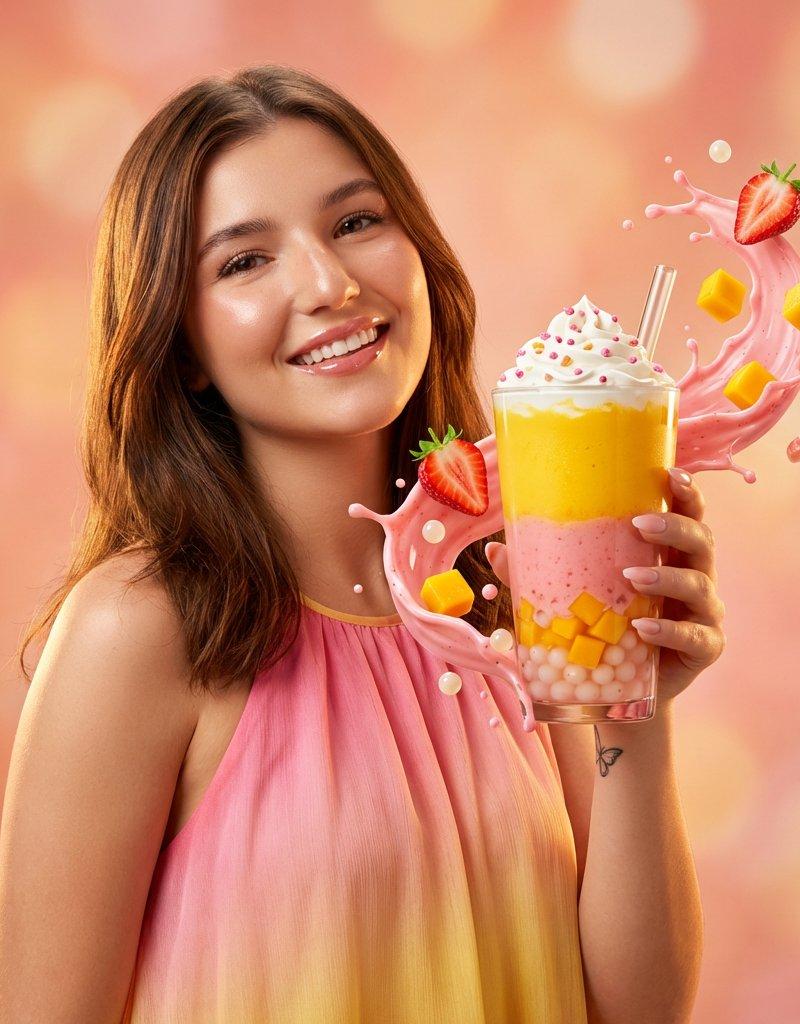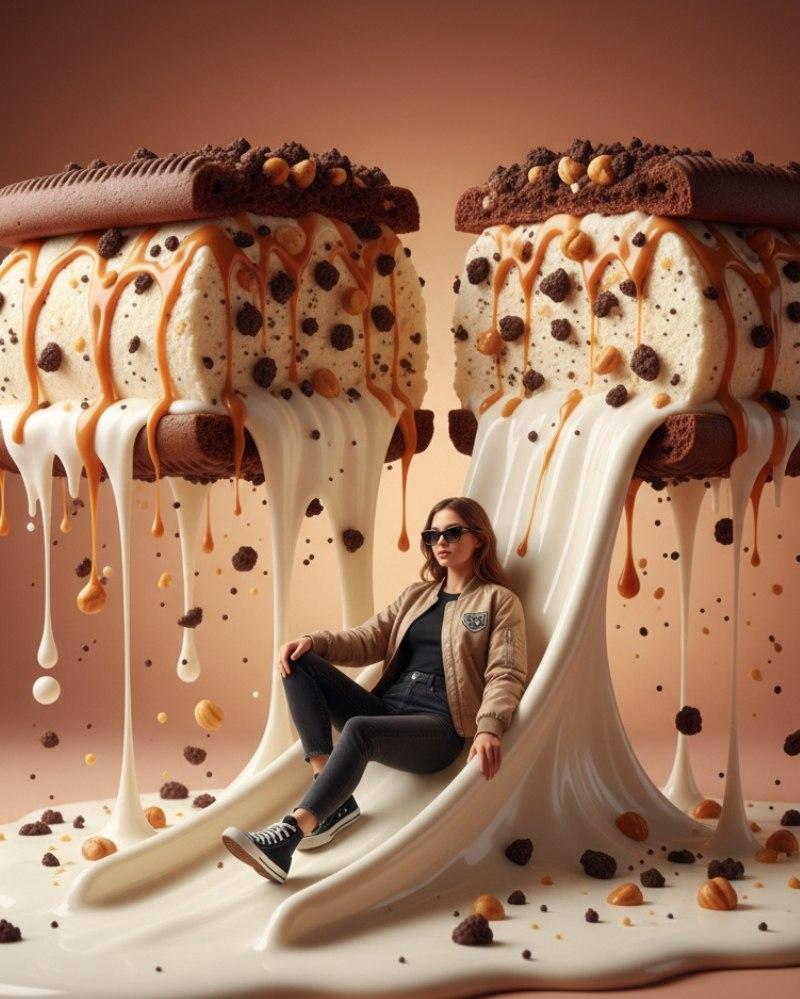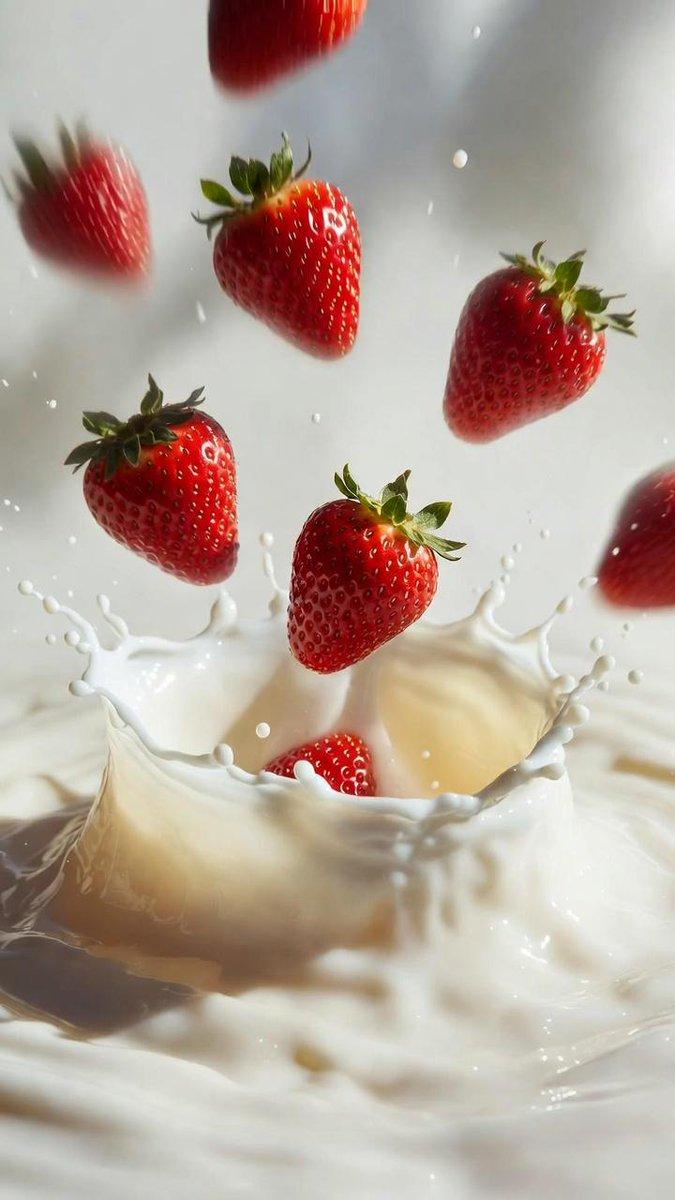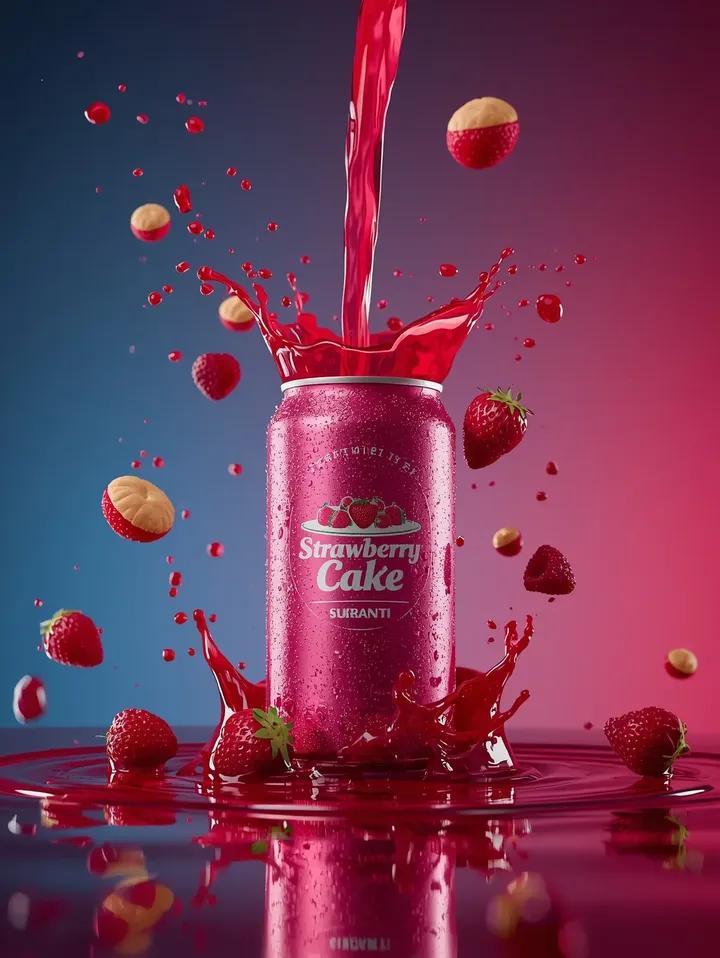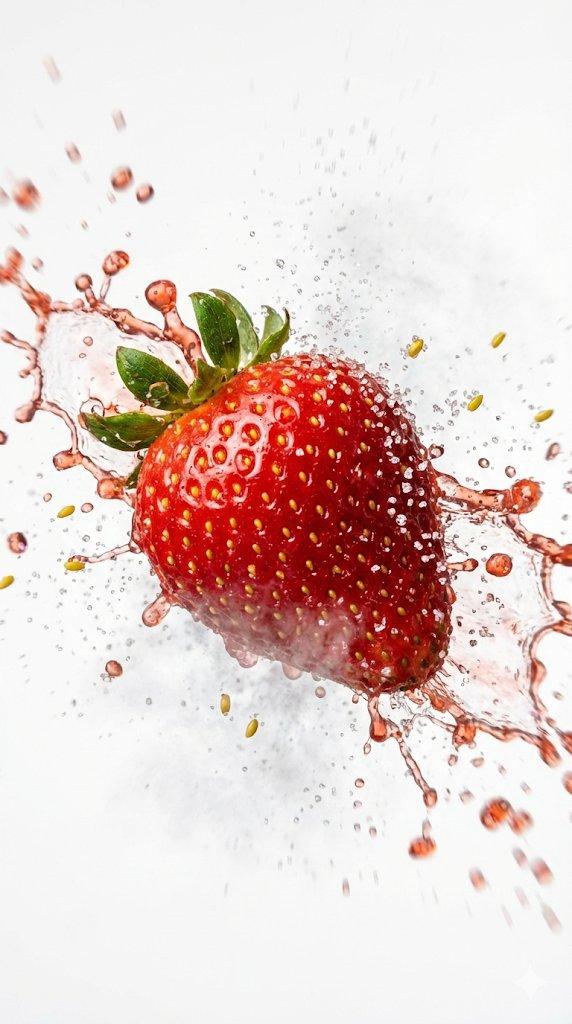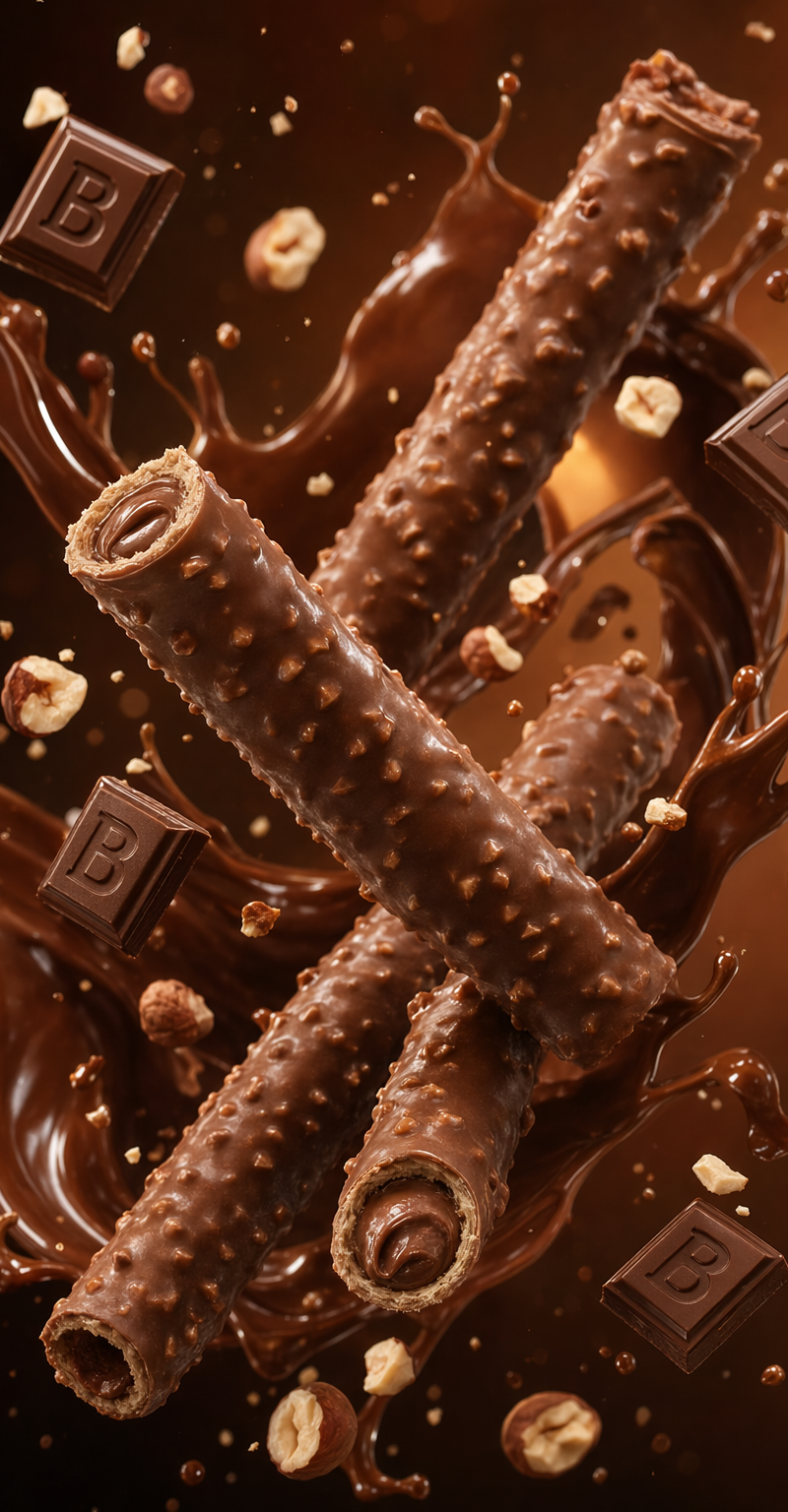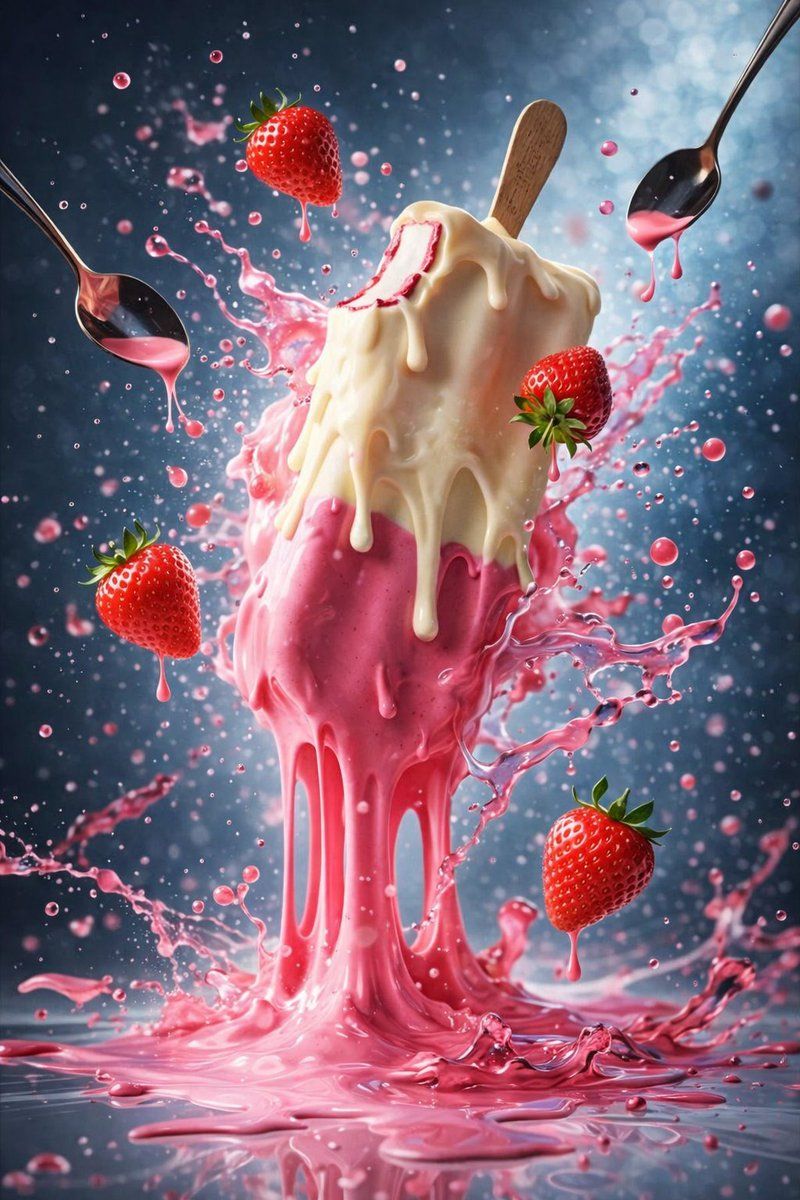
Ice cream splash triptych: GPT Image 2 prompt
Prompt
{
 "master_prompt": {
 "global_settings": {
 "resolution": "8K",
 "aspect_ratio": "3:4",
 "render_style": "hyper-realistic AI-generated food photography",
 "focus": "extreme detail, sharp textures, dynamic motion, cinematic lighting",
 "depth_of_field": "shallow with foreground focus",
 "noise": "none",
 "artifacts": "none"
 },

 "Module_1_Image_Style": {
 "subject": "Single ice cream cone standing upright",
 "ice_cream": {
 "top": "vanilla soft-serve swirl",
 "toppings": [
 "two whole strawberries",
 "one chocolate wafer roll",
 "one chocolate square partially embedded"
 ],
 "sauces": [
 "dark chocolate sauce dripping",
 "green pistachio-like glaze dripping"
 ]
 },
 "cone": {
 "type": "waffle cone",
 "texture": "crisp grid pattern",
 "condition": "sauce dripping down the cone and pooling at the base"
 },
 "motion_elements": {
 "floating": [
 "small colorful candy spheres",
 "liquid droplets suspended mid-air"
 ],
 "splashes": "sauce splashes around cone base"
 },
 "background": {
 "style": "soft bokeh",
 "colors": [
 "orange",
 "green",
 "purple",
 "gold"
 ],
 "lighting": "warm, cinematic, high contrast"
 }
 },

 "Module_2_Image_Style": {
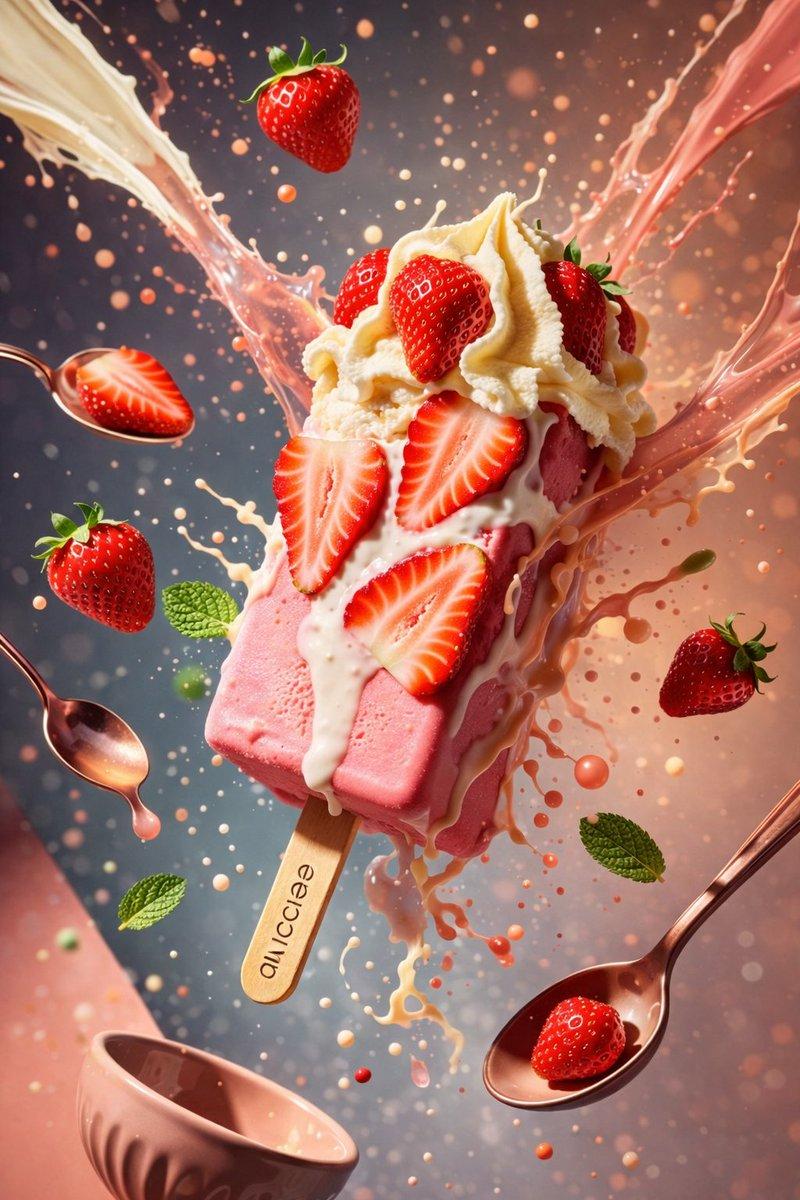
 "subject": "Strawberry ice cream bar on wooden stick, tilted diagonally",
 "ice_cream": {
 "base": "pink strawberry ice cream",
 "top_layer": "white cream layer",
 "toppings": [
 "sliced strawberries embedded",
 "whole strawberries floating"
 ]
 },
 "stick": {
 "material": "wood",
 "text": "ai ice",
 "orientation": "visible, centered"
 },
 "motion_elements": {
 "liquid": "cream and strawberry liquid splashing outward",
 "floating_objects": [
 "metal spoons with pink liquid",
 "whole strawberries",
 "mint leaves",
 "droplets"
 ]
 },
 "background": {
 "style": "soft gradient with bokeh particles",
 "colors": [
 "peach",
 "blue",
 "cream"
 ],
 "lighting": "bright highlights with soft shadows"
 }
 },

 "Module_3_Image_Style": {
 "subject": "Spherical scoop composition of strawberry and vanilla ice cream",
 "ice_cream": {
 "layers": [
 "pink strawberry scoop",
 "white vanilla scoop"
 ],
 "embedded_elements": [
 "halved strawberries",
 "whole strawberries"
 ]
 },
 "motion_elements": {
 "liquid": "pink strawberry liquid splashing and dripping downward",
 "floating_objects": [
 "blueberries",
 "strawberries",
 "liquid droplets"
 ],
 "utensils": "metal spoons suspended mid-air with liquid"
 },
 "surface_detail": {
 "texture": "smooth ice cream with visible melting edges",
 "droplets": "high-gloss liquid beads"
 },
 "background": {
 "style": "cool-toned blur",
 "colors": [
 "light blue",
 "gray"
 ],
 "lighting": "clean studio lighting with specular highlights"
 }
}- Category
- Brand & Logos
- Model
- GPT Image 2
- Creator
- Shahid Wani
- Source language
- en
- Source ID
- 2016534463459832095
- Published
- Jan 28, 2026
Views0