17

Louis Vuitton sneaker grid: GPT Image 2 prompt
Enlarge

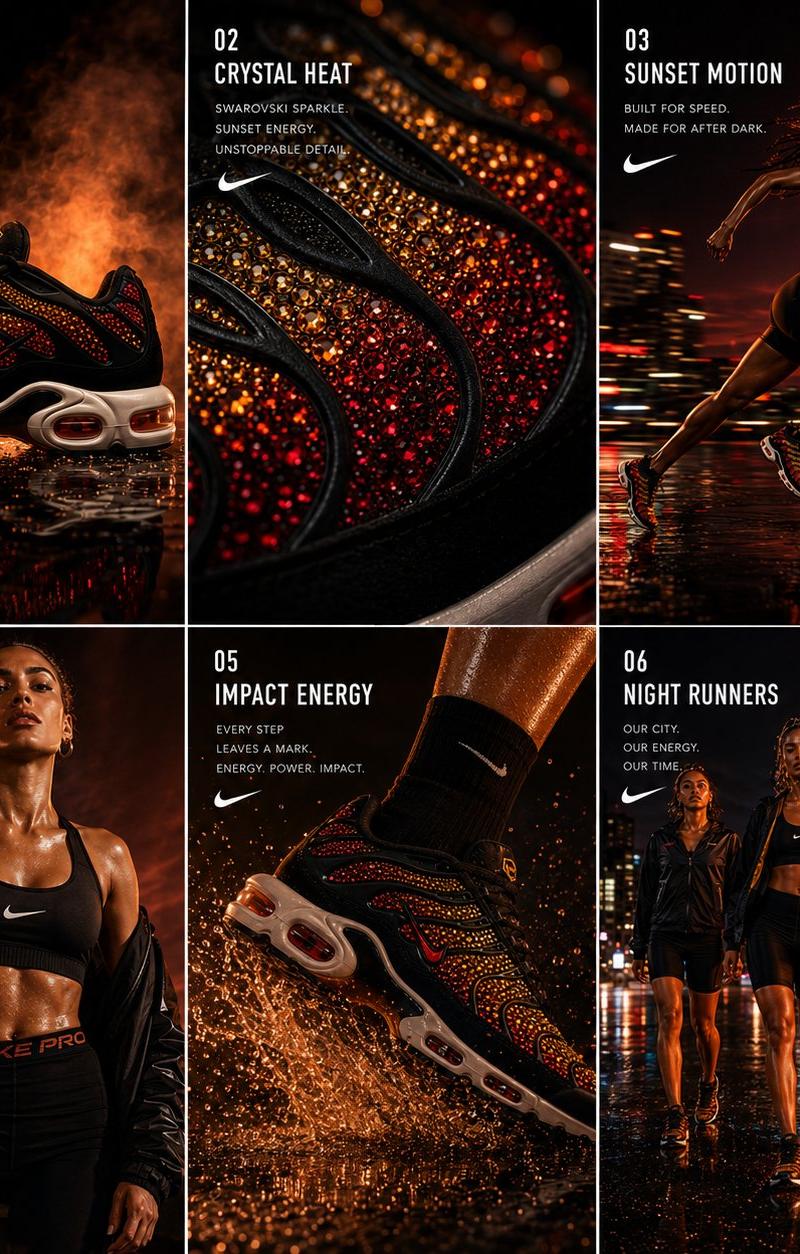
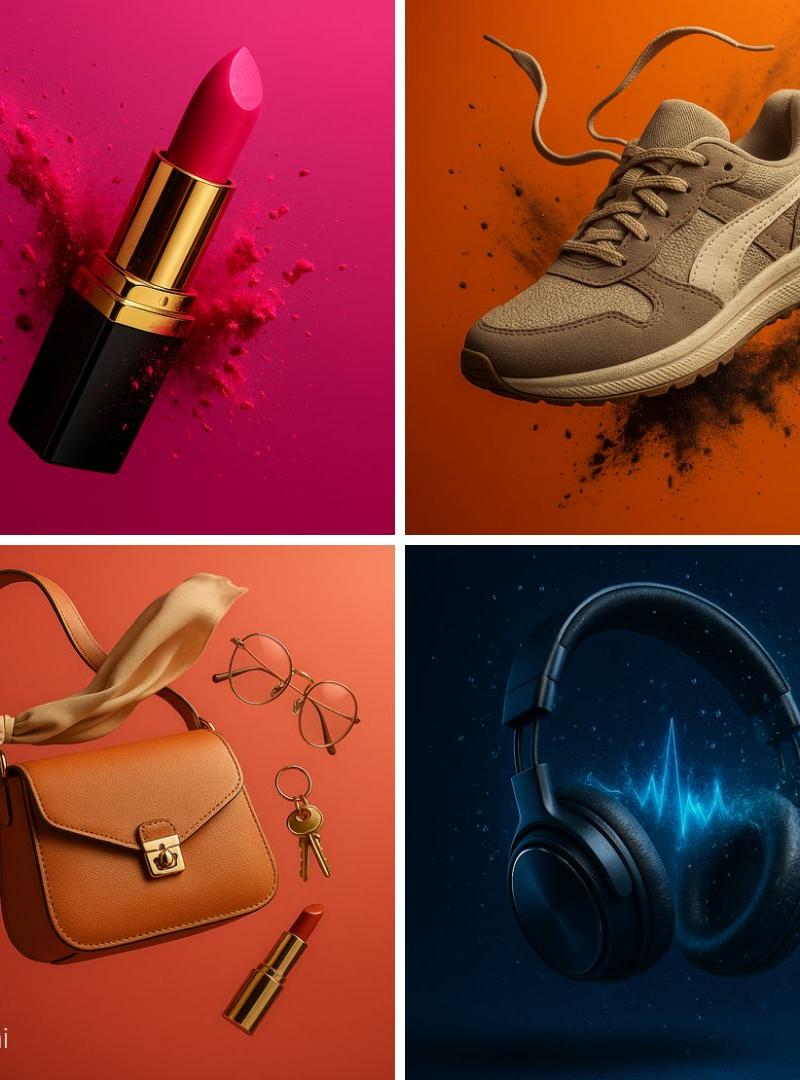
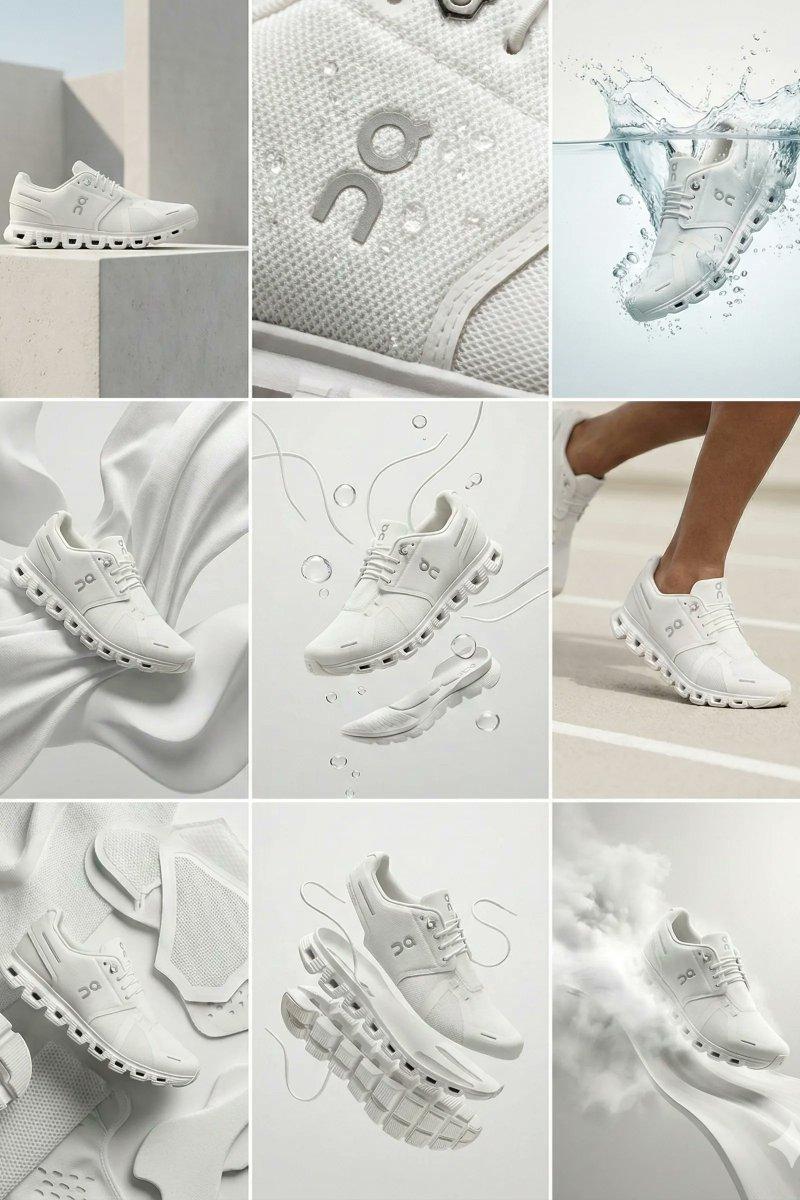
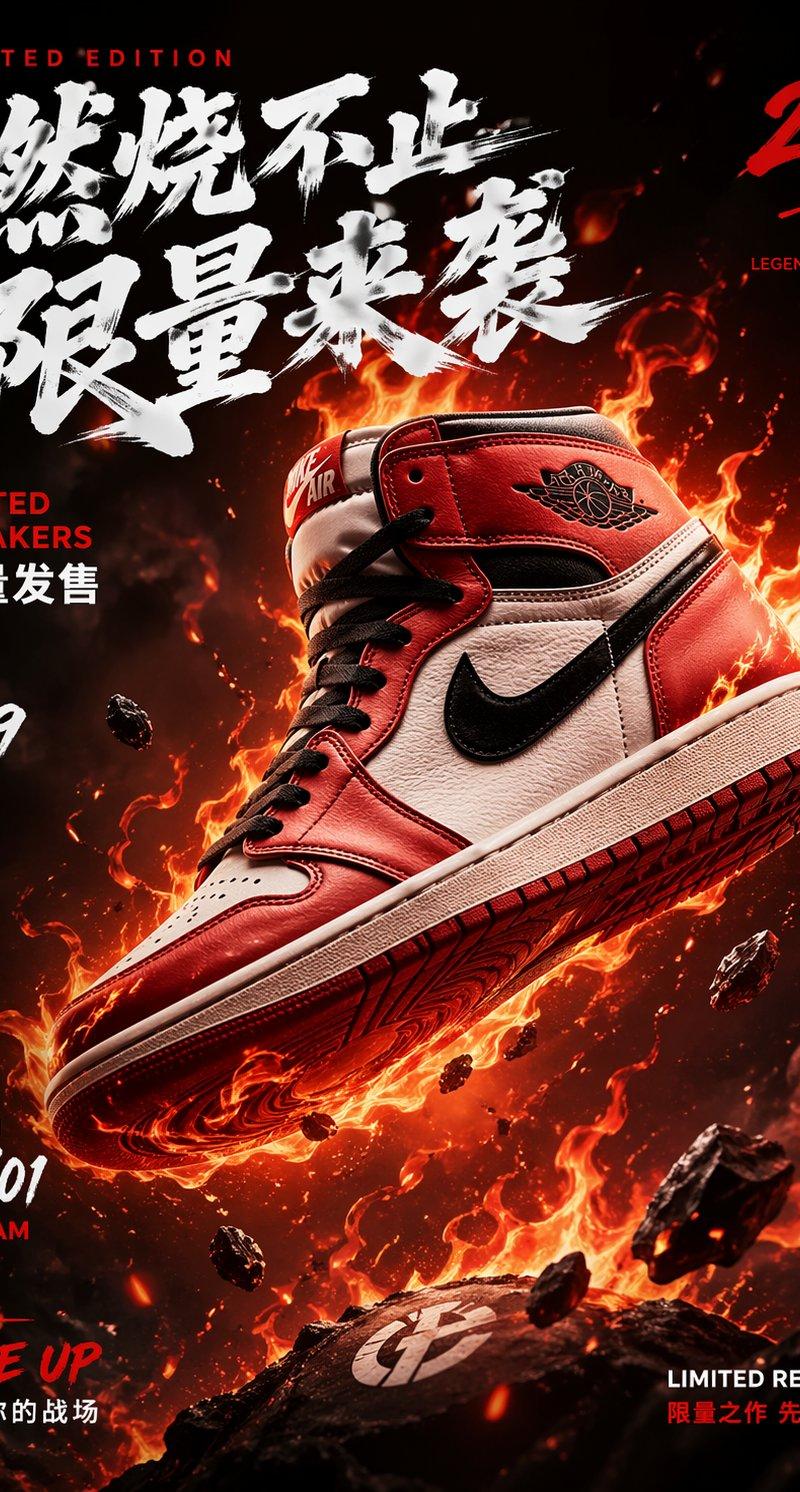
Example images

Louis Vuitton sneaker grid: GPT Image 2 prompt

Prompt
{
 "campaign_metadata": {
 "brand_identity": "Louis Vuitton Malletier",
 "product_focus": "Luxury Leather Sneaker / Trainer",
 "aspect_ratio": "3:4",
 "aesthetic": "High-Fashion Editorial | Avant-Garde Luxury"
 },
 "visual_dna": {
 "materials": ["Full-grain calf leather", "Monogram Embossed Canvas", "Polished Gold Hardware"],
 "color_scheme": ["Cognac Brown", "Deep Obsidian", "Champagne Gold"],
 "lighting": "High-contrast Chiaroscuro | Soft-box Key Lighting"
 },
 "grid_layout_execution": {
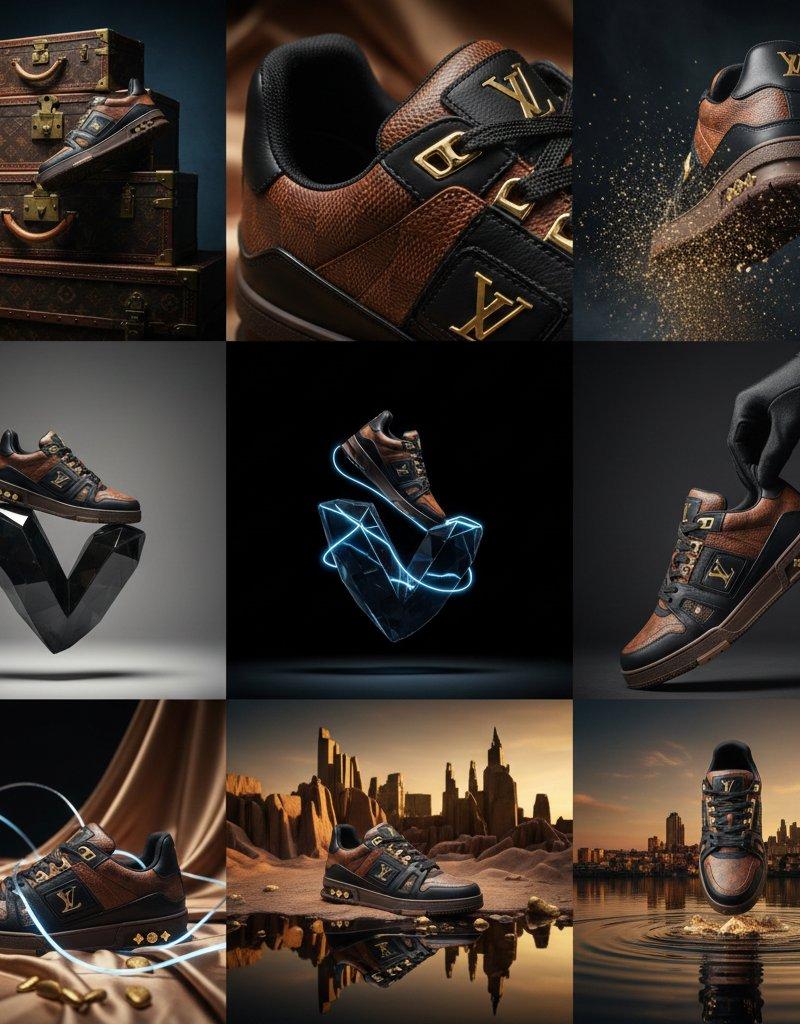
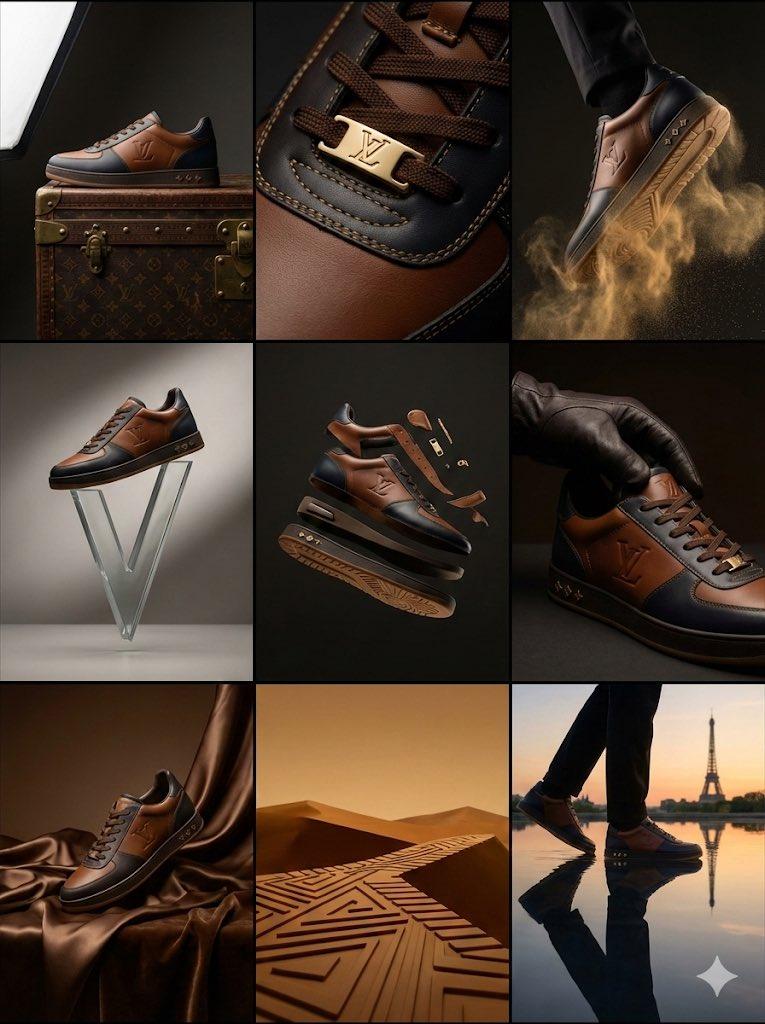
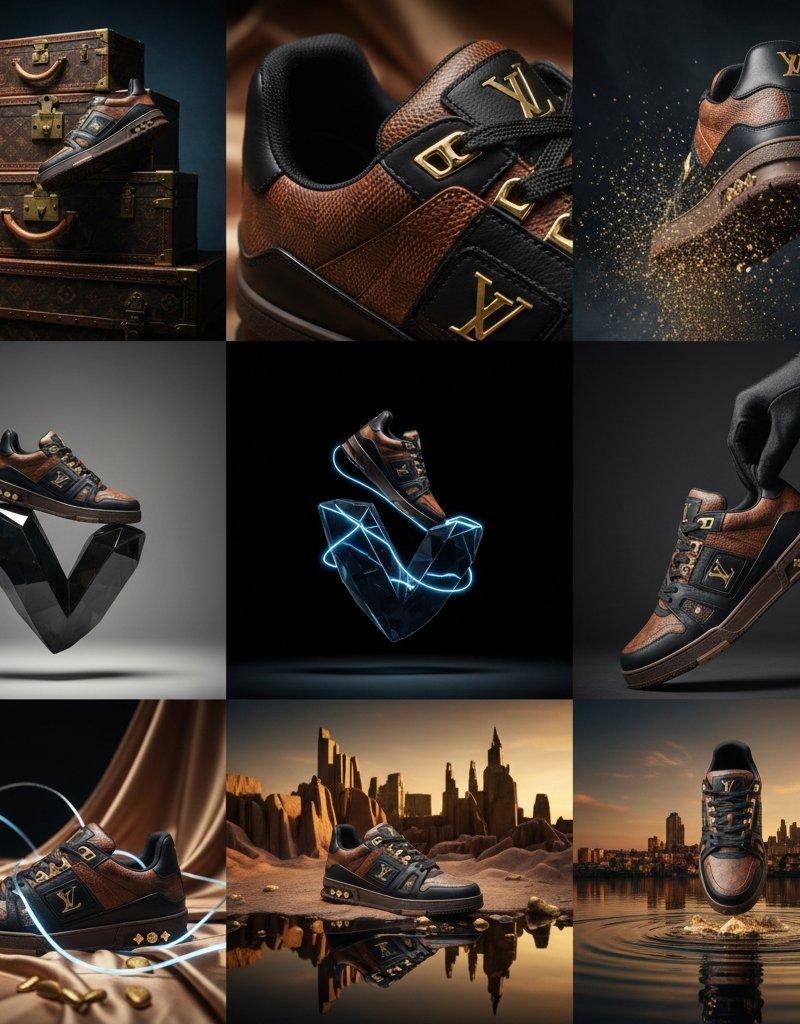
 "row_1_heritage": {
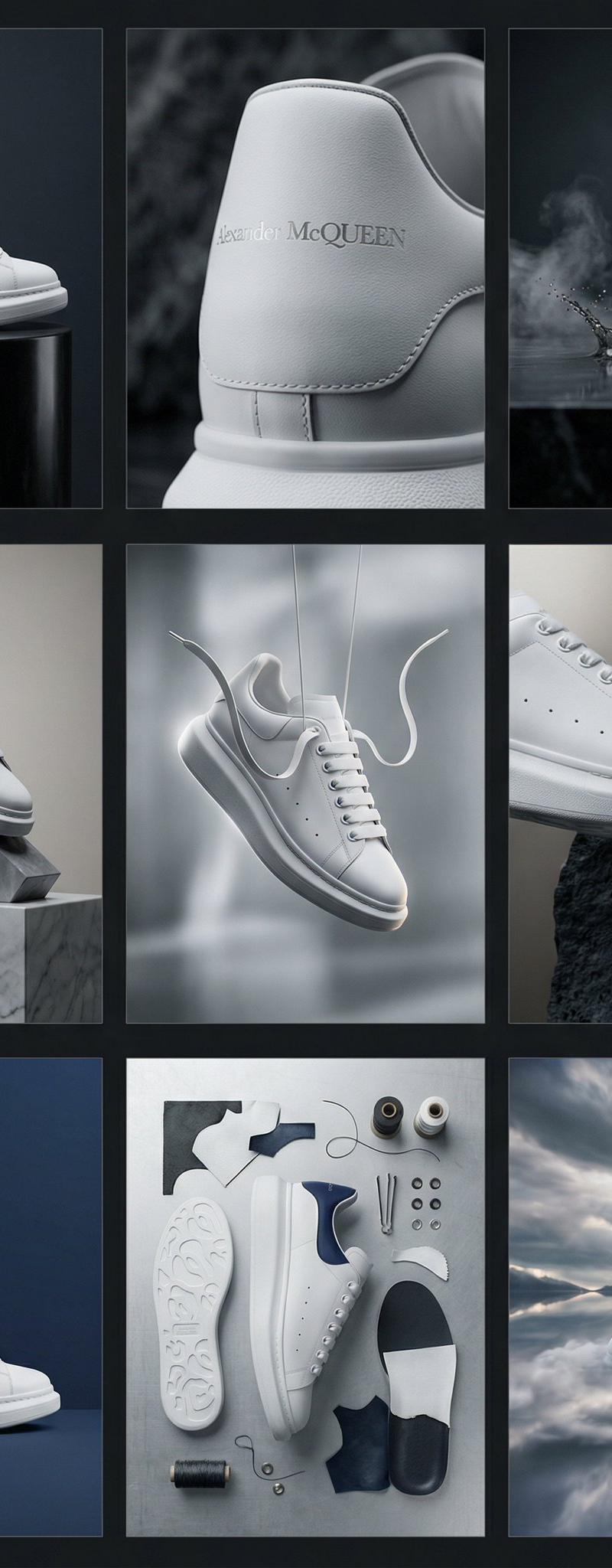
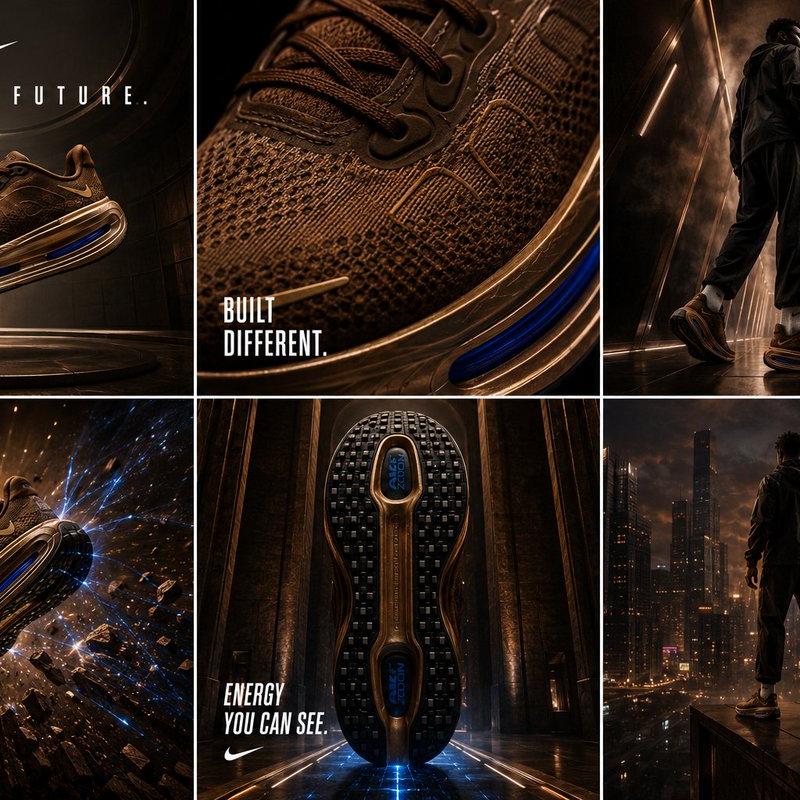
 "cell_1_1": "Hero profile: Shoe resting on a vintage LV trunk, side-lit to show leather grain.",
 "cell_1_2": "Extreme macro: Focus on the gold-tone 'LV' lace aglets and precision stitching.",
 "cell_1_3": "Dynamic: Gold dust/particles swirling around the sole as it 'steps' into frame."
 },
 "row_2_innovation": {
 "cell_2_1": "Minimalist: The shoe balanced atop an abstract, floating glass 'V' sculpture.",
 "cell_2_2": "Floating: Deconstructed view showing the sole and upper suspended in a void.",
 "cell_2_3": "Sensory: A gloved hand adjusting the tongue, emphasizing soft leather suppleness."
 },
 "row_3_surrealism": {
 "cell_3_1": "Color Palette: Monochromatic scene in LV 'Havane' brown with liquid silk drapes.",
 "cell_3_2": "Abstraction: Symbolic representation of the rubber sole pattern as a geometric desert landscape.",
 "cell_3_3": "Fusion: The shoe walking on a mirror-still lake reflecting a Parisian sunset skyline."
 }
 }
}
Category
Photography & Realism
Model
GPT Image 2
Creator
Meem
Source language
en
Views0
Source ID
2017067361673896150
Published
Jan 30, 2026
Studio

Guide

About "Louis Vuitton sneaker grid: GPT Image 2 prompt"

What is this prompt for?

"Louis Vuitton sneaker grid: GPT Image 2 prompt" AI image prompt for GPT Image 2 (Photography & Realism). { "campaign_metadata": { "brand_identity": "Louis Vui…

The full copyable prompt and example visuals above are ready for AI image generation or one-click recreate in Picva.

How to use this prompt

  1. Step 1

    Open the prompt detail

    Review the example visuals, category, and full prompt text for "Louis Vuitton sneaker grid: GPT Image 2 prompt".

  2. Step 2

    Copy the prompt

    Copy the prompt body from this page, or load it directly in Studio.

  3. Step 3

    Pick a model (GPT Image 2)

    Prefer GPT Image 2. If you switch models, keep subject and composition and tweak style terms.

  4. Step 4

    Generate and export

    Recreate the look in Picva, or export into your workflow for editing and publishing.

FAQ

What is the "Louis Vuitton sneaker grid: GPT Image 2 prompt" prompt?
It is an AI image-generation prompt for GPT Image 2 in the Photography & Realism category. This page includes the full prompt text, example visuals, and a one-click recreate path in Picva.
How do I use this prompt to generate an image?
Copy the prompt from this page, or use Generate / Studio. Paste it into a compatible image model, or recreate the look in Picva with optional reference images.
Which model is this prompt for?
This page lists GPT Image 2. Most descriptive prompts also transfer to nearby image models such as GPT Image, Flux, or Midjourney with light style tweaks.
Can I use the result commercially?
You can usually copy the prompt for creation, but commercial use of the final image depends on the model terms, reference-image rights, and the generated content. Follow the source author and platform rules.