17

Editorial poster: GPT Image 2 prompt
Enlarge

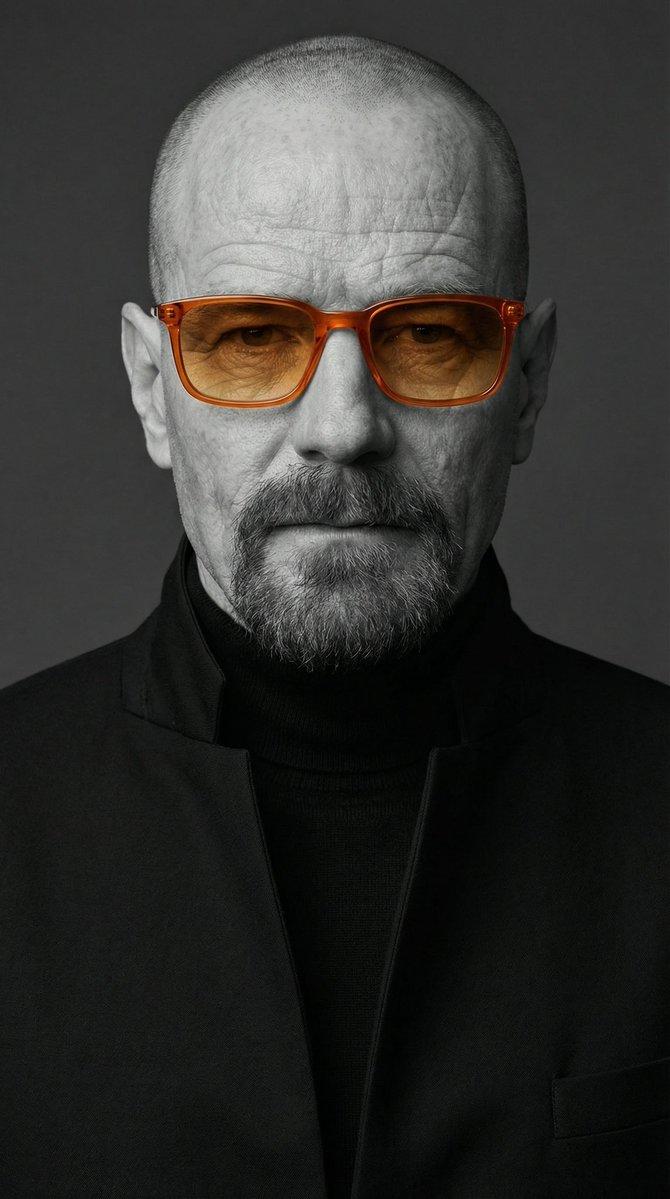
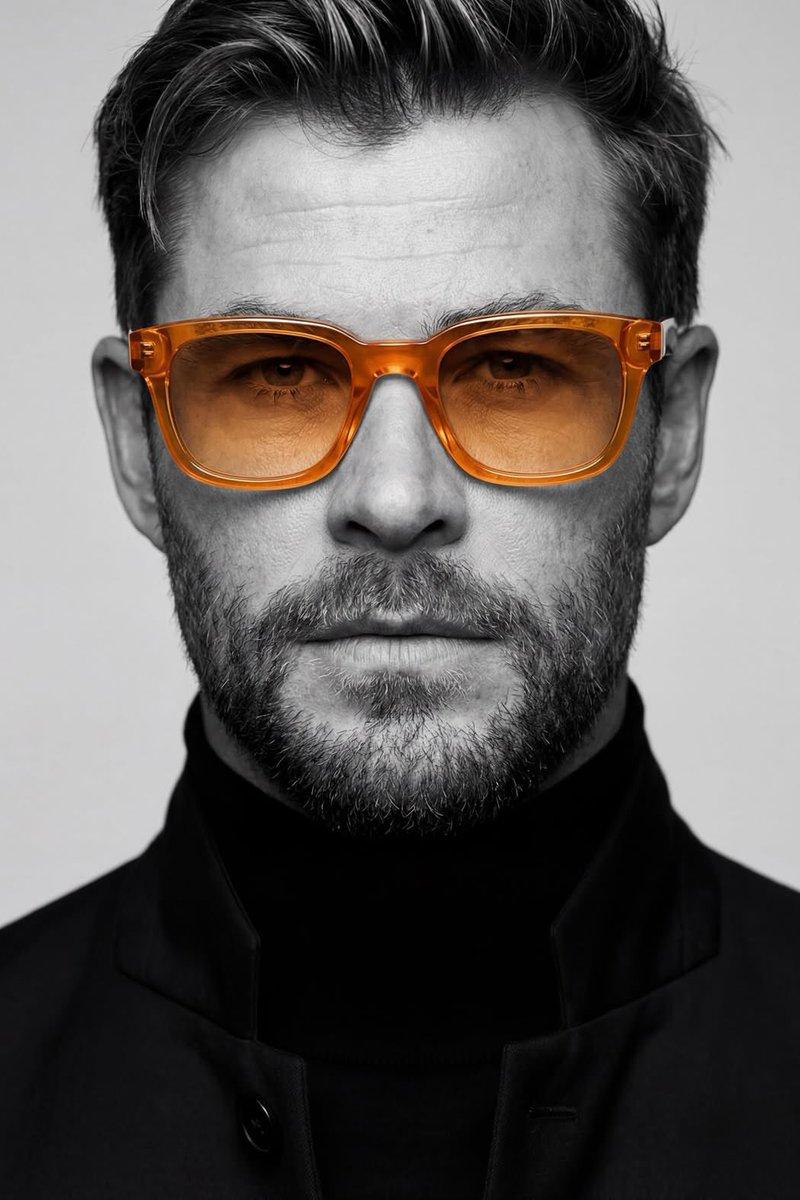
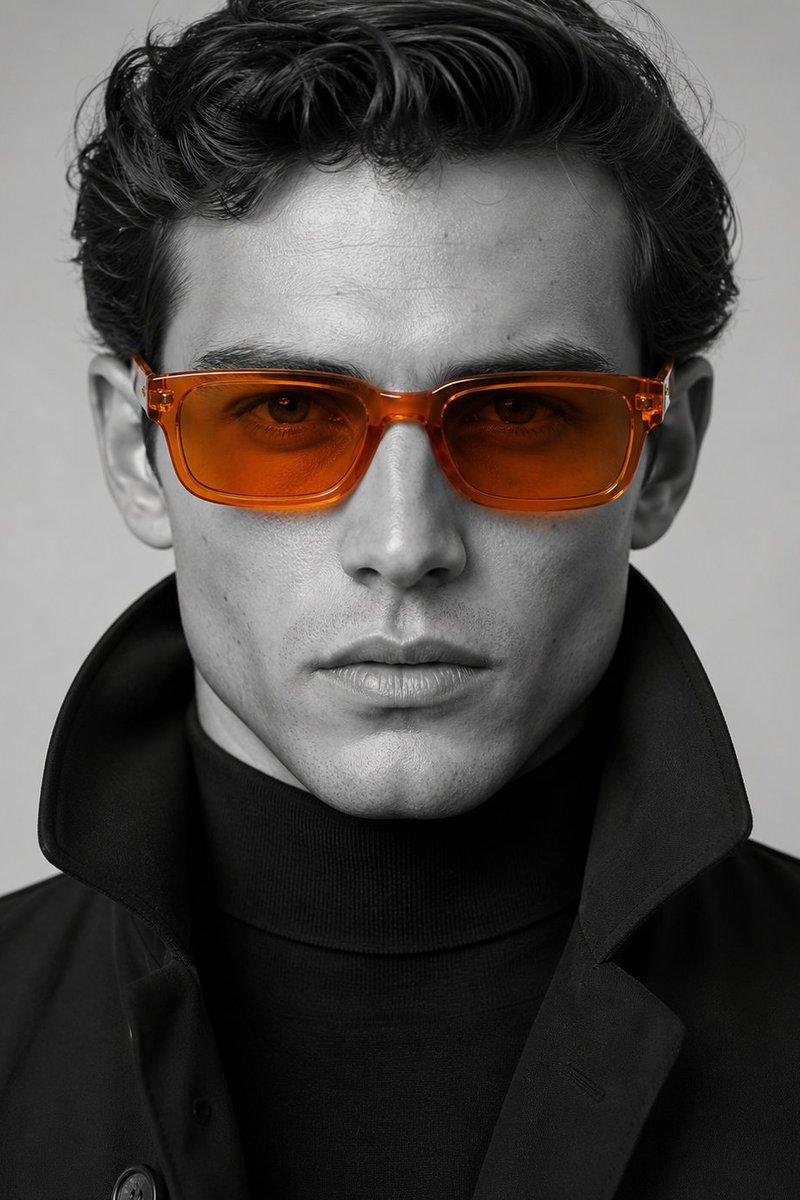
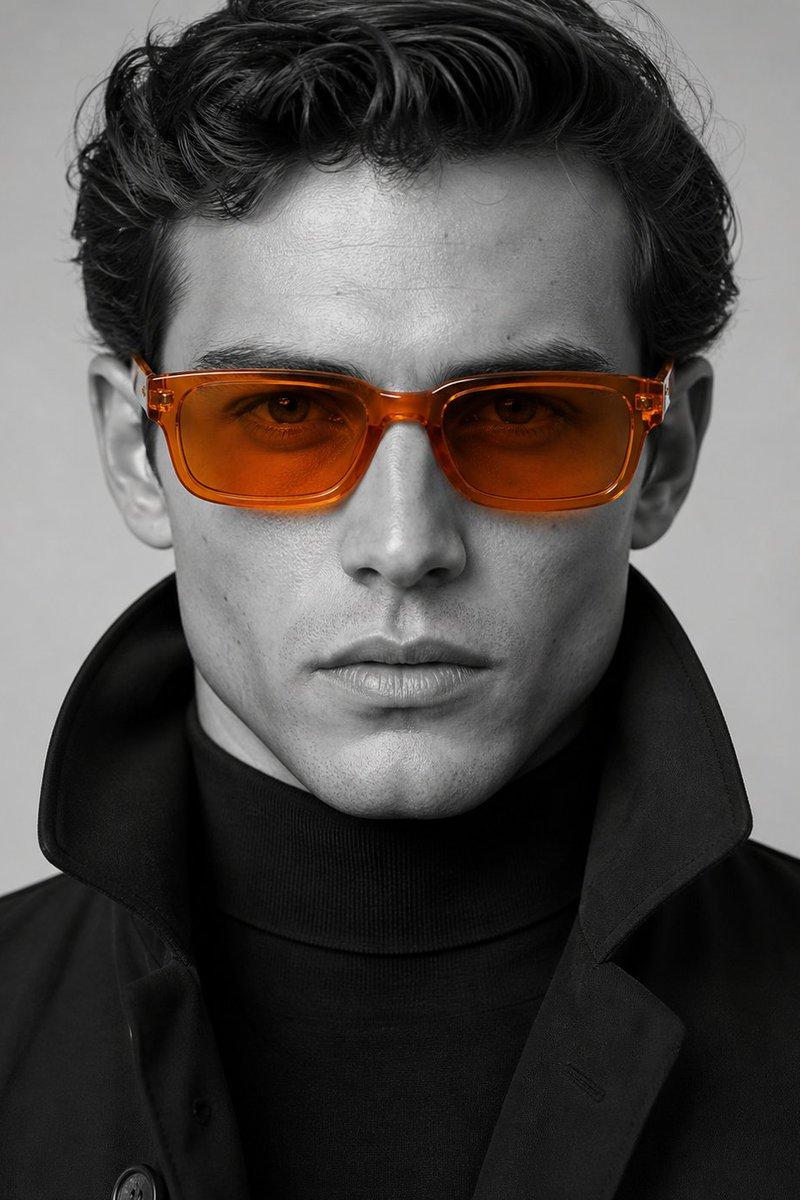
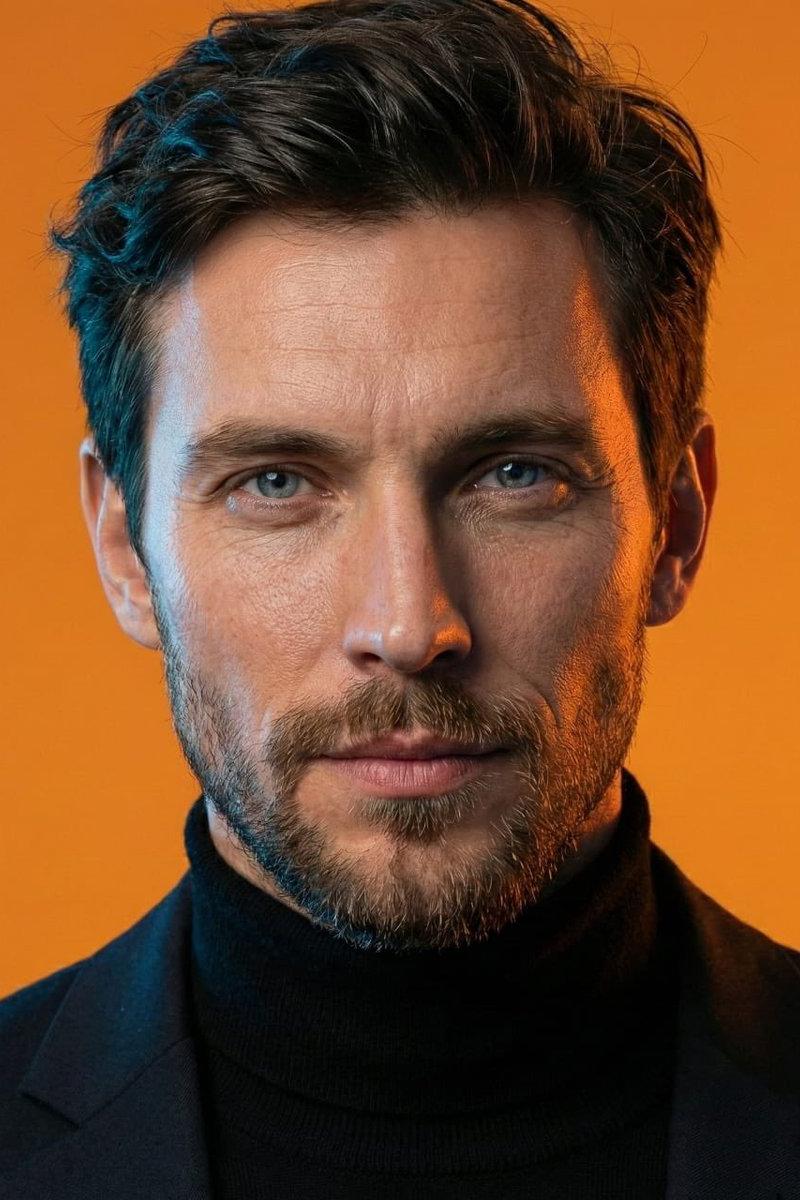
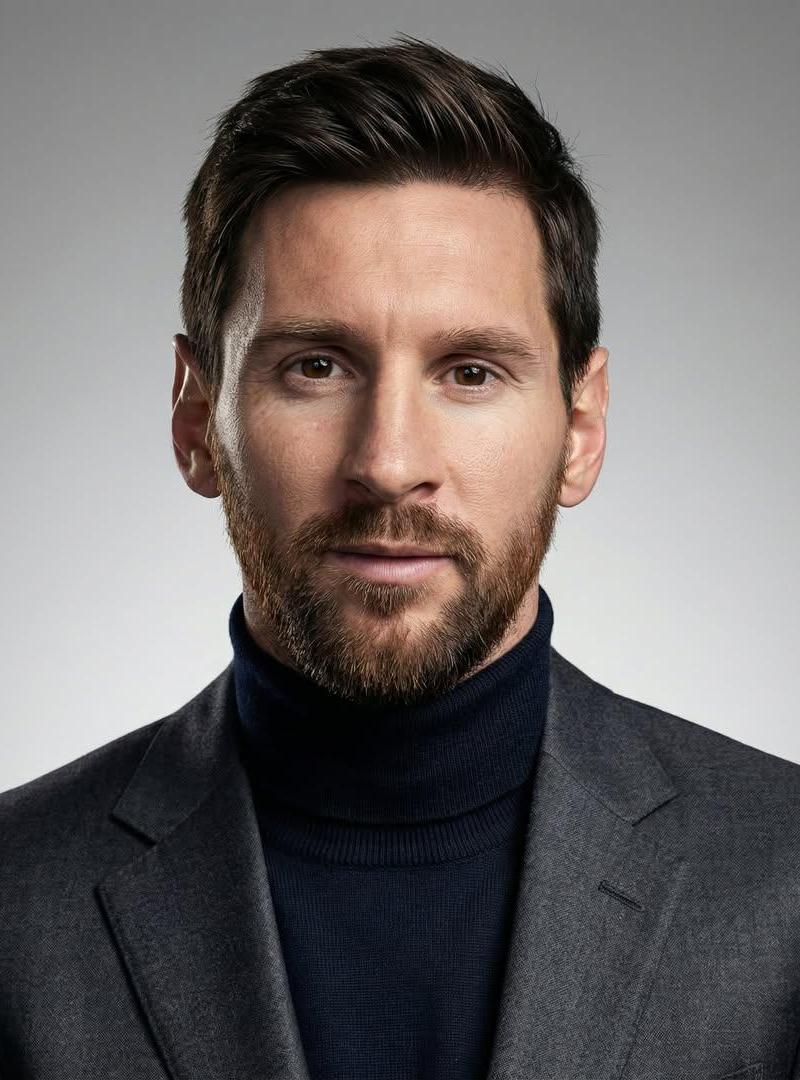
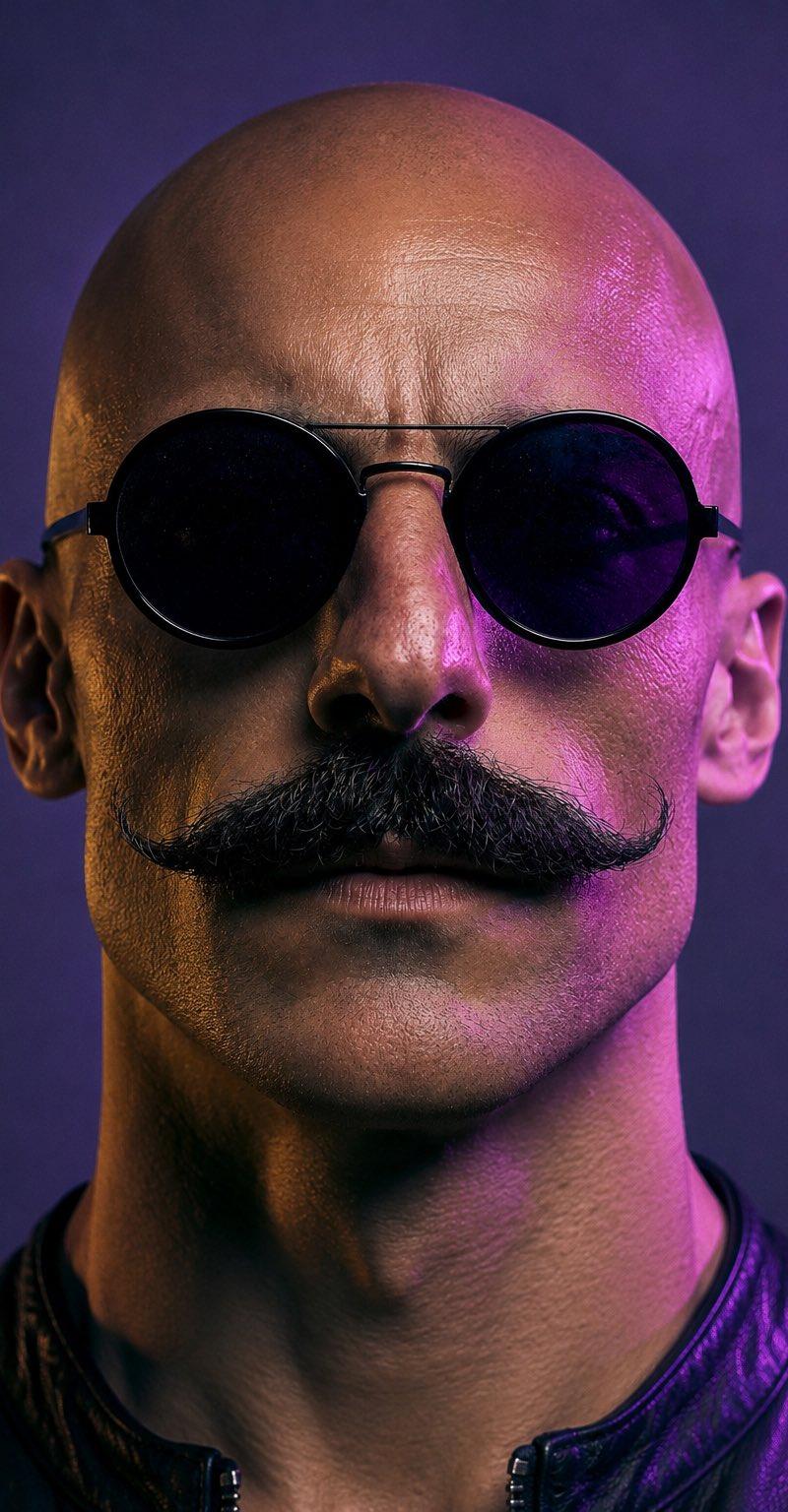
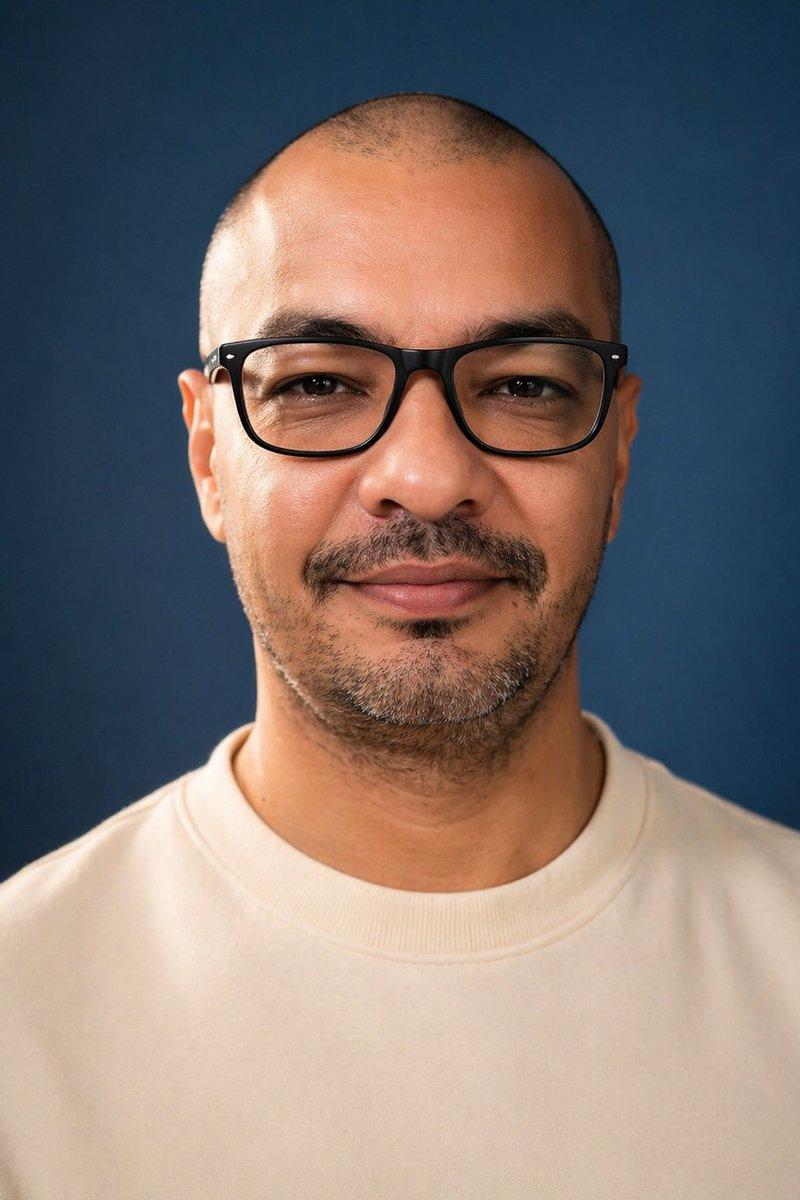
Example images

Editorial poster: GPT Image 2 prompt

Prompt
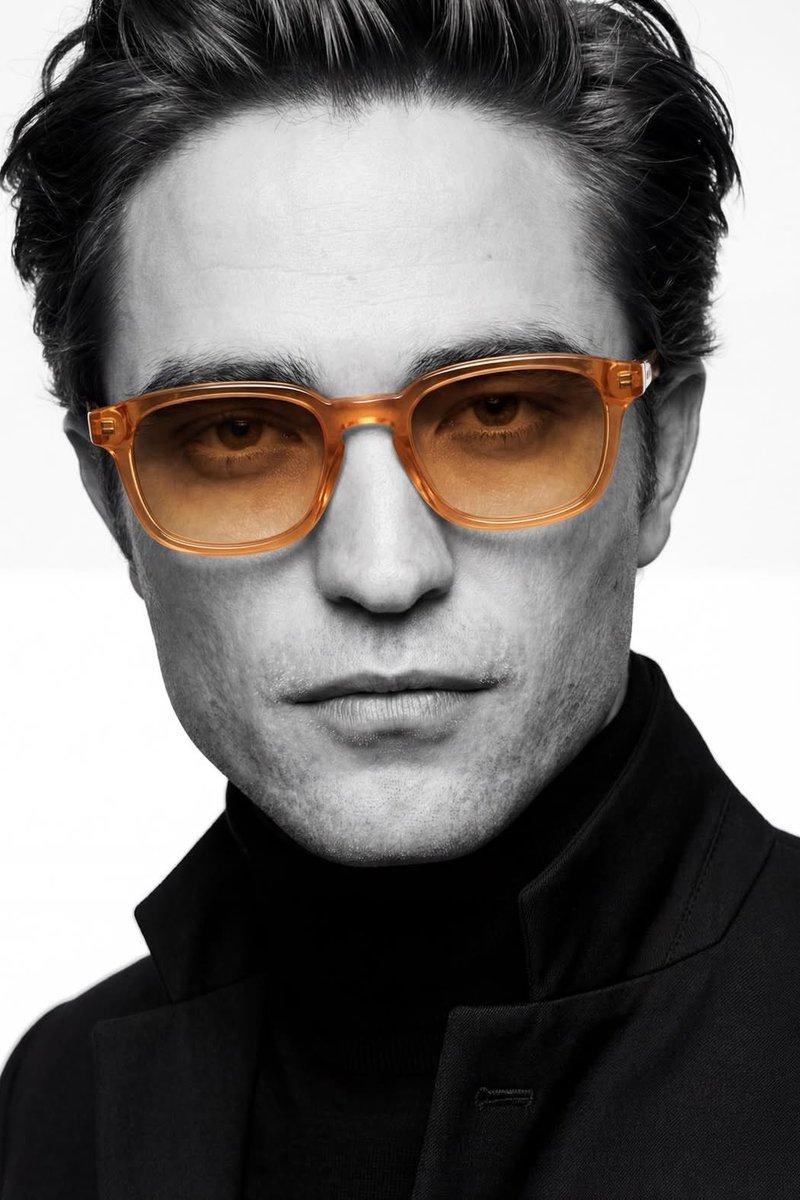
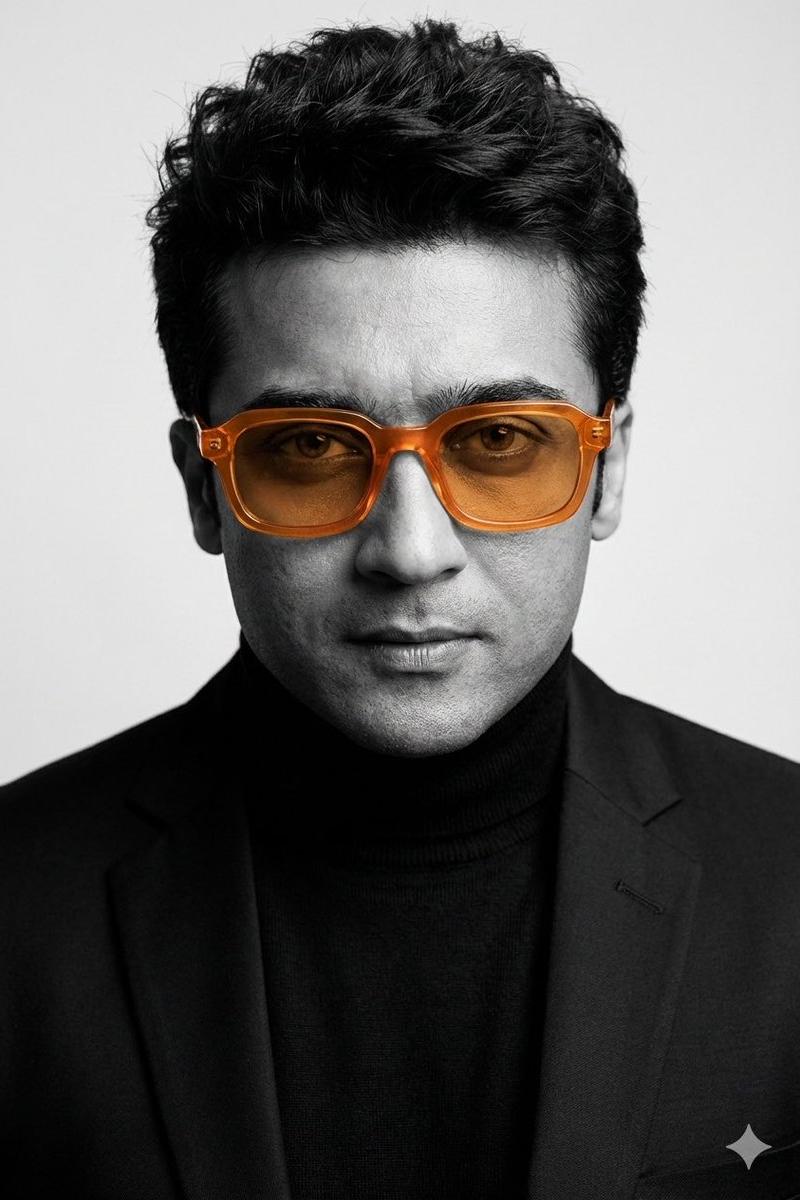
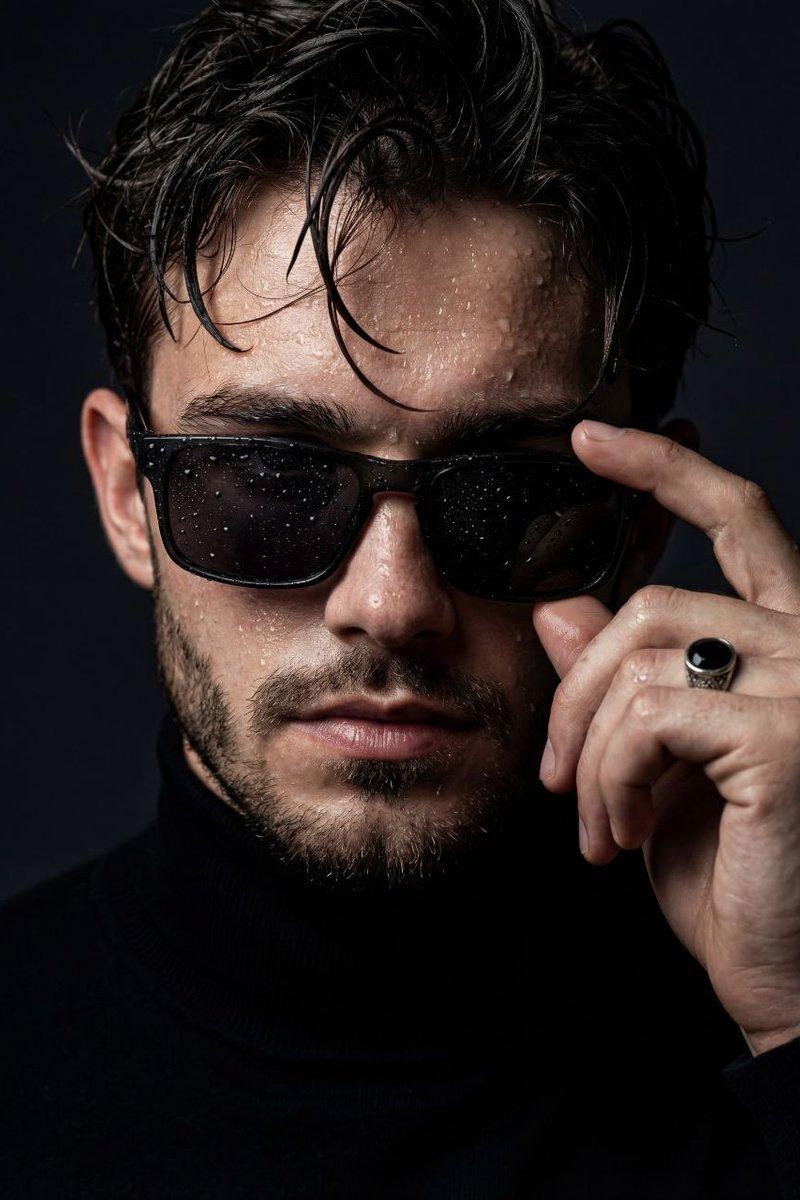
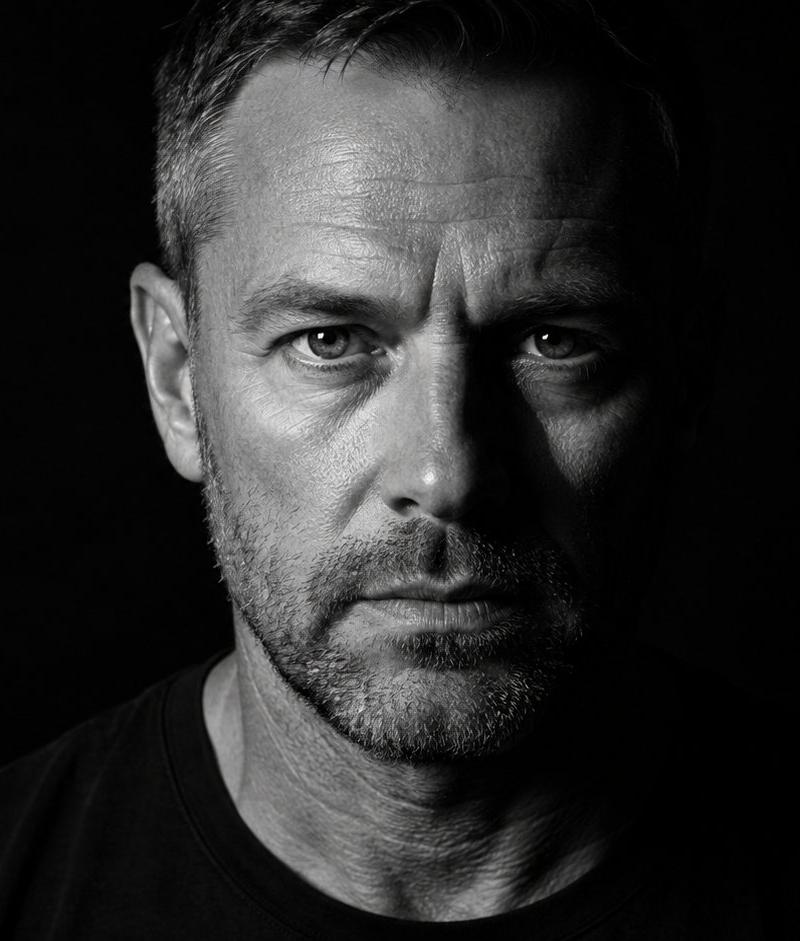
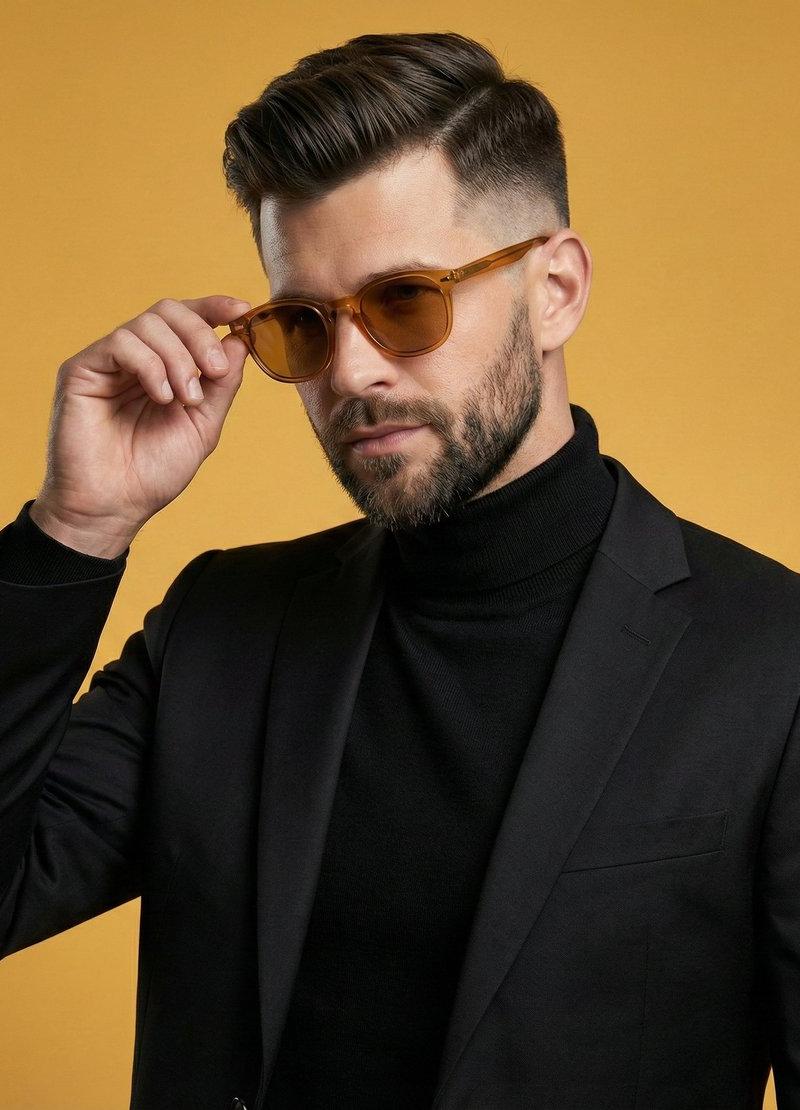
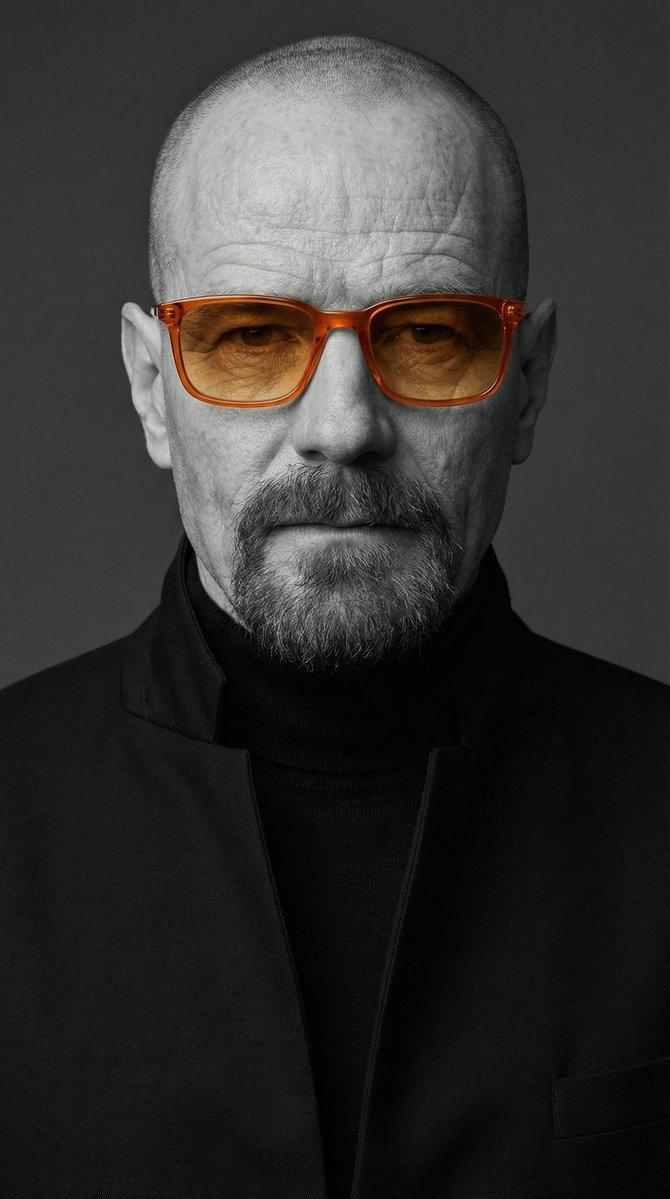
A studio-style close-up editorial portrait of a person with strong, well-defined facial features and slightly imperfect, natural skin texture. The subject wears a black tailored turtleneck with sharp, clean lines, layered under a high-collared black jacket in a minimalist contemporary fashion style.The subject wears semi-transparent orange acetate sunglasses — rectangular frames with softly rounded edges, glossy finish, and amber gradient lenses — serving as the only colored element in the image.Color concept: selective color photography — monochrome black-and-white image with only the sunglasses in vivid orange.
Mood is calm and confident, serious expression, direct gaze into the camera.
Lighting is soft frontal studio light with gentle shadows, even skin tones, cinematic contrast, and visible natural skin texture. Shot on a professional portrait camera, f/2.0, ISO 100, 1/125s. High resolution, ultra-sharp focus on the face.

Style: editorial luxury fashion portrait, photorealistic, professional studio photography, no illustration, no painterly effects.
Category
Photography & Realism
Model
GPT Image 2
Creator
weiinberg
Source language
en
Views0
Source ID
2018707915008618763
Published
Feb 3, 2026
Studio

Guide

About "Editorial poster: GPT Image 2 prompt"

What is this prompt for?

"Editorial poster: GPT Image 2 prompt" AI image prompt for GPT Image 2 (Photography & Realism). A studio-style close-up editorial portrait of a person with str…

The full copyable prompt and example visuals above are ready for AI image generation or one-click recreate in Picva.

How to use this prompt

  1. Step 1

    Open the prompt detail

    Review the example visuals, category, and full prompt text for "Editorial poster: GPT Image 2 prompt".

  2. Step 2

    Copy the prompt

    Copy the prompt body from this page, or load it directly in Studio.

  3. Step 3

    Pick a model (GPT Image 2)

    Prefer GPT Image 2. If you switch models, keep subject and composition and tweak style terms.

  4. Step 4

    Generate and export

    Recreate the look in Picva, or export into your workflow for editing and publishing.

FAQ

What is the "Editorial poster: GPT Image 2 prompt" prompt?
It is an AI image-generation prompt for GPT Image 2 in the Photography & Realism category. This page includes the full prompt text, example visuals, and a one-click recreate path in Picva.
How do I use this prompt to generate an image?
Copy the prompt from this page, or use Generate / Studio. Paste it into a compatible image model, or recreate the look in Picva with optional reference images.
Which model is this prompt for?
This page lists GPT Image 2. Most descriptive prompts also transfer to nearby image models such as GPT Image, Flux, or Midjourney with light style tweaks.
Can I use the result commercially?
You can usually copy the prompt for creation, but commercial use of the final image depends on the model terms, reference-image rights, and the generated content. Follow the source author and platform rules.