19

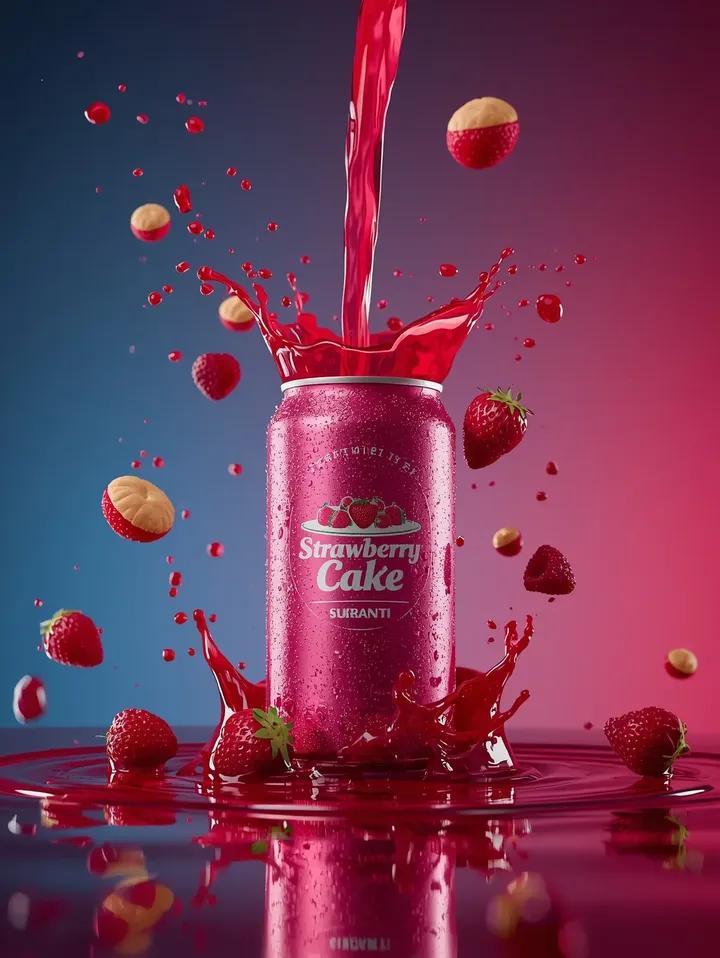
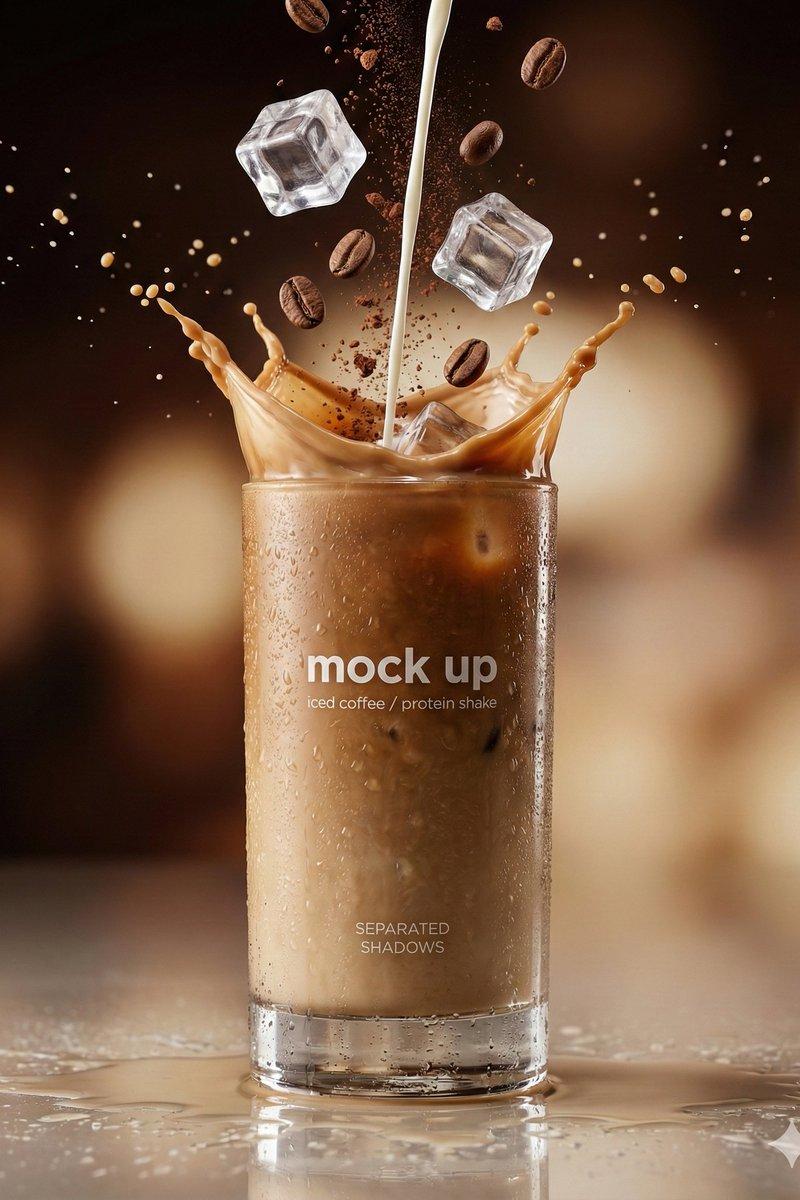
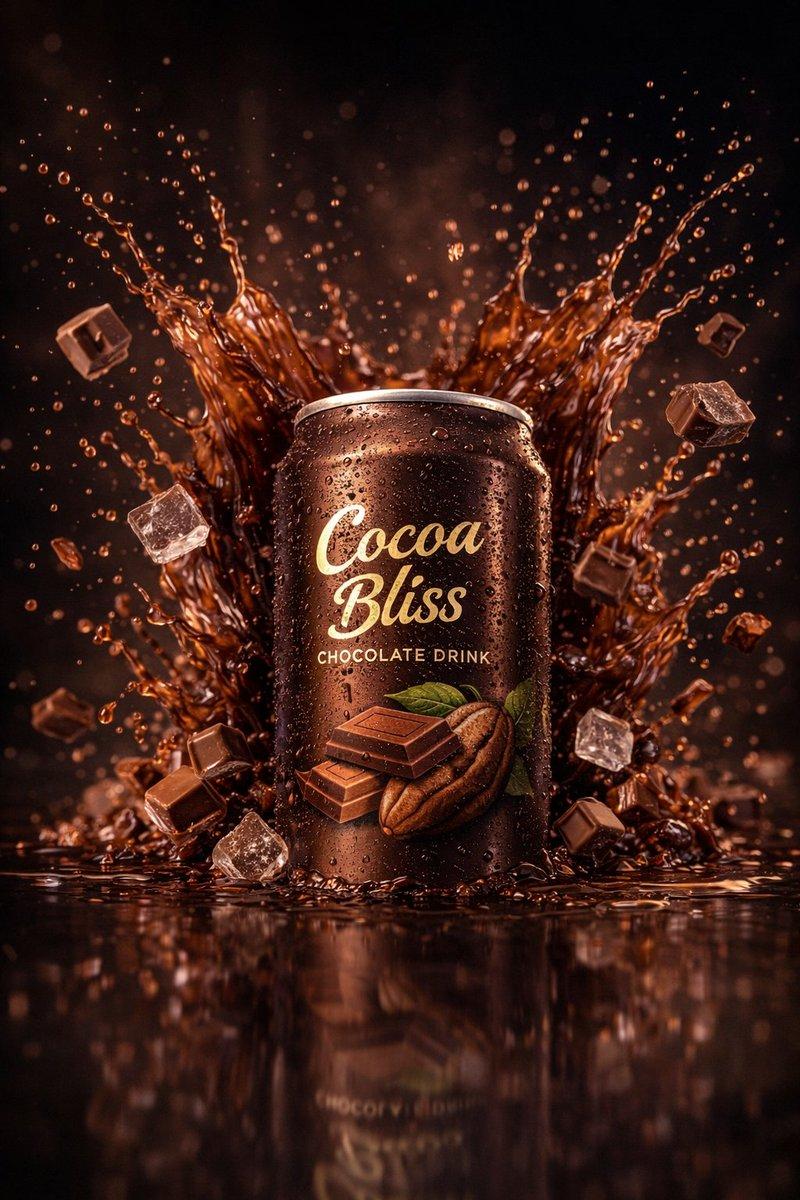
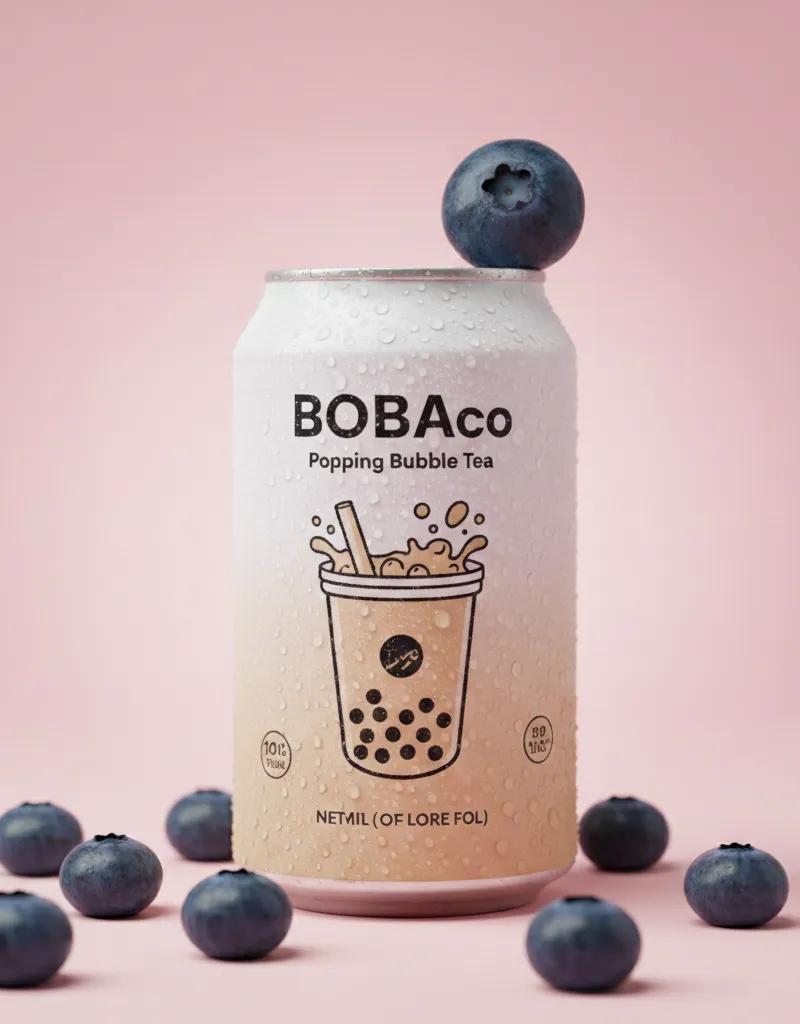
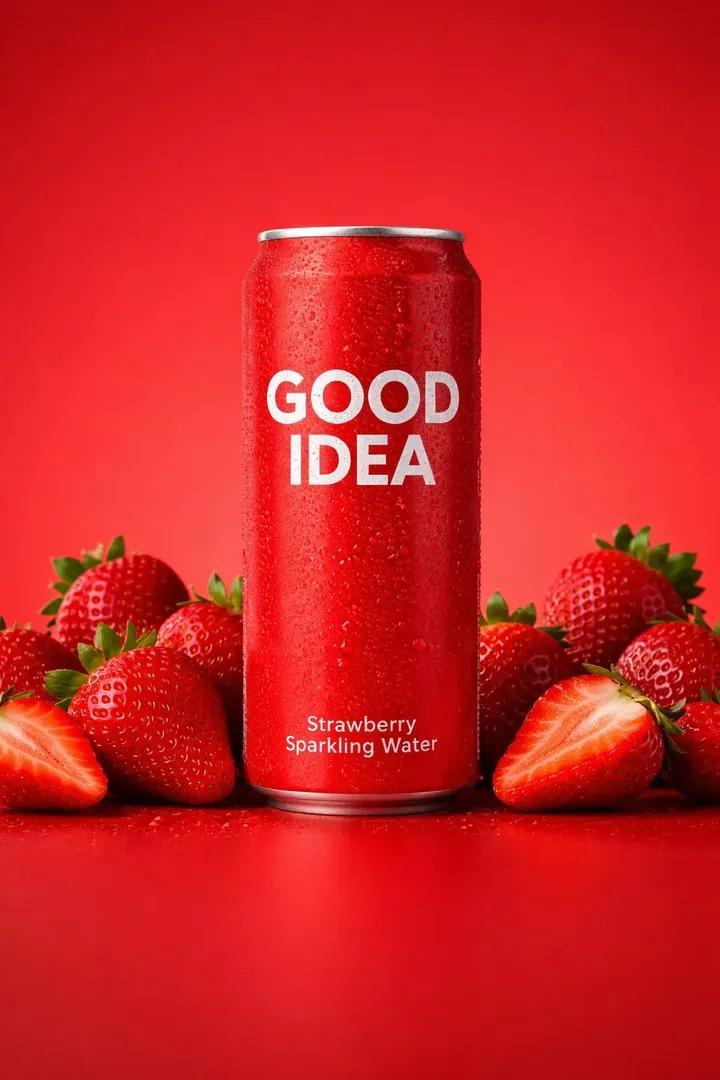
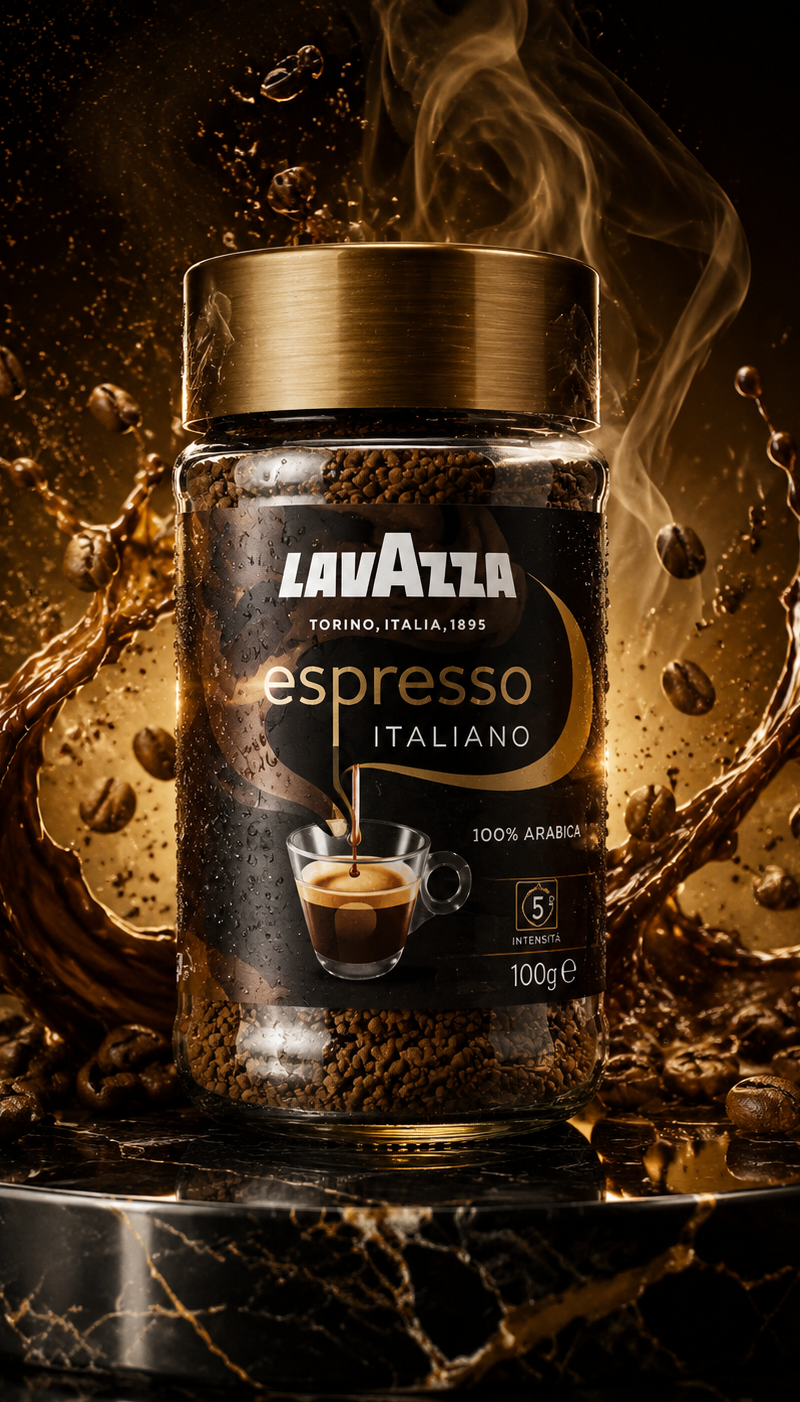
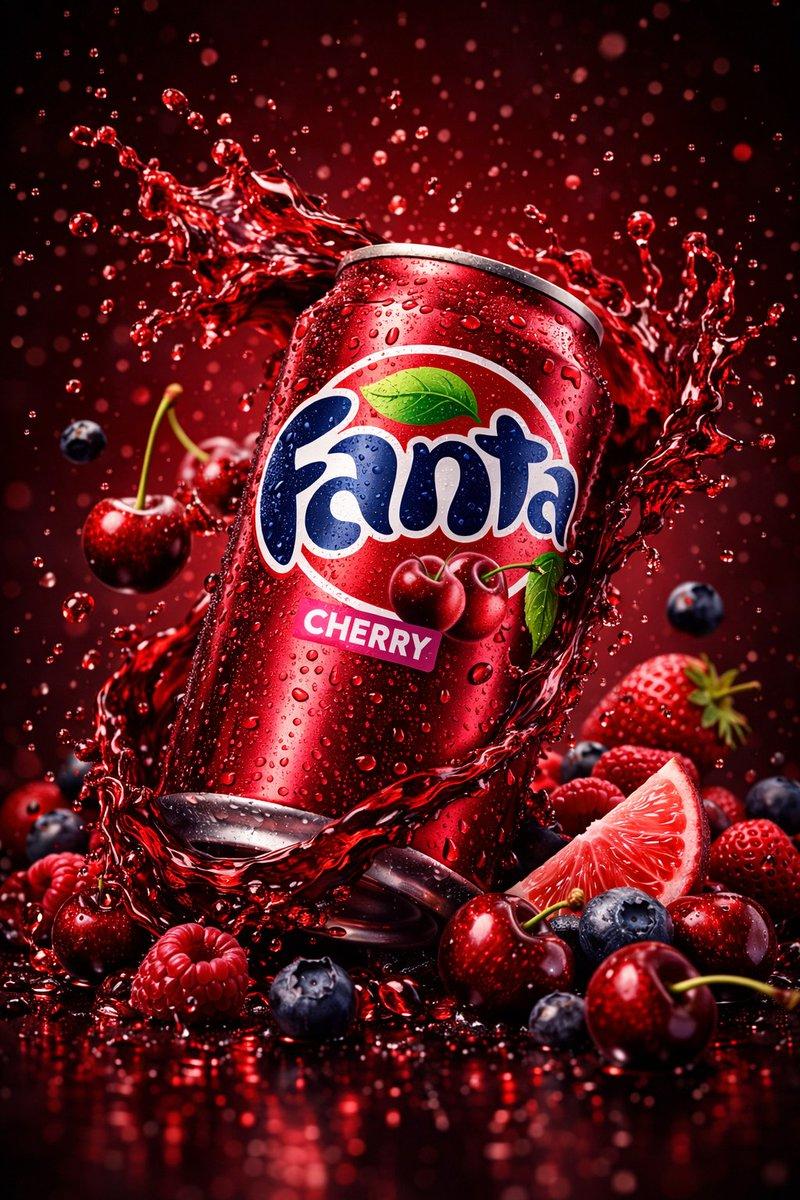
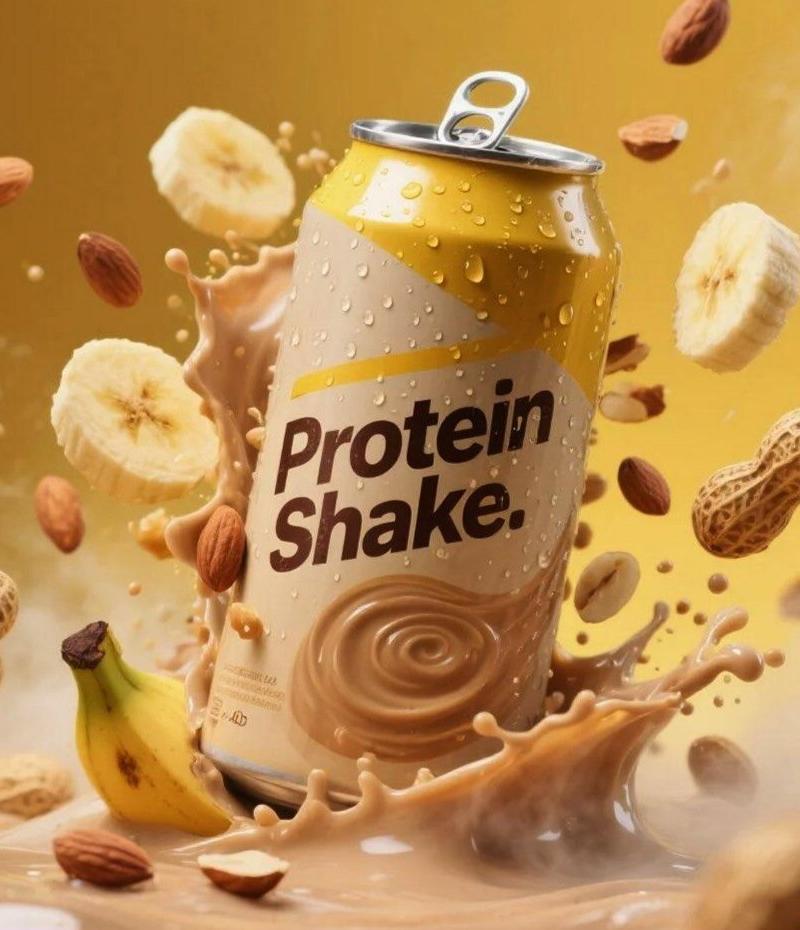
Coffee product shot: GPT Image 2 prompt
Enlarge

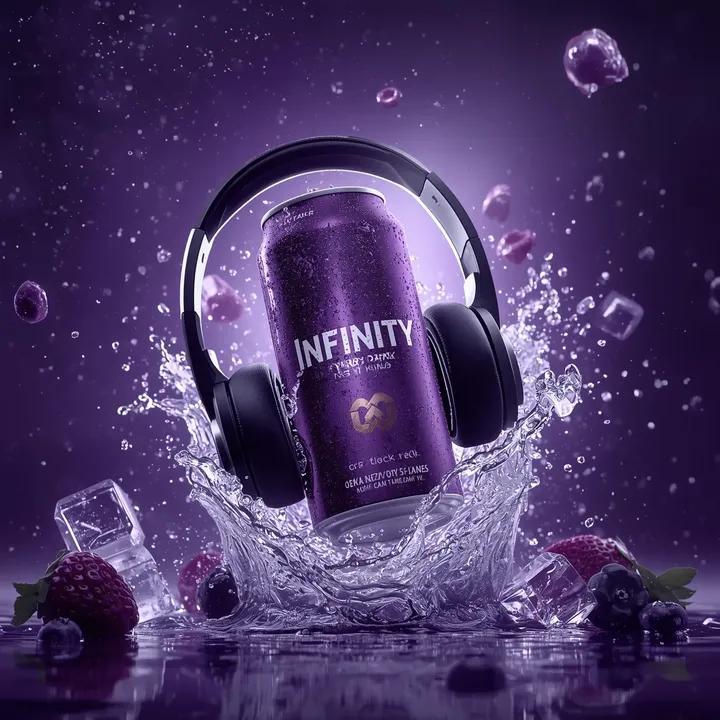
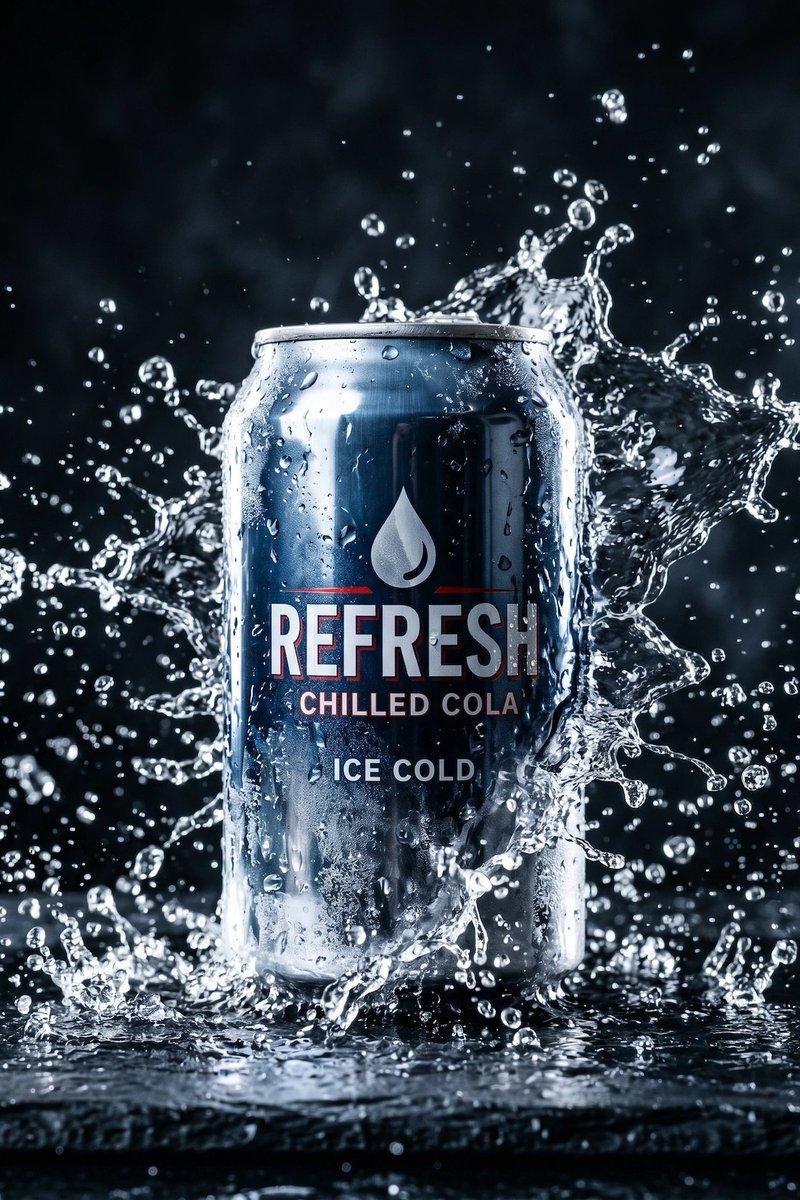
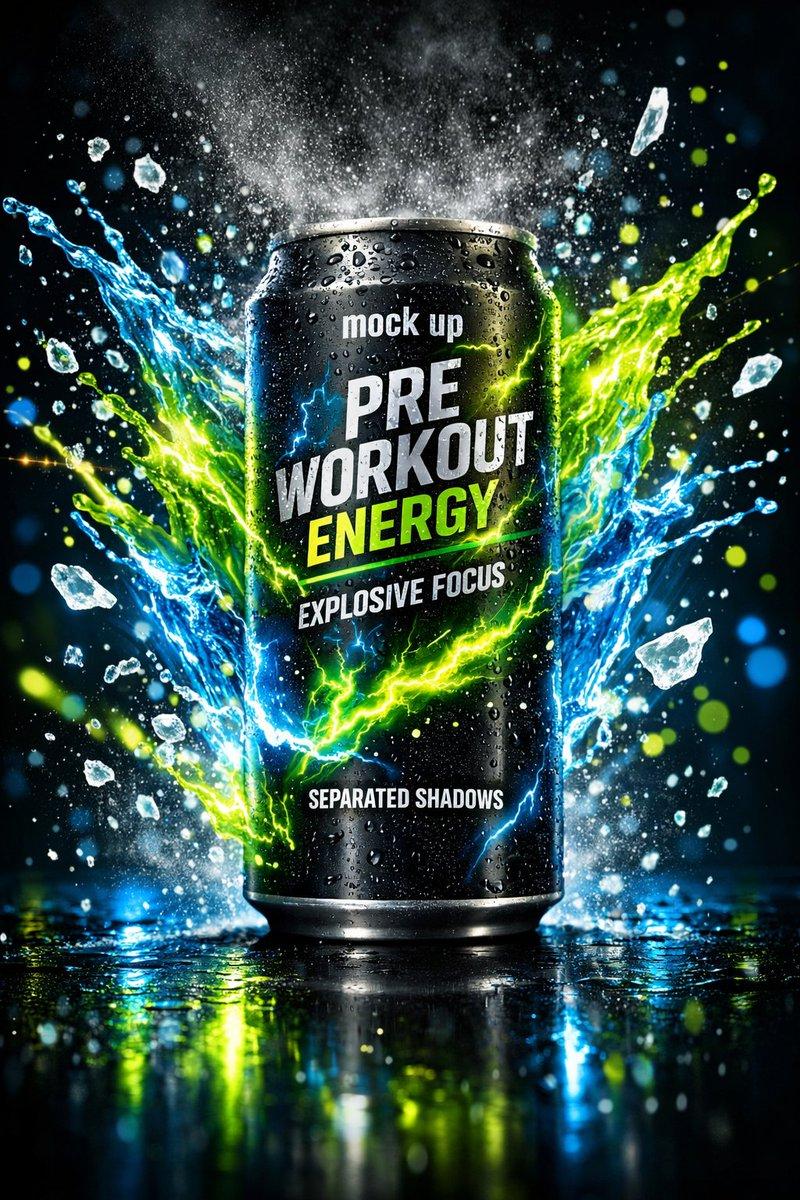
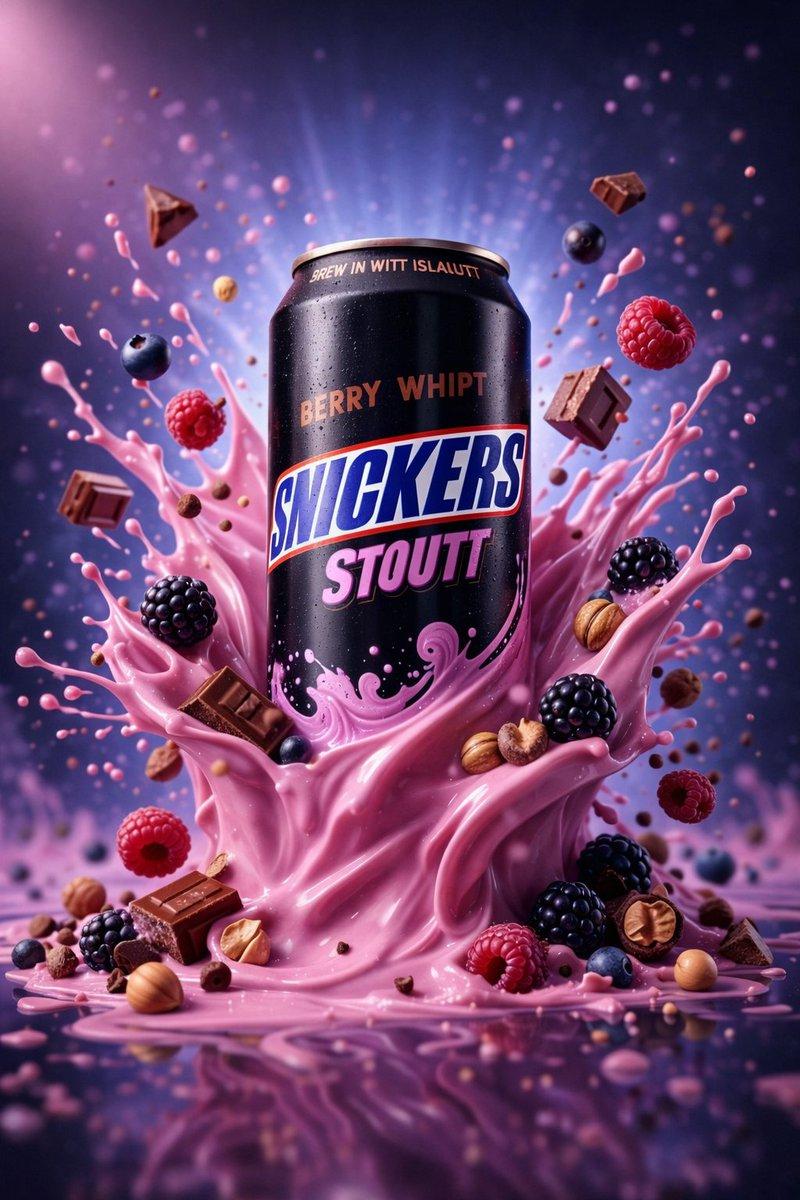
Example images

Coffee product shot: GPT Image 2 prompt

Prompt
{
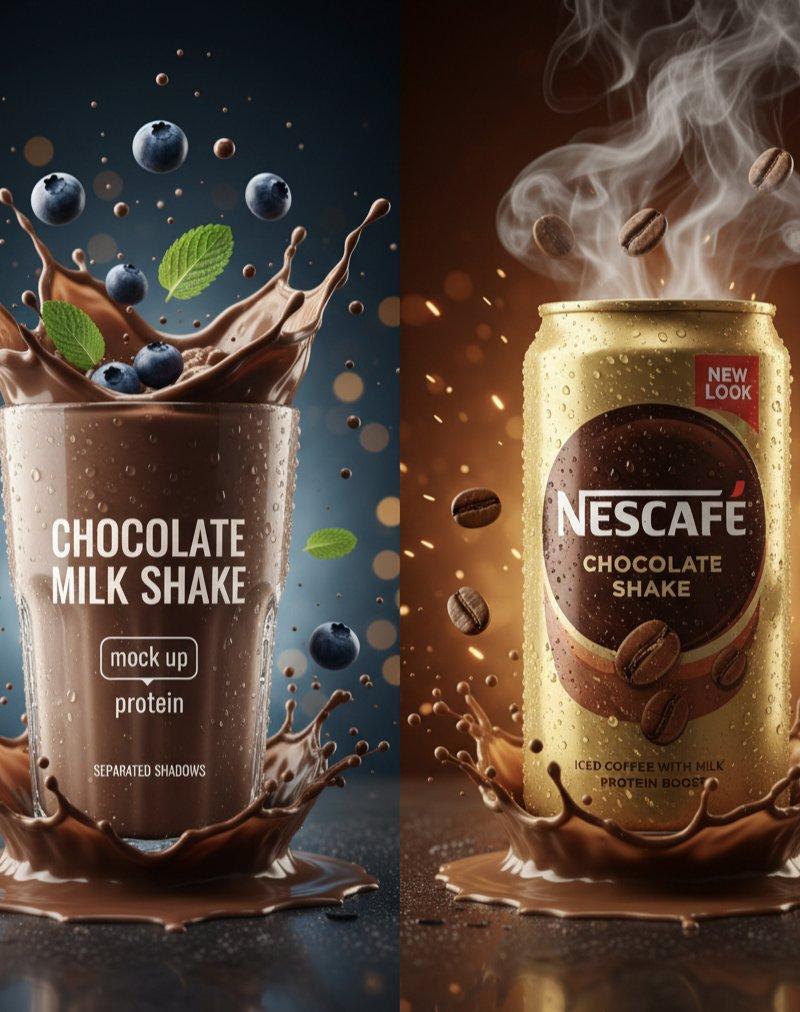
 "master_prompt": {
 "global_settings": {
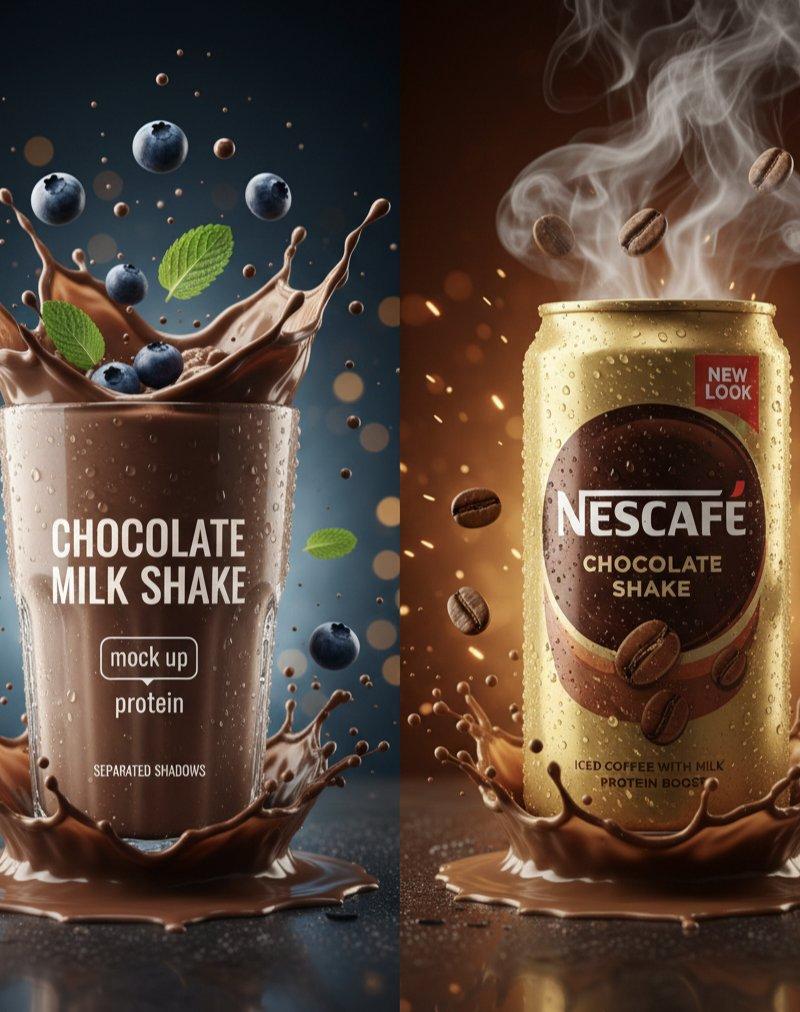
 "style": "Hyper-realistic commercial product photography", 
 "layout": "Vertical split-screen, two distinct modules",
 "resolution": "8K UHD, cinematic lighting",
 "details": "Extreme clarity, frozen motion splashes, micro-condensation"
 },
 "module_1_left": {
 "subject": {
 "type": "Clear tall glass of thick chocolate milkshake",
 "details": "Frothy texture, visible condensation on glass",
 "text_on_glass": ["CHOCOLATE MILK SHAKE", "mock up", "protein"]
 },
 "action": "Dynamic chocolate liquid splash erupting from the base and top",
 "floating_elements": [
 "Whole blueberries with water droplets",
 "Fresh green mint leaves",
 "Tiny chocolate particles suspended in air"
 ],
 "background": {
 "color": "Deep dark blue with soft golden bokeh particles",
 "lighting": "Cool moonlight-style rim lighting"
 }
 },
 "module_2_right": {
 "subject": {
 "type": "Slim gold metallic Nescafé can",
 "details": "Heavy condensation, matte gold finish",
 "text_on_can": ["NESCAFÉ", "CHOCOLATE SHAKE", "NEW LOOK", "PROTEIN BOOST"]
 },
 "action": "Explosive chocolate liquid crown splash at the base",
 "floating_elements": [
 "Roasted coffee beans",
 "Swirling thick white steam/smoke rising from the top",
 "Glowing amber embers and sparks"
 ],
 "background": {
 "color": "Warm chocolate brown to dark amber gradient",
 "atmosphere": "Moody, intense, and smoky"
 }
 },
 "surface_details": {
 "base": "Reflective dark wet surface with liquid pooling",
 "shadows": "Soft separated realistic shadows"
 }
 }
}
Category
Charts & Infographics
Model
GPT Image 2
Creator
Minahil
Source language
en
Views0
Source ID
2019630789474861400
Published
Feb 6, 2026
Studio

Guide

About "Coffee product shot: GPT Image 2 prompt"

What is this prompt for?

"Coffee product shot: GPT Image 2 prompt" AI image prompt for GPT Image 2 (Charts & Infographics). { "master_prompt": { "global_settings": { "style": "Hyper-re…

The full copyable prompt and example visuals above are ready for AI image generation or one-click recreate in Picva.

How to use this prompt

  1. Step 1

    Open the prompt detail

    Review the example visuals, category, and full prompt text for "Coffee product shot: GPT Image 2 prompt".

  2. Step 2

    Copy the prompt

    Copy the prompt body from this page, or load it directly in Studio.

  3. Step 3

    Pick a model (GPT Image 2)

    Prefer GPT Image 2. If you switch models, keep subject and composition and tweak style terms.

  4. Step 4

    Generate and export

    Recreate the look in Picva, or export into your workflow for editing and publishing.

FAQ

What is the "Coffee product shot: GPT Image 2 prompt" prompt?
It is an AI image-generation prompt for GPT Image 2 in the Charts & Infographics category. This page includes the full prompt text, example visuals, and a one-click recreate path in Picva.
How do I use this prompt to generate an image?
Copy the prompt from this page, or use Generate / Studio. Paste it into a compatible image model, or recreate the look in Picva with optional reference images.
Which model is this prompt for?
This page lists GPT Image 2. Most descriptive prompts also transfer to nearby image models such as GPT Image, Flux, or Midjourney with light style tweaks.
Can I use the result commercially?
You can usually copy the prompt for creation, but commercial use of the final image depends on the model terms, reference-image rights, and the generated content. Follow the source author and platform rules.