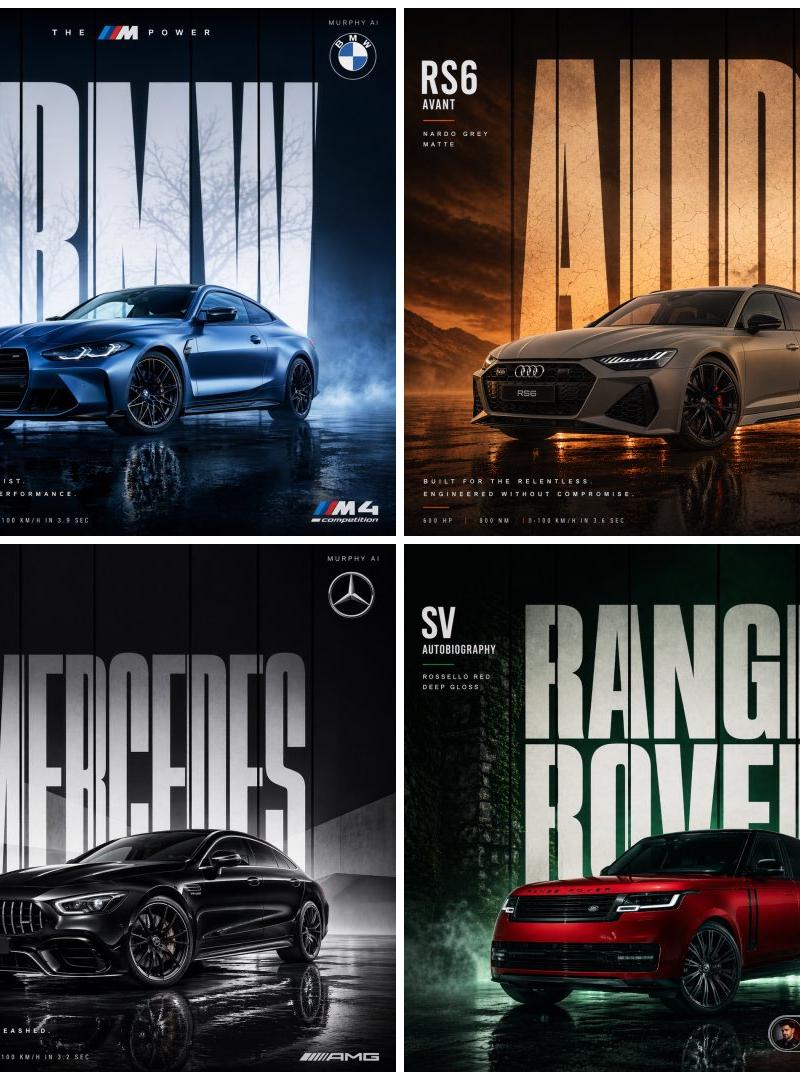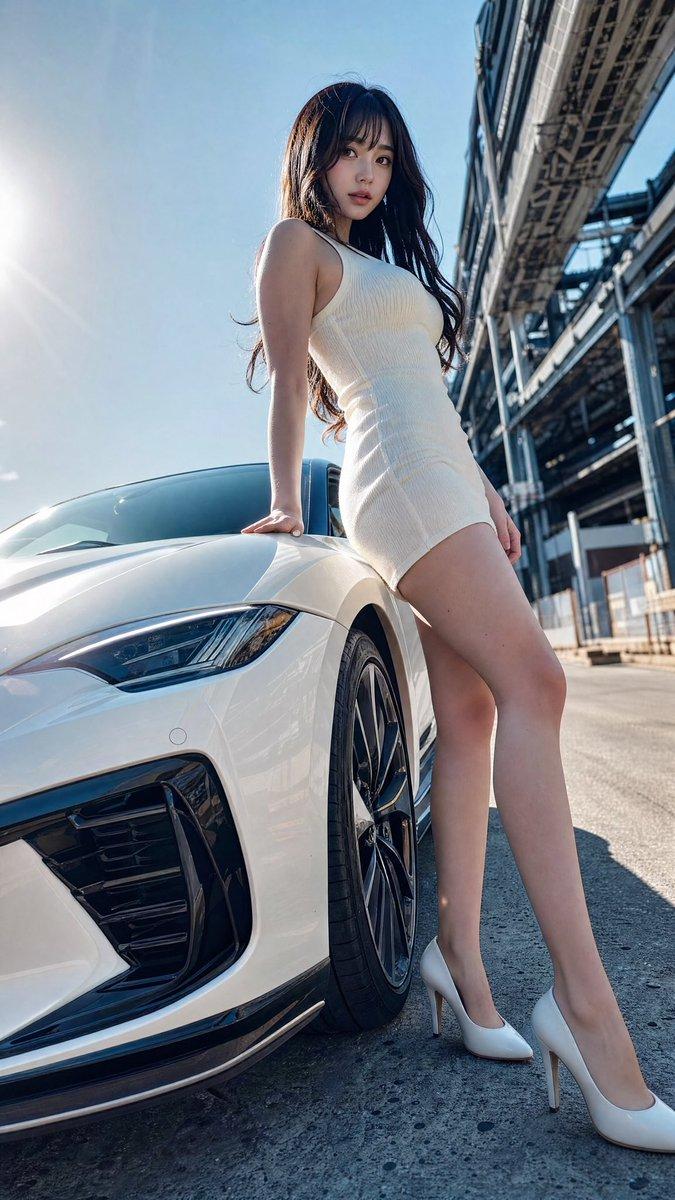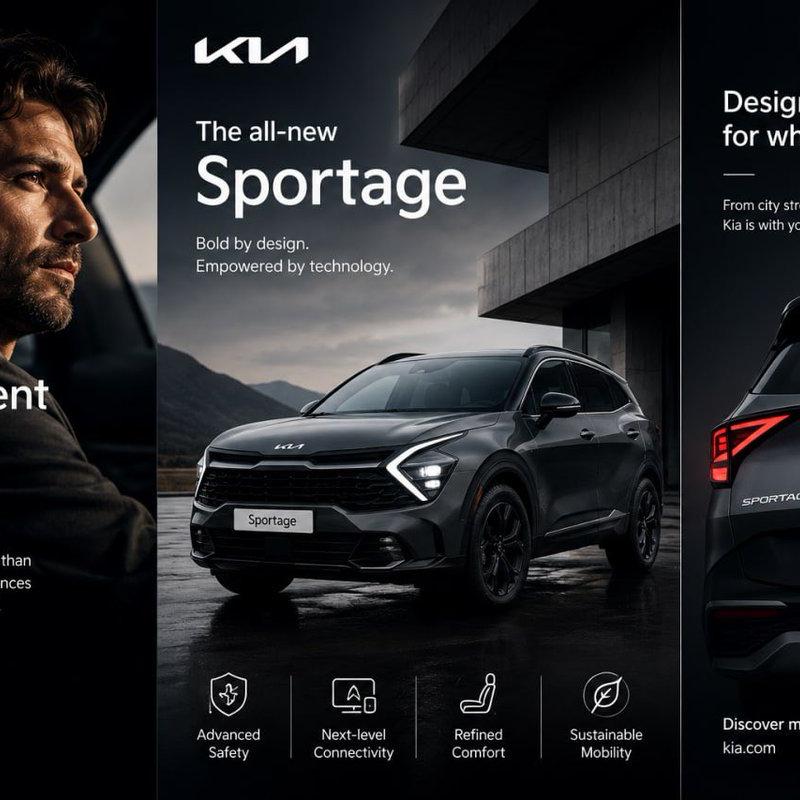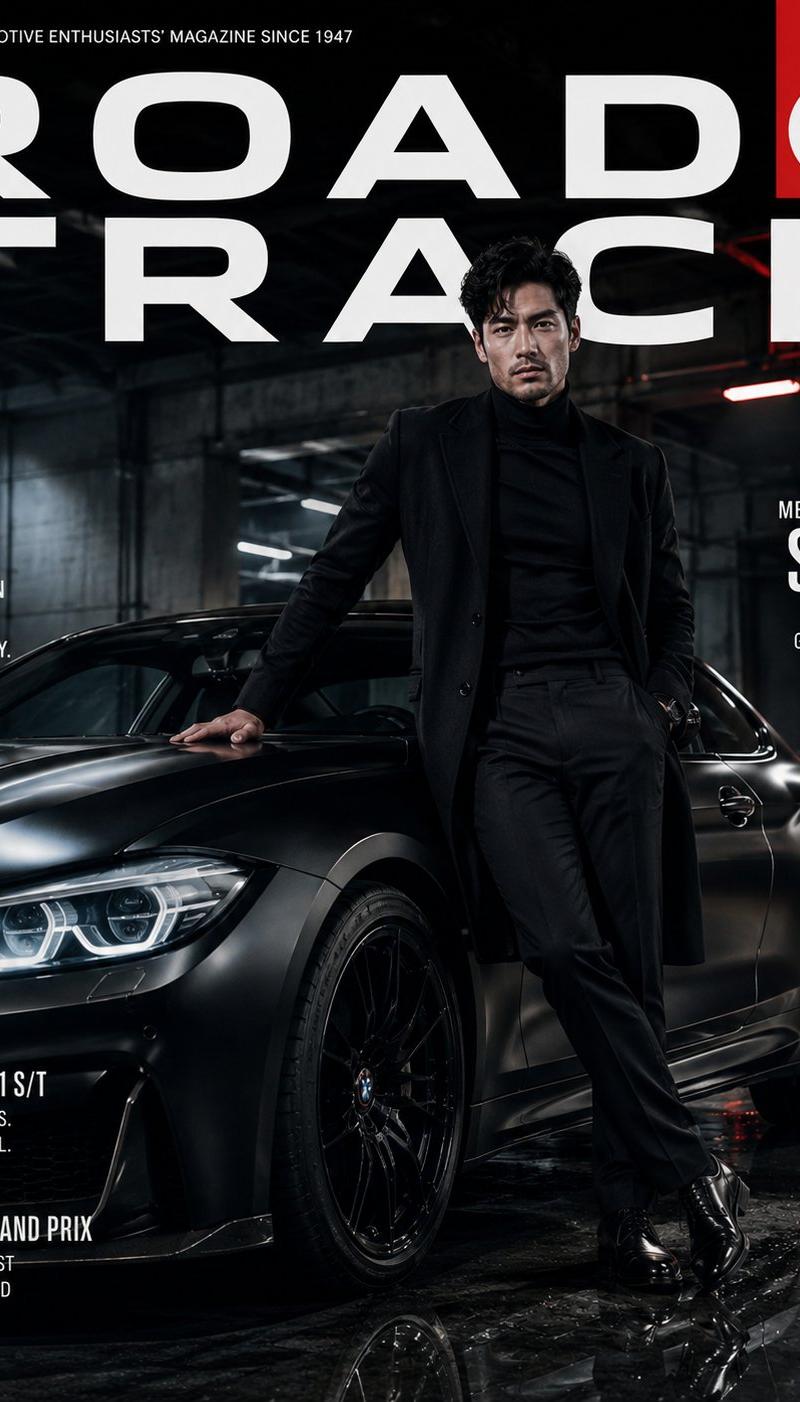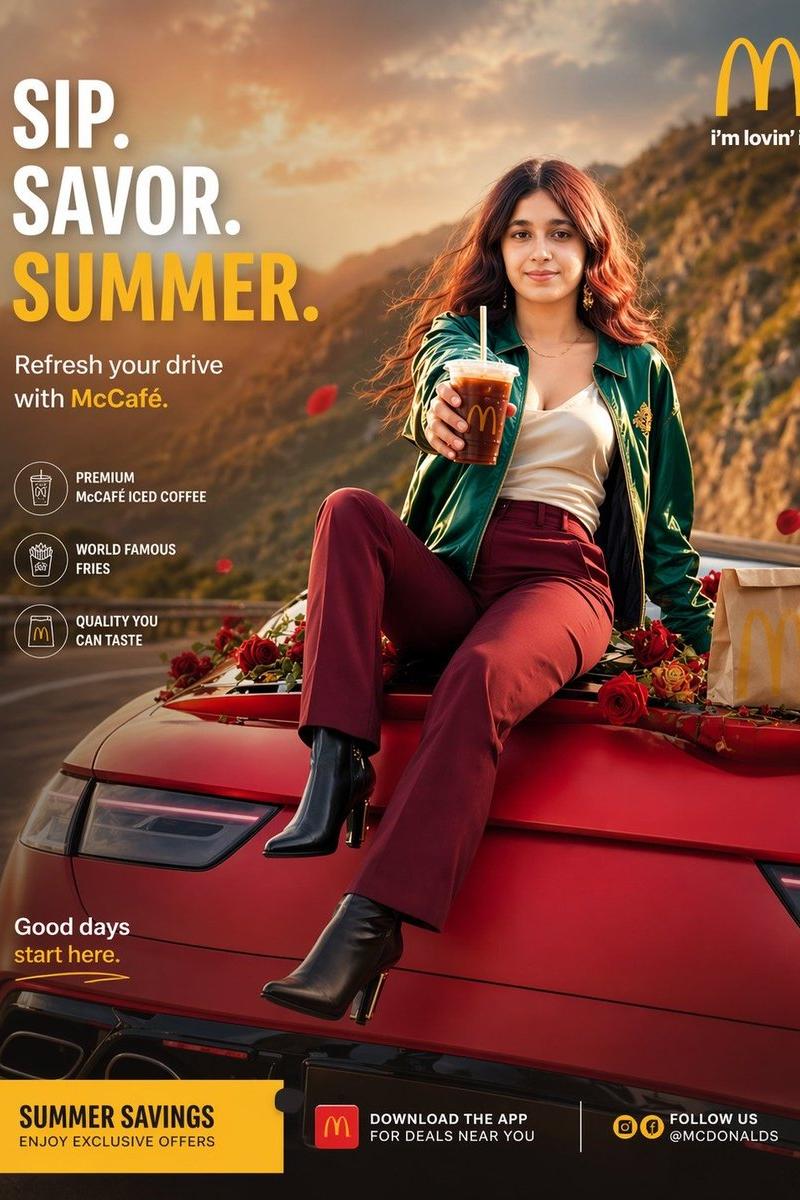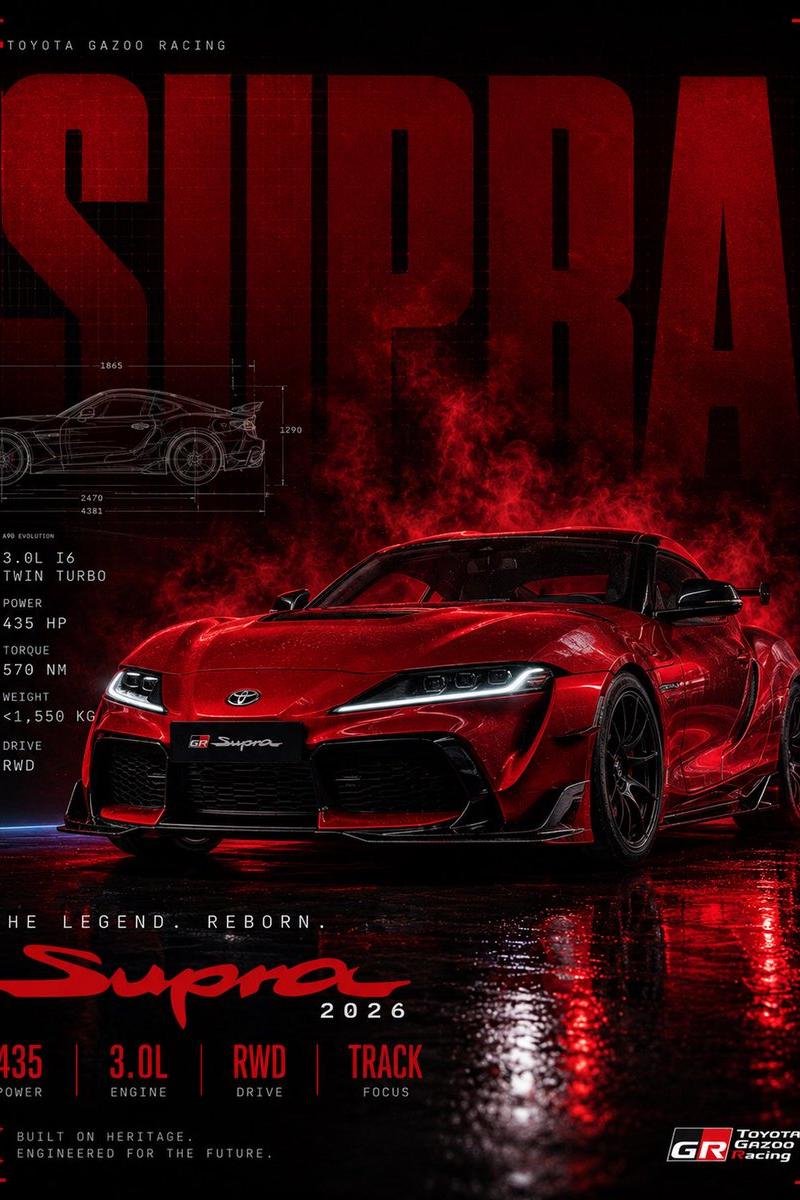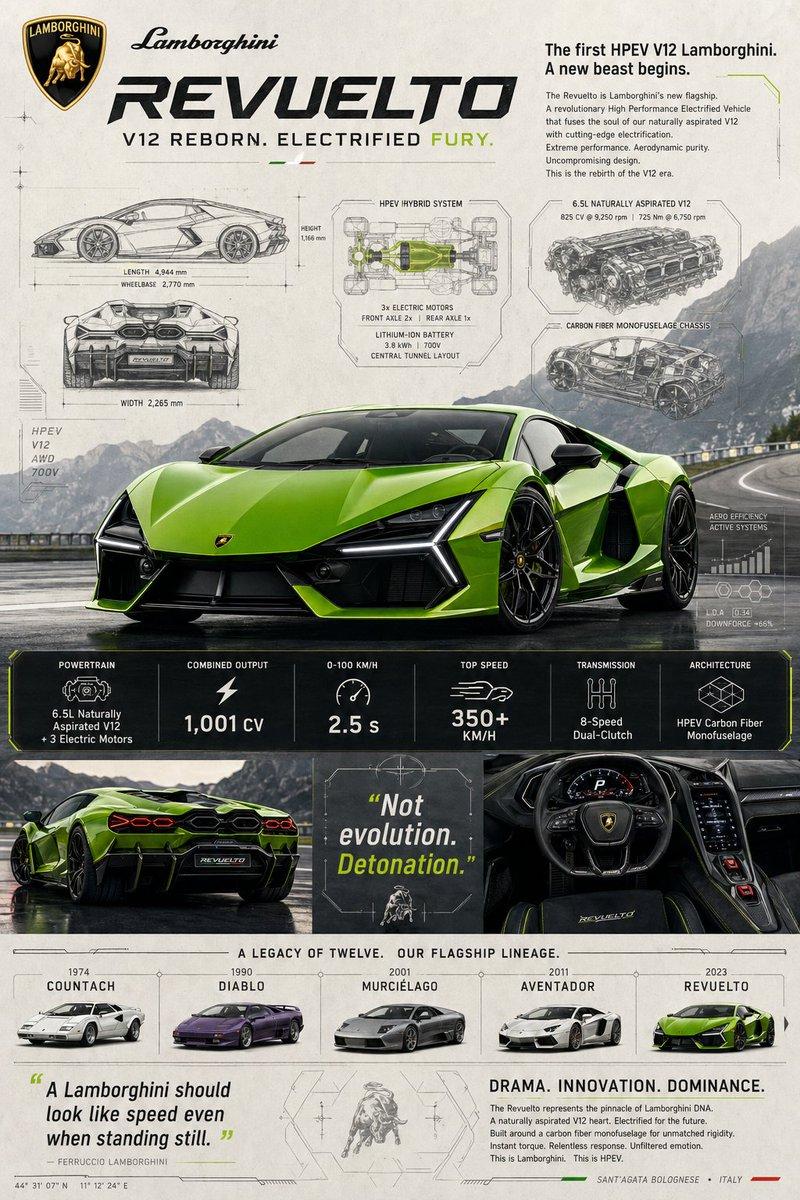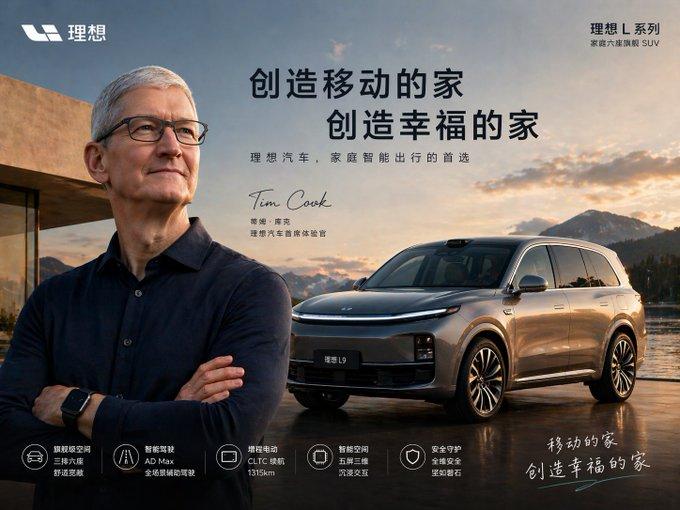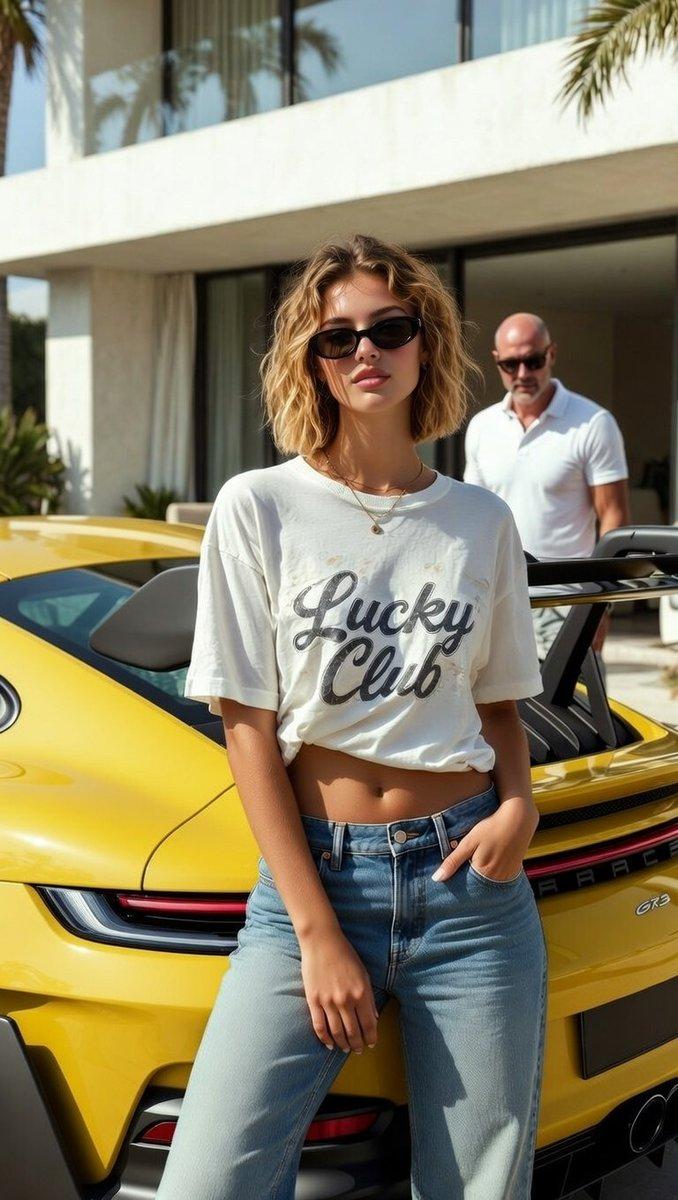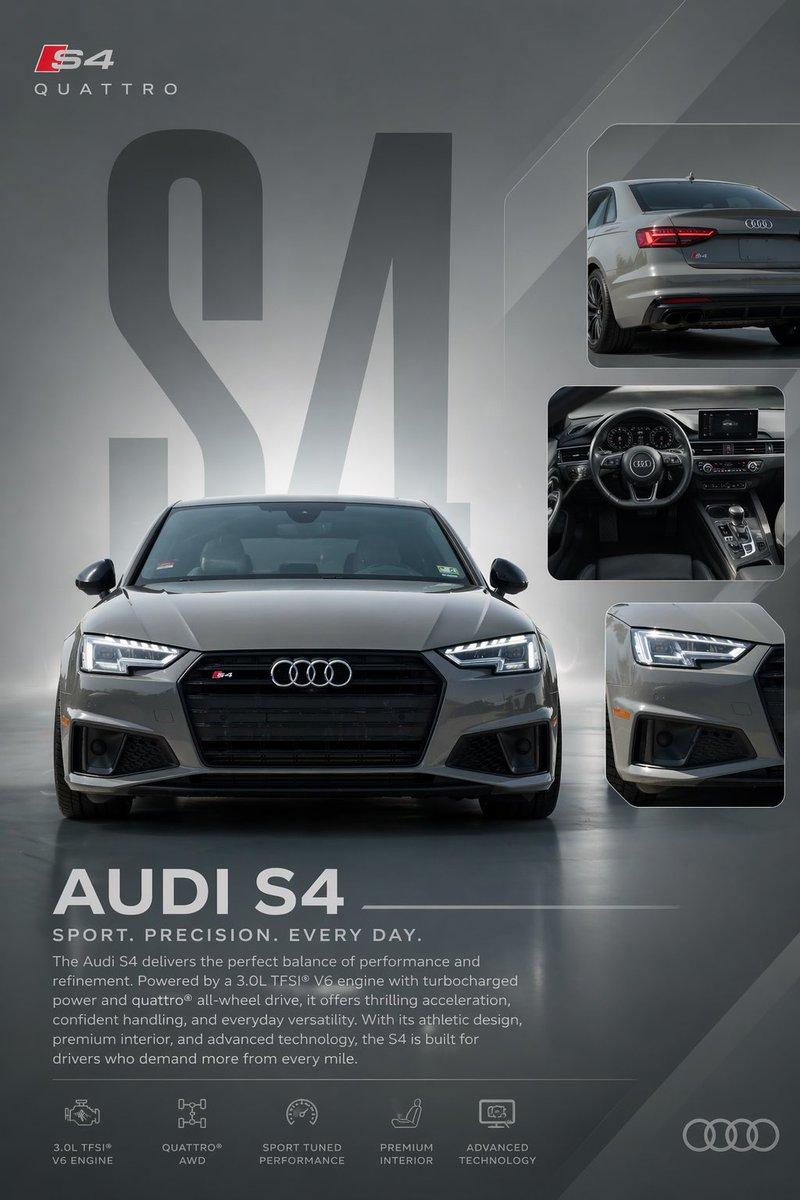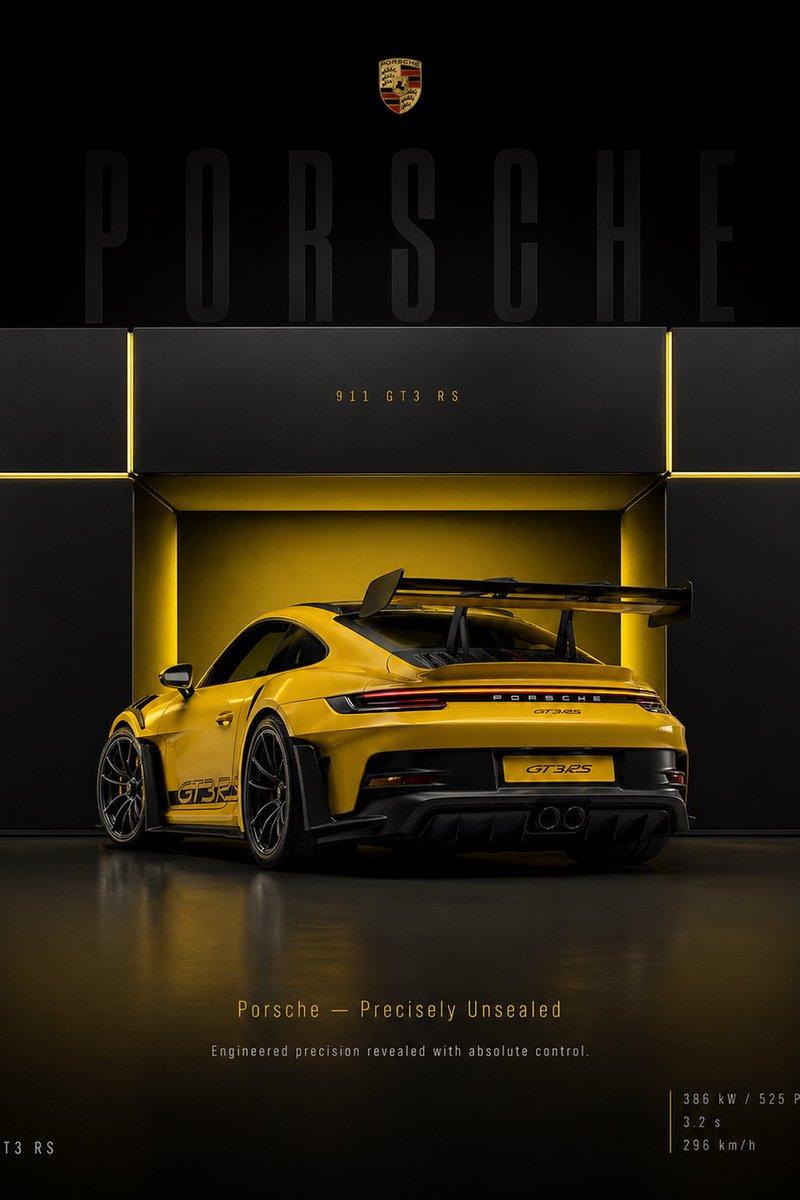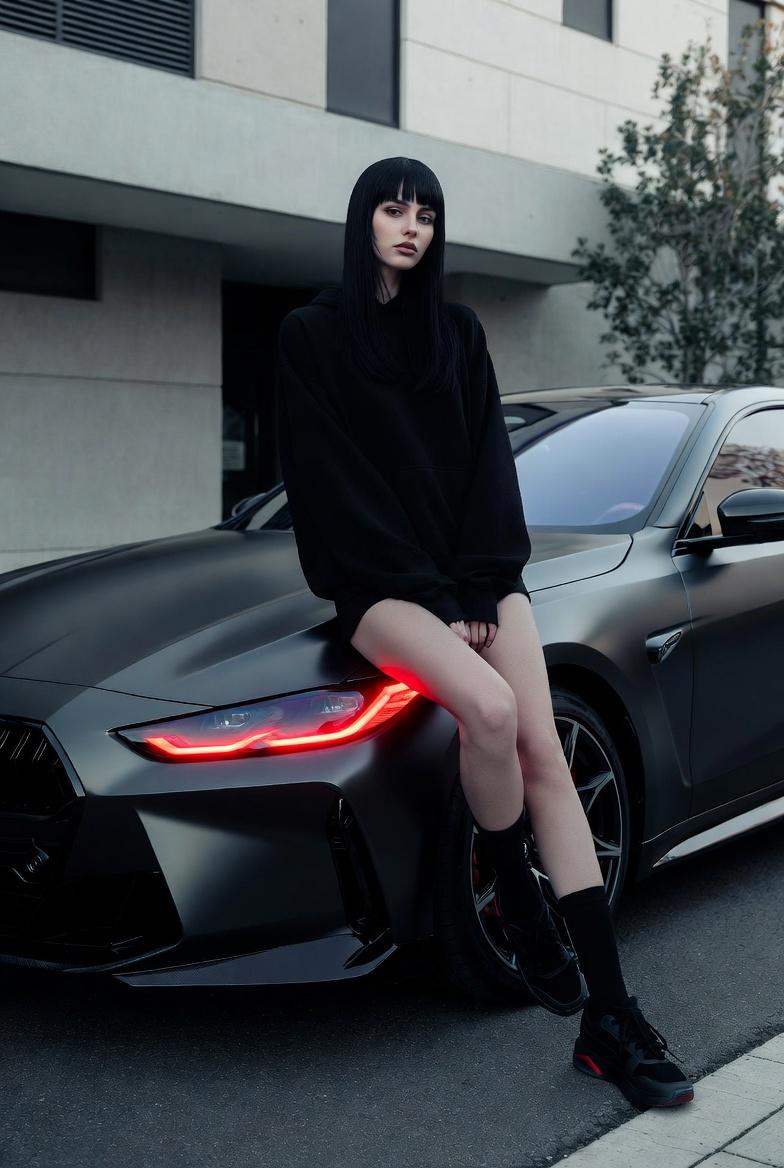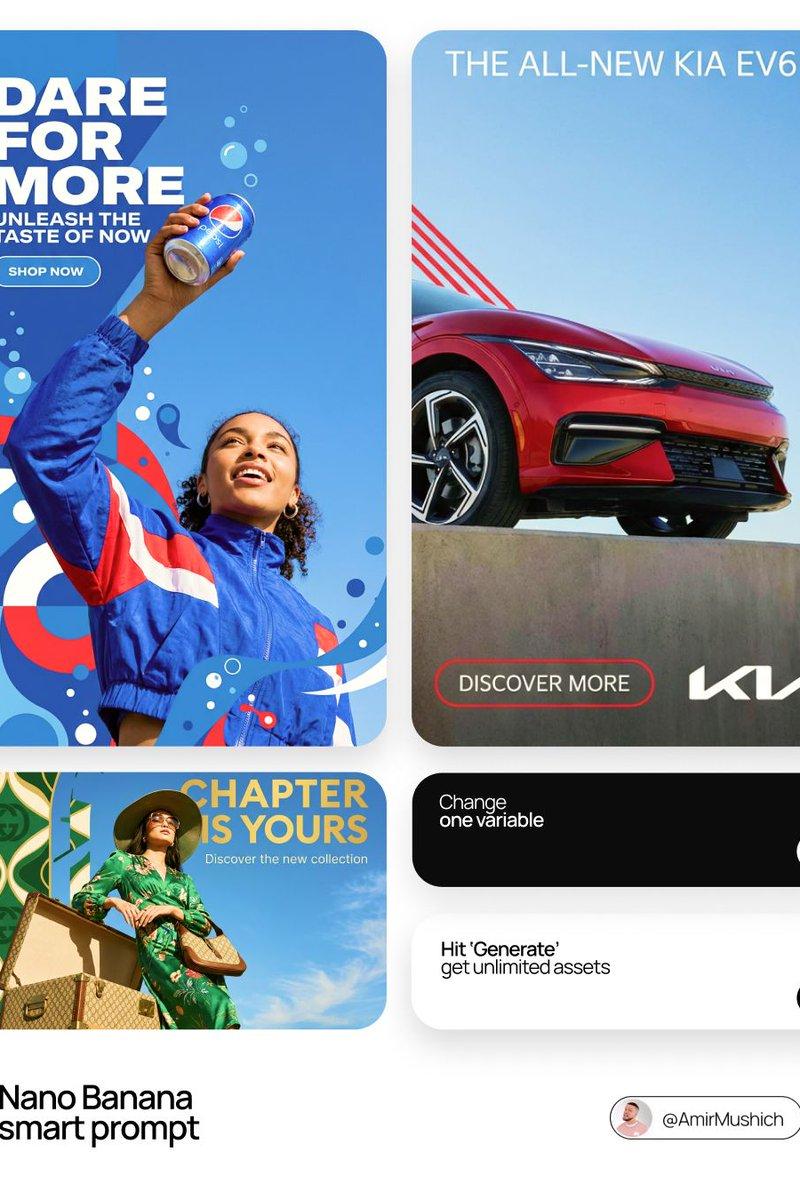
Editorial poster v4: GPT Image 2 prompt
Prompt
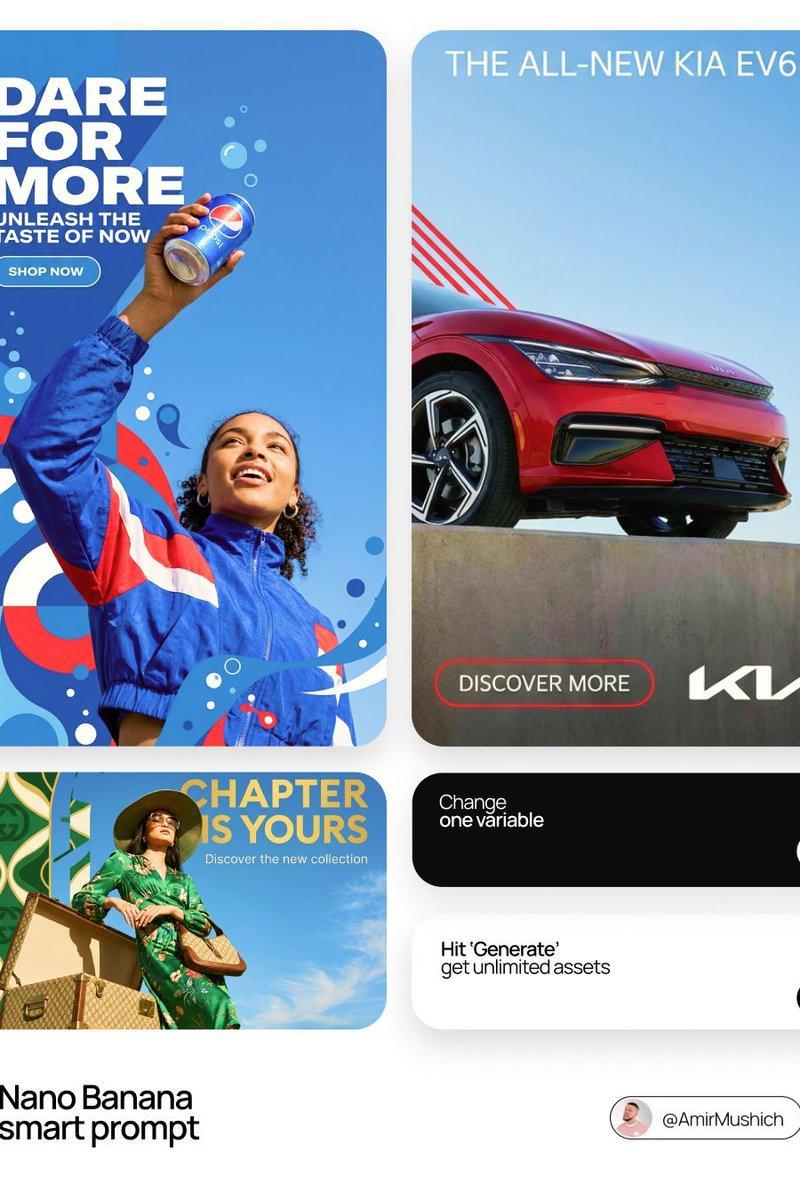
[BRAND NAME] | [HEADLINE] | [SUB-TEXT] | [CTA]. Act as a Senior Art Director.

PHASE 1: INTEGRATED COMPOSITION & OVERLAP.
- Layout: Seamless fusion of 2D graphics and 3D photography.
- Overlap Logic: The subject and their primary "Product Prop" (e.g., a car, a device) must physically overlap the graphic panel to break the "wall" between design and photo.
- Unity: Geometric shapes from the graphic side must bleed into the photographic sky area.

PHASE 2: BRAND & CATEGORY SIMULATION.
Autonomously analyze the [BRAND NAME] and its industry category:
- INDUSTRY CONTEXT:
 * If Automotive: Include the vehicle and a person interacting with it.
 * If Tech: Include flagship devices/gadgets.
 * If Fashion/Lifestyle: Focus on editorial poses and premium accessories.
- SHAPE SIMULATION: Match shapes to brand identity (e.g., Sharp/Speed for Auto, Minimalist/Grid for Tech).
- COLOR SIMULATION: Use the brand's primary signature hue for both the graphic pattern and the subject's outfit/accents.

PHASE 3: TYPOGRAPHY & CUSTOM CONTENT.
- Headline: Display "[HEADLINE]" in a bold, modern Sans-Serif font. (If [HEADLINE] is empty, generate a high-energy slogan for [BRAND NAME]).
- Sub-headline: Display "[SUB-TEXT]" below the headline.
- Button: Create a minimalist pill-shaped CTA button with the text: "[CTA]".
- Interaction: Text layers should have 3D depth, sitting partially behind the subject or product prop.

PHASE 4: PHOTOGRAPHY & SUBJECT.
- Perspective: Extreme low-angle (worm’s eye view) looking up.
- Subject: A diverse persona reflecting the brand's audience.
- Environment: Massive, clear blue sky as the backdrop.
- Visual Link: Subject's styling must incorporate the Brand's primary color.

PHASE 5: FINAL VISUAL STYLE.
High-end commercial aesthetic. Crisp, saturated, professional fusion of flat vector art and realistic photography.
- Category
- Brand & Logos
- Model
- GPT Image 2
- Creator
- AmirMušić
- Source language
- en
- Source ID
- 2026316195977146728
- Published
- Feb 24, 2026
Views0