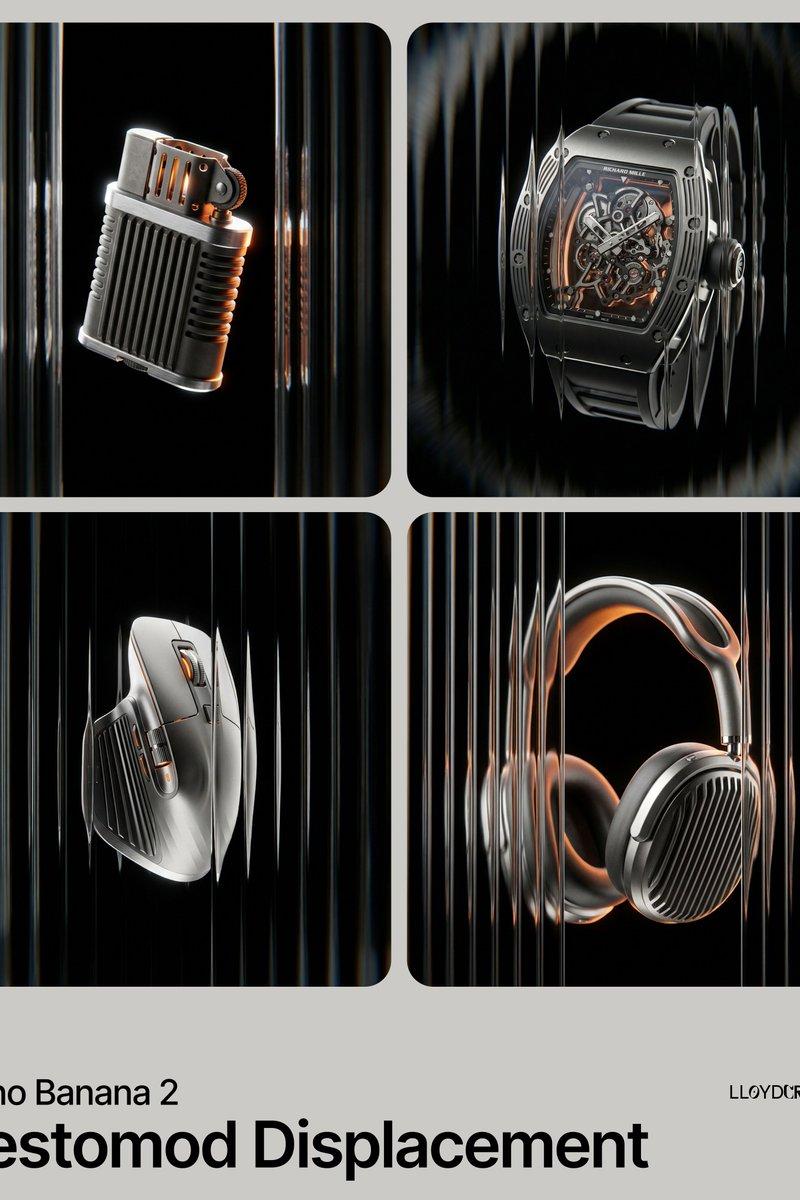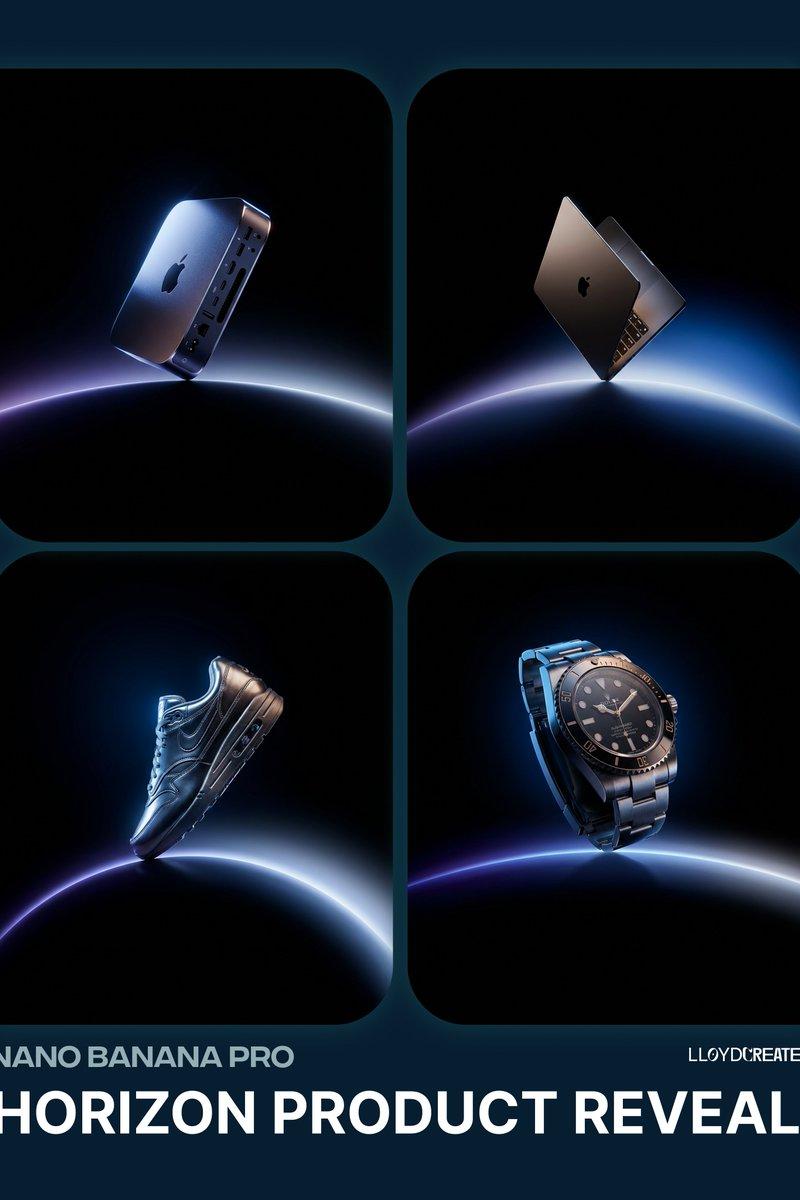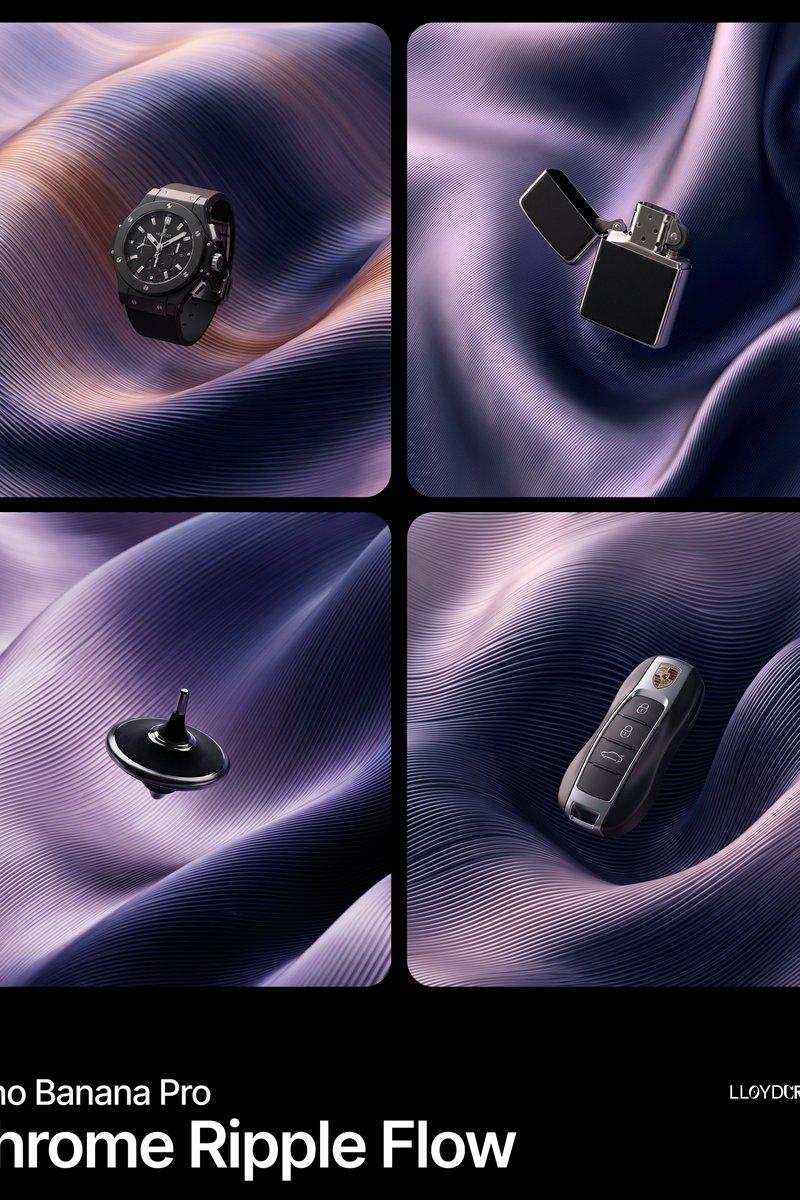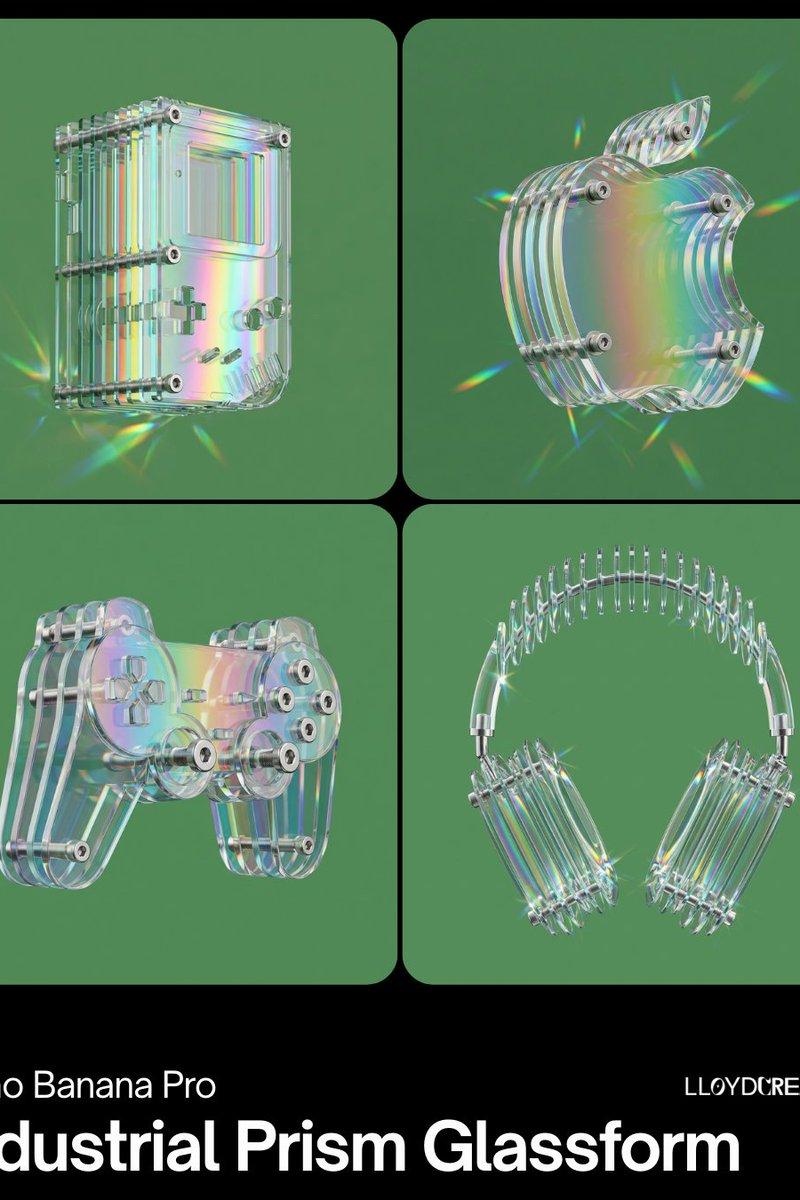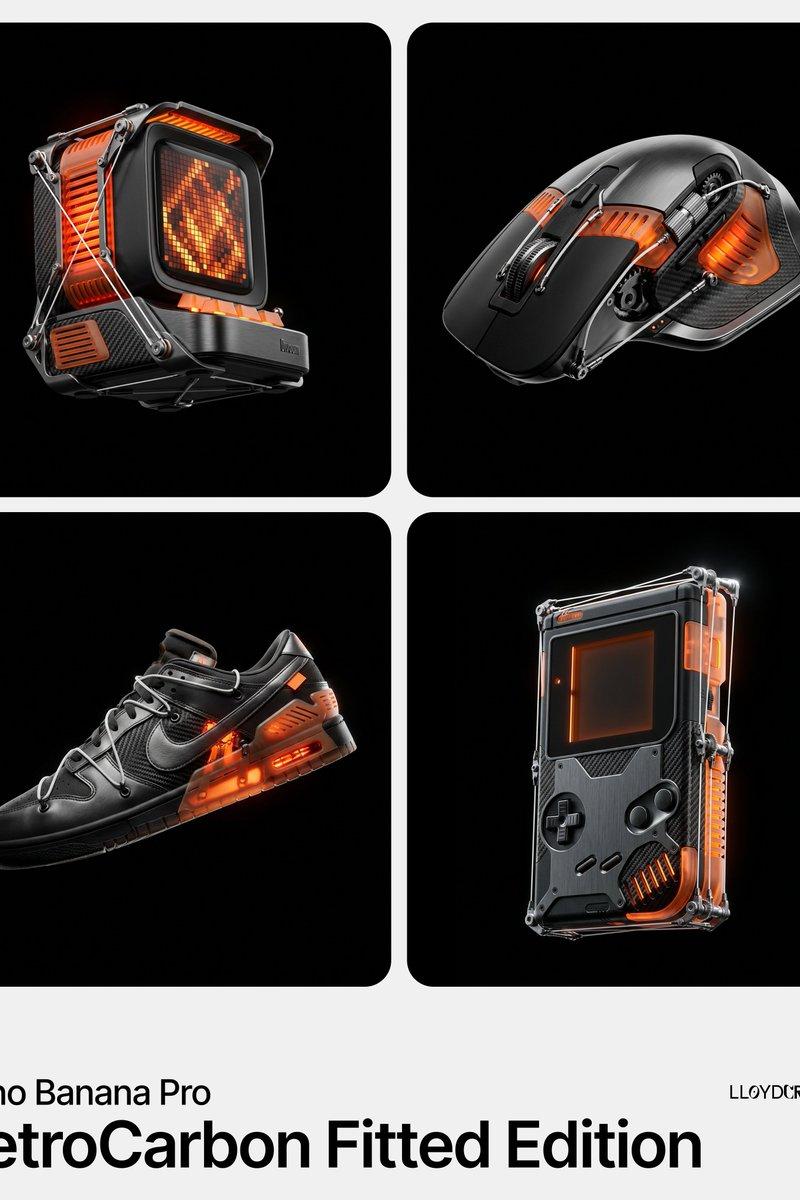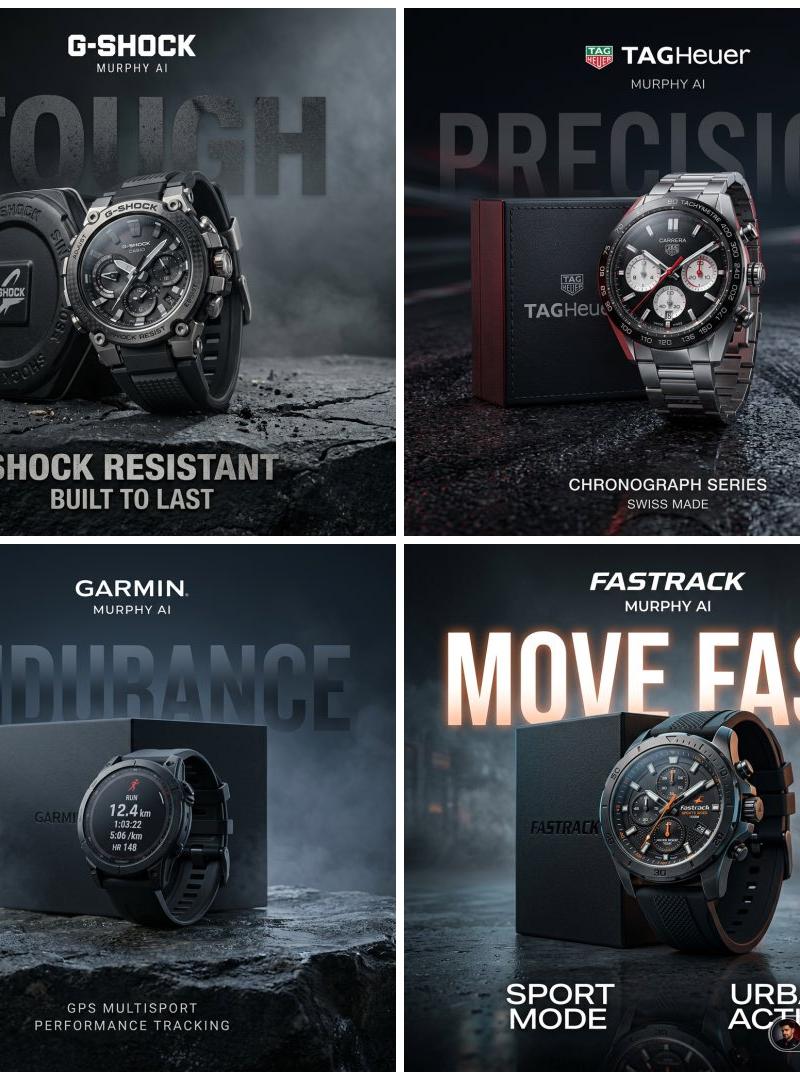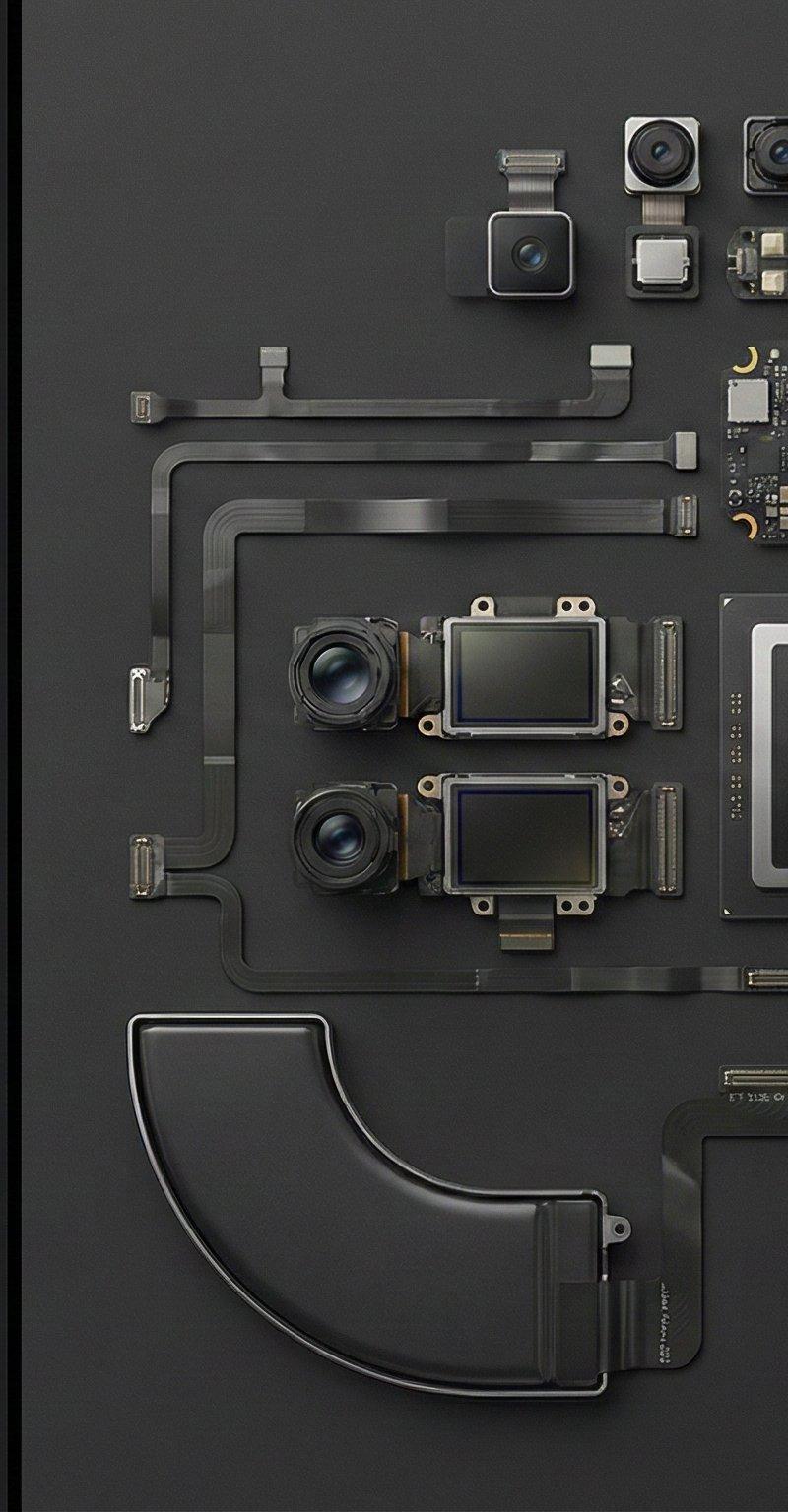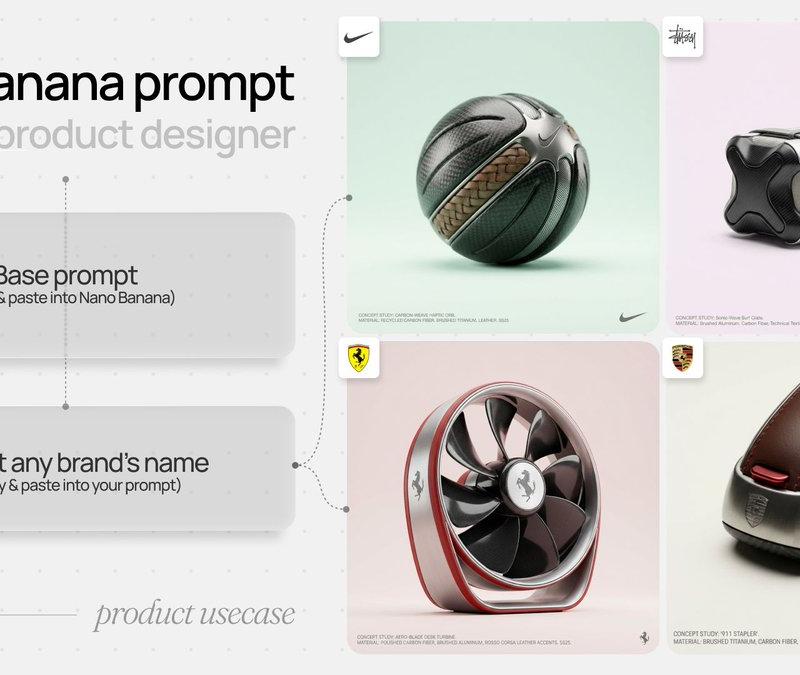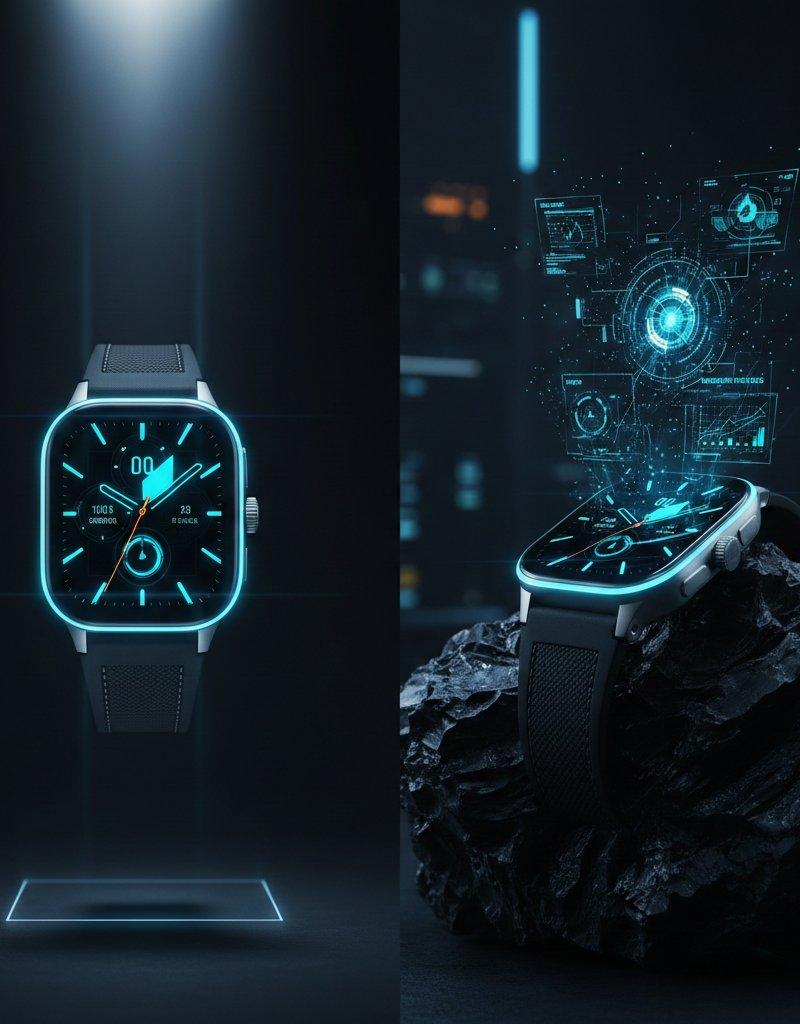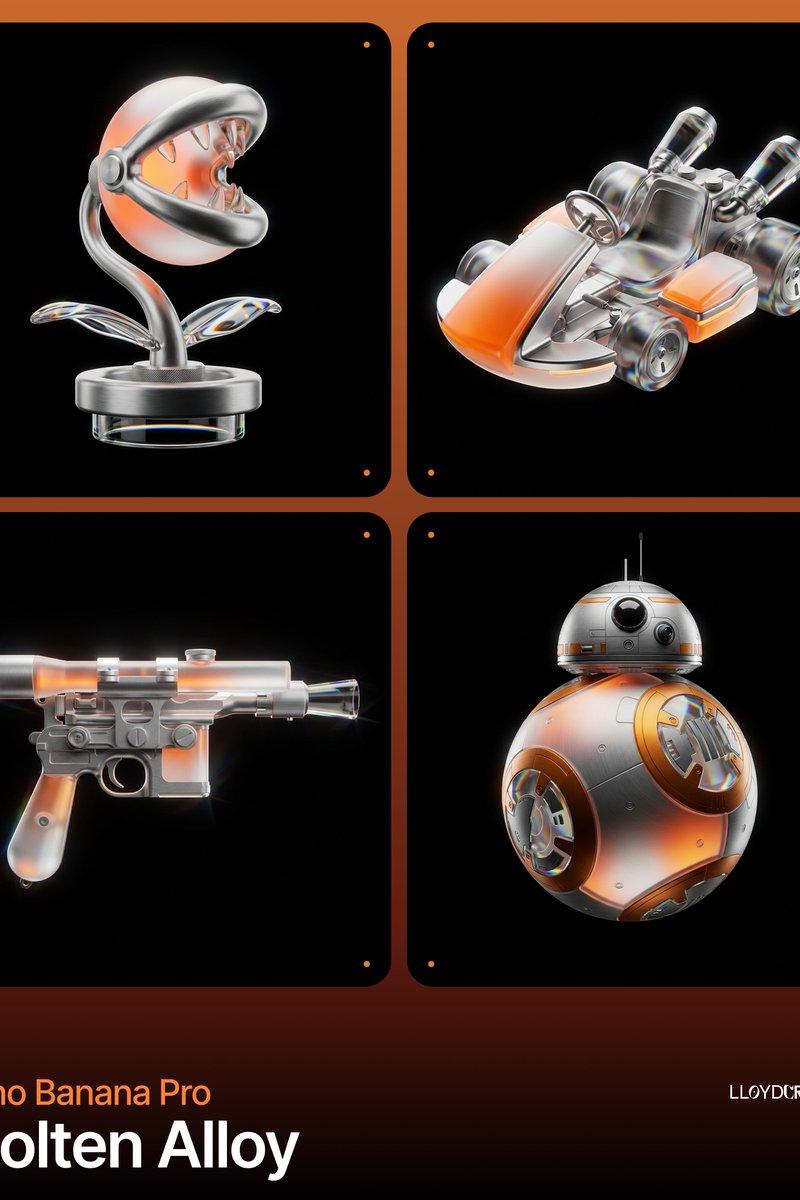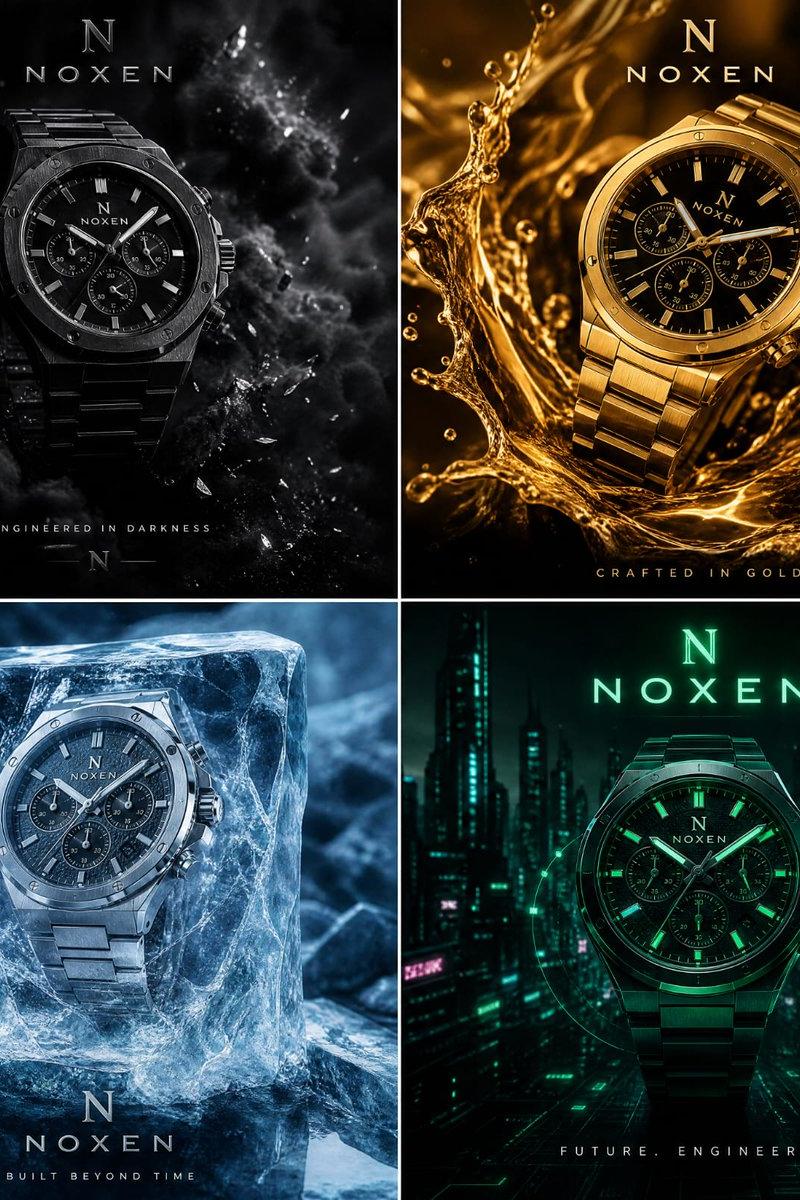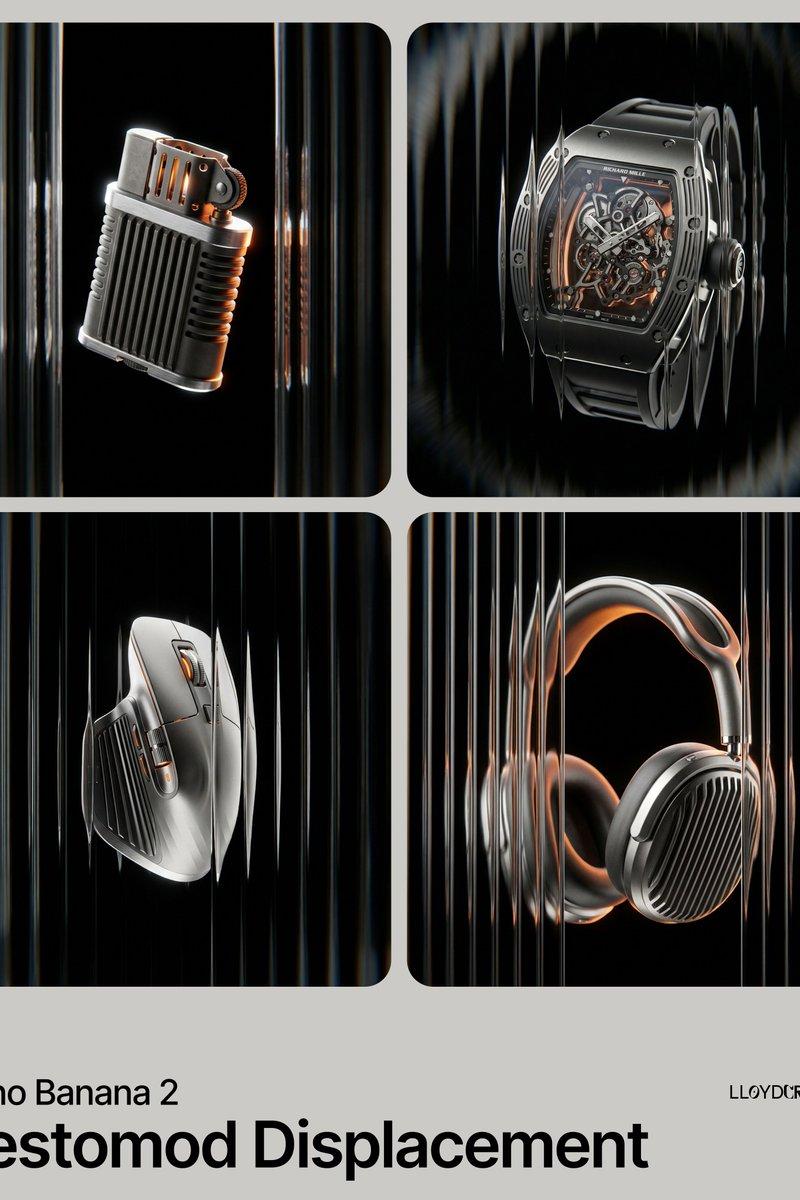
Levitating product in void: GPT Image 2 prompt
提示词
{
 "image_generation_request": {
 "subject": {
 "placeholder": "[INSERT PRODUCT HERE]",
 "position": "dead center, eye-level, perfectly centered in frame",
 "presentation": "levitating, floating in a weightless void, no stands, no platforms, no pedestals, no visible supports"
 },
 "environment": {
 "background": "absolute solid pitch black, hex code #000000, infinite void",
 "lighting": "rim lighting, cinematic chiaroscuro, high-contrast glints on metallic edges, soft orange glow from internal recesses"
 },
 "aesthetic_style": {
 "textures": [
 "shot-blasted matte titanium",
 "brushed aerospace-grade aluminum",
 "anodized dark grey metal",
 "ribbed industrial vertical cooling fins"
 ],
 "optical_effects": "viewed through vertical fluted reeded glass, subtle chromatic distortion, refractive glass warping, radial motion blur on outer edges",
 "color_palette": {
 "primary_background": "#000000",
 "secondary_metal": "#8E8E8E",
 "accent_glow": "#FF8C00",
 "highlights": "#FFFFFF"
 }
 },
 "composition_constraints": {
 "framing": "ensure full product visibility, do not cut off edges, wide safety margins around the subject",
 "elements_to_exclude": [
 "text",
 "logos",
 "watermarks",
 "softboxes",
 "light stands",
 "floor",
 "horizon line",
 "props",
 "human hands",
 "shadows on surfaces"
 ]
 },
 "technical_specs": {
 "focal_length": "85mm macro lens",
 "depth_of_field": "deep focus on product, blurred refractive foreground glass",
 "render_engine": "photorealistic octane render, 8k resolution, ray-traced reflections"
 }
 }
}- 分类
- Logo 图标
- 模型
- GPT Image 2
- 来源作者
- Lloyd Creates
- 原始语言
- en
- 来源 ID
- 2027745604600811970
- 发布时间
- 2026年2月28日
浏览量1