17

Two-model green campaign: GPT Image 2 prompt
Enlarge

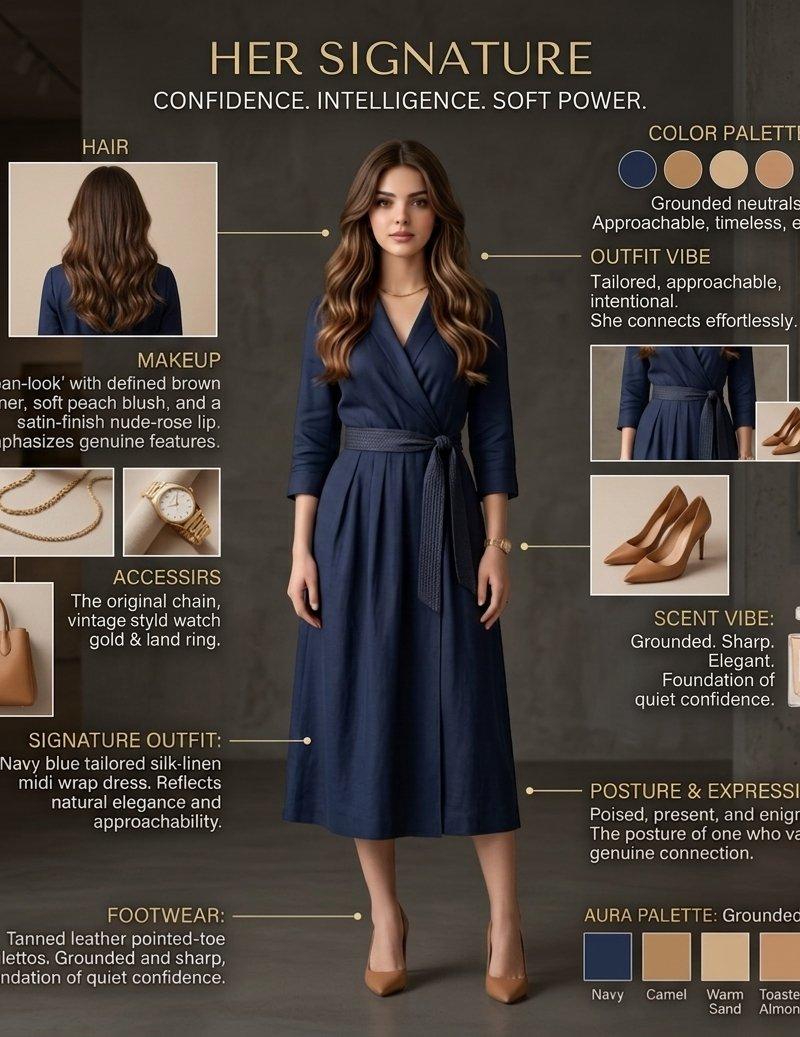
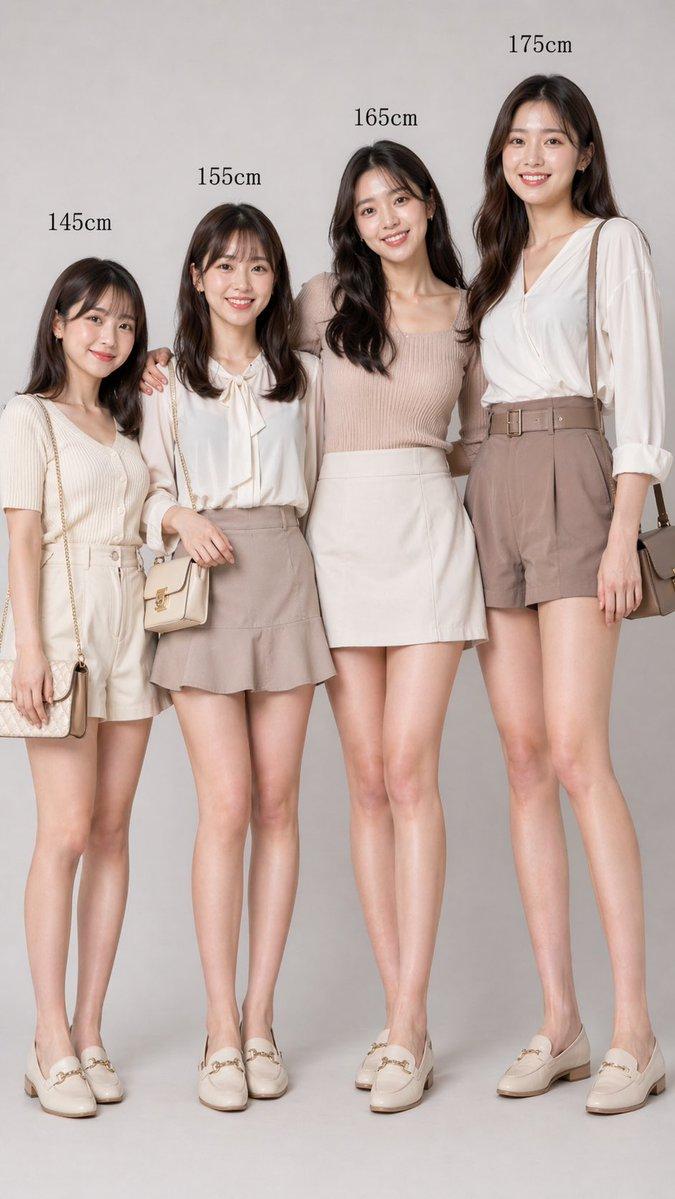
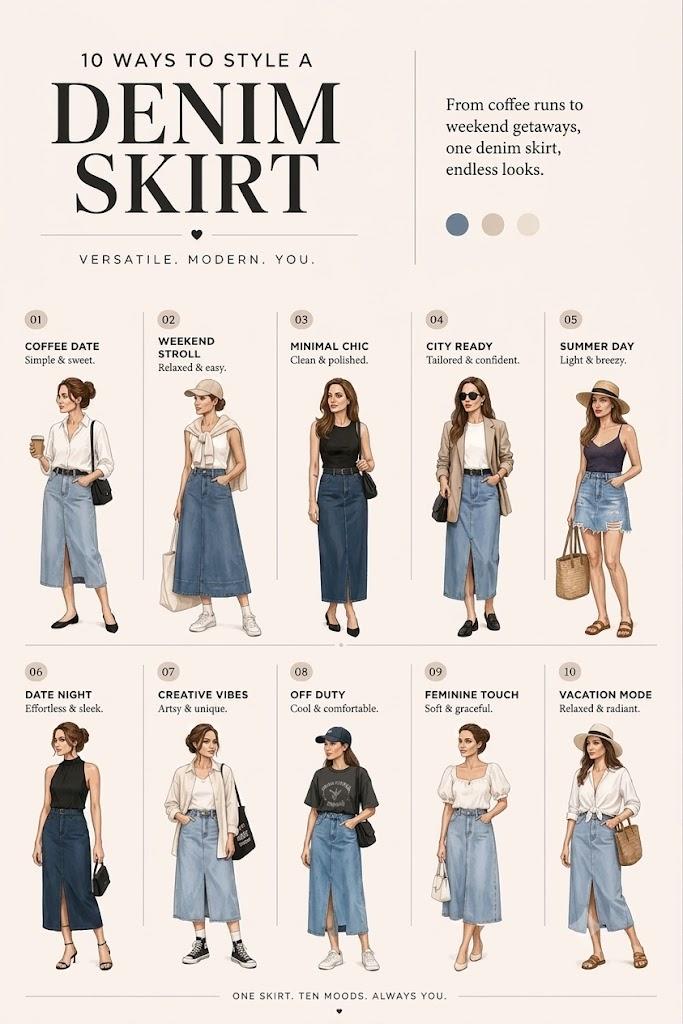
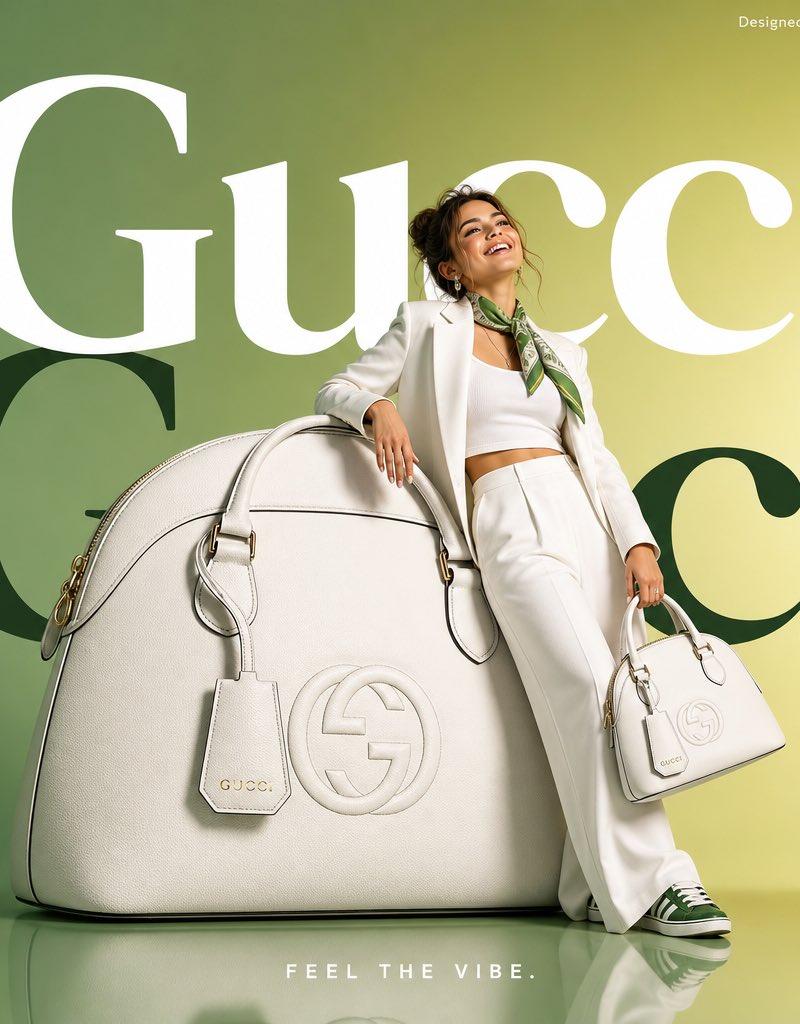
Example images

Two-model green campaign: GPT Image 2 prompt

Prompt
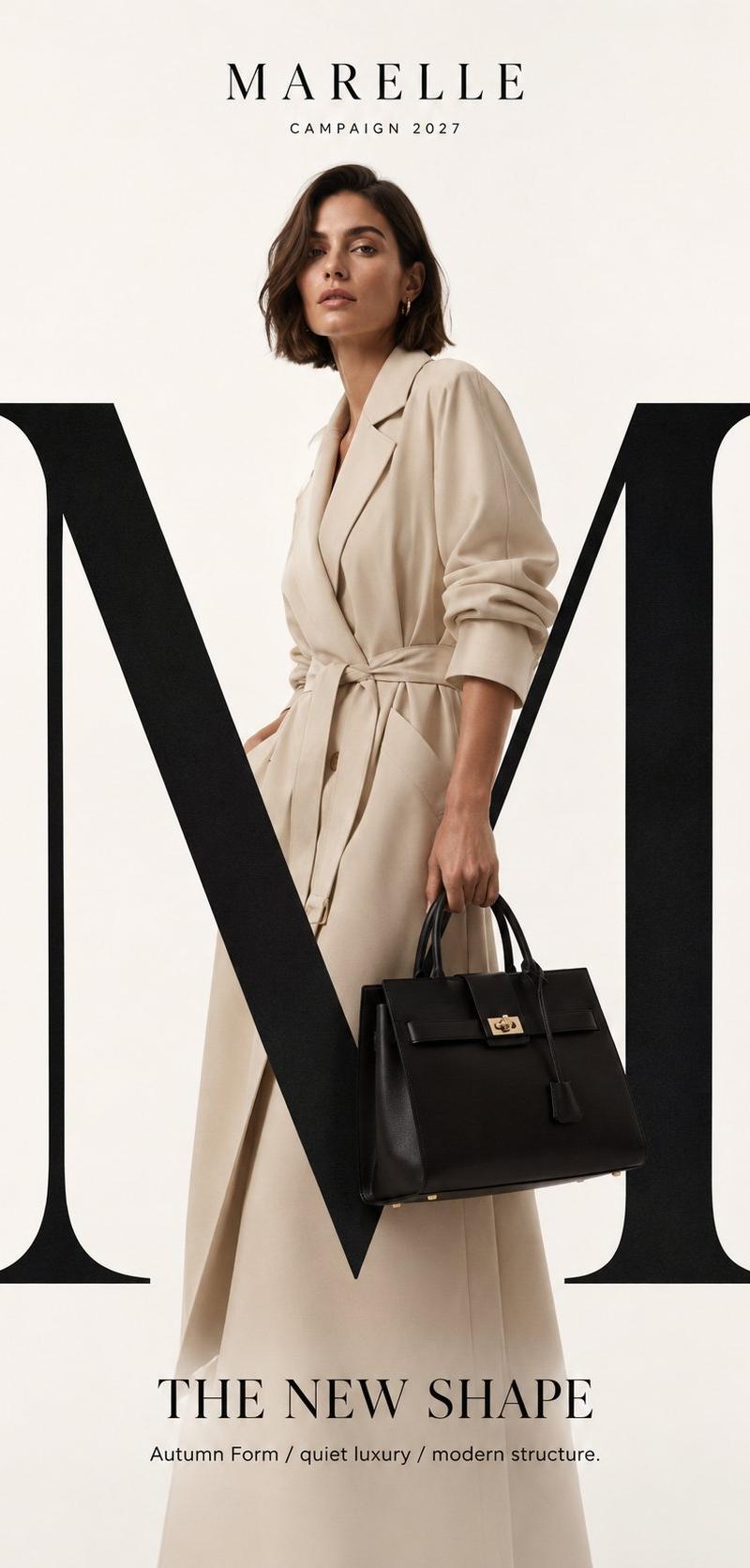
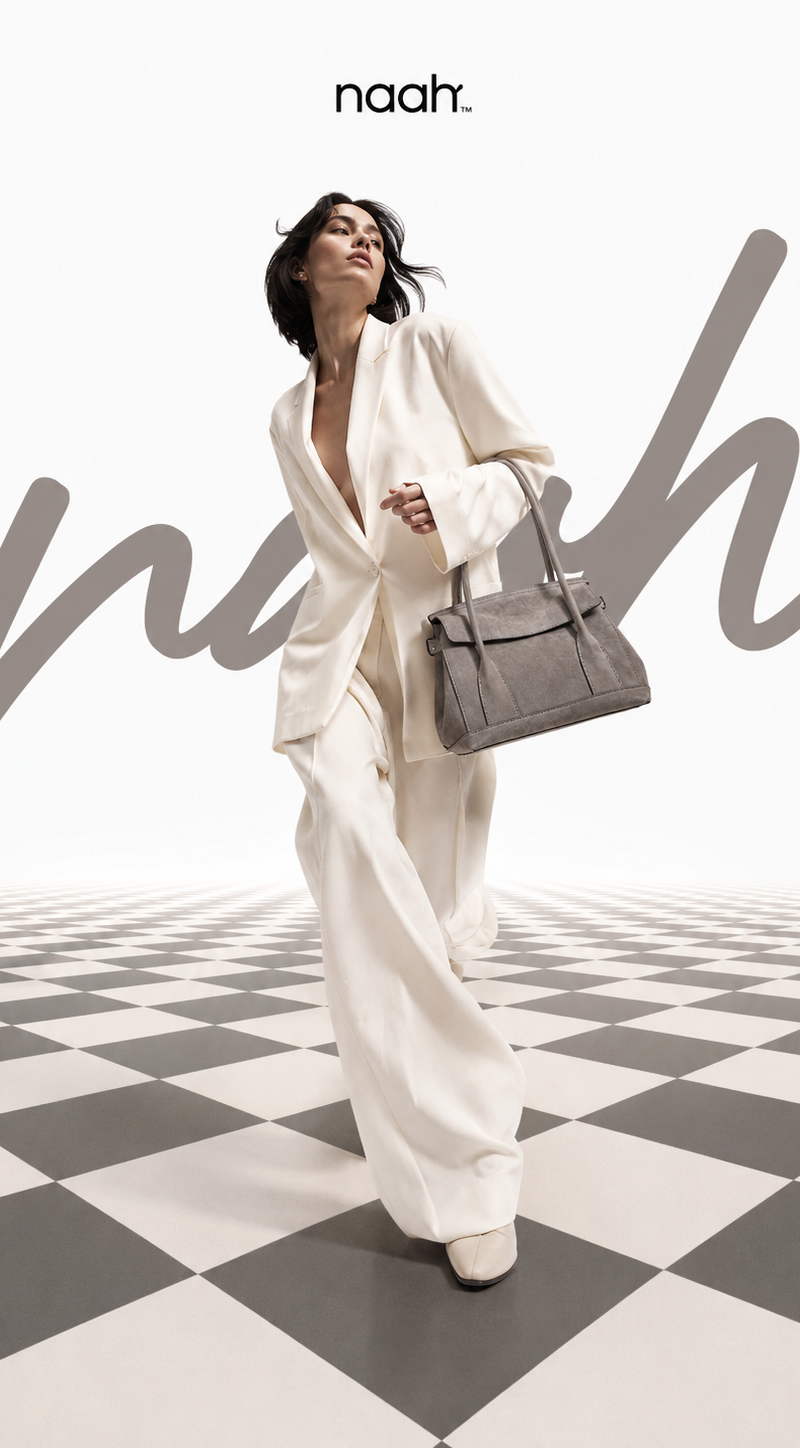
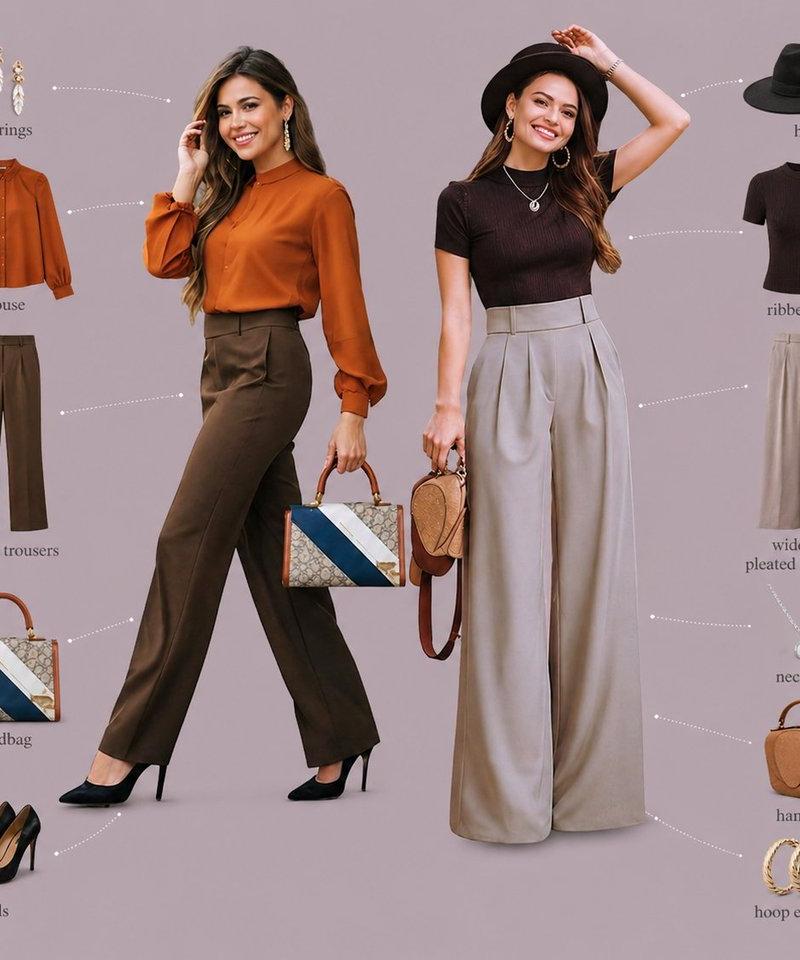
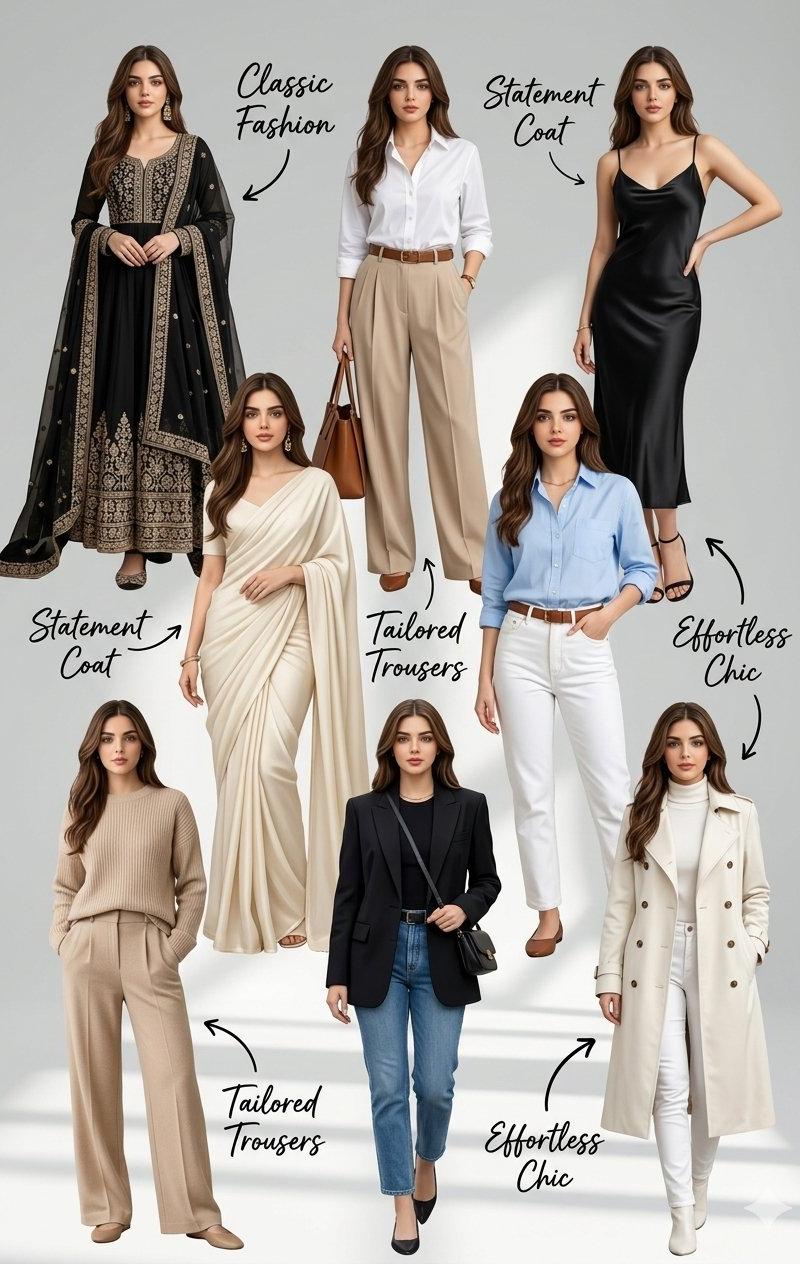
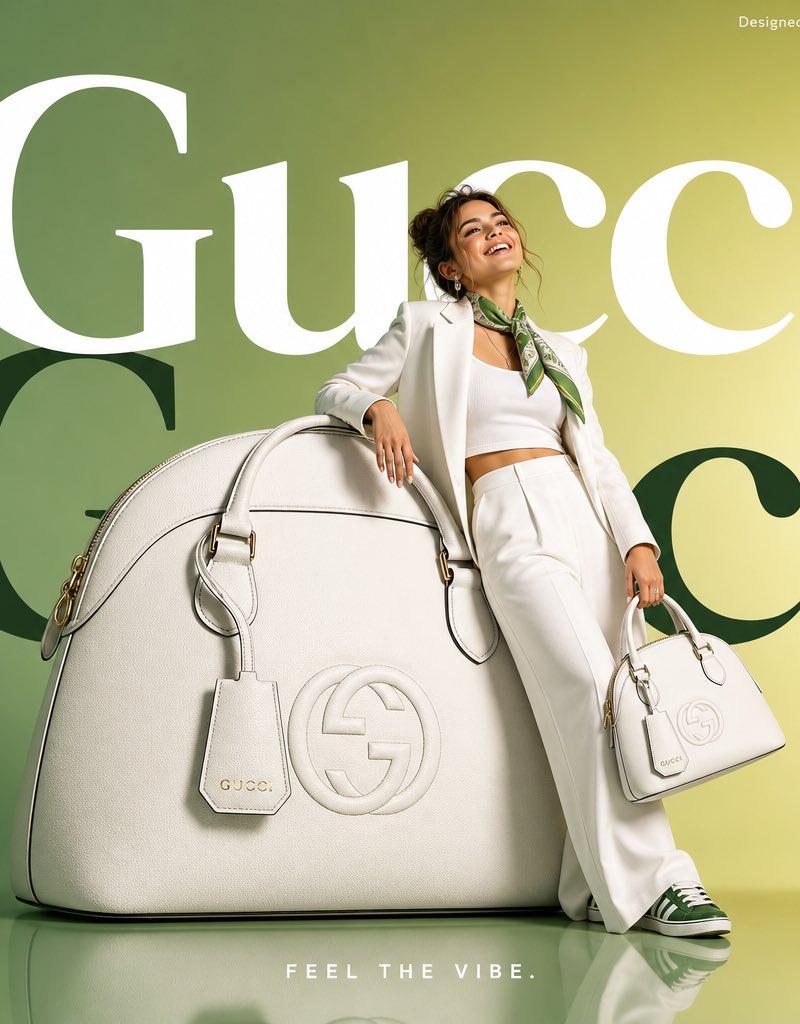
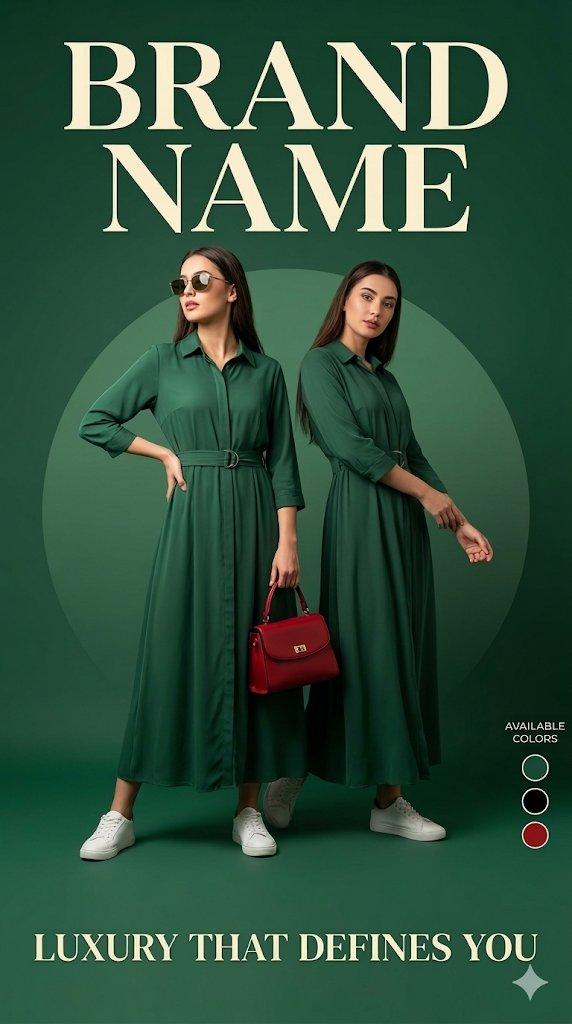
Luxury fashion advertisement poster, deep green background with a soft circular gradient behind the model, two stylish female models standing full body. First model wearing a long elegant green dress with waist belt, white sneakers, sunglasses, holding a red handbag, confident pose with one hand on waist looking sideways. Second female model standing beside her in a different pose, slightly angled stance with relaxed arms, wearing a similar elegant fashion outfit matching the luxury theme. Studio lighting, minimal shadows, ultra-clean composition, premium fashion campaign style.

At the top place large bold luxury serif text “BRAND NAME” (same placement and style as luxury fashion brands).

At the bottom add text:
“LUXURY THAT DEFINES YOU”
Below it smaller text:

Add a small side section titled “AVAILABLE COLORS” with three small circular color indicators: Green, Black, Red.

Highly detailed, fashion catalog quality, DSLR photography style, 8k resolution, symmetrical layout, luxury branding aesthetic, professional advertising poster.
Category
Photography & Realism
Model
GPT Image 2
Creator
auqib
Source language
en
Views0
Source ID
2030906462999122123
Published
Mar 9, 2026
Studio

Guide

About "Two-model green campaign: GPT Image 2 prompt"

What is this prompt for?

"Two-model green campaign: GPT Image 2 prompt" AI image prompt for GPT Image 2 (Photography & Realism). Luxury fashion advertisement poster, deep green backgro…

The full copyable prompt and example visuals above are ready for AI image generation or one-click recreate in Picva.

How to use this prompt

  1. Step 1

    Open the prompt detail

    Review the example visuals, category, and full prompt text for "Two-model green campaign: GPT Image 2 prompt".

  2. Step 2

    Copy the prompt

    Copy the prompt body from this page, or load it directly in Studio.

  3. Step 3

    Pick a model (GPT Image 2)

    Prefer GPT Image 2. If you switch models, keep subject and composition and tweak style terms.

  4. Step 4

    Generate and export

    Recreate the look in Picva, or export into your workflow for editing and publishing.

FAQ

What is the "Two-model green campaign: GPT Image 2 prompt" prompt?
It is an AI image-generation prompt for GPT Image 2 in the Photography & Realism category. This page includes the full prompt text, example visuals, and a one-click recreate path in Picva.
How do I use this prompt to generate an image?
Copy the prompt from this page, or use Generate / Studio. Paste it into a compatible image model, or recreate the look in Picva with optional reference images.
Which model is this prompt for?
This page lists GPT Image 2. Most descriptive prompts also transfer to nearby image models such as GPT Image, Flux, or Midjourney with light style tweaks.
Can I use the result commercially?
You can usually copy the prompt for creation, but commercial use of the final image depends on the model terms, reference-image rights, and the generated content. Follow the source author and platform rules.