18

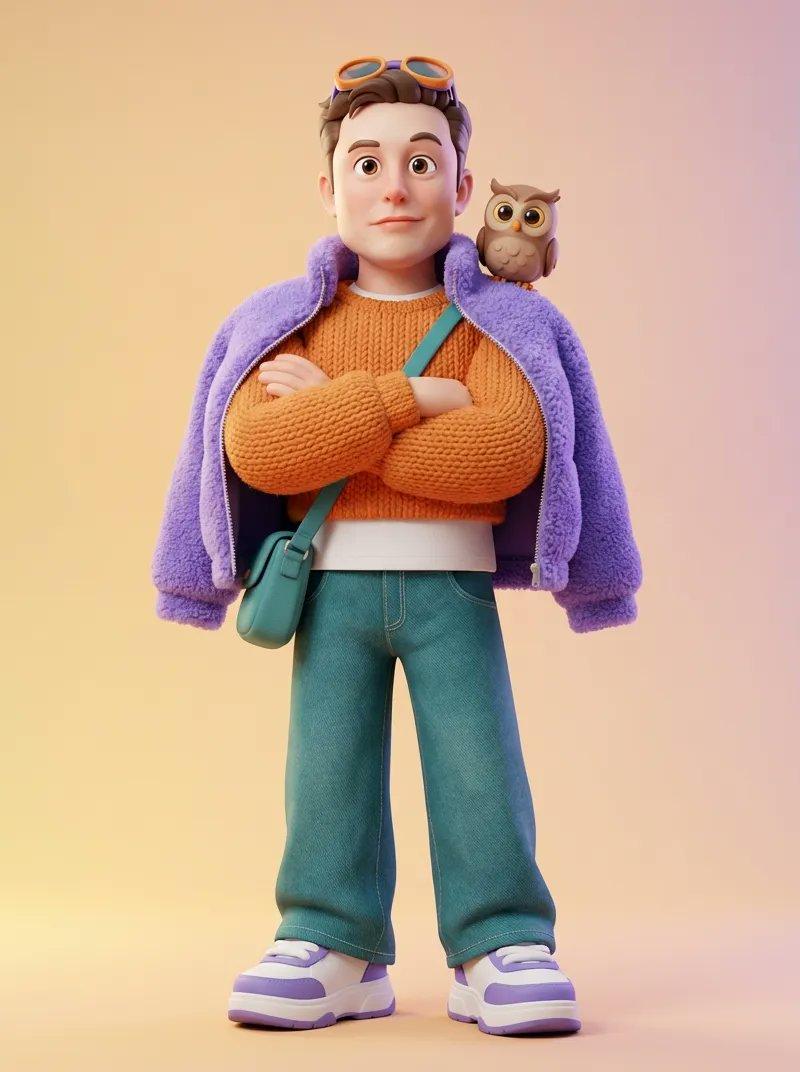
Pixar high-fashion CGI: GPT Image 2 prompt
Enlarge

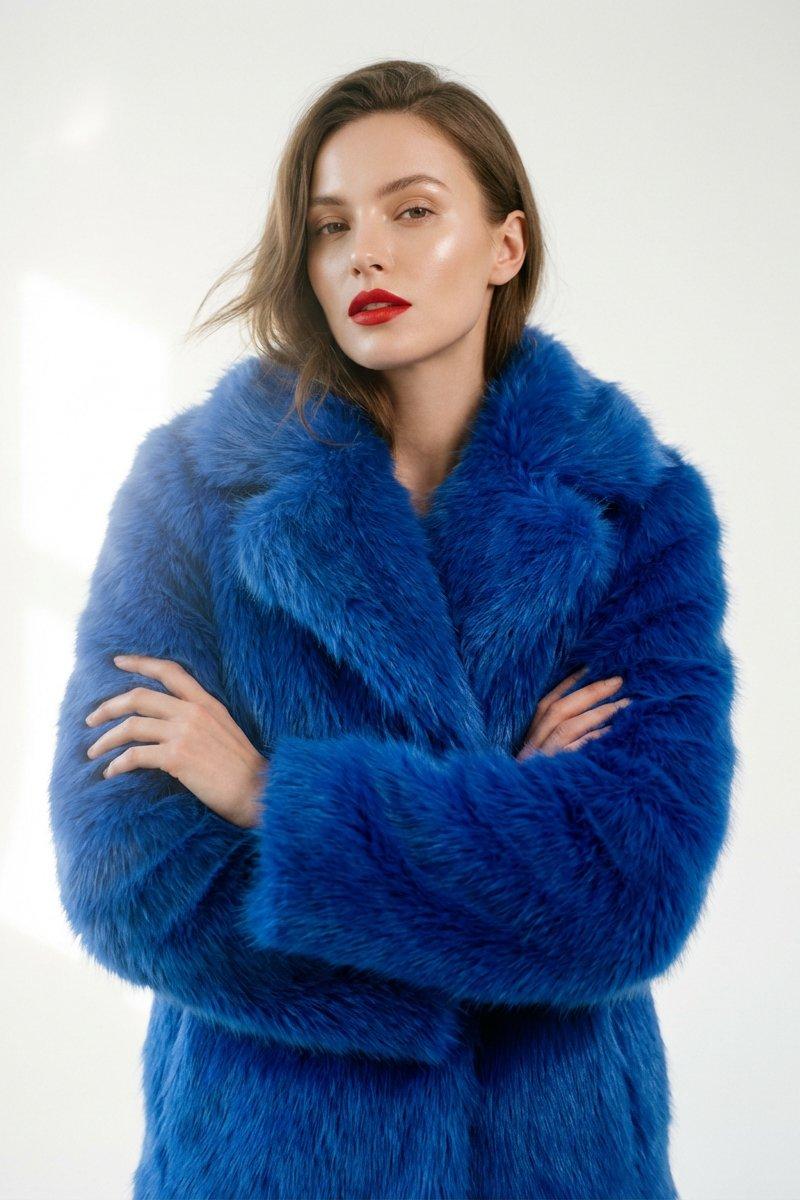
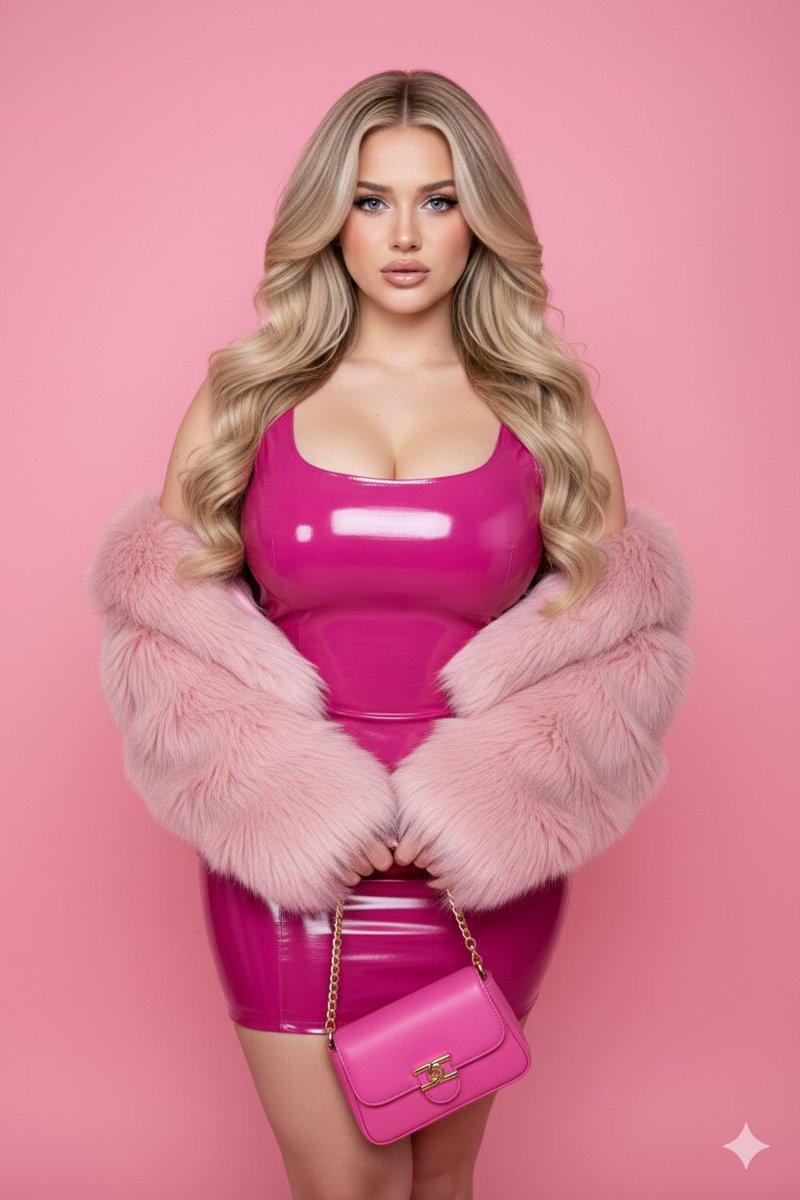
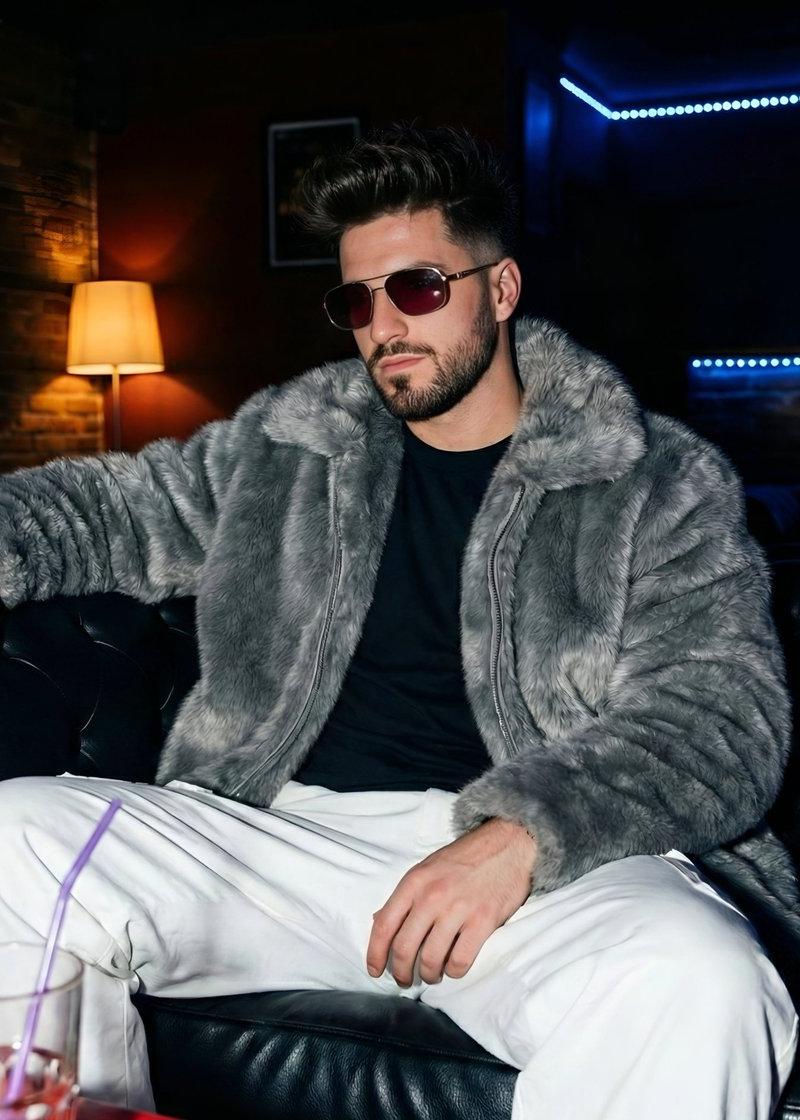
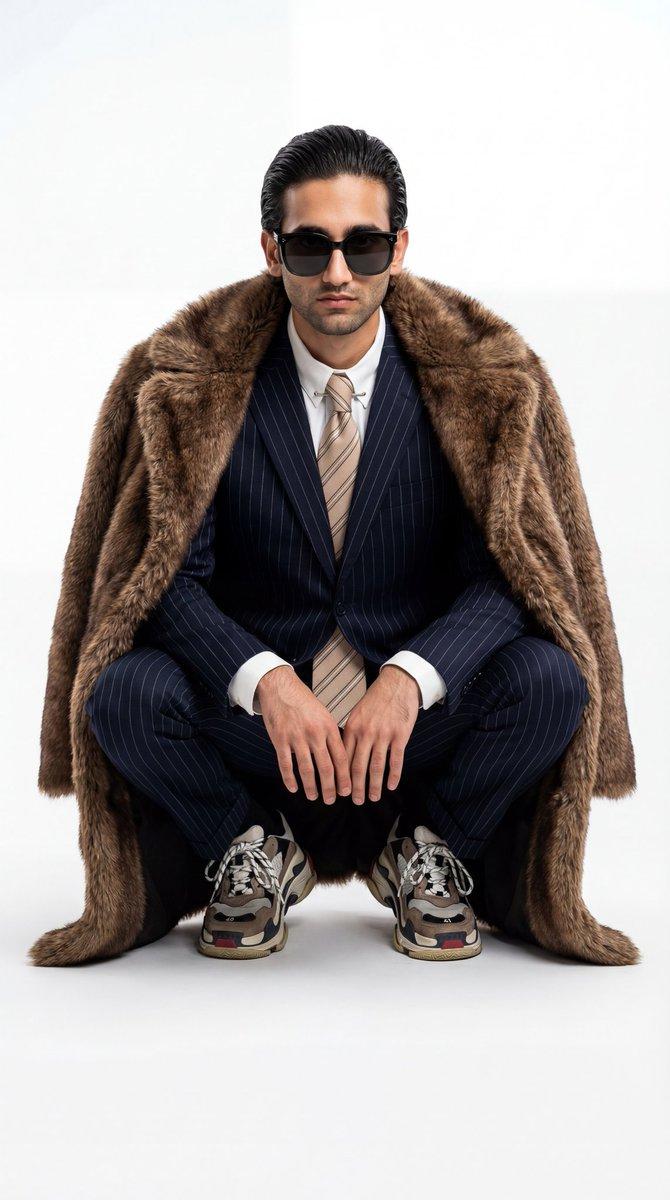
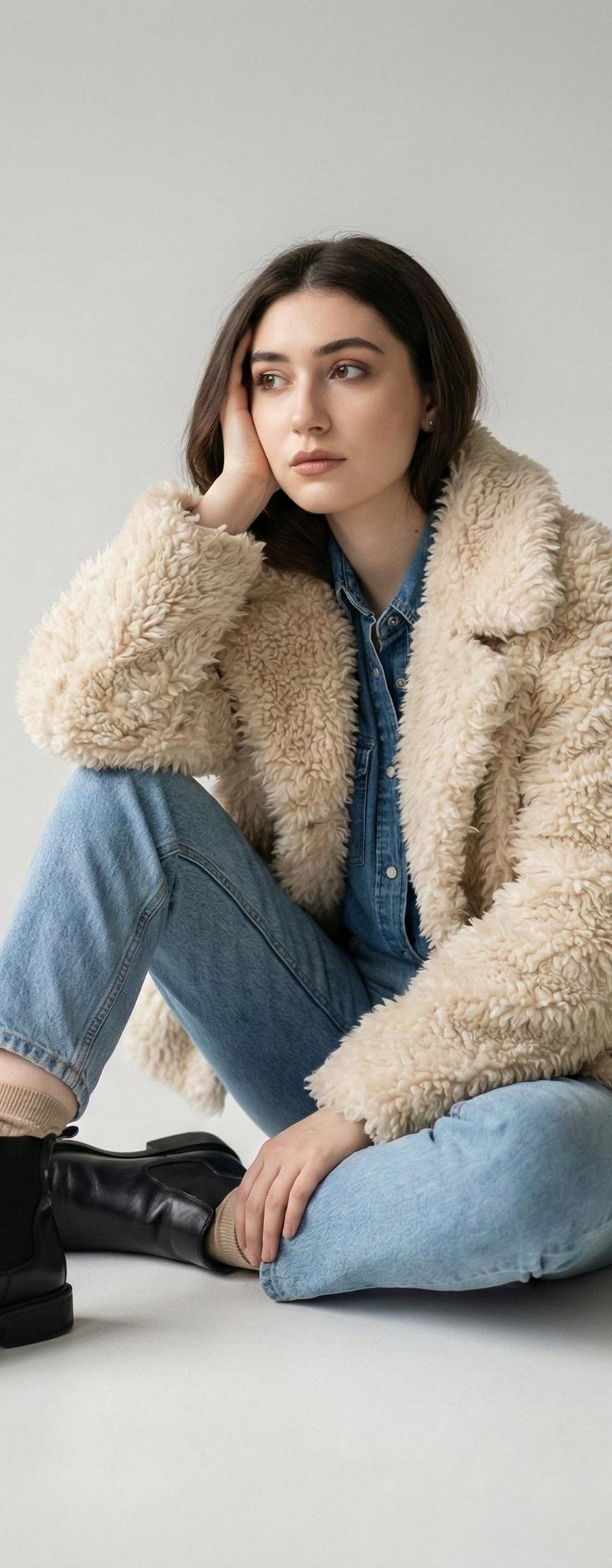
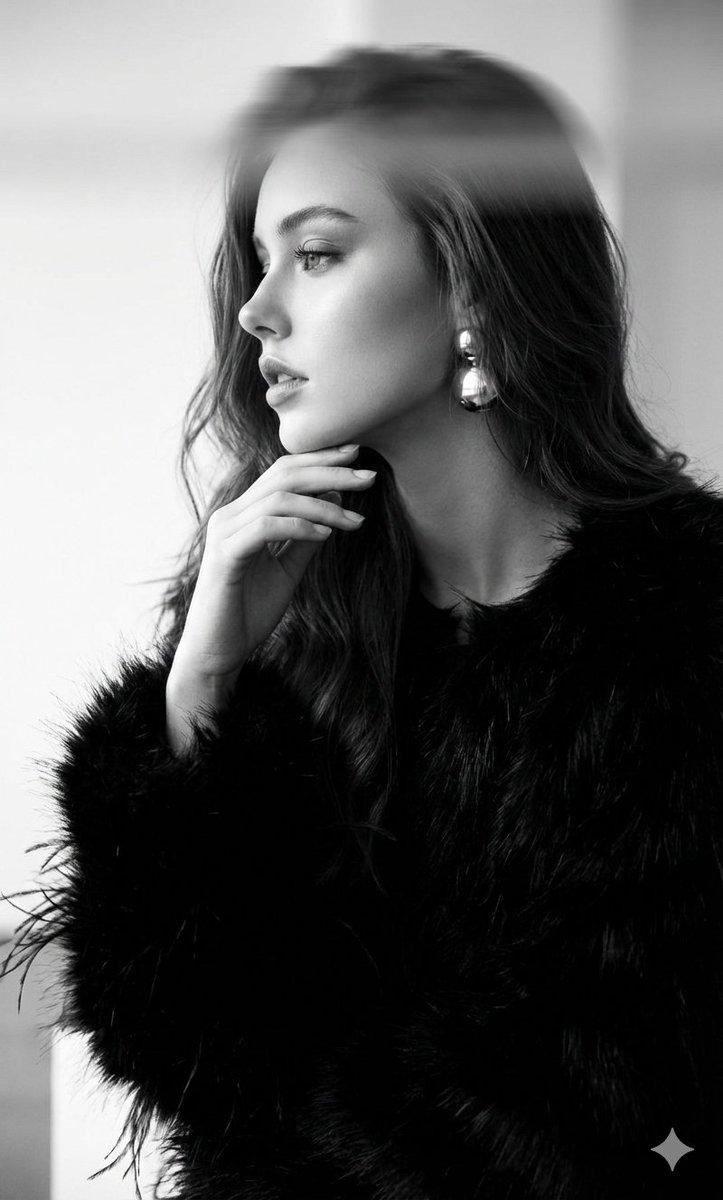
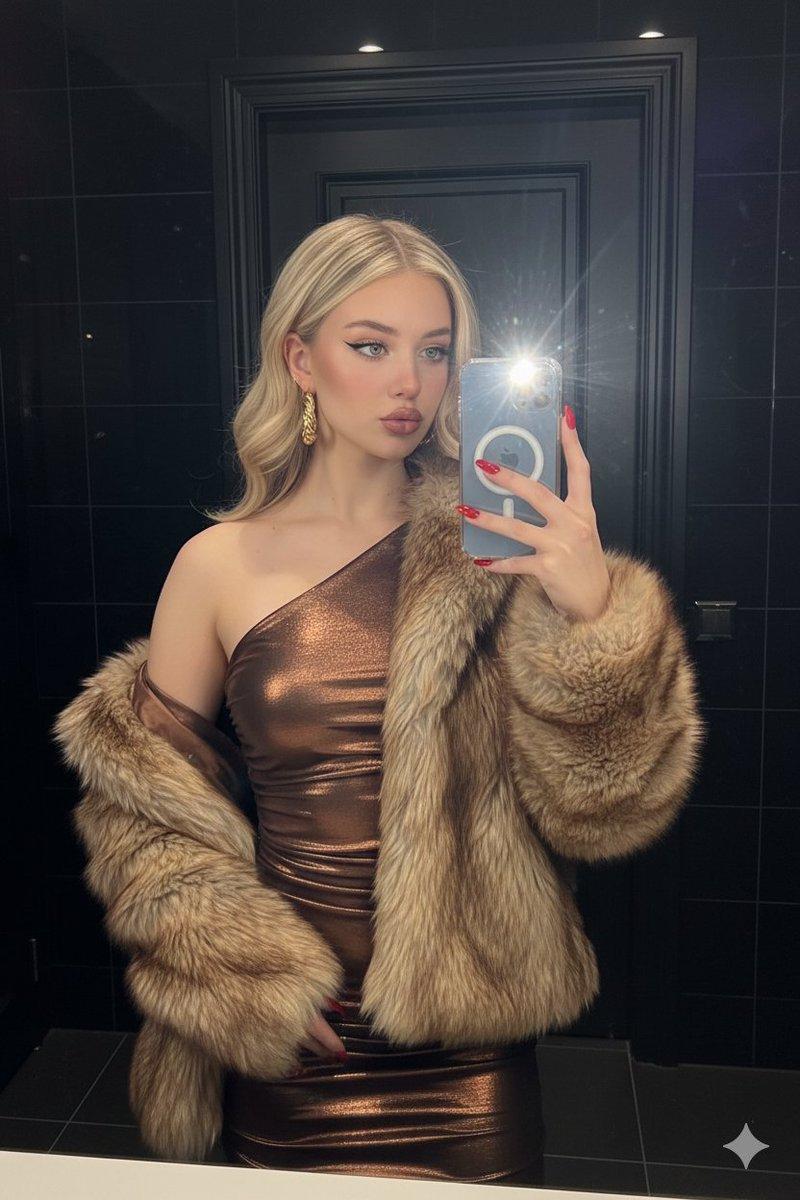
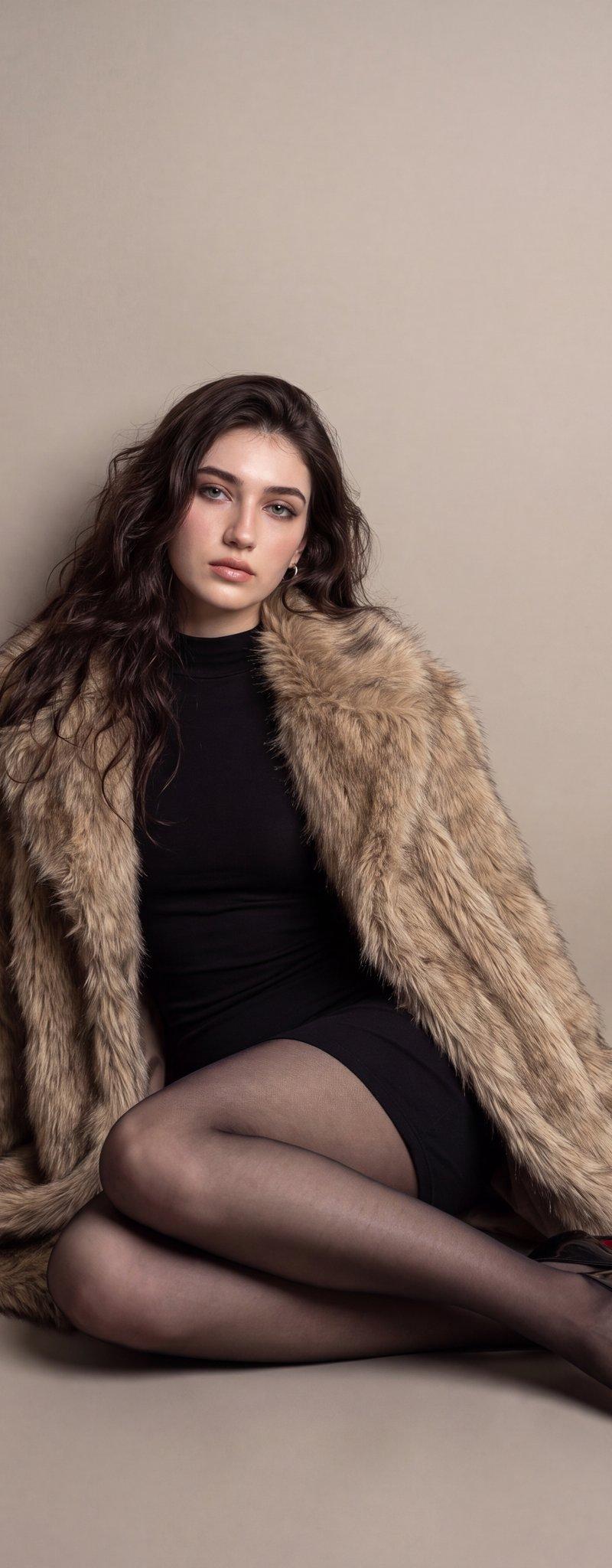
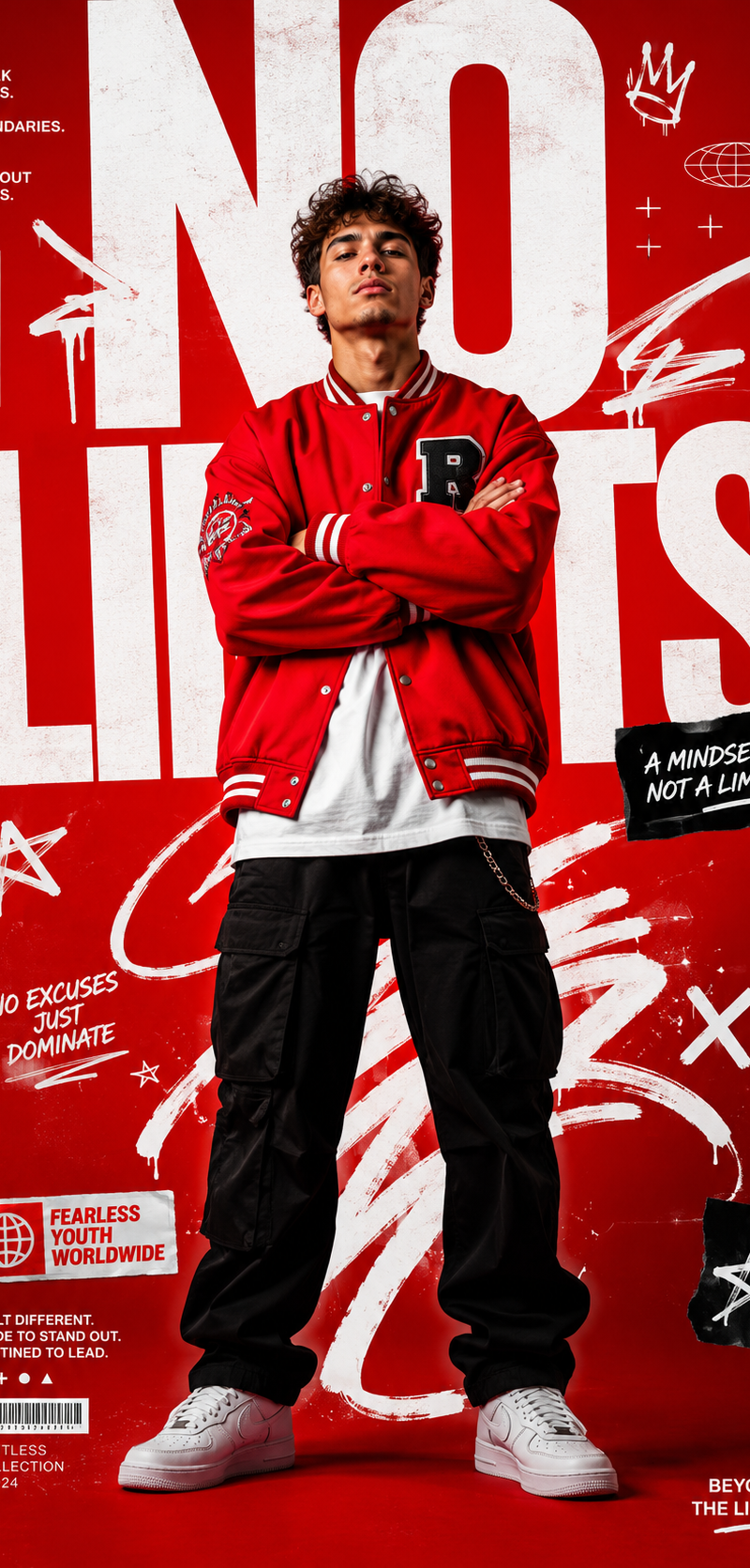
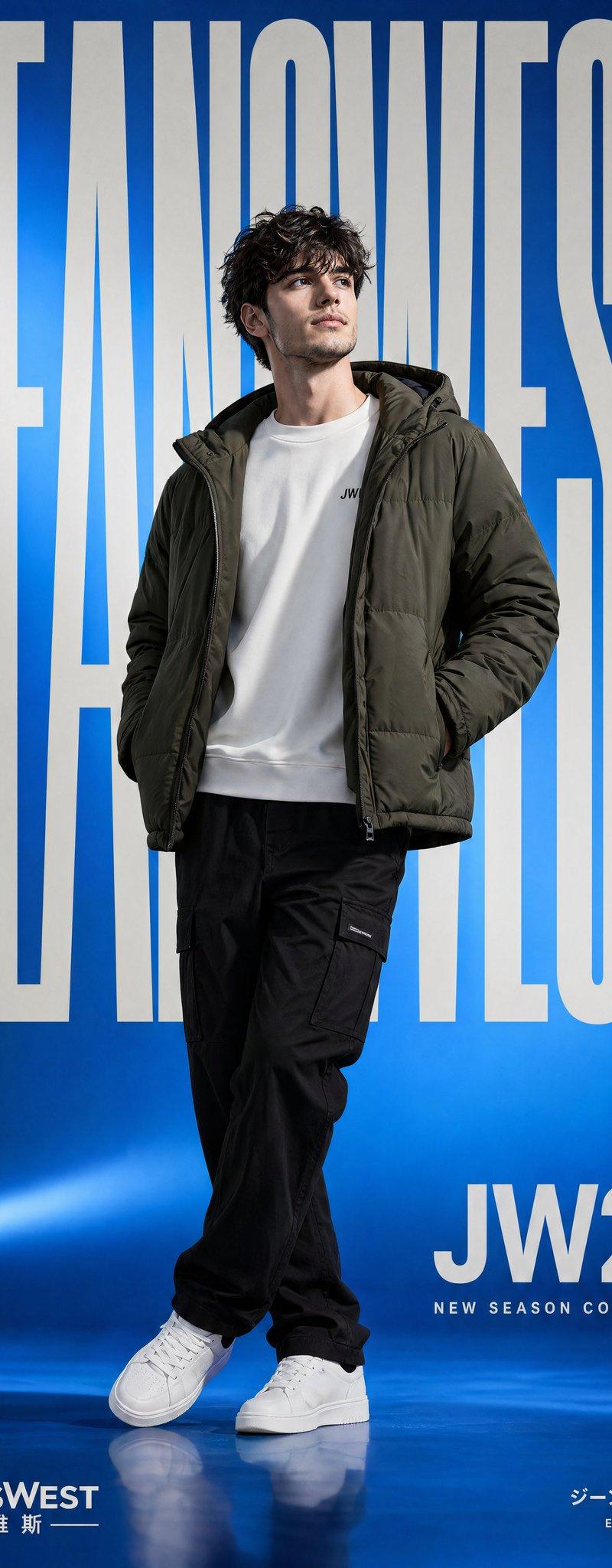
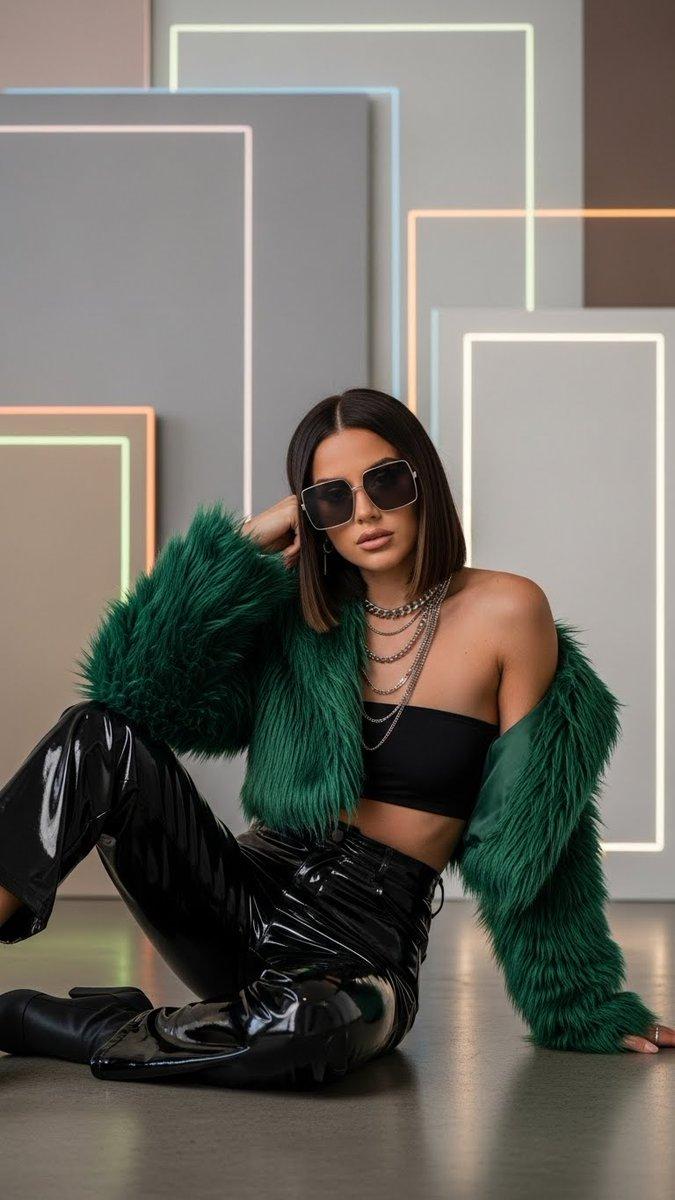
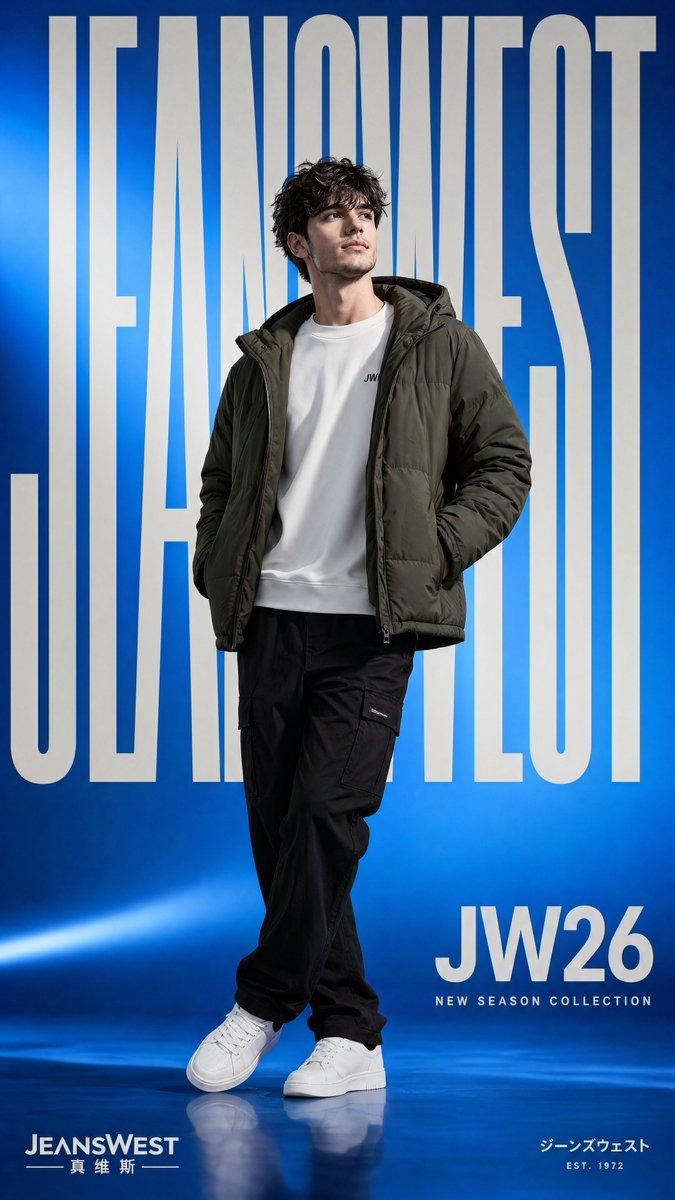
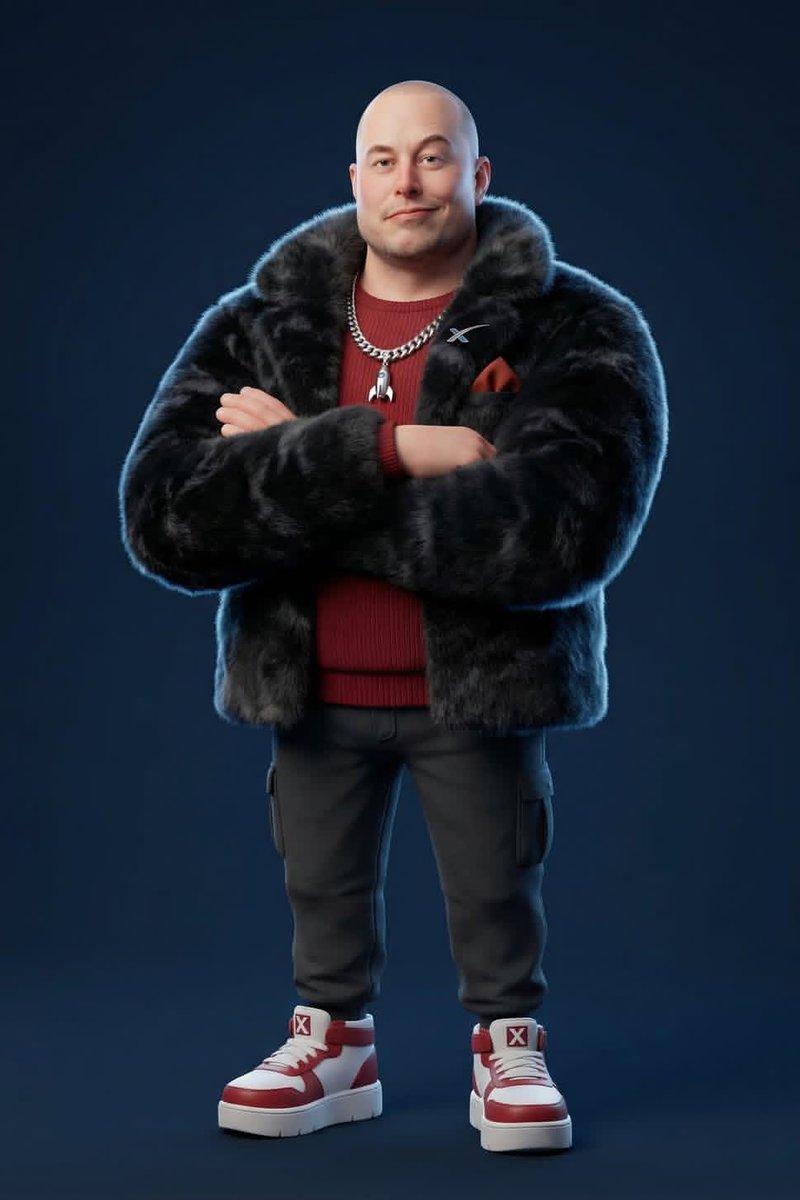
Example images

Pixar high-fashion CGI: GPT Image 2 prompt

Prompt
{
 "renderEngine": "Blender Cycles / Unreal Engine 5 Lumen",
 "baseStyle": "Stylized 3D CGI character — Pixar meets high-fashion editorial",
 "proportions": "Slightly enlarged head (1.3x natural), compact torso, simplified facial features, exaggerated chunky feet/shoes",
 "skinShader": "Subsurface scattering with physically-based roughness, no pores, smooth cartoon-like finish",
 "clothingPhysics": "Marvelous Designer simulation baked in, wrinkle maps, fabric-specific material shaders",
 "furTech": "XGen or Ornatrix volumetric fur for faux-fur pieces, physics-simulated",
 "resolution": "8192x8192px minimum, 300DPI",
 "backgroundStyle": "Solid flat color, no gradient, no texture — studio seamless backdrop",
 "lightingRig": "Three-point studio: key (45° front-top), fill (opposite side soft), rim (back edge definition)",
 "cameraLens": "35-50mm equivalent, slight vignette, no fisheye",
 "postProcessing": "Subtle chromatic aberration on edges, mild film grain 2%, slight color grade"
}
Category
Photography & Realism
Model
GPT Image 2
Creator
Zar⭕on
Source language
en
Views0
Source ID
2031735211772317828
Published
Mar 11, 2026
Studio

Guide

About "Pixar high-fashion CGI: GPT Image 2 prompt"

What is this prompt for?

"Pixar high-fashion CGI: GPT Image 2 prompt" AI image prompt for GPT Image 2 (Photography & Realism). { "renderEngine": "Blender Cycles / Unreal Engine 5 Lumen…

The full copyable prompt and example visuals above are ready for AI image generation or one-click recreate in Picva.

How to use this prompt

  1. Step 1

    Open the prompt detail

    Review the example visuals, category, and full prompt text for "Pixar high-fashion CGI: GPT Image 2 prompt".

  2. Step 2

    Copy the prompt

    Copy the prompt body from this page, or load it directly in Studio.

  3. Step 3

    Pick a model (GPT Image 2)

    Prefer GPT Image 2. If you switch models, keep subject and composition and tweak style terms.

  4. Step 4

    Generate and export

    Recreate the look in Picva, or export into your workflow for editing and publishing.

FAQ

What is the "Pixar high-fashion CGI: GPT Image 2 prompt" prompt?
It is an AI image-generation prompt for GPT Image 2 in the Photography & Realism category. This page includes the full prompt text, example visuals, and a one-click recreate path in Picva.
How do I use this prompt to generate an image?
Copy the prompt from this page, or use Generate / Studio. Paste it into a compatible image model, or recreate the look in Picva with optional reference images.
Which model is this prompt for?
This page lists GPT Image 2. Most descriptive prompts also transfer to nearby image models such as GPT Image, Flux, or Midjourney with light style tweaks.
Can I use the result commercially?
You can usually copy the prompt for creation, but commercial use of the final image depends on the model terms, reference-image rights, and the generated content. Follow the source author and platform rules.