18

A&H two-tone tee poster: GPT Image 2 prompt
Enlarge

Example images

A&H two-tone tee poster: GPT Image 2 prompt

Prompt
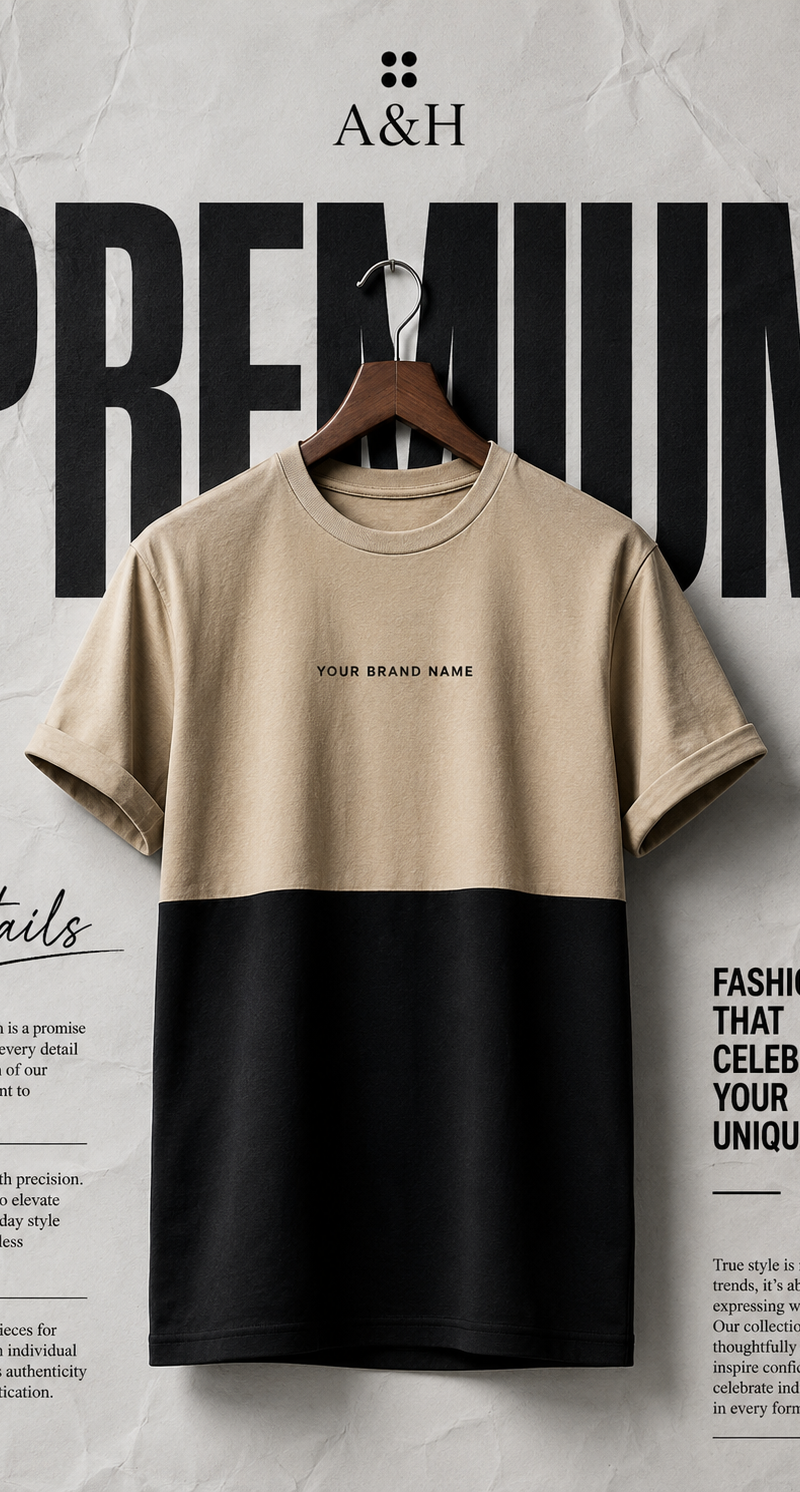
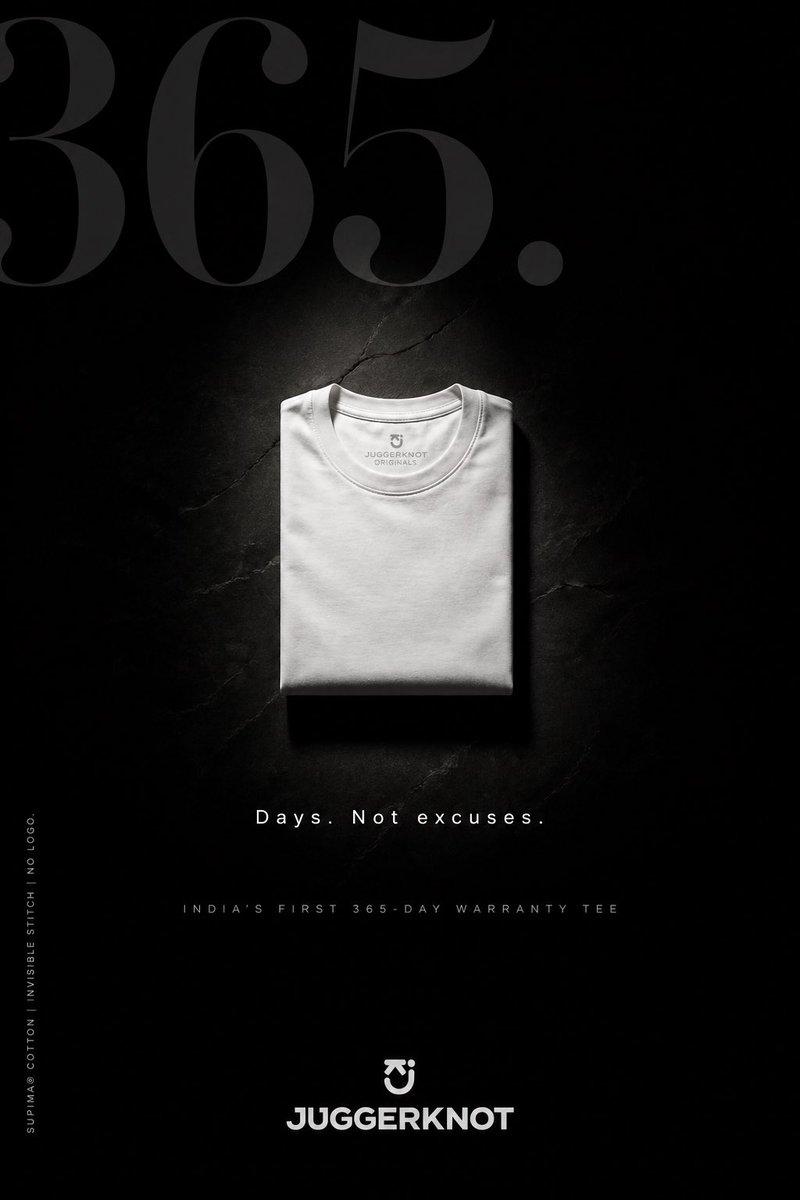
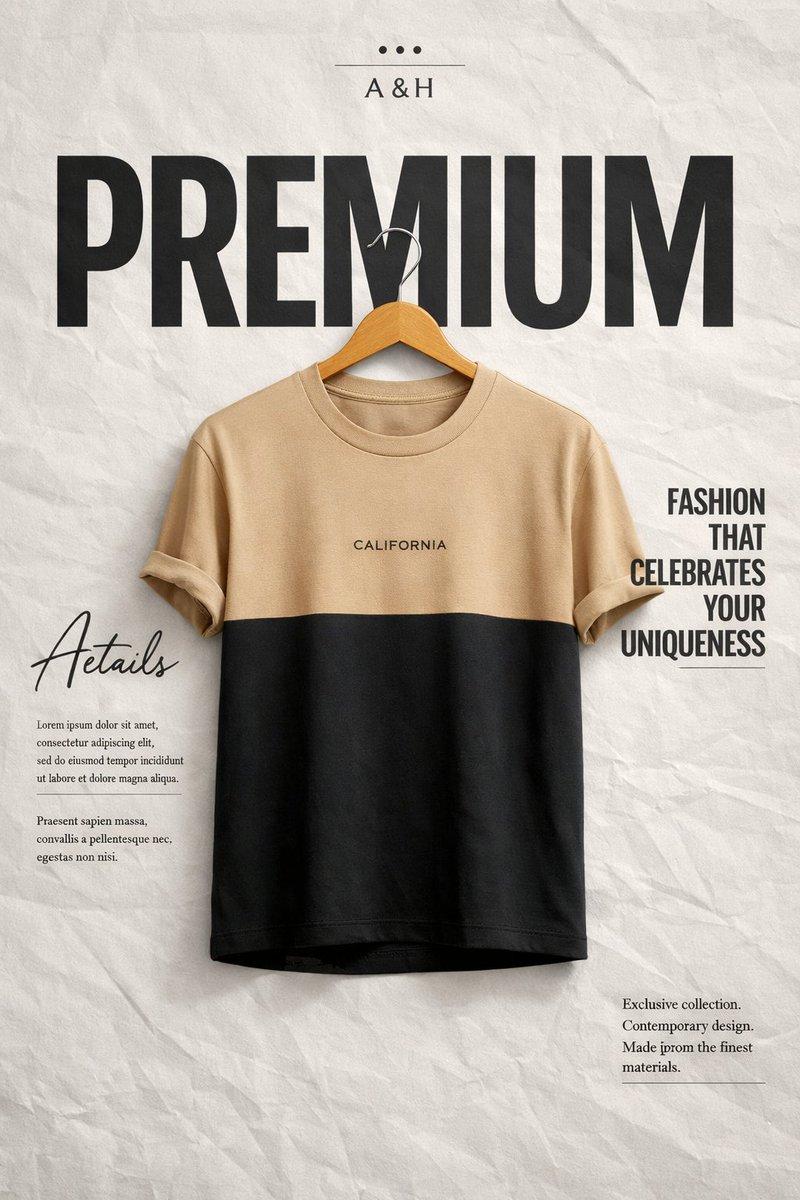
Create a high-end minimalist fashion advertisement poster.
Background: light grey wrinkled paper poster texture with editorial magazine layout.
At the top center place a small brand label “A&H” with minimal dots style logo above it.
Behind the product place a huge bold word “PREMIUM” in black, very large sans-serif font, spanning almost the entire width of the poster.
Center of the poster:
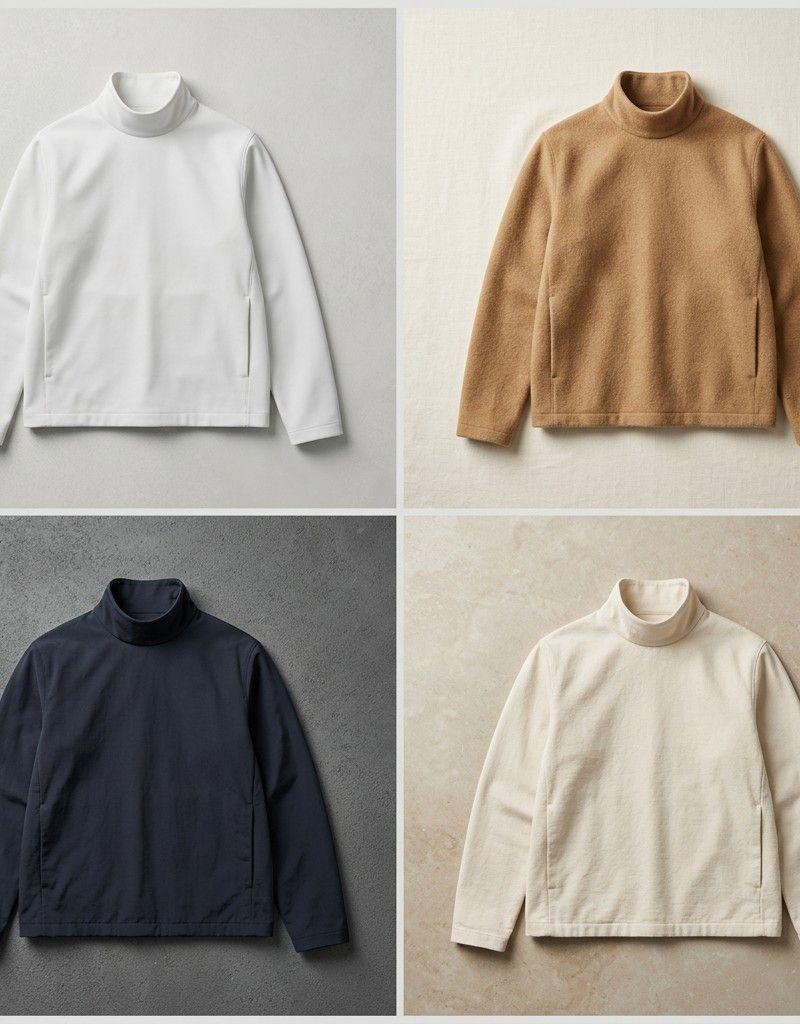
A two-tone t-shirt hanging on a wooden hanger.
Top half color beige/tan, bottom half deep black.
Short sleeves slightly folded.
Clean premium cotton texture.
On the chest of the shirt place the small text “YOUR BRAND NAME” in simple minimal font.
Left side design area:
Stylish script word “Aetails” (signature style starting with A) replacing “Details”.
Under it small editorial paragraph blocks (magazine layout filler text).
Right side:
Editorial typography block with the phrase
“FASHION THAT CELEBRATES YOUR UNIQUENESS”
in bold modern sans-serif.
Bottom right small editorial text block similar to fashion magazine layout.
Important rules: • Do NOT add any website URLs
• Do NOT add social media icons
• Do NOT add barcodes
• Do NOT add any random or unrecognizable text
• Brand name must be “A&H”
• Keep same colors, same layout, same typography style, same font weight, same font sizes, same composition
• clean luxury fashion ad aesthetic
• studio lighting, ultra sharp, photorealistic, 4K fashion poster design
Category
Photography & Realism
Model
GPT Image 2
Creator
auqib
Source language
en
Views0
Source ID
2032618498460102987
Published
Mar 14, 2026
Studio

Guide

About "A&H two-tone tee poster: GPT Image 2 prompt"

What is this prompt for?

"A&H two-tone tee poster: GPT Image 2 prompt" AI image prompt for GPT Image 2 (Photography & Realism). Create a high-end minimalist fashion advertisement poste…

The full copyable prompt and example visuals above are ready for AI image generation or one-click recreate in Picva.

How to use this prompt

  1. Step 1

    Open the prompt detail

    Review the example visuals, category, and full prompt text for "A&H two-tone tee poster: GPT Image 2 prompt".

  2. Step 2

    Copy the prompt

    Copy the prompt body from this page, or load it directly in Studio.

  3. Step 3

    Pick a model (GPT Image 2)

    Prefer GPT Image 2. If you switch models, keep subject and composition and tweak style terms.

  4. Step 4

    Generate and export

    Recreate the look in Picva, or export into your workflow for editing and publishing.

FAQ

What is the "A&H two-tone tee poster: GPT Image 2 prompt" prompt?
It is an AI image-generation prompt for GPT Image 2 in the Photography & Realism category. This page includes the full prompt text, example visuals, and a one-click recreate path in Picva.
How do I use this prompt to generate an image?
Copy the prompt from this page, or use Generate / Studio. Paste it into a compatible image model, or recreate the look in Picva with optional reference images.
Which model is this prompt for?
This page lists GPT Image 2. Most descriptive prompts also transfer to nearby image models such as GPT Image, Flux, or Midjourney with light style tweaks.
Can I use the result commercially?
You can usually copy the prompt for creation, but commercial use of the final image depends on the model terms, reference-image rights, and the generated content. Follow the source author and platform rules.