17

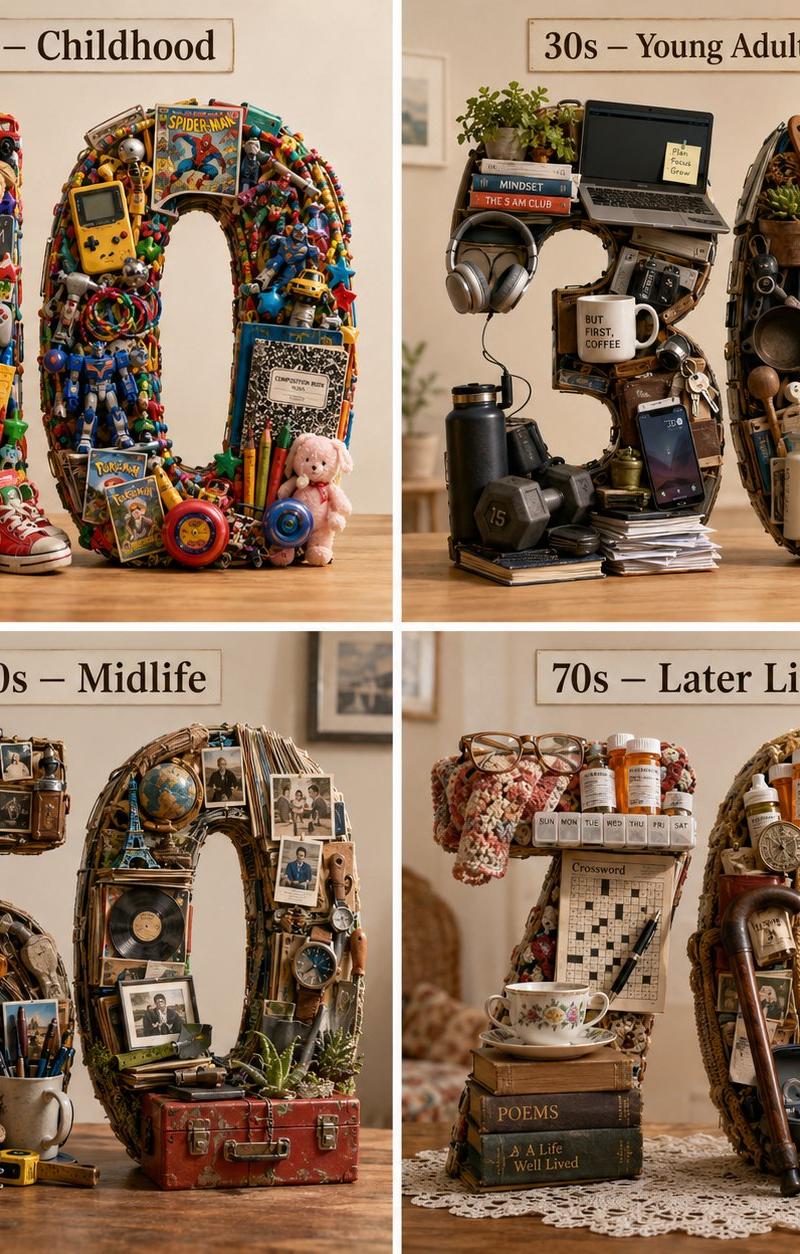
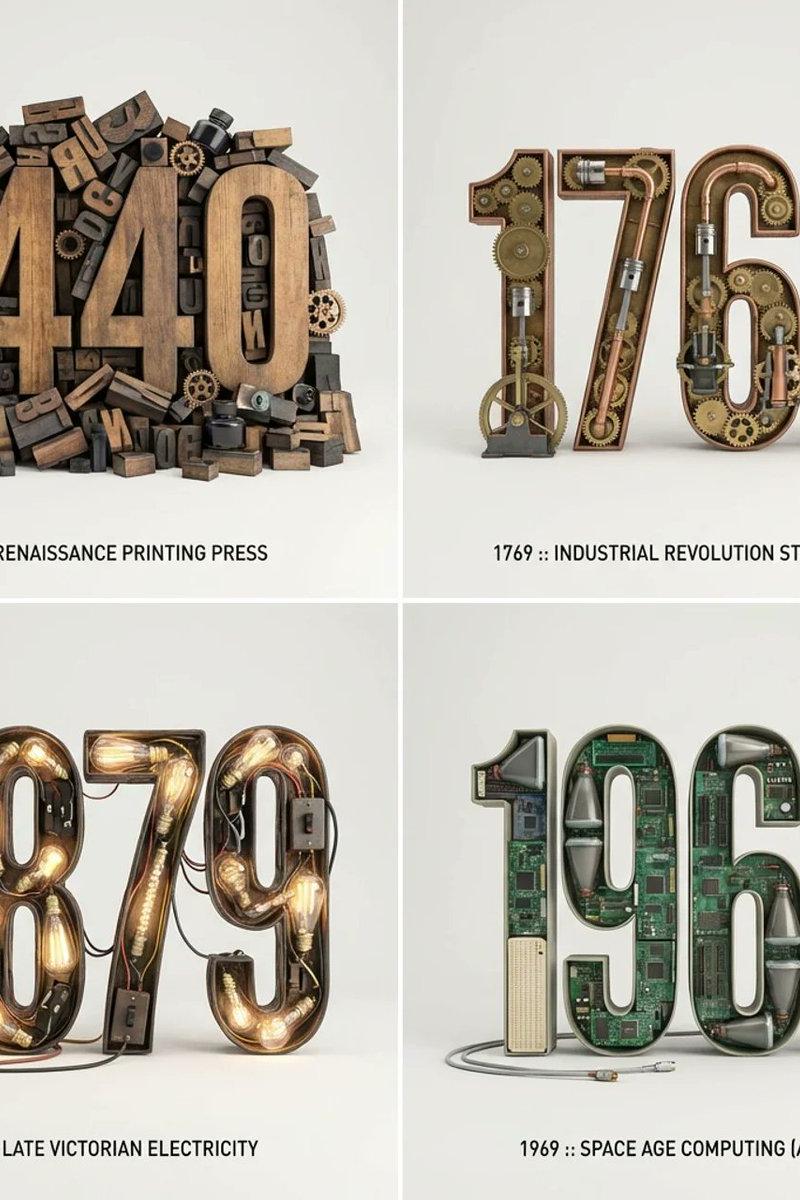
2x2 era typography grid: GPT Image 2 prompt
Enlarge

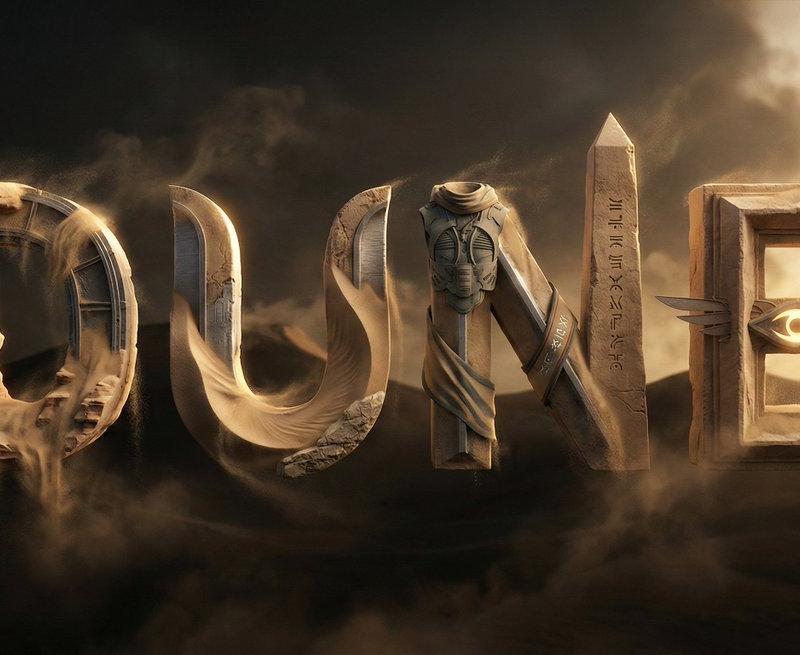
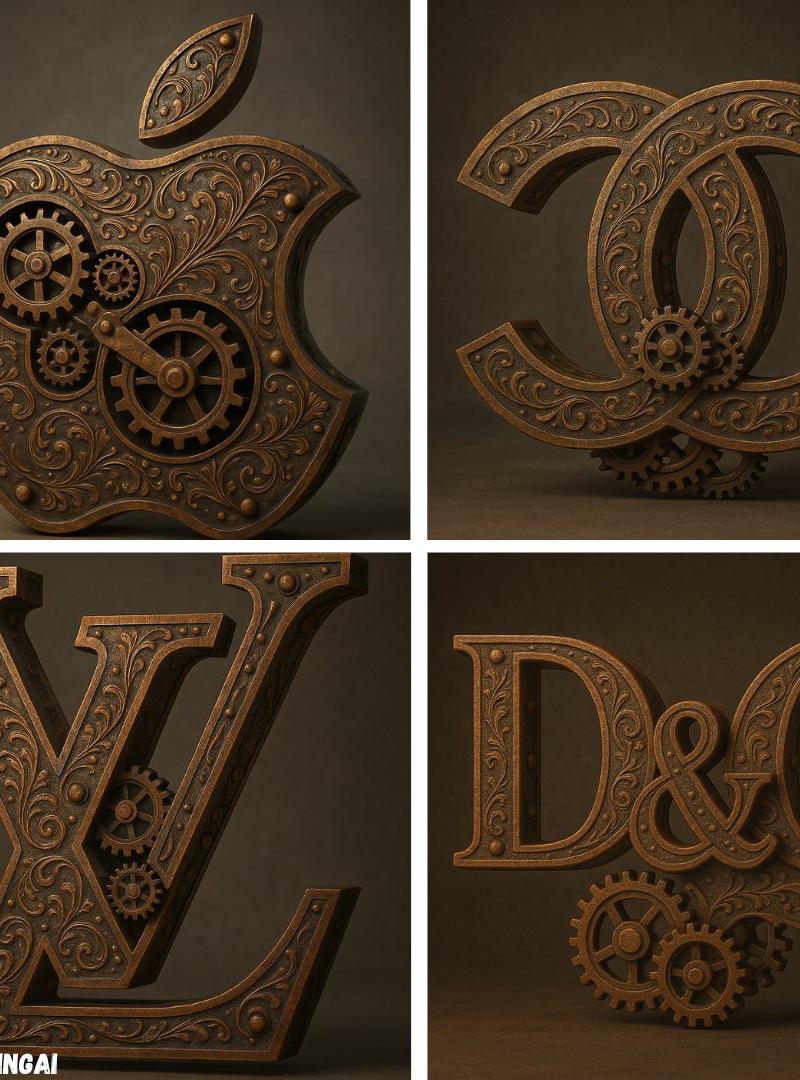
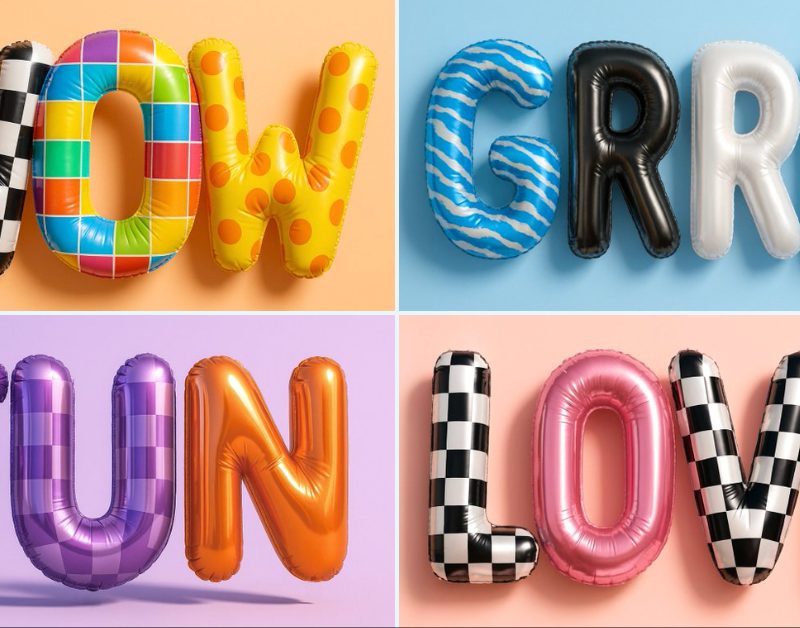
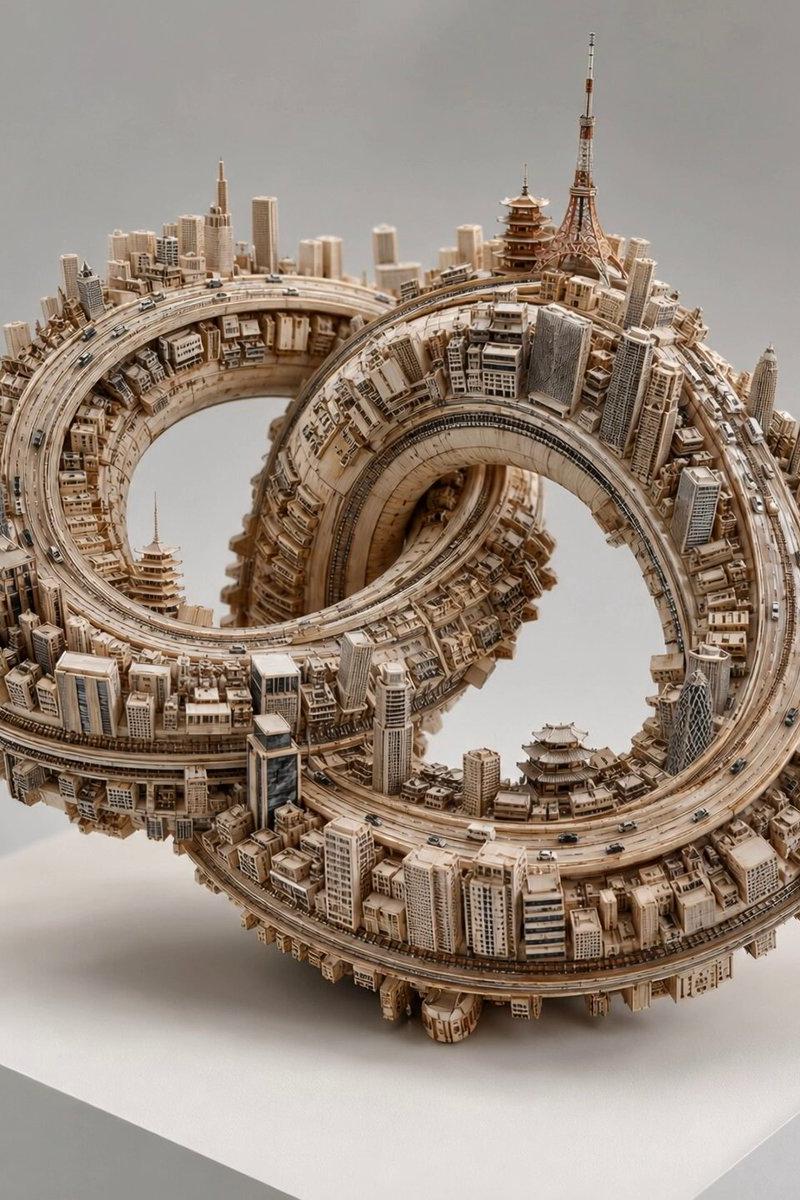
Example images

2x2 era typography grid: GPT Image 2 prompt

Prompt
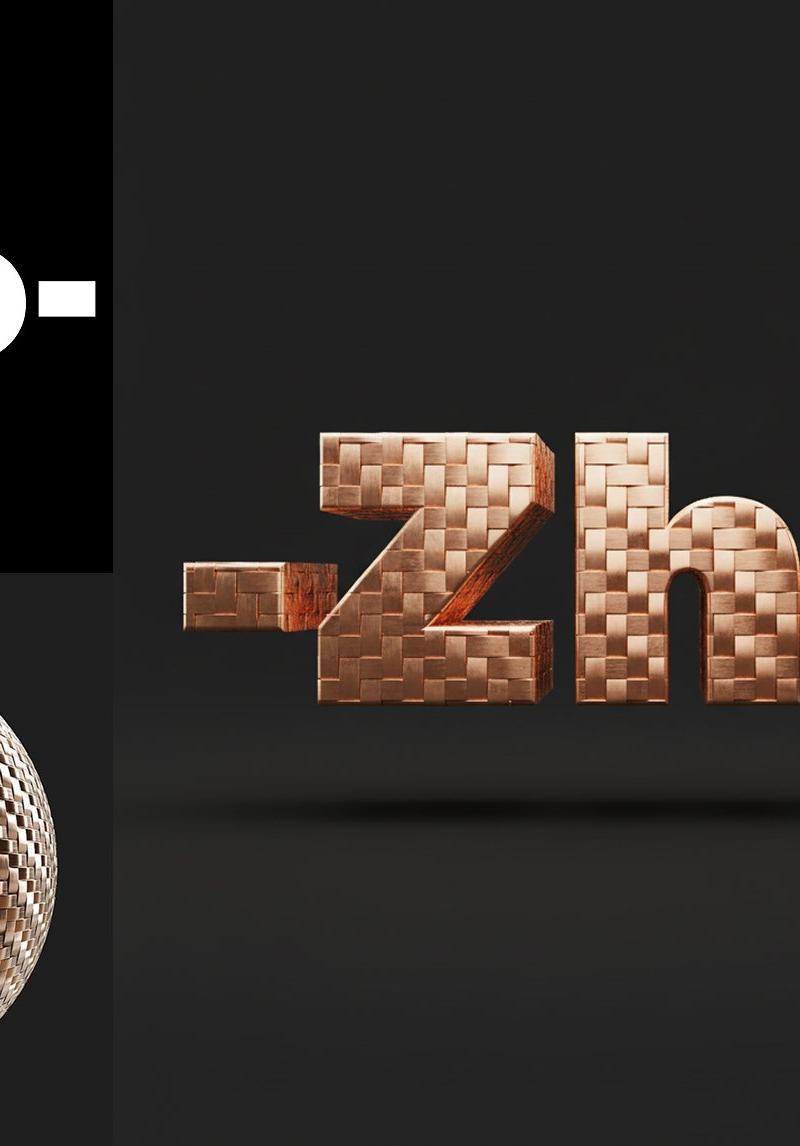
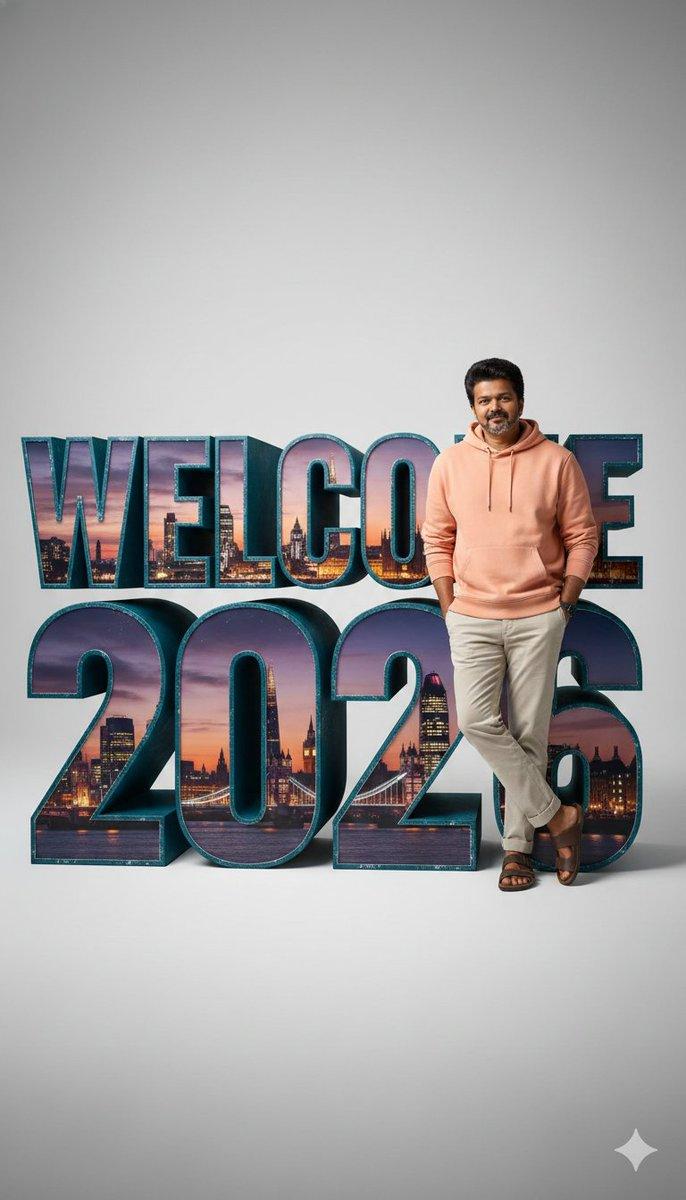
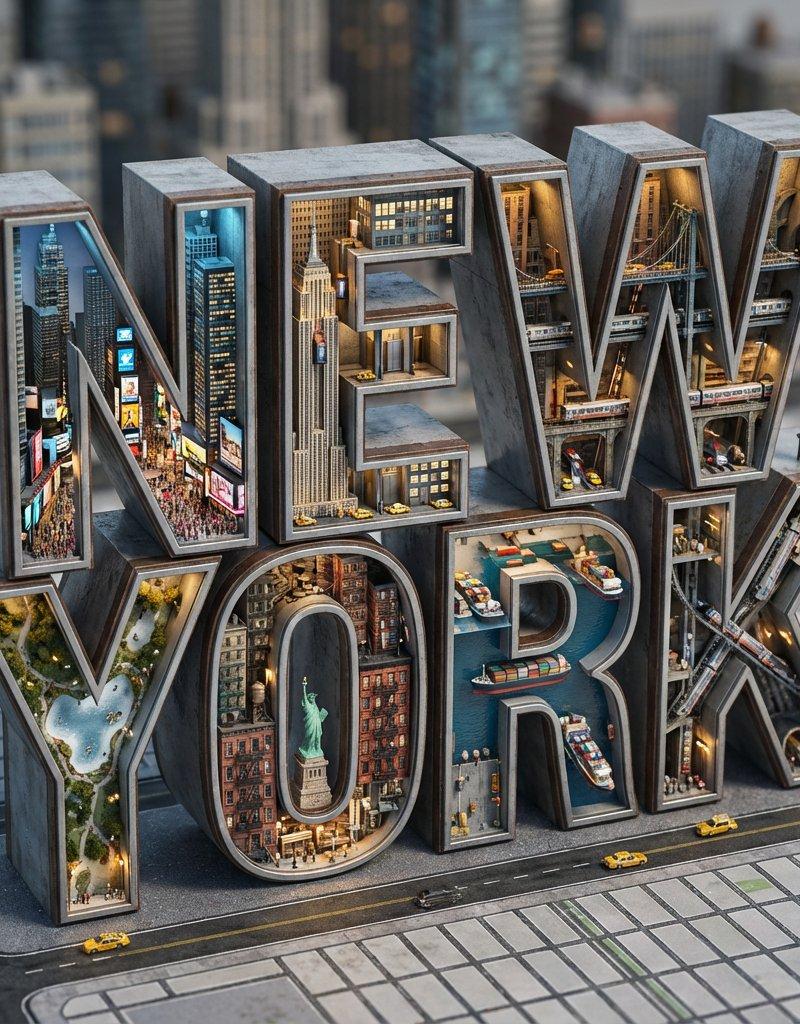
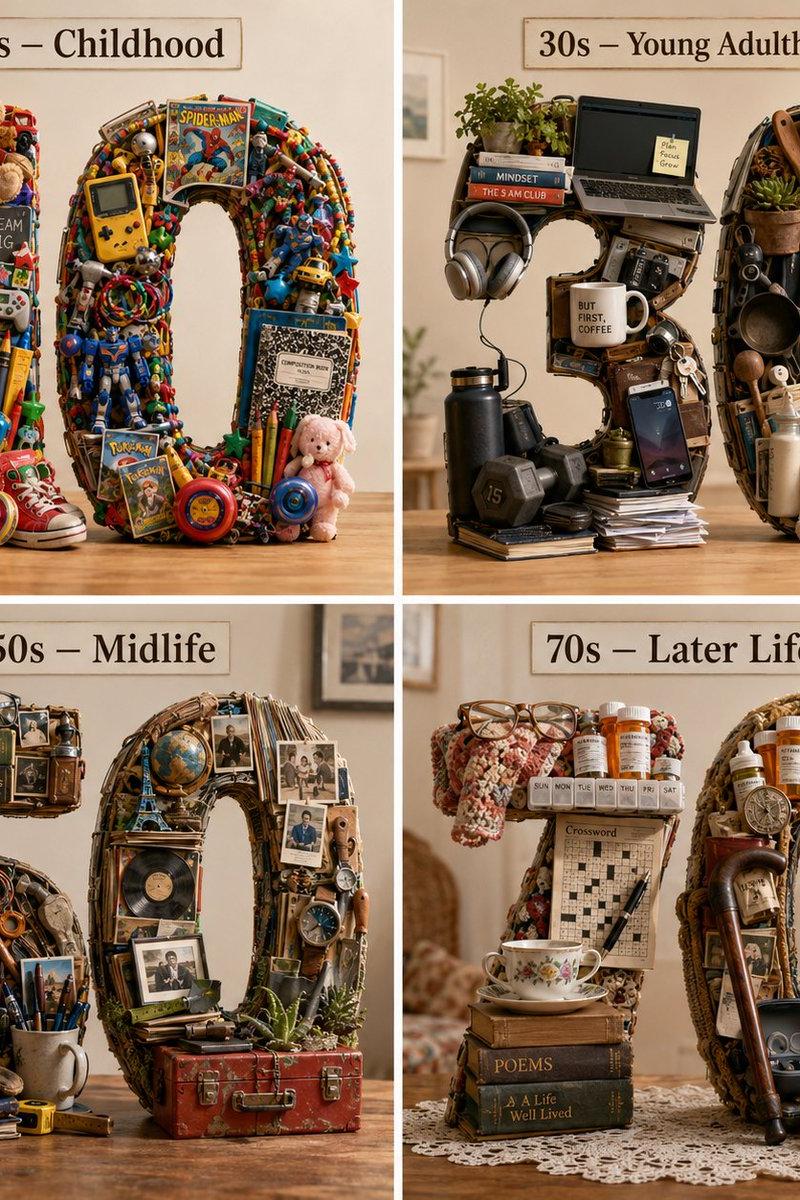
2x2 grid, do this for 4 important years in history and their most important inventions { Anchor: `[Letter/Number] :: [Era/Theme (e.g., 1980s Retro Tech / Victorian Steampunk)]::4`
 Morphology: `3D Typographic sculpture of [Letter/Number], character shape defined by a dense pile of [Era/Theme] objects, chaotic but legible assemblage, graphic design asset::3`
 Material Physics: `Textures of [Era/Theme] objects (plastic, rust, wood), occlusion between stacked items, realistic scale of constituent parts forming the glyph::3`
 Illumination: `Three-point studio lighting, softbox overhead, clean background for isolation::2`
 Render Stack: `Cinema 4D render, isometric or front-facing, ambient occlusion, 8k, Adobe Substance material suite::1`
 Negative: `[Illegible, flat font, 2D, handwriting, paper, messy background, floating objects]:: -1`}
Category
Brand & Logos
Model
GPT Image 2
Creator
Gadgetify
Source language
en
Views0
Source ID
2034557489258078352
Published
Mar 19, 2026
Studio

Guide

About "2x2 era typography grid: GPT Image 2 prompt"

What is this prompt for?

"2x2 era typography grid: GPT Image 2 prompt" AI image prompt for GPT Image 2 (Brand & Logos). 2x2 grid, do this for 4 important years in history and their mos…

The full copyable prompt and example visuals above are ready for AI image generation or one-click recreate in Picva.

How to use this prompt

  1. Step 1

    Open the prompt detail

    Review the example visuals, category, and full prompt text for "2x2 era typography grid: GPT Image 2 prompt".

  2. Step 2

    Copy the prompt

    Copy the prompt body from this page, or load it directly in Studio.

  3. Step 3

    Pick a model (GPT Image 2)

    Prefer GPT Image 2. If you switch models, keep subject and composition and tweak style terms.

  4. Step 4

    Generate and export

    Recreate the look in Picva, or export into your workflow for editing and publishing.

FAQ

What is the "2x2 era typography grid: GPT Image 2 prompt" prompt?
It is an AI image-generation prompt for GPT Image 2 in the Brand & Logos category. This page includes the full prompt text, example visuals, and a one-click recreate path in Picva.
How do I use this prompt to generate an image?
Copy the prompt from this page, or use Generate / Studio. Paste it into a compatible image model, or recreate the look in Picva with optional reference images.
Which model is this prompt for?
This page lists GPT Image 2. Most descriptive prompts also transfer to nearby image models such as GPT Image, Flux, or Midjourney with light style tweaks.
Can I use the result commercially?
You can usually copy the prompt for creation, but commercial use of the final image depends on the model terms, reference-image rights, and the generated content. Follow the source author and platform rules.