18

Sana balcony golden hour: GPT Image 2 prompt
Enlarge

Example images

Sana balcony golden hour: GPT Image 2 prompt

Prompt
{
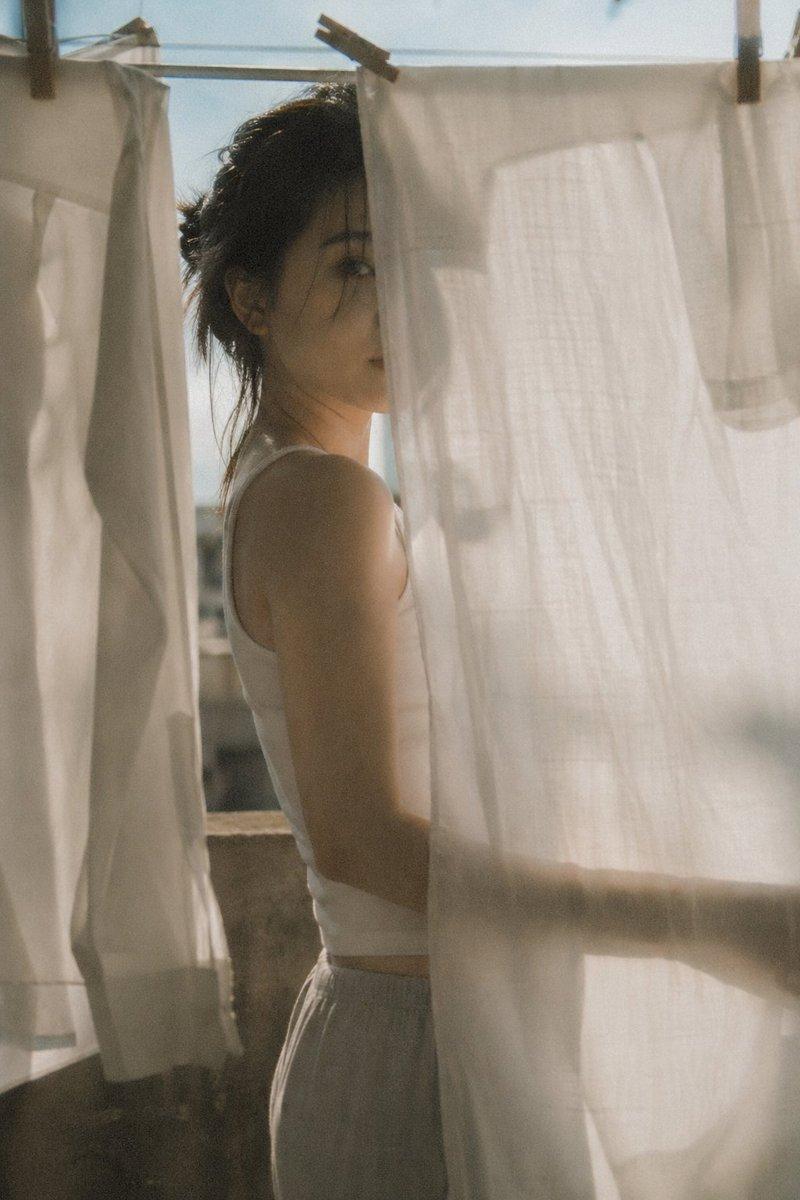
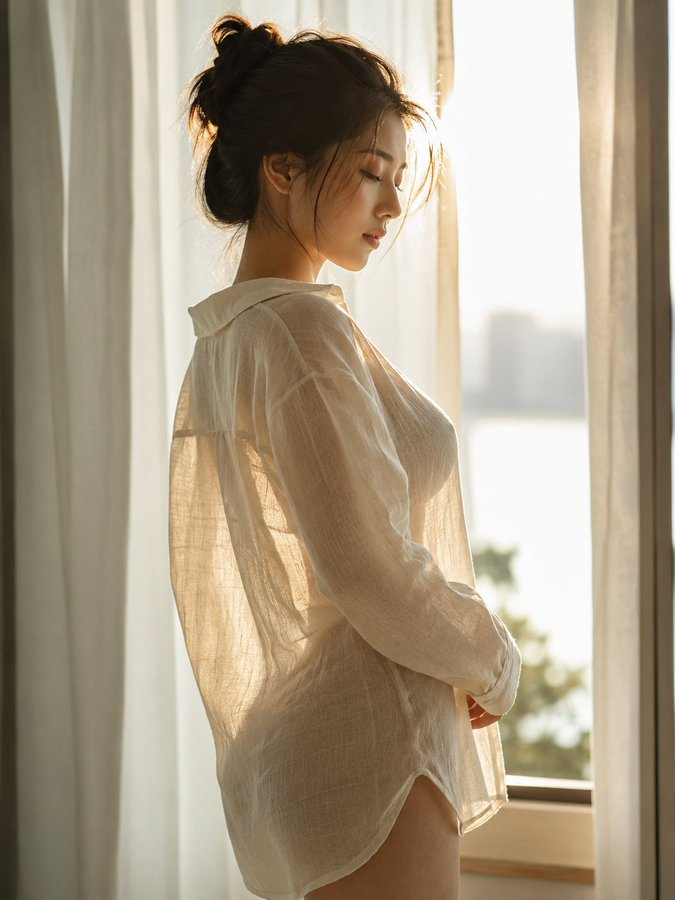
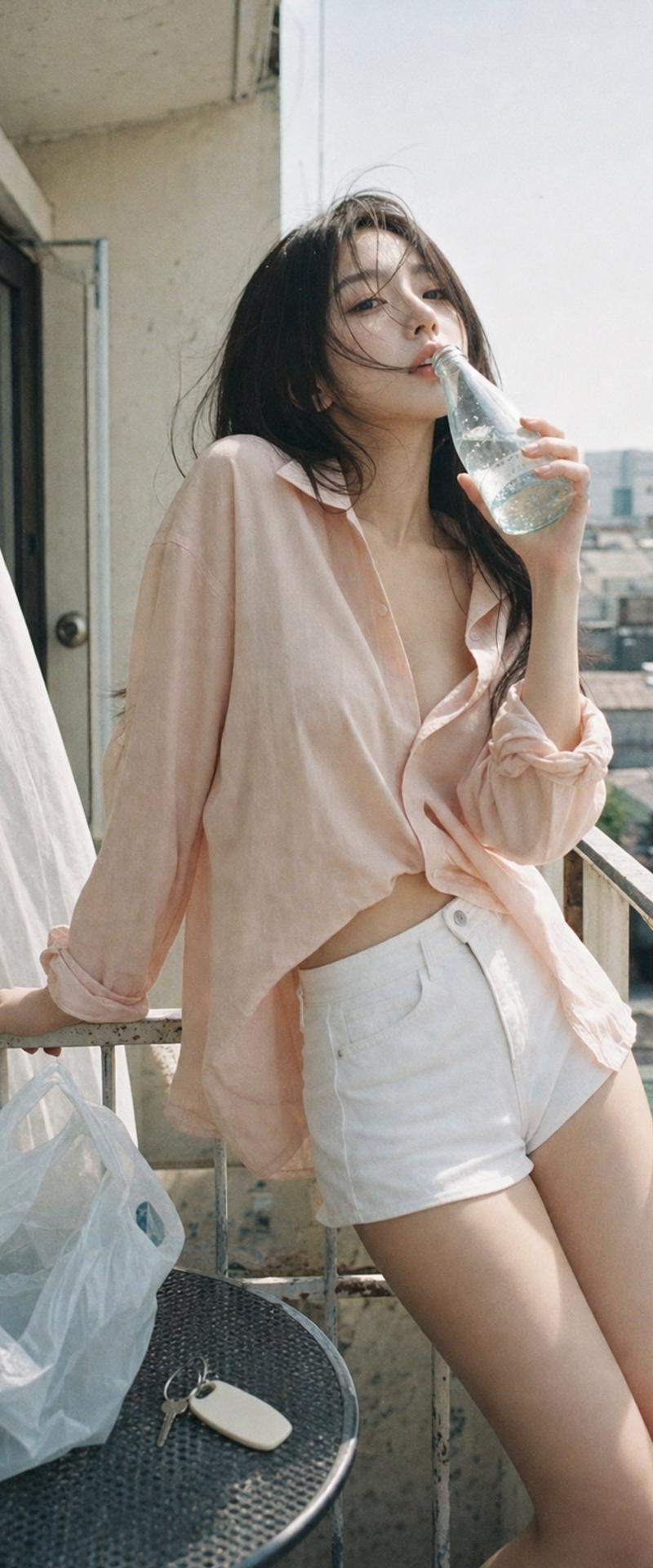
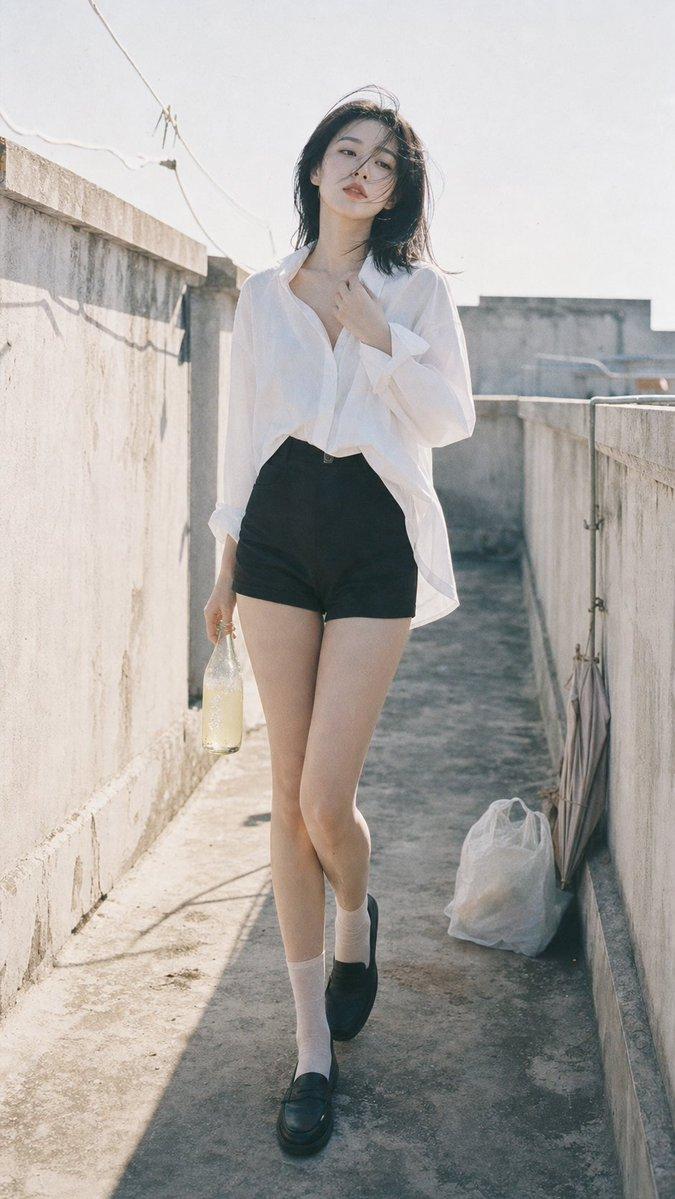
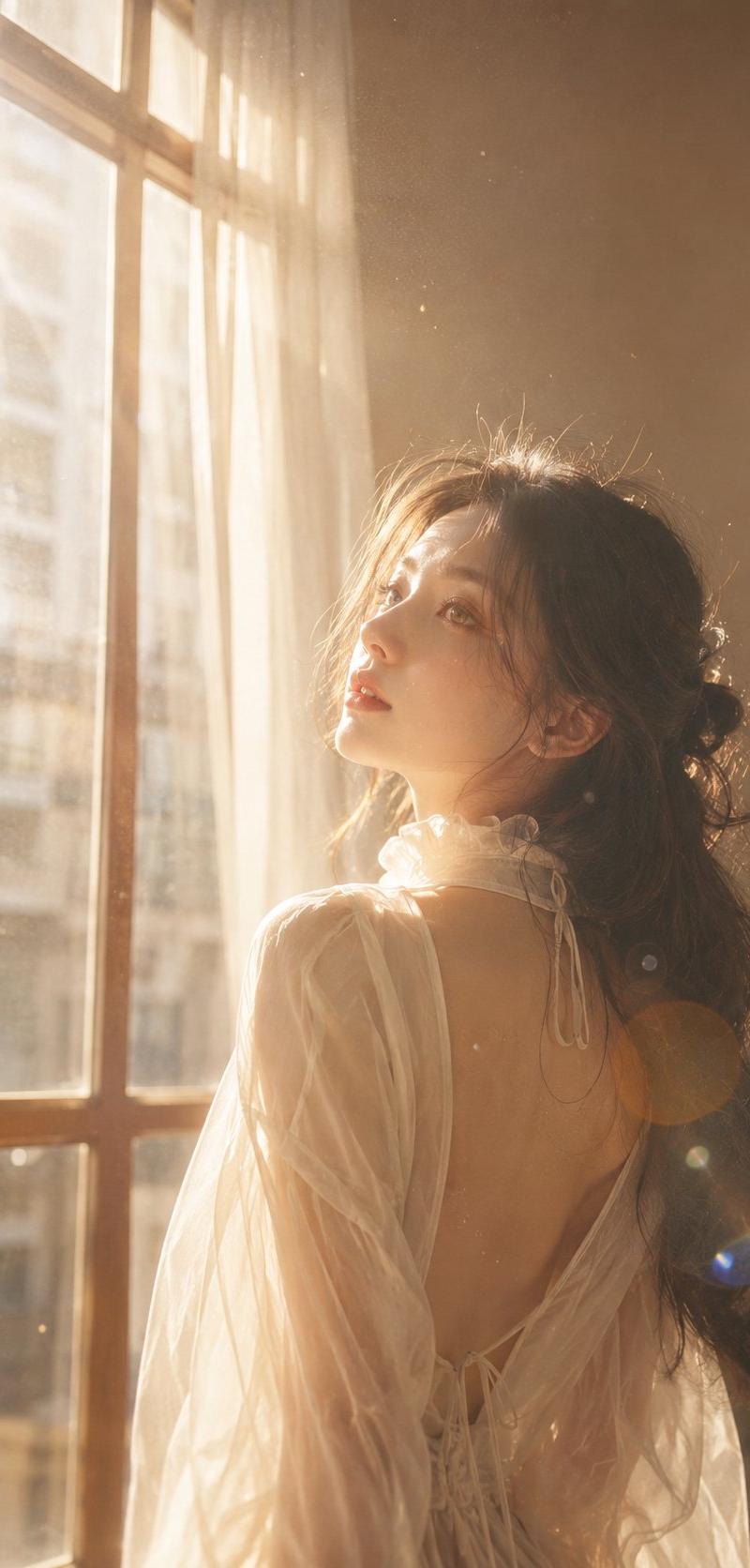
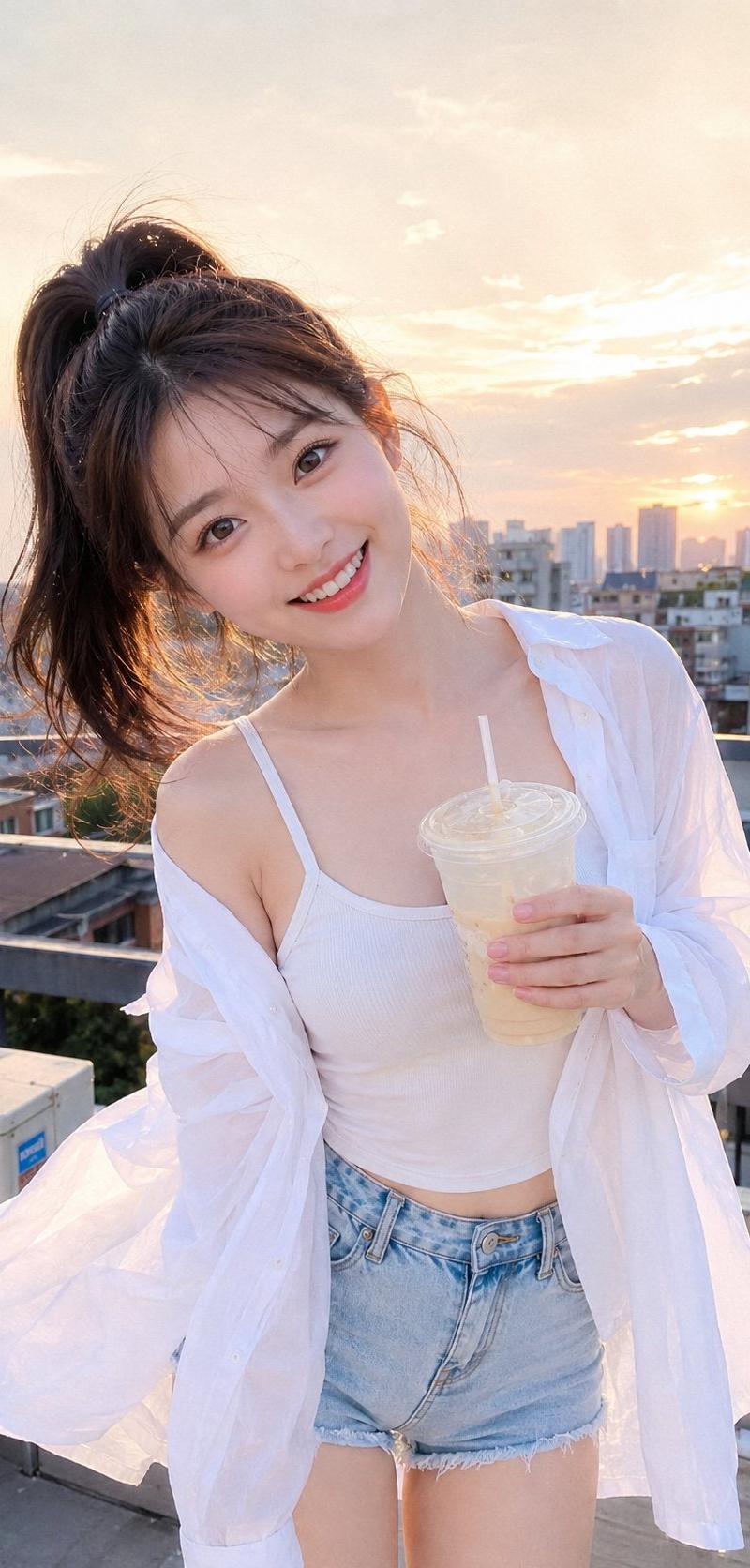
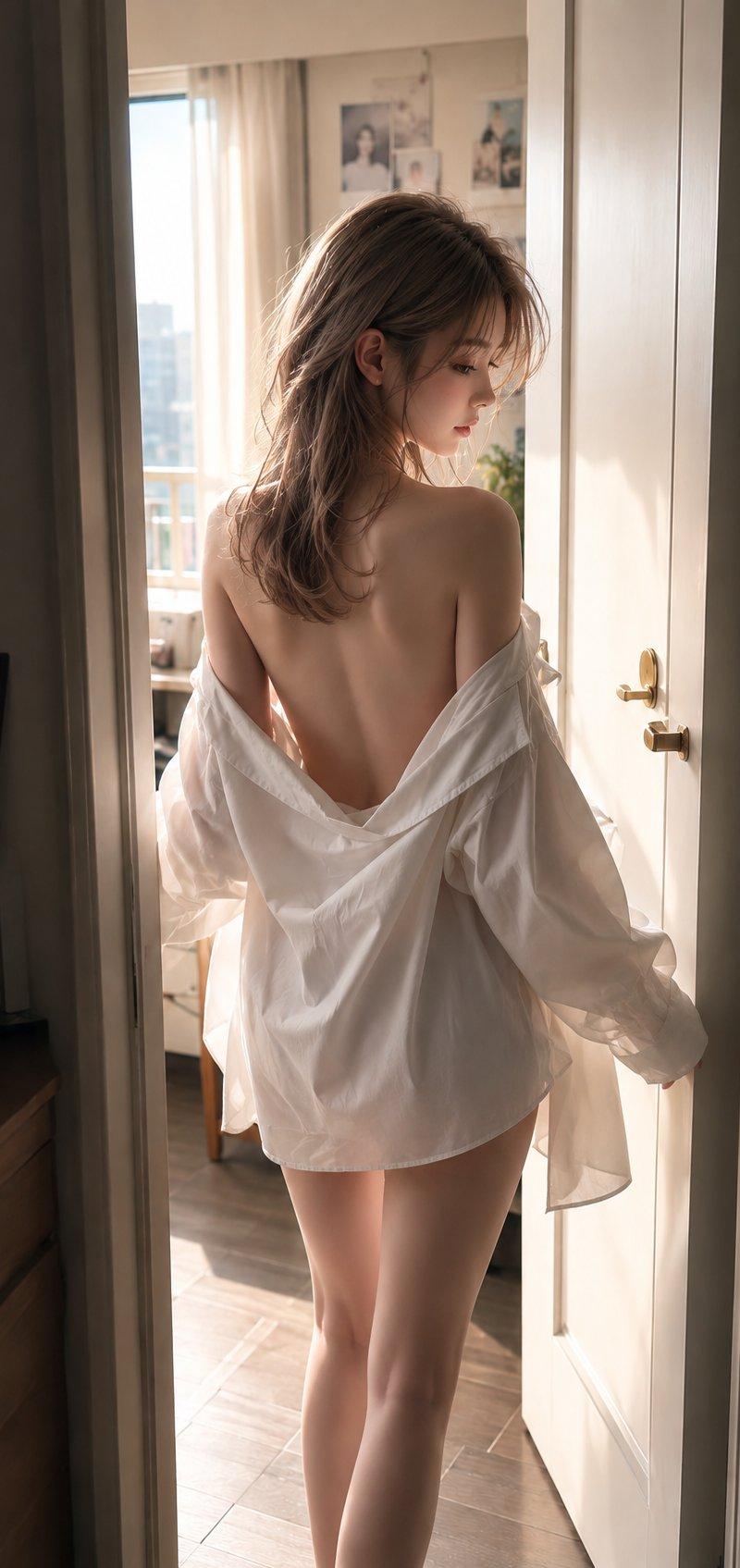
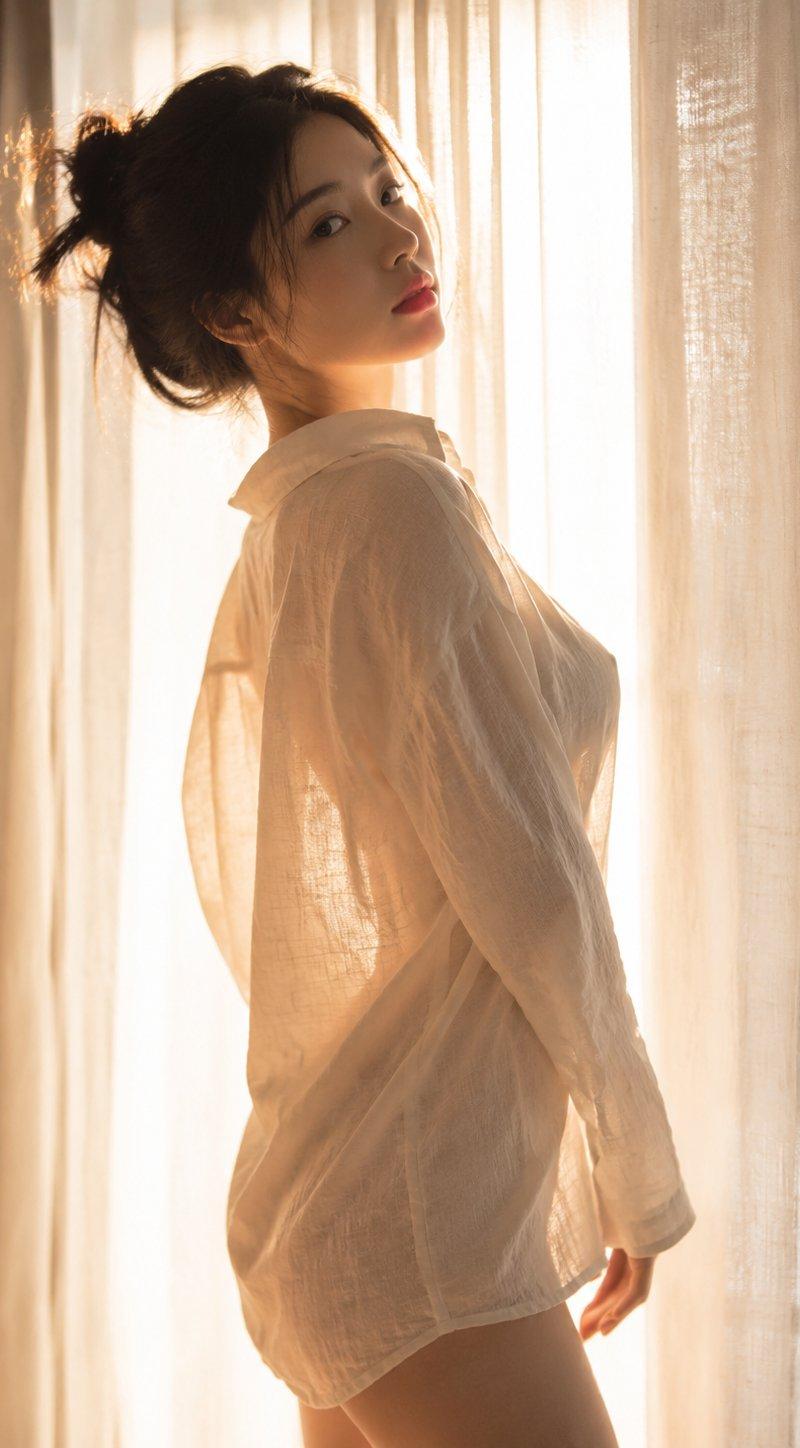
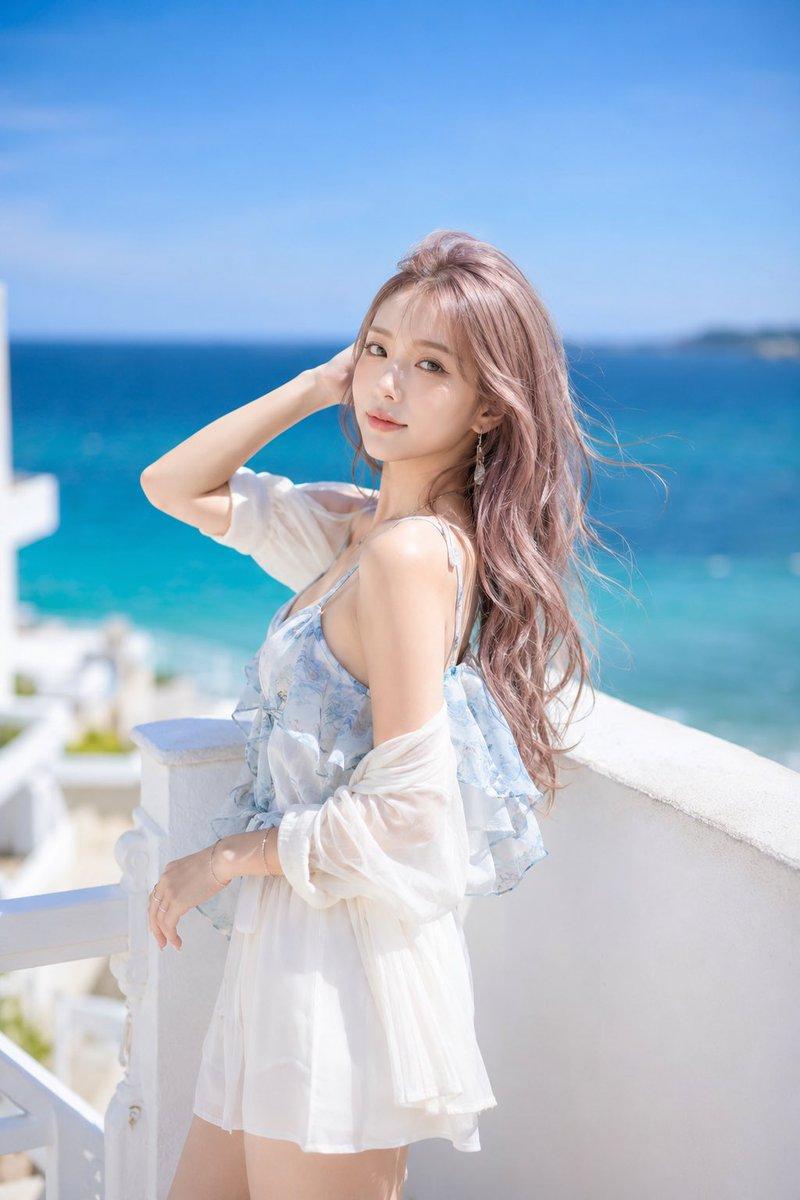
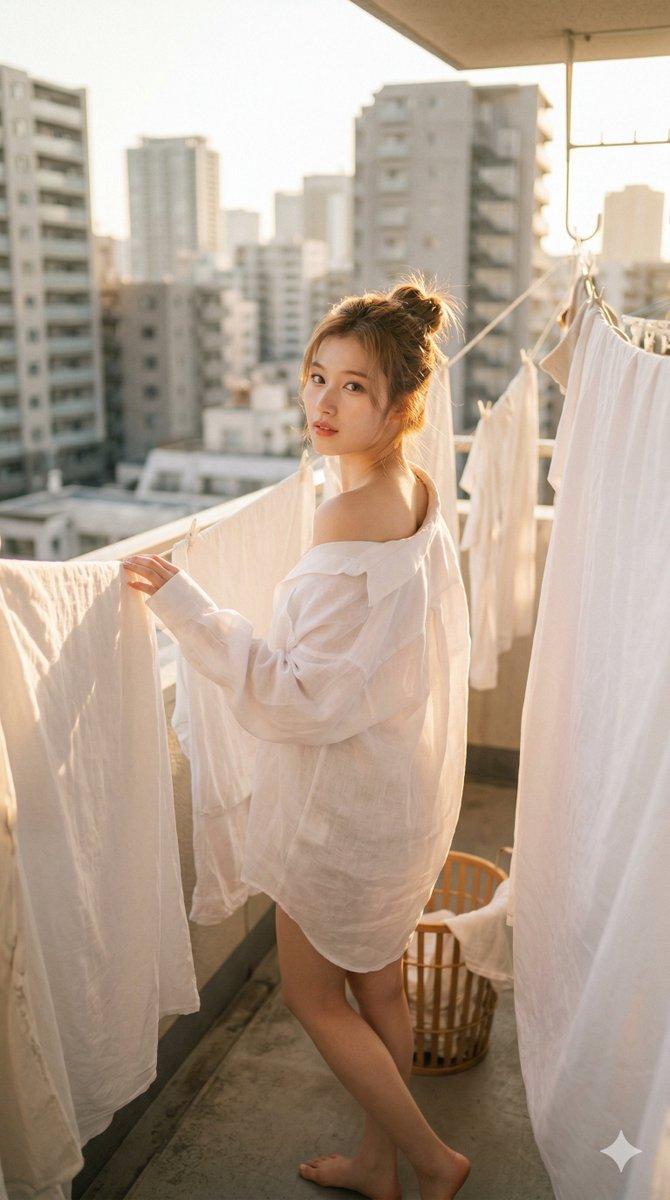
 "raw_prompt": "K-pop idol Sana (TWICE) posing on a sunlit balcony among hanging white laundry. She wears an oversized, sheer white button-down shirt slipping off one shoulder. Golden hour backlighting, soft skin textures, urban background, 8k resolution, cinematic lighting. --ar 9:16",
 "aspect_ratio": "9:16",
 "subjects": [
 {
 "name": "Sana (TWICE)",
 "physical_features": "Soft brown hair in a loose bun, feline eyes, high nose bridge, fair glowing skin, subtle coral lip tint.",
 "outfit": {
 "garment": "Oversized, translucent white linen button-down shirt, draped open to reveal one shoulder.",
 "footwear": "Barefoot.",
 "accessories": "None."
 },
 "pose_and_expression": "Side profile, looking back over shoulder with a soft, dreamy gaze. One hand gently touching hanging fabric."
 }
 ],
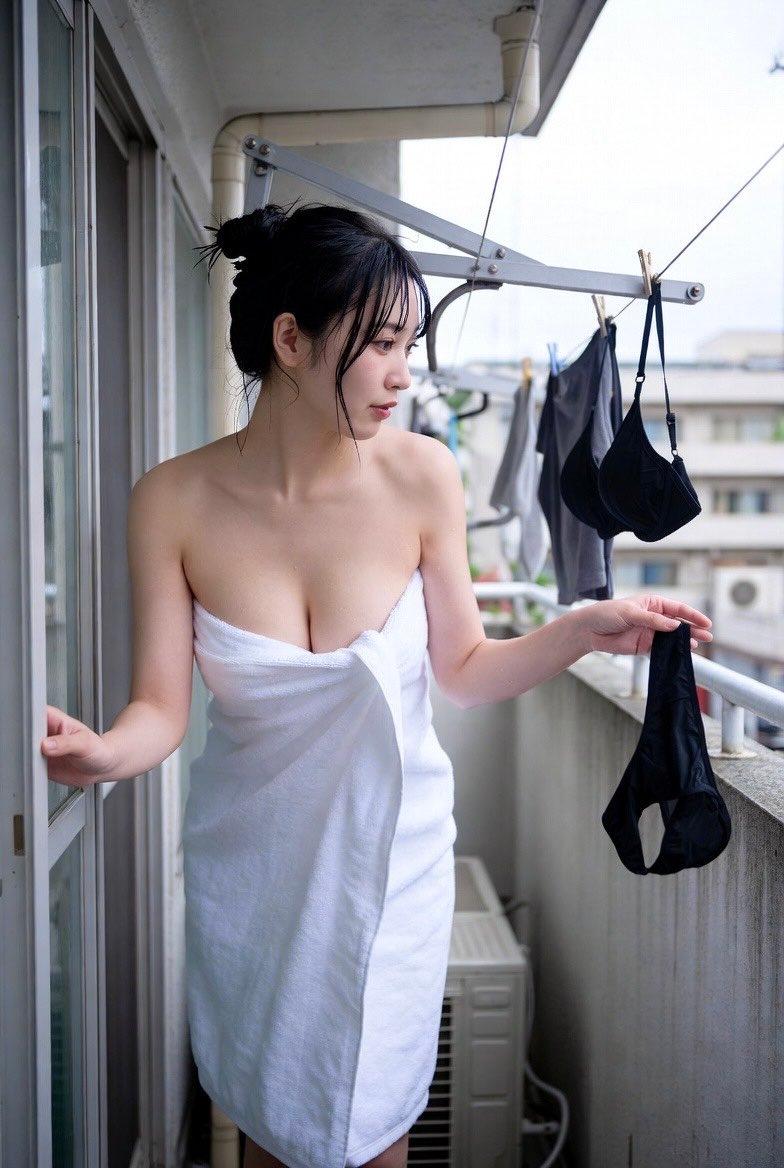
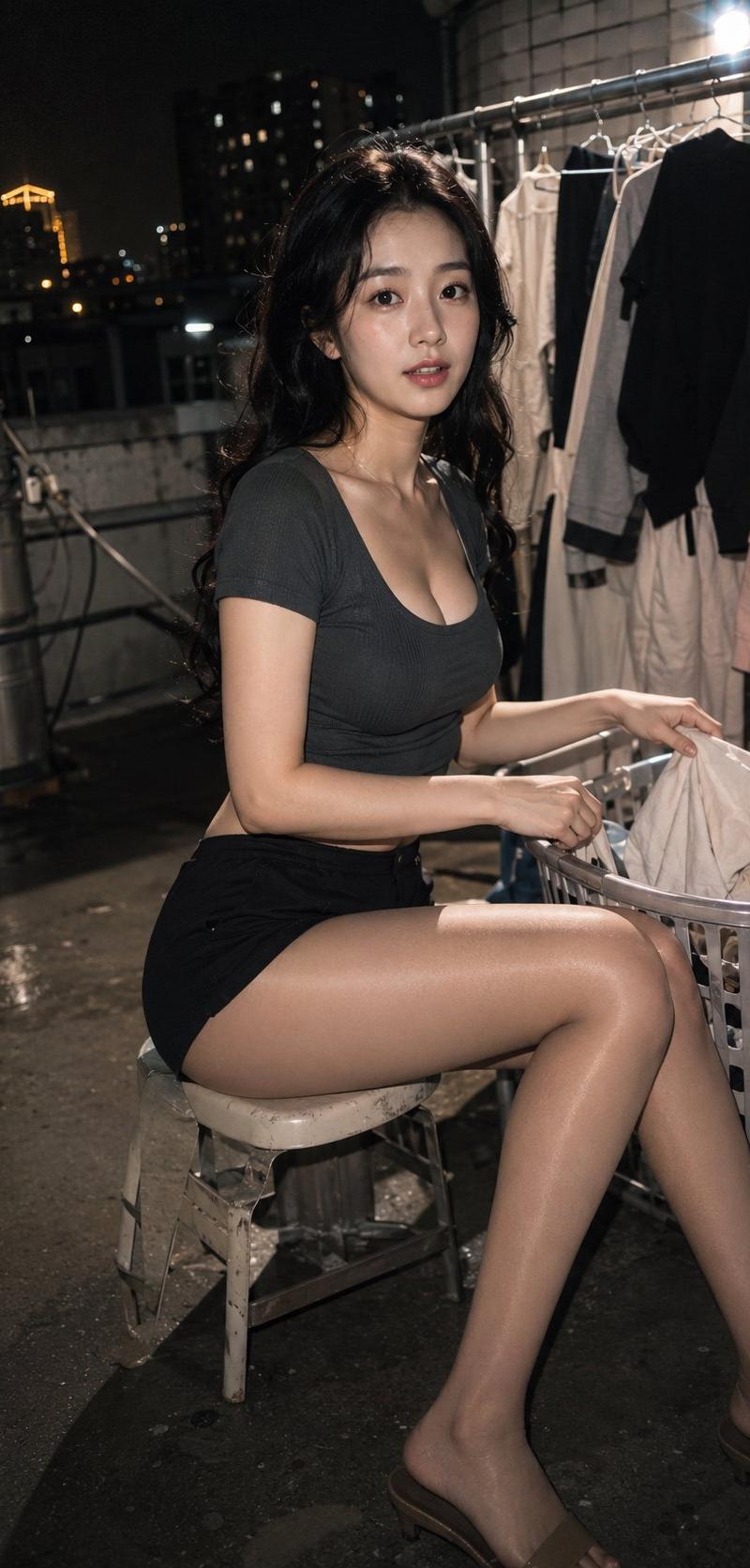
 "environment": "Apartment balcony with white sheets drying on lines, blurred city buildings in the background, laundry basket at feet.",
 "photography_and_lighting": {
 "camera_style": "Professional DSLR, 50mm lens, shallow depth of field.",
 "lighting": "Warm golden hour sunlight, heavy backlighting creating a glowing rim light effect.",
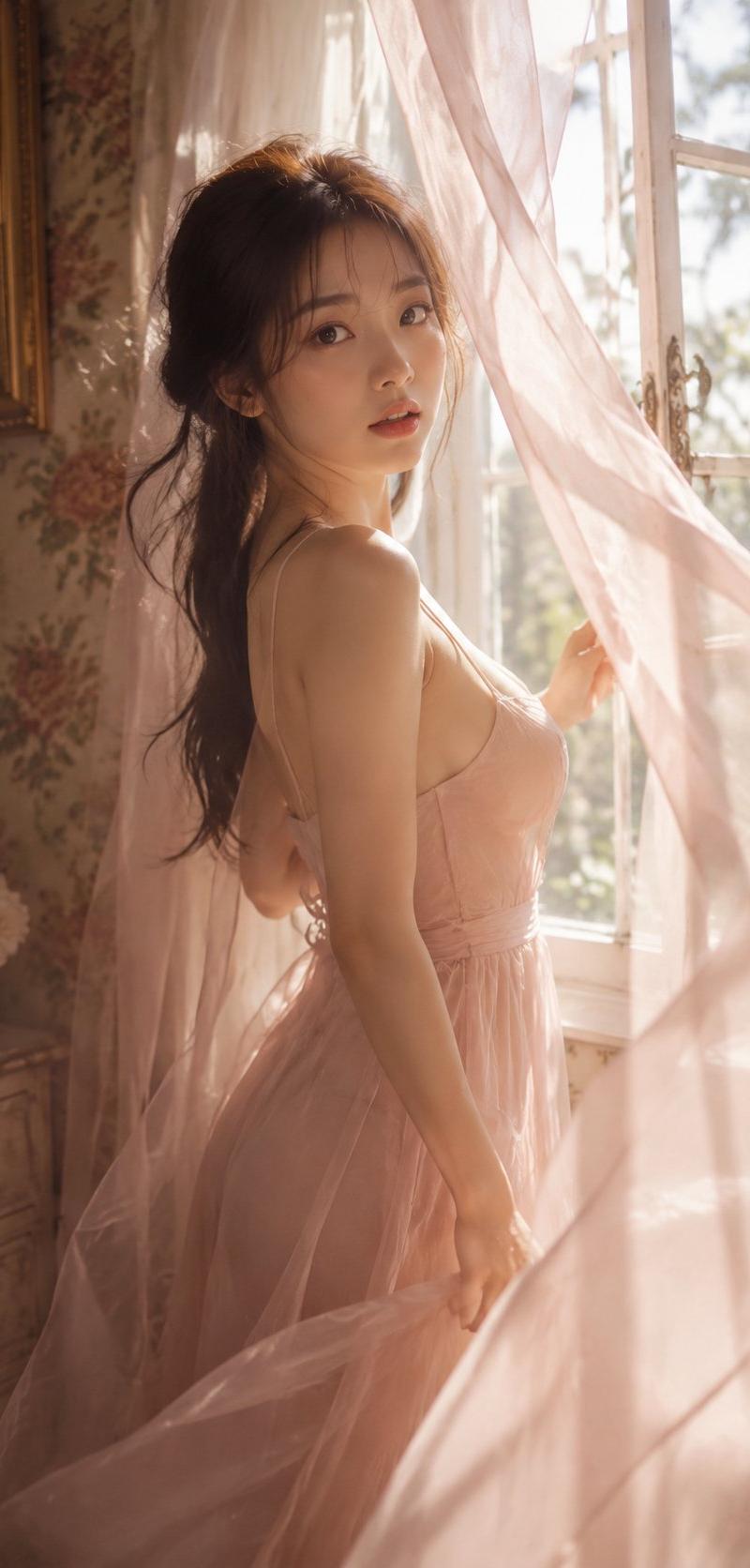
 "color_grading": "Warm tones, soft contrast, airy and ethereal aesthetic."
 }
}
Category
Photography & Realism
Model
GPT Image 2
Creator
Alice
Source language
en
Views0
Source ID
2038558603943239874
Published
Mar 30, 2026
Studio

Guide

About "Sana balcony golden hour: GPT Image 2 prompt"

What is this prompt for?

"Sana balcony golden hour: GPT Image 2 prompt" AI image prompt for GPT Image 2 (Photography & Realism). { "raw_prompt": "K-pop idol Sana (TWICE) posing on a su…

The full copyable prompt and example visuals above are ready for AI image generation or one-click recreate in Picva.

How to use this prompt

  1. Step 1

    Open the prompt detail

    Review the example visuals, category, and full prompt text for "Sana balcony golden hour: GPT Image 2 prompt".

  2. Step 2

    Copy the prompt

    Copy the prompt body from this page, or load it directly in Studio.

  3. Step 3

    Pick a model (GPT Image 2)

    Prefer GPT Image 2. If you switch models, keep subject and composition and tweak style terms.

  4. Step 4

    Generate and export

    Recreate the look in Picva, or export into your workflow for editing and publishing.

FAQ

What is the "Sana balcony golden hour: GPT Image 2 prompt" prompt?
It is an AI image-generation prompt for GPT Image 2 in the Photography & Realism category. This page includes the full prompt text, example visuals, and a one-click recreate path in Picva.
How do I use this prompt to generate an image?
Copy the prompt from this page, or use Generate / Studio. Paste it into a compatible image model, or recreate the look in Picva with optional reference images.
Which model is this prompt for?
This page lists GPT Image 2. Most descriptive prompts also transfer to nearby image models such as GPT Image, Flux, or Midjourney with light style tweaks.
Can I use the result commercially?
You can usually copy the prompt for creation, but commercial use of the final image depends on the model terms, reference-image rights, and the generated content. Follow the source author and platform rules.