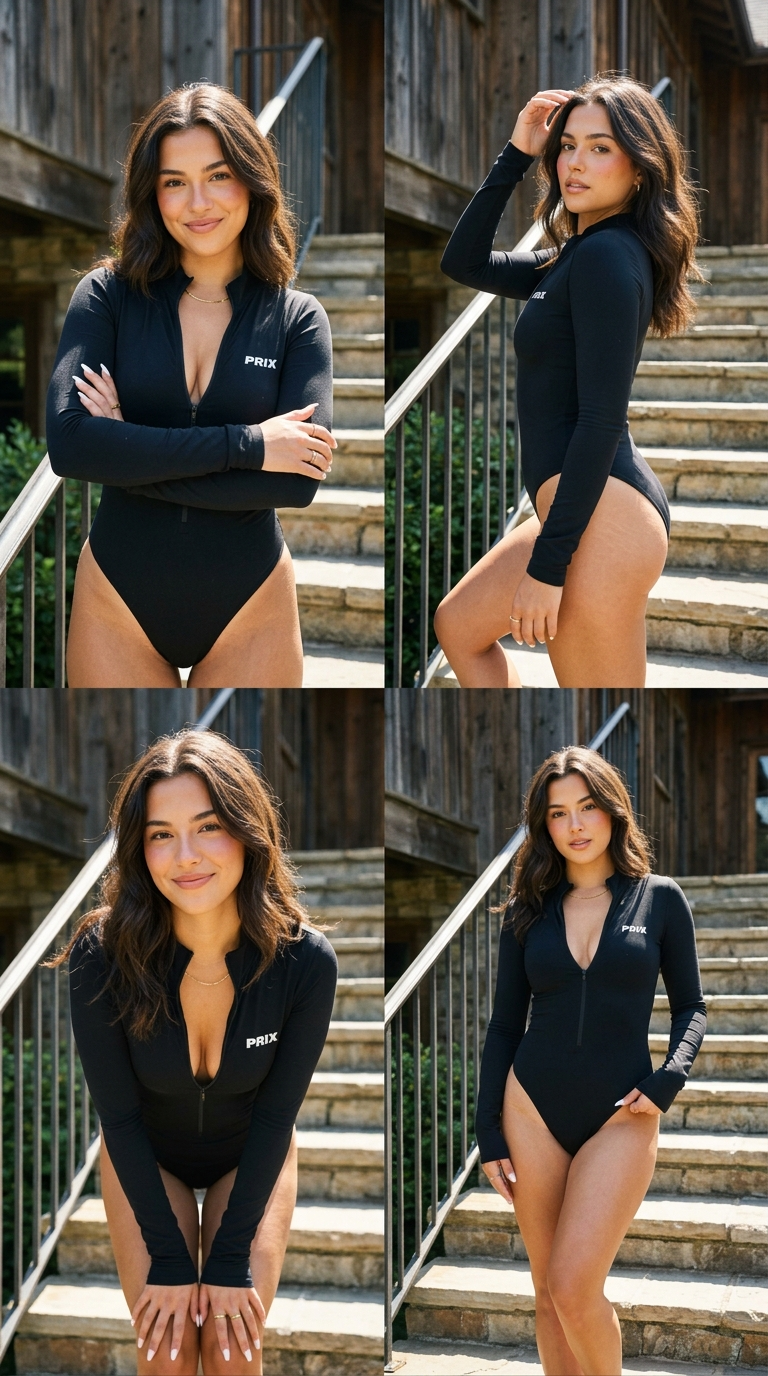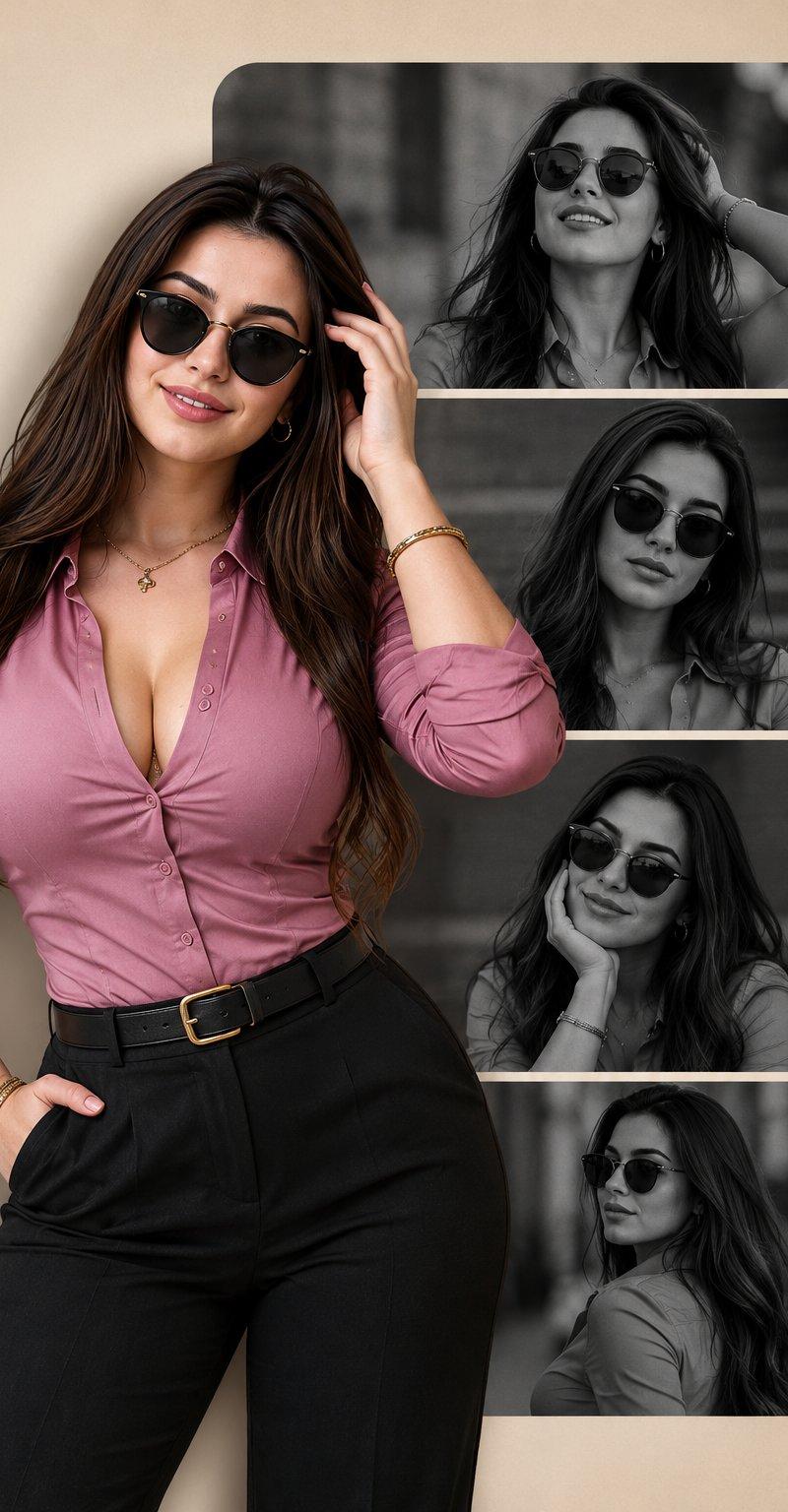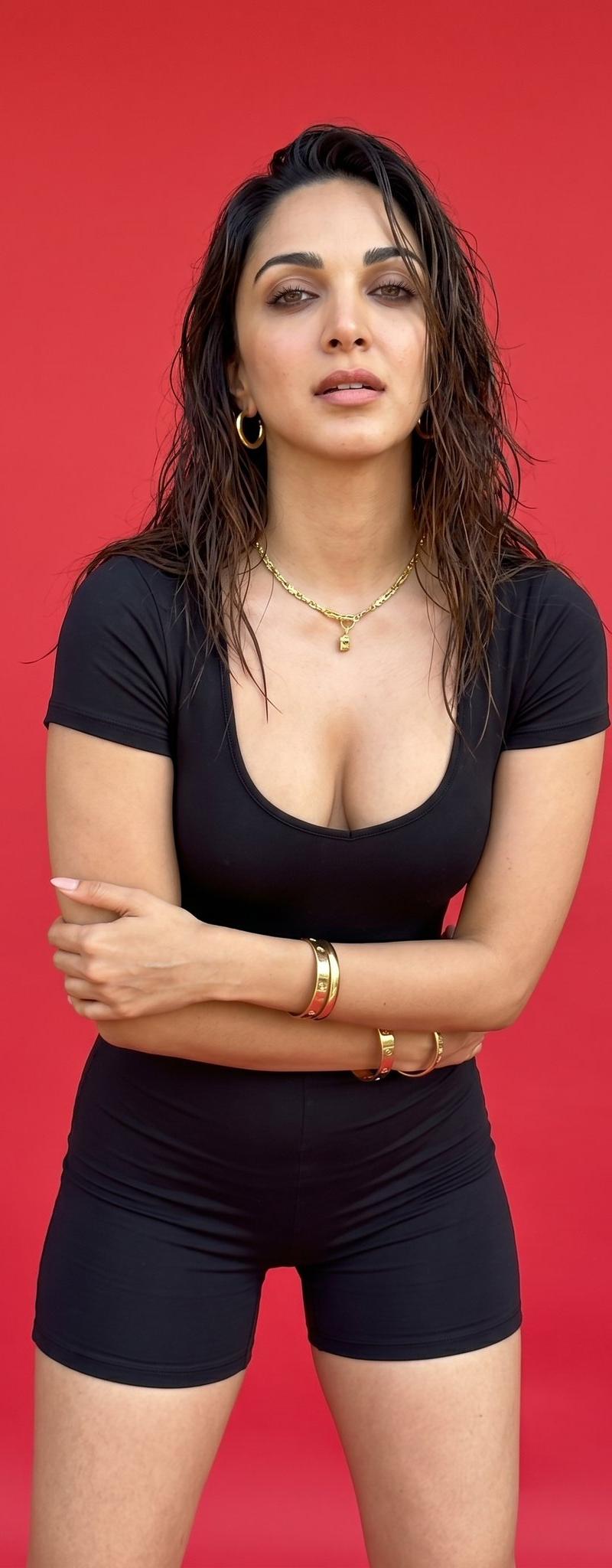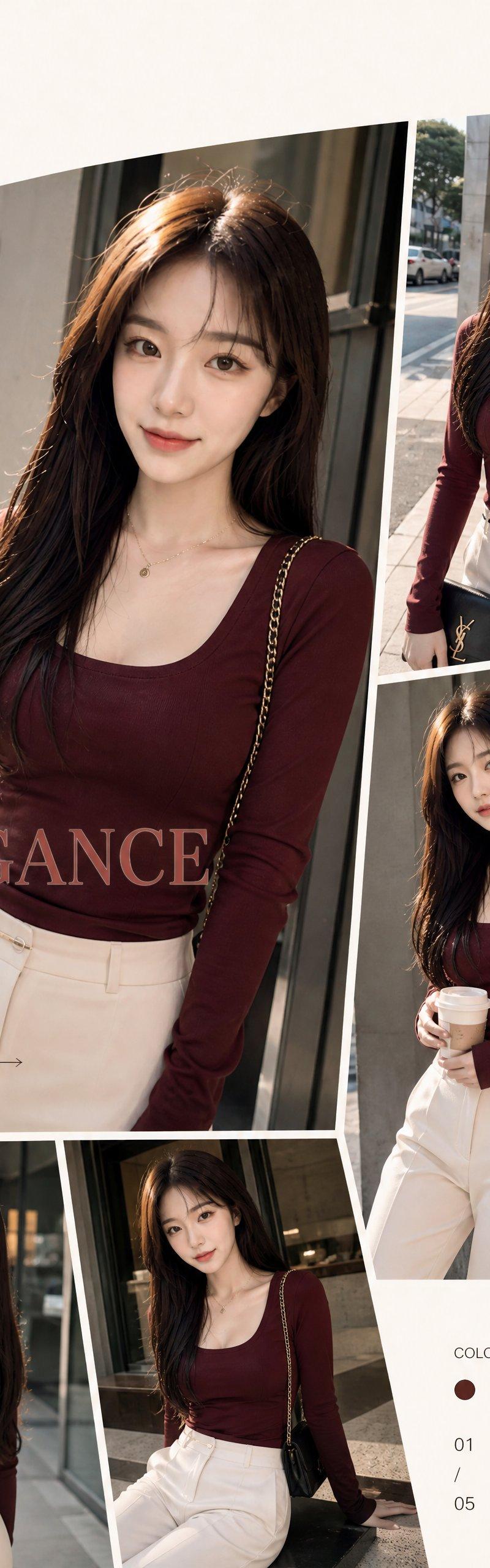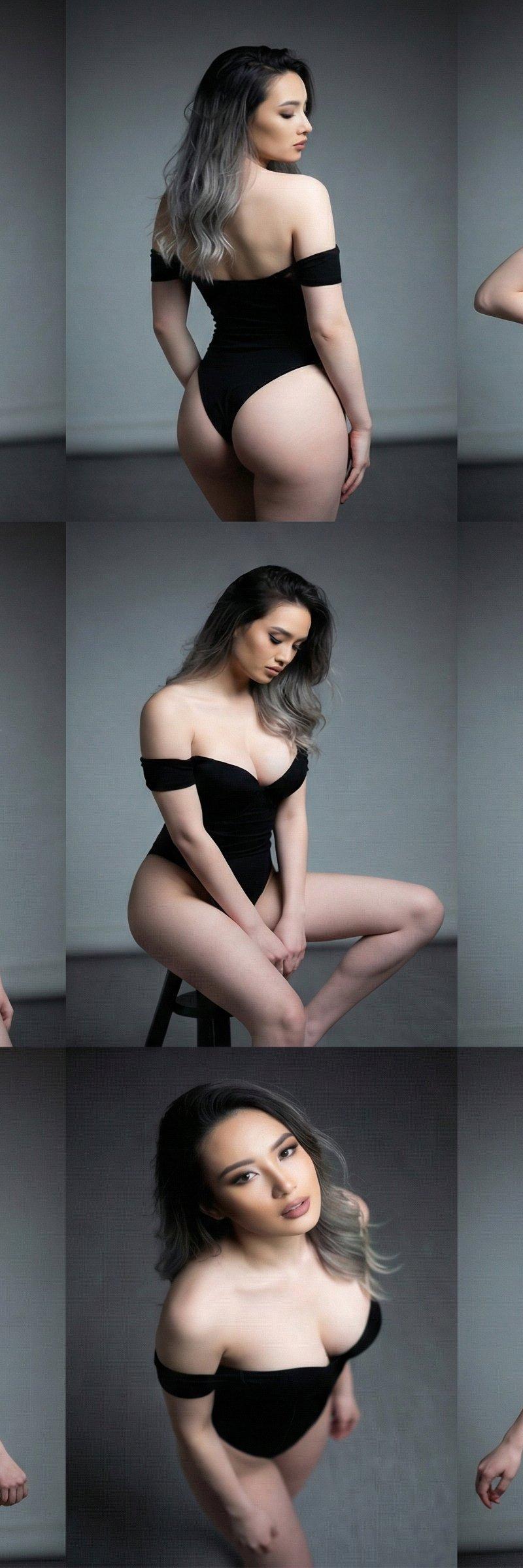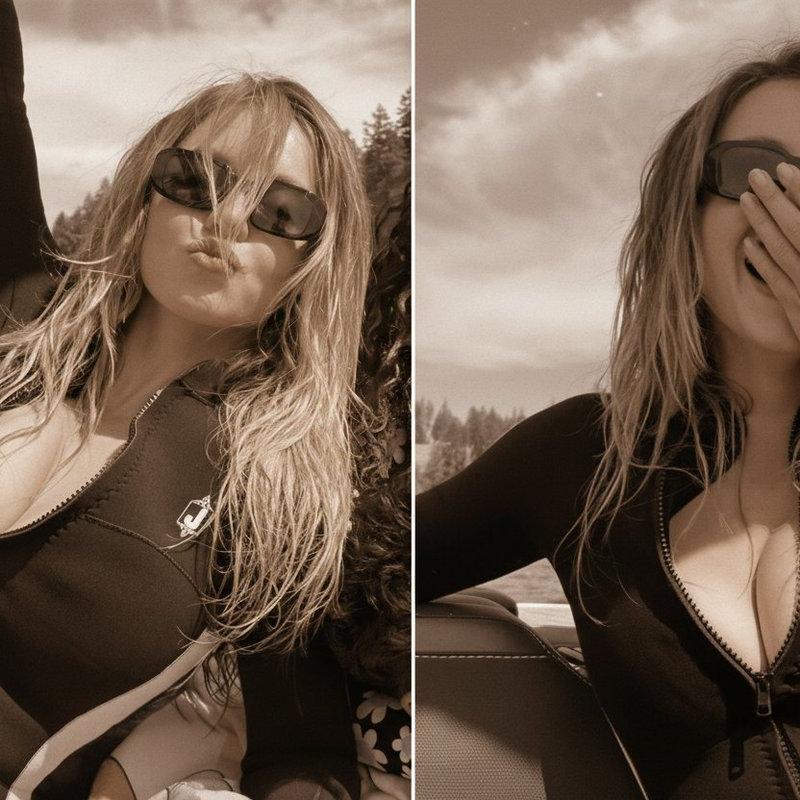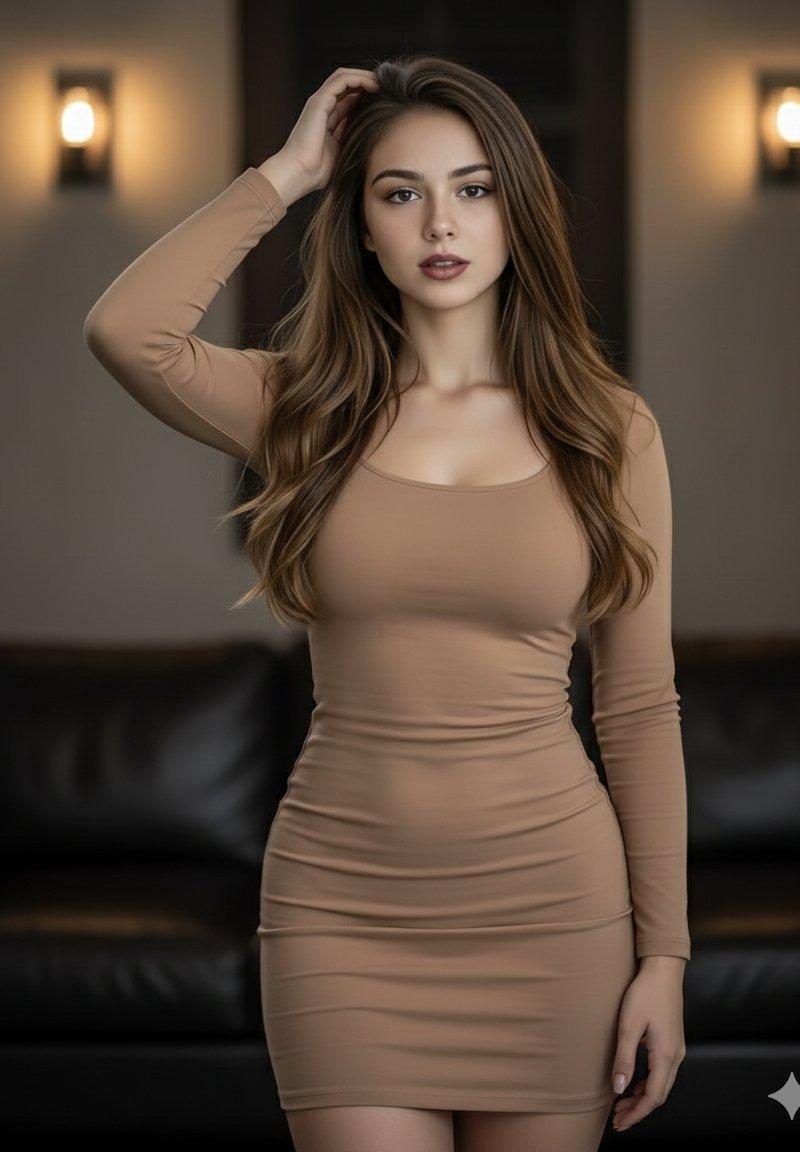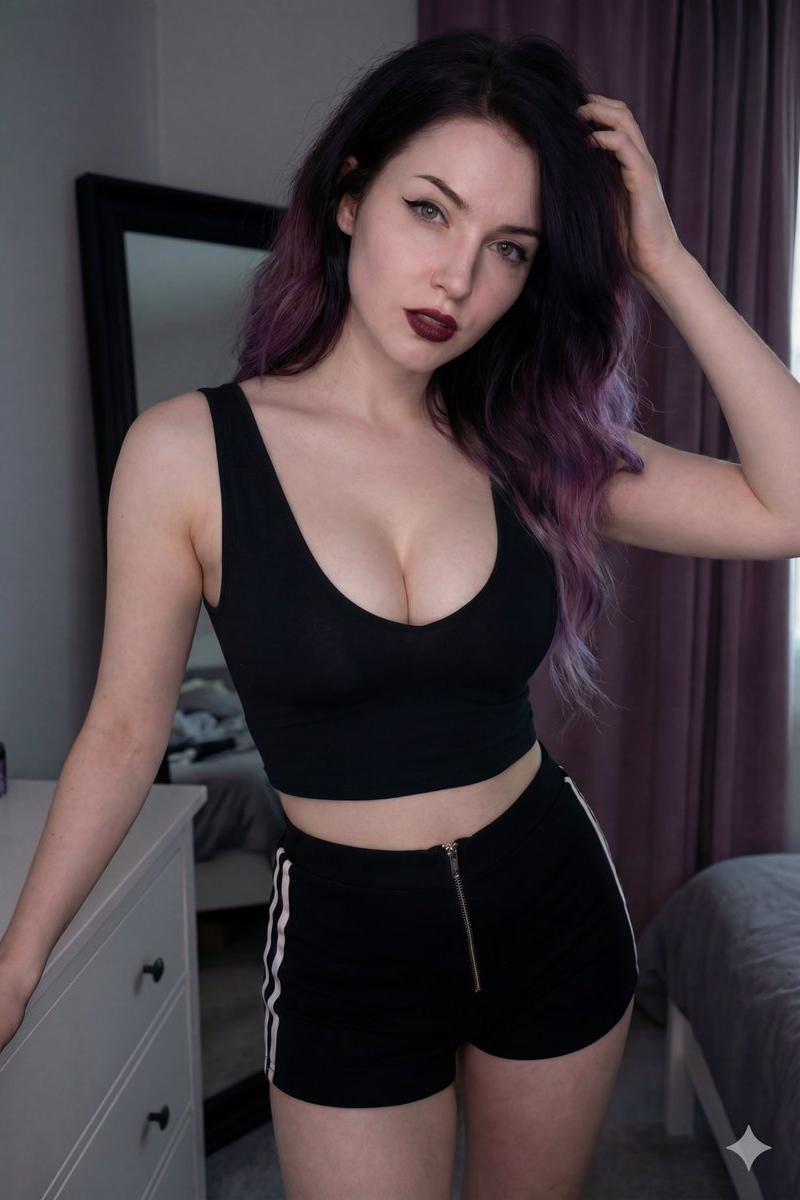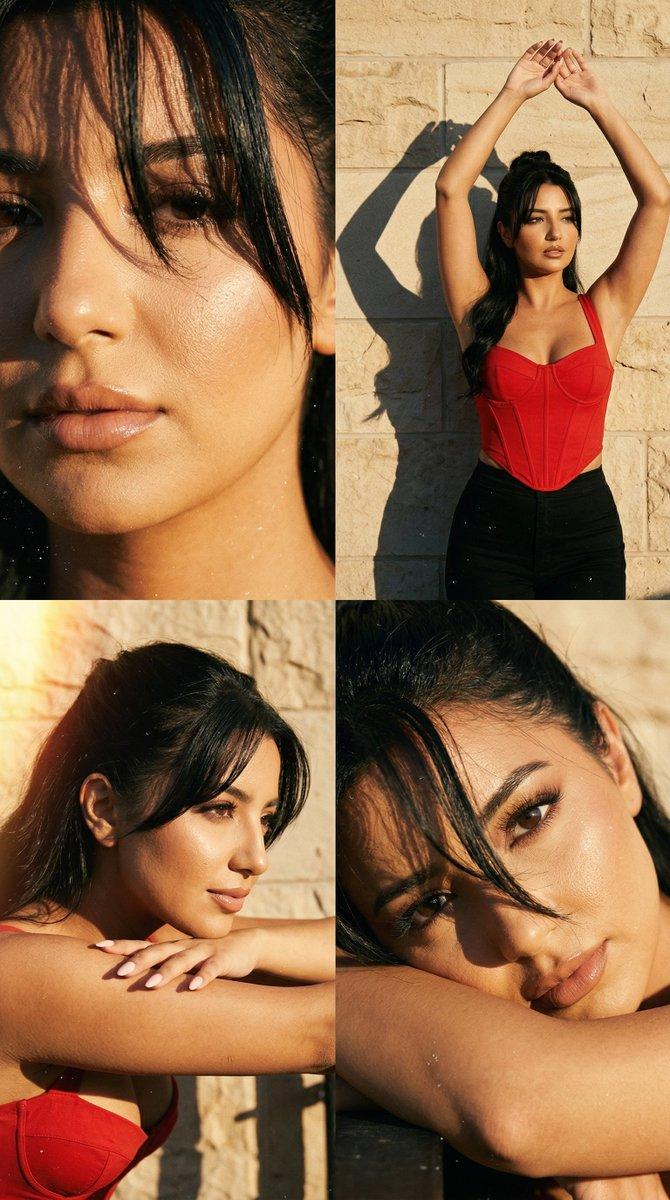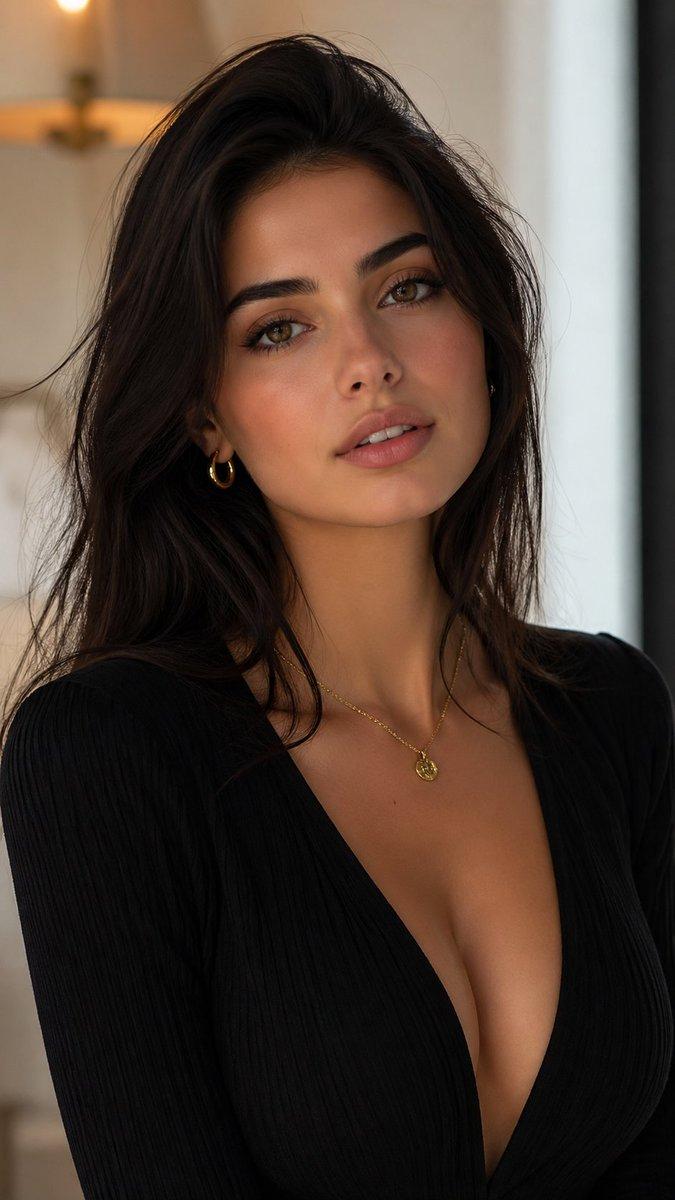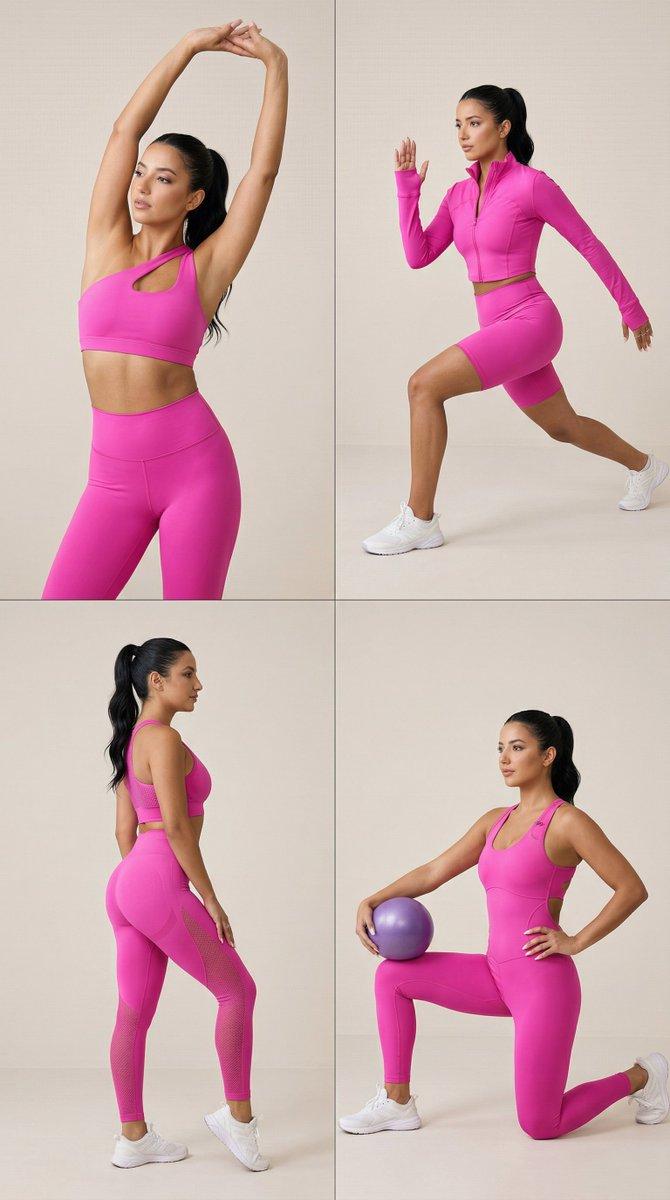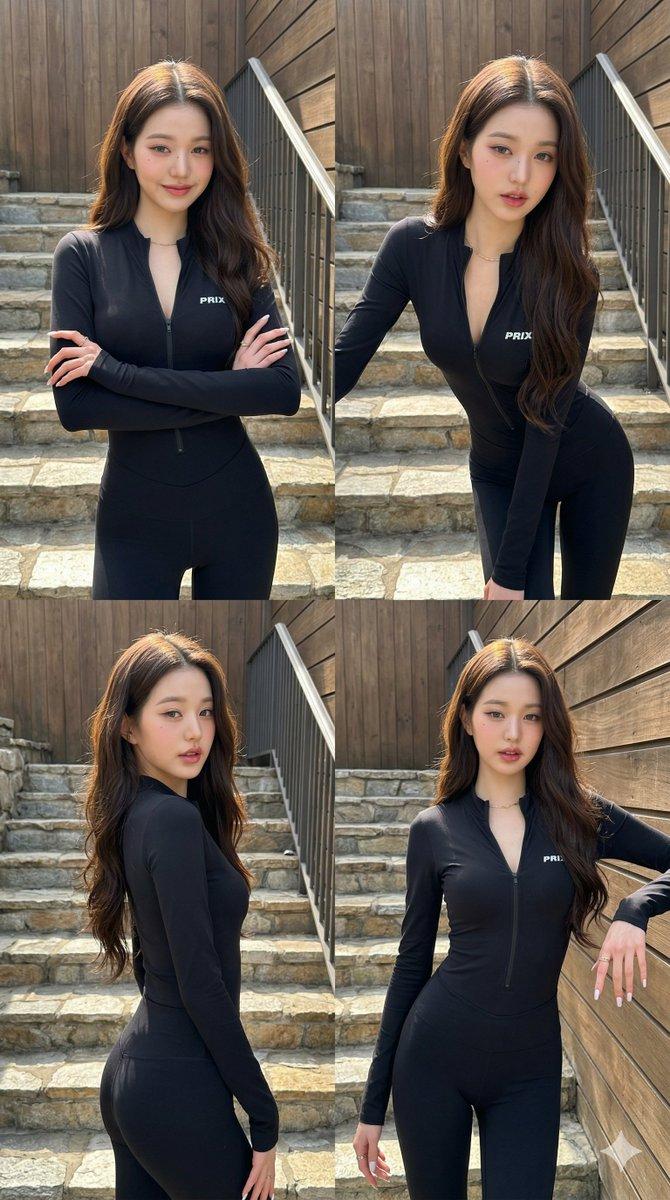
Jang Wonyoung 4-panel collage: GPT Image 2 prompt
Prompt
{
 "subject": {
 "description": "Jang Wonyoung of IVE in a 4-panel collage grid.",
 "mirror_rules": "N/A",
 "age": "early 20s",
 "expression": {
 "eyes": {
 "look": "confident",
 "energy": "direct",
 "direction": "at camera"
 },
 "mouth": {
 "position": "closed, slight pout or subtle smile",
 "energy": "playful"
 },
 "overall": "casual confidence"
 },
 "face": {
 "preserve_original": true,
 "features": "extremely slender face, doll-like features, prominent beauty marks under her eye and on her cheek, delicate nose, heart-shaped lips",
 "makeup": "soft matte, rosy blush, winged liner, warm aesthetic"
 }
 },
 "hair": {
 "color": "dark brown",
 "style": "long, loose waves, middle part",
 "effect": "natural volume, catching sunlit highlights"
 },
 "body": {
 "frame": "tall, incredibly slender and leggy with narrow proportions",
 "waist": "extremely narrow",
 "chest": "subtle",
 "legs": "very long and slim",
 "skin": {
 "visible_areas": "face, neck, upper chest",
 "tone": "pale porcelain",
 "texture": "smooth, supple",
 "lighting_effect": "direct physical sunlight creating sharp but flattering highlights on the chest and face"
 }
 },
 "pose": {
 "position": "standing on stairs",
 "base": "shifting weight, dynamic",
 "overall": "varied across panels: arms crossed, leaning forward, side profile, and looking over shoulder"
 },
 "clothing": {
 "top": {
 "type": "long-sleeve bodysuit",
 "color": "black",
 "details": "deep V-neck front zipper unzipped, white 'PRIX' logo on left chest",
 "effect": "tight, form-fitting, seamless"
 },
 "bottom": {
 "type": "bodysuit leggings",
 "color": "black",
 "details": "seamless extension of top"
 }
 },
 "accessories": {
 "jewelry": "thin gold necklace, rings",
 "prop": "long white manicured nails"
 },
 "photography": {
 "camera_style": "casual influencer portrait, smartphone aesthetic",
 "angle": "eye-level to slightly low angle",
 "shot_type": "4-panel grid, medium and cowboy shots",
 "aspect_ratio": "9:16",
 "texture": "digital crispness, slight natural offset",
 "lighting": "bright outdoor daylight, strong directional sun, natural shadows",
 "depth_of_field": "shallow, slightly blurred background"
 },
 "background": {
 "setting": "outdoor staircase",
 "wall_color": "warm stone, brown wood",
 "elements": [
 "stone steps",
 "metal railing",
 "rustic wooden exterior"
 ],
 "atmosphere": "sunny daytime",
 "lighting": "natural bright sunlight"
 },
 "the_vibe": {
 "energy": "confident",
 "mood": "playful",
 "aesthetic": "Instagram baddie, athleisure",
 "authenticity": "casual social media photo dump",
 "intimacy": "parasocial directness",
 "story": "Jang Wonyoung poses dynamically for a quick sunny fit check.",
 "caption_energy": "effortless"
 },
 "constraints": {
 "must_keep": [
 "4-panel collage",
 "black PRIX bodysuit",
 "deep unzipped cleavage"
 ],
 "avoid": [
 "flat studio lighting",
 "baggy clothes",
 "perfect symmetry"
 ]
 },
 "negative_prompt": [
 "ugly",
 "deformed",
 "studio lighting",
 "flat lighting",
 "baggy clothing",
 "low resolution"
 ]
}- Category
- Photography & Realism
- Model
- GPT Image 2
- Creator
- Alice
- Source language
- en
- Source ID
- 2039986009476411400
- Published
- Apr 3, 2026
Views0