3d render creative scene: GPT Image 2 prompt
Prompt
{
 "image_metadata": {
 "theme": "Glamorous Valentine's Day / Love Aesthetic",
 "aspect_ratio": "3:4",
 "shot_type": "Medium-long shot, eye-level angle"
 },
 "subject_details": {
 "use_reference_image": true,
 "override": false,
 "physique": "Slender, fit, toned midriff"
 },
 "attire_and_styling": {
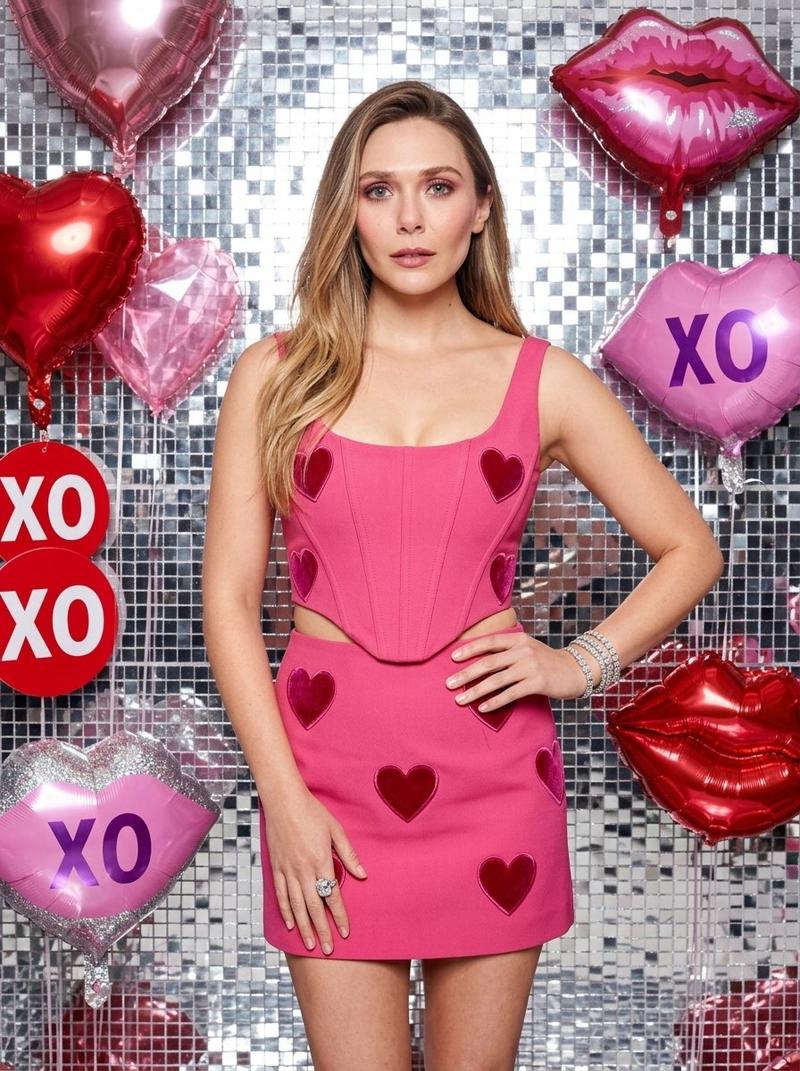
 "outfit": {
 "type": "Two-piece matching set",
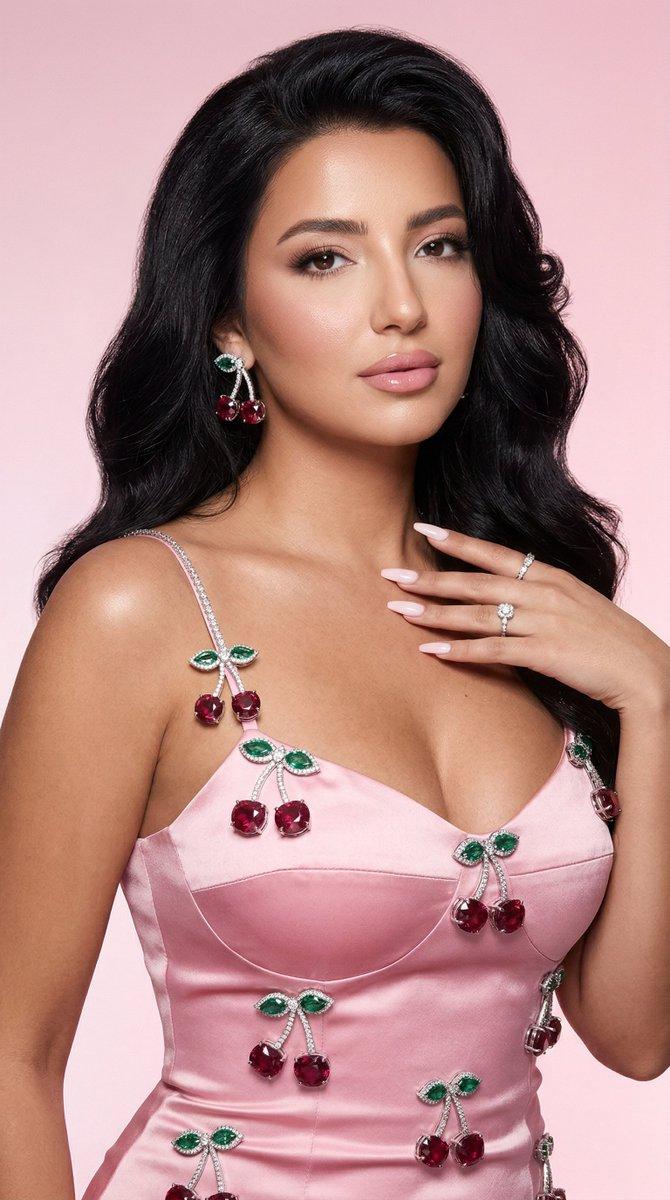
 "top": "Vibrant rose-pink crop top, scoop neckline, corset-style stitching, dark pink velvet heart appliqués",
 "bottom": "Matching high-waisted mini skirt, dark pink velvet heart appliqués",
 "color_profile": "Hot pink / Magenta base with crimson heart details"
 },
 "jewelry": [
 "Stack of silver diamond-encrusted tennis bracelets on right wrist",
 "Large silver statement ring with a clear gemstone on left hand"
 ]
 },
 "environment_details": {
 "background": {
 "texture": "Silver mosaic mirrored tile wall, shimmering disco-ball effect",
 "lighting": "Bright, direct studio lighting, high-key, creating sharp specular highlights on the tiles and skin"
 },
 "floating_props": [
 {
 "object": "Heart balloons",
 "details": "Large 3D metallic red foil hearts, faceted translucent pink crystal hearts"
 },
 {
 "object": "Lip decorations",
 "details": "Oversized pink lips, some with silver glitter, some with purple 'XO' text, others in red metallic foil"
 },
 {
 "object": "Text elements",
 "details": "Red 'XO' circular sign on the left"
 }
 ]
 },
 "technical_parameters": {
 "color_palette": [
 "Vibrant Pink",
 "Silver Chrome",
 "Crimson Red",
 "Platinum White"
 ],
 "quality_tags": [
 "Photorealistic",
 "8k resolution",
 "highly detailed skin pores",
 "sharp focus",
 "commercial fashion photography style",
 "soft bokeh on background depth"
 ]
 }
}- Category
- Photography & Realism
- Model
- GPT Image 2
- Creator
- sammy
- Source ID
- 2041689986781868223
- Published
- Apr 8, 2026
Views0