20

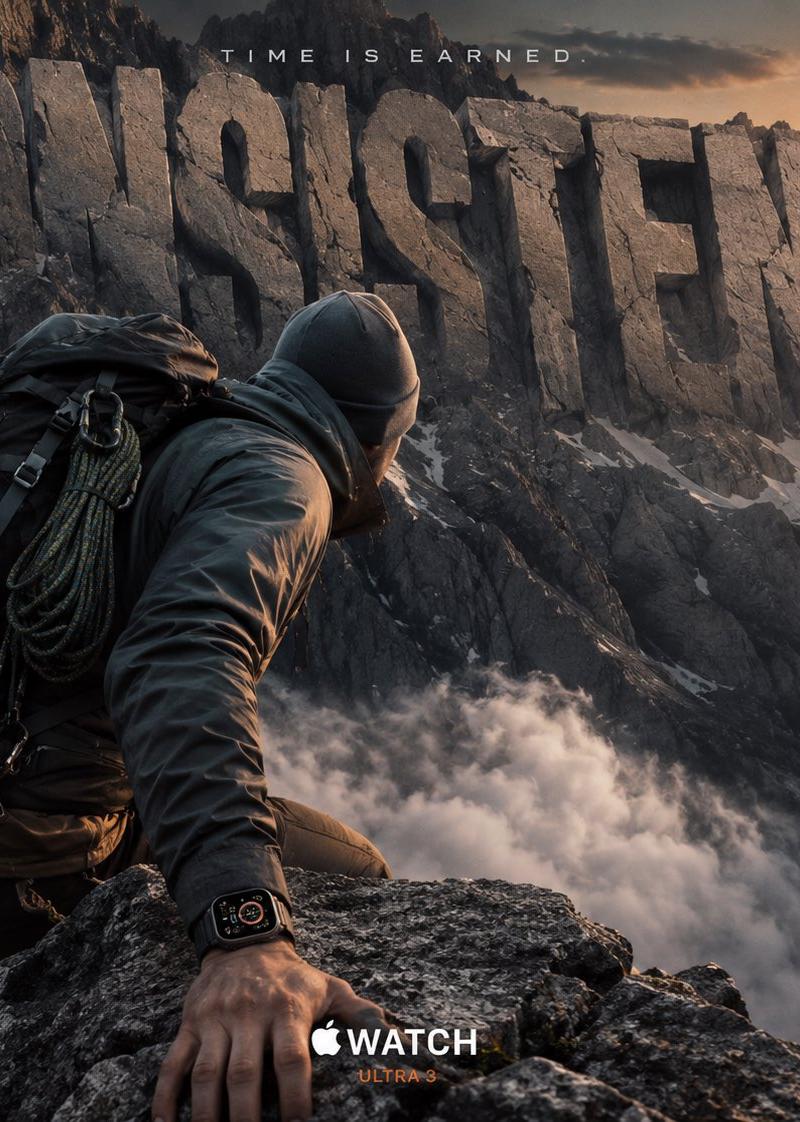
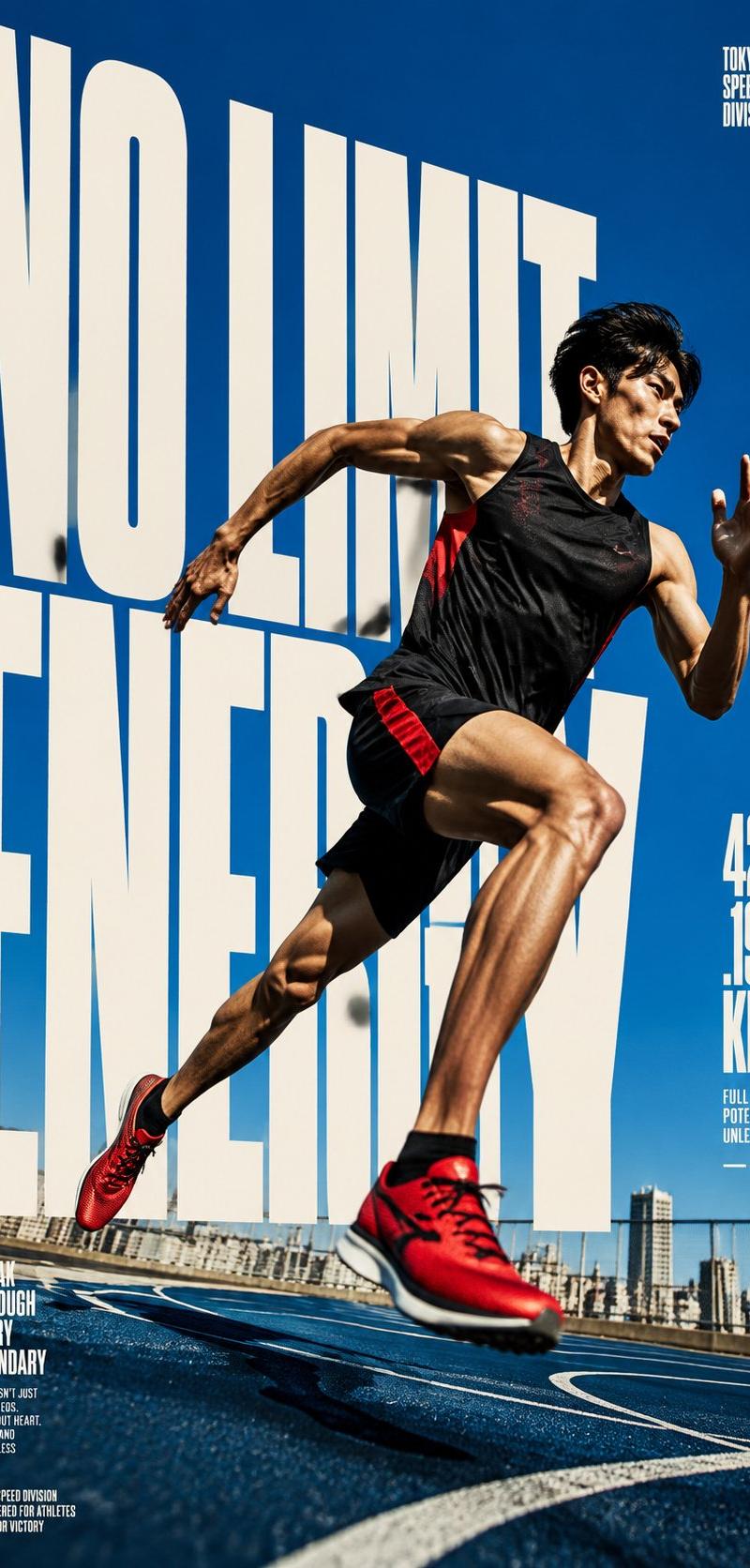
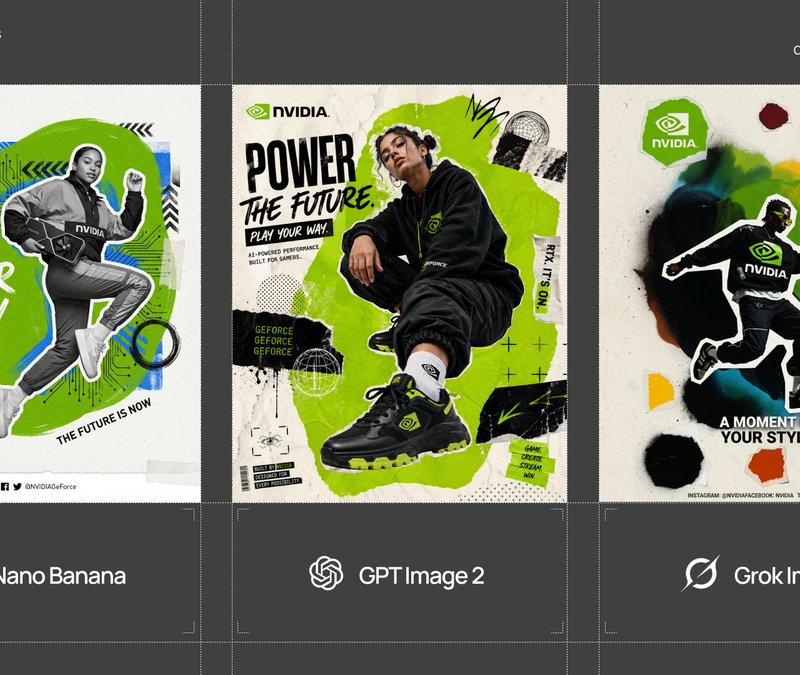
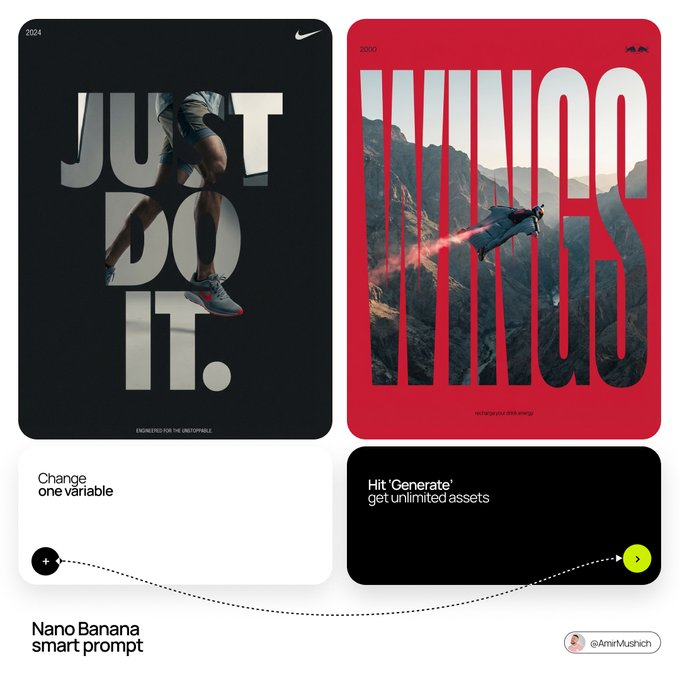
Editorial style logo concept: GPT Image 2 prompt
Enlarge

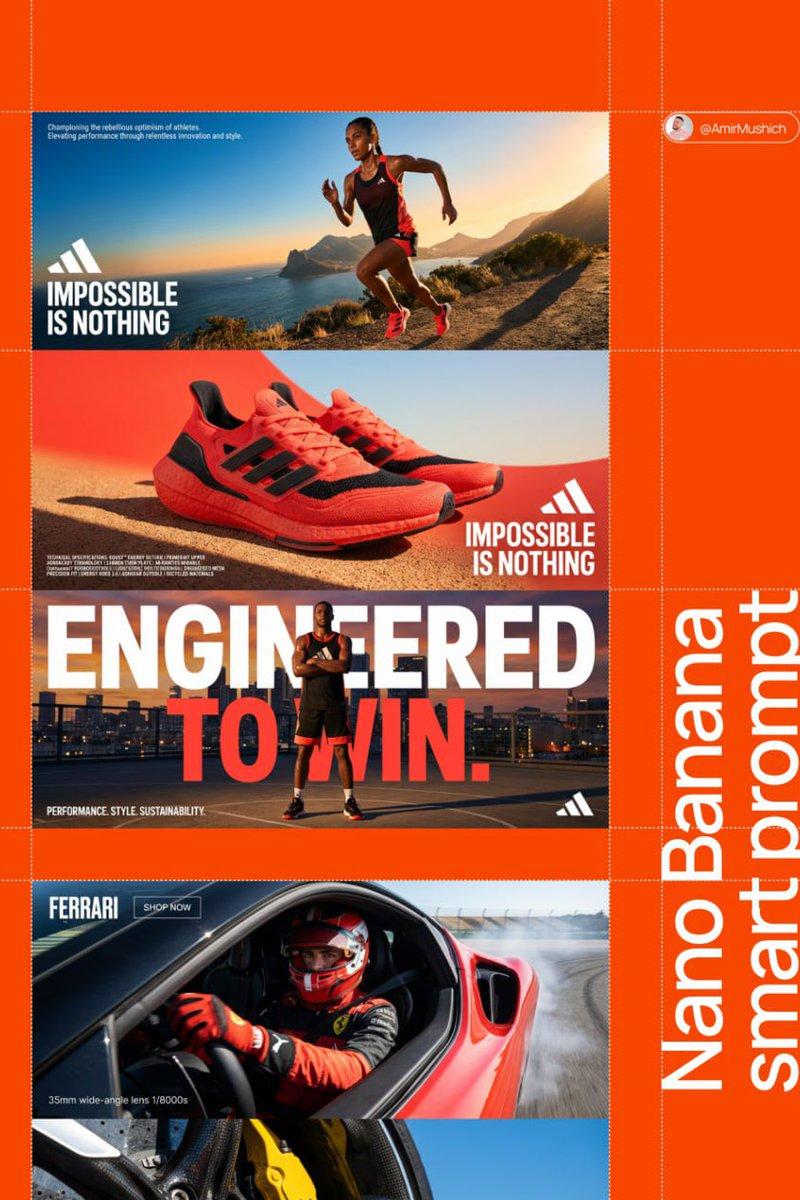
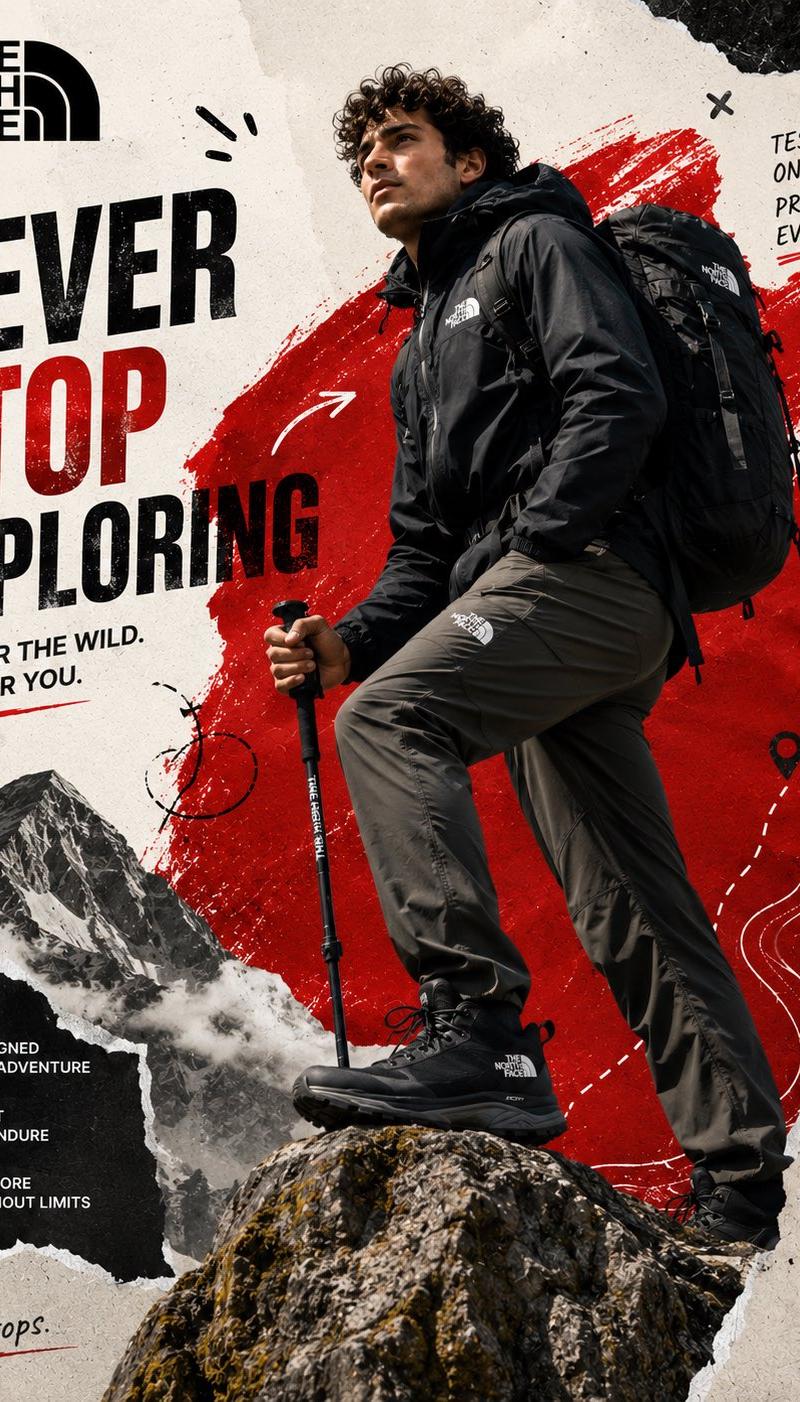
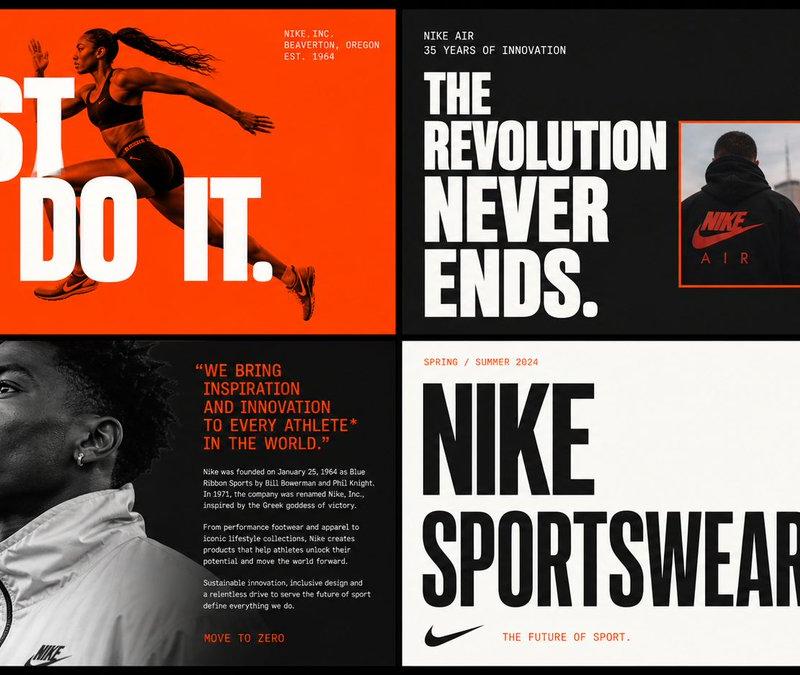
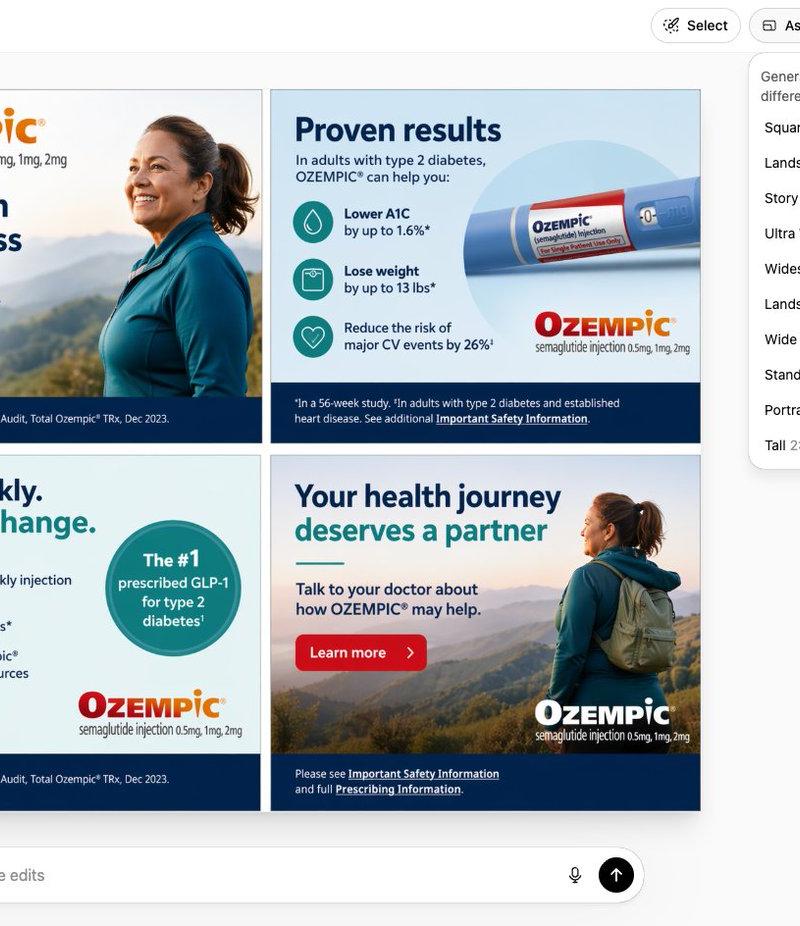
Example images

Editorial style logo concept: GPT Image 2 prompt

Prompt
[BRAND NAME]. 
Act as a Senior Editorial Designer and Typographer.
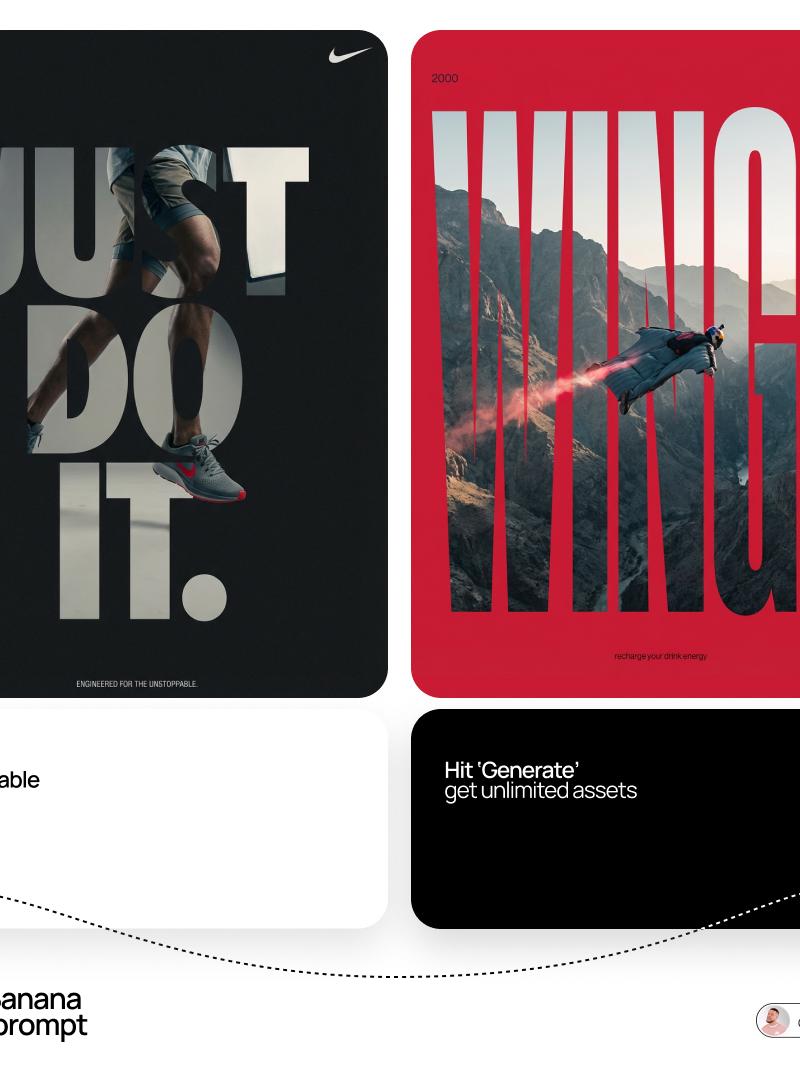
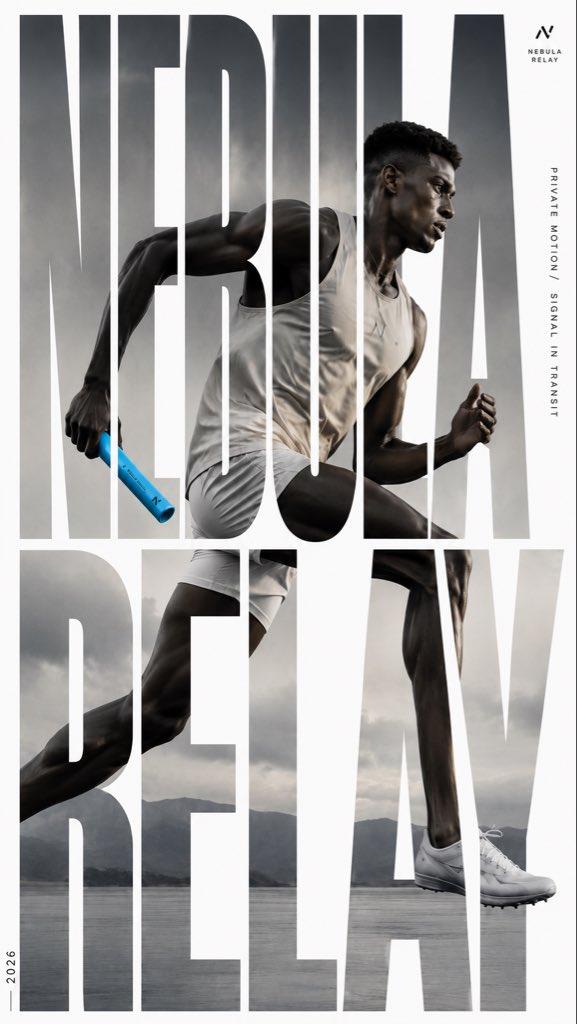
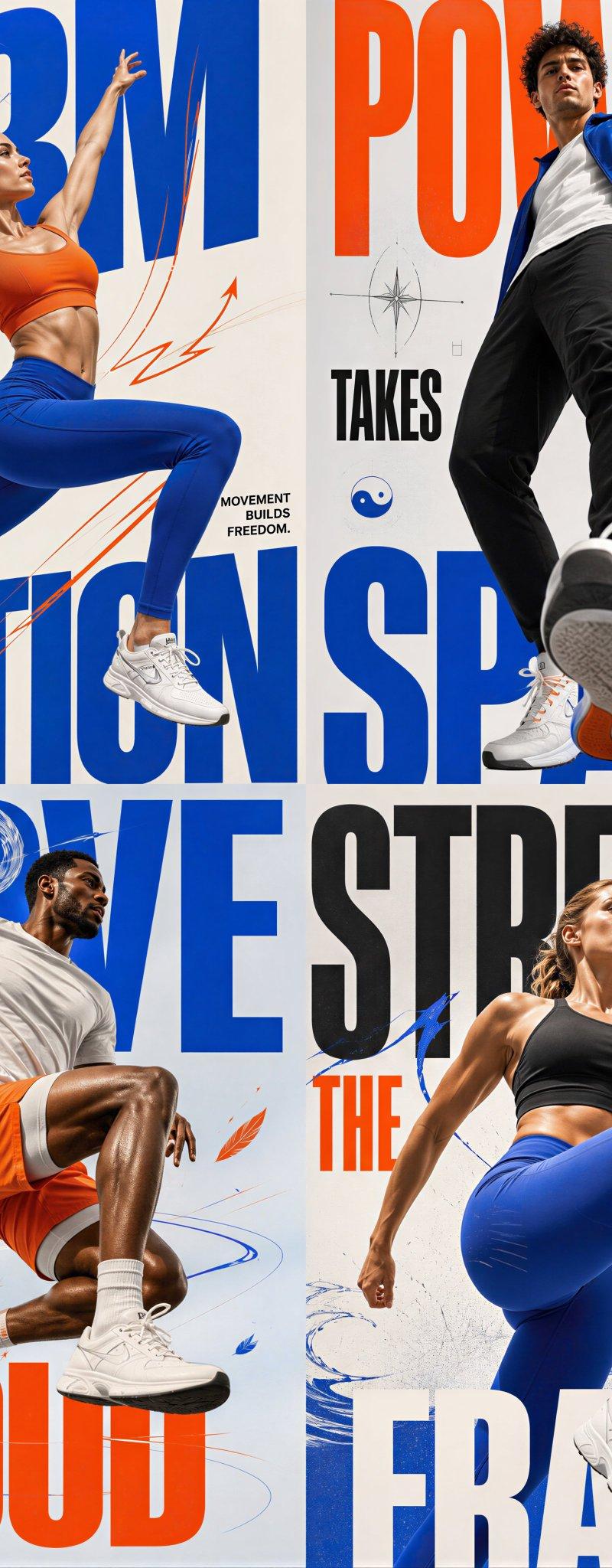
PHASE 1: TYPOGRAPHIC MASK (THE "WINDOW" EFFECT).
- Core Element: Use the most iconic slogan or the name of [BRAND NAME] as a massive, ultra-bold, heavy sans-serif typographic mask.
- Layout: The letters must be giant, filling the entire vertical frame from edge to edge with tight kerning.
- Concept: The text acts as a "cut-out" window. The background is solid white, and the photographic subject is visible ONLY through the letterforms.

PHASE 2: DYNAMIC SUBJECT LOGIC.

- Subject Selection:
- Detail: Ensure a high-contrast element (like a red shoe or a glowing headlight) is visible through one of the letters as a focal point.

PHASE 3: SOPHISTICATED MUTED PALETTE.

- Atmosphere: Use a "Refined Muted" color scheme.
- Tones: Soft slate blues, charcoal greys, and creamy off-whites for the photography inside the mask.
- Accent: Identify one sharp, saturated accent color belonging to [BRAND NAME] and apply it to a single key object visible through the text.

PHASE 4: PHOTOGRAPHY & LIGHTING.

- Lighting: Soft-box studio lighting. Diffused shadows and gentle highlights to create a cinematic, high-end editorial feel.
- Finish: Clean, matte texture with zero visual noise. High-definition photographic quality.

PHASE 5: MINIMALIST BRANDING.
- Accents: Add a tiny minimalist logo and a small vertical tagline in a clean, microscopic sans-serif font near the corners.
- Year: Include the year "2026" in a subtle, elegant font to mimic a limited-edition look.
Category
Brand & Logos
Model
GPT Image 2
Creator
AmirMušić
Source language
en
Views0
Source ID
2045938770906657274
Published
Apr 19, 2026
Studio

Guide

About "Editorial style logo concept: GPT Image 2 prompt"

What is this prompt for?

"Editorial style logo concept: GPT Image 2 prompt" AI image prompt for GPT Image 2 (Brand & Logos). [BRAND NAME]. Act as a Senior Editorial Designer and Typogr…

The full copyable prompt and example visuals above are ready for AI image generation or one-click recreate in Picva.

How to use this prompt

  1. Step 1

    Open the prompt detail

    Review the example visuals, category, and full prompt text for "Editorial style logo concept: GPT Image 2 prompt".

  2. Step 2

    Copy the prompt

    Copy the prompt body from this page, or load it directly in Studio.

  3. Step 3

    Pick a model (GPT Image 2)

    Prefer GPT Image 2. If you switch models, keep subject and composition and tweak style terms.

  4. Step 4

    Generate and export

    Recreate the look in Picva, or export into your workflow for editing and publishing.

FAQ

What is the "Editorial style logo concept: GPT Image 2 prompt" prompt?
It is an AI image-generation prompt for GPT Image 2 in the Brand & Logos category. This page includes the full prompt text, example visuals, and a one-click recreate path in Picva.
How do I use this prompt to generate an image?
Copy the prompt from this page, or use Generate / Studio. Paste it into a compatible image model, or recreate the look in Picva with optional reference images.
Which model is this prompt for?
This page lists GPT Image 2. Most descriptive prompts also transfer to nearby image models such as GPT Image, Flux, or Midjourney with light style tweaks.
Can I use the result commercially?
You can usually copy the prompt for creation, but commercial use of the final image depends on the model terms, reference-image rights, and the generated content. Follow the source author and platform rules.