14

Editorial style creative scene: GPT Image 2 prompt
Enlarge

Editorial style creative scene: GPT Image 2 prompt

Prompt
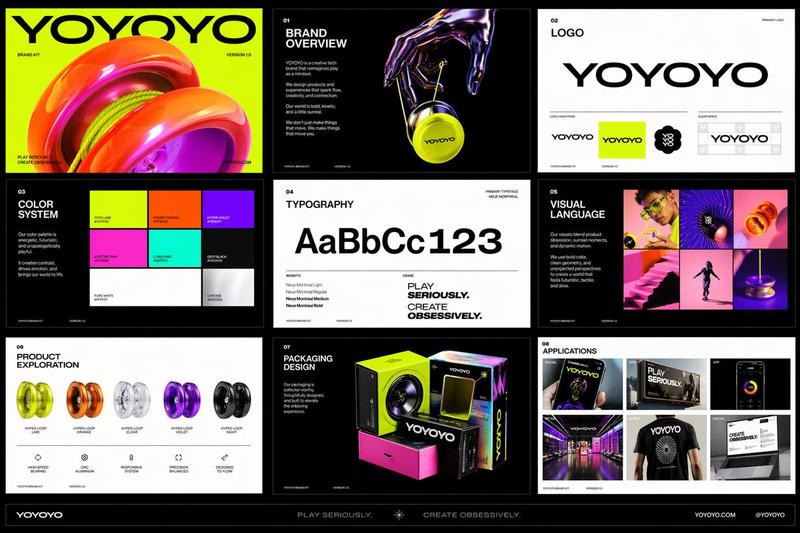
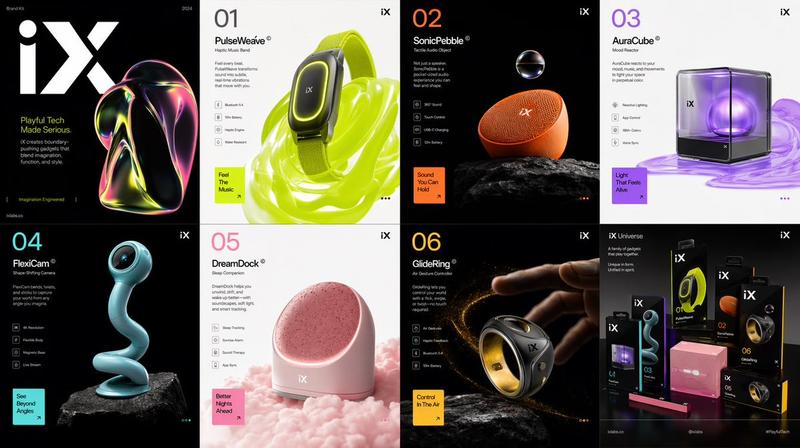
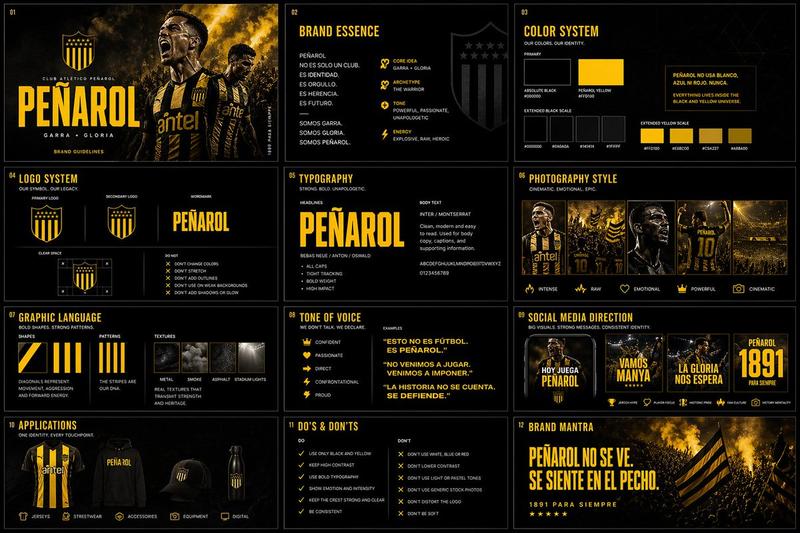
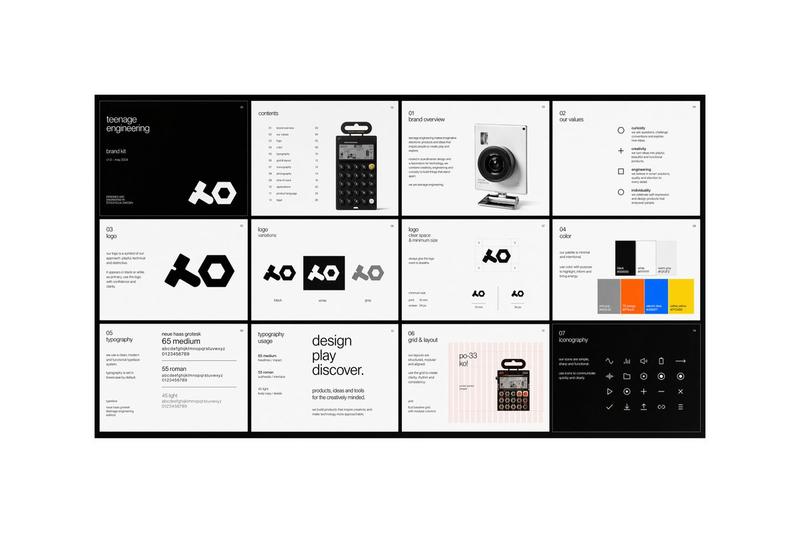
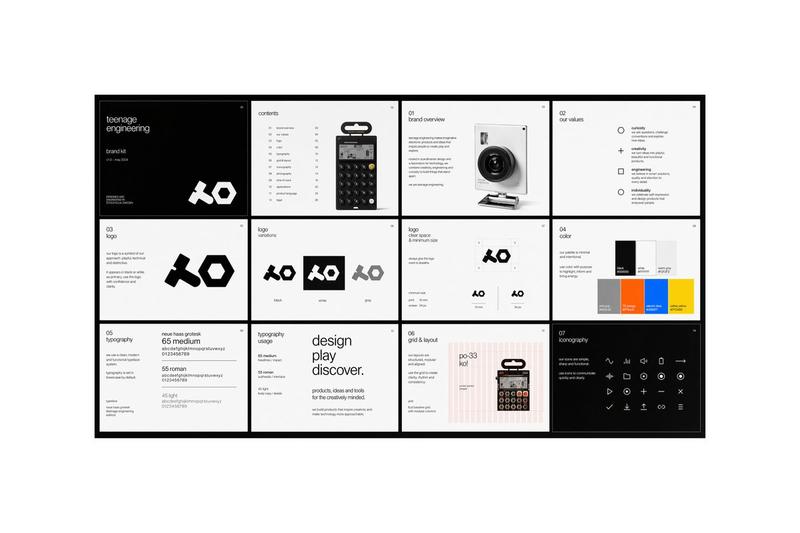
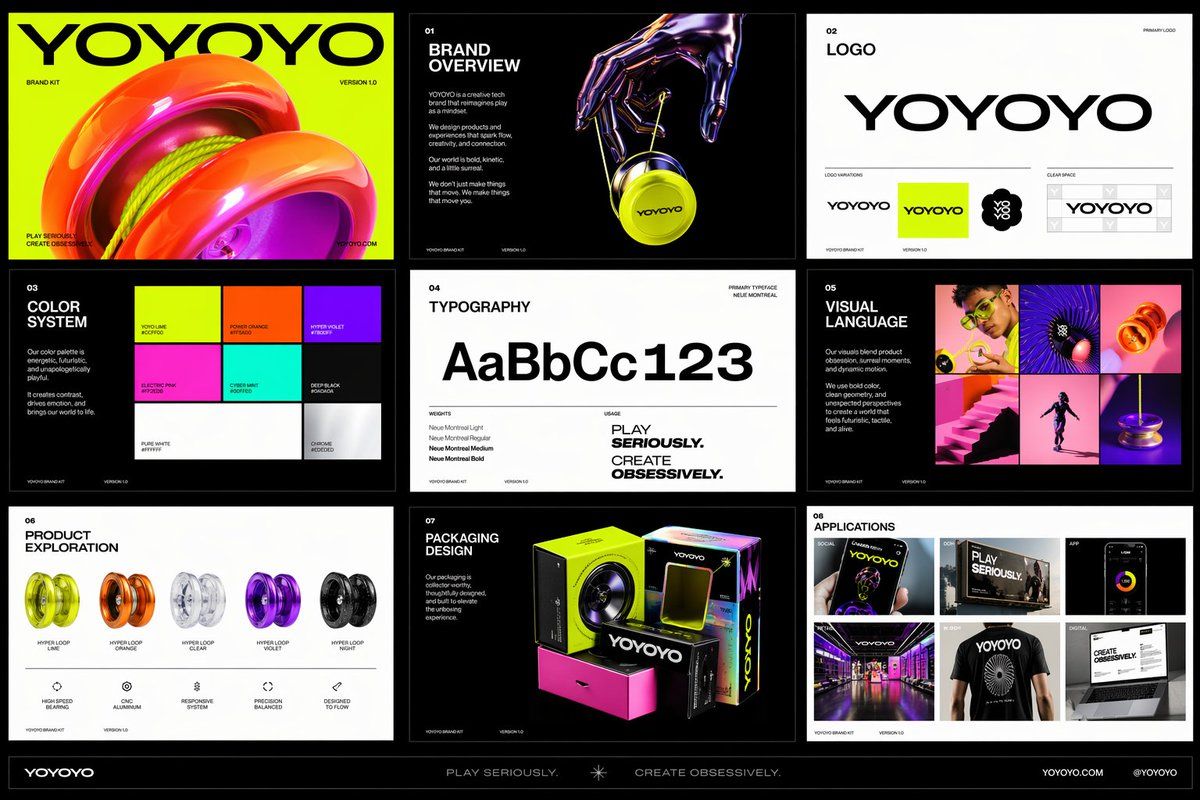
Create a polished multi-page (multiple images) brand kit for a company called [YOYOYO]. The brand should feel playful, futuristic, vibrant, and design-forward, blending the energy of a toy-inspired product with the sophistication of a premium creative tech brand. Use a bold, experimental visual identity with bright color, clean geometry, modern typography, dynamic motion cues, and slightly surreal imagery. The overall mood should feel inventive, youthful, rhythmic, tactile, and high-concept, with a balance of fun consumer product culture, fashionlike presentation, and contemporary digital design.

Include a sense of product obsession, visual experimentation, packaging exploration, editorial photography, immersive retail, and cross-platform brand application. Make it feel like a confident, contemporary brand world that is both accessible and art-directed, with strong graphic cohesion and a premium creative-studio aesthetic.
Category
Brand & Logos
Model
GPT Image 2
Creator
RIO
Views0
Source ID
2046682439985082441
Published
Apr 21, 2026

Guide

About "Editorial style creative scene: GPT Image 2 prompt"

What is this prompt for?

"Editorial style creative scene: GPT Image 2 prompt" AI image prompt for GPT Image 2 (Brand & Logos). Create a polished multi-page (multiple images) brand kit…

The full copyable prompt and example visuals above are ready for AI image generation or one-click recreate in Picva.

How to use this prompt

  1. Step 1

    Open the prompt detail

    Review the example visuals, category, and full prompt text for "Editorial style creative scene: GPT Image 2 prompt".

  2. Step 2

    Copy the prompt

    Copy the prompt body from this page, or load it directly in Studio.

  3. Step 3

    Pick a model (GPT Image 2)

    Prefer GPT Image 2. If you switch models, keep subject and composition and tweak style terms.

  4. Step 4

    Generate and export

    Recreate the look in Picva, or export into your workflow for editing and publishing.

FAQ

What is the "Editorial style creative scene: GPT Image 2 prompt" prompt?
It is an AI image-generation prompt for GPT Image 2 in the Brand & Logos category. This page includes the full prompt text, example visuals, and a one-click recreate path in Picva.
How do I use this prompt to generate an image?
Copy the prompt from this page, or use Generate / Studio. Paste it into a compatible image model, or recreate the look in Picva with optional reference images.
Which model is this prompt for?
This page lists GPT Image 2. Most descriptive prompts also transfer to nearby image models such as GPT Image, Flux, or Midjourney with light style tweaks.
Can I use the result commercially?
You can usually copy the prompt for creation, but commercial use of the final image depends on the model terms, reference-image rights, and the generated content. Follow the source author and platform rules.