17

Photorealistic baby scene: GPT Image 2 prompt
Enlarge

Example images

Photorealistic baby scene: GPT Image 2 prompt

Prompt
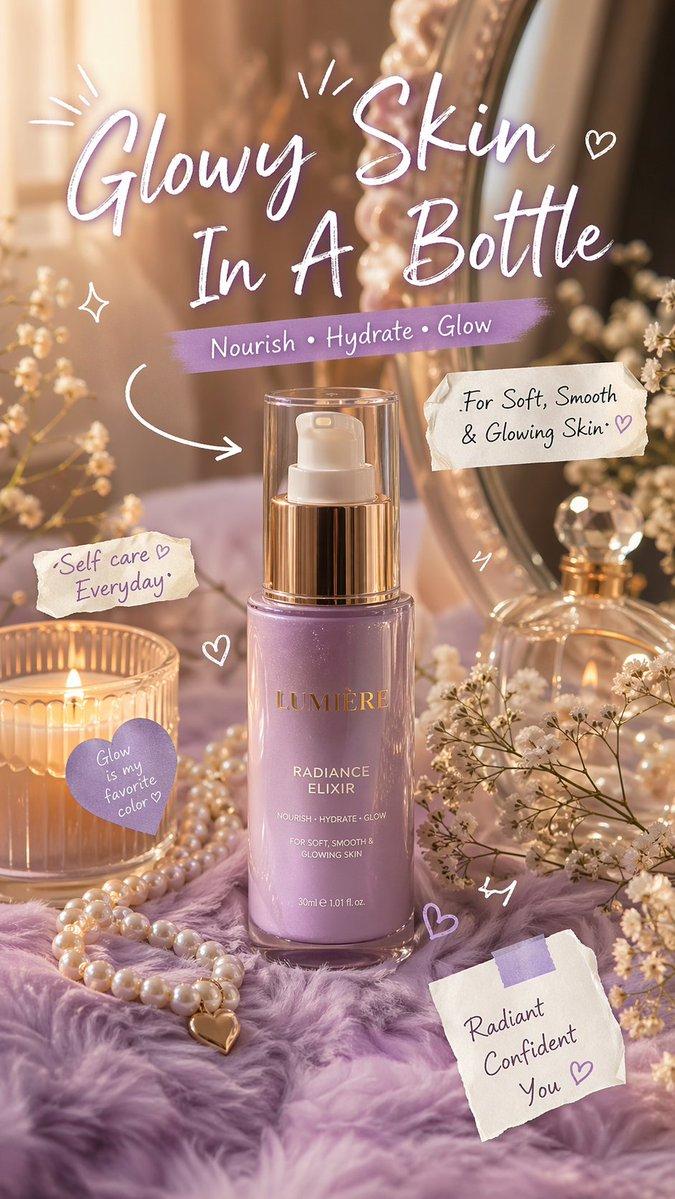
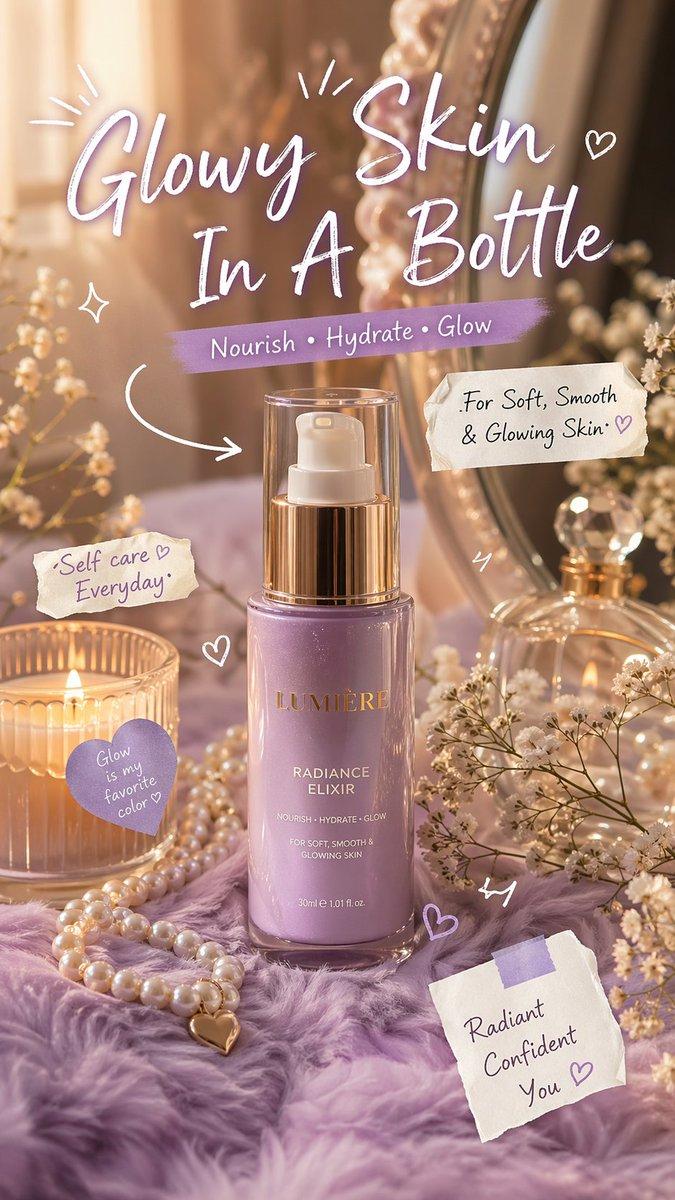
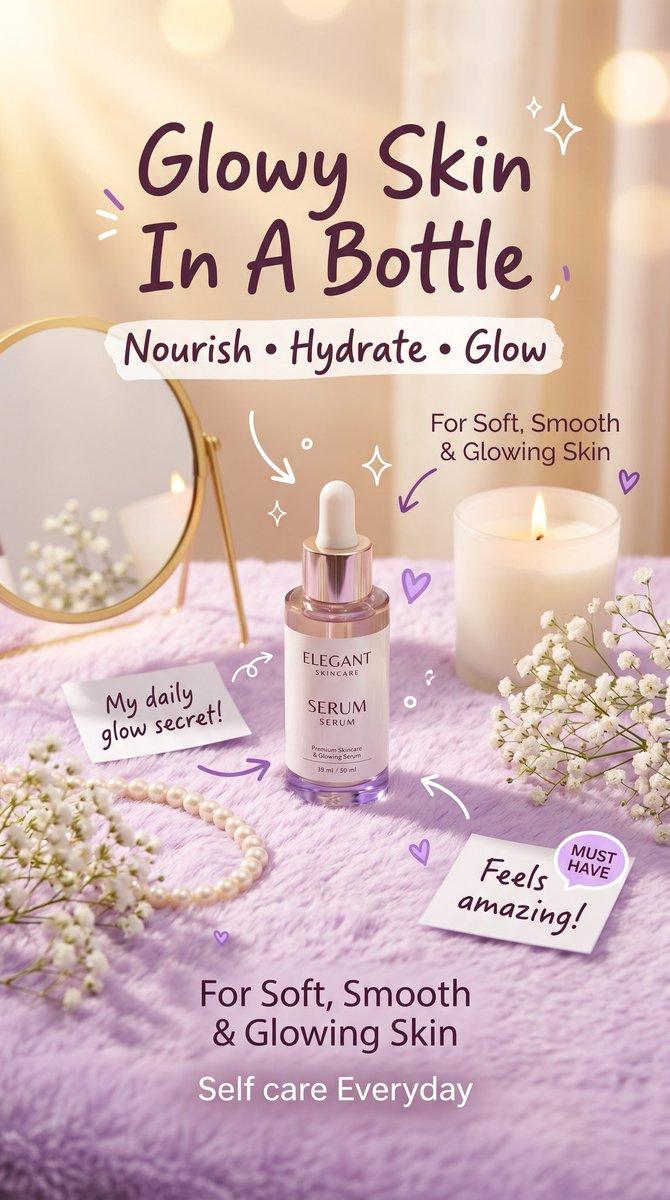
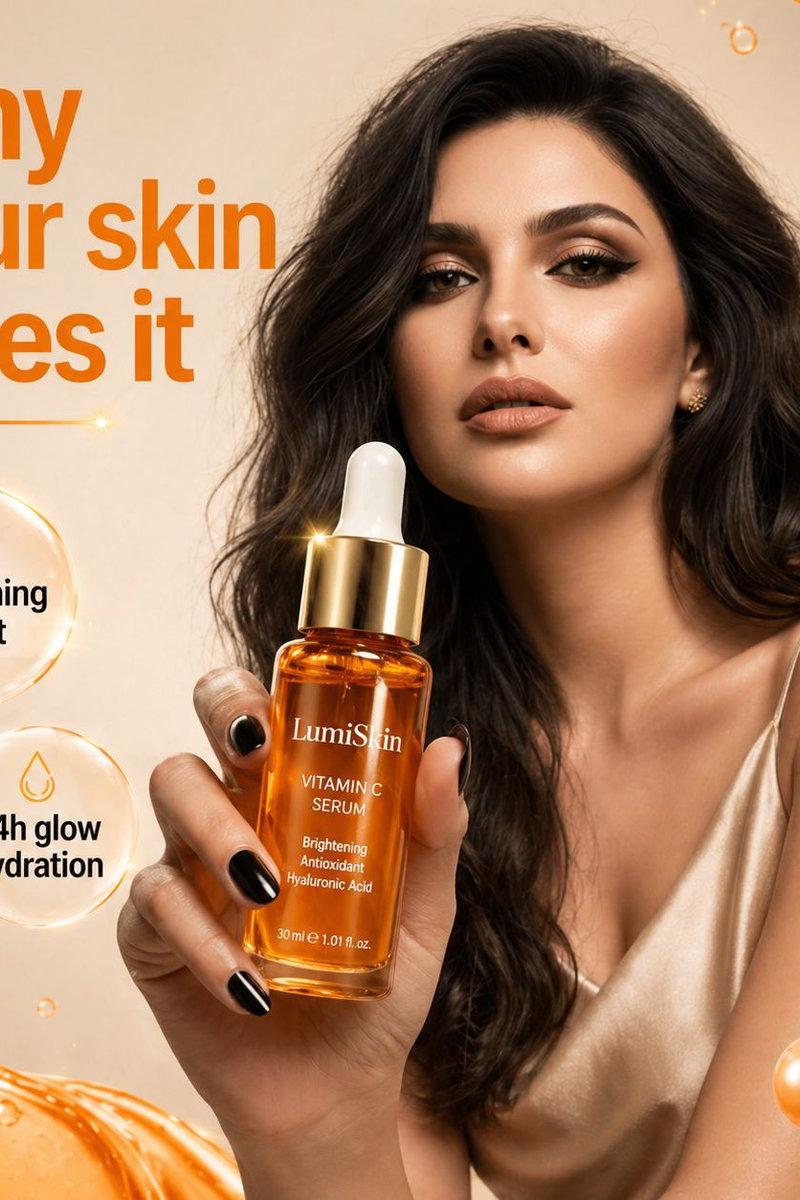
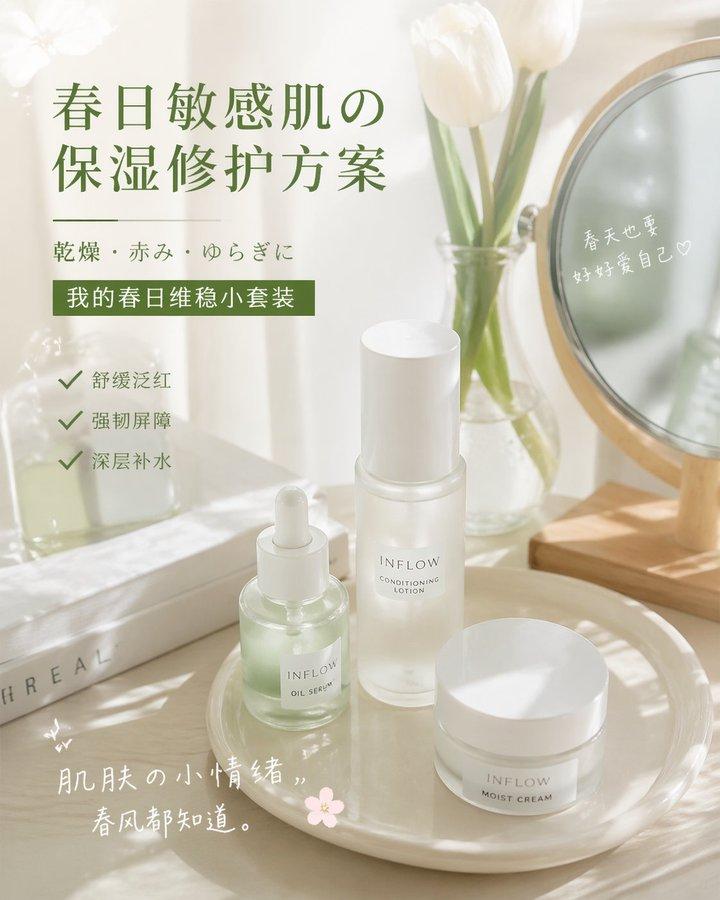
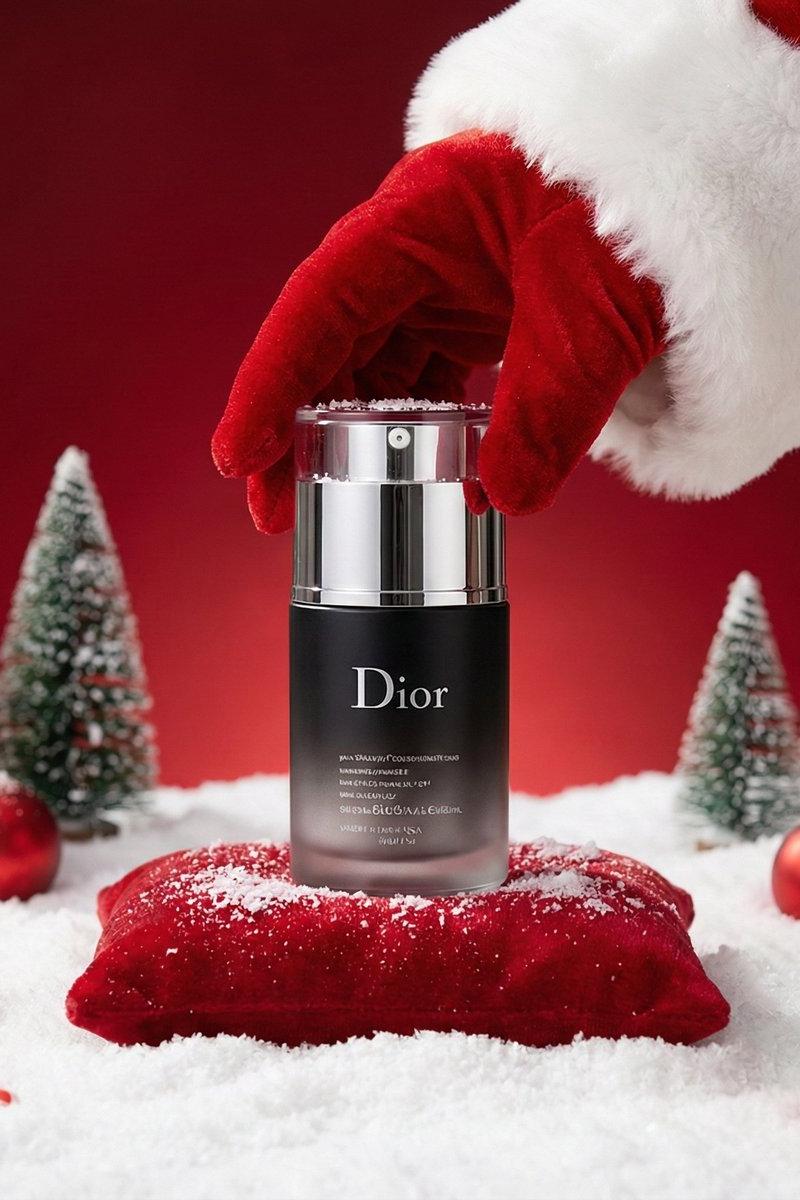
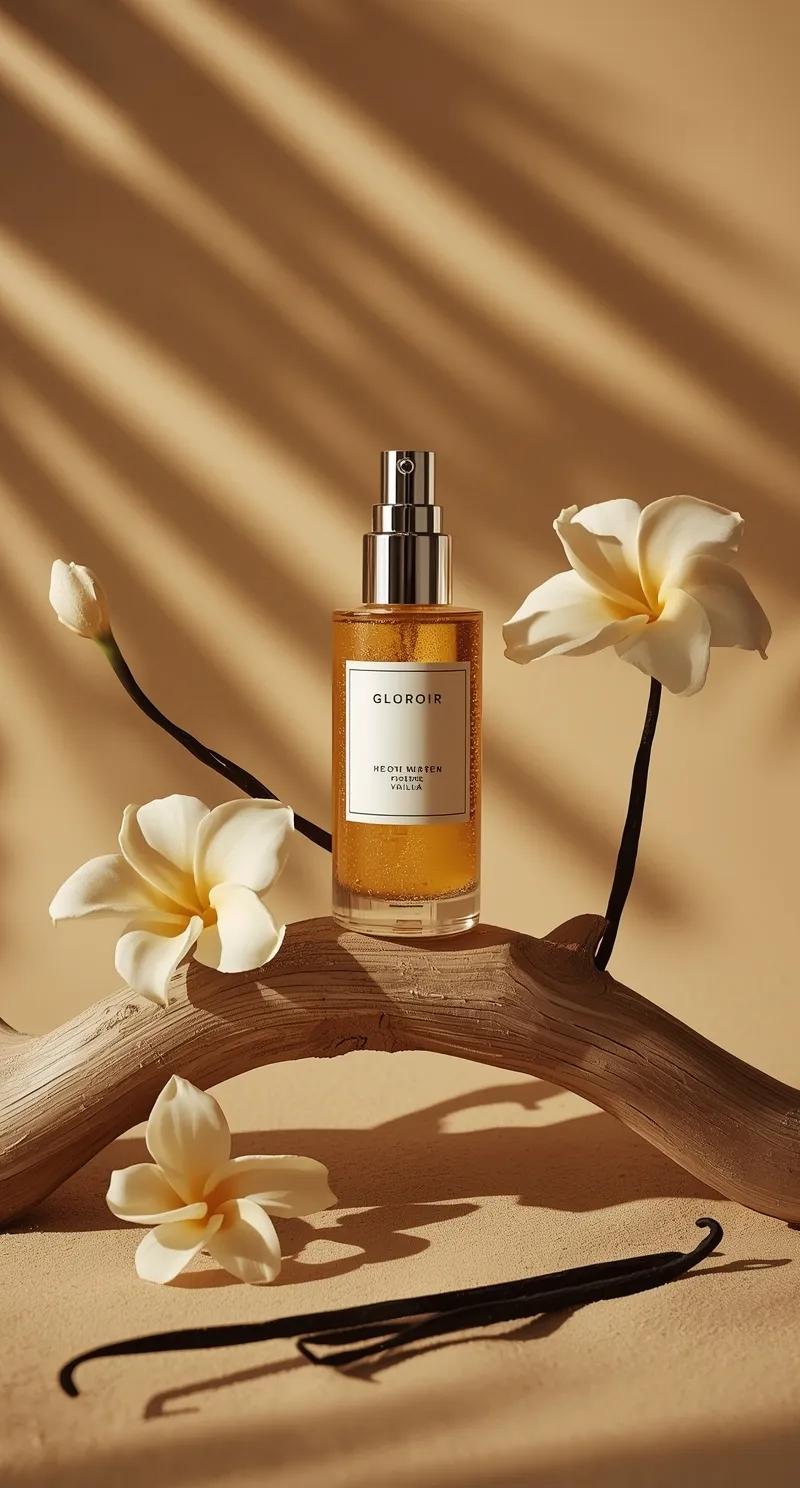
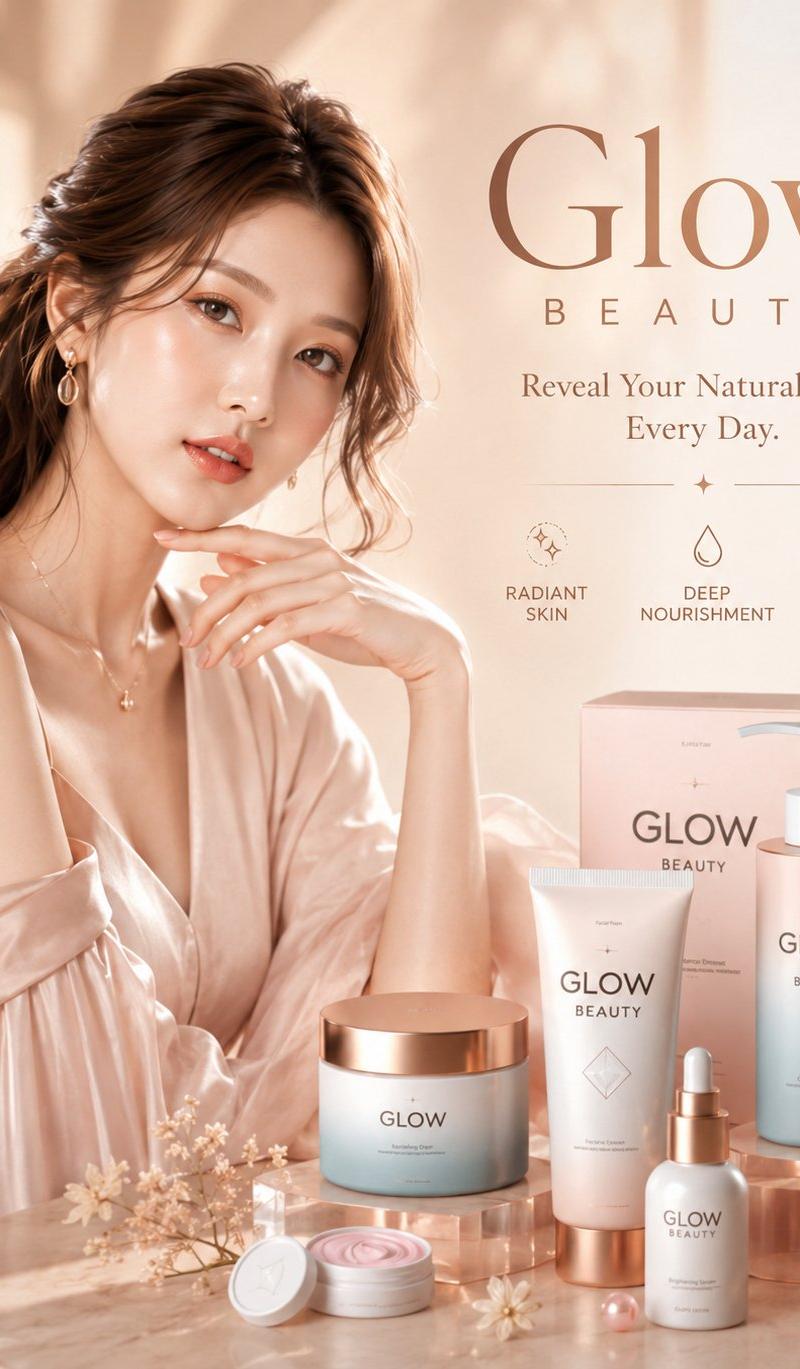
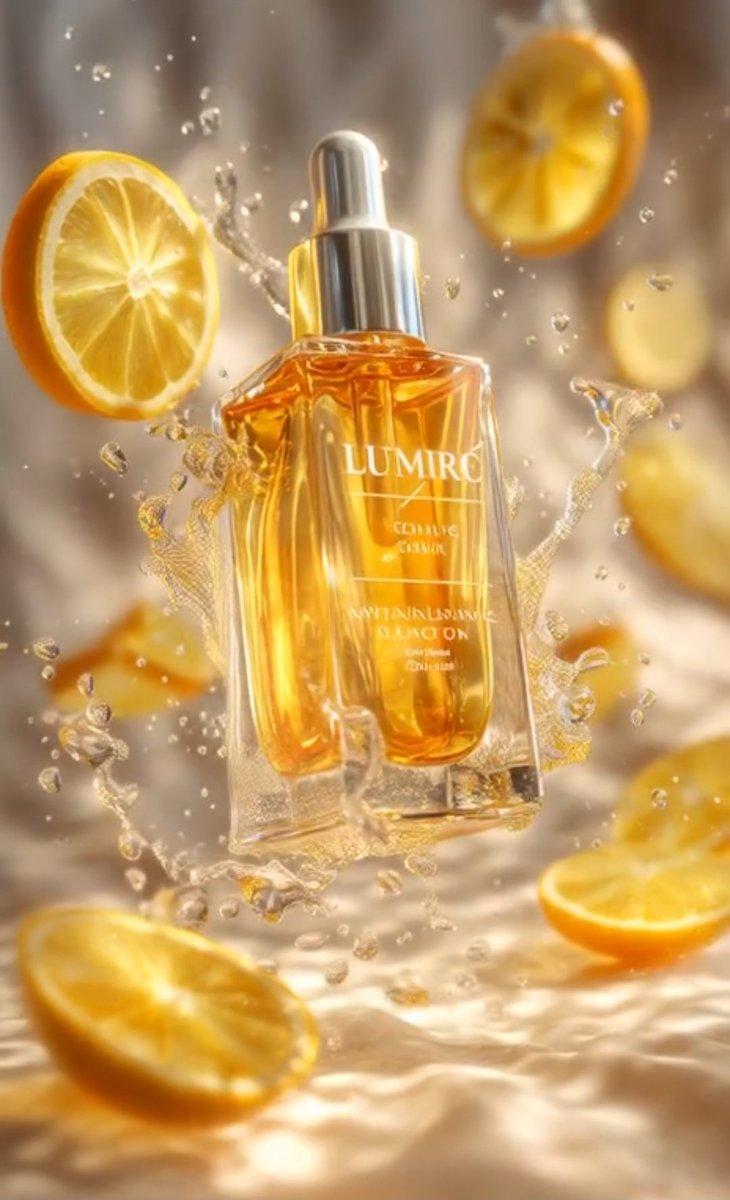
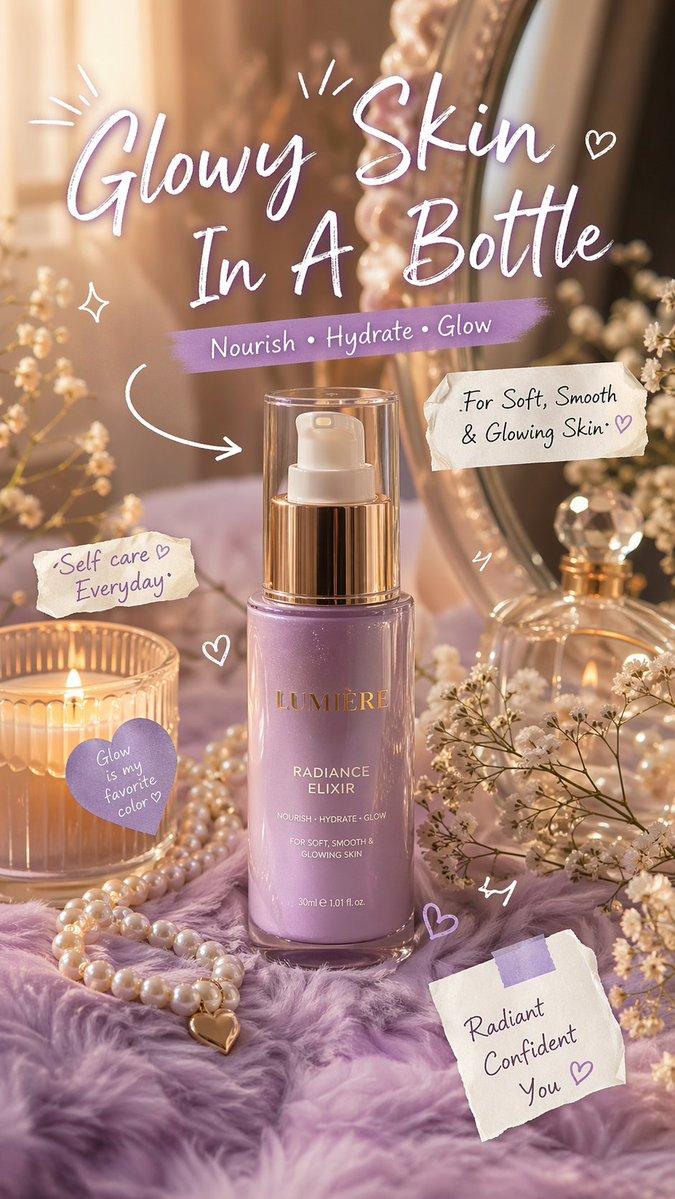
Luxury aesthetic skincare advertisement,soft pastel background, warm golden sunlight, dreamy soft focus, feminine vanity setup with mirror, pearls, candle and baby breath flowers.Cozy purple fluffy surface, high-end beauty branding style, ultra realistic, 4k, studio lighting, glossy reflection, soft shadows, bokeh background.
Add cute doodle elements (white and purple hand-drawn arrows, sparkles, hearts), handwritten notes and stickers.

Text overlay: "Glowy Skin In A Bottle" (big hand writing font)"Nourish • Hydrate • Glow"
"For Soft, Smooth & Glowing Skin","Self care Everyday"
clean composition, aesthetic, viral beauty ad style, Instagram / TikTok/ X friendly (but no UI), premium soft feminine branding
Category
Brand & Logos
Model
GPT Image 2
Creator
simeon-sanai
Source language
en
Views0
Source ID
2047645038147166555
Published
Apr 24, 2026
Studio

Guide

About "Photorealistic baby scene: GPT Image 2 prompt"

What is this prompt for?

"Photorealistic baby scene: GPT Image 2 prompt" AI image prompt for GPT Image 2 (Brand & Logos). Luxury aesthetic skincare advertisement,soft pastel background…

The full copyable prompt and example visuals above are ready for AI image generation or one-click recreate in Picva.

How to use this prompt

  1. Step 1

    Open the prompt detail

    Review the example visuals, category, and full prompt text for "Photorealistic baby scene: GPT Image 2 prompt".

  2. Step 2

    Copy the prompt

    Copy the prompt body from this page, or load it directly in Studio.

  3. Step 3

    Pick a model (GPT Image 2)

    Prefer GPT Image 2. If you switch models, keep subject and composition and tweak style terms.

  4. Step 4

    Generate and export

    Recreate the look in Picva, or export into your workflow for editing and publishing.

FAQ

What is the "Photorealistic baby scene: GPT Image 2 prompt" prompt?
It is an AI image-generation prompt for GPT Image 2 in the Brand & Logos category. This page includes the full prompt text, example visuals, and a one-click recreate path in Picva.
How do I use this prompt to generate an image?
Copy the prompt from this page, or use Generate / Studio. Paste it into a compatible image model, or recreate the look in Picva with optional reference images.
Which model is this prompt for?
This page lists GPT Image 2. Most descriptive prompts also transfer to nearby image models such as GPT Image, Flux, or Midjourney with light style tweaks.
Can I use the result commercially?
You can usually copy the prompt for creation, but commercial use of the final image depends on the model terms, reference-image rights, and the generated content. Follow the source author and platform rules.