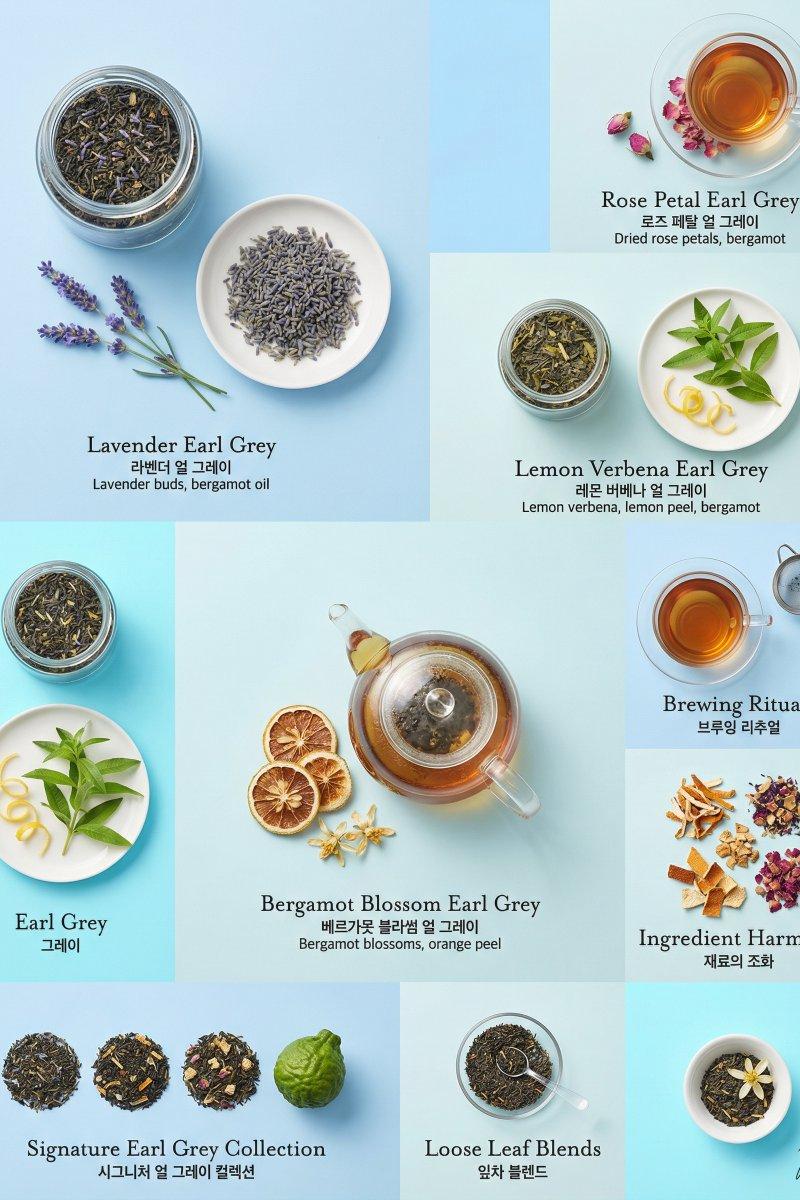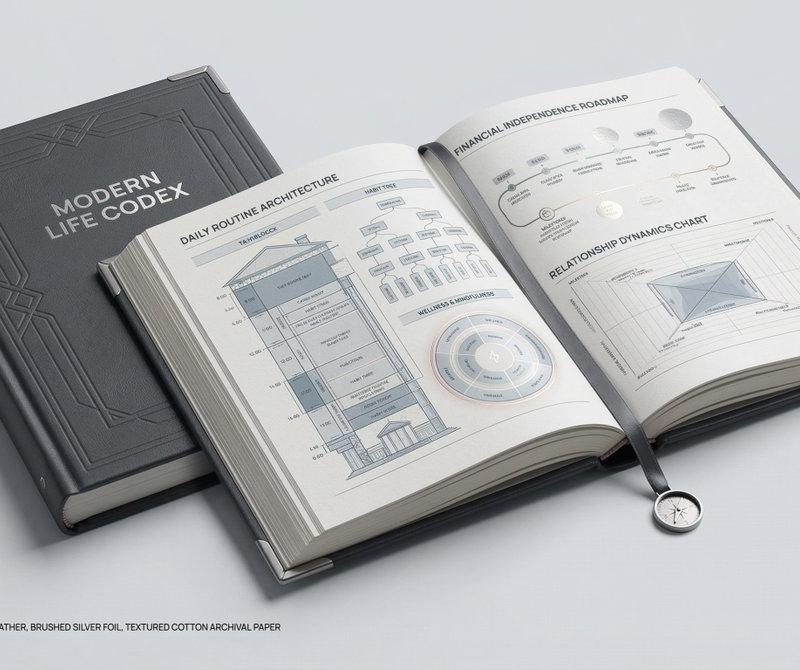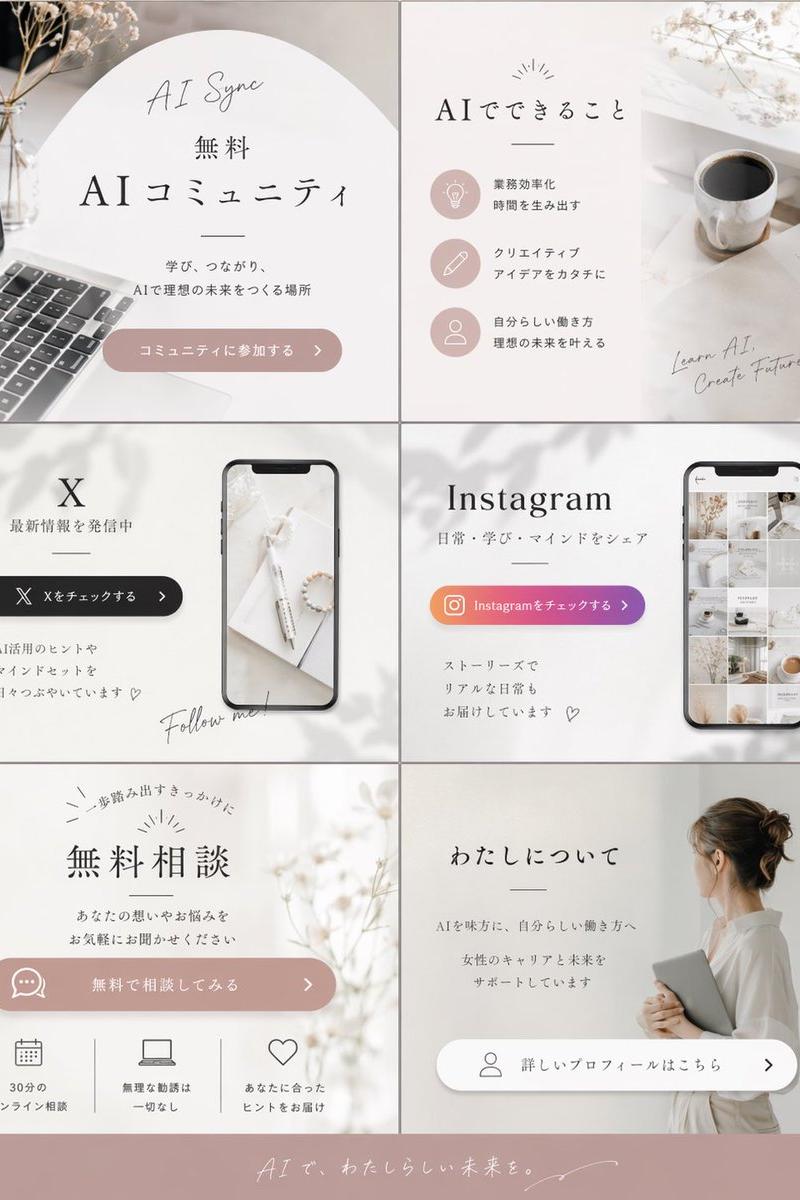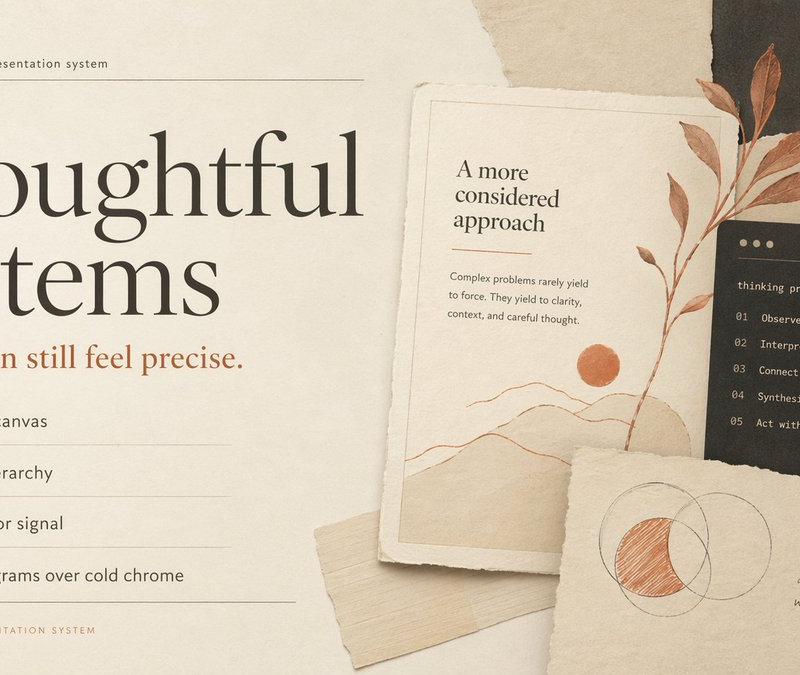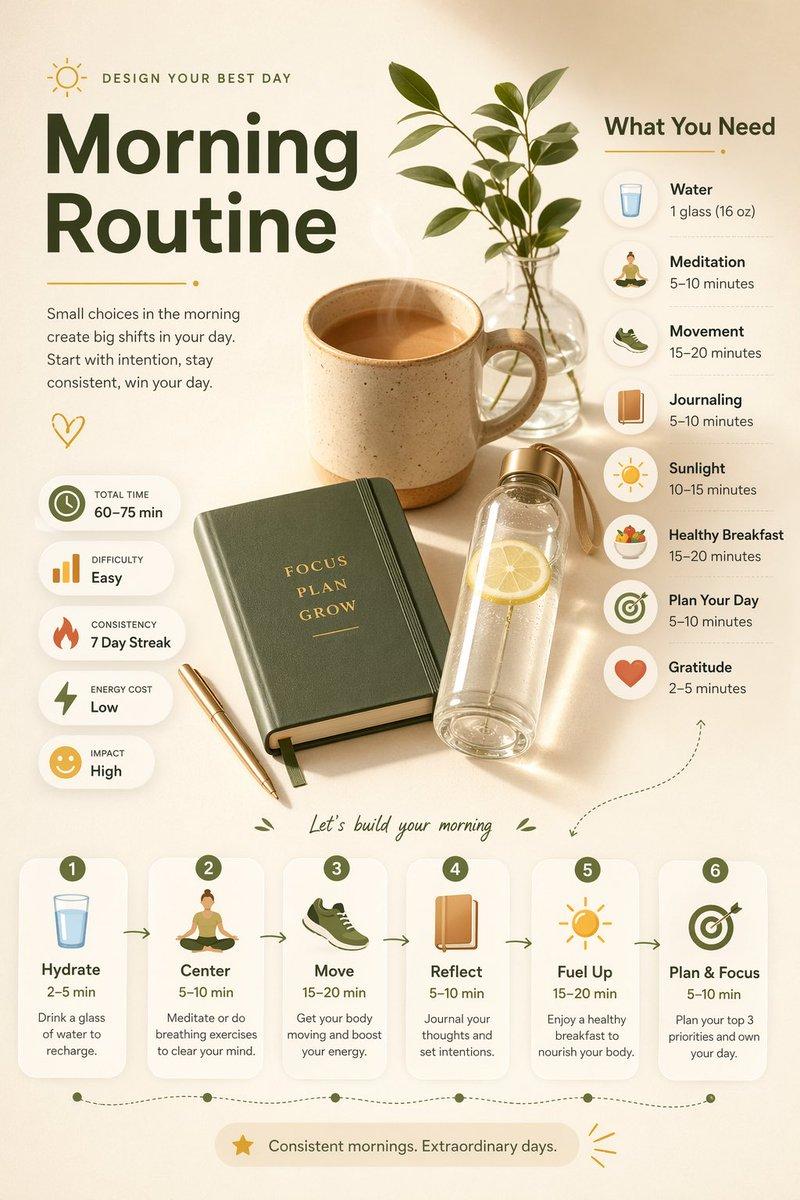
Editorial style space scene: GPT Image 2 prompt
Prompt
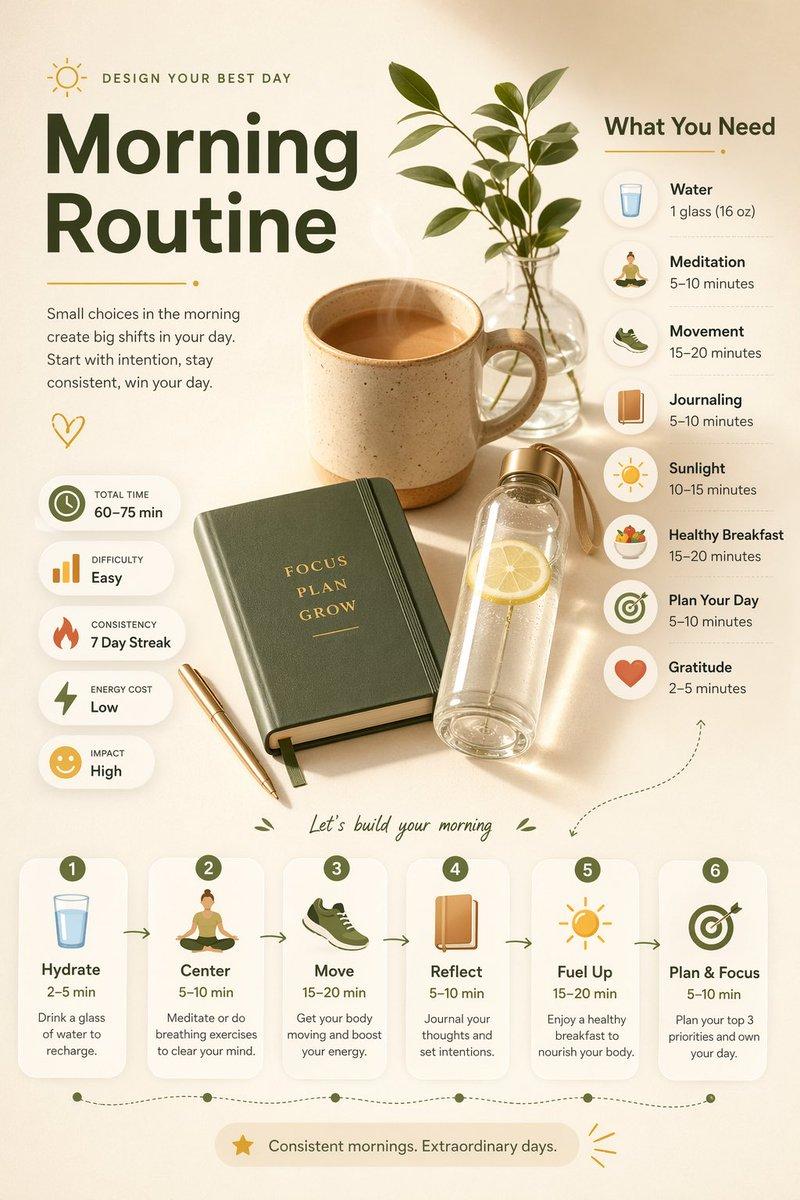
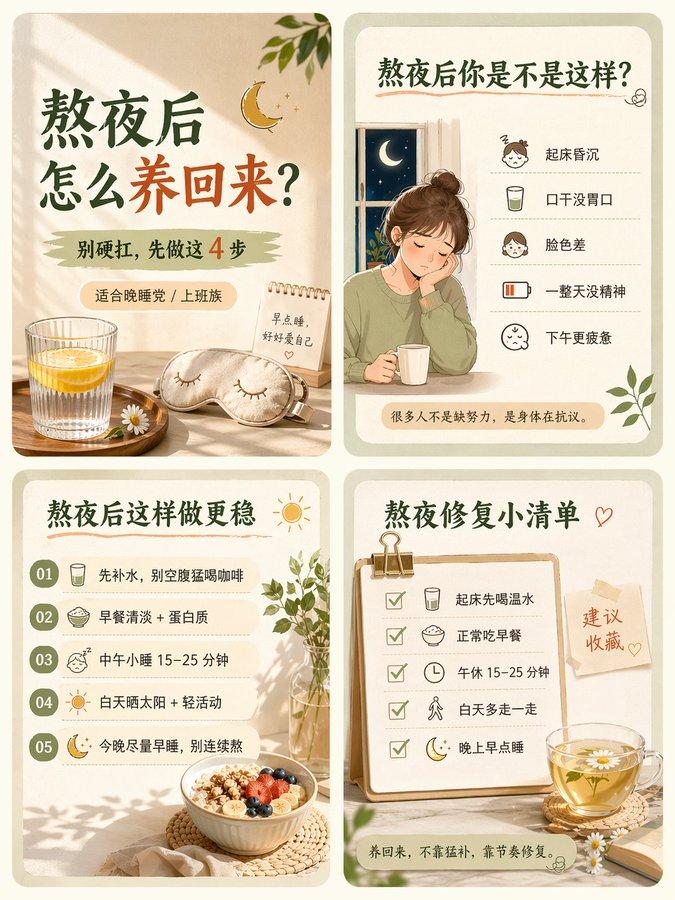
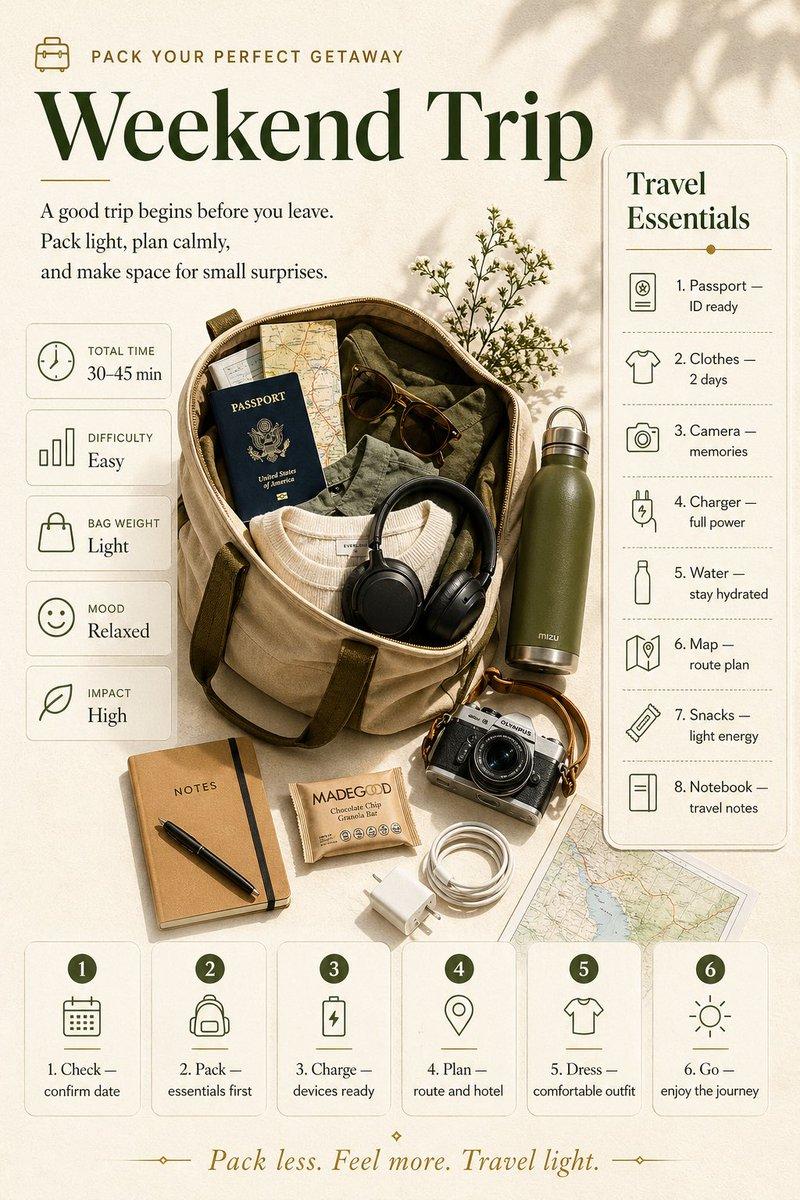
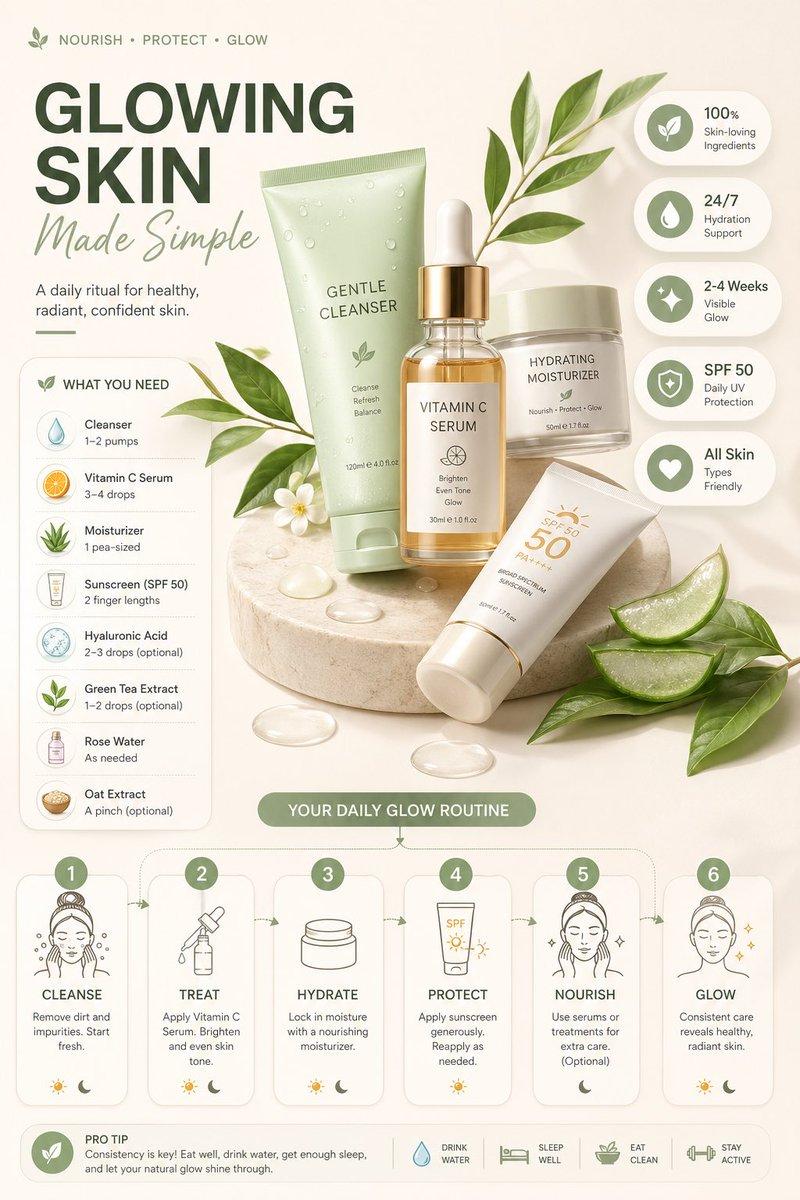
Ultra-clean modern editorial infographic on the topic of [ROUTINE] routine. Hero visual: a stylized flat-lay or floating arrangement of 3–4 objects closely associated with the routine — slightly angled or in soft perspective, glowing subtly. All elements arranged dynamically around the hero in a non-restrictive editorial layout. Ingredients Section: Label it ‘What You Need’ — include 6–8 items with small icons or emoji illustrations next to each. Each item has a name and a practical quantity or duration written like a recipe (e.g. ‘x minutes of Y’). Arranged in a cluster or list connected visually to the hero. Steps Section: 5–6 numbered panels with arrows or connecting lines forming a logical flow. Each step has a short action label and a small relevant icon. Panels use glassmorphism or frosted card styling. Stats Badges: 4–5 floating pill-shaped badges showing relevant metadata — total time, difficulty, consistency streak, energy cost — displayed as clean minimal bubbles near the hero. Visual Style: Warm, soft editorial background — cream, warm white, or soft morning light tones. Muted earthy accent colors with clean highlights. Bold modern sans-serif typography. Clean vector icons. Subtle grain or paper texture in background. Composition: Hero object cluster centered or slightly offset. Ingredients on one side. Steps flow opposite or below with connecting lines. Stat badges scattered as floating pills. Generous negative space to keep it airy and readable. Lighting: Soft warm natural light feel emanating from the hero cluster. Premium lifestyle editorial aesthetic, social-feed optimized. Ultra-crisp. No watermark.
- Category
- Charts & Infographics
- Model
- GPT Image 2
- Creator
- TechieBySA
- Source language
- en
- Source ID
- 2047683043918311670
- Published
- Apr 24, 2026
Views0

![Create a premium brand kit board for [Promptsref], presented like a professional](https://whqgdndlpxjbwosvipip.supabase.co/storage/v1/render/image/public/prompt-source-media/promptsref/work-2151/image-1-718919199311845f.png?width=800&quality=75)