18

Invisible person fashion poster: GPT Image 2 prompt
Enlarge

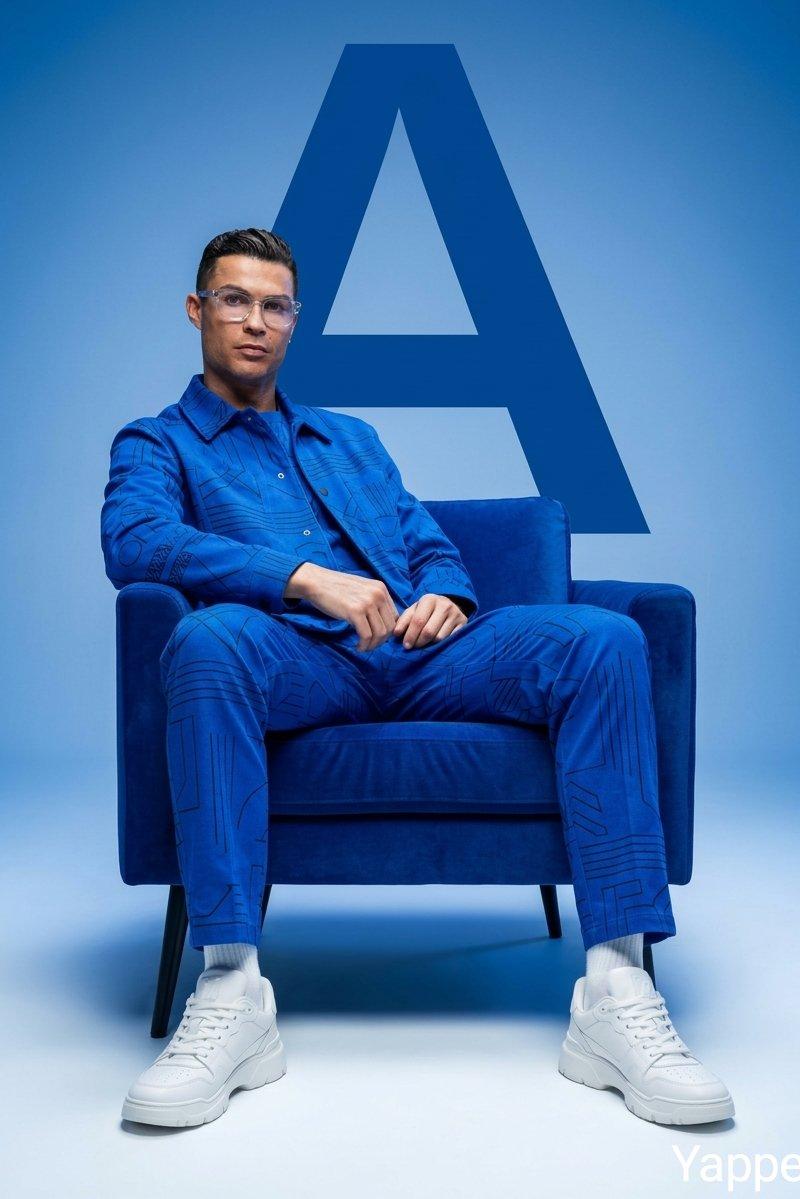
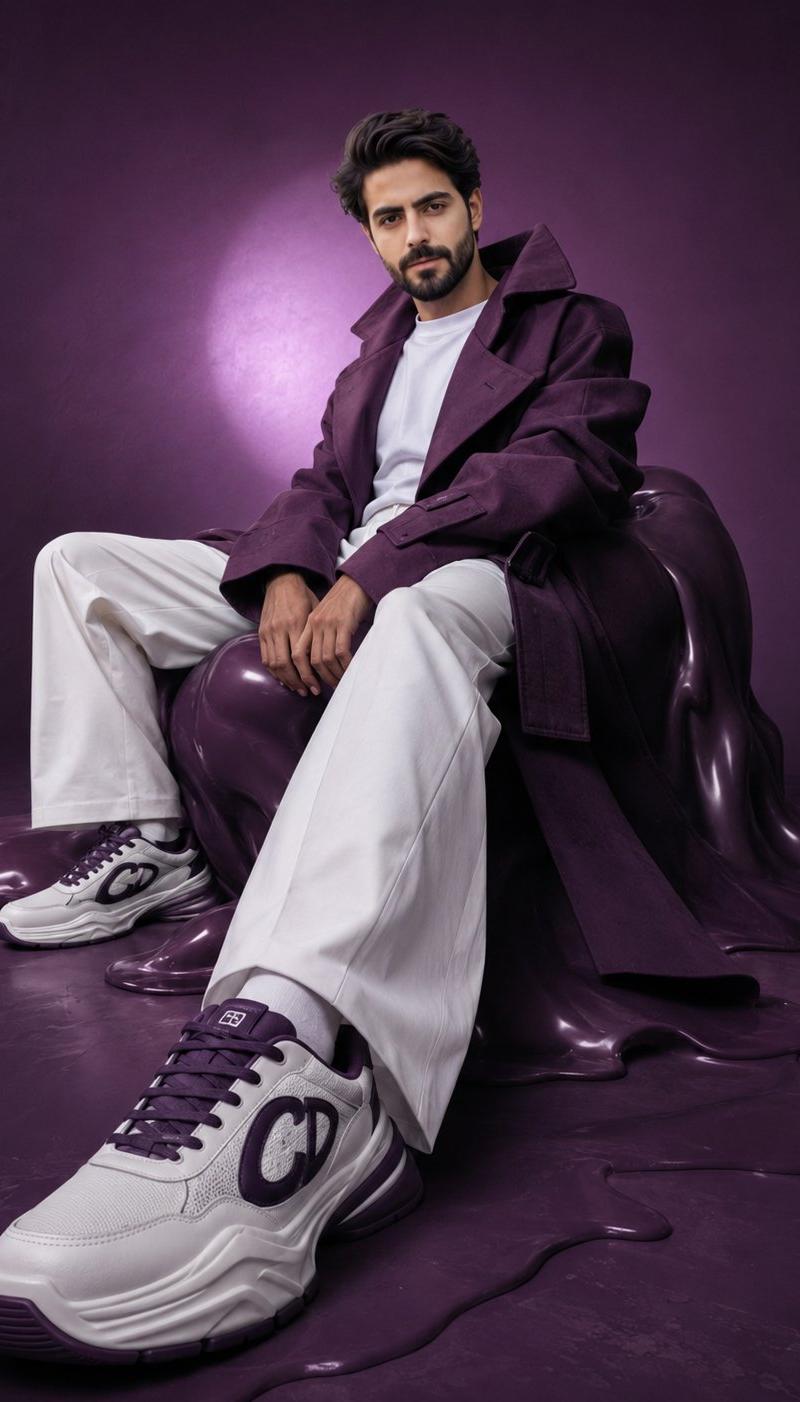
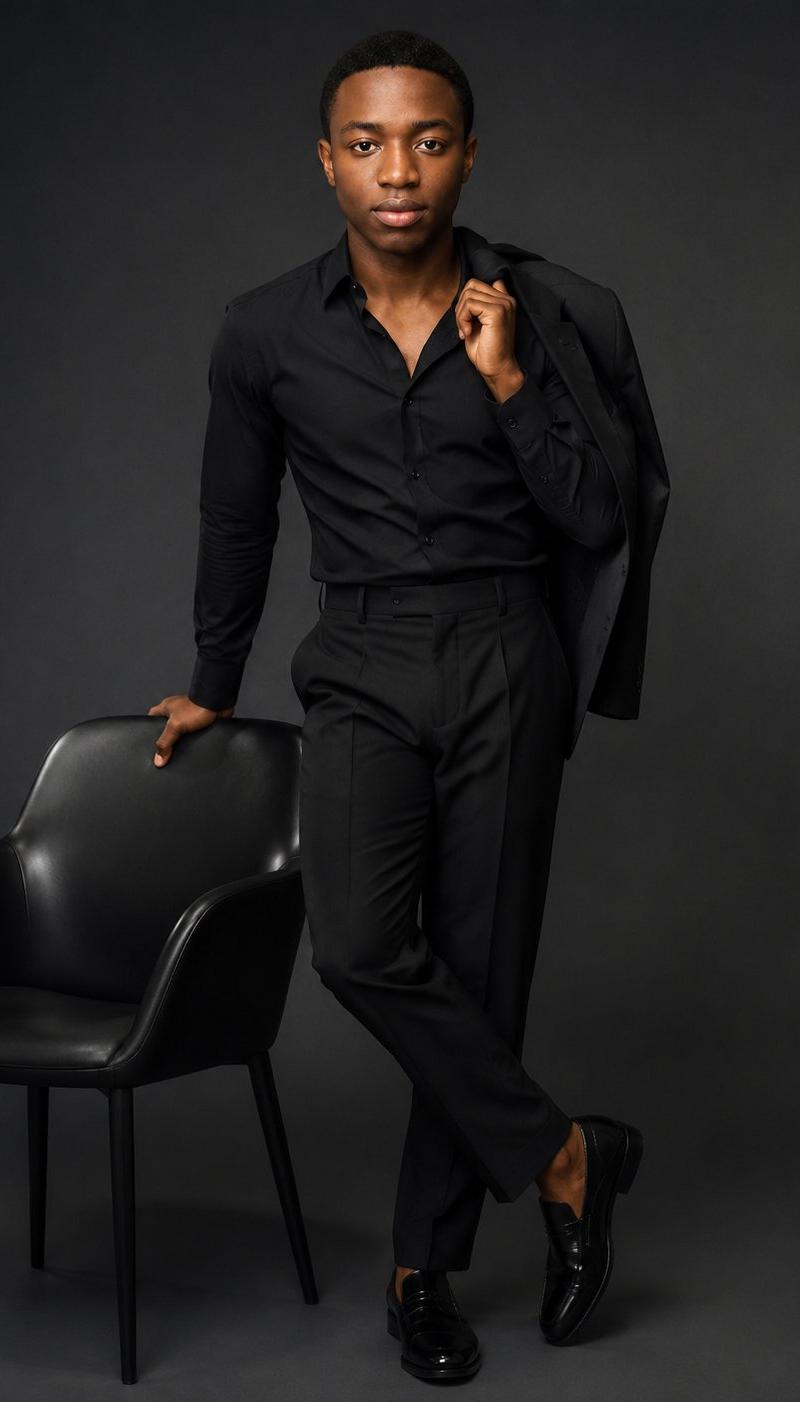
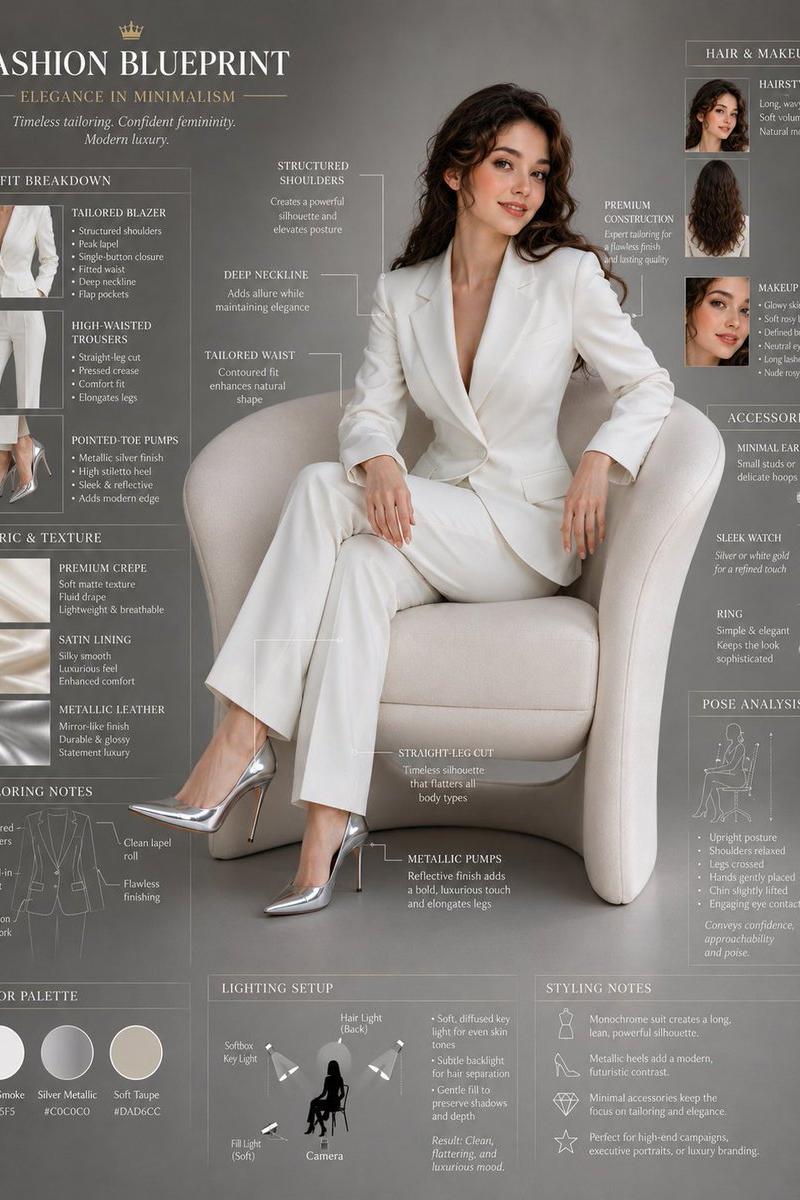
Example images

Invisible person fashion poster: GPT Image 2 prompt

Prompt
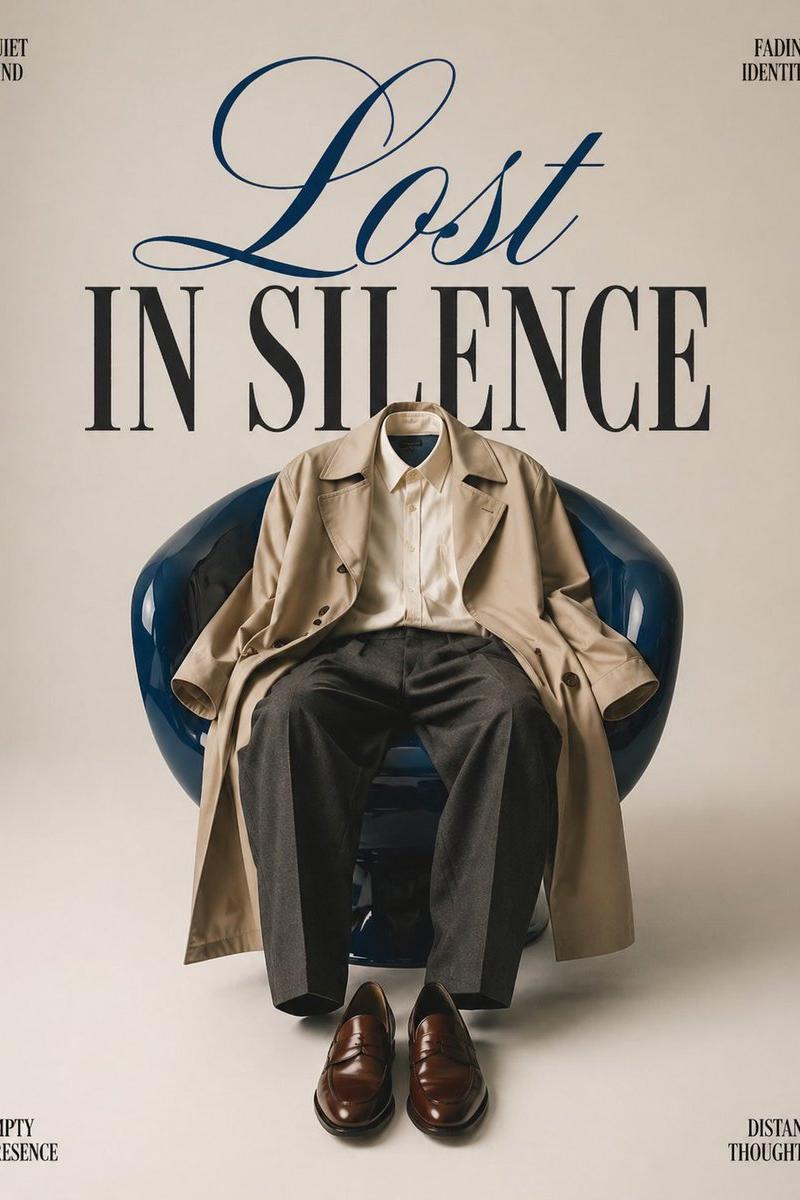
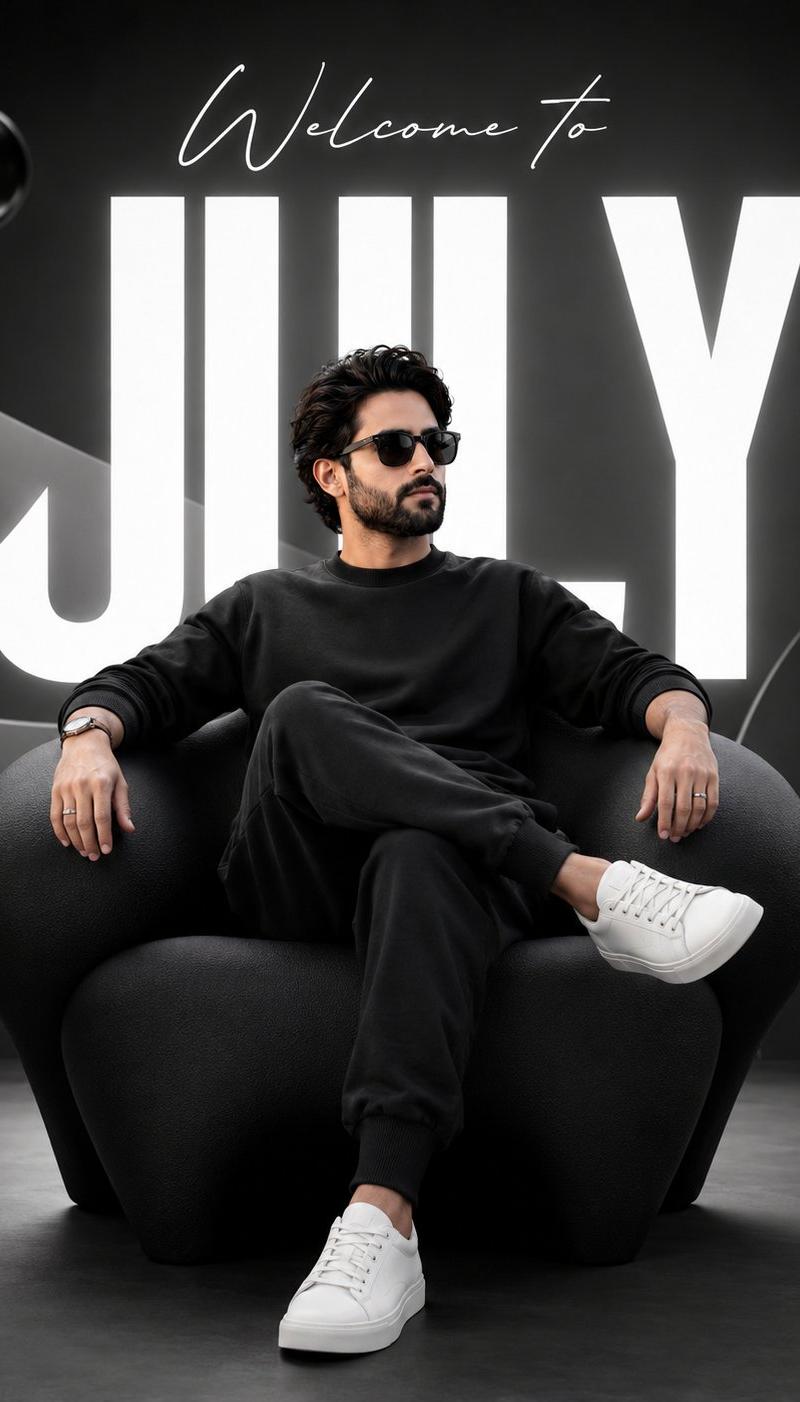
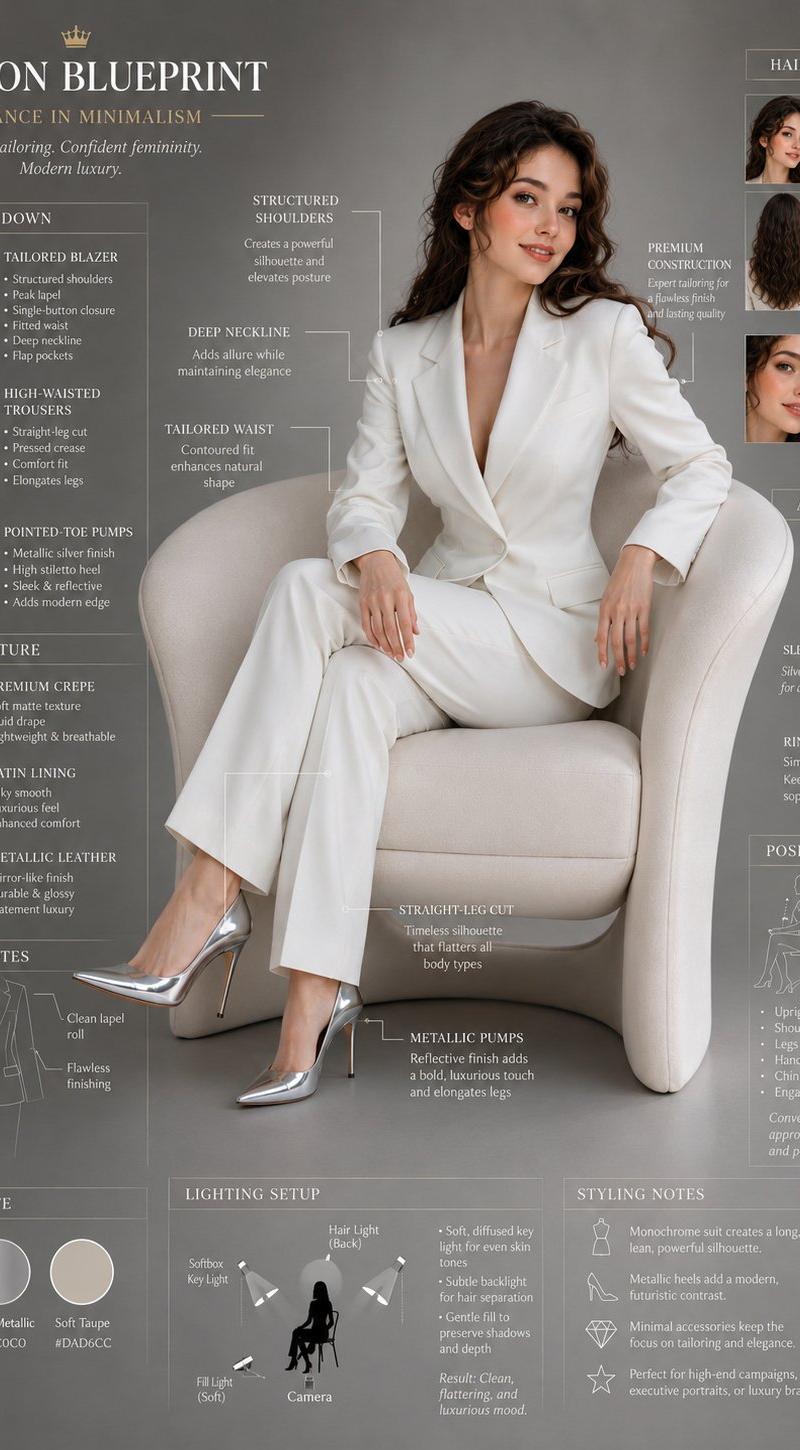
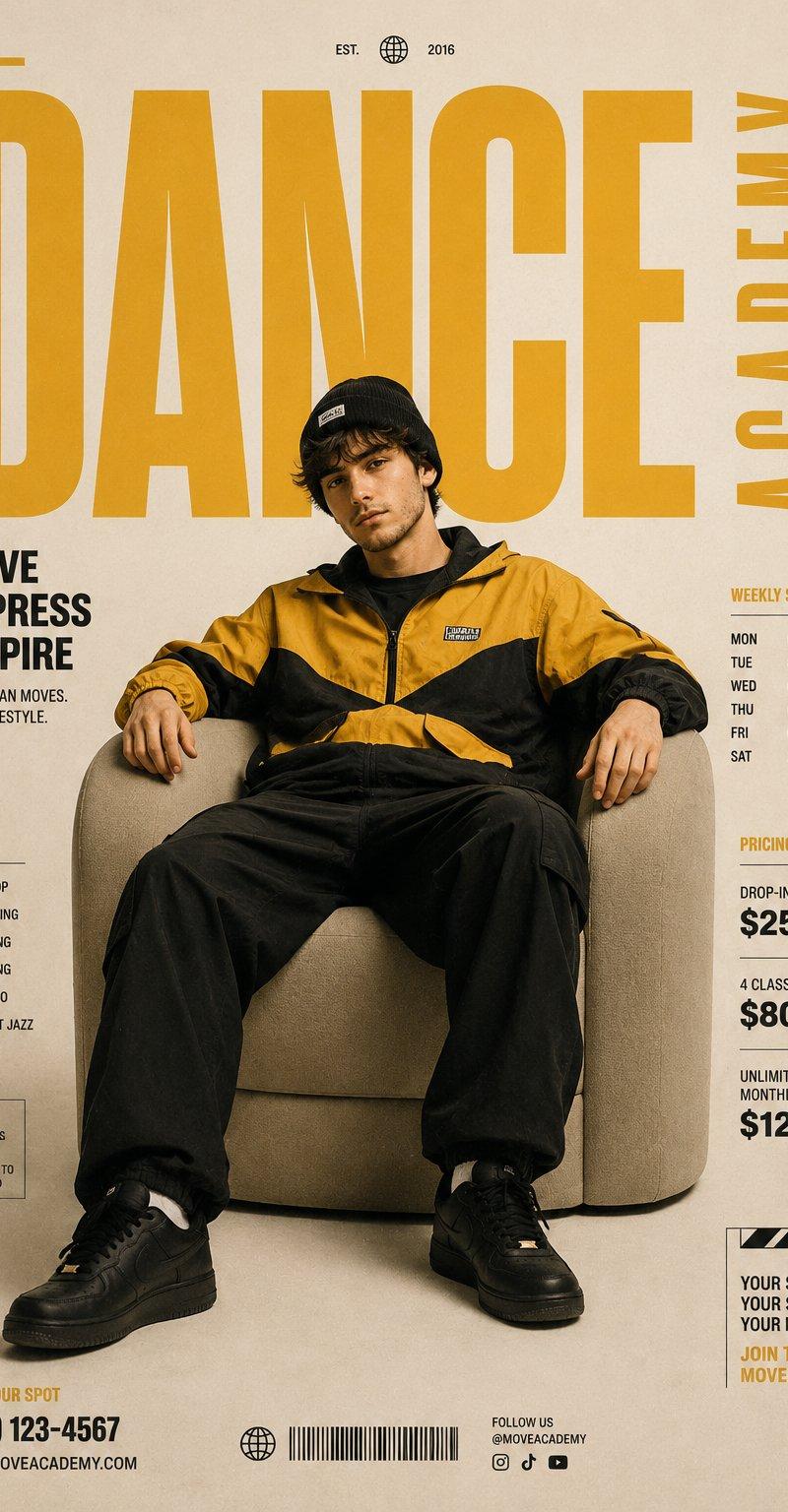
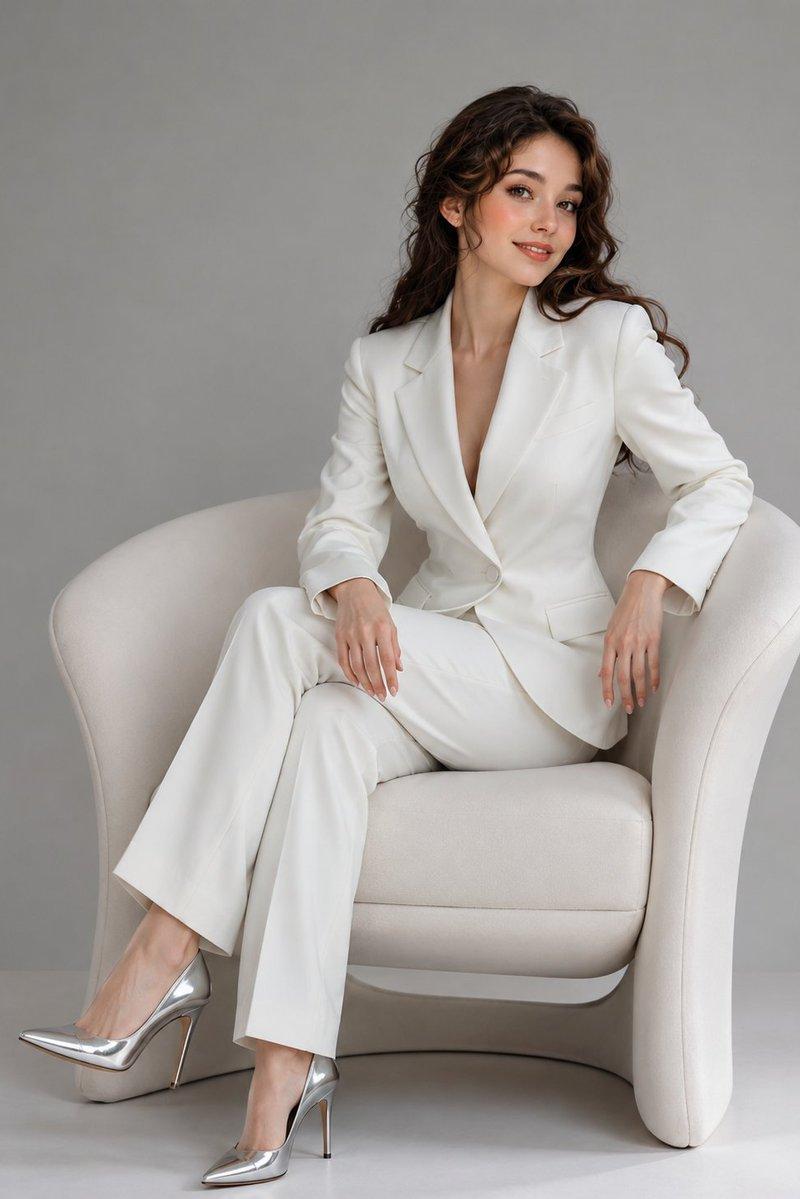
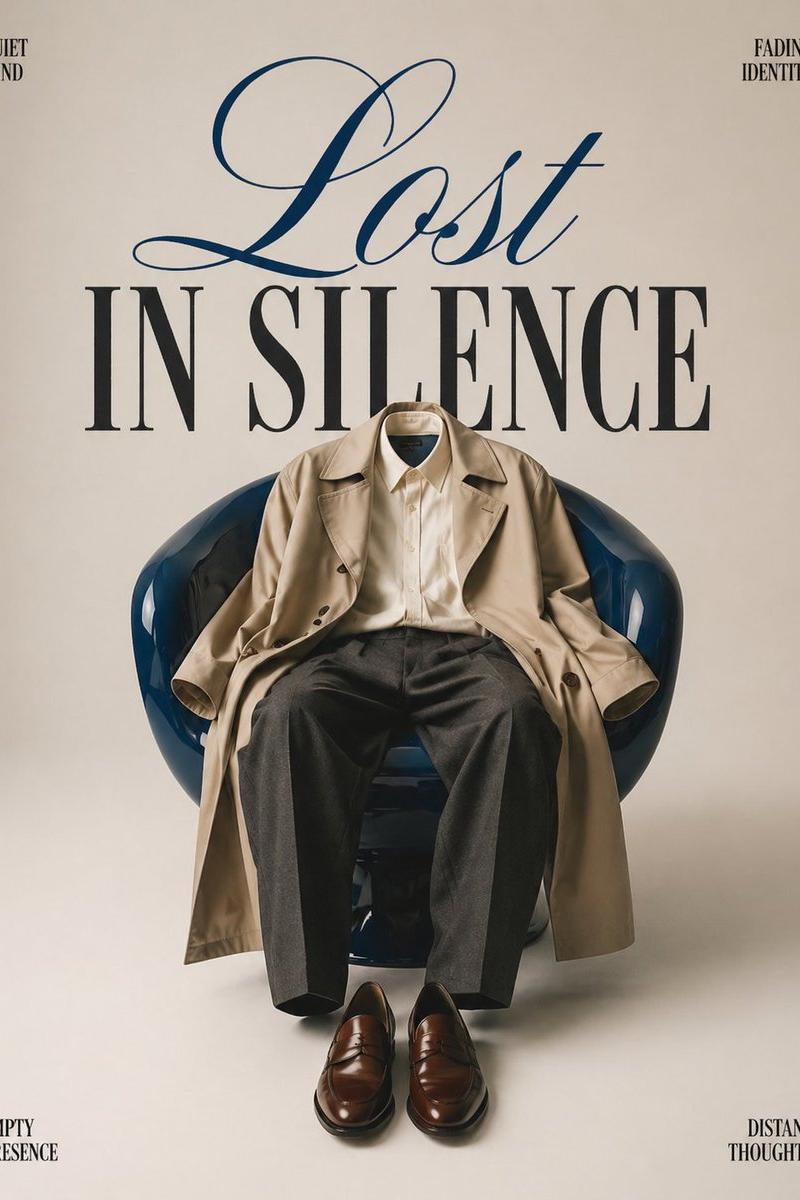
Minimalist conceptual fashion editorial poster, studio shot on a clean off-white seamless background. A glossy deep blue modern lounge chair placed in the center, with an oversized beige trench coat and tailored charcoal trousers draped naturally over it, creating the illusion of an invisible person sitting there. Polished brown leather loafers placed neatly on the floor in front of the chair. Large elegant typography behind the chair reading “LOST IN SILENCE” — “Lost” in flowing luxury cursive script, “IN SILENCE” in bold serif uppercase. Small subtle text in the corners like “quiet mind,” “fading identity,” “empty presence,” and “distant thoughts.” High-fashion magazine cover aesthetic, cinematic soft lighting, muted tones, surreal emotional atmosphere, clean composition, luxury editorial styling, premium fashion campaign look, artistic and symbolic.
Category
Posters & Typography
Model
GPT Image 2
Creator
Sarah
Source language
en
Views0
Source ID
2048983944922882536
Published
Apr 28, 2026
Studio

Guide

About "Invisible person fashion poster: GPT Image 2 prompt"

What is this prompt for?

"Invisible person fashion poster: GPT Image 2 prompt" AI image prompt for GPT Image 2 (Posters & Typography). Minimalist conceptual fashion editorial poster, s…

The full copyable prompt and example visuals above are ready for AI image generation or one-click recreate in Picva.

How to use this prompt

  1. Step 1

    Open the prompt detail

    Review the example visuals, category, and full prompt text for "Invisible person fashion poster: GPT Image 2 prompt".

  2. Step 2

    Copy the prompt

    Copy the prompt body from this page, or load it directly in Studio.

  3. Step 3

    Pick a model (GPT Image 2)

    Prefer GPT Image 2. If you switch models, keep subject and composition and tweak style terms.

  4. Step 4

    Generate and export

    Recreate the look in Picva, or export into your workflow for editing and publishing.

FAQ

What is the "Invisible person fashion poster: GPT Image 2 prompt" prompt?
It is an AI image-generation prompt for GPT Image 2 in the Posters & Typography category. This page includes the full prompt text, example visuals, and a one-click recreate path in Picva.
How do I use this prompt to generate an image?
Copy the prompt from this page, or use Generate / Studio. Paste it into a compatible image model, or recreate the look in Picva with optional reference images.
Which model is this prompt for?
This page lists GPT Image 2. Most descriptive prompts also transfer to nearby image models such as GPT Image, Flux, or Midjourney with light style tweaks.
Can I use the result commercially?
You can usually copy the prompt for creation, but commercial use of the final image depends on the model terms, reference-image rights, and the generated content. Follow the source author and platform rules.