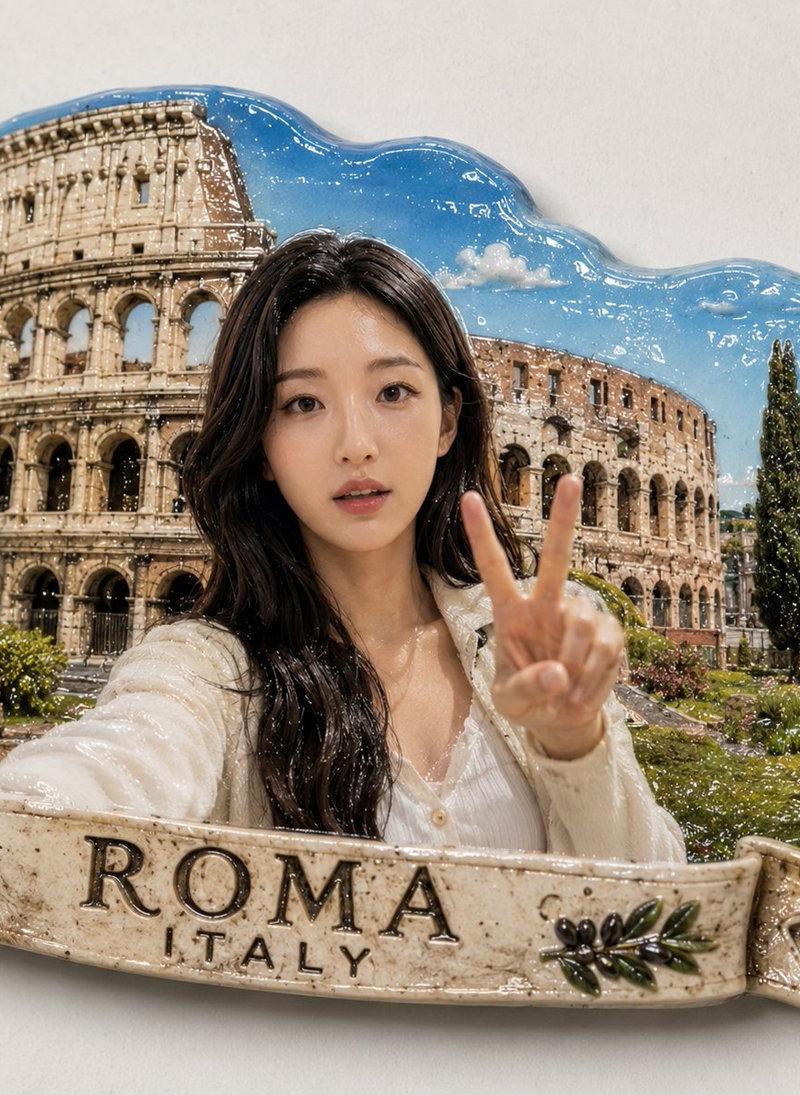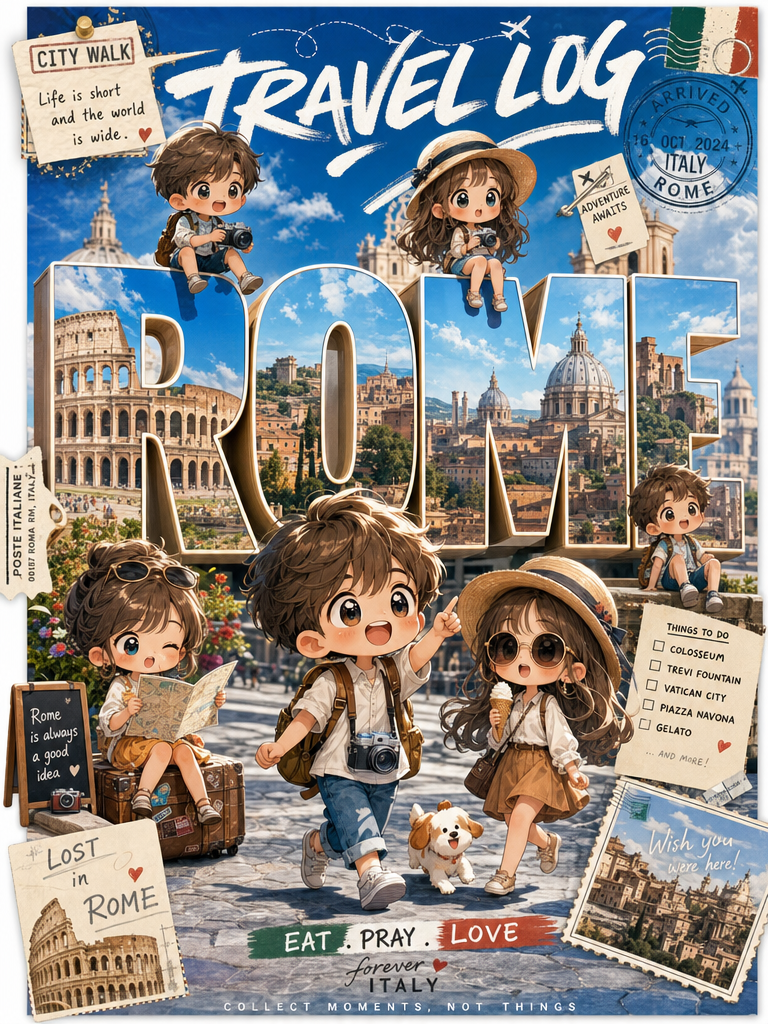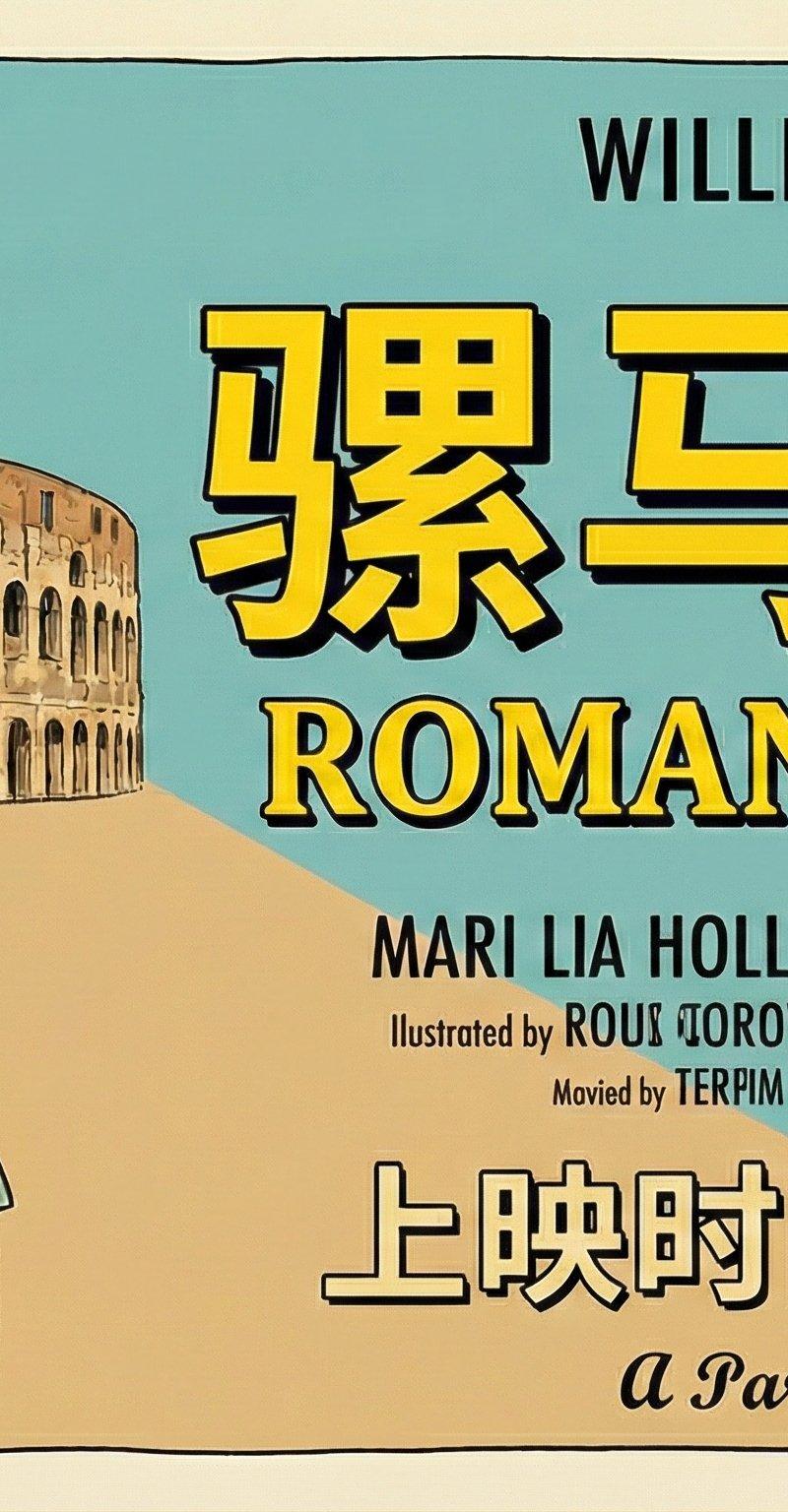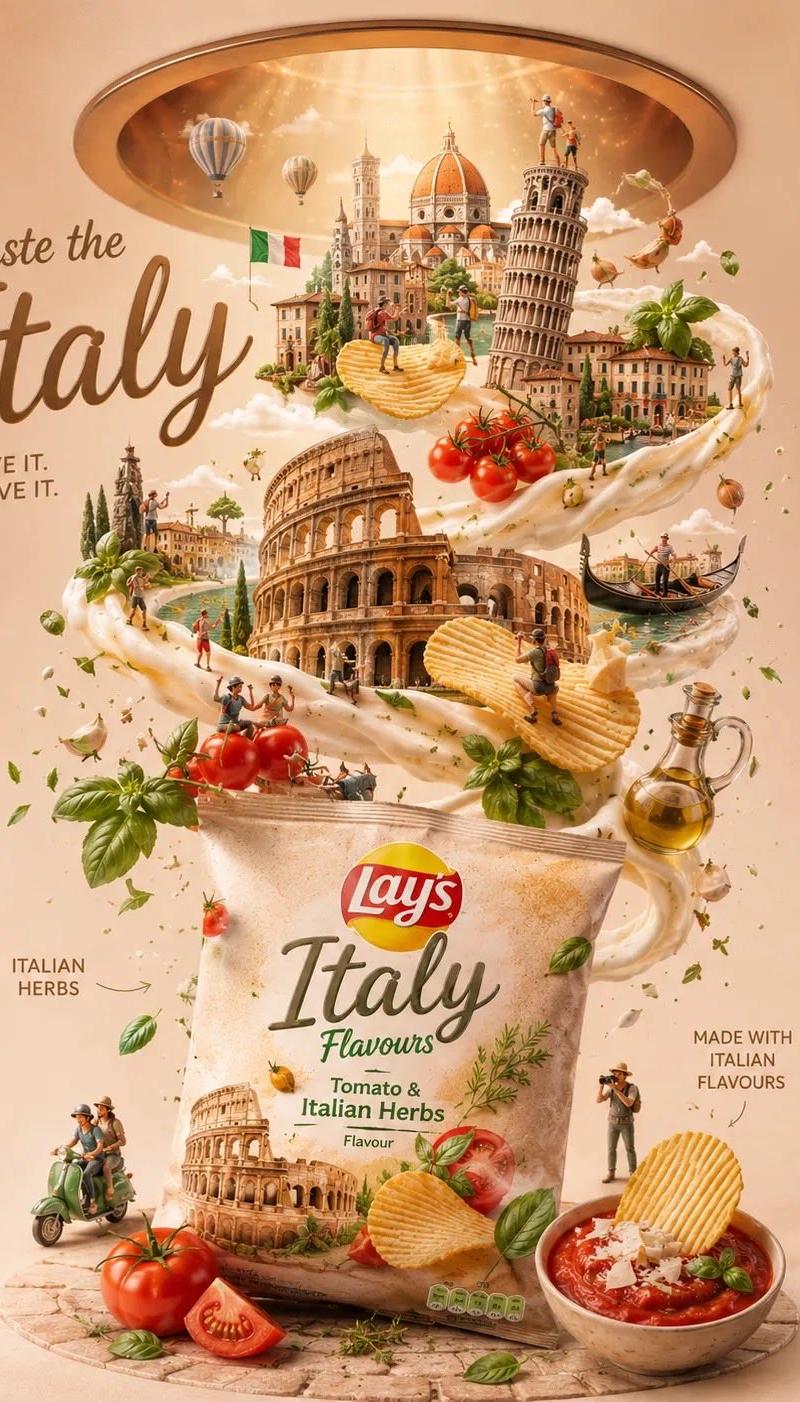
Retro mid-century city travel poster: GPT Image 2 prompt
Prompt
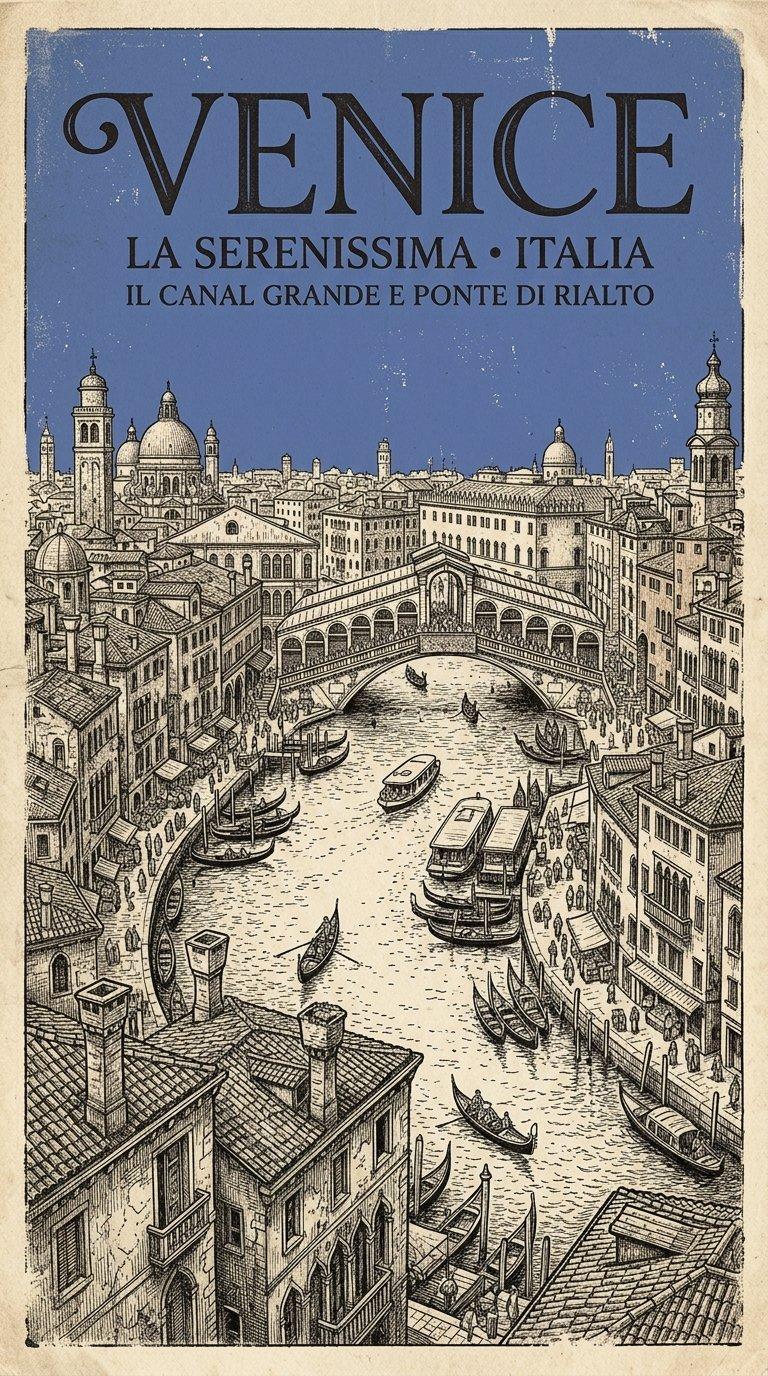
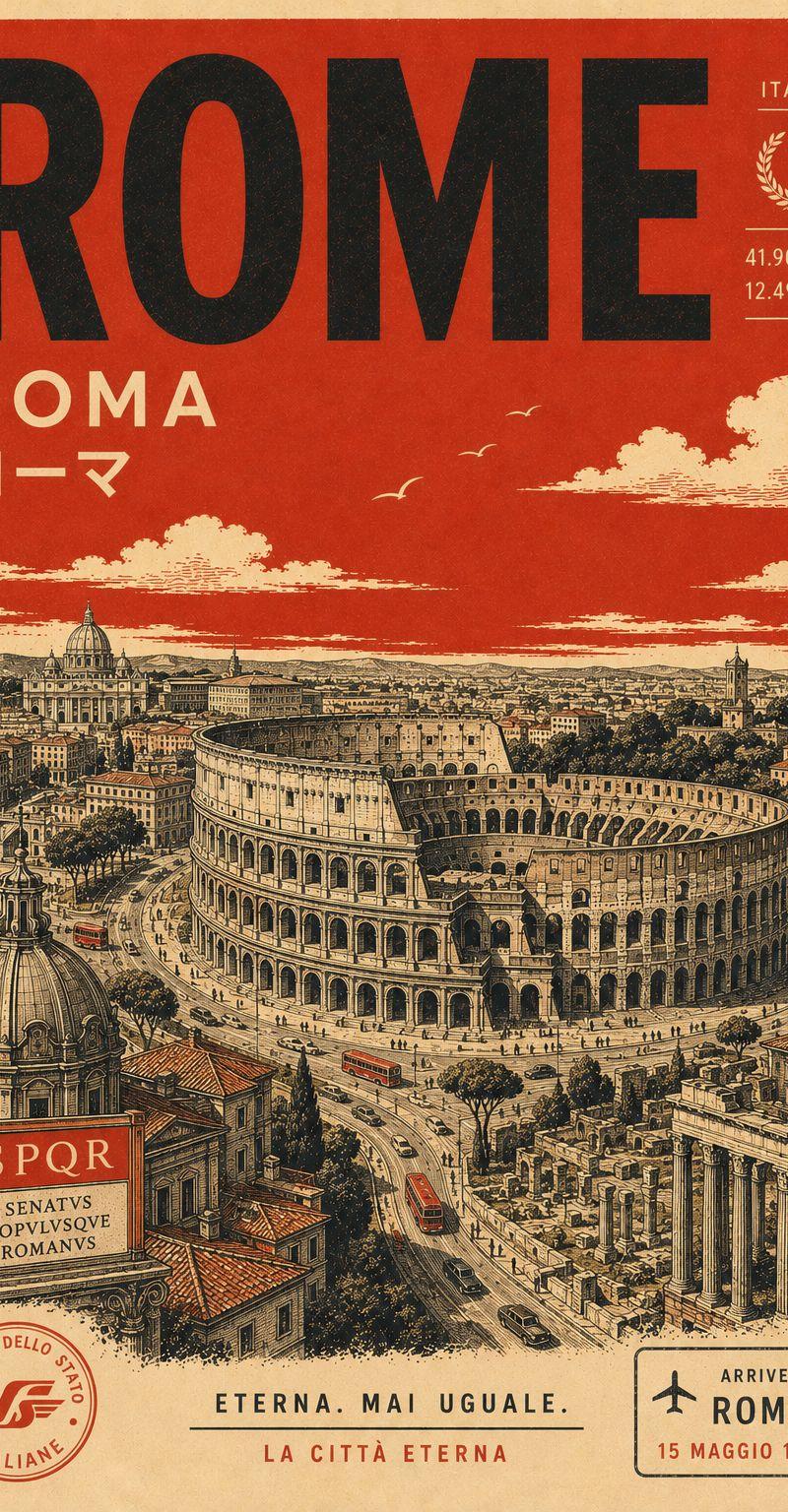
Design a tall retro-inspired destination poster for [CITY NAME], centered around an iconic view of [LANDMARK].
Visual style should blend mid-century print design with architectural illustration — clean geometric composition, elevated aerial perspective, delicate pen-style detailing, subtle crosshatching, and authentic vintage screen-print imperfections.
Palette must remain extremely limited:
warm aged-paper cream background
deep black ink linework
one bold accent color: [COLOR]
Use [COLOR] as a flat solid fill for the sky and select environmental details like rooftops, roads, signage, or water reflections. Avoid gradients, glow effects, or additional hues.
Composition should feel structured, elegant, and poster-like with simplified urban forms, strong negative space, and carefully balanced shapes.
Typography:
Large bold modernist sans-serif title: “[CITY NAME]” placed prominently near the top
Smaller subtitle beneath featuring the city name written in its native/local script in cream-colored text
Optional tiny travel-era details such as coordinates, transit marks, or date stamps for authenticity
Overall aesthetic: collectible vintage travel print, minimalist European poster design, architectural screen-print illustration, refined and timeless.
- Category
- Posters & Typography
- Model
- GPT Image 2
- Creator
- Meem
- Source language
- en
- Source ID
- 2055118385185443879
- Published
- May 15, 2026
Views0
![A miniature isometric architectural diorama of [LANDMARK NAME], accurately refle](https://whqgdndlpxjbwosvipip.supabase.co/storage/v1/render/image/public/prompt-source-media/promptsref/work-230/image-1-132cebe392ef0081.png?width=800&quality=75)