18

Sports drink athlete portrait: GPT Image 2 prompt
Enlarge

Example images

Sports drink athlete portrait: GPT Image 2 prompt

Prompt
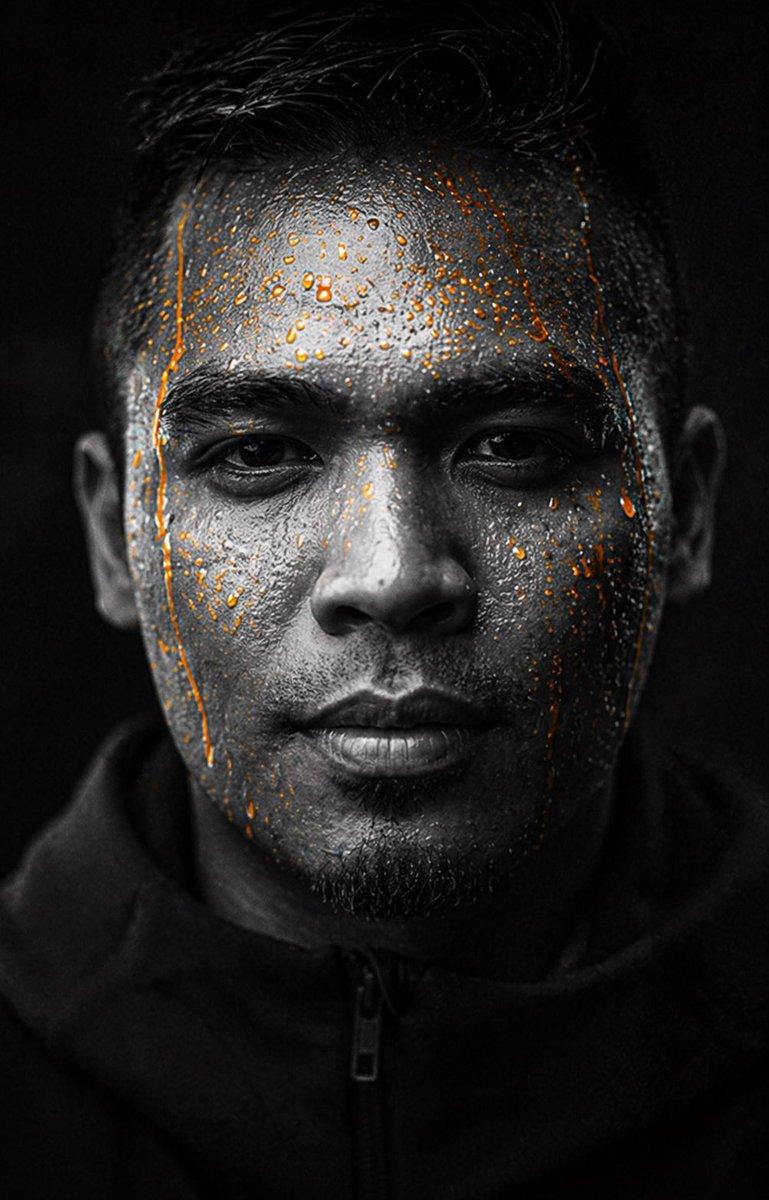
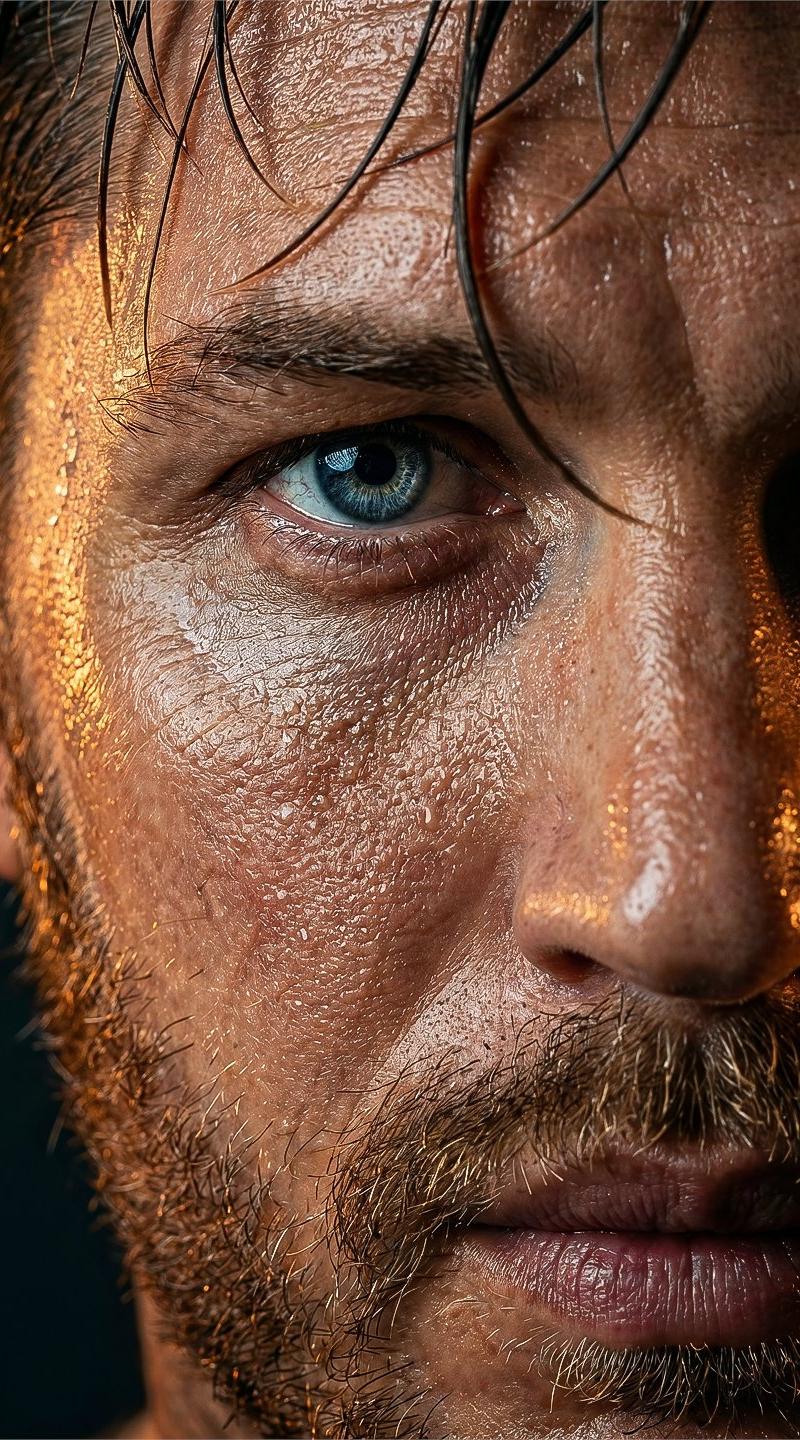
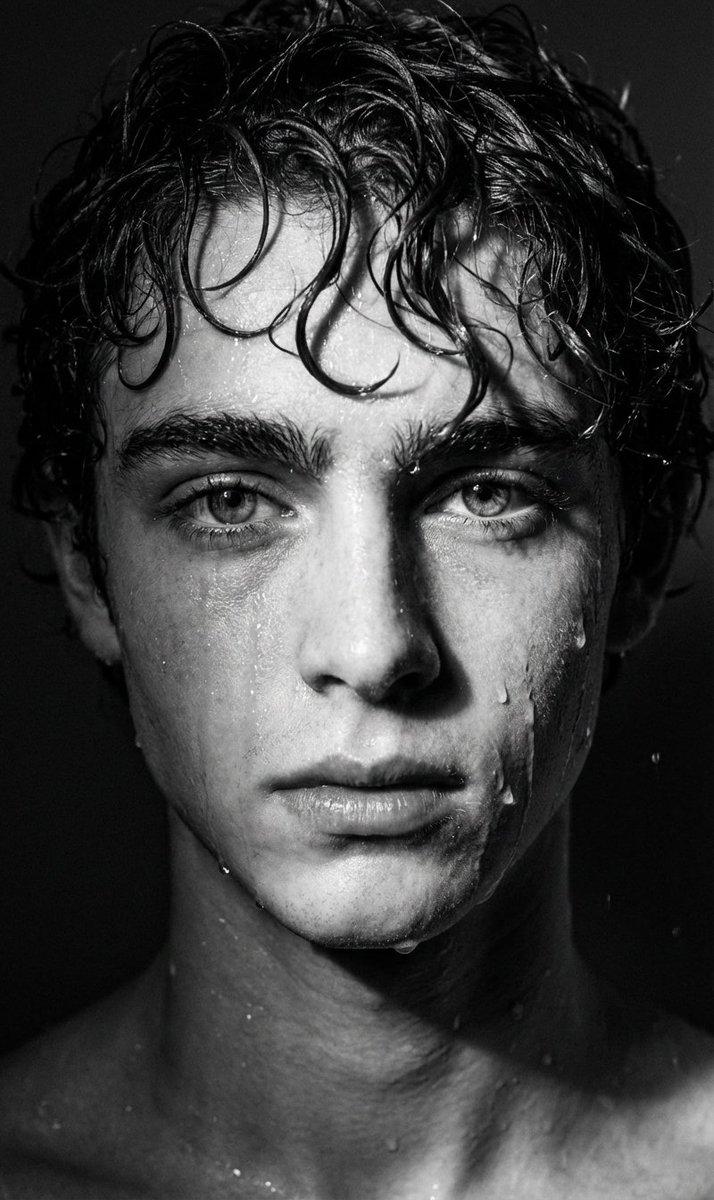
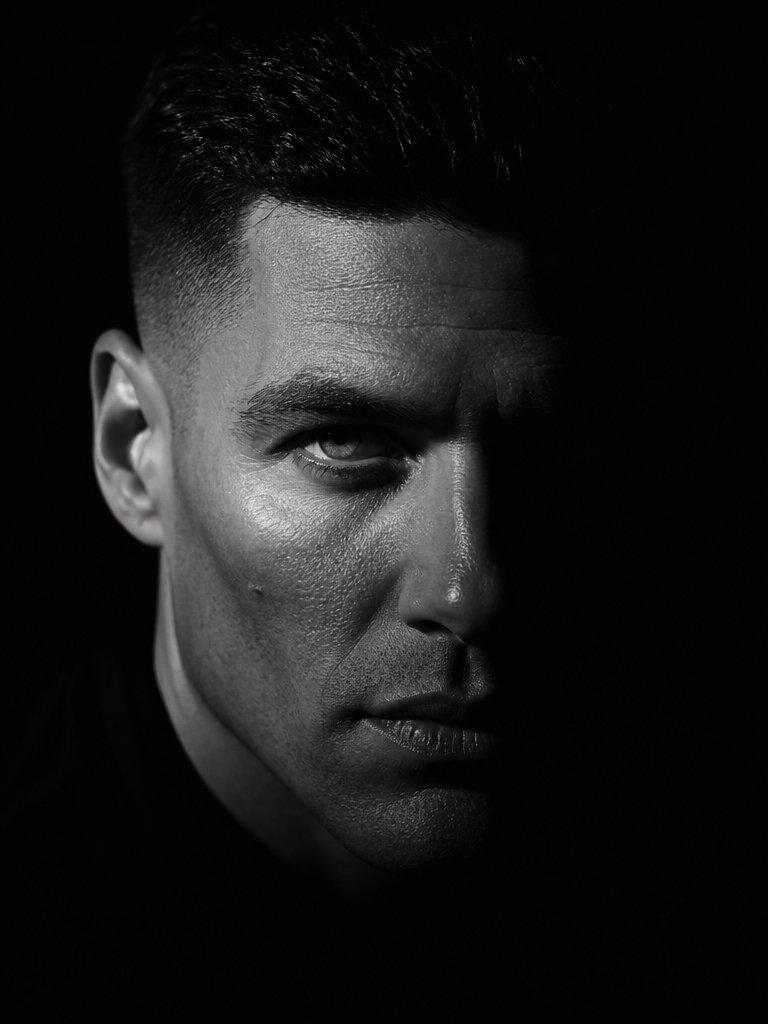
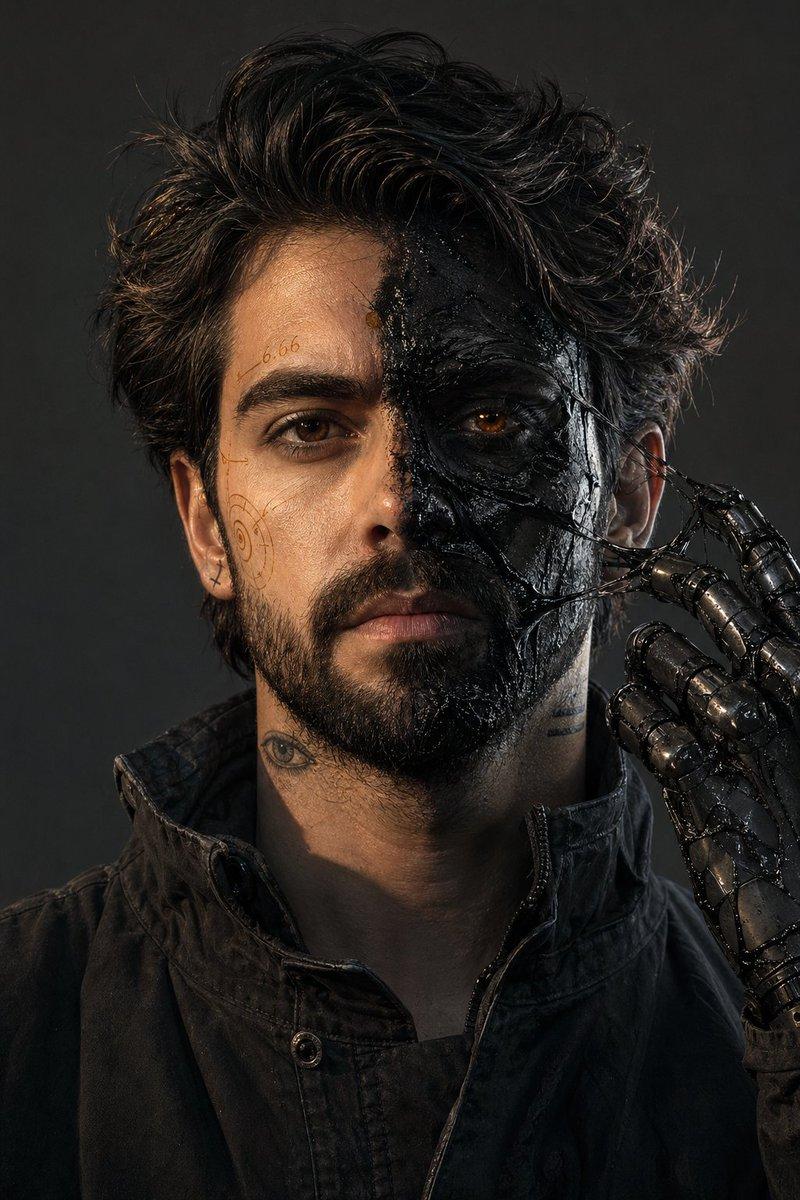
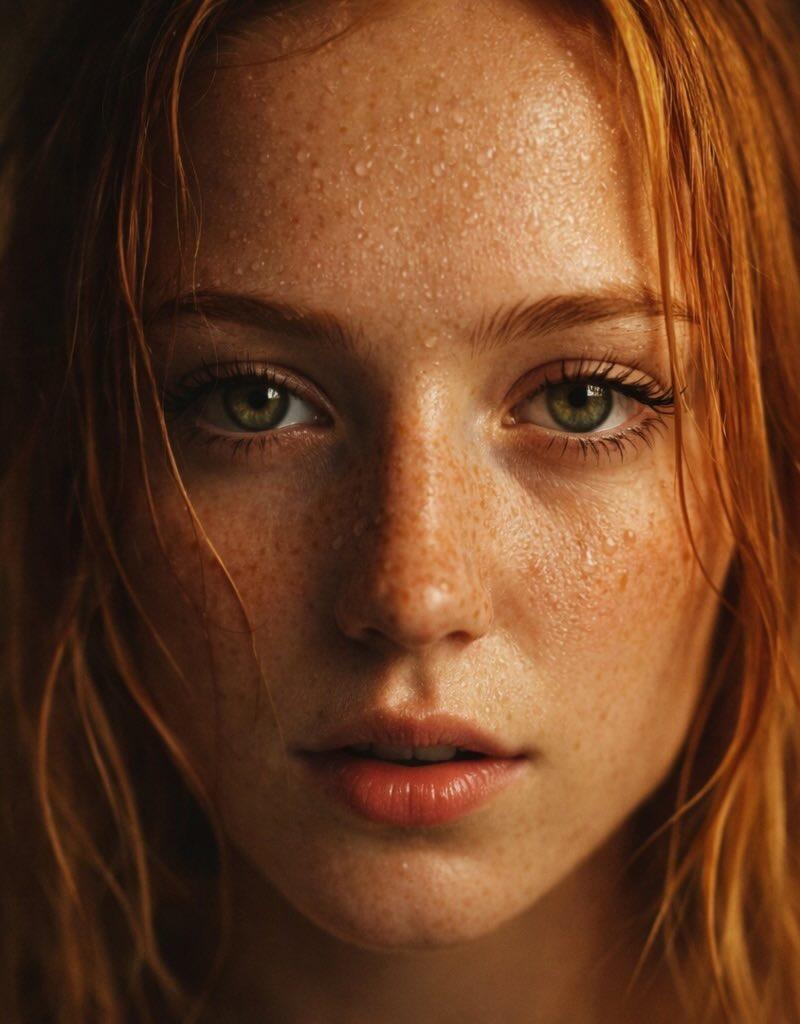
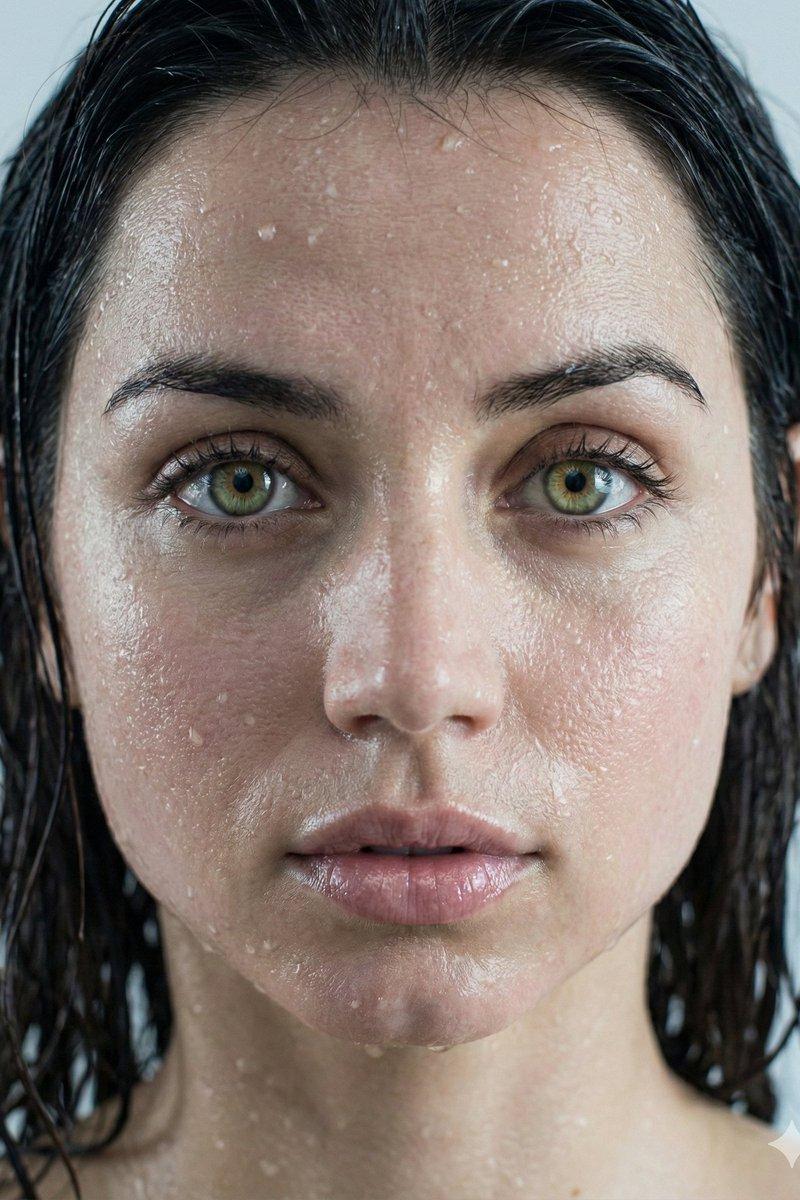
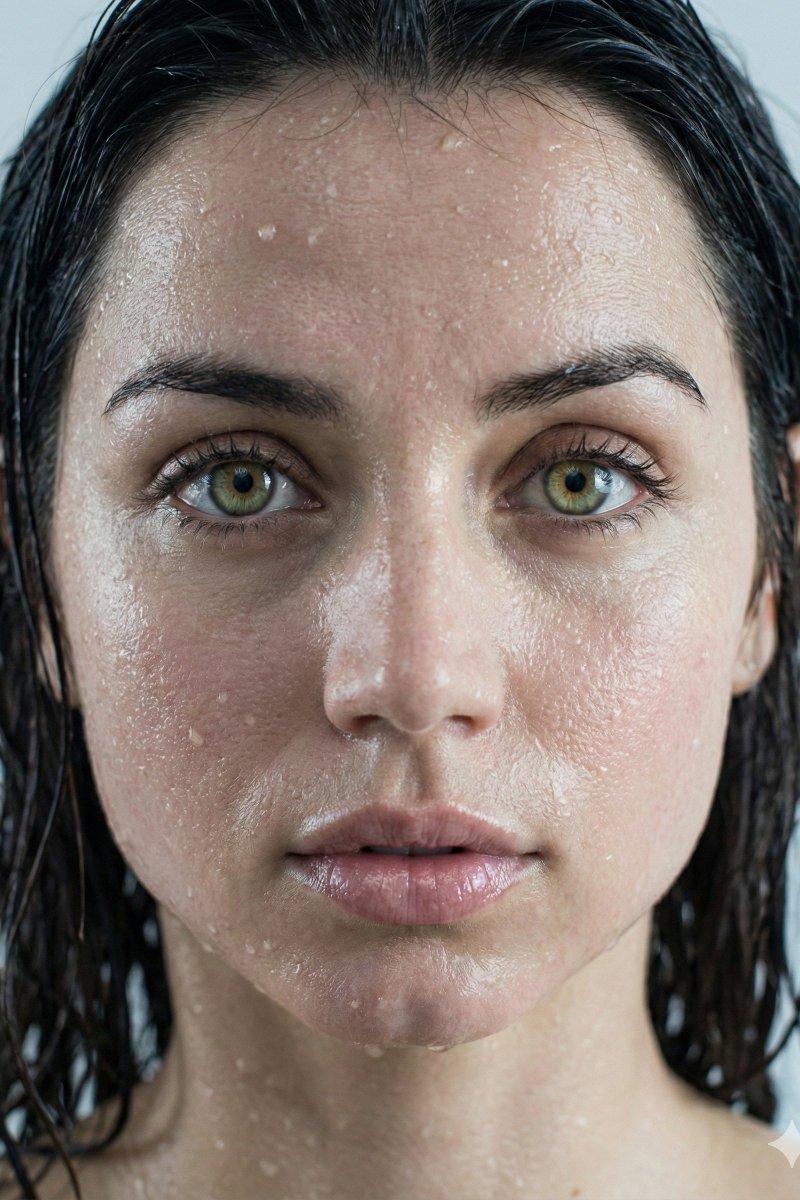
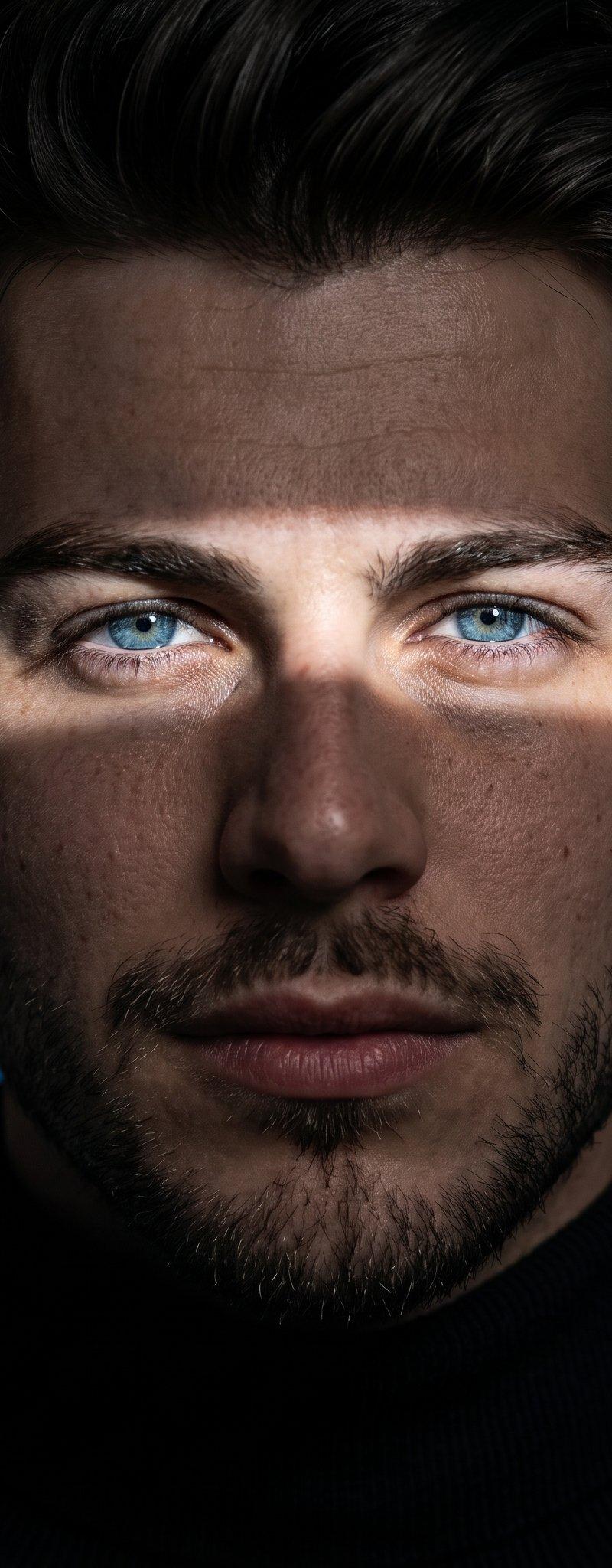
A dramatic, high-contrast studio portrait of a {argument name="subject gender" default="male"} athlete or model in the visual style of a premium sports drink advertisement, centered and facing straight toward the camera in a tight head-and-shoulders crop. The subject has {argument name="hair style" default="short dark hair brushed back"}, visible ears on both sides, and a rugged lower face with a short beard or stubble. Dress him in a dark zip-up athletic jacket with the zipper centered and visible near the collar. Use an almost entirely black background and extremely low-key lighting, with subtle rim light and soft highlights catching the hair, ears, jawline, shoulders, and jacket texture while most facial features remain swallowed by shadow for a mysterious, intense mood. The image should feel monochrome or nearly monochrome, with deep blacks, muted gray highlights, cinematic contrast, gritty texture, and a sleek commercial sports-brand aesthetic reminiscent of a {argument name="brand style" default="Gatorade"} campaign. Vertical composition, minimalist framing, no text, no logo, no props, no visible environment.
Category
Photography & Realism
Model
GPT Image 2
Creator
jeremydevz
Source language
en
Views0
Source ID
awesome-portrait-97
Published
Apr 29, 2026
Studio

Guide

About "Sports drink athlete portrait: GPT Image 2 prompt"

What is this prompt for?

"Sports drink athlete portrait: GPT Image 2 prompt" AI image prompt for GPT Image 2 (Photography & Realism). A dramatic, high-contrast studio portrait of a {ar…

The full copyable prompt and example visuals above are ready for AI image generation or one-click recreate in Picva.

How to use this prompt

  1. Step 1

    Open the prompt detail

    Review the example visuals, category, and full prompt text for "Sports drink athlete portrait: GPT Image 2 prompt".

  2. Step 2

    Copy the prompt

    Copy the prompt body from this page, or load it directly in Studio.

  3. Step 3

    Pick a model (GPT Image 2)

    Prefer GPT Image 2. If you switch models, keep subject and composition and tweak style terms.

  4. Step 4

    Generate and export

    Recreate the look in Picva, or export into your workflow for editing and publishing.

FAQ

What is the "Sports drink athlete portrait: GPT Image 2 prompt" prompt?
It is an AI image-generation prompt for GPT Image 2 in the Photography & Realism category. This page includes the full prompt text, example visuals, and a one-click recreate path in Picva.
How do I use this prompt to generate an image?
Copy the prompt from this page, or use Generate / Studio. Paste it into a compatible image model, or recreate the look in Picva with optional reference images.
Which model is this prompt for?
This page lists GPT Image 2. Most descriptive prompts also transfer to nearby image models such as GPT Image, Flux, or Midjourney with light style tweaks.
Can I use the result commercially?
You can usually copy the prompt for creation, but commercial use of the final image depends on the model terms, reference-image rights, and the generated content. Follow the source author and platform rules.