15

E-commerce Main Image - Luxury Amber Perfume Ad
Enlarge

Example images

E-commerce Main Image - Luxury Amber Perfume Ad

Prompt
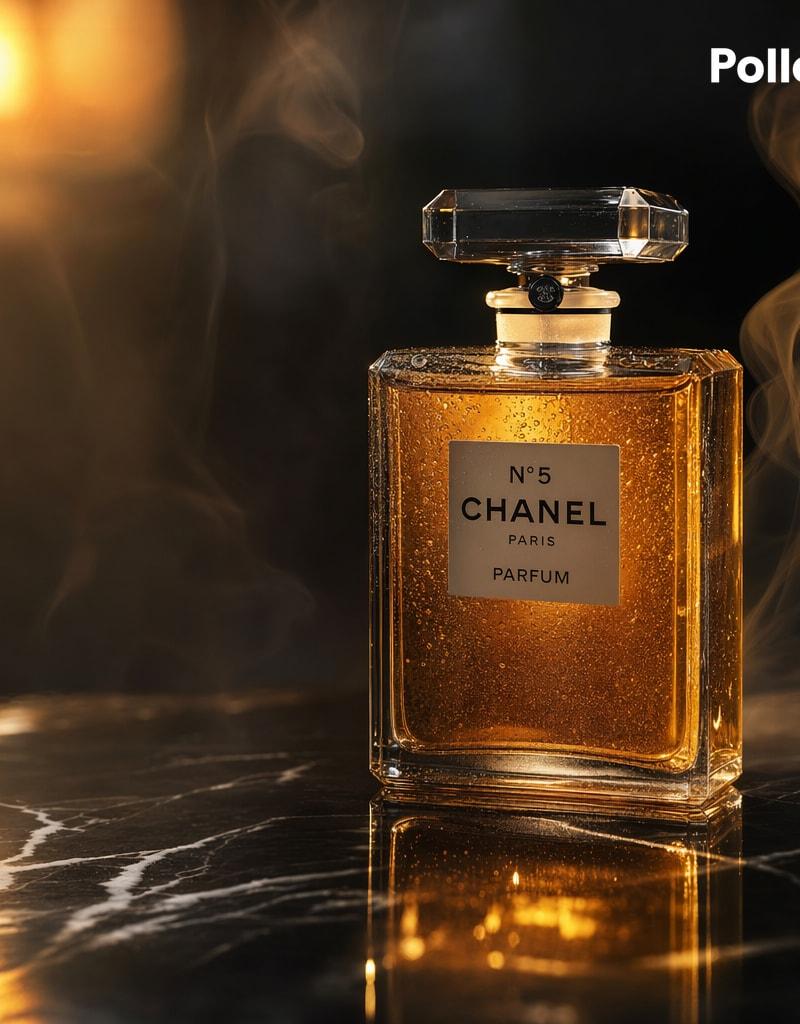
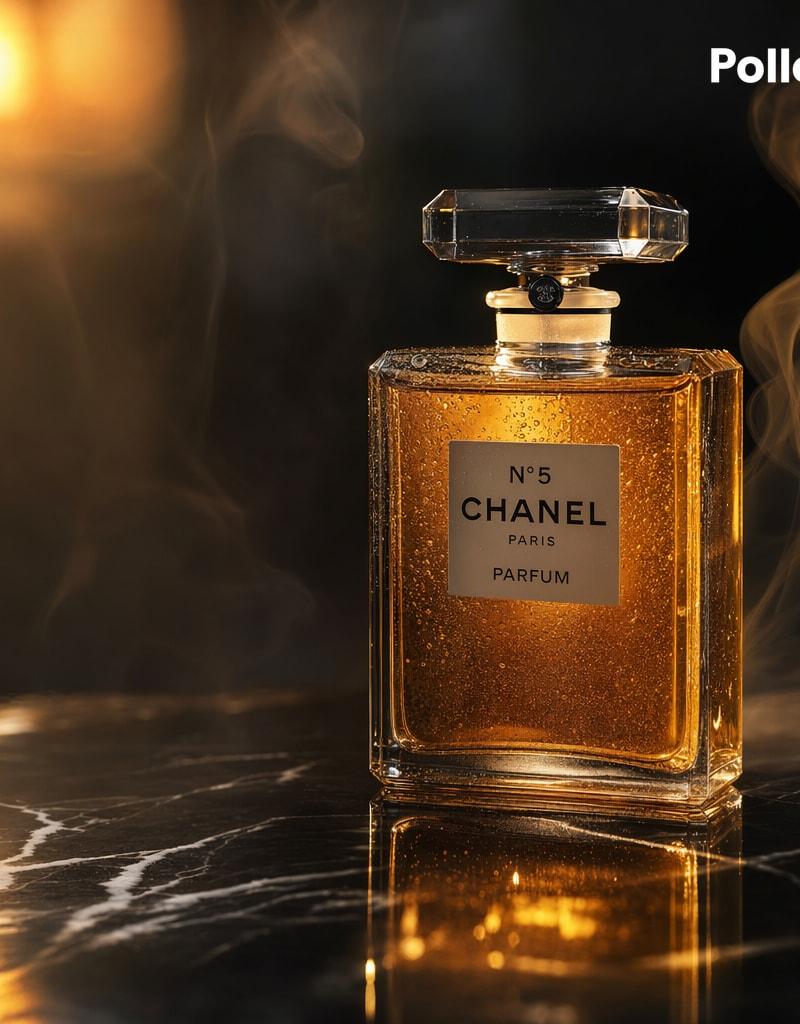
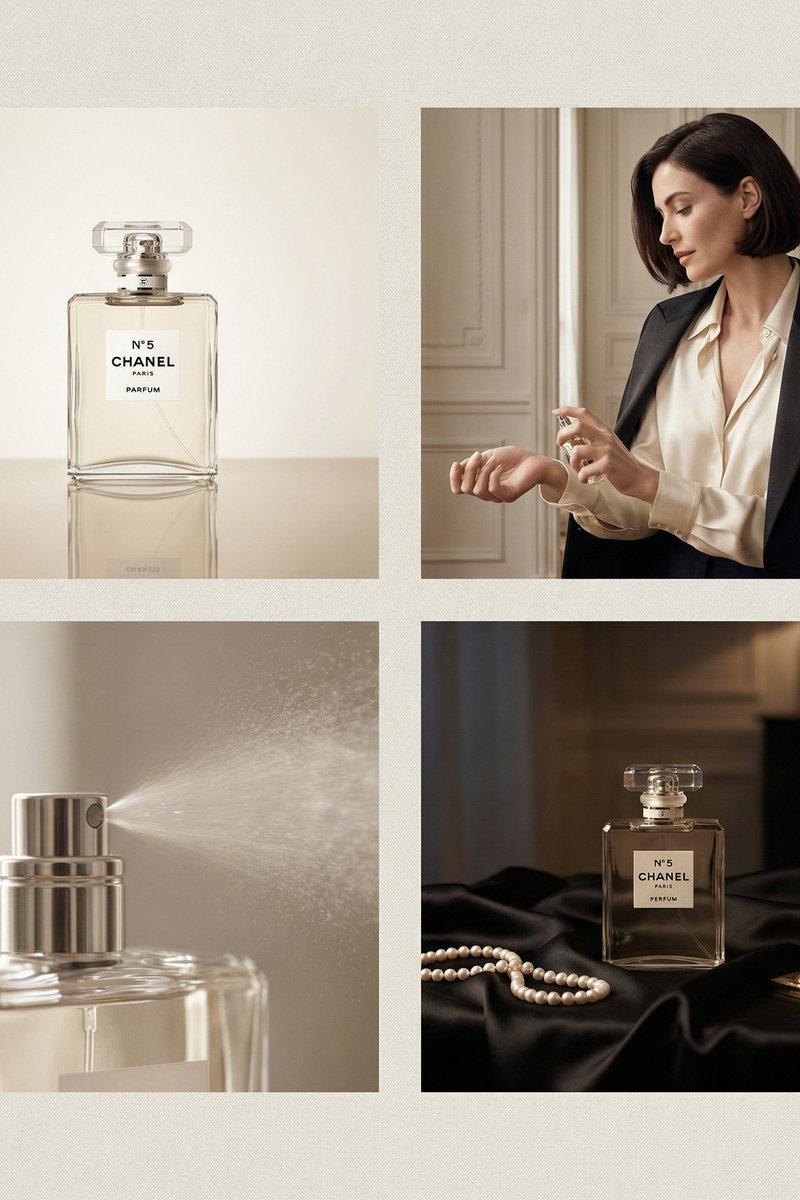
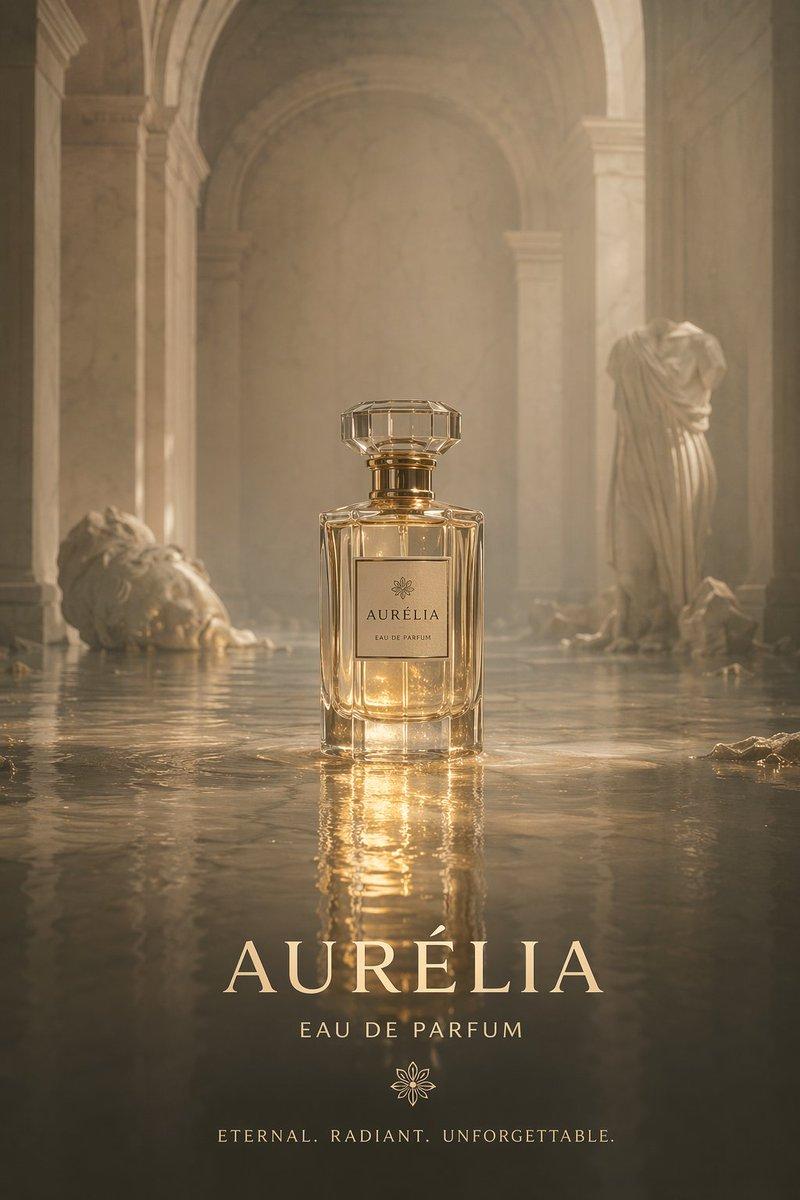
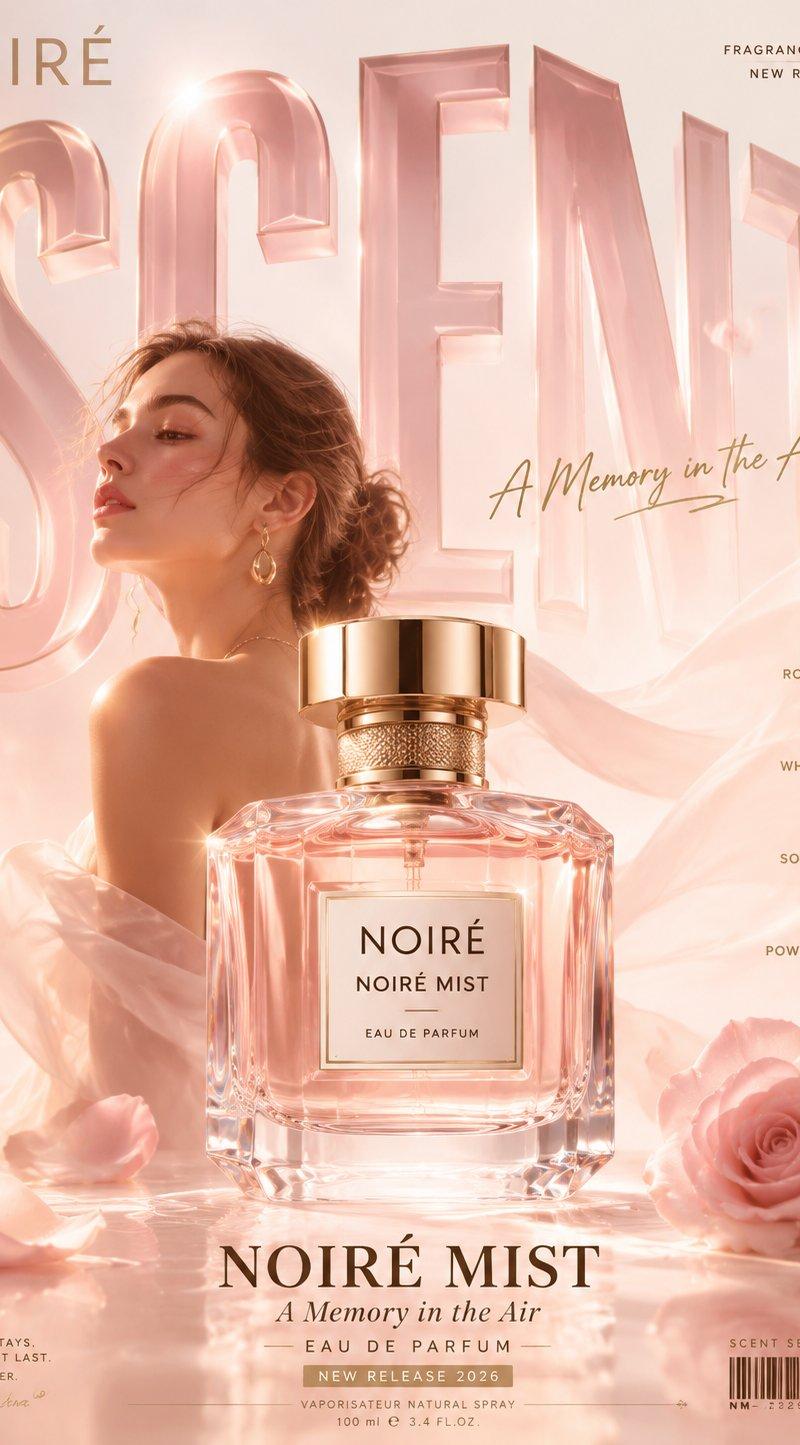
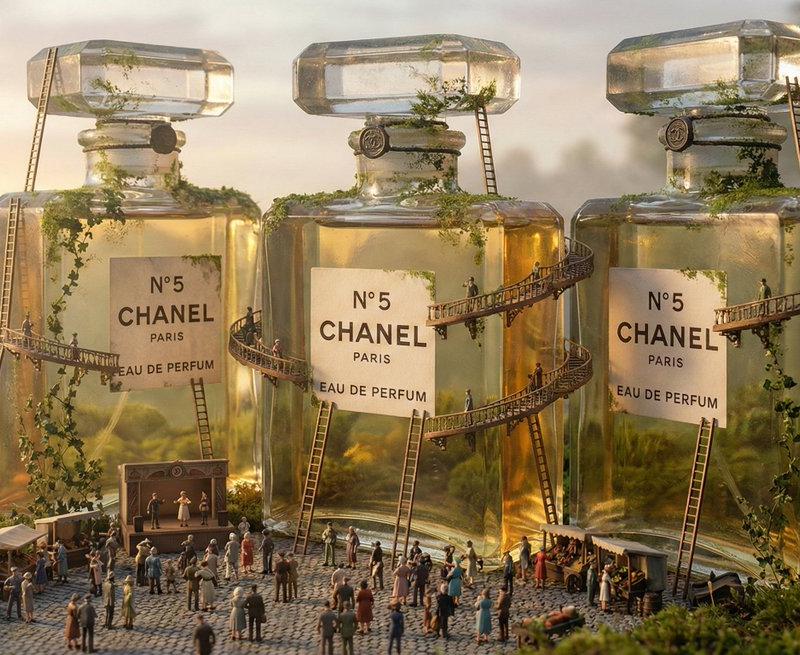
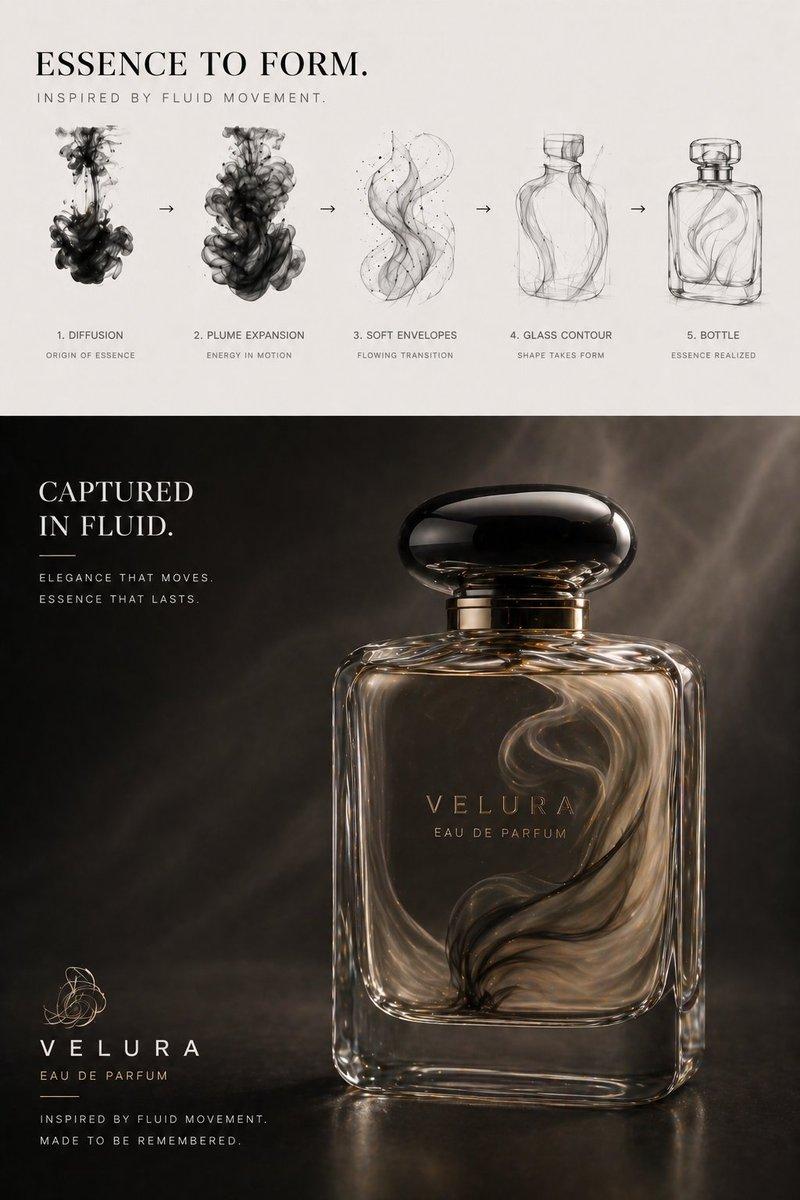
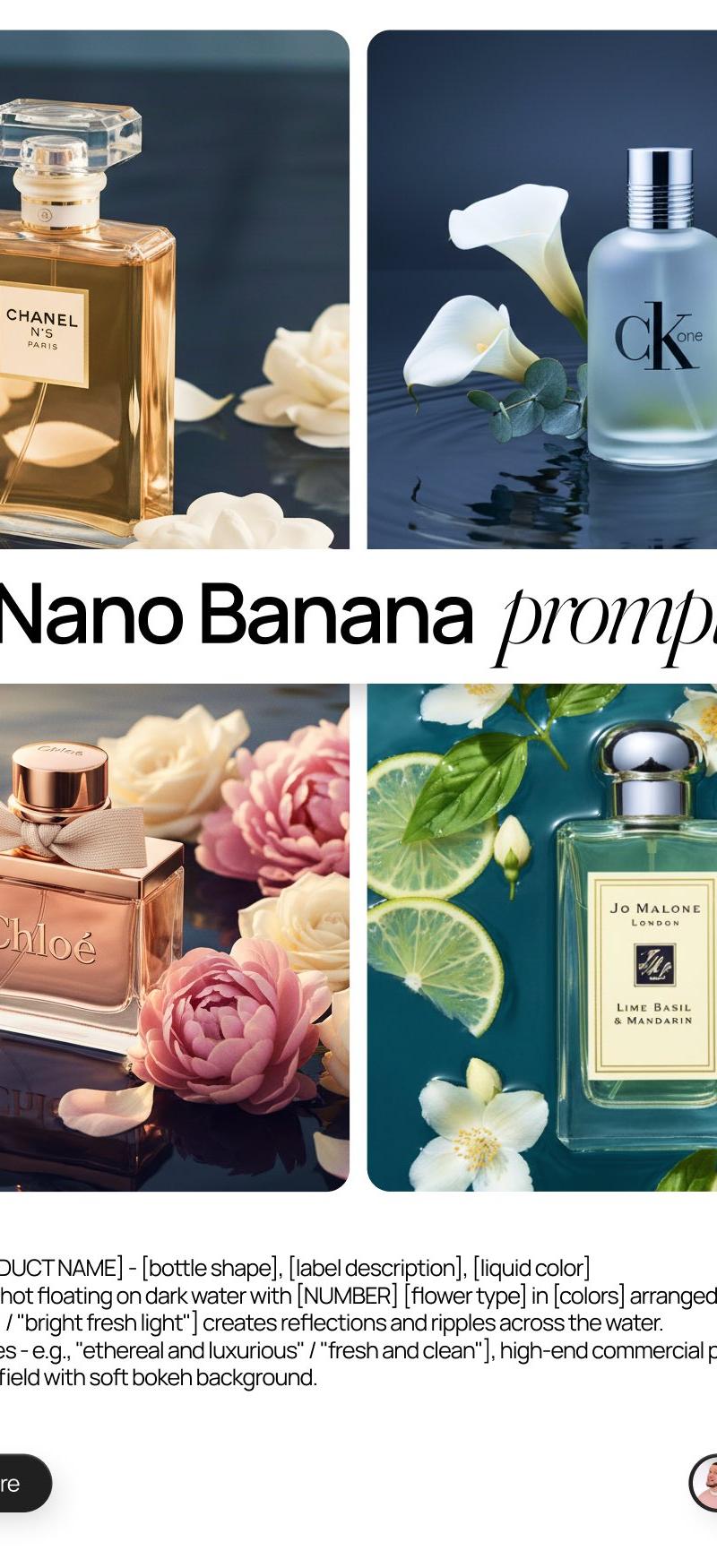
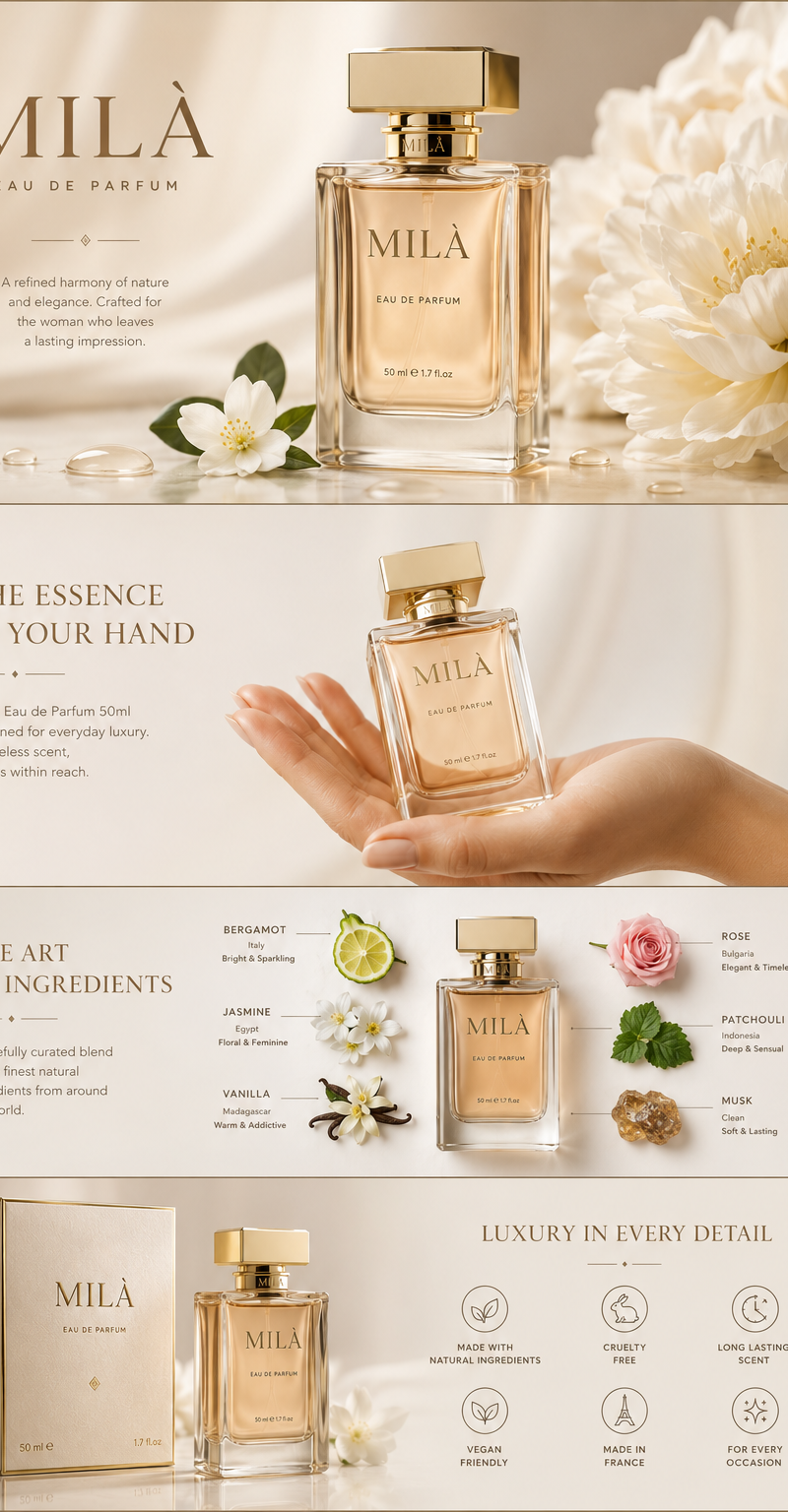
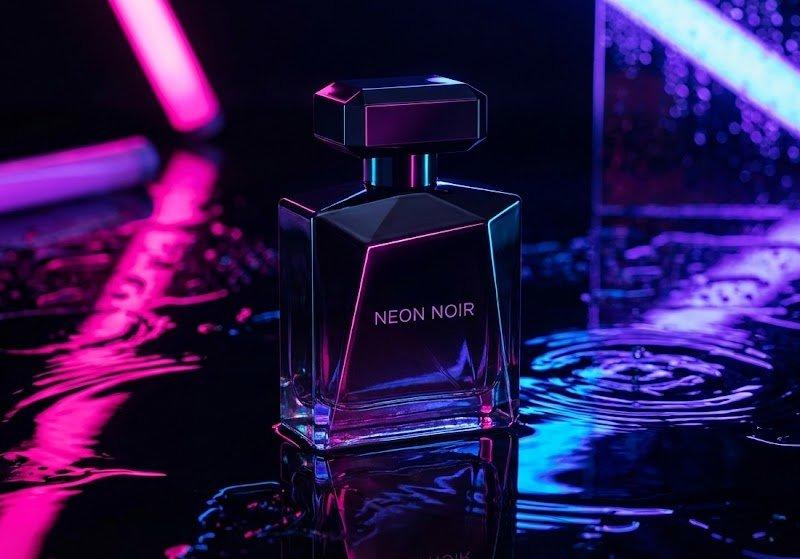
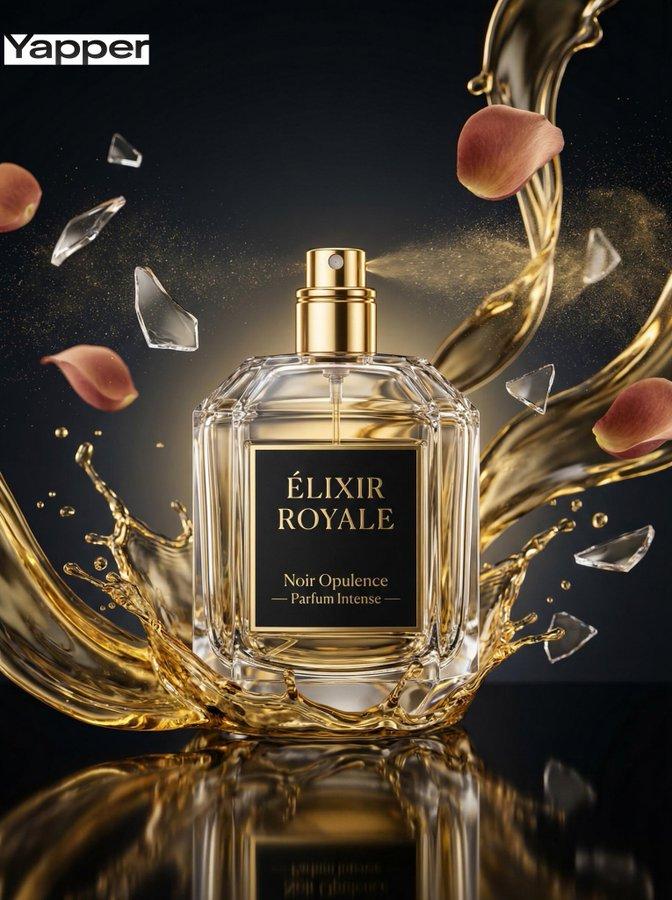
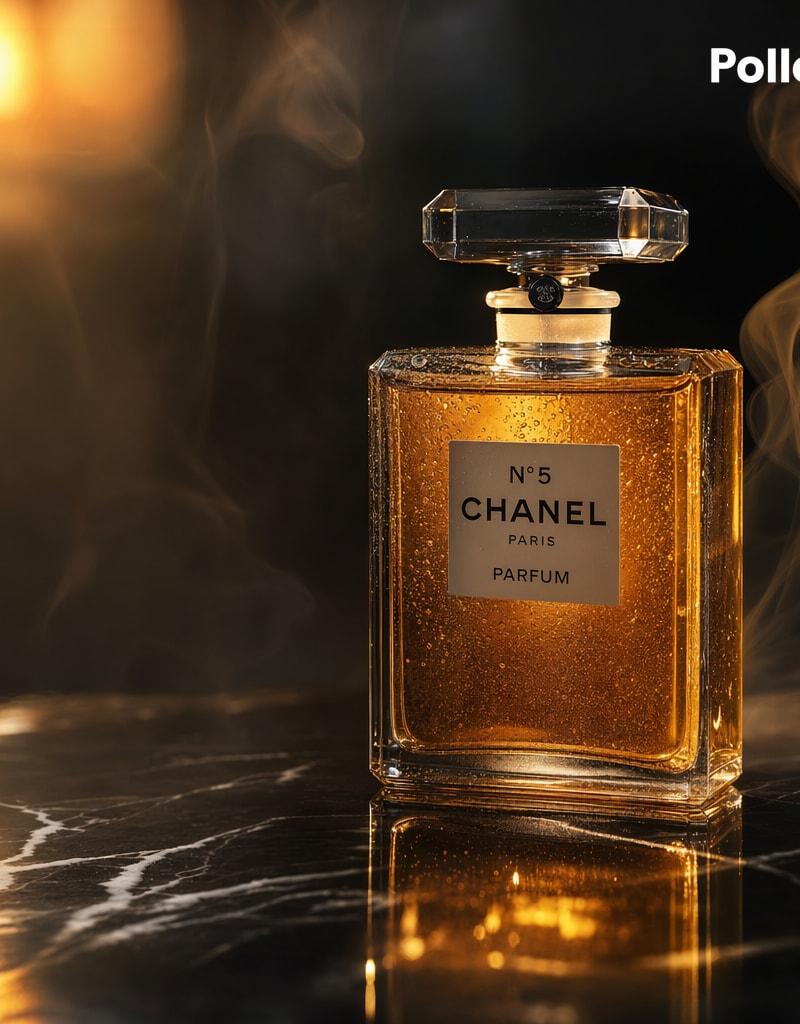
A luxurious cinematic product photograph of a classic rectangular perfume bottle inspired by {argument name="brand label" default="N°5 CHANEL PARIS PARFUM"}, placed upright on a glossy black marble surface with white veining. The bottle is centered slightly to the right, made of clear faceted glass with a large transparent crystal stopper, filled with rich amber-gold perfume that glows from within. Tiny condensation droplets cover the glass, adding texture and realism. Dramatic warm lighting from the upper left creates golden highlights, deep reflections on the marble, and a soft luminous bloom in the background. Wisps of elegant smoke curl around the bottle on both sides, enhancing a moody high-end advertisement feel. Dark background, shallow depth of field, ultra-detailed studio product photography, luxury beauty campaign aesthetic, crisp focus on the bottle, realistic reflections, warm black-and-gold color palette. Add a small white {argument name="corner logo" default="Pollo.ai"} in the top-right corner. Square composition, premium commercial ad, photorealistic, high contrast, refined and sophisticated.
Category
Products & E-commerce
Model
GPT Image 2
Creator
EvoLinkAI
Source language
en
Views1
Source ID
ecommerce-113
Studio

Guide

About "E-commerce Main Image - Luxury Amber Perfume Ad"

What is this prompt for?

"E-commerce Main Image - Luxury Amber Perfume Ad" AI image prompt for GPT Image 2 (Products & E-commerce). A luxurious cinematic product photograph of a classi…

The full copyable prompt and example visuals above are ready for AI image generation or one-click recreate in Picva.

How to use this prompt

  1. Step 1

    Open the prompt detail

    Review the example visuals, category, and full prompt text for "E-commerce Main Image - Luxury Amber Perfume Ad".

  2. Step 2

    Copy the prompt

    Copy the prompt body from this page, or load it directly in Studio.

  3. Step 3

    Pick a model (GPT Image 2)

    Prefer GPT Image 2. If you switch models, keep subject and composition and tweak style terms.

  4. Step 4

    Generate and export

    Recreate the look in Picva, or export into your workflow for editing and publishing.

FAQ

What is the "E-commerce Main Image - Luxury Amber Perfume Ad" prompt?
It is an AI image-generation prompt for GPT Image 2 in the Products & E-commerce category. This page includes the full prompt text, example visuals, and a one-click recreate path in Picva.
How do I use this prompt to generate an image?
Copy the prompt from this page, or use Generate / Studio. Paste it into a compatible image model, or recreate the look in Picva with optional reference images.
Which model is this prompt for?
This page lists GPT Image 2. Most descriptive prompts also transfer to nearby image models such as GPT Image, Flux, or Midjourney with light style tweaks.
Can I use the result commercially?
You can usually copy the prompt for creation, but commercial use of the final image depends on the model terms, reference-image rights, and the generated content. Follow the source author and platform rules.