16

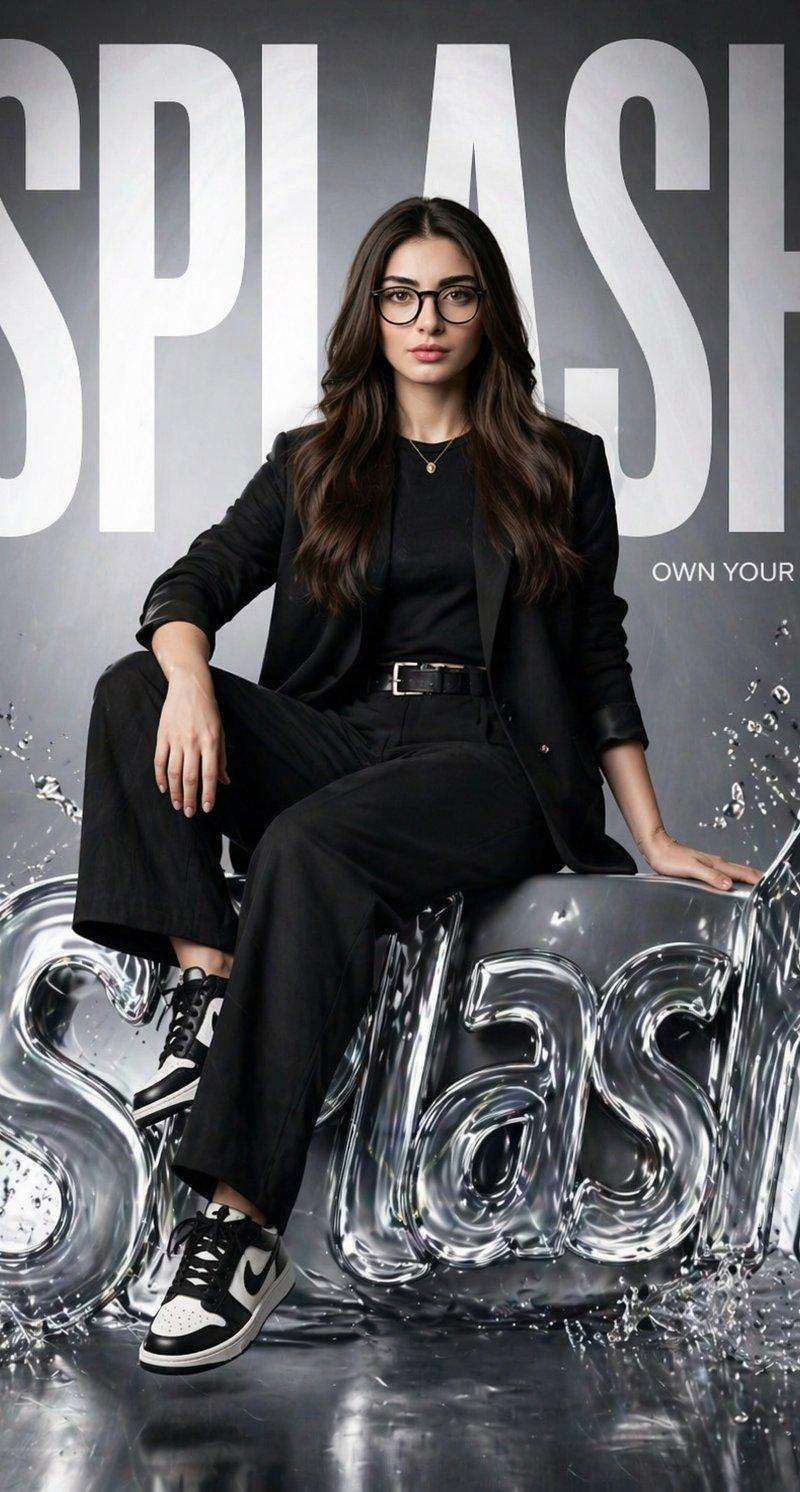
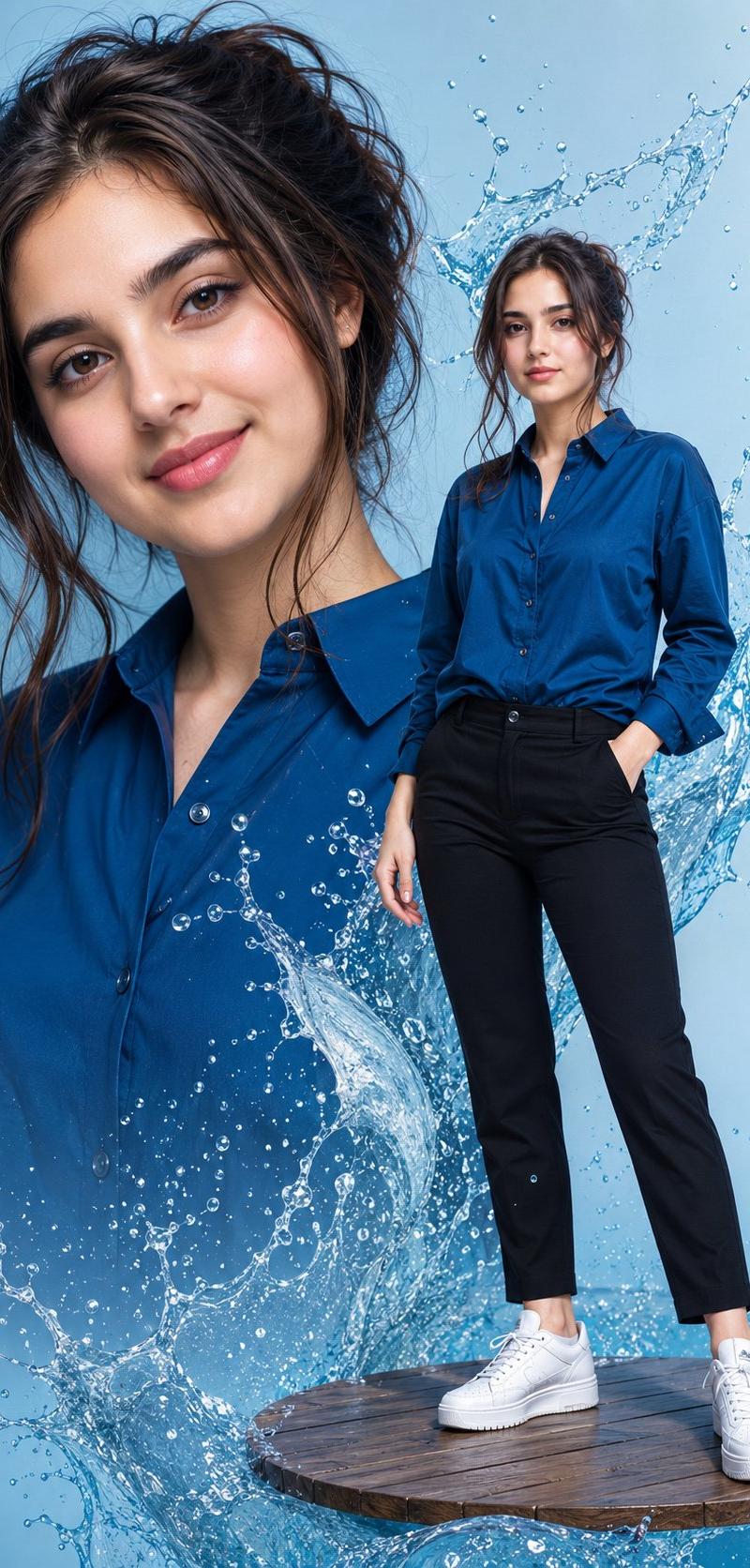
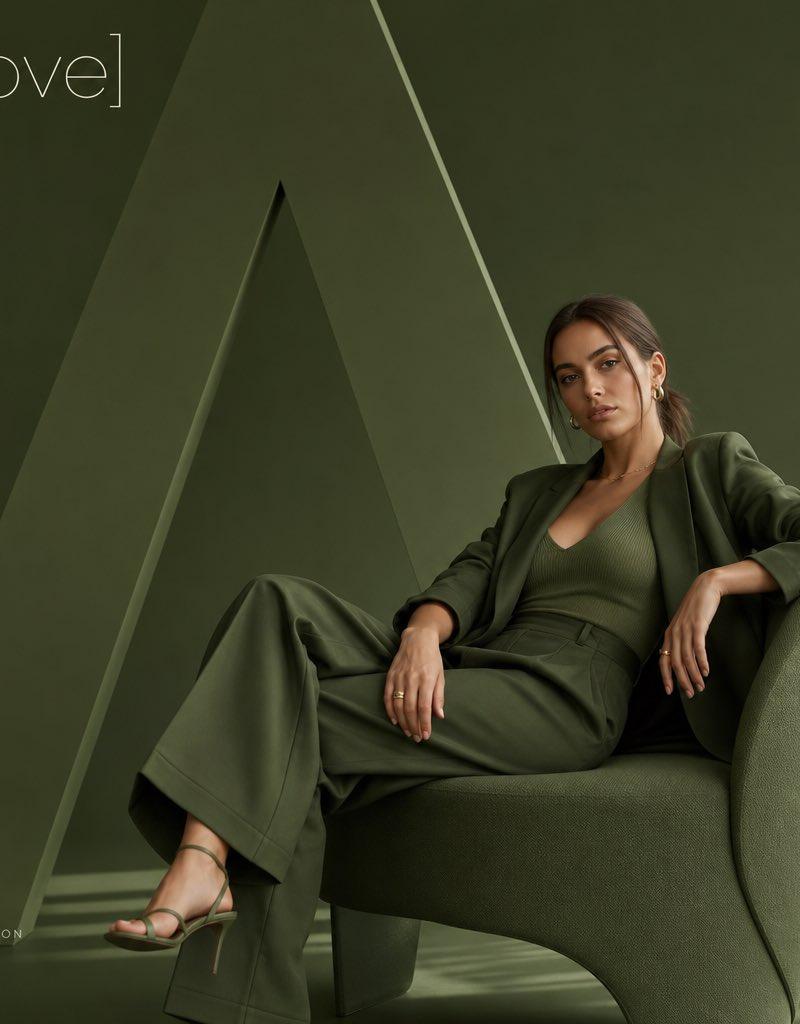
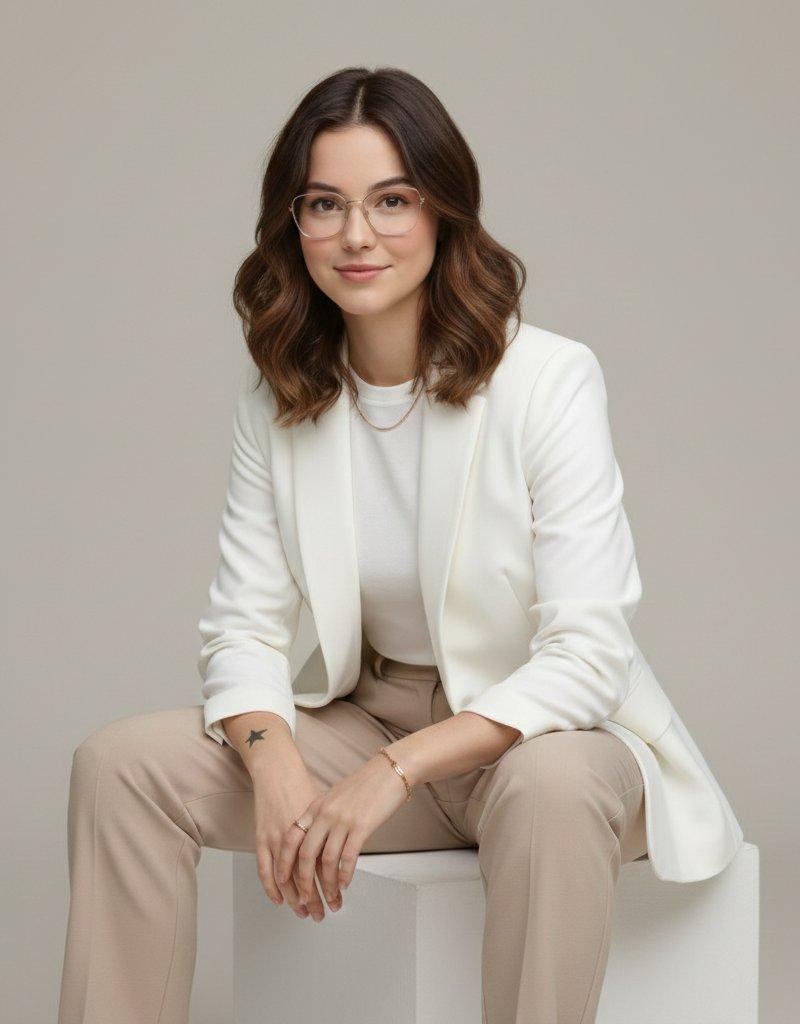
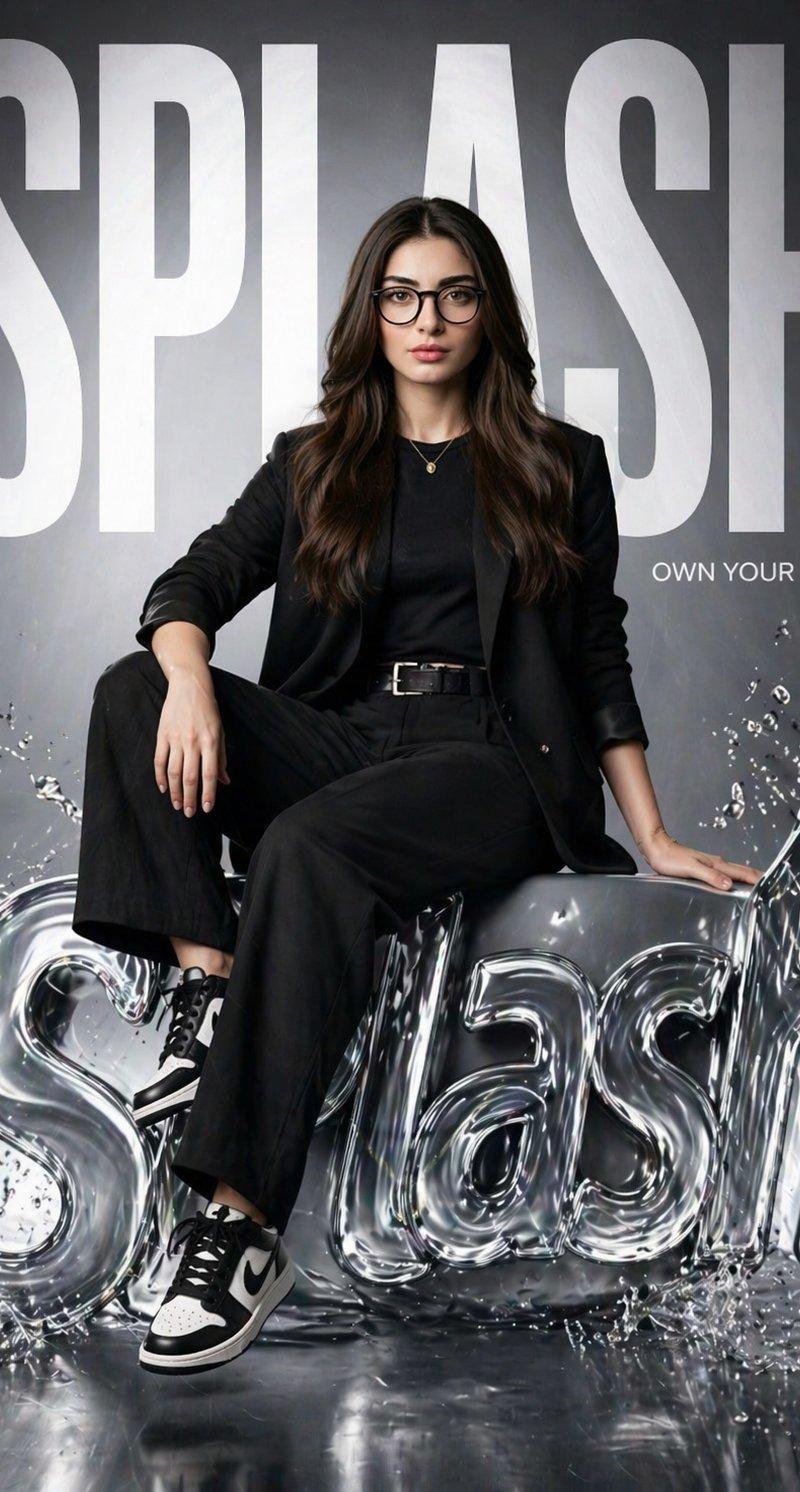
SPLASH Fashion Brand Hyper-Realistic Campaign Poster
Enlarge

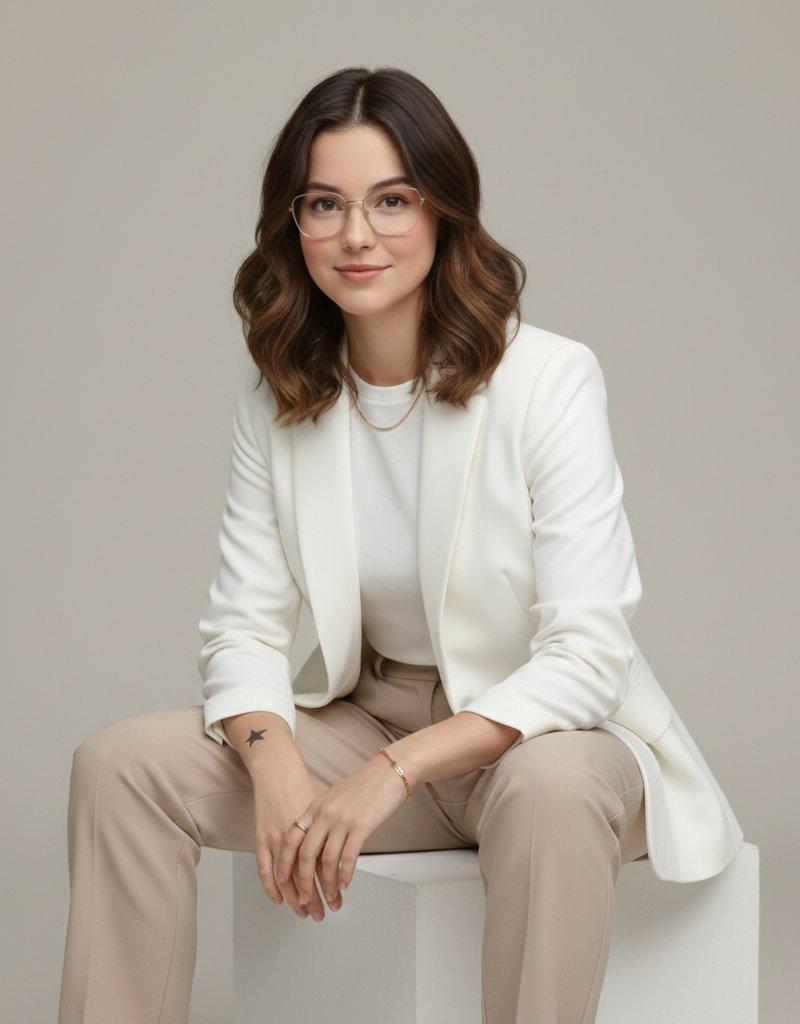
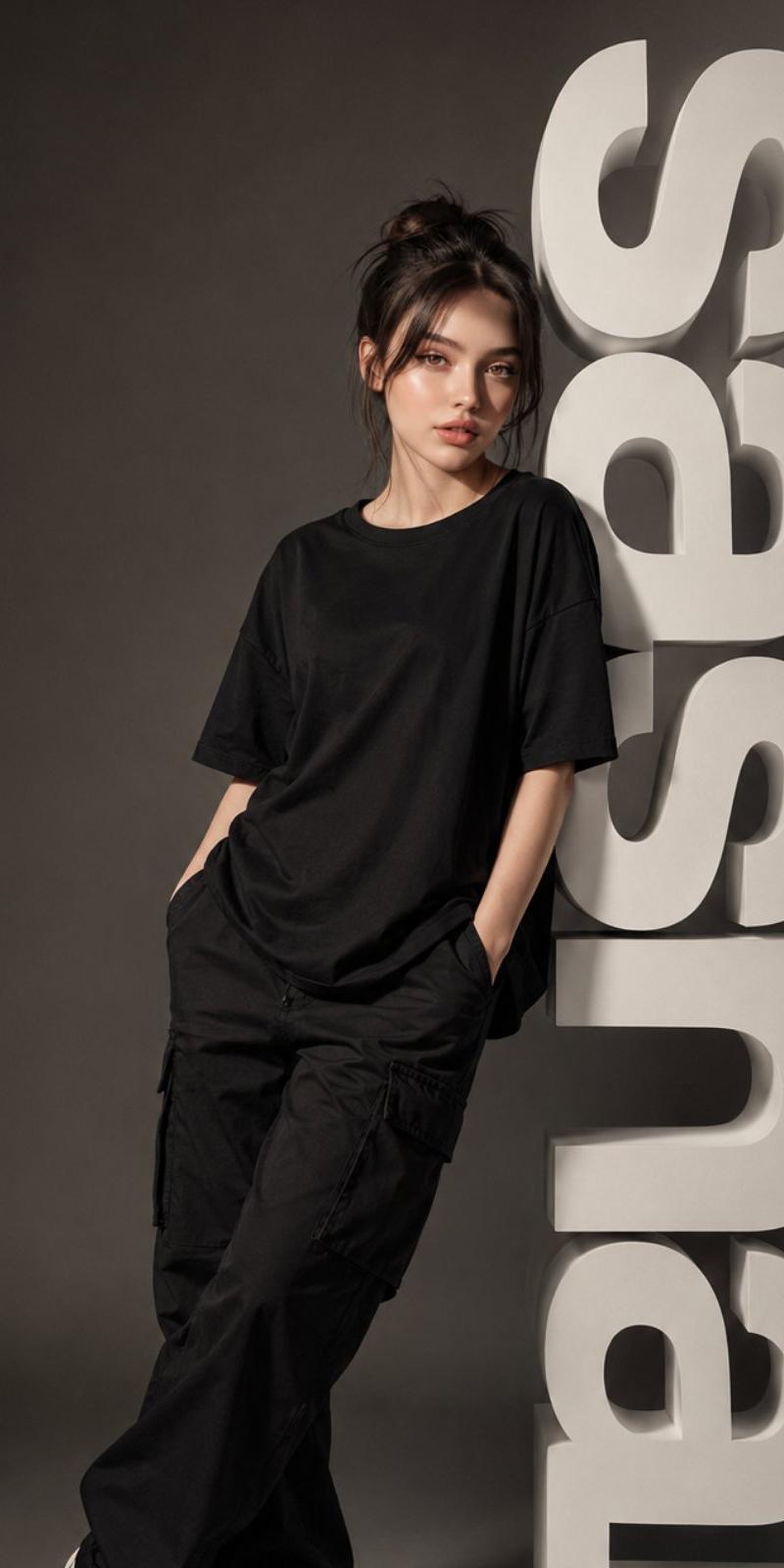
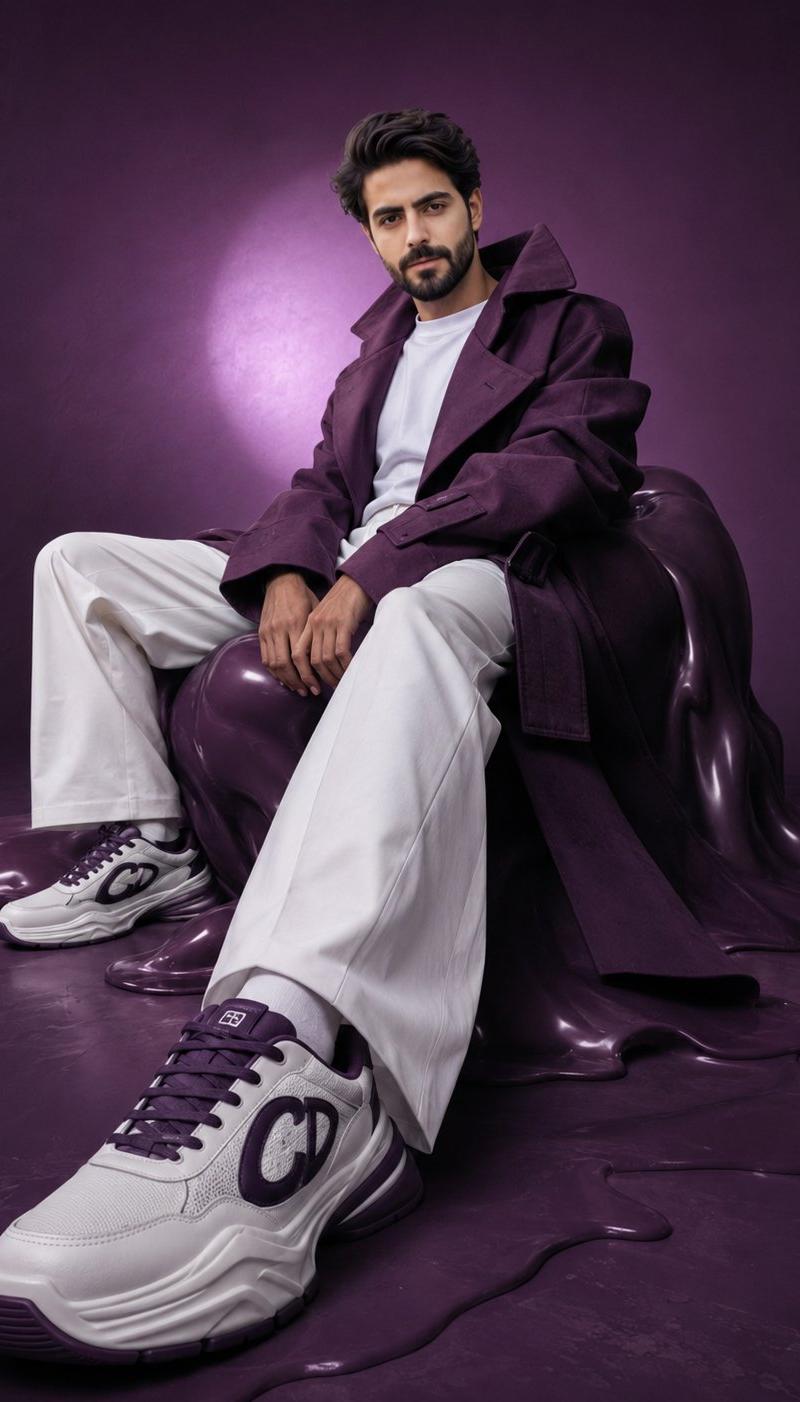
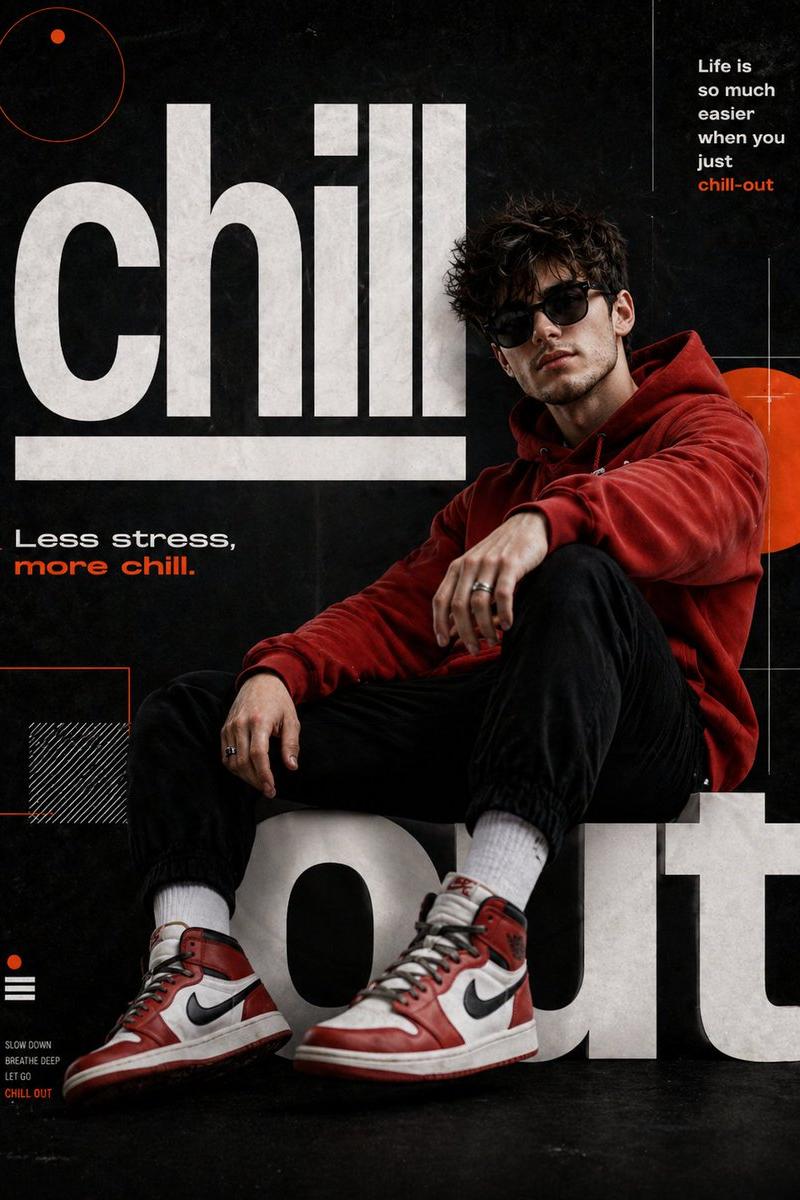
Example images

SPLASH Fashion Brand Hyper-Realistic Campaign Poster

Prompt
Create a hyper-realistic fashion poster for “SPLASH” featuring the same girl from the reference image (keep her face 100% identical). She is sitting confidently on a glossy, liquid-style 3D SPLASH logo with water splash effects. One leg relaxed, one bent, strong editorial pose.
Background has massive bold “SPLASH” text filling the frame, partially behind her. Add small tagline: “Own Your Style.”
Outfit: modern black street-fashion (blazer, fitted top, trousers, sneakers).
Lighting: cinematic studio, soft key light + rim light, reflective highlights on liquid logo.
Style: luxury brand campaign (Zara / H&M), clean glossy environment.
Camera: 85mm lens, shallow depth of field, 8K, ultra-detailed, photorealistic.
Category
Posters & Typography
Model
GPT Image 2
Creator
EvoLinkAI
Source language
en
Views1
Source ID
poster-80
Studio

Guide

About "SPLASH Fashion Brand Hyper-Realistic Campaign Poster"

What is this prompt for?

"SPLASH Fashion Brand Hyper-Realistic Campaign Poster" AI image prompt for GPT Image 2 (Posters & Typography). Create a hyper-realistic fashion poster for “SPL…

The full copyable prompt and example visuals above are ready for AI image generation or one-click recreate in Picva.

How to use this prompt

  1. Step 1

    Open the prompt detail

    Review the example visuals, category, and full prompt text for "SPLASH Fashion Brand Hyper-Realistic Campaign Poster".

  2. Step 2

    Copy the prompt

    Copy the prompt body from this page, or load it directly in Studio.

  3. Step 3

    Pick a model (GPT Image 2)

    Prefer GPT Image 2. If you switch models, keep subject and composition and tweak style terms.

  4. Step 4

    Generate and export

    Recreate the look in Picva, or export into your workflow for editing and publishing.

FAQ

What is the "SPLASH Fashion Brand Hyper-Realistic Campaign Poster" prompt?
It is an AI image-generation prompt for GPT Image 2 in the Posters & Typography category. This page includes the full prompt text, example visuals, and a one-click recreate path in Picva.
How do I use this prompt to generate an image?
Copy the prompt from this page, or use Generate / Studio. Paste it into a compatible image model, or recreate the look in Picva with optional reference images.
Which model is this prompt for?
This page lists GPT Image 2. Most descriptive prompts also transfer to nearby image models such as GPT Image, Flux, or Midjourney with light style tweaks.
Can I use the result commercially?
You can usually copy the prompt for creation, but commercial use of the final image depends on the model terms, reference-image rights, and the generated content. Follow the source author and platform rules.