18

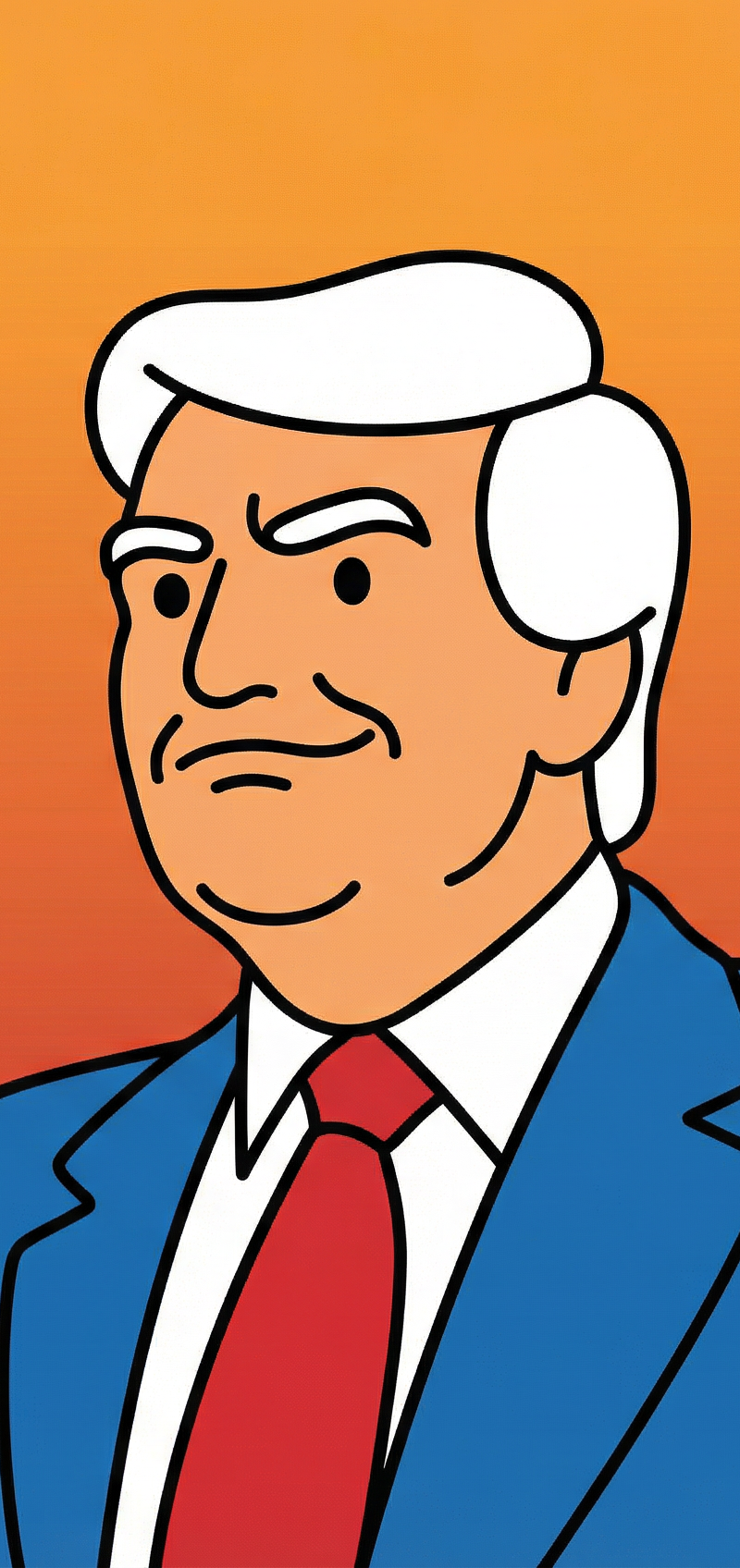
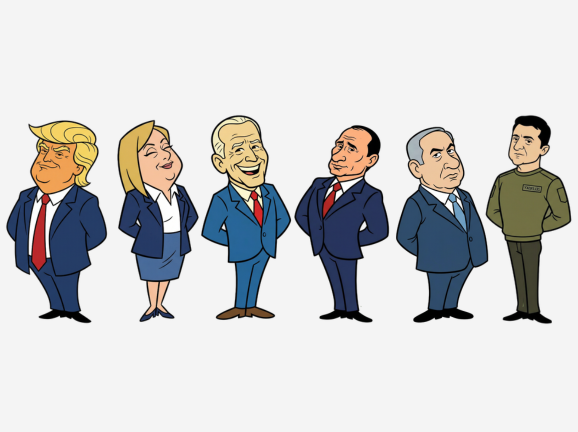
60年代汉纳巴伯拉复古扁平卡通角色
Enlarge

Example images

60年代汉纳巴伯拉复古扁平卡通角色

Prompt
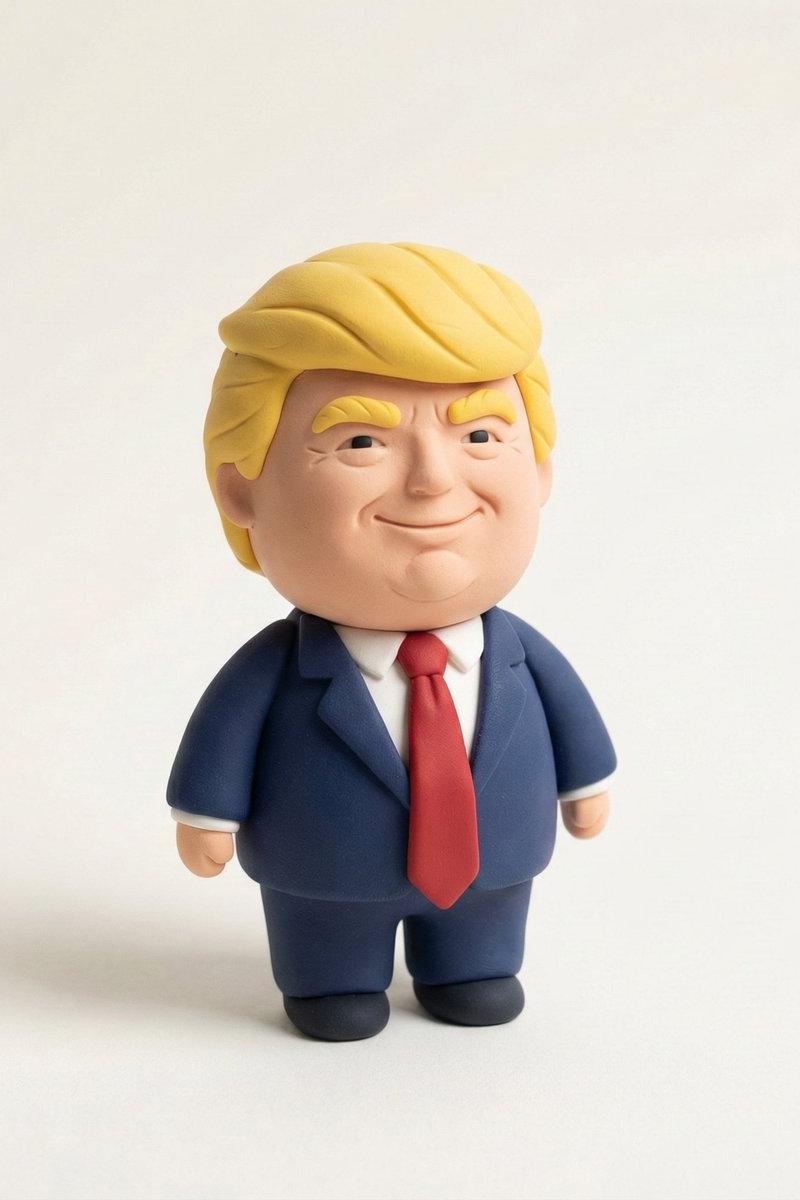
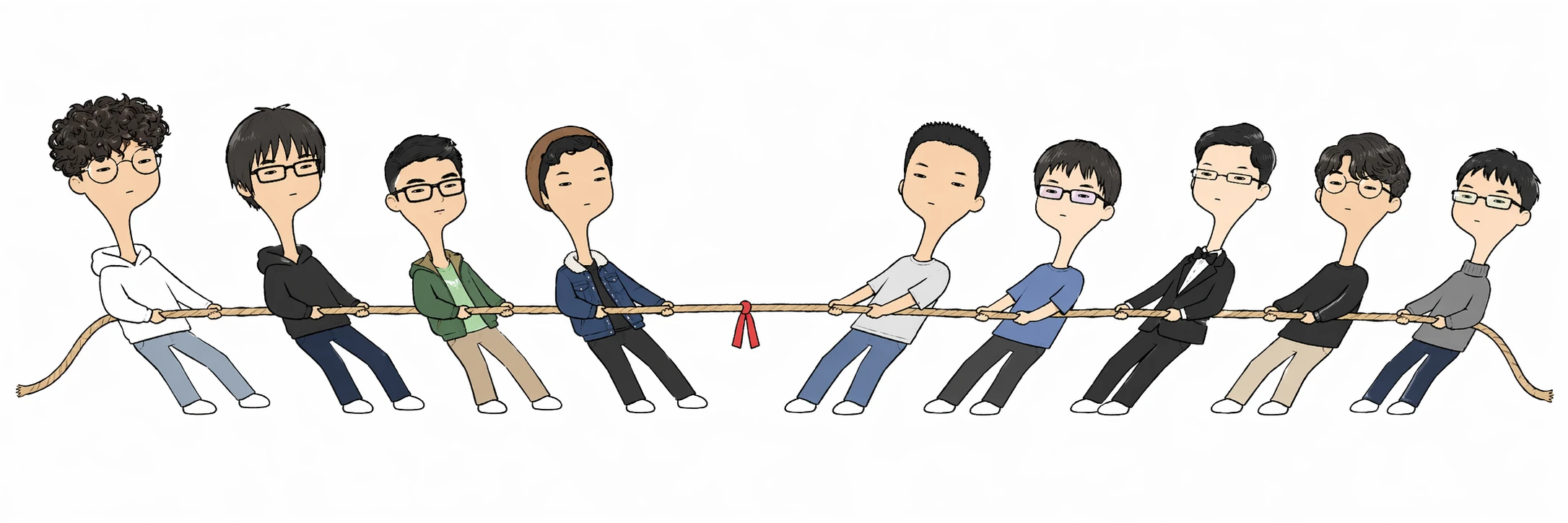
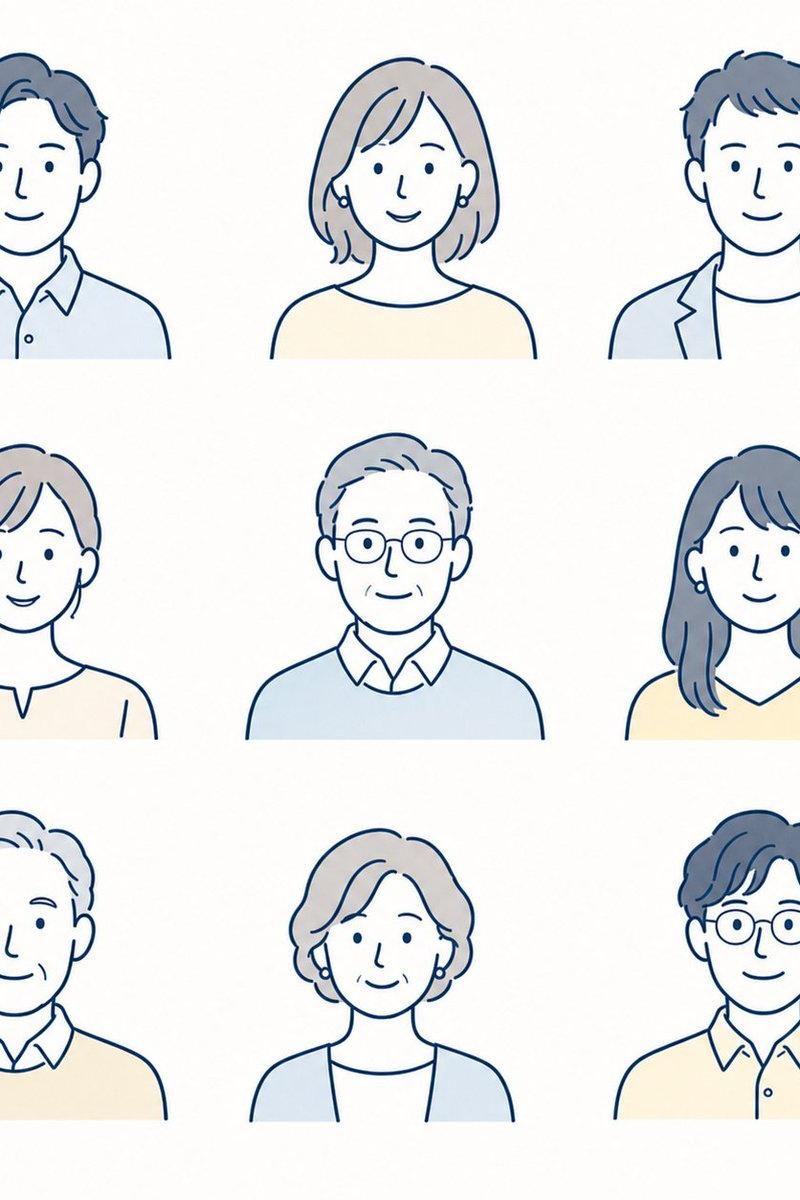
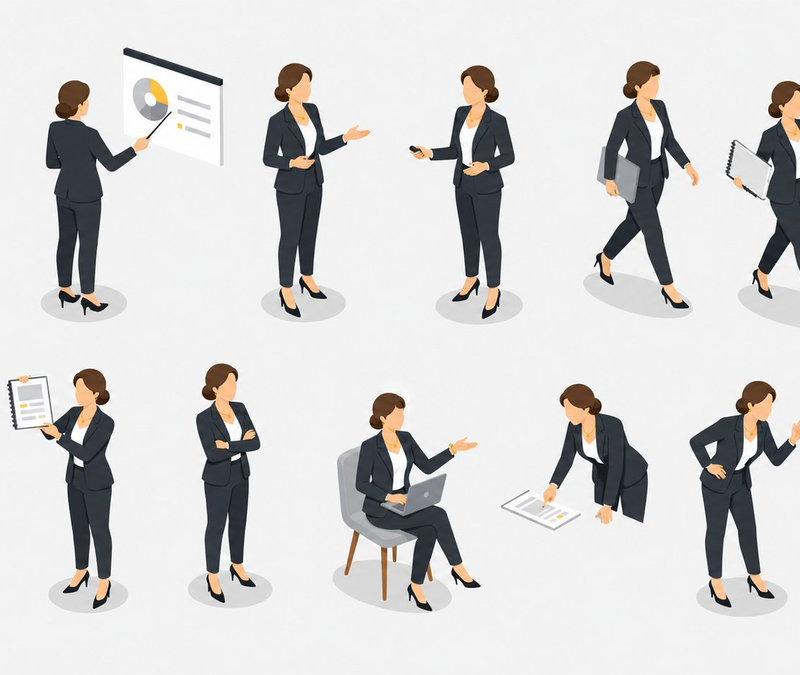
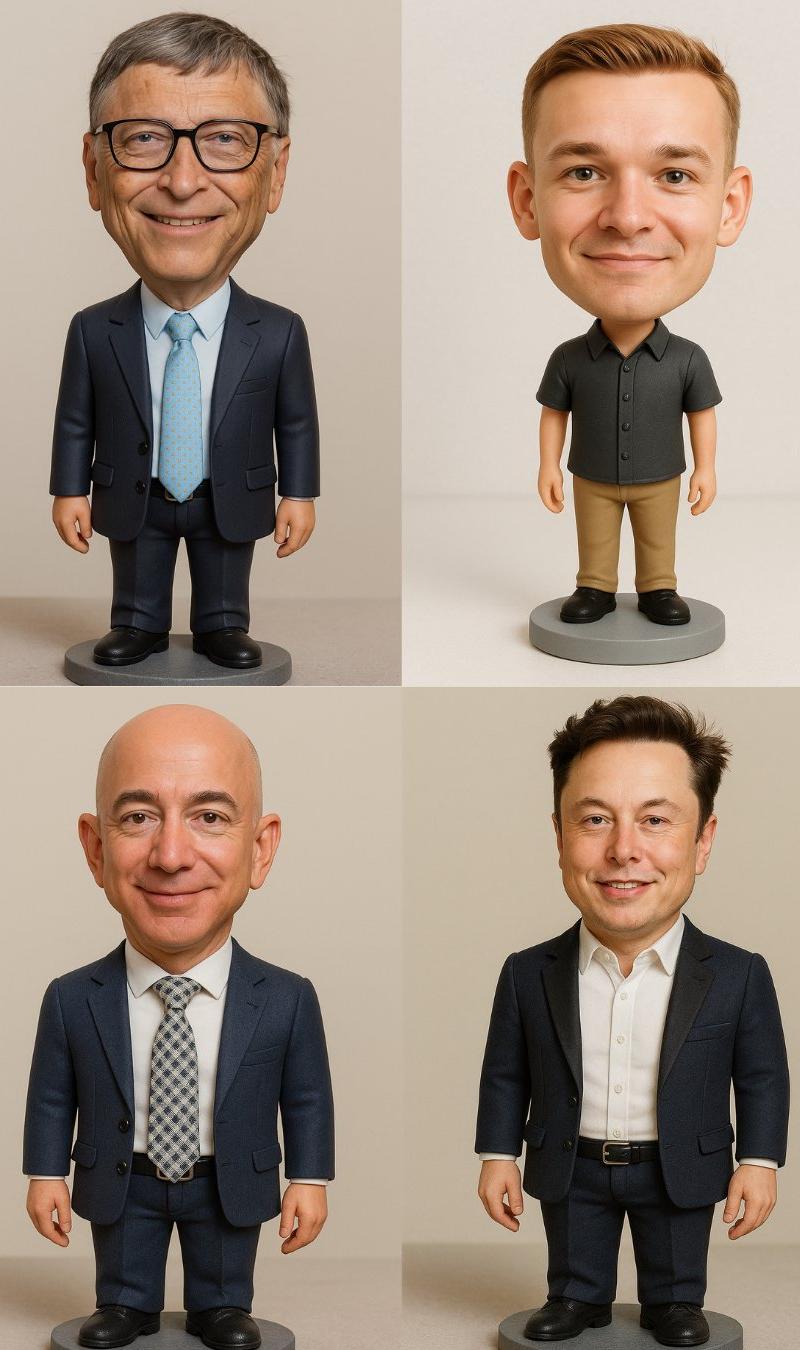
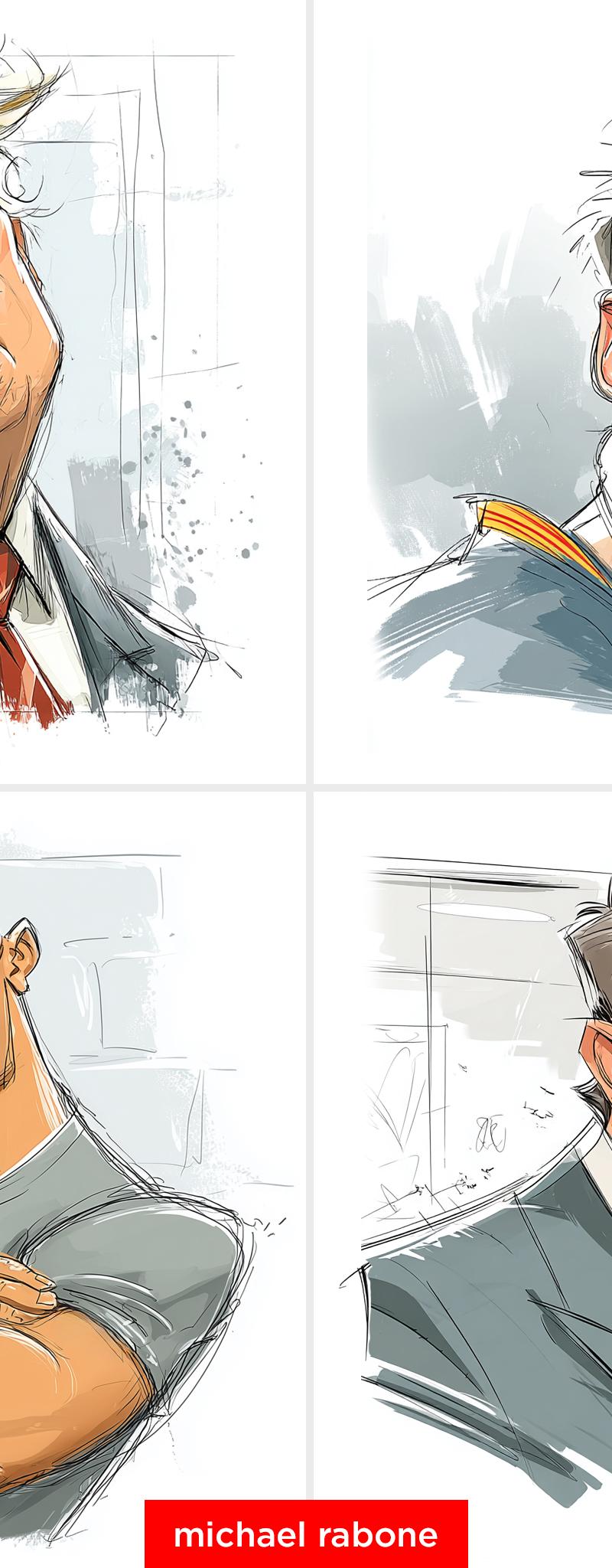
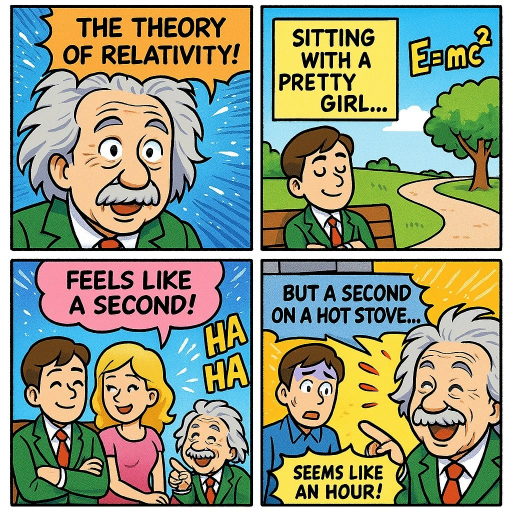
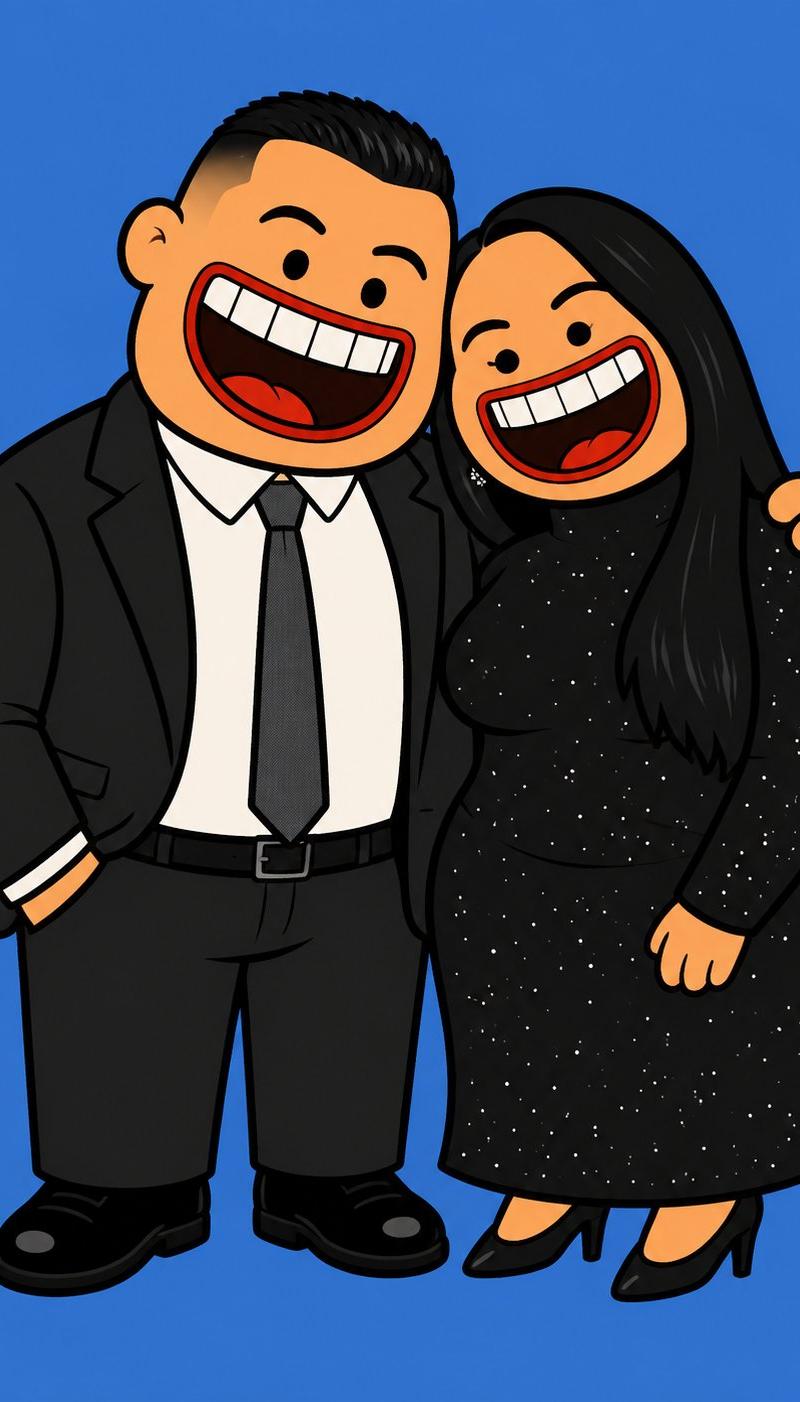
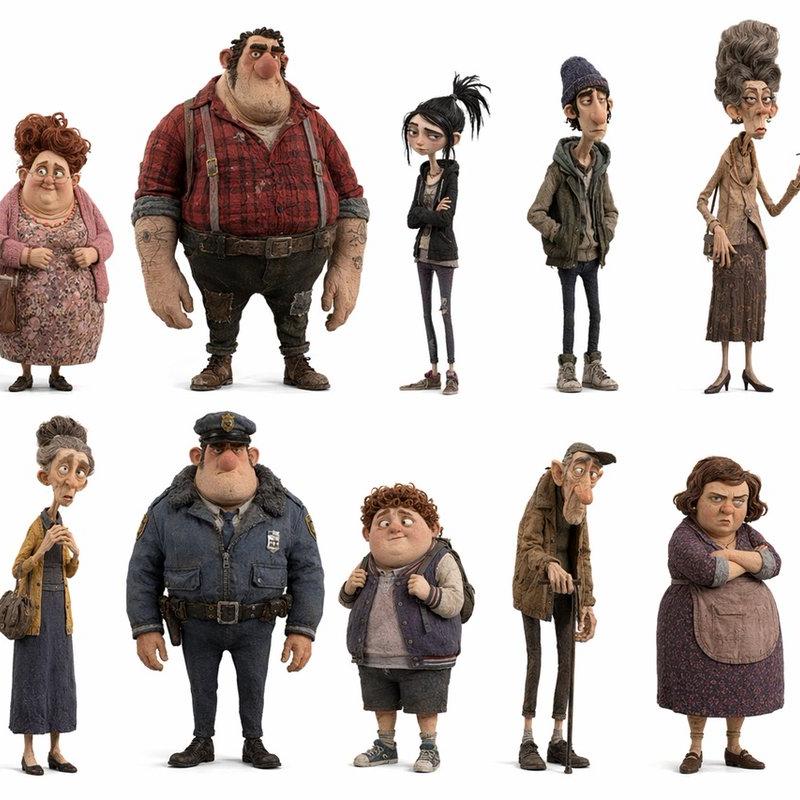
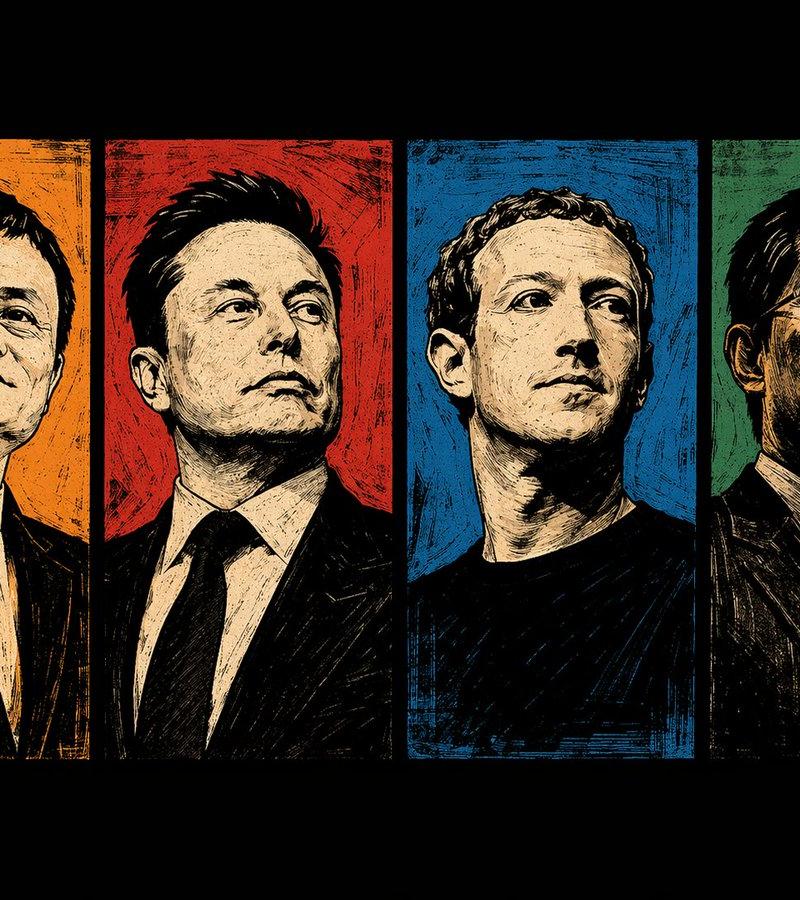
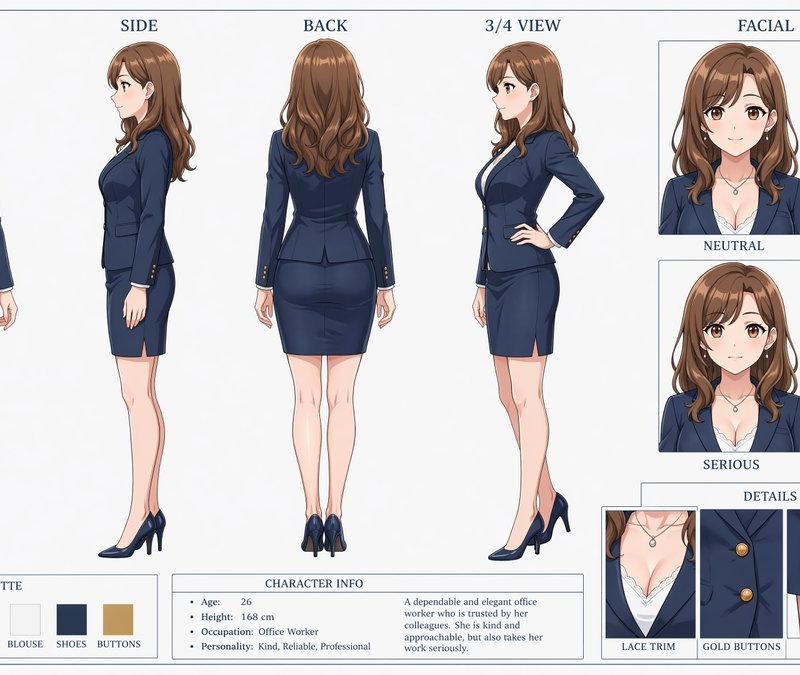
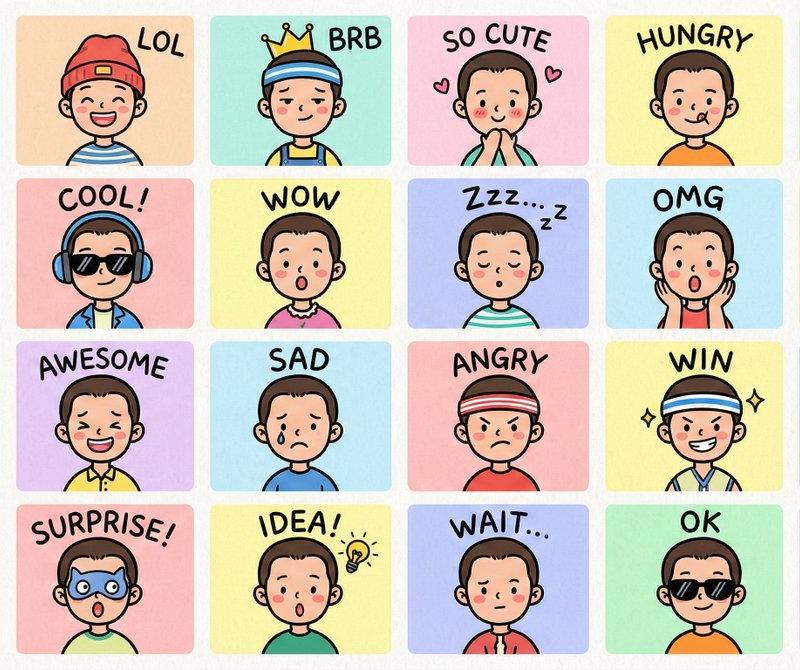
A full-body cartoon portrait of CHARACTER , illustrated in a 1960s Hanna-Barbera mid-century modern style with bold, simplified shapes and clean black outlines. The character has exaggerated features (such as a large nose or chin) and a minimal color palette. The outfit reflects the character’s typical style or personality and is rendered in flat colors with no shading or texture effects. Hands are behind the back, and the posture is upright and slightly leaning back for a pompous or dignified expression. No smudging. No shading. Vector friendly. No paper textures or grain effects. Bold and crisp vector lines. Keep the illustration vector-friendly and clean. Square aspect ratio
Category
Photography & Realism
Model
Nano banana pro
Creator
@leysbobr
Source language
zh-CN
Views6
Source ID
8199
Published
Mar 22, 2026
Studio

Guide

About "60年代汉纳巴伯拉复古扁平卡通角色"

What is this prompt for?

"60年代汉纳巴伯拉复古扁平卡通角色" AI image prompt for Nano banana pro (Photography & Realism). 一幅 CHARACTER 的全身卡通肖像,以 20 世纪 60 年代汉纳-巴伯拉(Hanna-Barbera)的中世纪现代风格绘制,具有大胆、简化的形状和清…

The full copyable prompt and example visuals above are ready for AI image generation or one-click recreate in Picva.

How to use this prompt

  1. Step 1

    Open the prompt detail

    Review the example visuals, category, and full prompt text for "60年代汉纳巴伯拉复古扁平卡通角色".

  2. Step 2

    Copy the prompt

    Copy the prompt body from this page, or load it directly in Studio.

  3. Step 3

    Pick a model (Nano banana pro)

    Prefer Nano banana pro. If you switch models, keep subject and composition and tweak style terms.

  4. Step 4

    Generate and export

    Recreate the look in Picva, or export into your workflow for editing and publishing.

FAQ

What is the "60年代汉纳巴伯拉复古扁平卡通角色" prompt?
It is an AI image-generation prompt for Nano banana pro in the Photography & Realism category. This page includes the full prompt text, example visuals, and a one-click recreate path in Picva.
How do I use this prompt to generate an image?
Copy the prompt from this page, or use Generate / Studio. Paste it into a compatible image model, or recreate the look in Picva with optional reference images.
Which model is this prompt for?
This page lists Nano banana pro. Most descriptive prompts also transfer to nearby image models such as GPT Image, Flux, or Midjourney with light style tweaks.
Can I use the result commercially?
You can usually copy the prompt for creation, but commercial use of the final image depends on the model terms, reference-image rights, and the generated content. Follow the source author and platform rules.