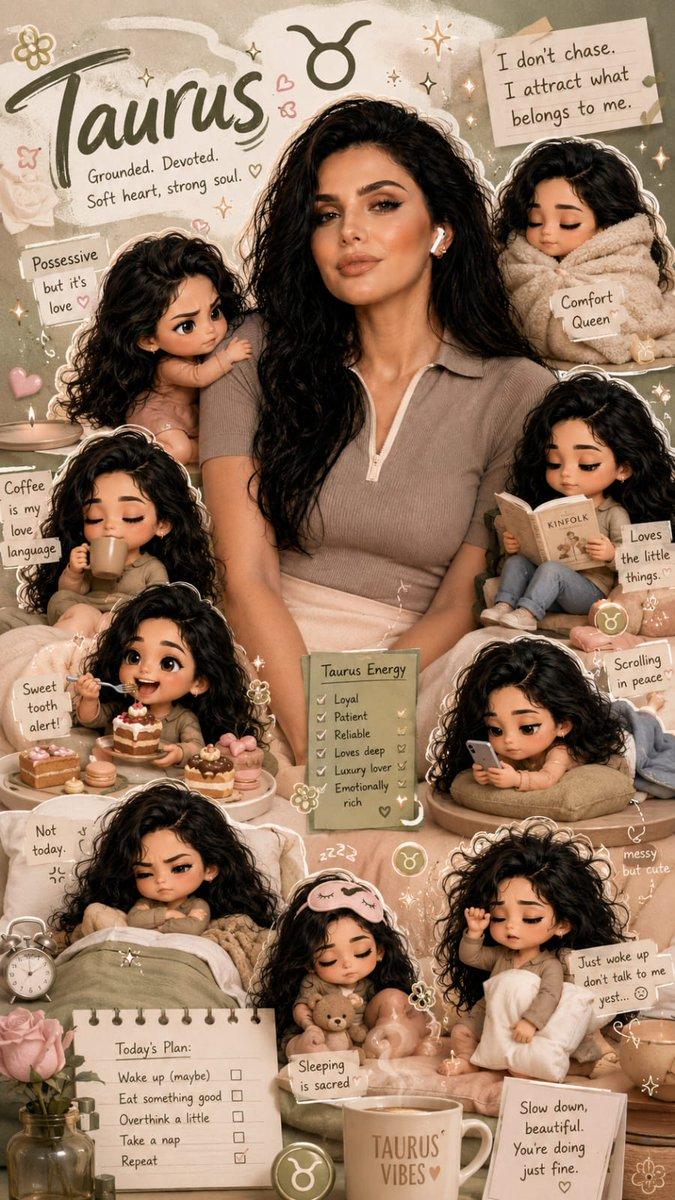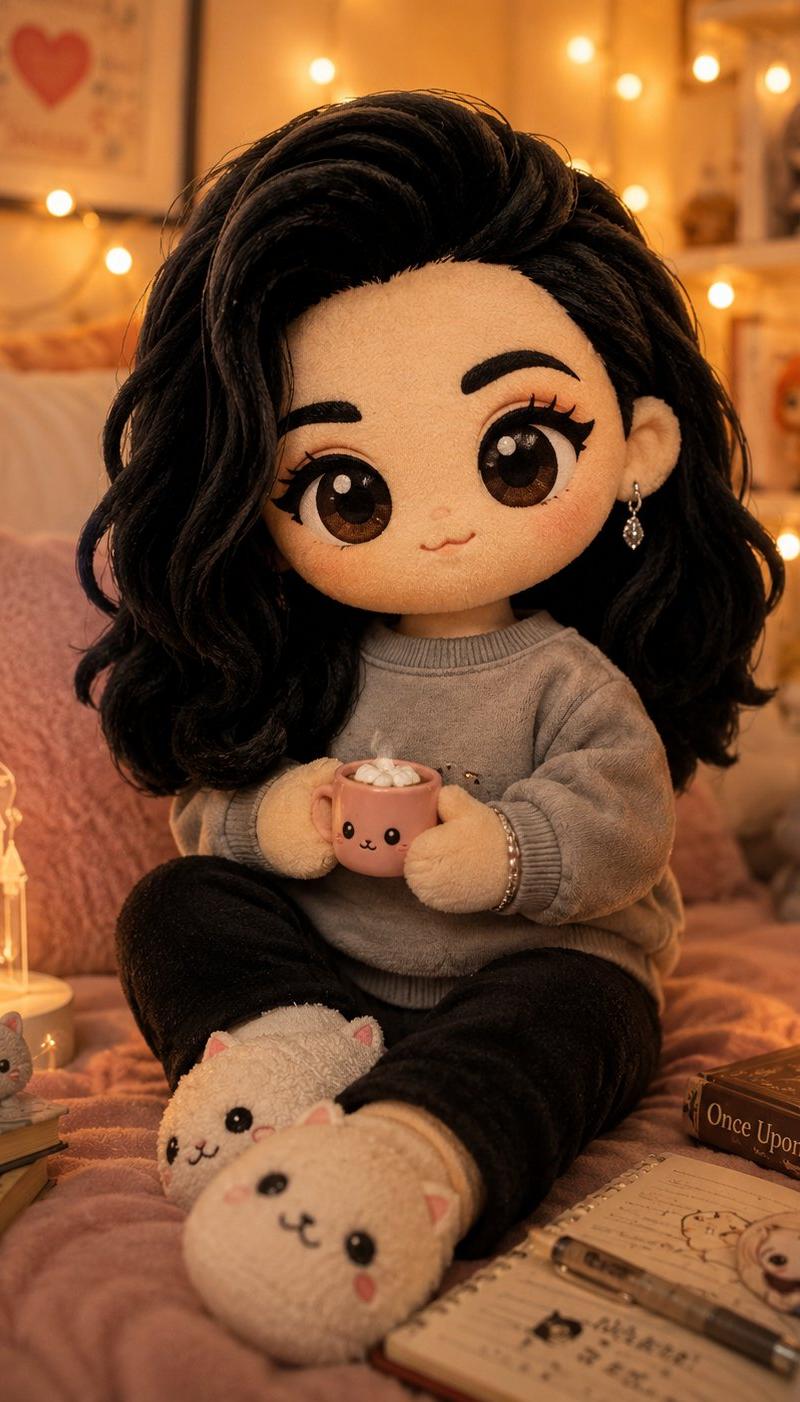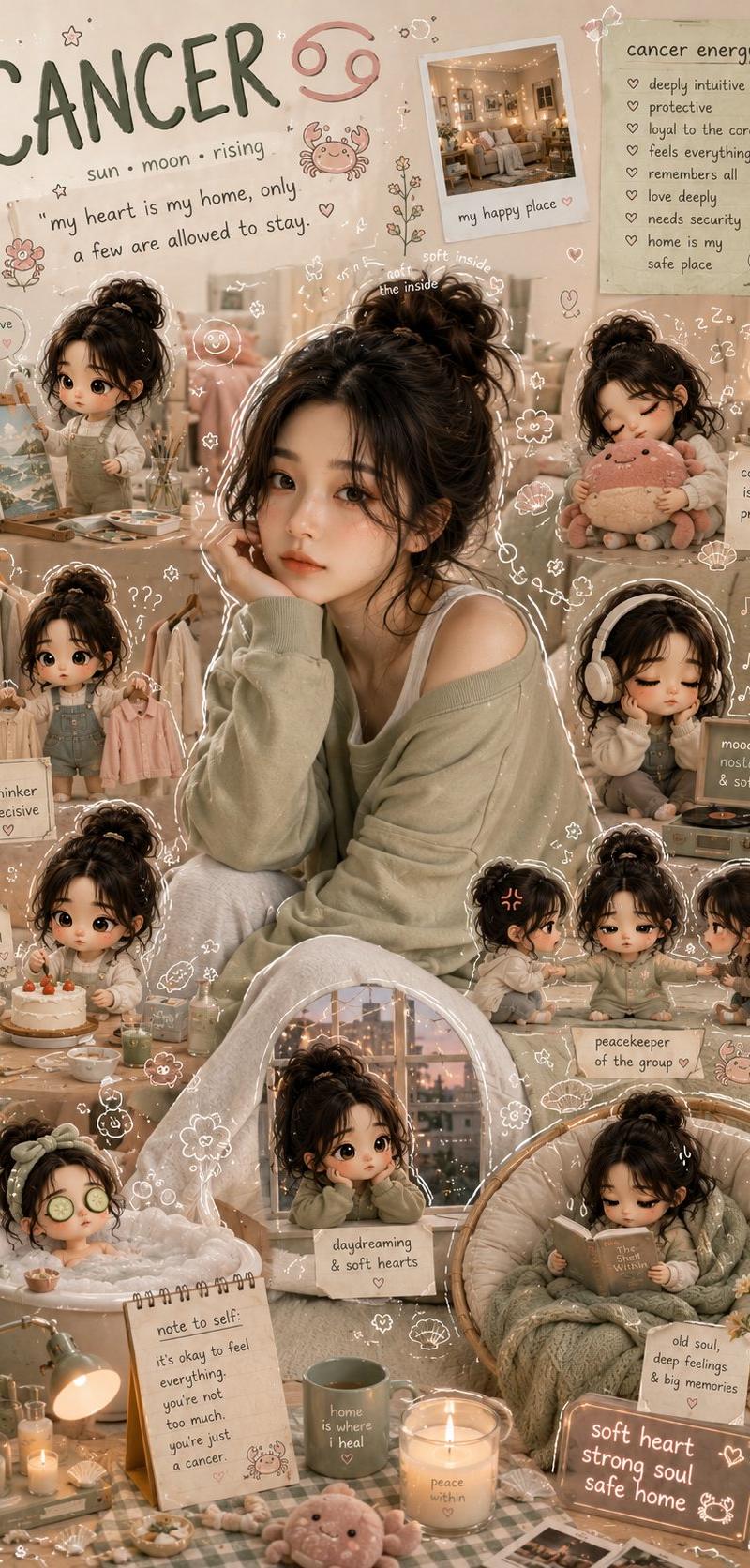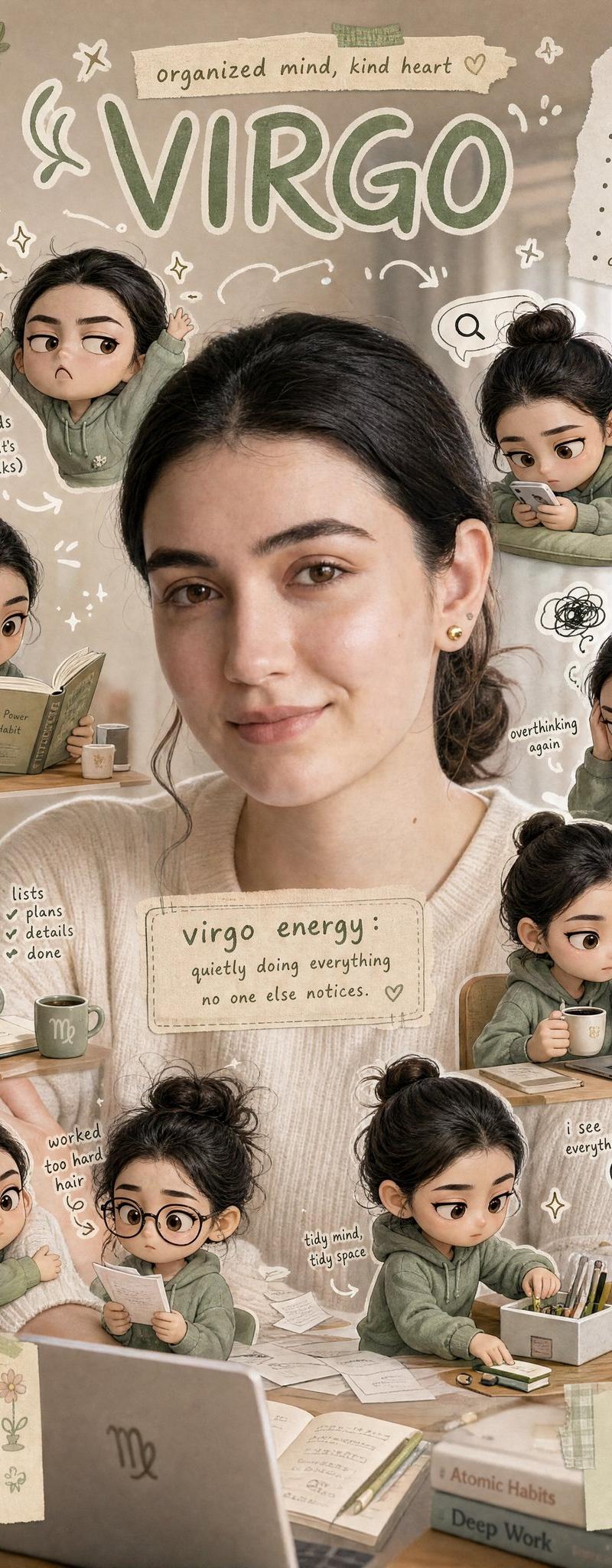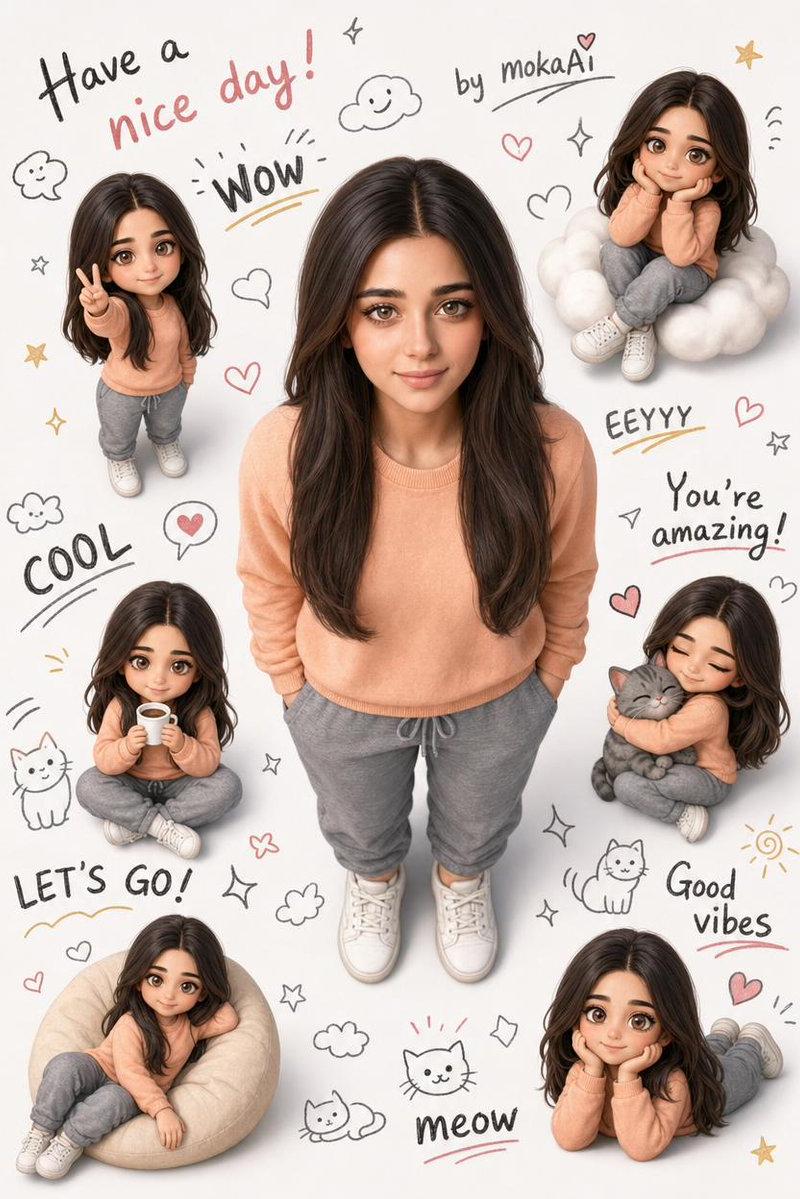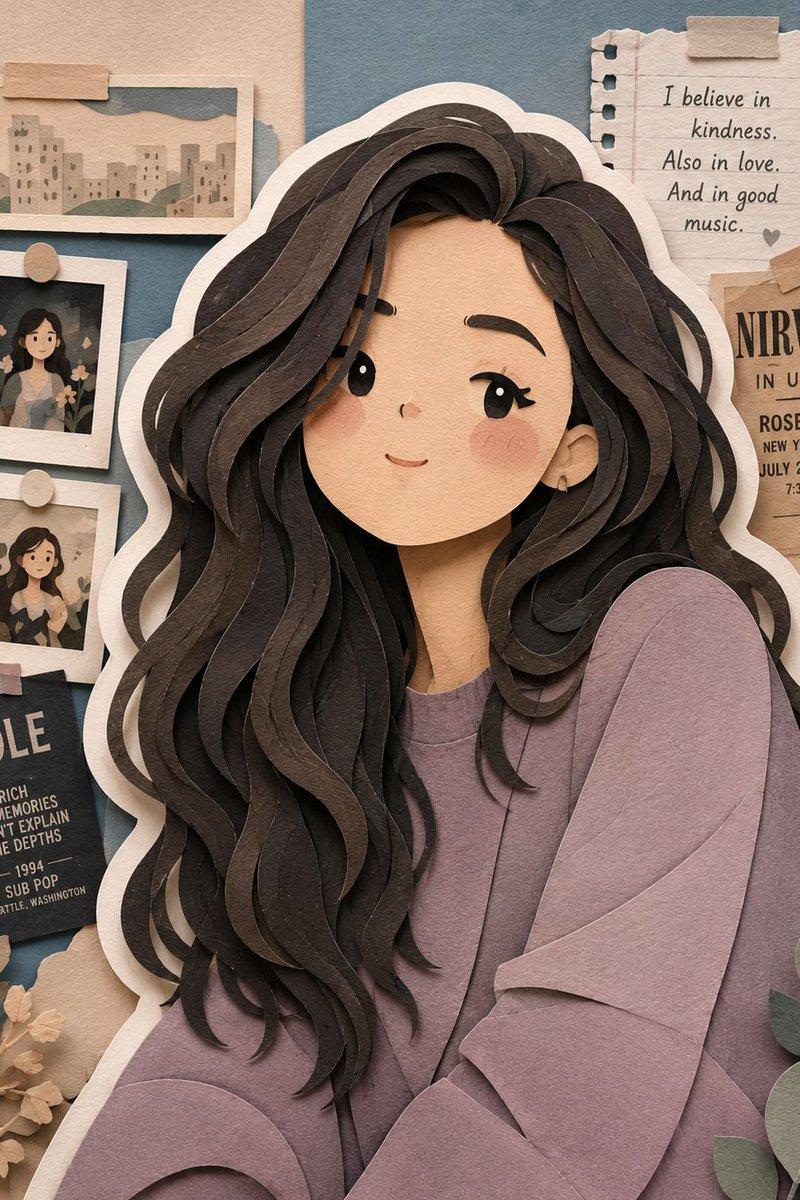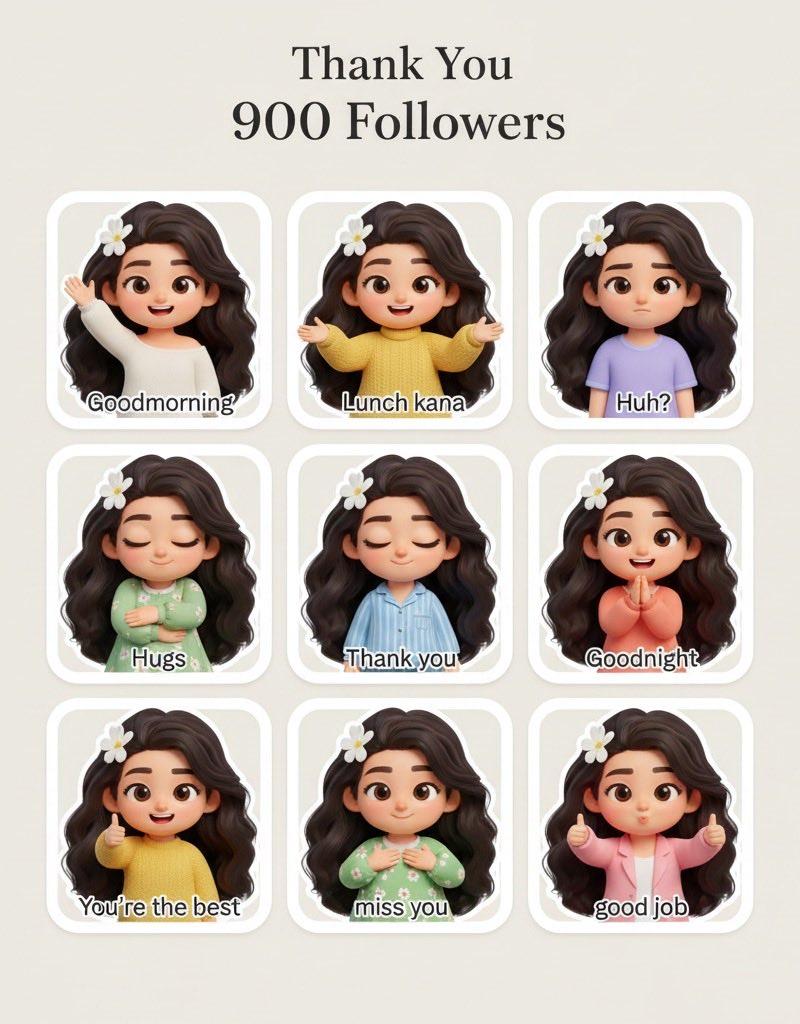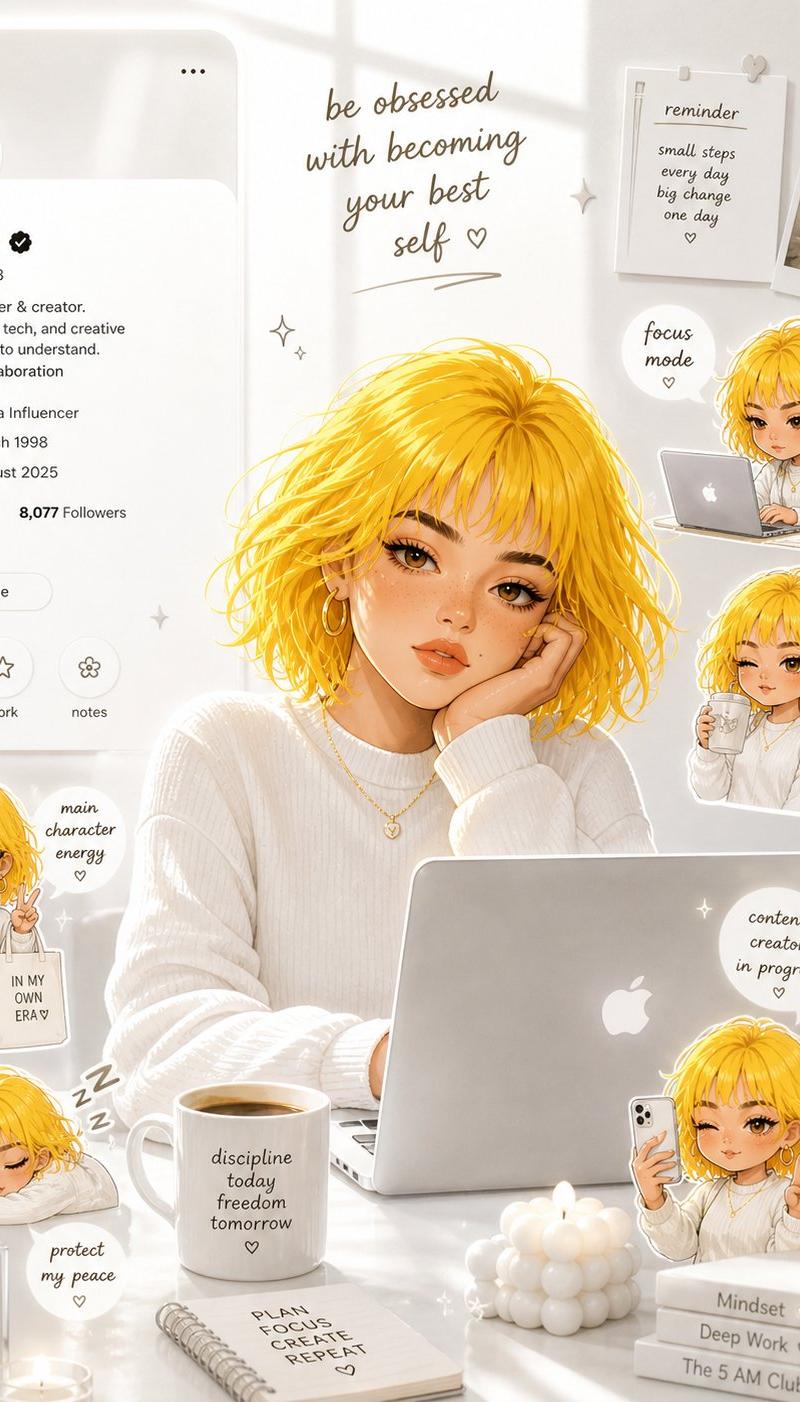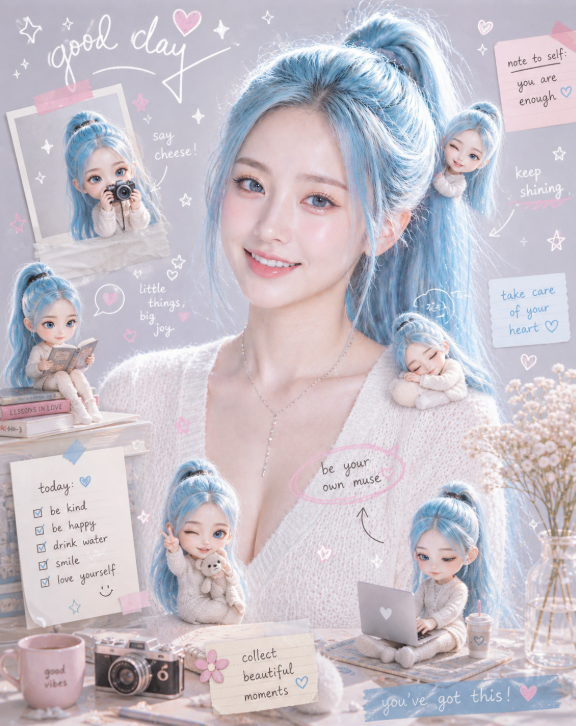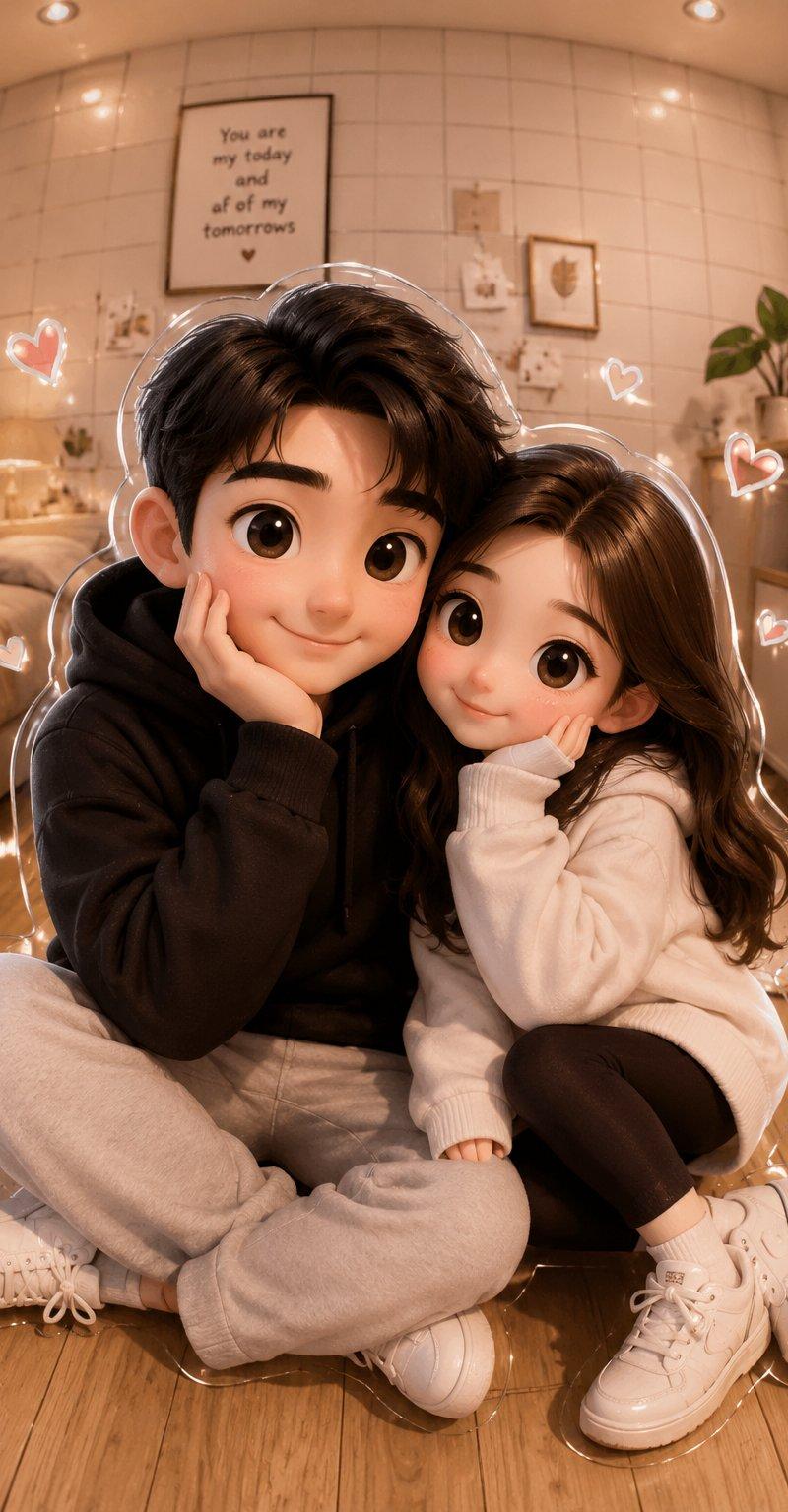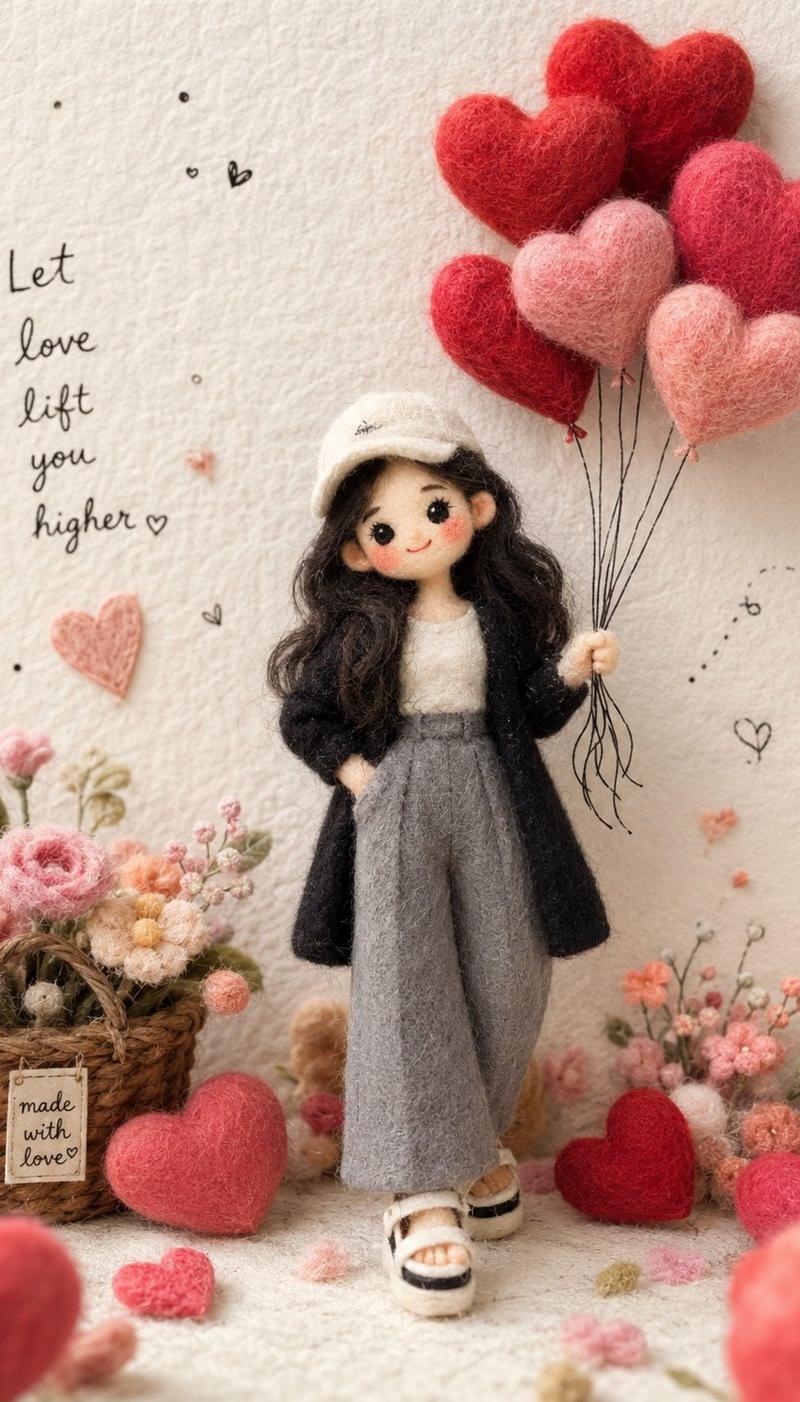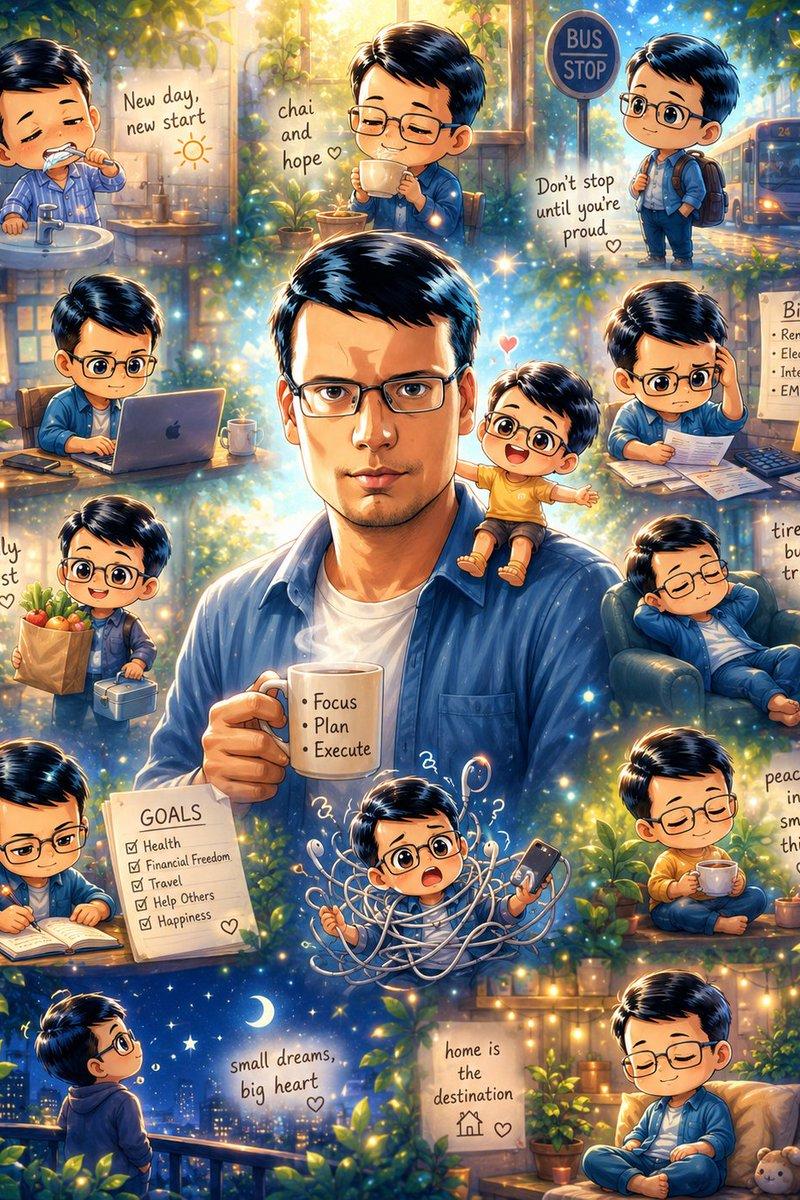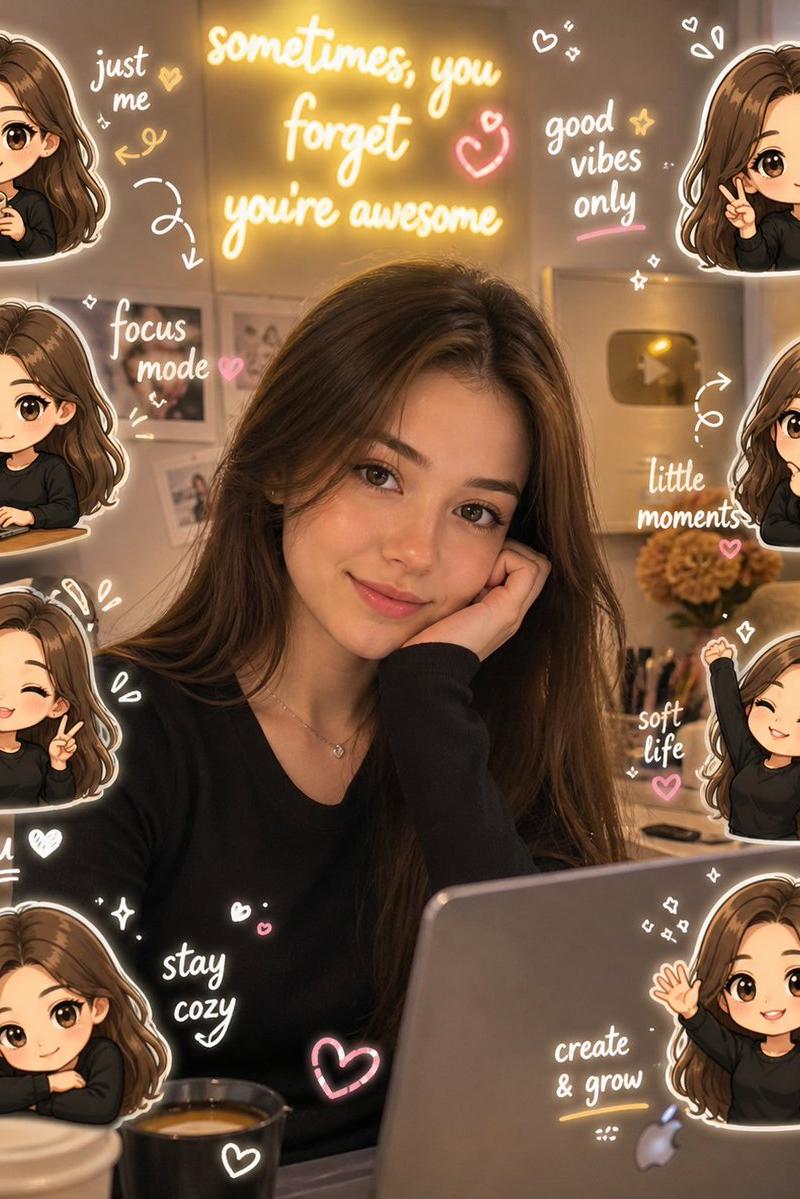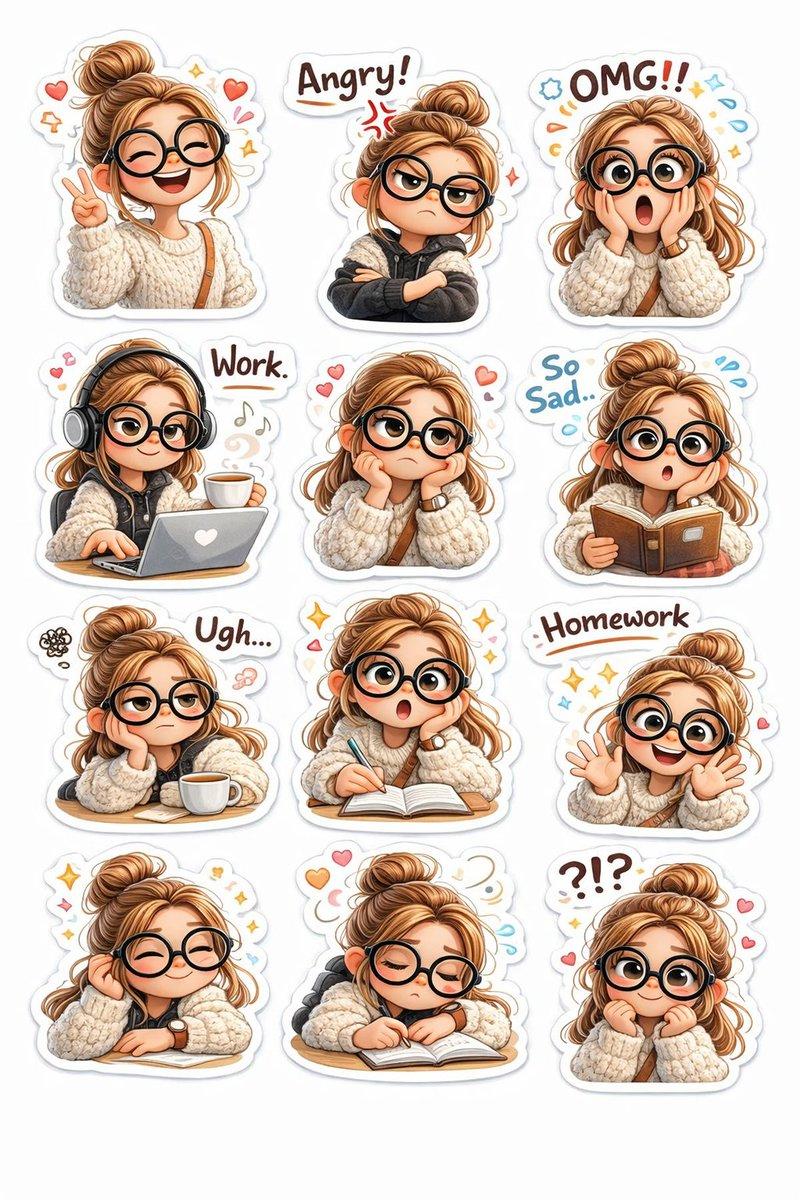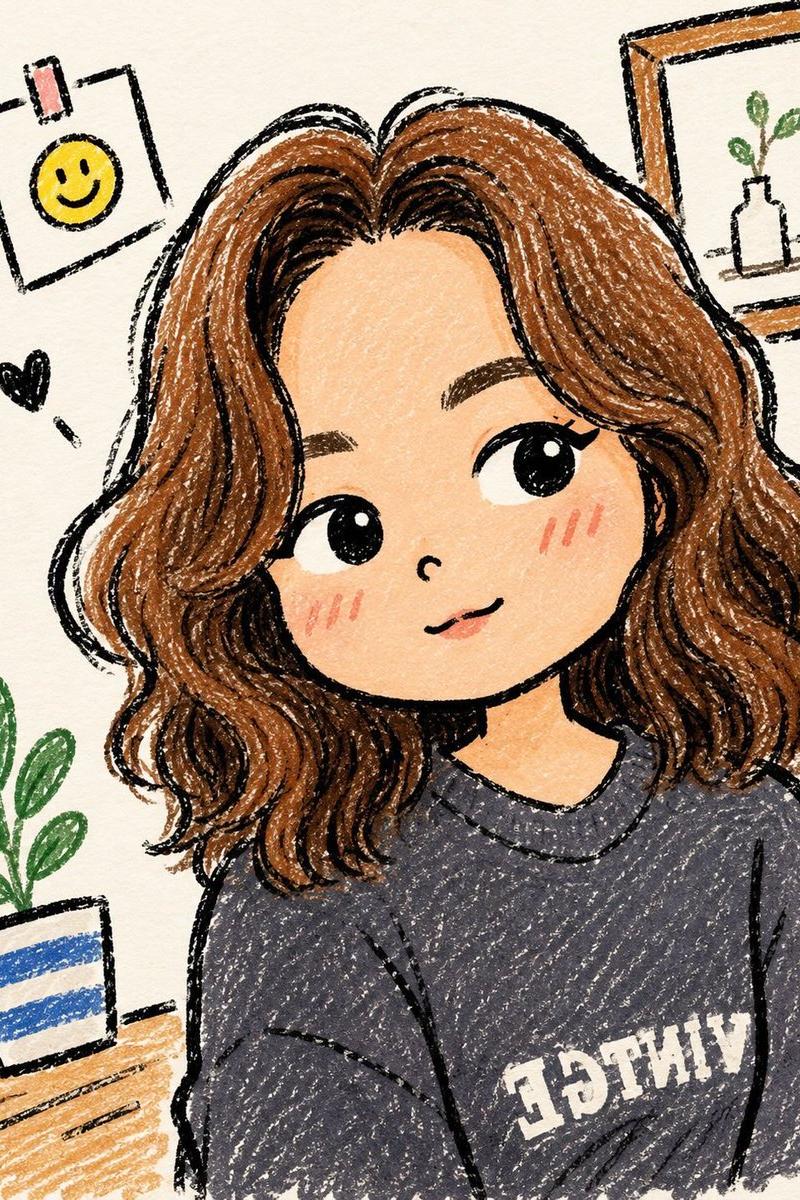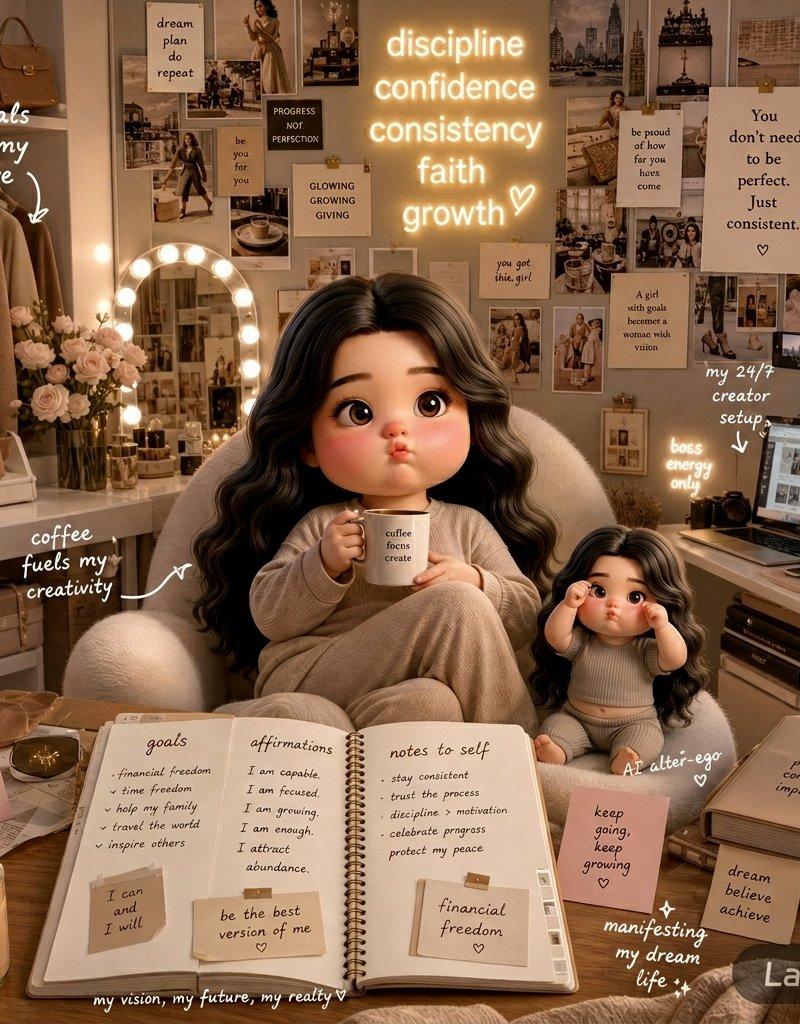
AI替身房间揭秘女性创作者美学剪贴簿
Prompt
{
  "scene_title": "AI Alter-Ego Room Reveal",
  "style": {
    "aesthetic": [
      "cozy luxury",
      "clean-girl aesthetic",
      "Pinterest-inspired",
      "feminine creator energy",
      "editorial lifestyle photography",
      "digital scrapbook graphics"
    ],
    "color_palette": [
      "creamy beige",
      "warm neutrals",
      "soft ivory",
      "light taupe"
    ],
    "lighting": "soft cinematic lighting with warm ambient glow",
    "mood": [
      "ambitious",
      "inspiring",
      "dreamy",
      "curated",
      "feminine"
    ]
  },
  "main_character": {
    "appearance": "stylish modern creator",
    "pose": "seated casually in a plush cream-colored chair",
    "expression": "smiling warmly",
    "props": [
      "coffee mug"
    ],
    "companion": {
      "type": "3D animated alter-ego doll",
      "position": "sitting nearby"
    }
  },
  "room_elements": {
    "fashion_corner": {
      "clothing_racks": "neatly organized neutral-toned outfits",
      "bags": "designer-inspired handbags"
    },
    "vanity_area": {
      "mirror": "glowing vanity mirror",
      "decor": "surrounded by fresh flowers"
    },
    "creator_workspace": {
      "desk": "sleek modern content creator desk",
      "equipment": [
        "laptop",
        "camera",
        "aesthetic desk accessories"
      ]
    }
  },
  "background": {
    "wall": {
      "type": "collage-style mood board",
      "contents": [
        "photos",
        "notes",
        "sketches",
        "magazine clippings",
        "inspirational visuals"
      ]
    },
    "neon_sign": {
      "color": "warm white",
      "text": [
        "discipline",
        "confidence",
        "consistency",
        "faith",
        "growth"
      ]
    }
  },
  "foreground": {
    "journal": {
      "state": "open",
      "contents": [
        "handwritten goals",
        "affirmations",
        "notes to self",
        "manifestation lists",
        "financial freedom",
        "be the best version of me"
      ]
    },
    "additional_items": [
      "sticky notes",
      "taped reminders",
      "scrapbook annotations"
    ]
  },
  "overlay_text": [
    "coffee fuels my creativity",
    "my 24/7 creator setup",
    "neutrals are my love",
    "soft life energy",
    "dream lifestyle",
    "You don’t need to be perfect. Just consistent."
  ],
  "composition": {
    "layout": "layered infographic composition",
    "design_elements": [
      "handwritten captions",
      "aesthetic labels",
      "scrapbook overlays",
      "editorial graphics"
    ],
    "visual_quality": [
      "ultra detailed",
      "realistic textures",
      "soft shadows",
      "cinematic depth",
      "social-media-ready"
    ]
  }
}- Category
- Charts & Infographics
- Model
- ChatGPT
- Creator
- @noorwithwifi
- Source language
- zh-CN
- Source ID
- 15432
- Published
- Jun 7, 2026
Views3