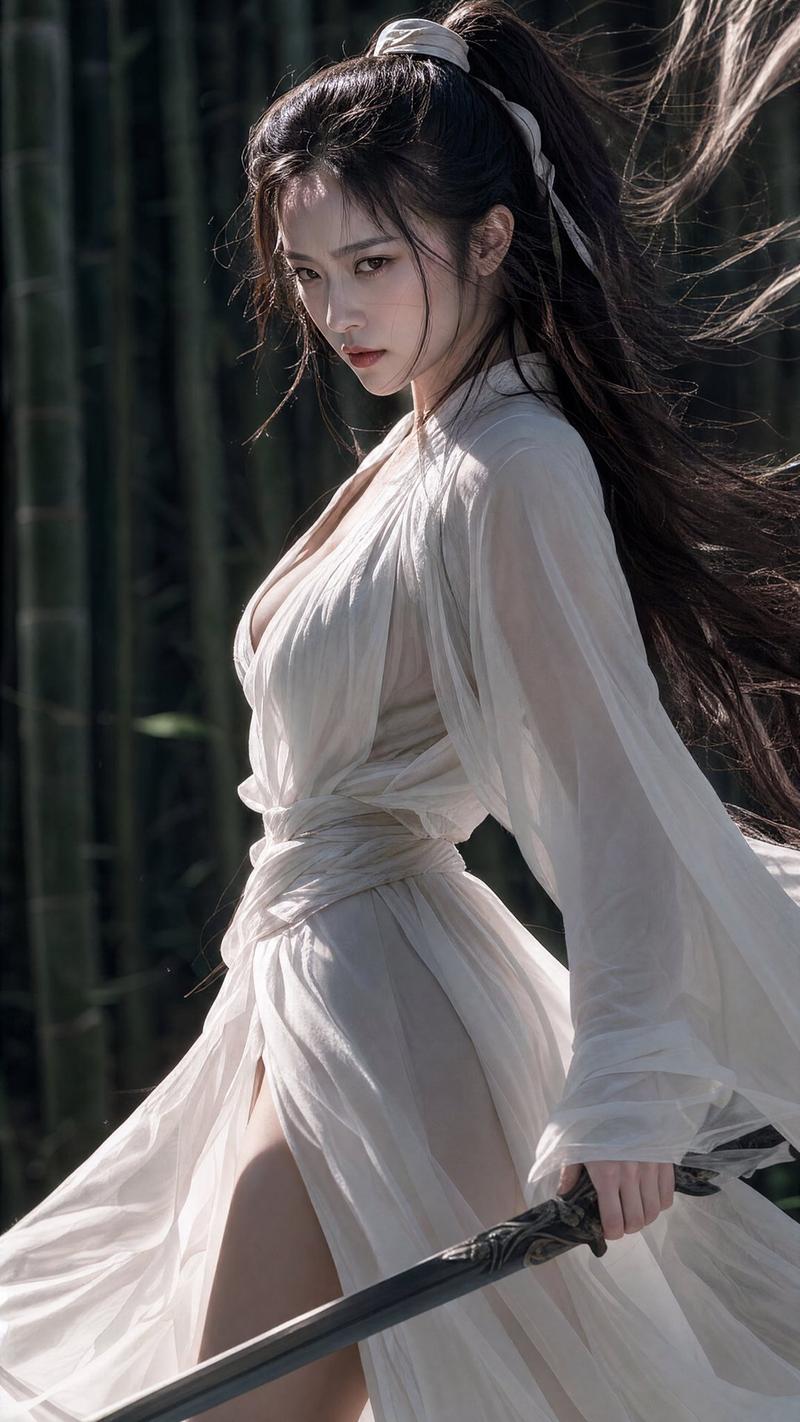
竹林飞刀慢动作与剑术格挡
Prompt
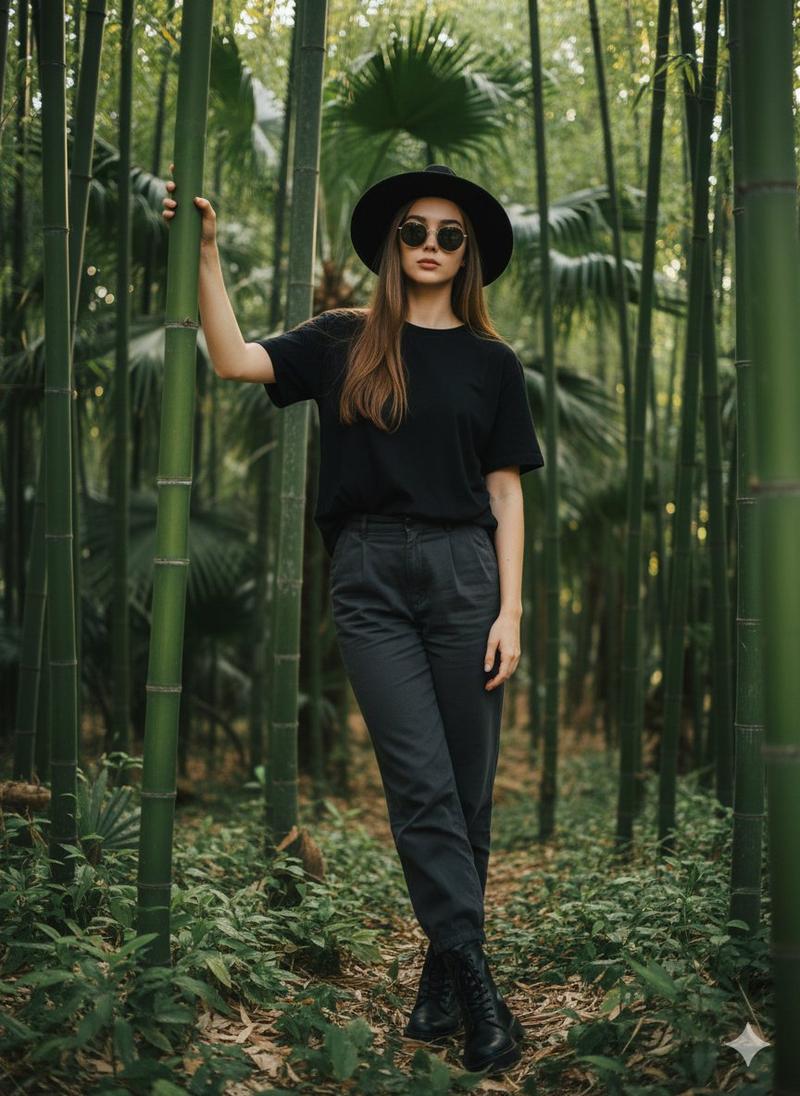
Segment 1: Refer to the character movements and camera movement techniques of @Video 1, generate a video of the black-clad character in @Image 1 throwing a flying knife in the bamboo forest. There is only one character in the video, the black-clad woman. The perspective and shot size of the starting frame must strictly refer to @Video 1. After the flying knife is thrown, use slow motion to focus on the flying knife and blur the black-clad character. Note that the knife flies towards the lens with the blade edge facing the lens. Achieve a 1-to-1 restoration of the reference video, only changing the character to a black-clad woman. Generate only combat sound effects and environmental sound effects, do not add background music. Segment 2: Refer to the perspective of the flying knife flying forward and camera movement techniques of @Video 1, generate a video of a flying knife flying forward. The flying knife perspective gradually zooms out to show the woman in @Image 1 practicing sword in the forest. The woman uses the sword to block the flying knife. There is only one character in the video, the green-clad woman. Note to maintain the starting frame perspective and camera movement shot size strictly referring to @Video 1. Generate only combat sound effects and environmental sound effects, do not add background music.
- Category
- Video Prompts
- Model
- Seedance 2.0
- Creator
- @TanLuAI
- Source ID
- 7342
- Published
- Apr 2, 2026
Views3K



![GOLDEN PROMPT FOR MOVIES [SUBJECT], single frame film still, medium wide shot c](https://cdn.pixshop.app/prompt-library/tweet-2008319307667644815/preview-0-1767799742856-2slimbzq.jpeg)