20

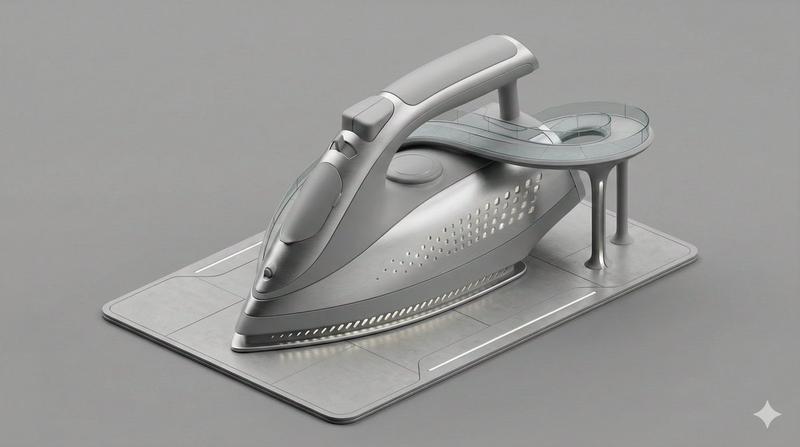
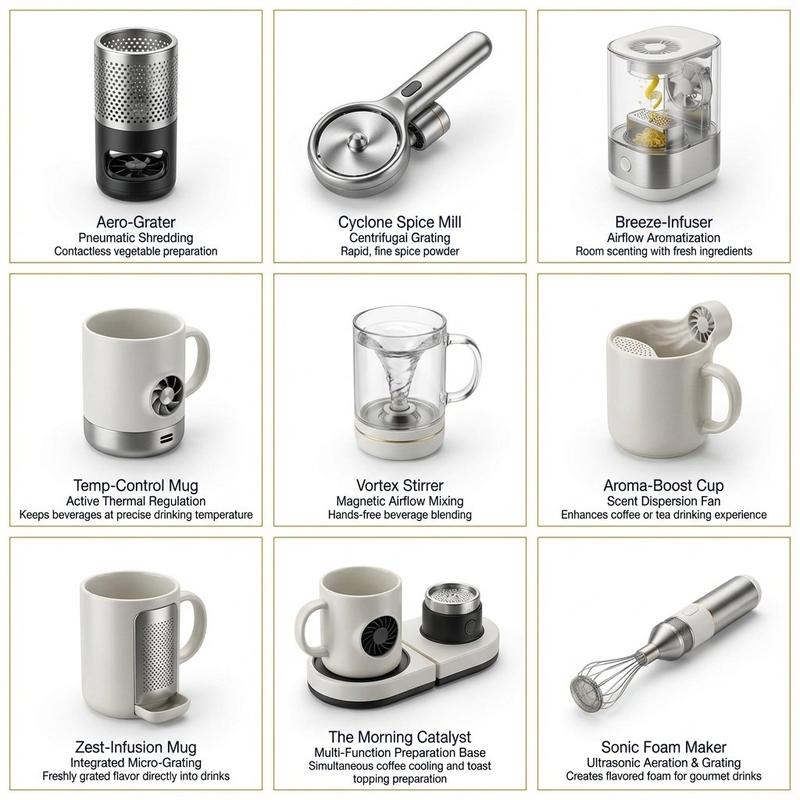
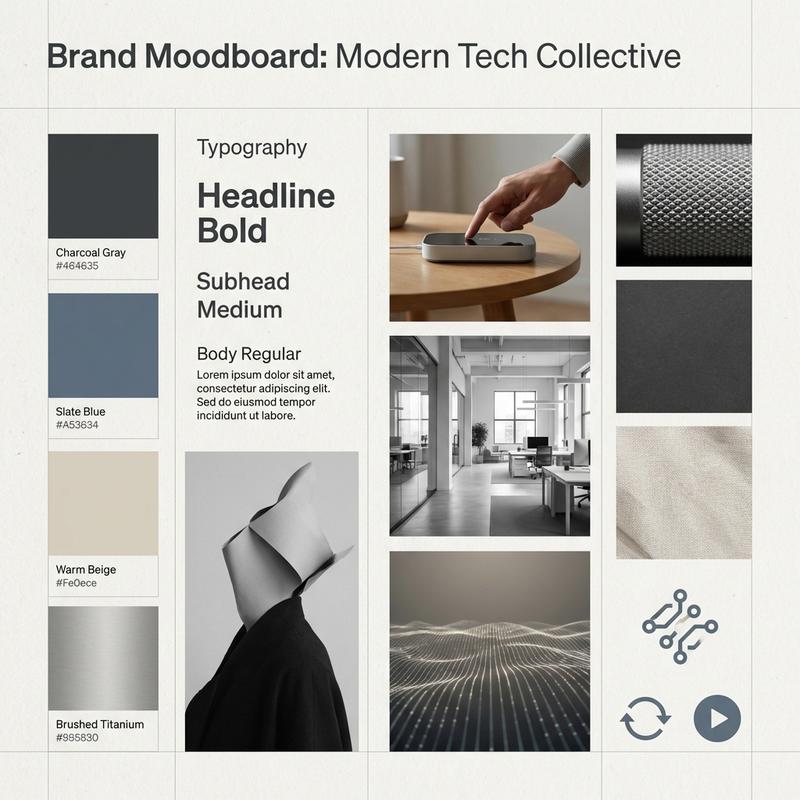
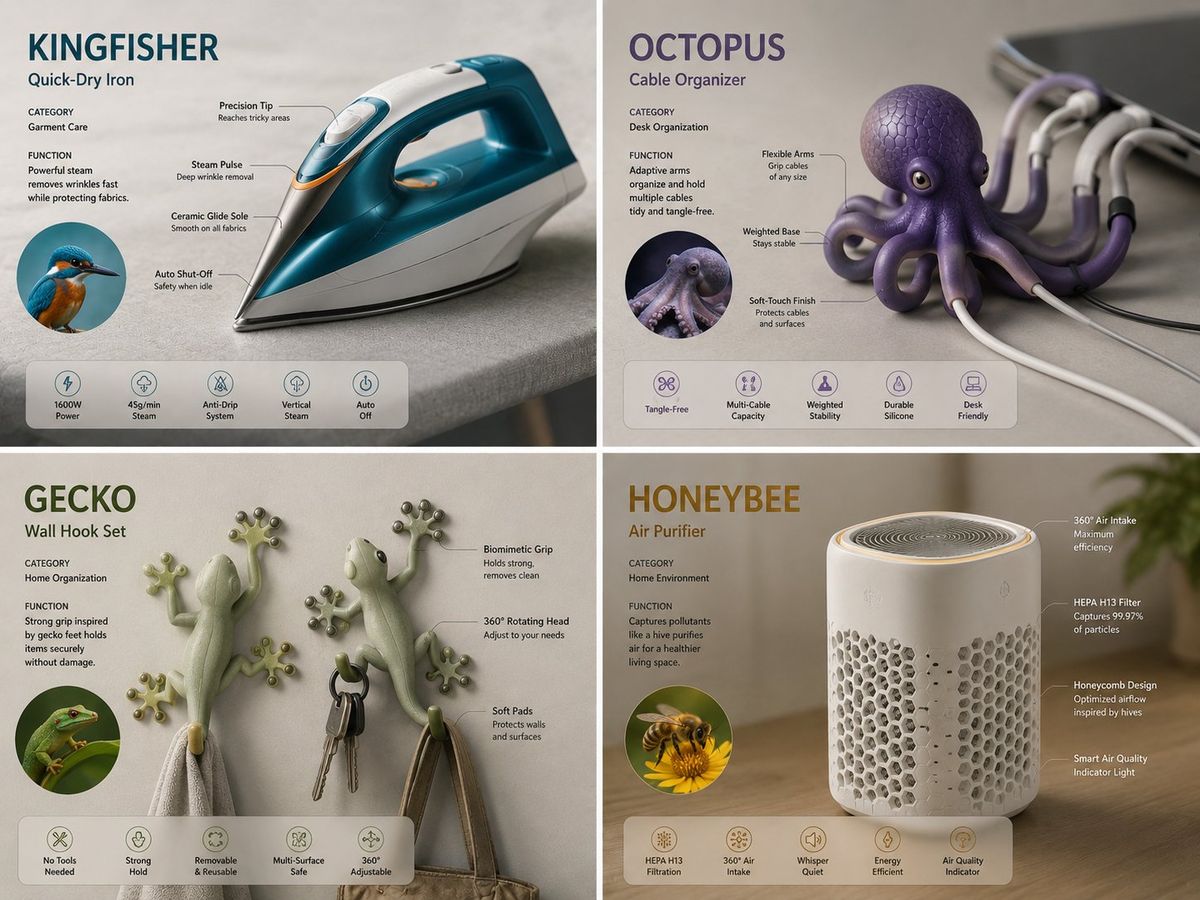
仿生设计办公产品2x2概念展示板
Enlarge

仿生设计办公产品2x2概念展示板

Prompt
2x2 grid, office products, 4 empires, 16:9 input ::= [product_domain] + [biological_source_set] + [panel_count] select concept_board from biomimicry_design_lab where domain = [product_domain] and product_count = ai_infer([panel_count], default="small family set") and pairing_logic = { mode: "one biological inspiration per product", biological_sources: [biological_source_set], product_types: ai_infer([product_domain], "distinct household or lifestyle devices"), mapping_rule: "match each product function with a biologically meaningful animal form" } and render_structure = { layout: "clean modular grid", panel_style: "one concept per panel", per_panel_content: [ "product name generated from animal + device logic", "category", "function", "hero product render", "feature callouts with leader lines", "small icon row for capabilities" ] } and industrial_design_language = { style: "premium contemporary consumer product concept art", materials: "matte polymers, brushed metals, soft-touch finishes", realism: "photoreal product visualization", environment: "minimal domestic surfaces" } and inference_rules = { do_not_copy_existing_objects: true, infer_form_from_animal_morphology: true, infer_features_from_behavior: true, infer_ui_elements_from_product type: true } and exclusions = [ "no fantasy creature styling", "no toy-like proportions unless functionally justified", "no random decoration", "no brand logos", "no collage inconsistency" ];
Category
Charts & Infographics
Model
ChatGPT
Creator
@Gdgtify
Views48
Source ID
16653
Published
Jun 23, 2026

Guide

About "仿生设计办公产品2x2概念展示板"

What is this prompt for?

"仿生设计办公产品2x2概念展示板" AI image prompt for ChatGPT (Charts & Infographics). 2x2网格,办公产品,4个帝国,16:9输入 ::= [产品领域] + [生物来源集合] + [面板计数] 从仿生设计实验室中选择概念板,其中领域 = [产品领域] 且产品数…

The full copyable prompt and example visuals above are ready for AI image generation or one-click recreate in Picva.

How to use this prompt

  1. Step 1

    Open the prompt detail

    Review the example visuals, category, and full prompt text for "仿生设计办公产品2x2概念展示板".

  2. Step 2

    Copy the prompt

    Copy the prompt body from this page, or load it directly in Studio.

  3. Step 3

    Pick a model (ChatGPT)

    Prefer ChatGPT. If you switch models, keep subject and composition and tweak style terms.

  4. Step 4

    Generate and export

    Recreate the look in Picva, or export into your workflow for editing and publishing.

FAQ

What is the "仿生设计办公产品2x2概念展示板" prompt?
It is an AI image-generation prompt for ChatGPT in the Charts & Infographics category. This page includes the full prompt text, example visuals, and a one-click recreate path in Picva.
How do I use this prompt to generate an image?
Copy the prompt from this page, or use Generate / Studio. Paste it into a compatible image model, or recreate the look in Picva with optional reference images.
Which model is this prompt for?
This page lists ChatGPT. Most descriptive prompts also transfer to nearby image models such as GPT Image, Flux, or Midjourney with light style tweaks.
Can I use the result commercially?
You can usually copy the prompt for creation, but commercial use of the final image depends on the model terms, reference-image rights, and the generated content. Follow the source author and platform rules.