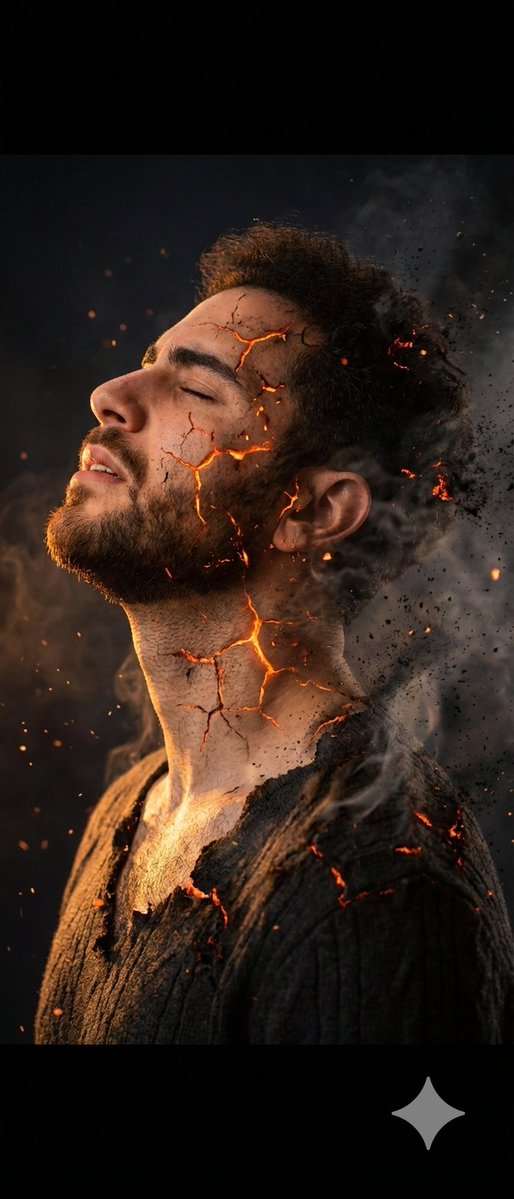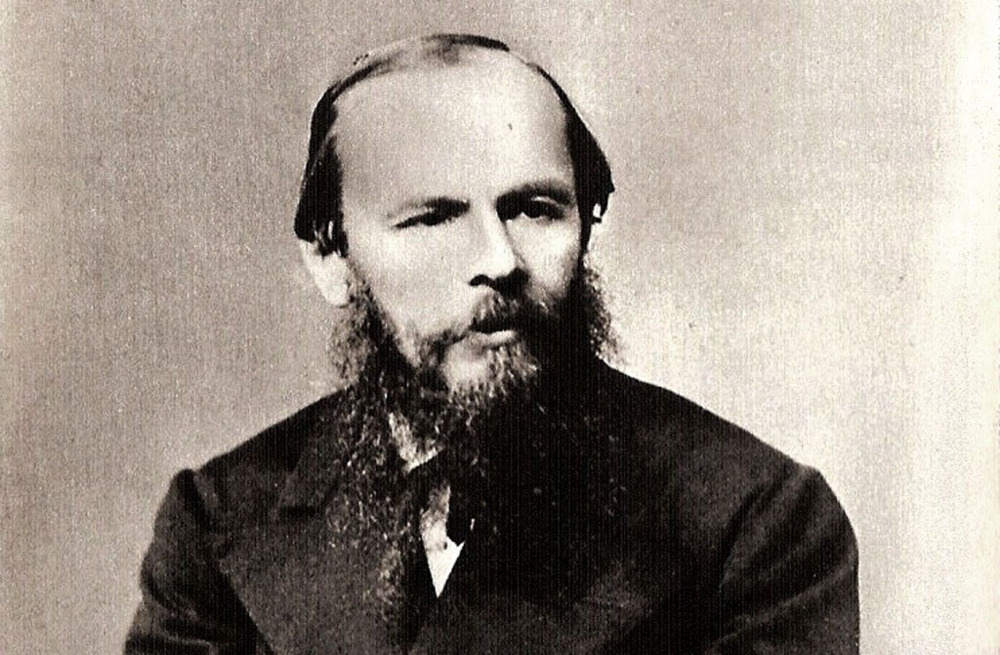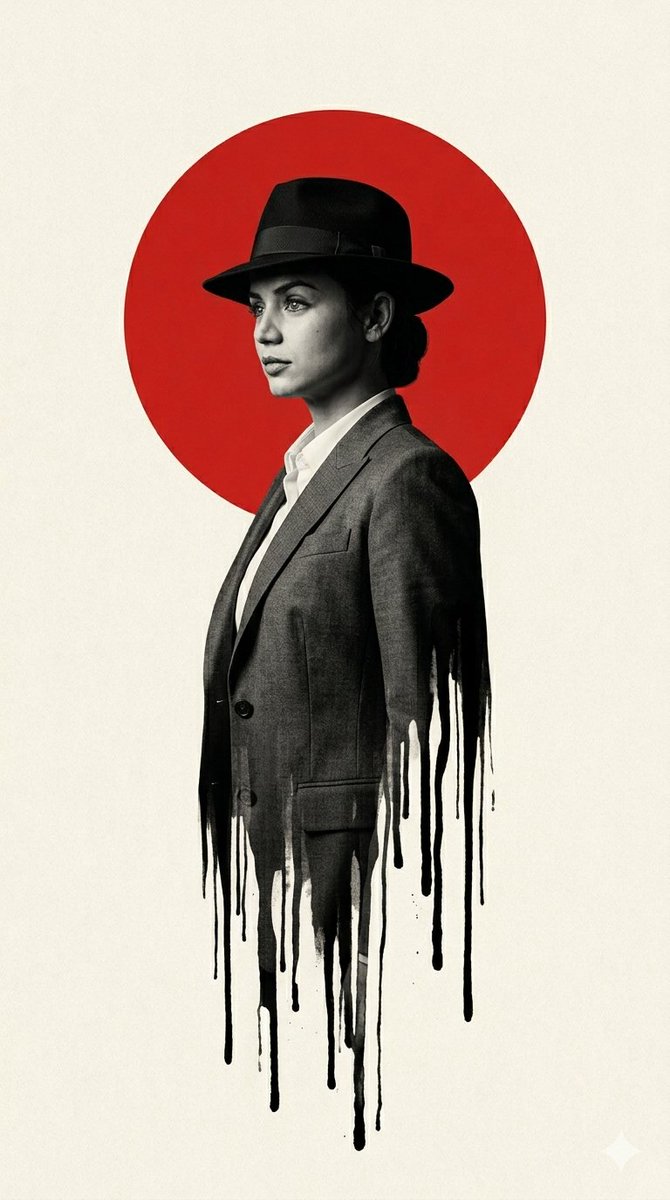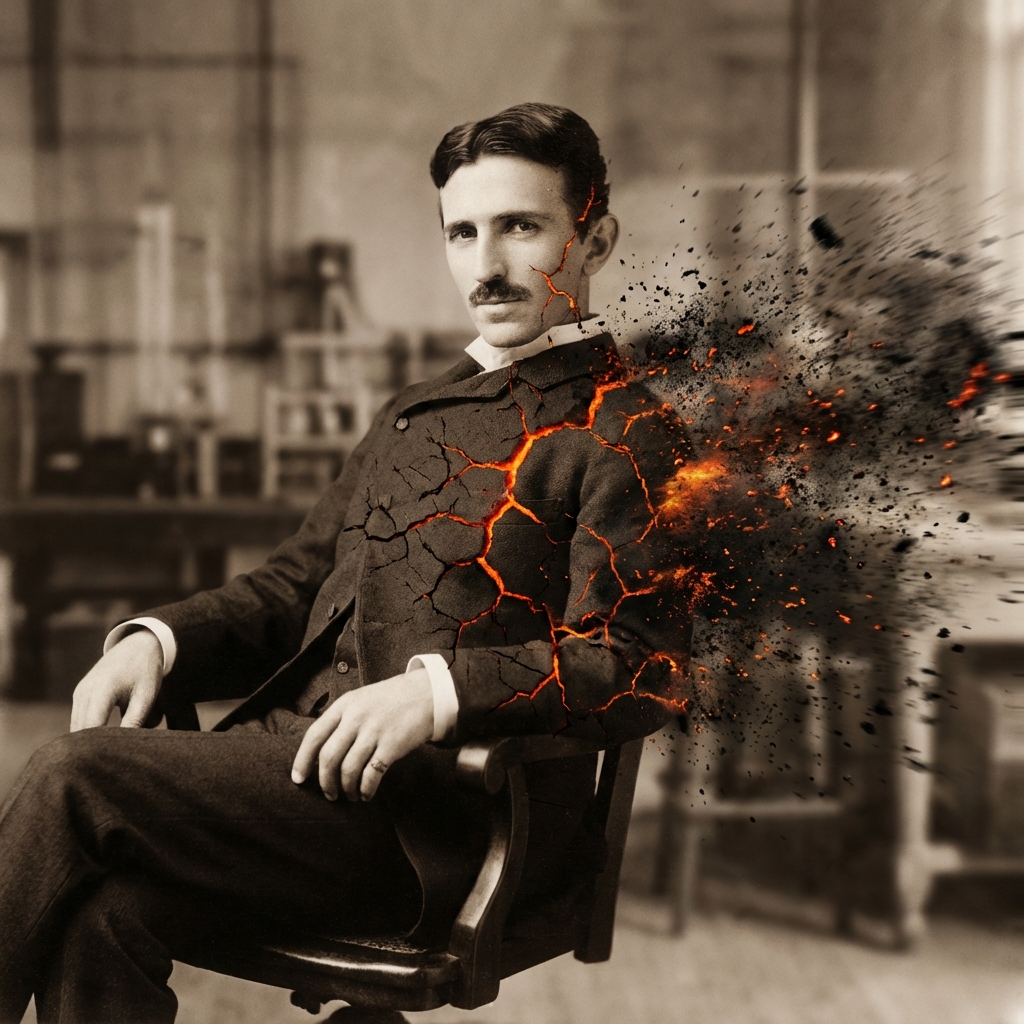
炽烬消散:左侧完好右侧化灰
python def disintegrate(Subject): Direction = "Left to Right" Wind_Speed = "100 km/h" Particle_Type = "Black Volcanic Ash and Embers" >Execution Left_Side_of_Subject = "Solid, Intact" Center_of_Subject = "Cracking, glowing cracks" Right_Sid
- Category
- UI & Interfaces
- Model
- Nano Banana Pro
- Creator
- @Gdgtify
- Source language
- zh-CN
- Source ID
- 11234
- Published
- Apr 24, 2026
Full prompt
``python def disintegrate(Subject): Direction = "Left to Right" Wind_Speed = "100 km/h" Particle_Type = "Black Volcanic Ash and Embers" >Execution Left_Side_of_Subject = "Solid, Intact" Center_of_Subject = "Cracking, glowing cracks" Right_Side_of_Subject = "Fully dispersed into particle cloud" return Render(Motion_Blur=True, Glow=True) Instruction: Preserve the exact pose of [UPLOADED_IMAGE], but apply the `disintegrate()` function described above.
Translations
炽烬消散:左侧完好右侧化灰
en``python def disintegrate(Subject): Direction = "Left to Right" Wind_Speed = "100 km/h" Particle_Type = "Black Volcanic Ash and Embers" >Execution Left_Side_of_Subject = "Solid, Intact" Center_of_Subject = "Cracking, glowing cracks" Right_Side_of_Subject = "Fully dispersed into particle cloud" return Render(Motion_Blur=True, Glow=True) Instruction: Preserve the exact pose of [UPLOADED_IMAGE], but apply the `disintegrate()` function described above.
炽烬消散:左侧完好右侧化灰
zh-CNpython def disintegrate(Subject): Direction = "Left to Right" Wind_Speed = "100 km/h" Particle_Type = "Black Volcanic Ash and Embers" >Execution Left_Side_of_Subject = "Solid, Intact" Center_of_Subject = "Cracking, glowing cracks" Right_Side_of_Subject = "Fully dispersed into particle cloud" return Render(Motion_Blur=True, Glow=True) 指令:保留 [UPLOADED_IMAGE] 的精确姿态,但应用上述 `disintegrate()` 函数。