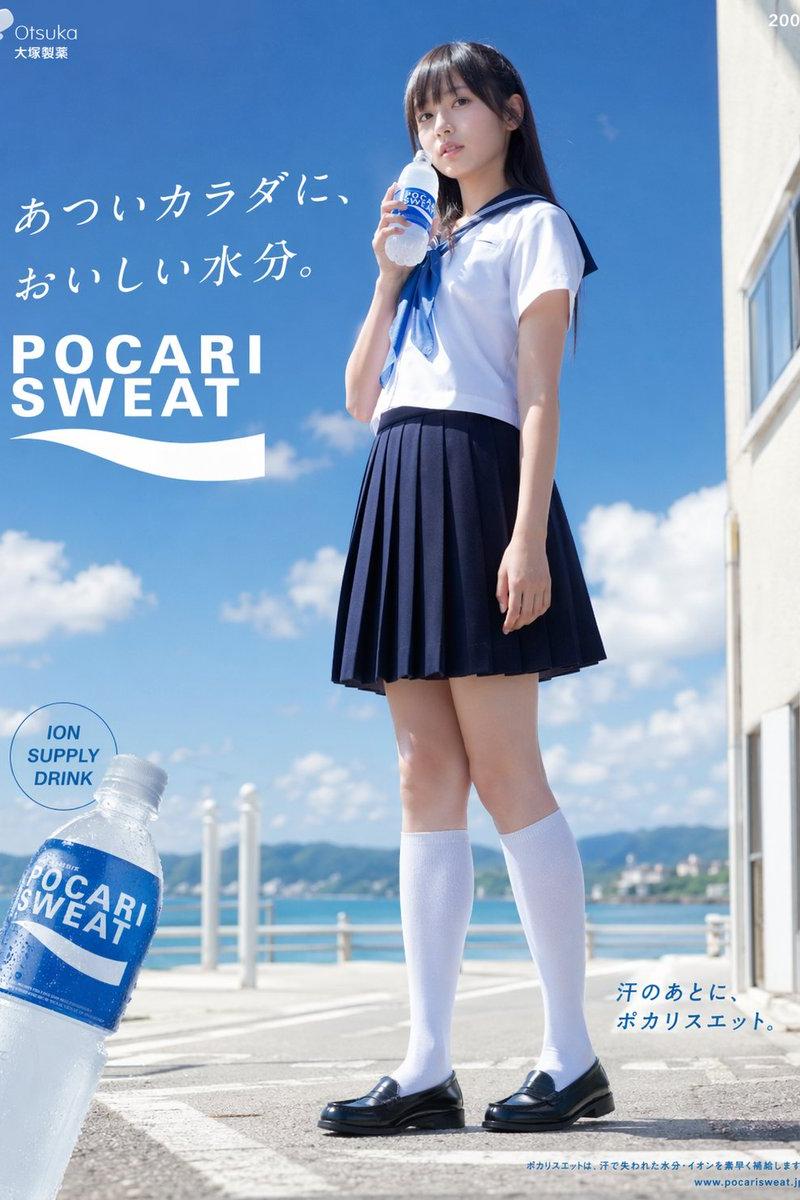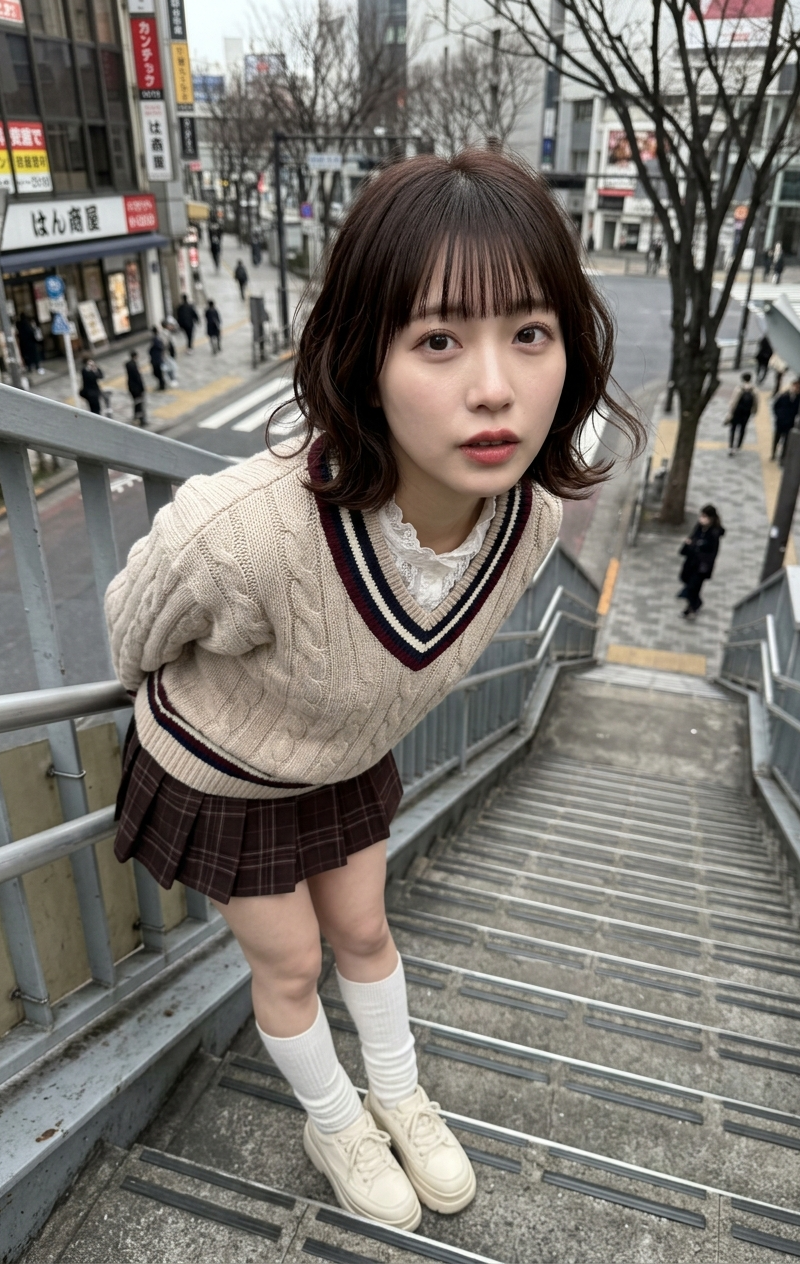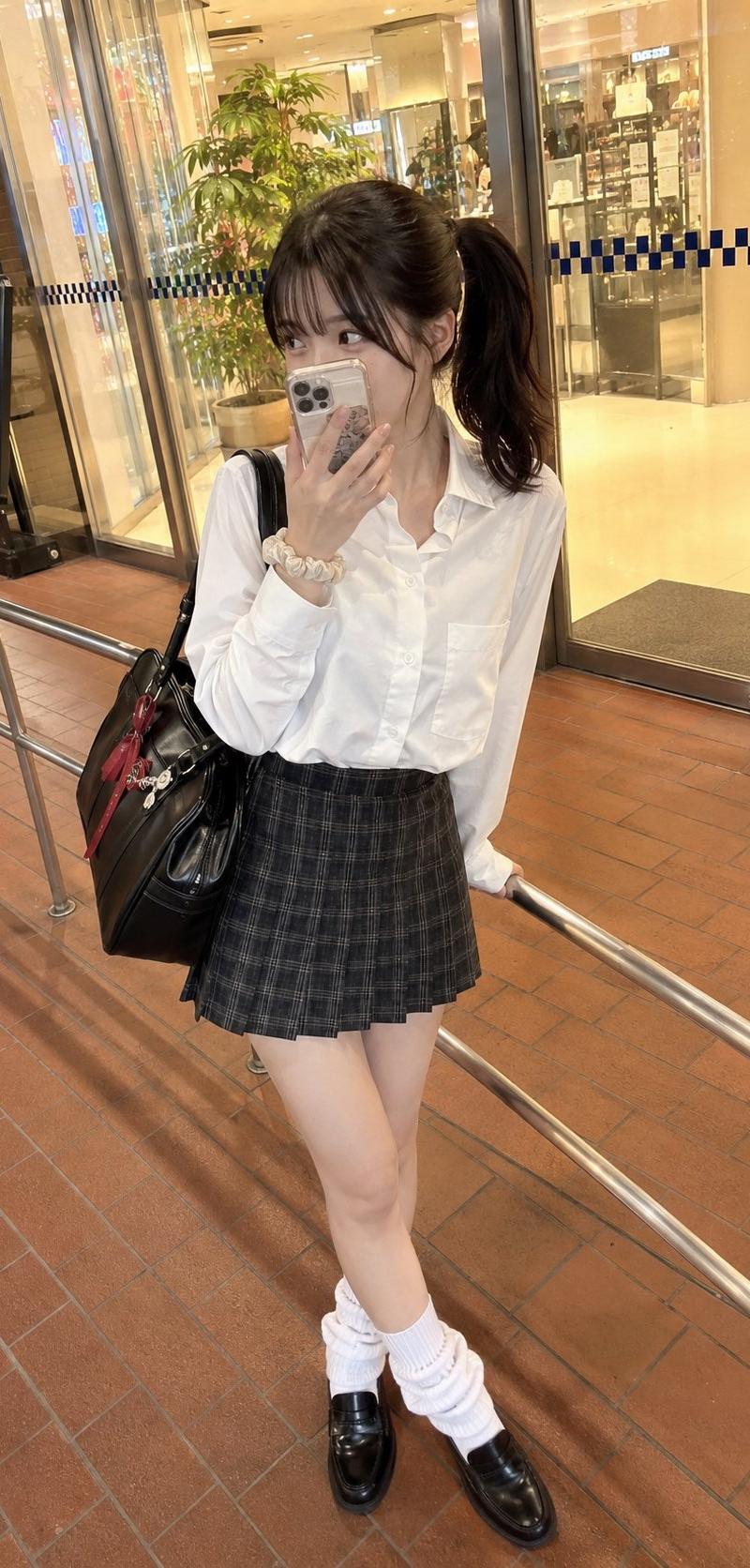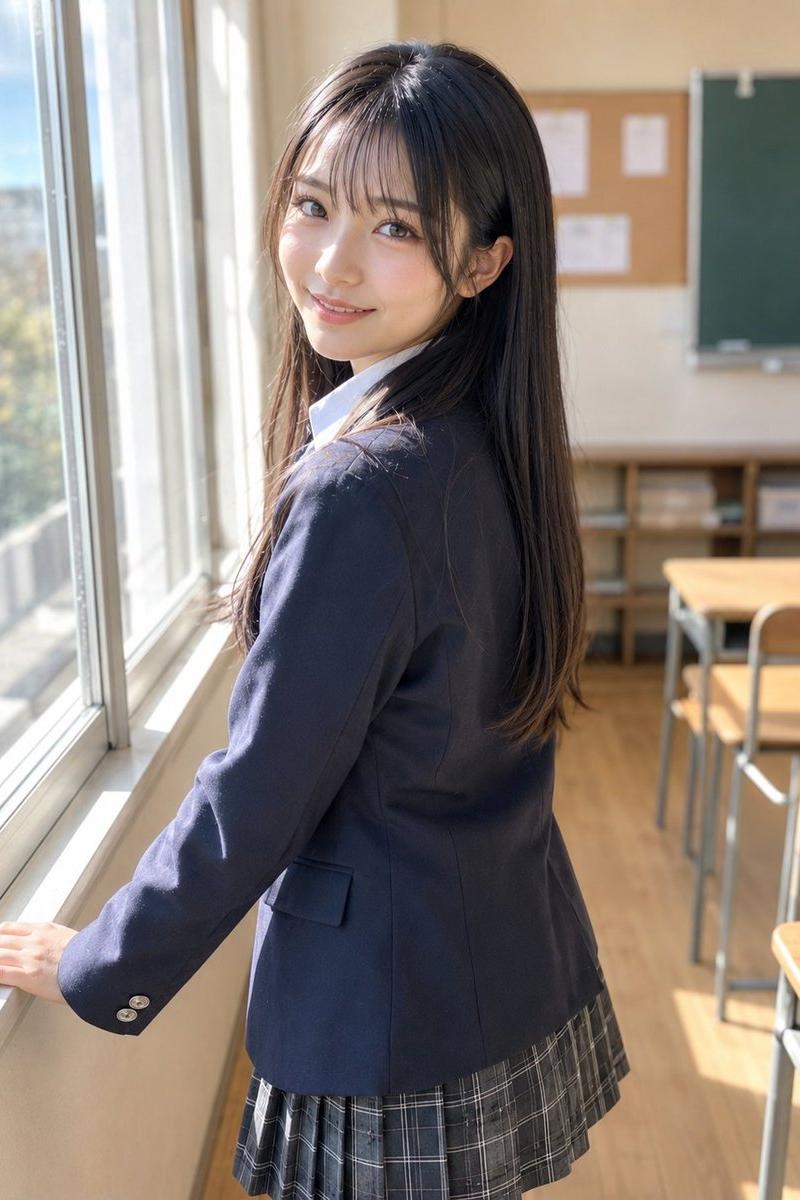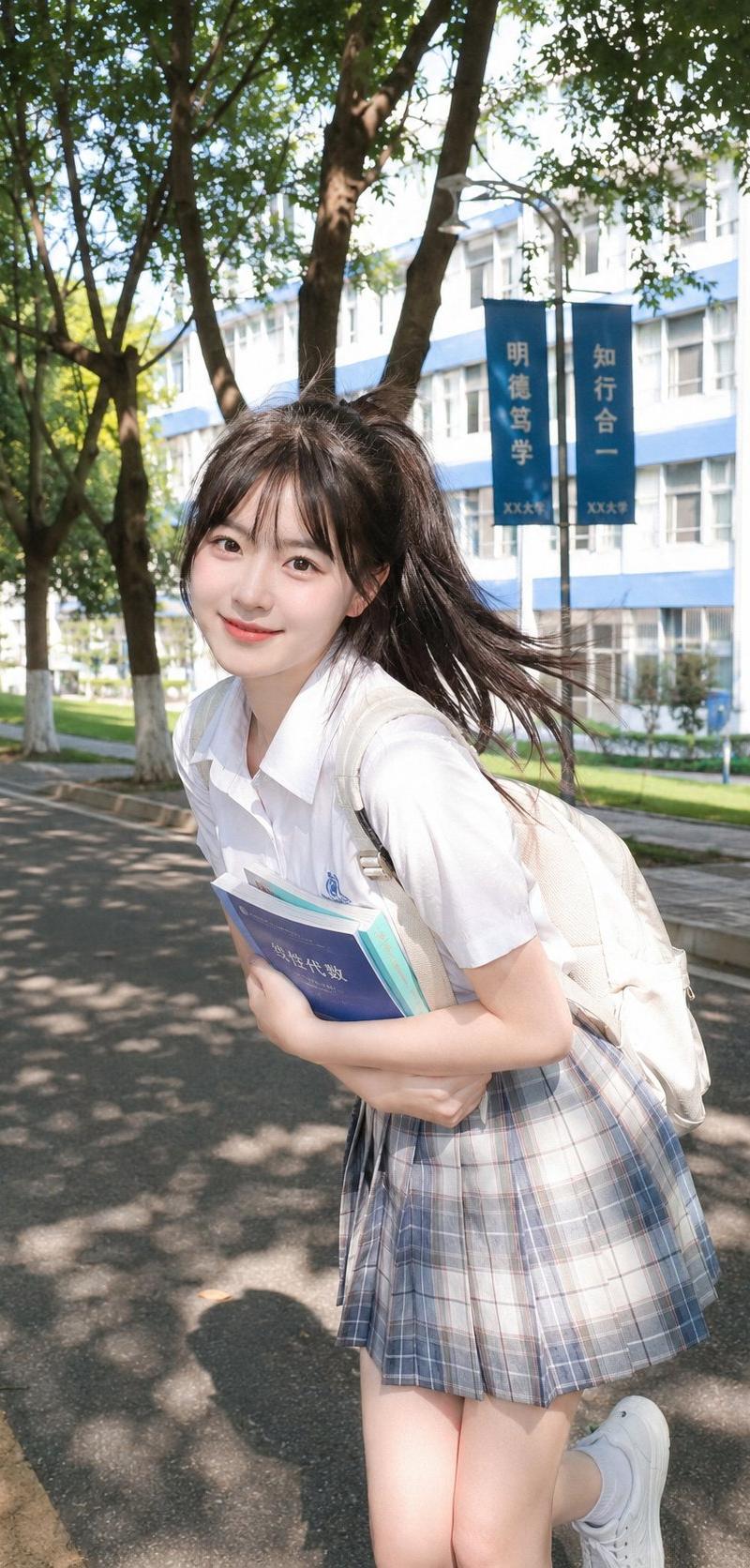
校园元气柔光CCD风写真
Prompt
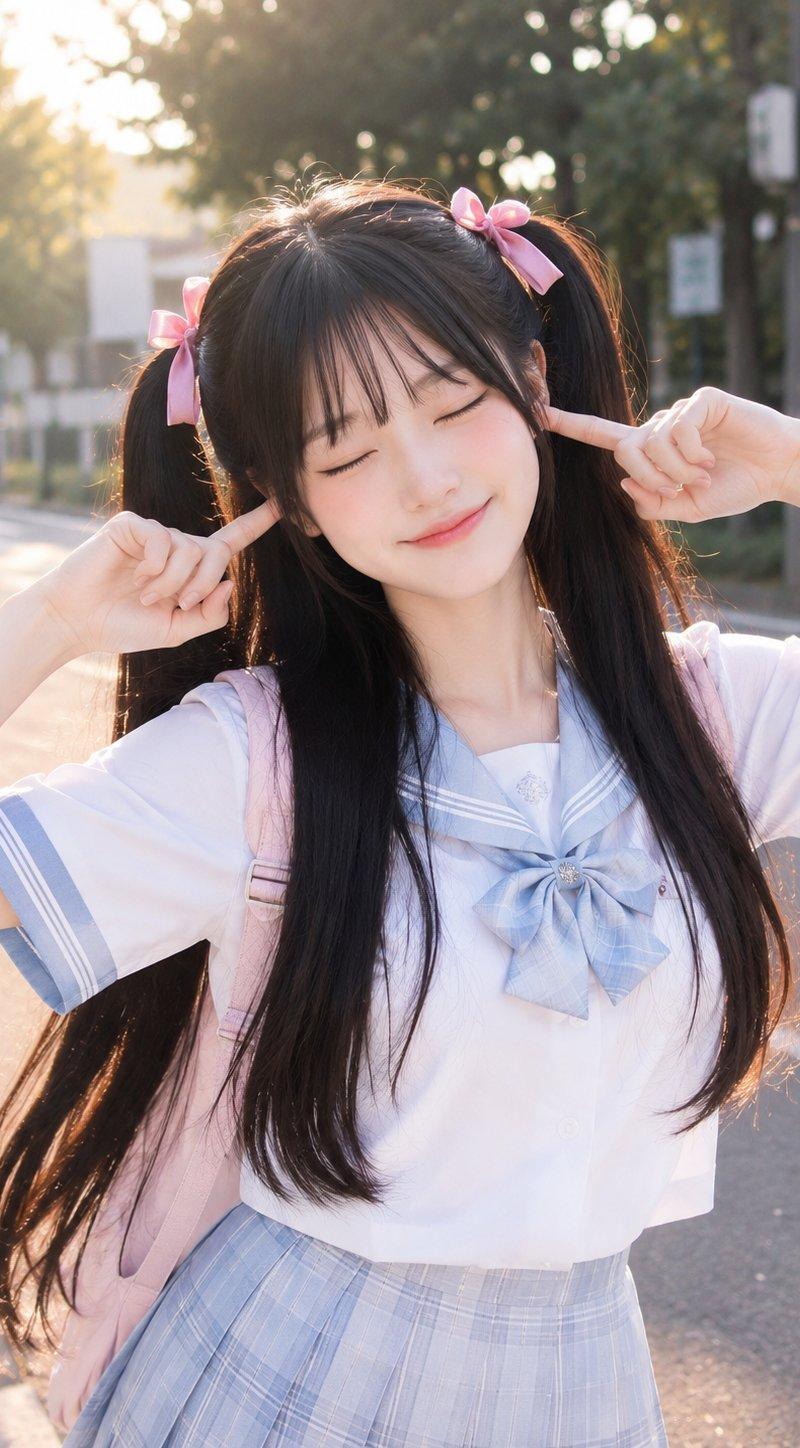
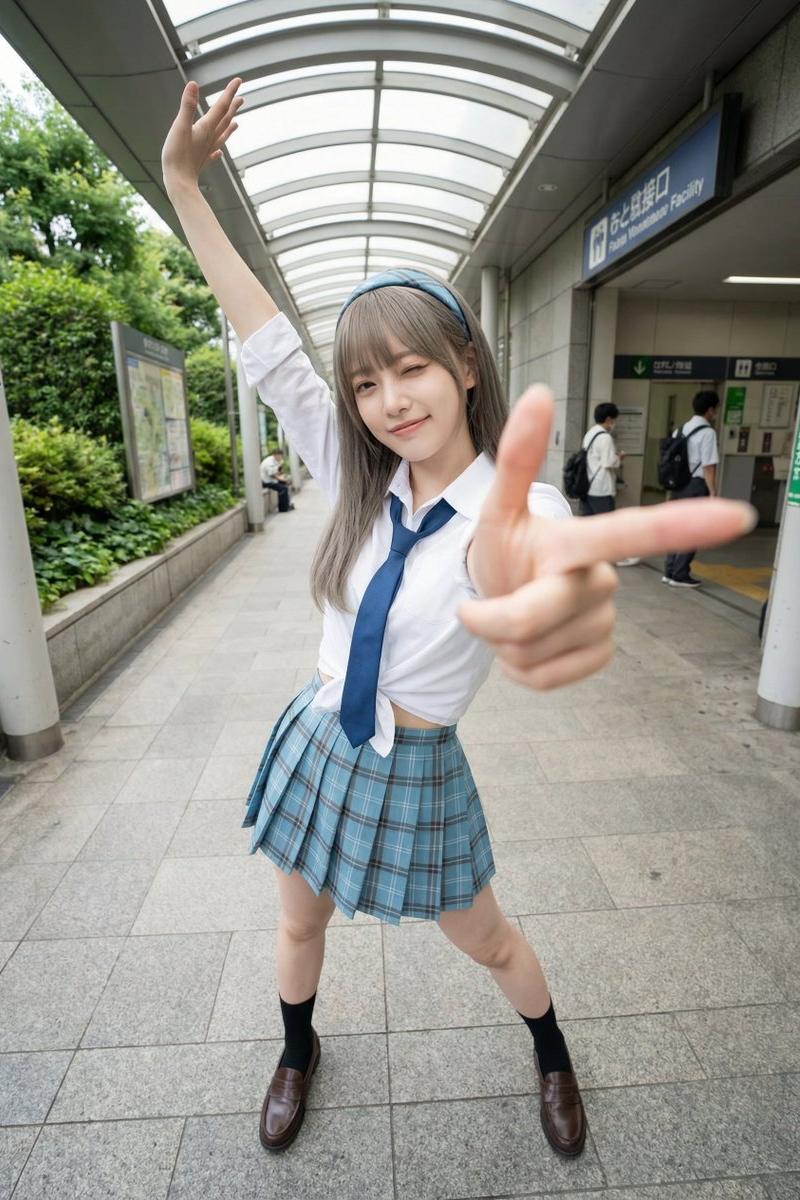
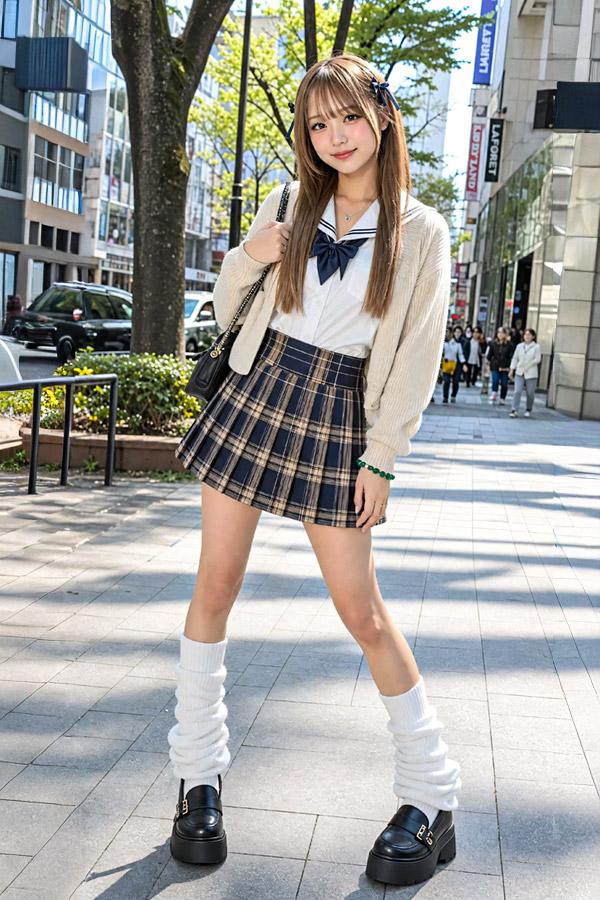
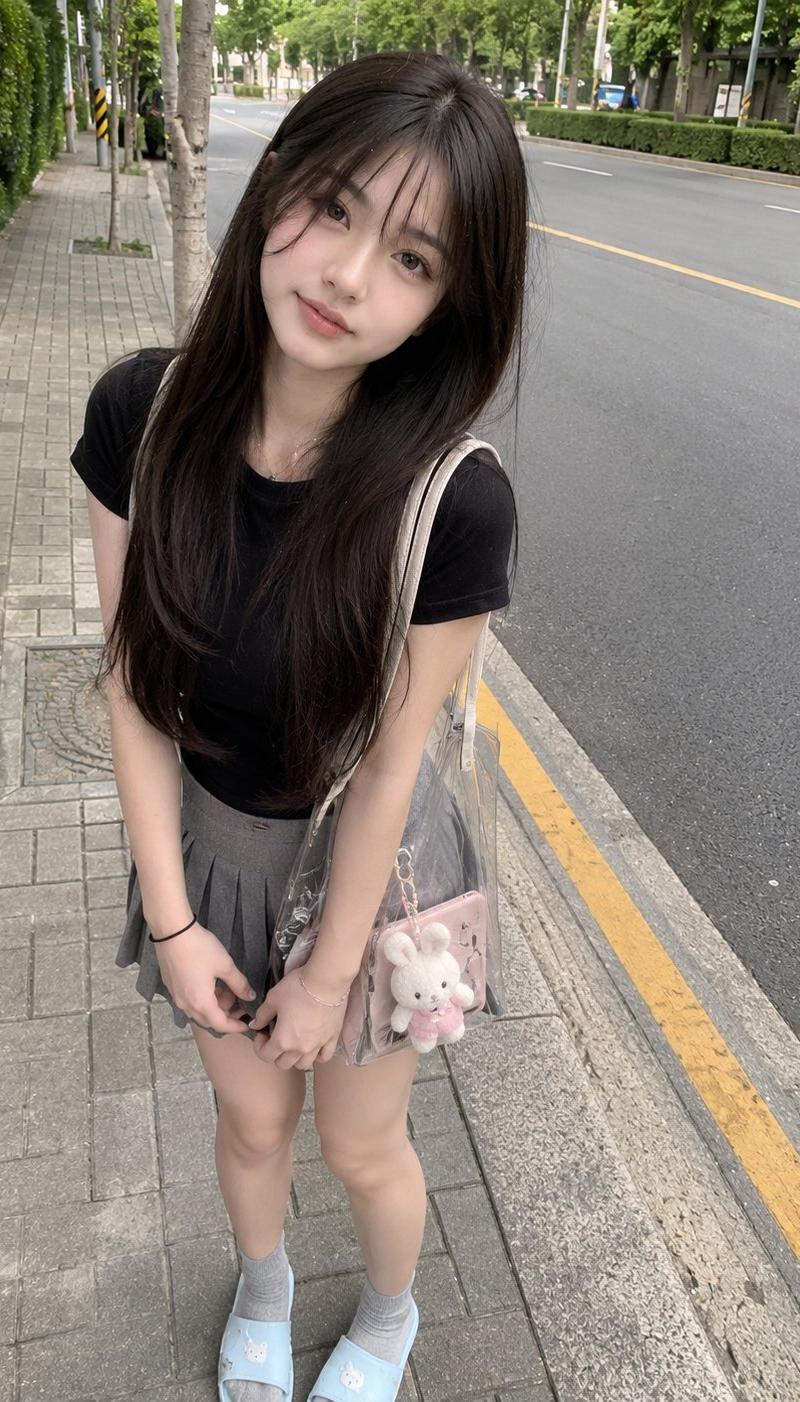
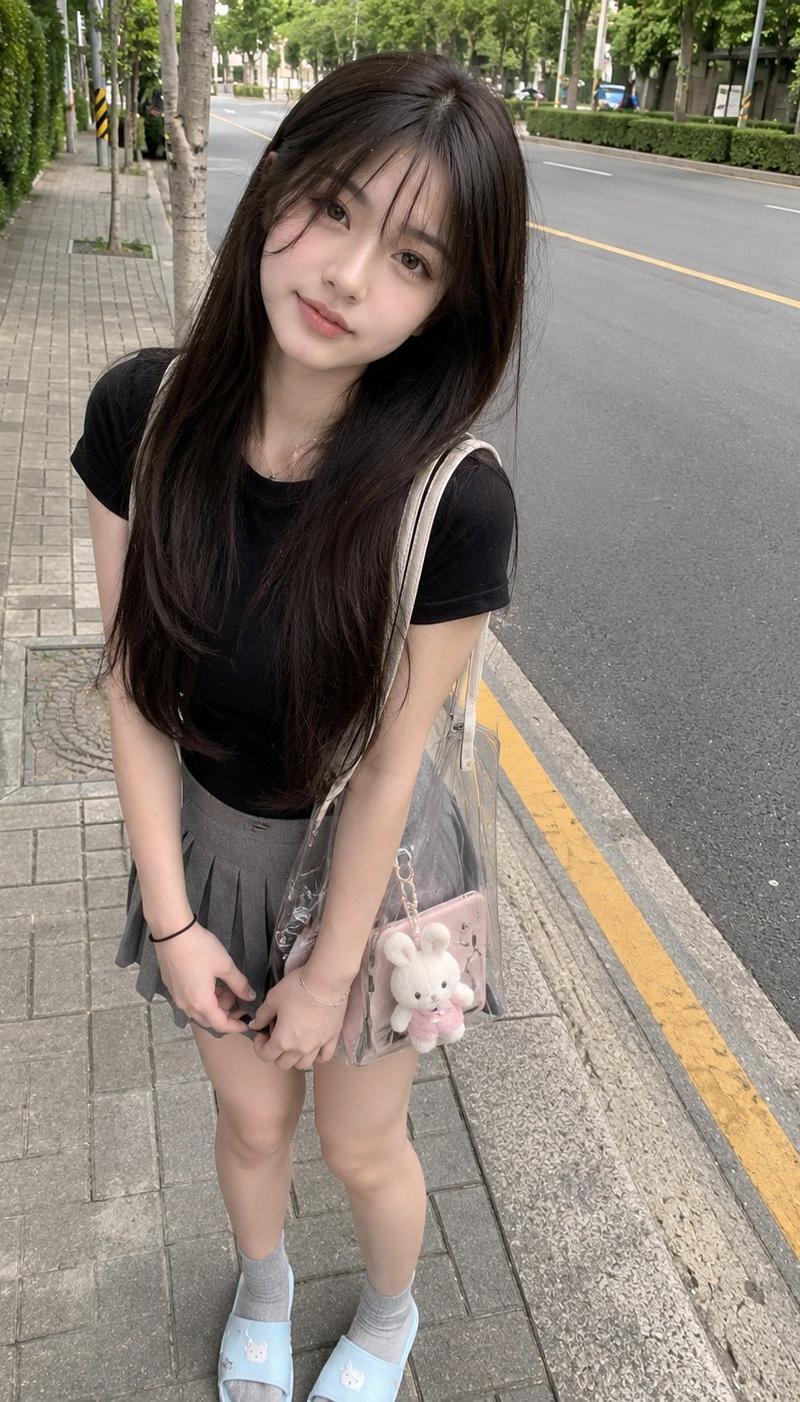
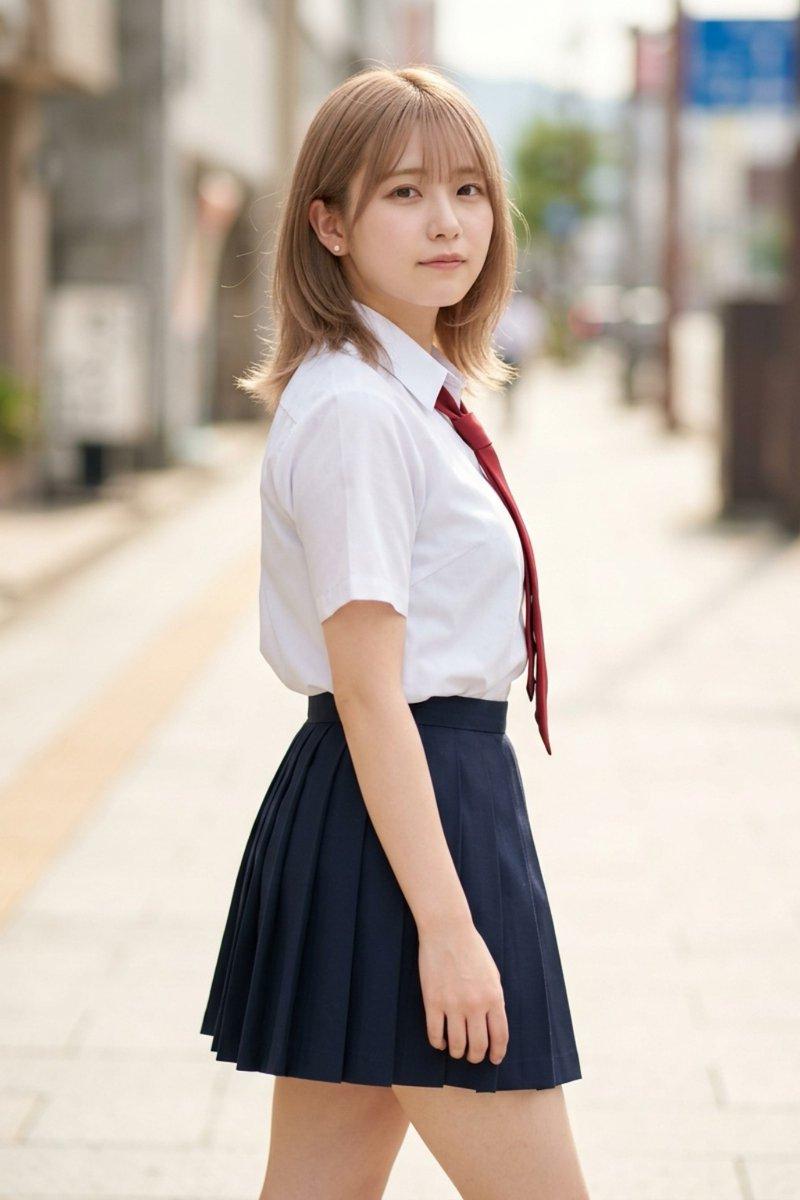
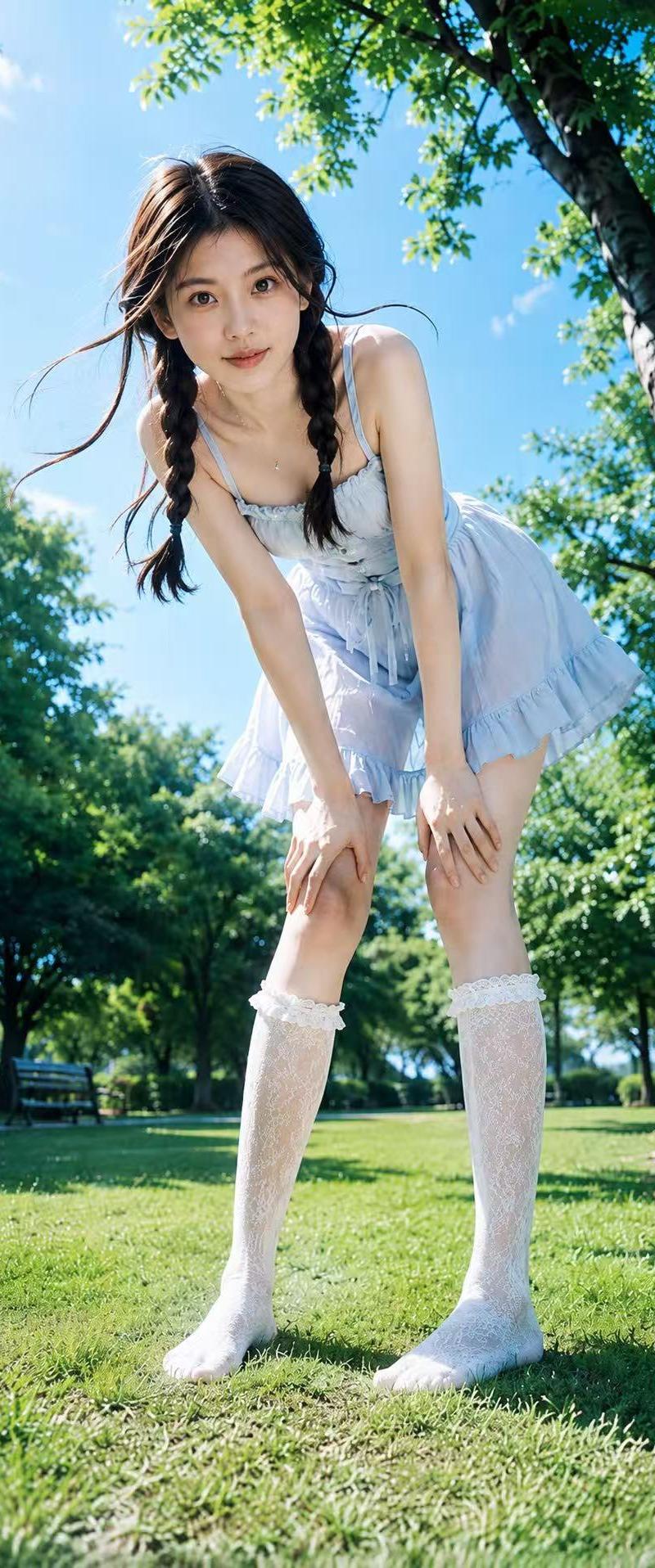
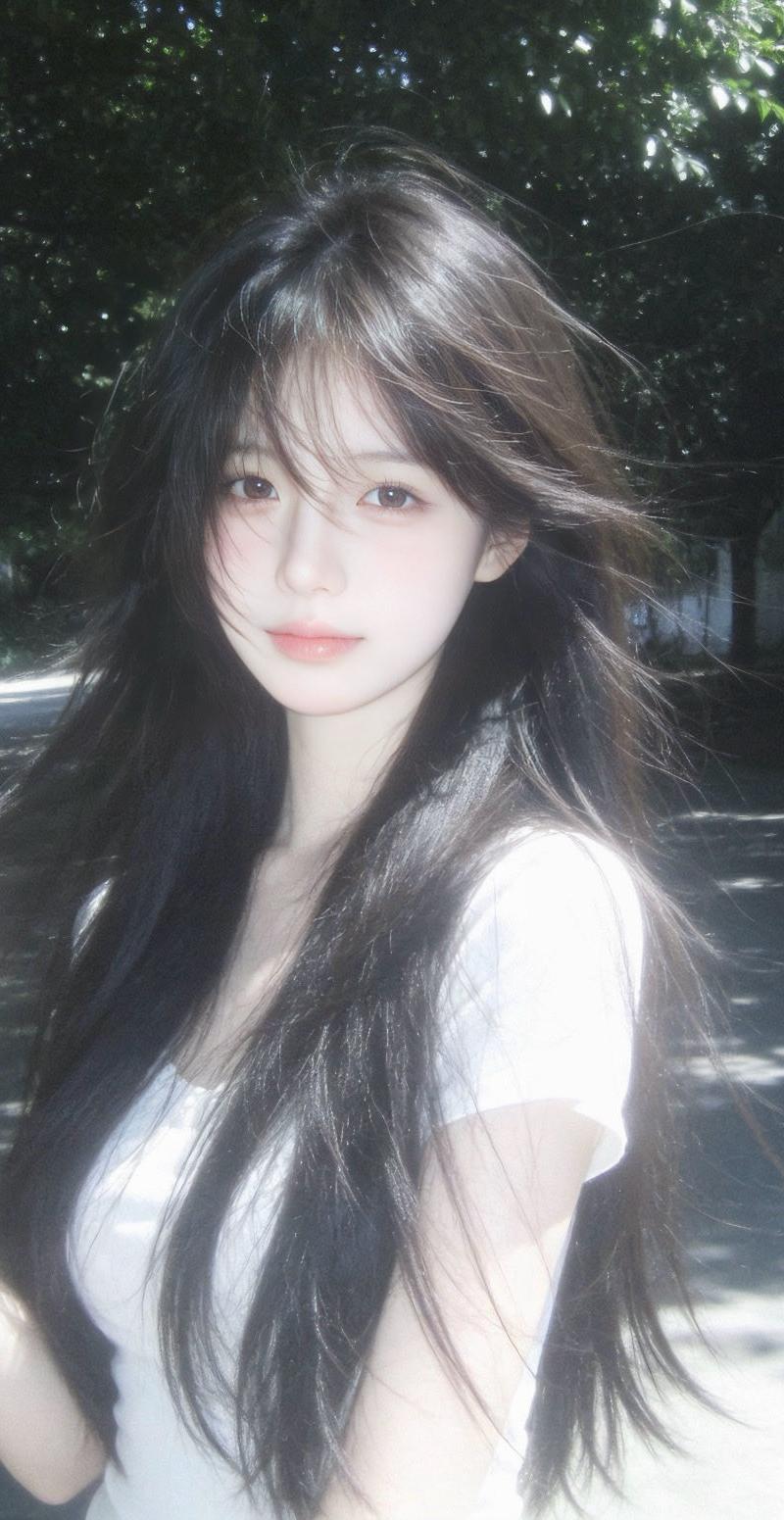
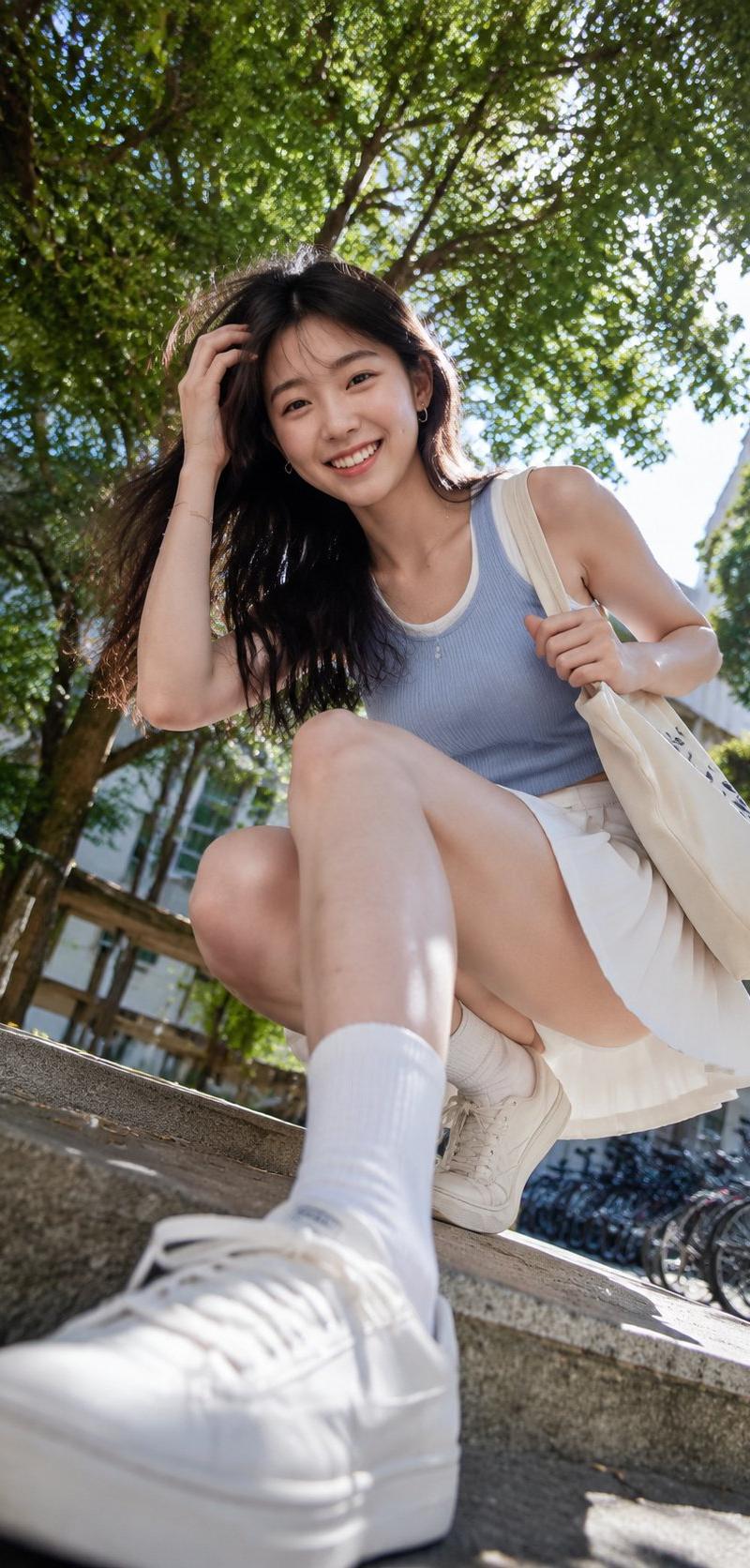
Photography Style: Soft light CCD style
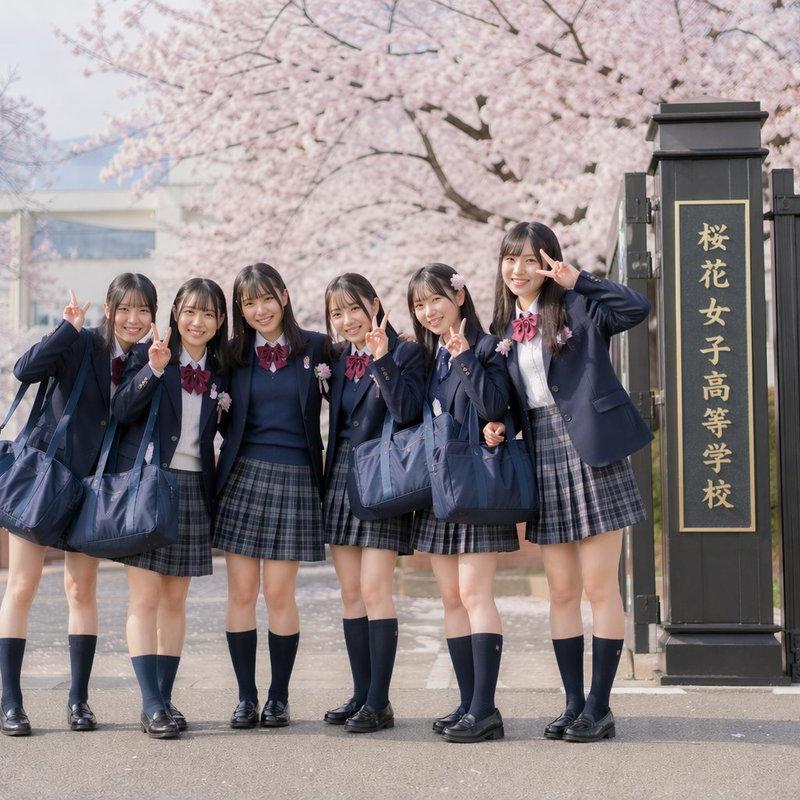
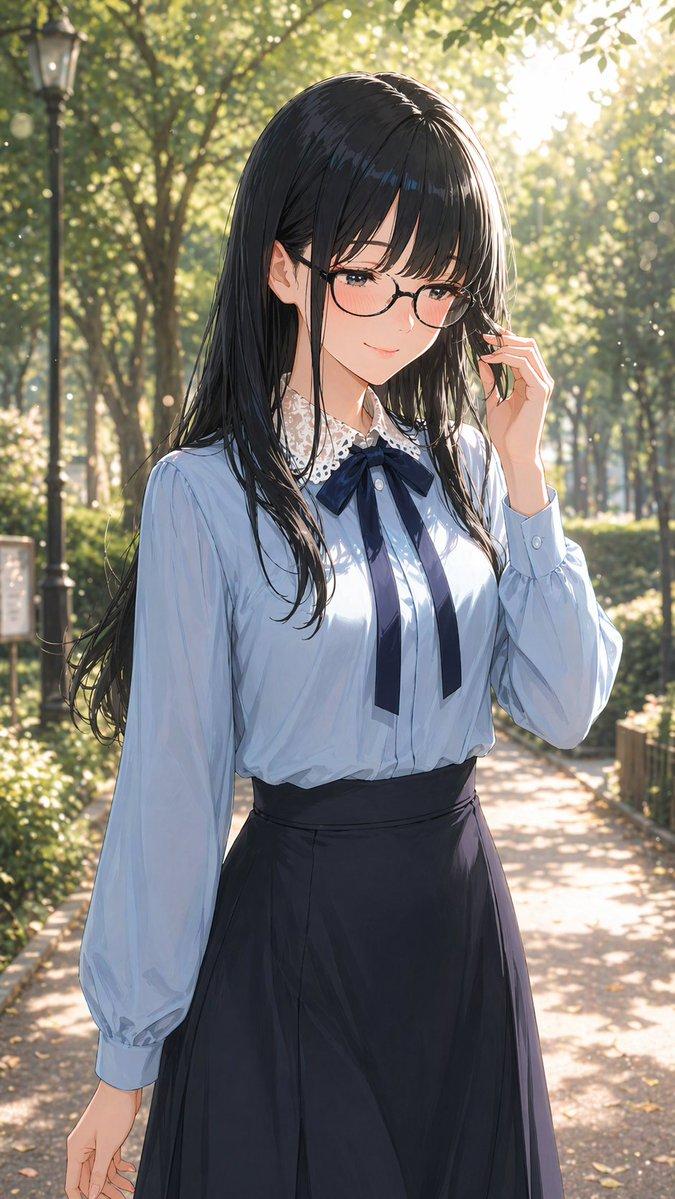
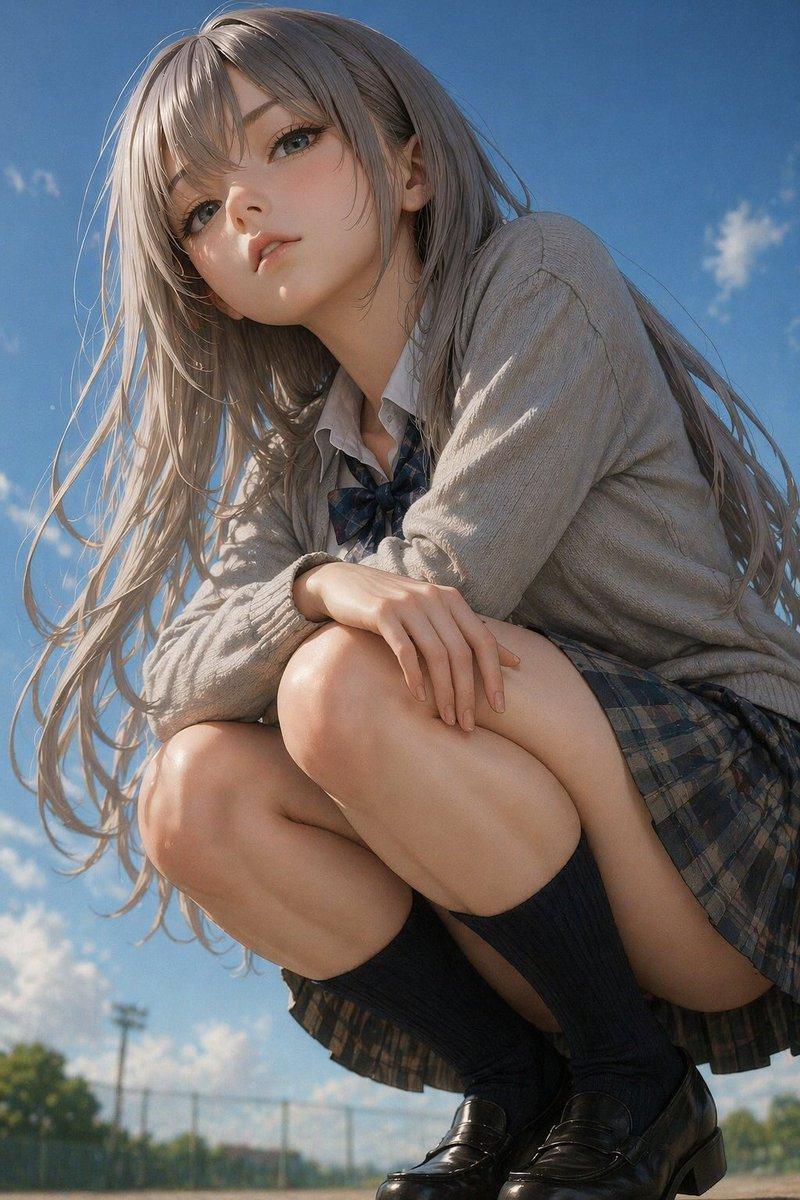
Portrait Direction: Campus energetic portrait
Scene Direction: Campus tree-lined path / teaching building corridor / beside the playground
Clothing Direction: White short-sleeved shirt/hoodie/knit sweater + plaid pleated miniskirt + white sneakers
Aura Labels: Energetic, sunny, youthful, natural, approachable, refreshing
Facial Features Direction: Energetic first-love face
Facial Details: Round apricot eyes, prominent aegyo sal, natural flat eyebrows, small nose tip, corners of the mouth naturally upturned, cheeks slightly fleshy, eyes sparkling
Hairstyle Direction: High ponytail
Hairstyle Details: Airy bangs, stray hairs on forehead, hair ends swinging naturally, hair slightly fluffy
Body Shape Direction: Light and well-proportioned
Line Emphasis: Weak
Lens Direction: Half-body to thighs / Full body
Pose and Action: Holding a book or sports drink in hand, body leaning forward slightly, smiling at the camera
Lighting Atmosphere: Bright natural daylight + soft fill flash, avoid strong backlight, facial features clearly illuminated, background not overexposed
Filter Effect: Clear CCD colors + small amount of milky white highlights + light grain + low fog feel + retain natural contrast
Aspect Ratio: 9:16
Additional Requirements: Like a frame captured by a friend with a CCD camera on campus after school, strong sense of energy, natural smile, campus heroine vibe. The image must be bright and clear, not gray or hazy, no soft focus blurring, facial features must be clear, skin tone clean, with clear layers of green and blue-white in the background.
- Category
- Charts & Infographics
- Model
- ChatGPT
- Creator
- @liyue_ai
- Source language
- zh-CN
- Source ID
- 16051
- Published
- Jun 16, 2026
Views128