清透极简长沙早安图文排版视觉
Prompt
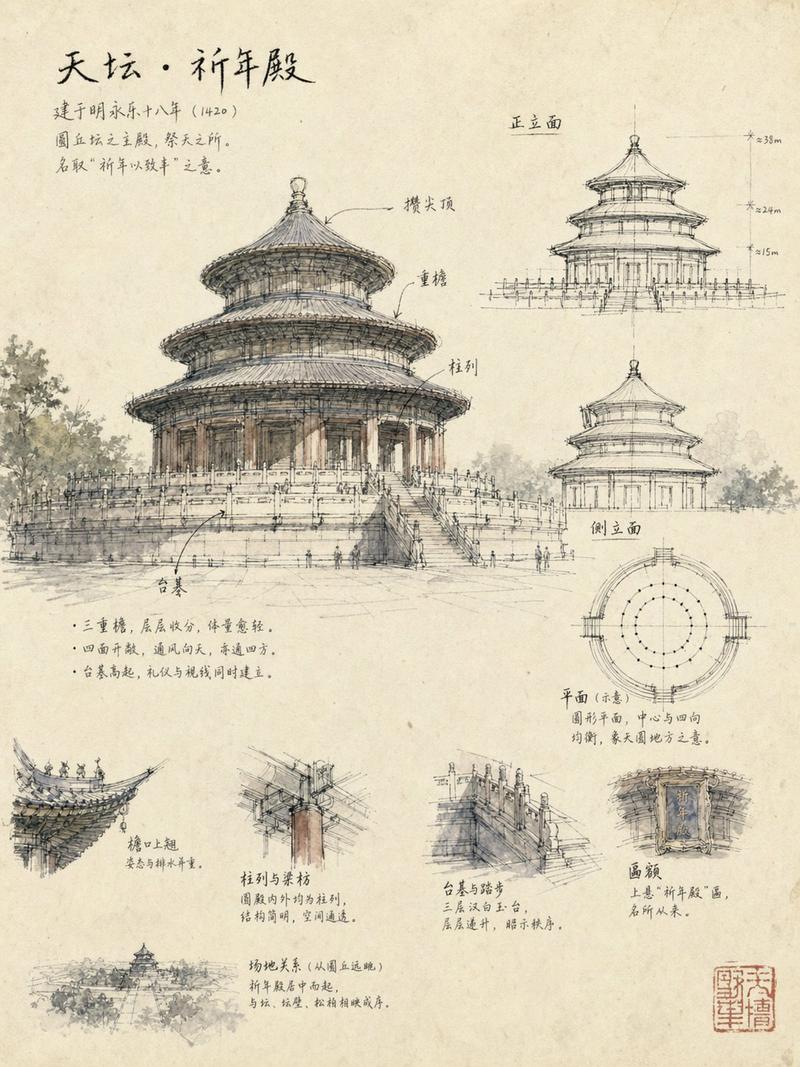
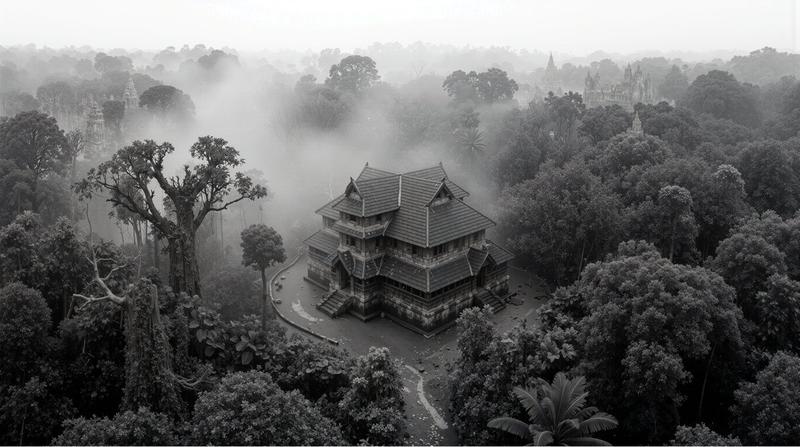
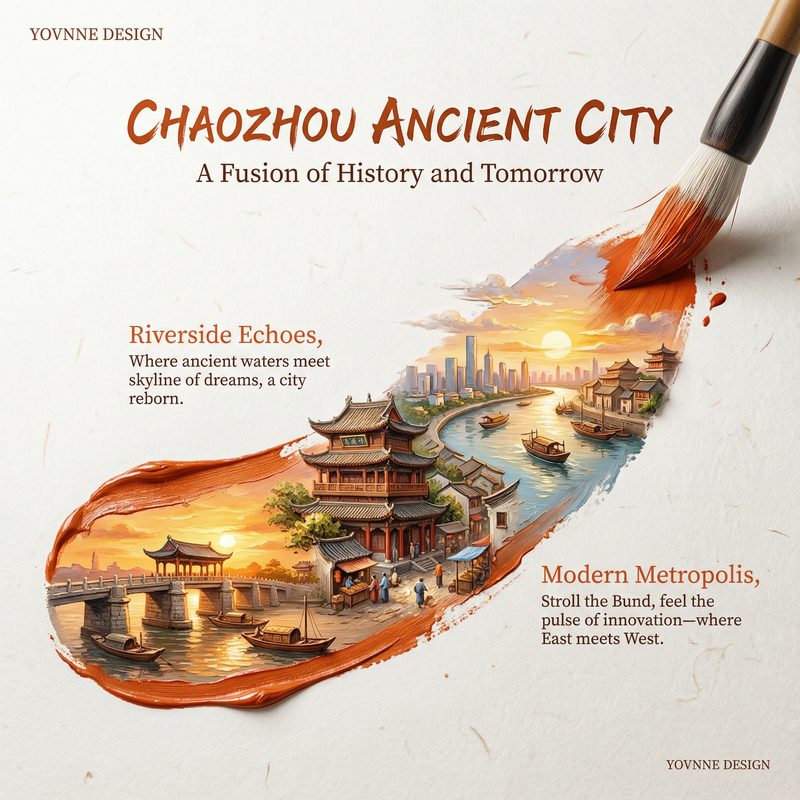
Generate a clear and bright graphic visual around any theme or object. The first glance should establish a memory point through large-scale Chinese theme characters combined with a slender, flowing line: the text uses a tall, thin, relaxed, and airy writing style, with misalignment, interweaving, and breathing space between glyphs. A thin line enters from the edge of the frame, winds around the main title, grazes the subject or environment, and then finishes with a soft loop, as if gently stringing together the text, air, and thematic content. The theme subject remains small and clear, placed in a low or mid-low visual position within an open background. The background carries emotion through real or simulated natural spaces, material spaces, or light and shadow spaces. The foreground may have slightly blurred plants, textures, or theme-derived details to form layers. A strong information-bearing area is set at the bottom, composed of large elegant serif English short phrases, slender handwriting, and small paragraphs of explanatory text to create rhythm. The information layer must be clear but not overwhelm the airy feel above. Colors are extracted from the theme's own materials, scenes, seasons, and emotions, mapped as large areas of high-brightness ventilated base colors, clean subject colors, a small amount of clear accent colors, transparent shadow layers, and high-contrast information text, maintaining a bright, brisk, clear, and clean mood with distinct color steps. Even if the theme requires darker colors, use clear dark areas and glowing edges, avoiding turbidity, staleness, soot, or dirty yellow. The overall completeness is like a fusion of exquisite daily greeting cards and landscape photography, with slight white paper or brushstroke shapes at the edges of the frame acting as a top binding feel. Small seal-style information markers can serve as secondary rhythm points. All text and lines must look carefully arranged, forming a quiet sense of ritual like a soft greeting.

——————
Theme: Changsha elements Good Morning greeting, 2026-06-22
Ratio: 9:10
- Category
- Charts & Infographics
- Model
- ChatGPT
- Creator
- @xiaoxiaodong01
- Source ID
- 16514
- Published
- Jun 22, 2026
Views58