14

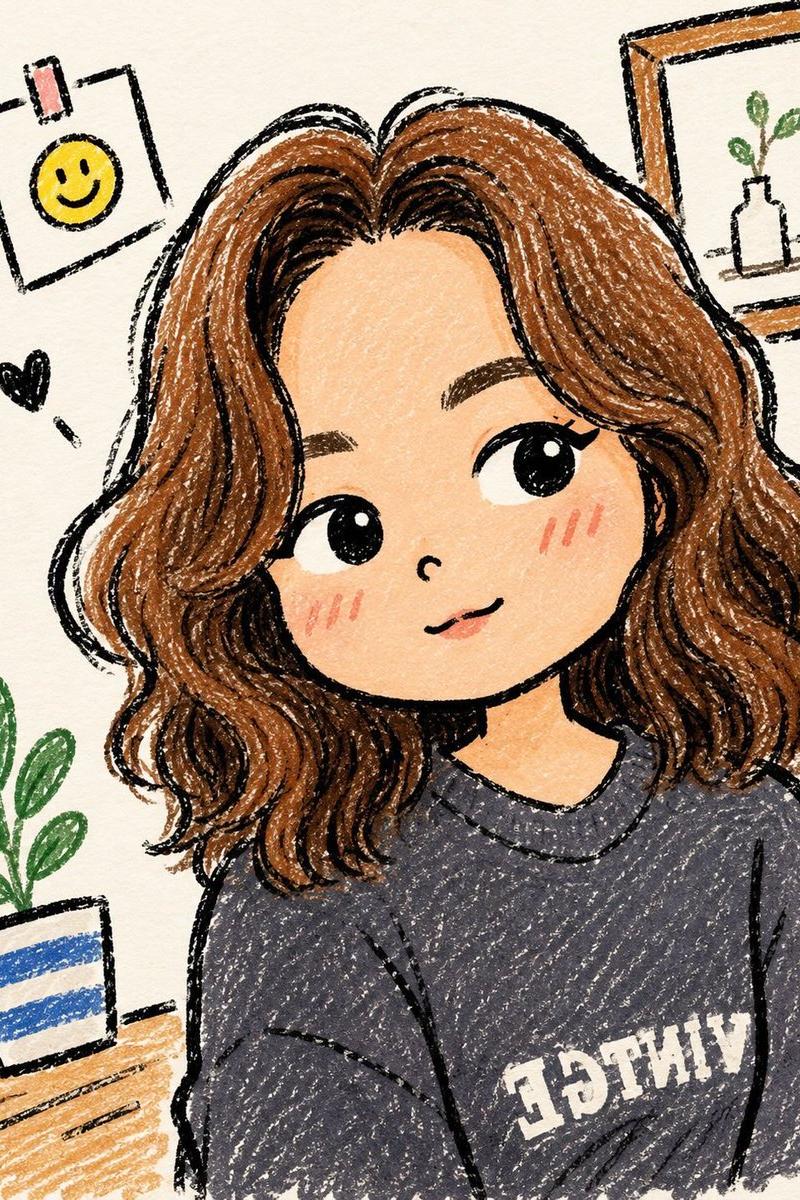
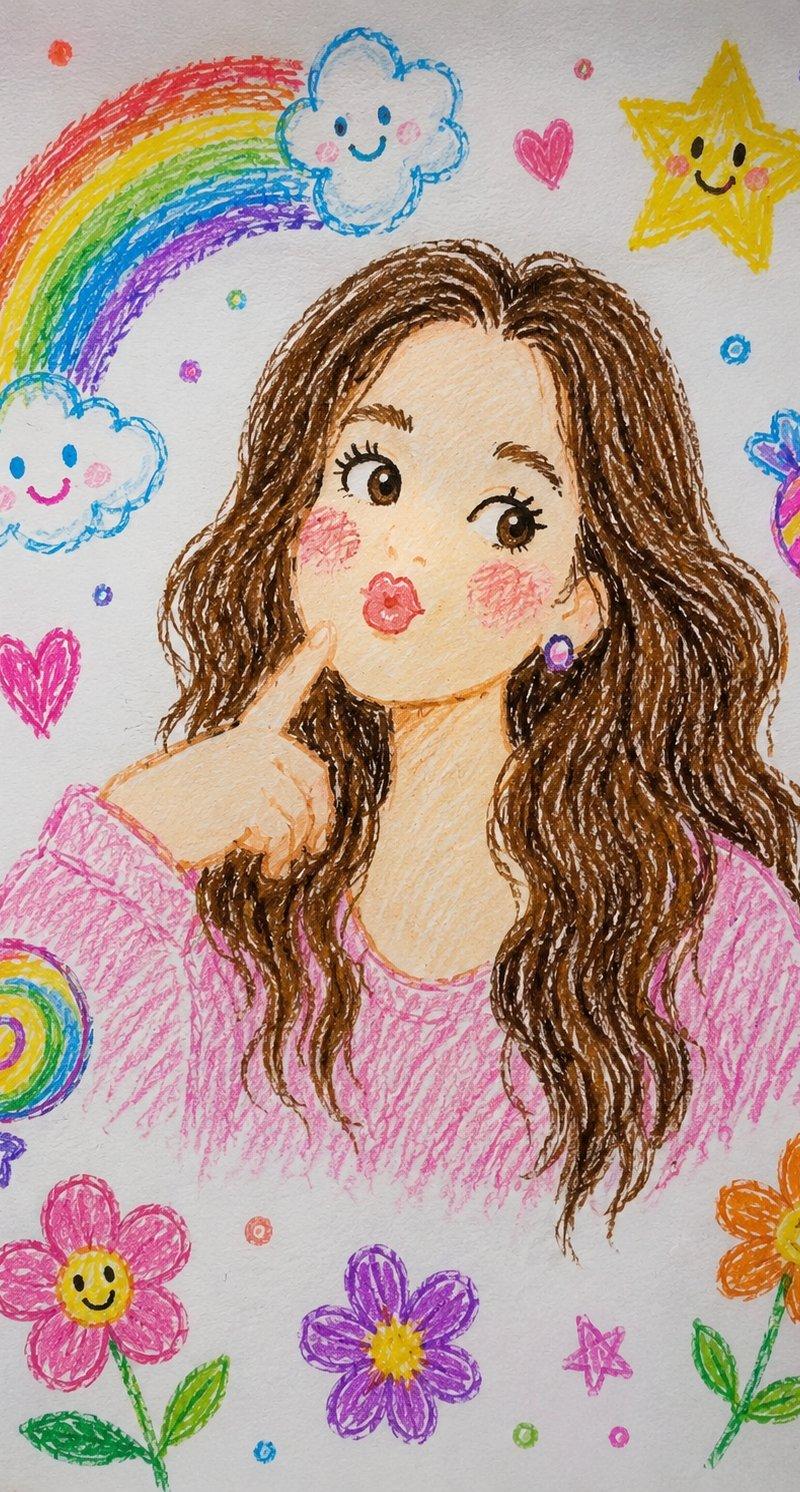
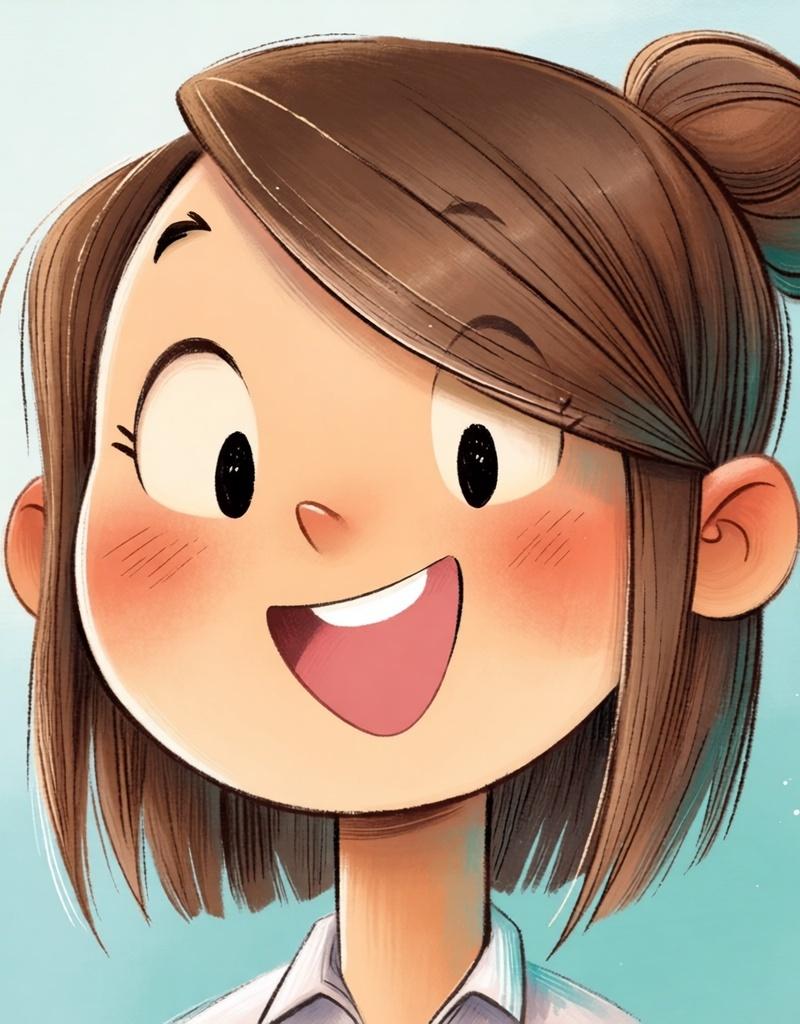
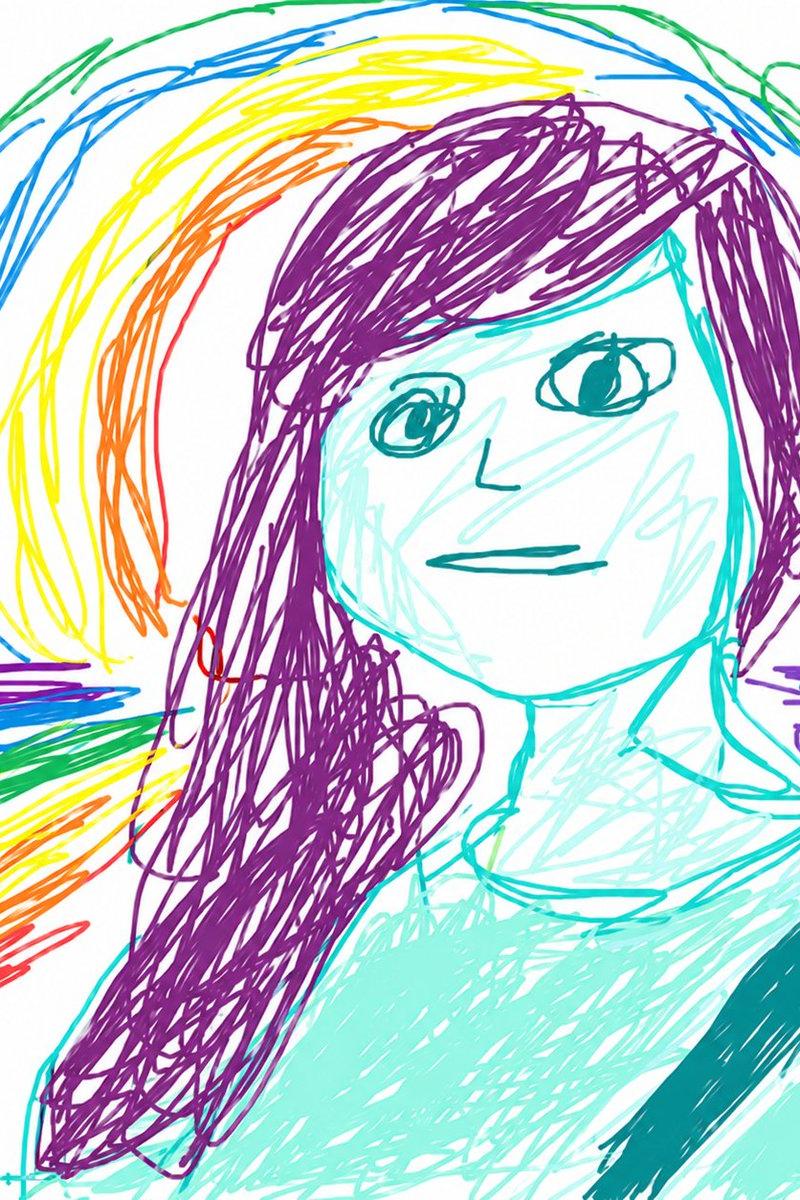
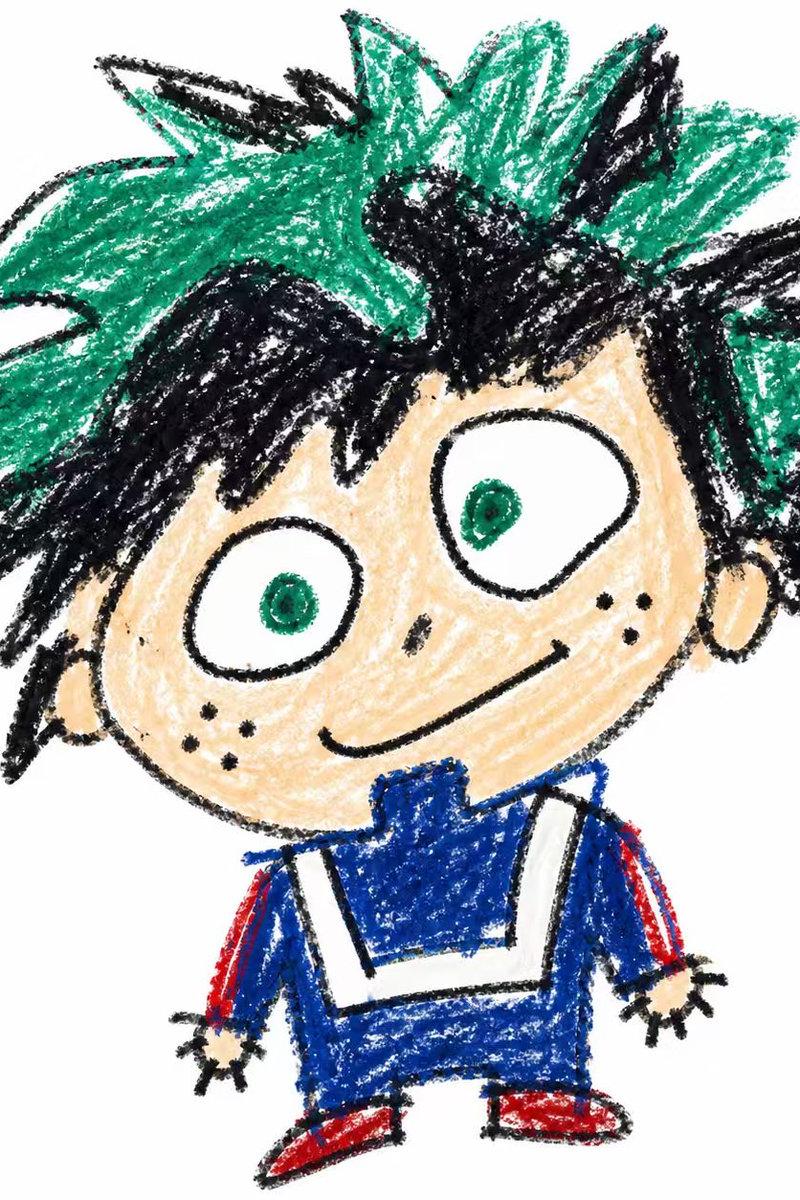
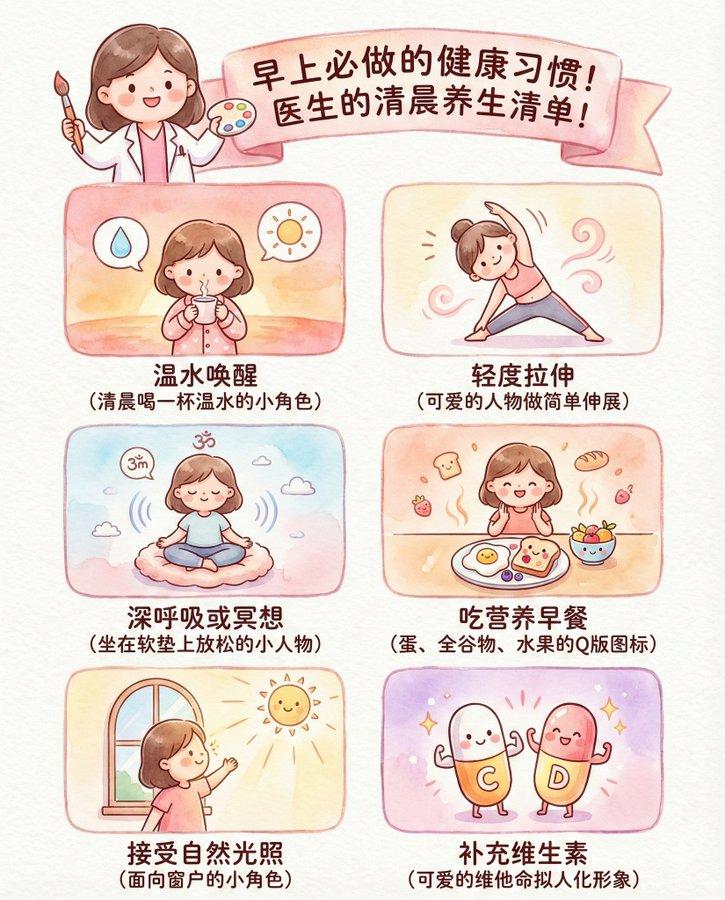
真实儿童蜡笔画插画风格
Enlarge

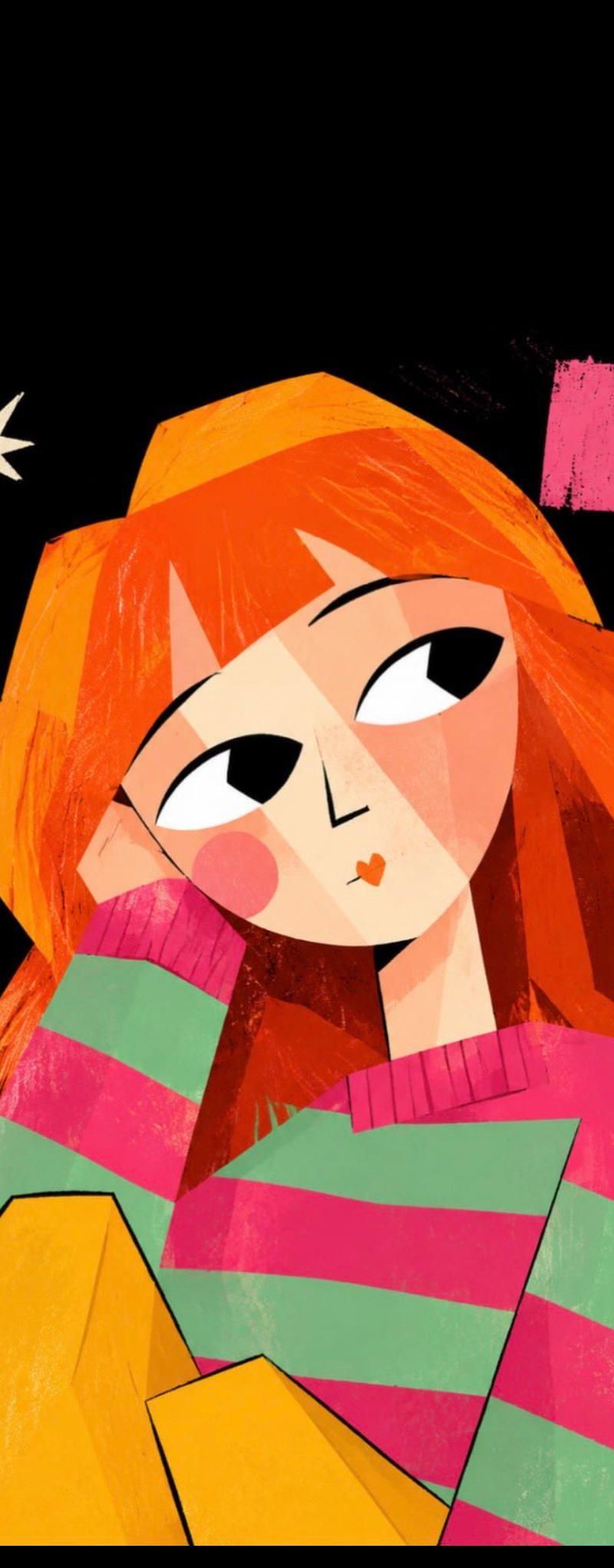
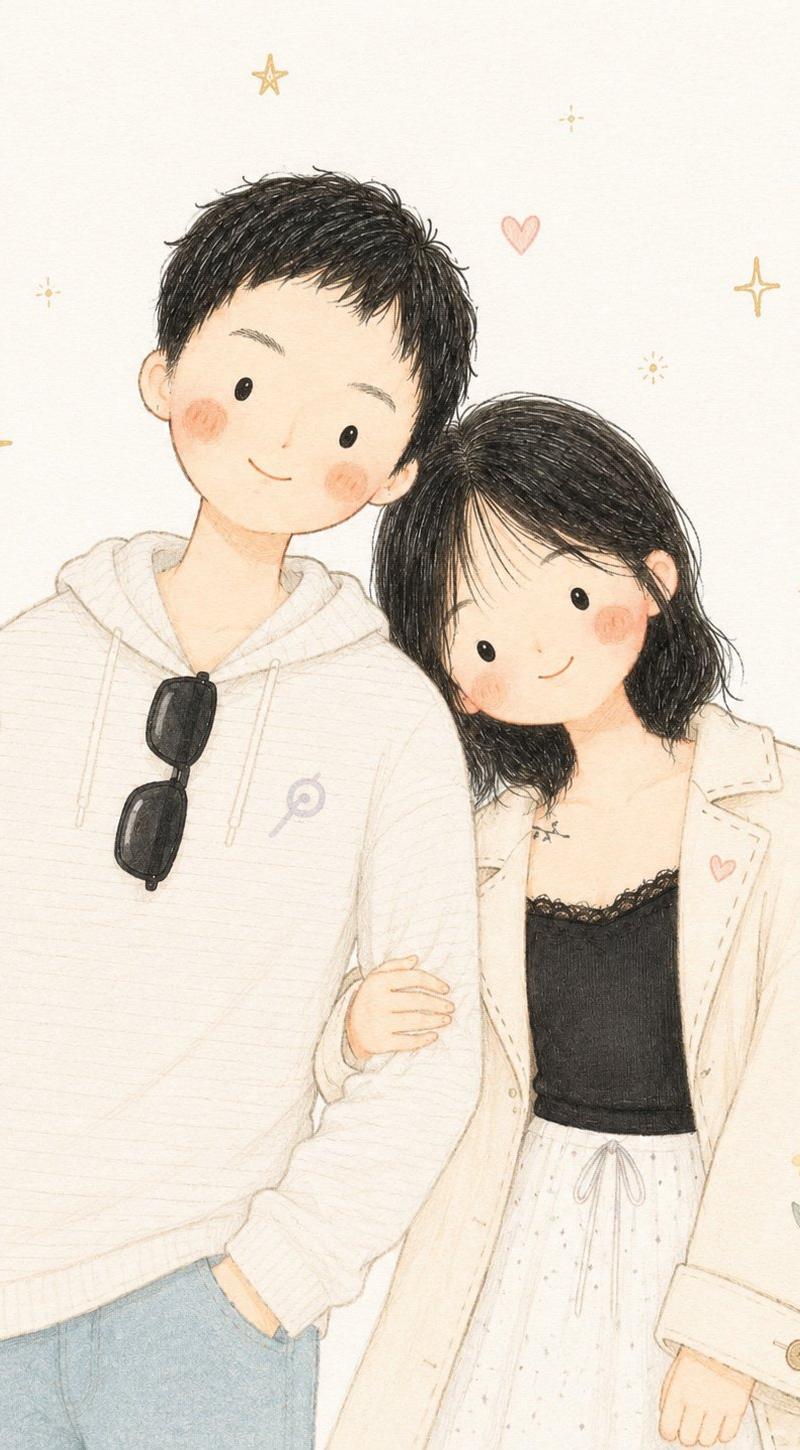
Example images

真实儿童蜡笔画插画风格

Prompt
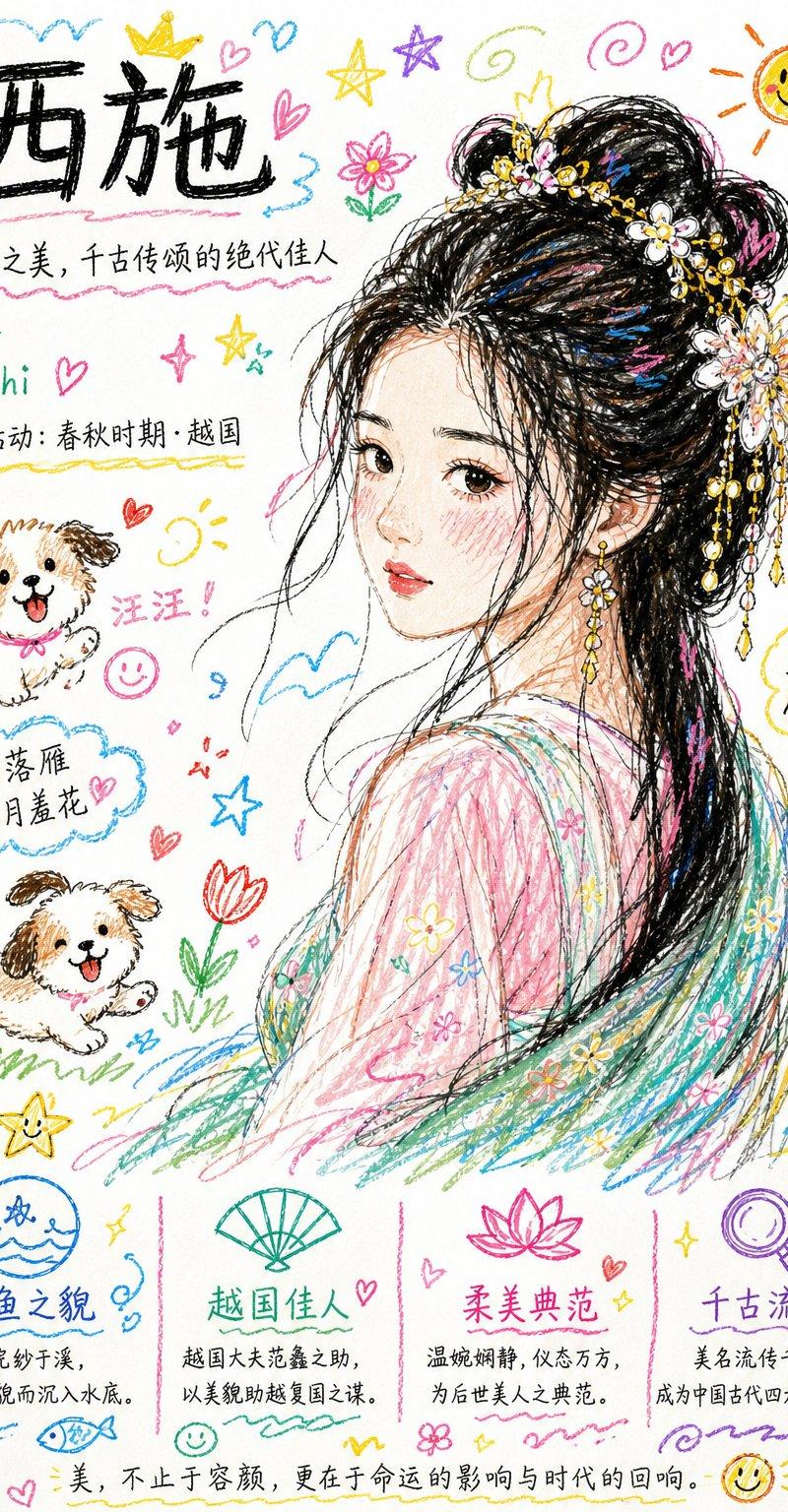
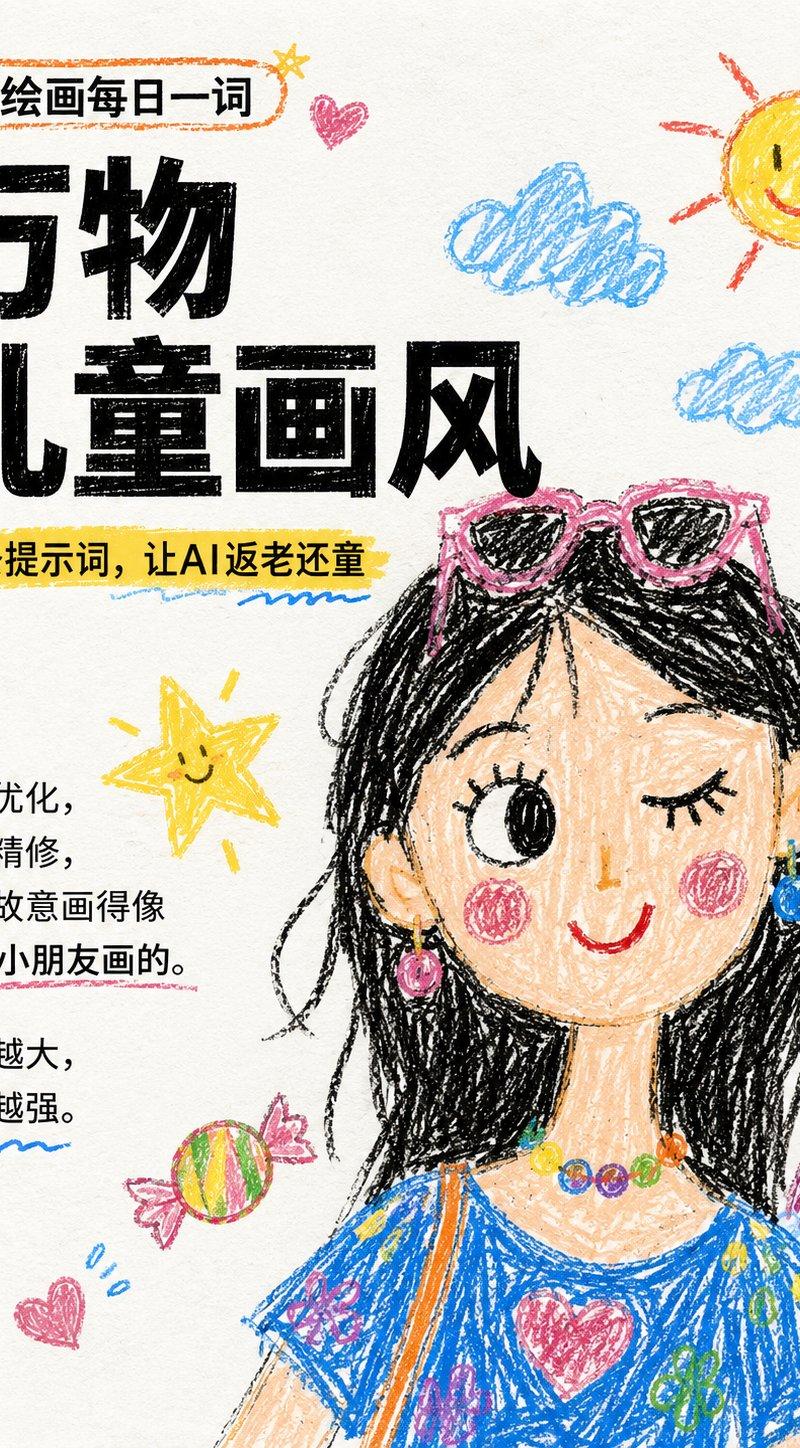
Redraw the uploaded image into a children's crayon illustration style.

The overall presentation should have the hand-drawn texture of a 10-year-old child:
- Lines are naive, imperfect, with slight jitters
- Simplified shapes, slightly exaggerated proportions
- Use bright, vibrant crayon colors
- Color blocks are allowed to be colored outside the lines
- The background is a clean white paper or sketchbook paper texture
- Add childlike elements: stars, clouds, candy, little sun
The style must look like a real child's drawing, not an illustration software effect.
Avoid:
Watercolor texture, realistic lighting and shadows, delicate gradients, photography style.
Category
Charts & Infographics
Model
ChatGPT
Creator
@derek_wall90176
Source language
zh-CN
Views108
Source ID
16275
Published
Jun 18, 2026
Studio

Guide

About "真实儿童蜡笔画插画风格"

What is this prompt for?

"真实儿童蜡笔画插画风格" AI image prompt for ChatGPT (Charts & Infographics). 将上传图片重新绘制为儿童蜡笔插画风格。 整体表现为10岁小朋友的手绘质感: - 线条稚拙、不完美、有轻微抖动 - 造型简化,比例略夸张 - 使用鲜亮、跳跃的蜡笔色彩 - 色块允许涂出边…

The full copyable prompt and example visuals above are ready for AI image generation or one-click recreate in Picva.

How to use this prompt

  1. Step 1

    Open the prompt detail

    Review the example visuals, category, and full prompt text for "真实儿童蜡笔画插画风格".

  2. Step 2

    Copy the prompt

    Copy the prompt body from this page, or load it directly in Studio.

  3. Step 3

    Pick a model (ChatGPT)

    Prefer ChatGPT. If you switch models, keep subject and composition and tweak style terms.

  4. Step 4

    Generate and export

    Recreate the look in Picva, or export into your workflow for editing and publishing.

FAQ

What is the "真实儿童蜡笔画插画风格" prompt?
It is an AI image-generation prompt for ChatGPT in the Charts & Infographics category. This page includes the full prompt text, example visuals, and a one-click recreate path in Picva.
How do I use this prompt to generate an image?
Copy the prompt from this page, or use Generate / Studio. Paste it into a compatible image model, or recreate the look in Picva with optional reference images.
Which model is this prompt for?
This page lists ChatGPT. Most descriptive prompts also transfer to nearby image models such as GPT Image, Flux, or Midjourney with light style tweaks.
Can I use the result commercially?
You can usually copy the prompt for creation, but commercial use of the final image depends on the model terms, reference-image rights, and the generated content. Follow the source author and platform rules.