17

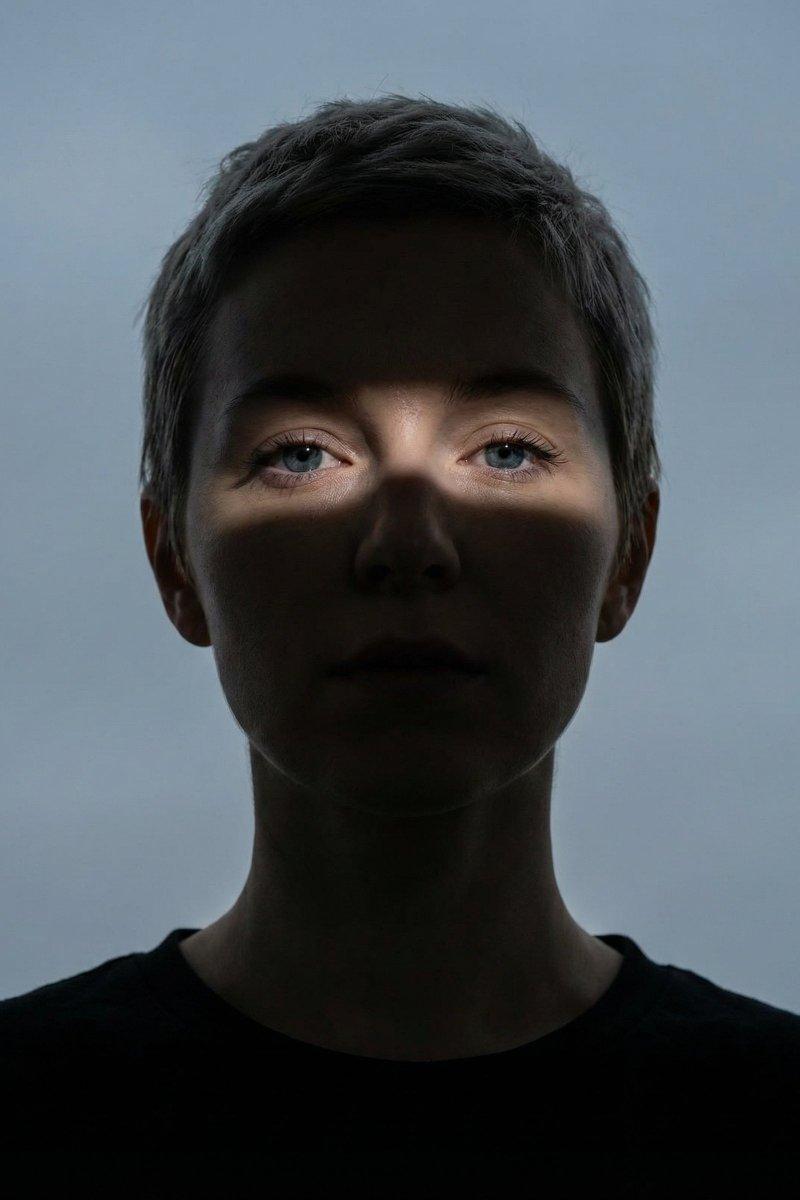
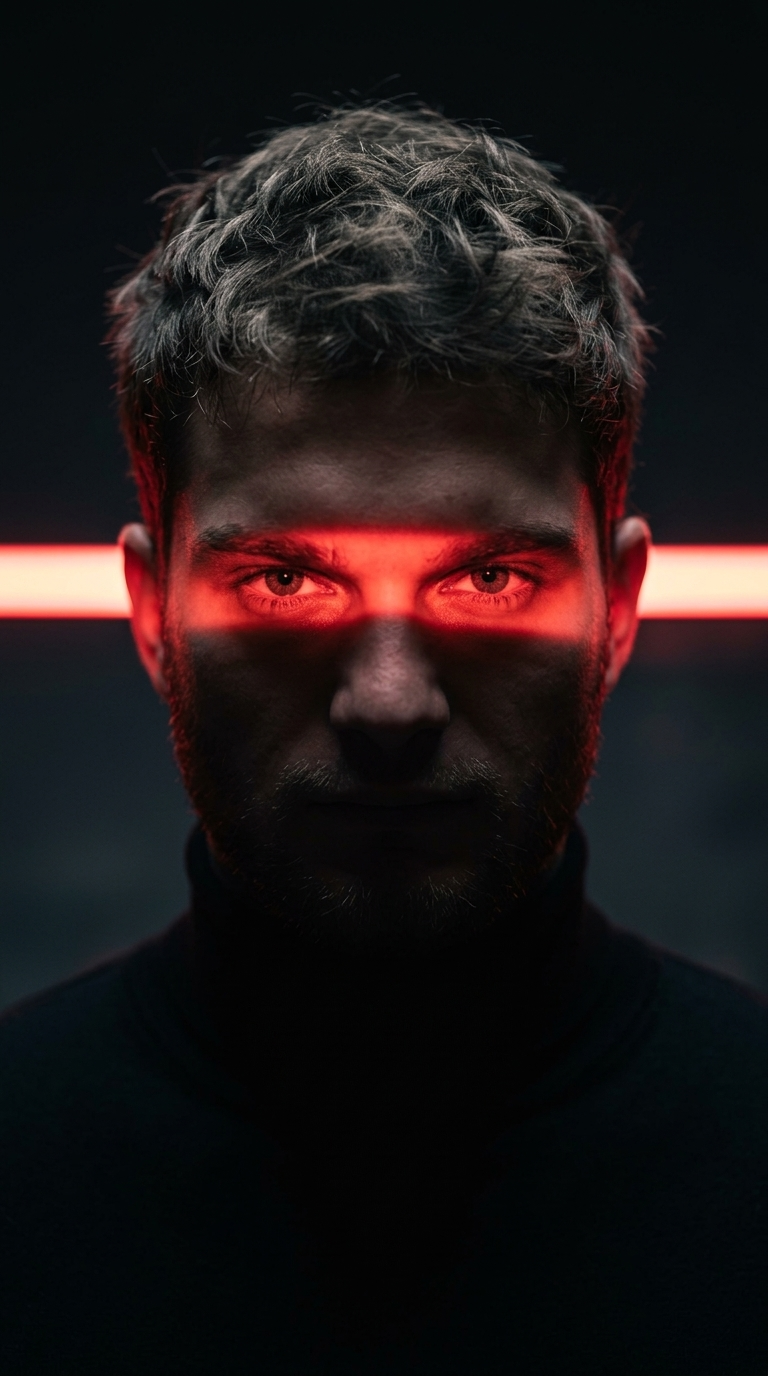
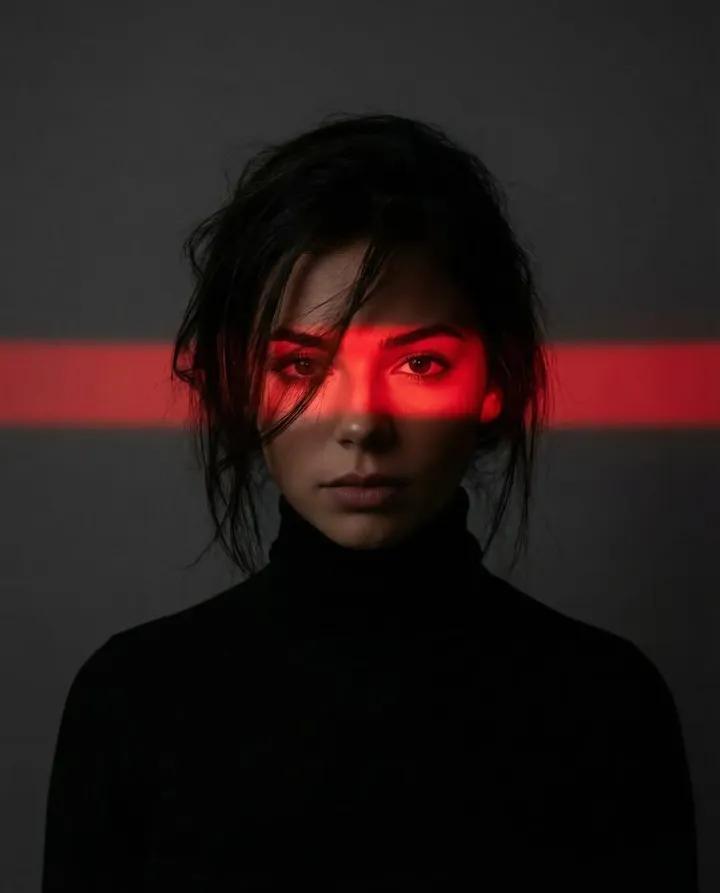
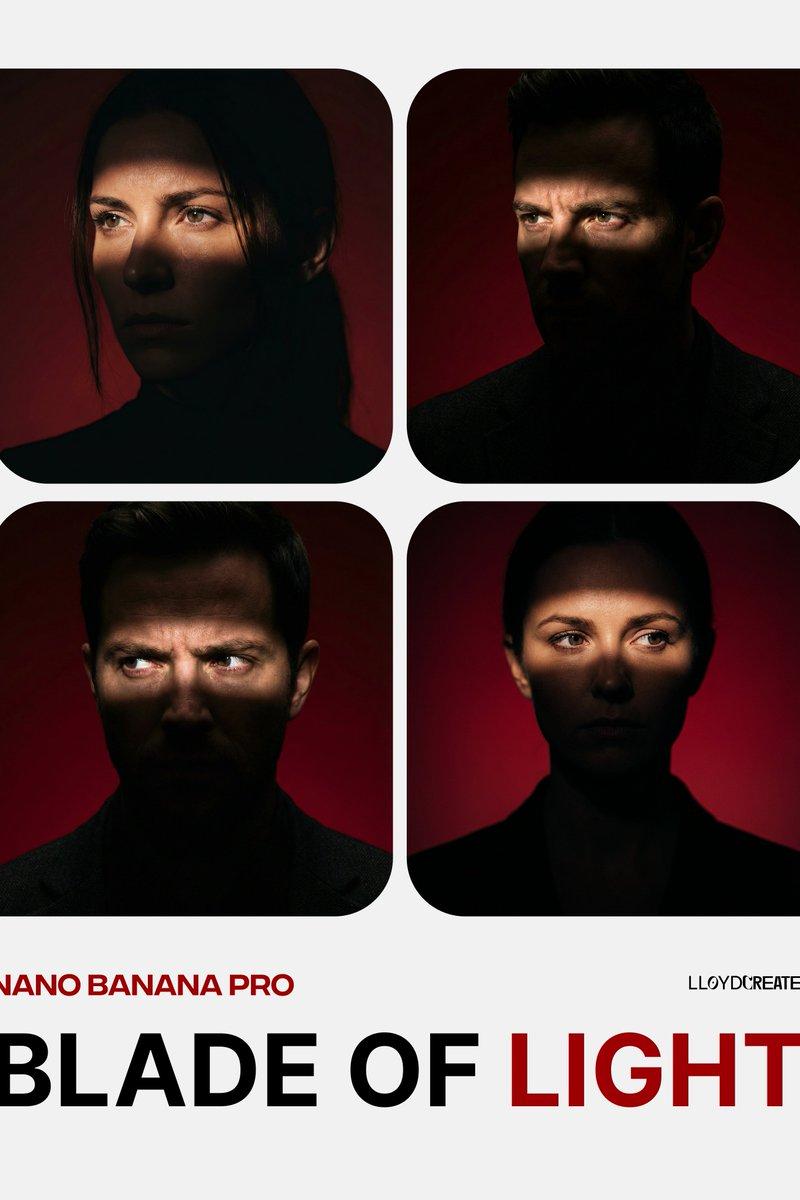
深红暗调下的电影级光影人像
Enlarge

Example images

深红暗调下的电影级光影人像

Prompt
{ "prompt": "A dynamic portrait of a [man] against a deep [red] dark gradient studio background, featuring superb, high-contrast chiaroscuro lighting. A soft horizontal band of light illuminates the subject's eyes and partial forehead, the band is sharper below eyes and across nose and get's soft towards the eyebrows and forehead is dark, casting the rest of their face and body into deep very dark shadow, almost silhouette. The [man] is facing directly forward but looking off-camera with an intense expression. The image has high professional detail, resembling a shot from a V-RAPTOR - RED Digital Cinema camera, with rich smooth textures and a shallow depth of field, focusing on the illuminated eyes. No text or logos are present.", "options": { "COLOR": ["red", "blue", "green", "yellow"], "SUBJECT": ["man", "woman"] } }
Category
Posters & Typography
Model
Nano banana pro
Creator
@lloydcreates
Source language
zh-CN
Views33
Source ID
8380
Published
Mar 22, 2026
Studio

Guide

About "深红暗调下的电影级光影人像"

What is this prompt for?

"深红暗调下的电影级光影人像" AI image prompt for Nano banana pro (Posters & Typography). { "prompt": "一幅充满动感的肖像,描绘了在深邃的 [{argument name=\"color\" default=\"red\"}] 暗色渐变摄影棚背…

The full copyable prompt and example visuals above are ready for AI image generation or one-click recreate in Picva.

How to use this prompt

  1. Step 1

    Open the prompt detail

    Review the example visuals, category, and full prompt text for "深红暗调下的电影级光影人像".

  2. Step 2

    Copy the prompt

    Copy the prompt body from this page, or load it directly in Studio.

  3. Step 3

    Pick a model (Nano banana pro)

    Prefer Nano banana pro. If you switch models, keep subject and composition and tweak style terms.

  4. Step 4

    Generate and export

    Recreate the look in Picva, or export into your workflow for editing and publishing.

FAQ

What is the "深红暗调下的电影级光影人像" prompt?
It is an AI image-generation prompt for Nano banana pro in the Posters & Typography category. This page includes the full prompt text, example visuals, and a one-click recreate path in Picva.
How do I use this prompt to generate an image?
Copy the prompt from this page, or use Generate / Studio. Paste it into a compatible image model, or recreate the look in Picva with optional reference images.
Which model is this prompt for?
This page lists Nano banana pro. Most descriptive prompts also transfer to nearby image models such as GPT Image, Flux, or Midjourney with light style tweaks.
Can I use the result commercially?
You can usually copy the prompt for creation, but commercial use of the final image depends on the model terms, reference-image rights, and the generated content. Follow the source author and platform rules.