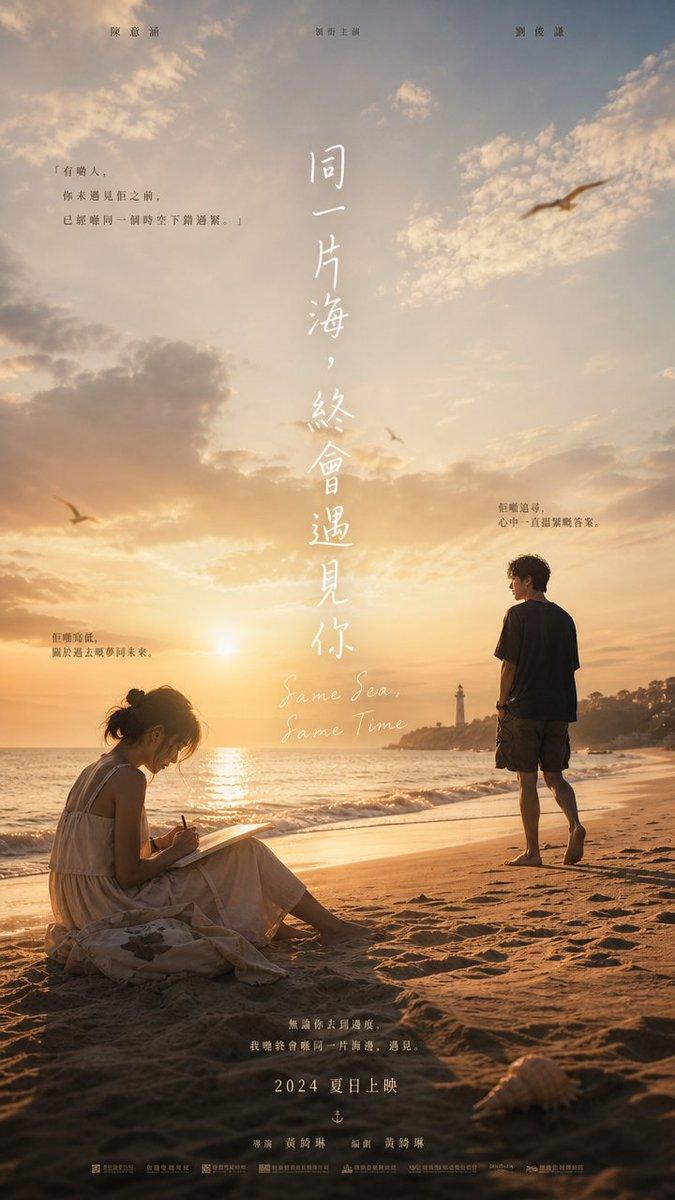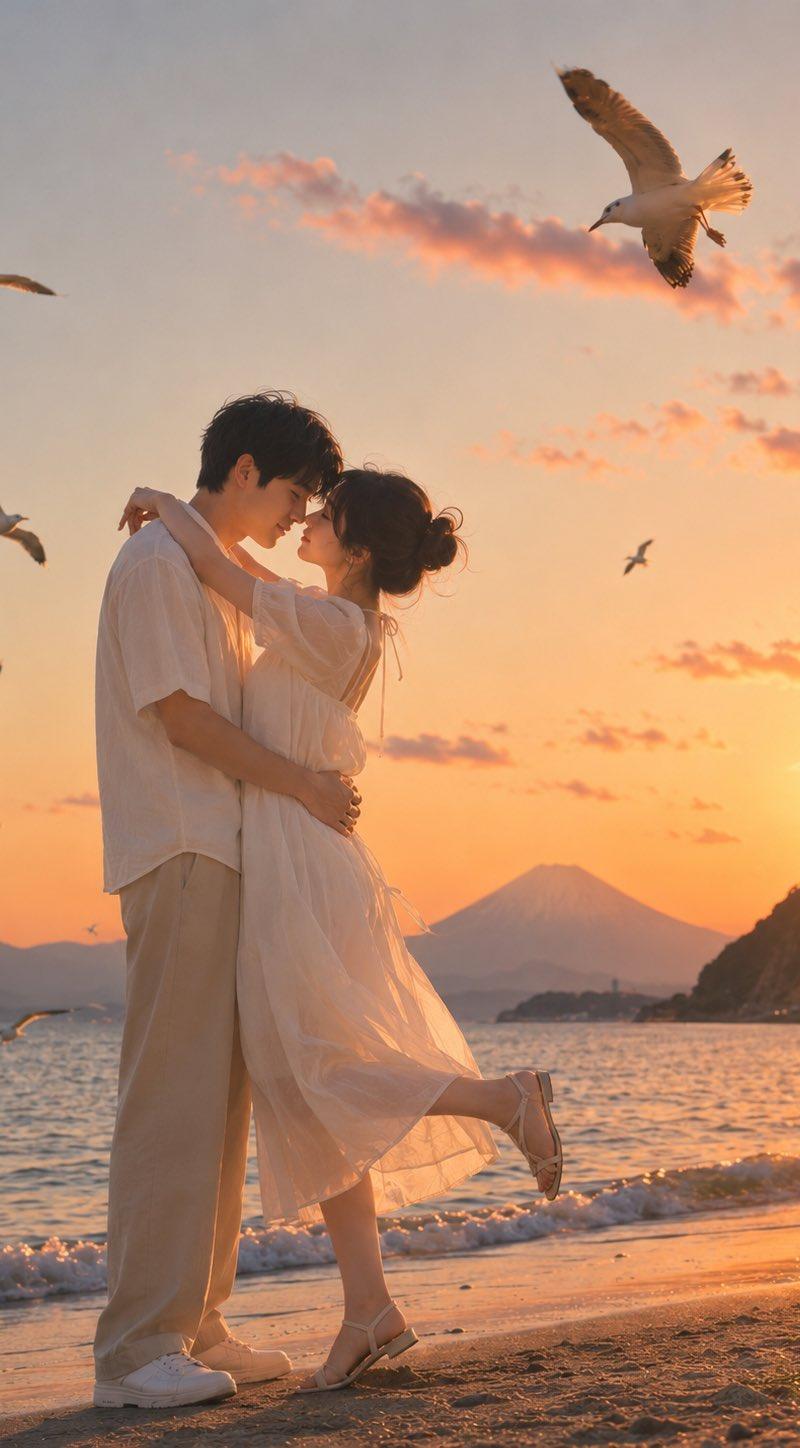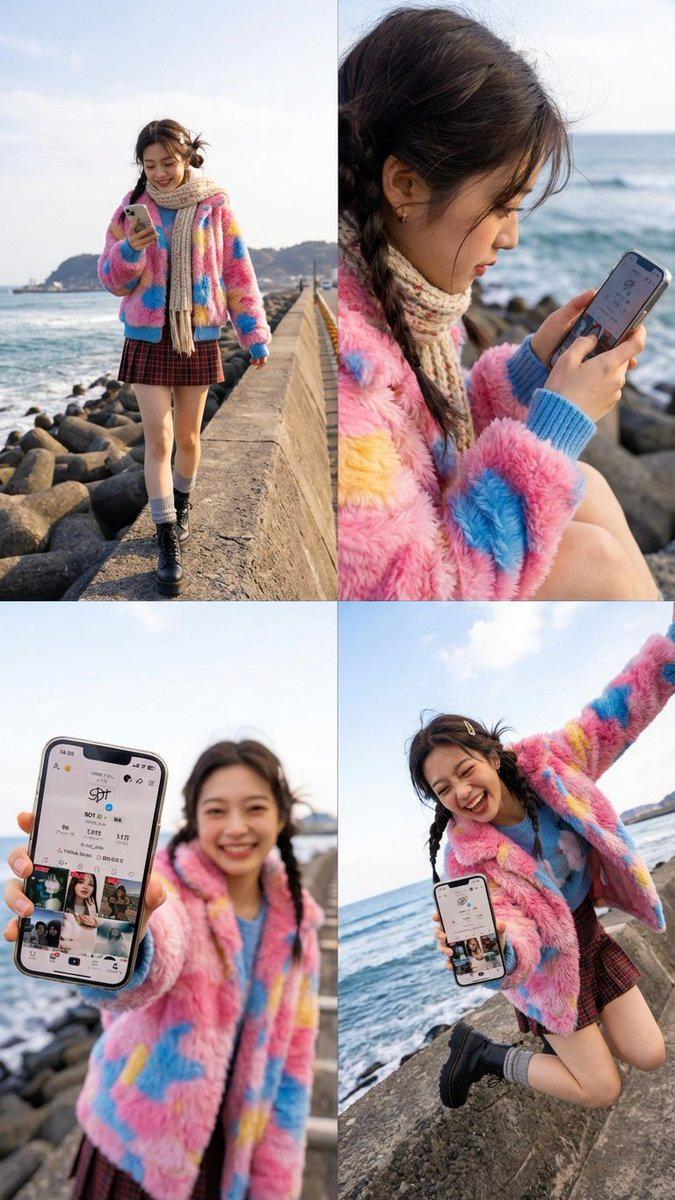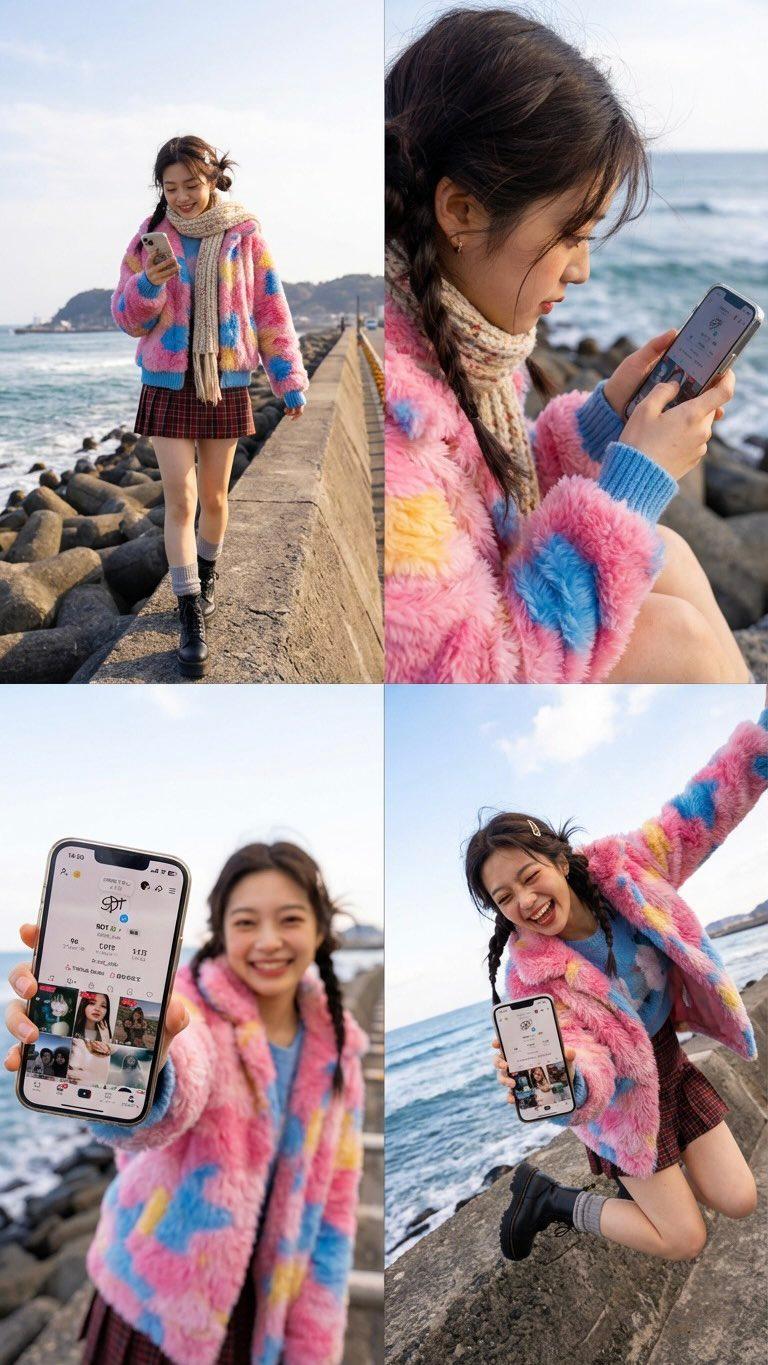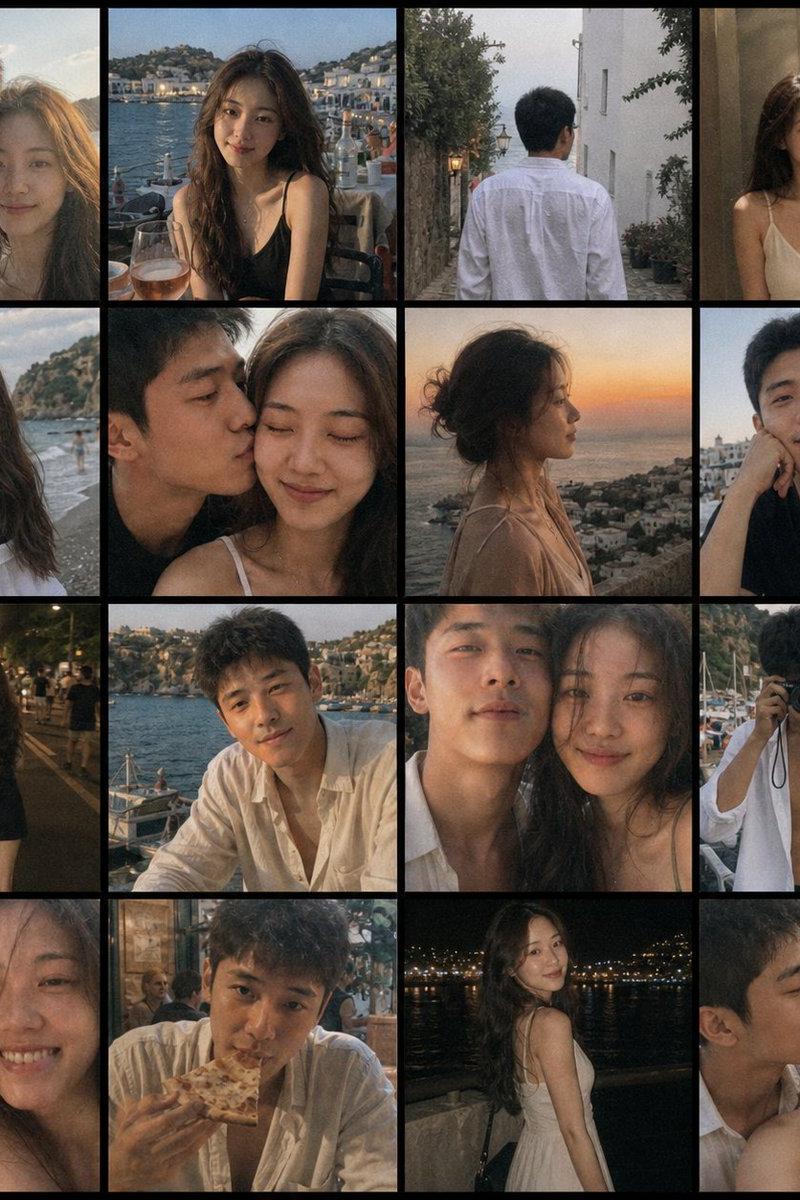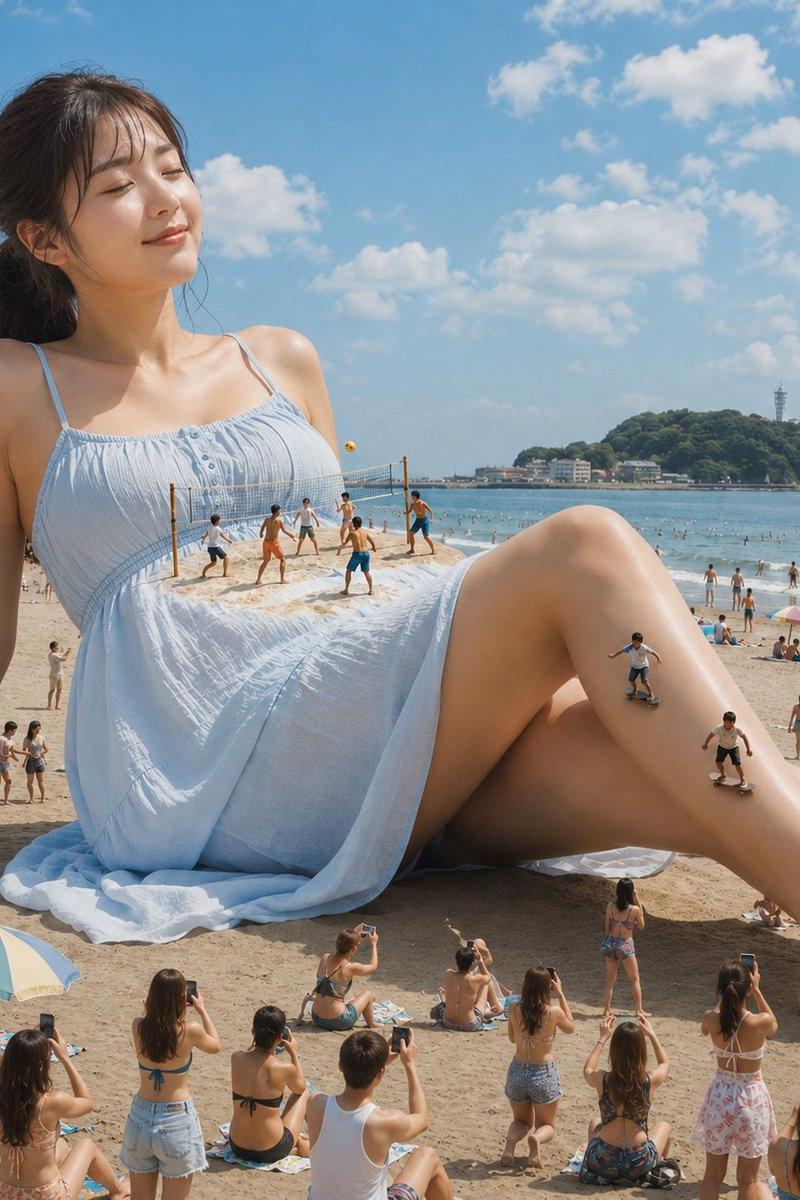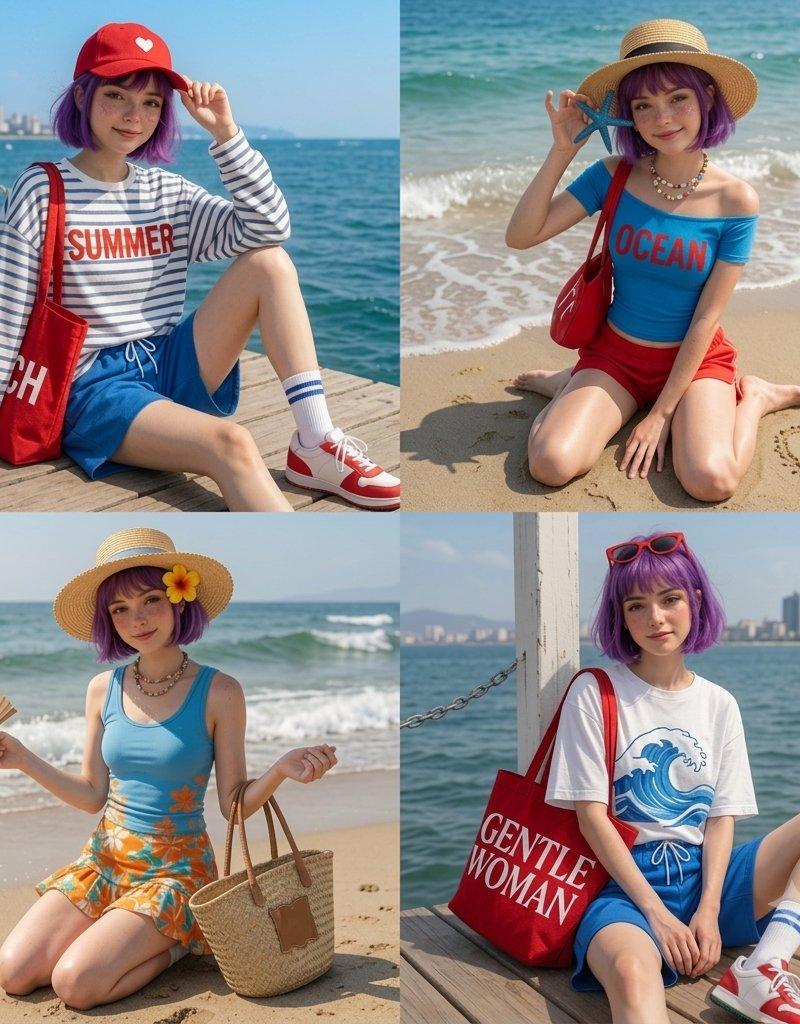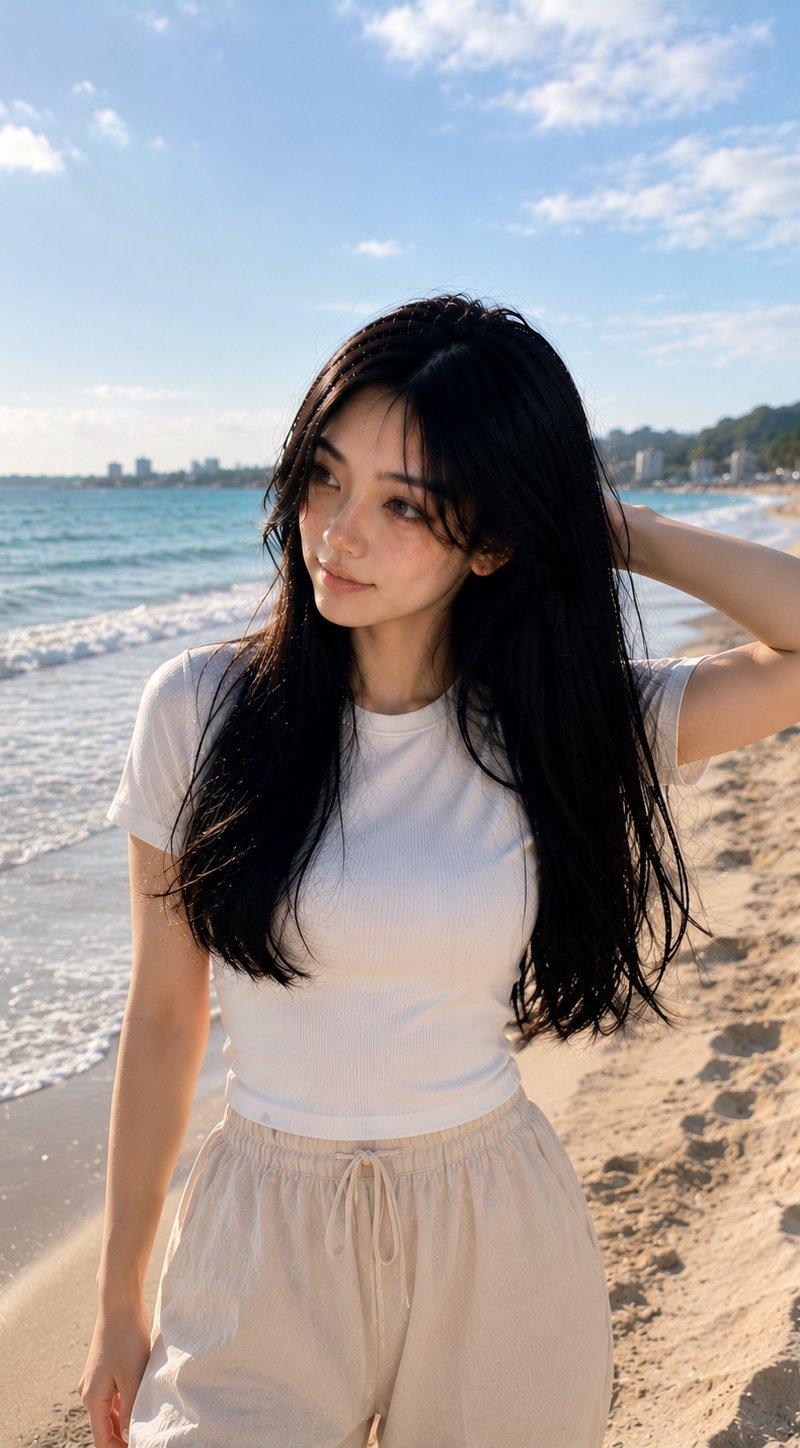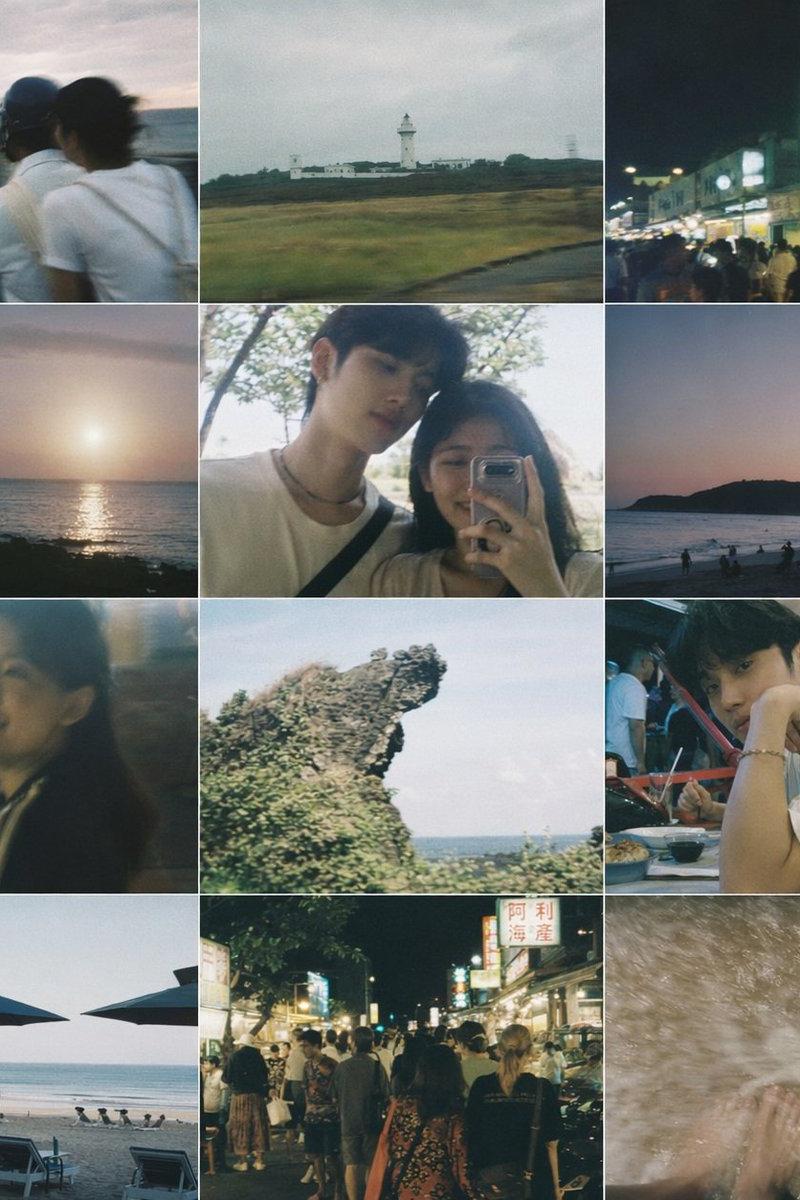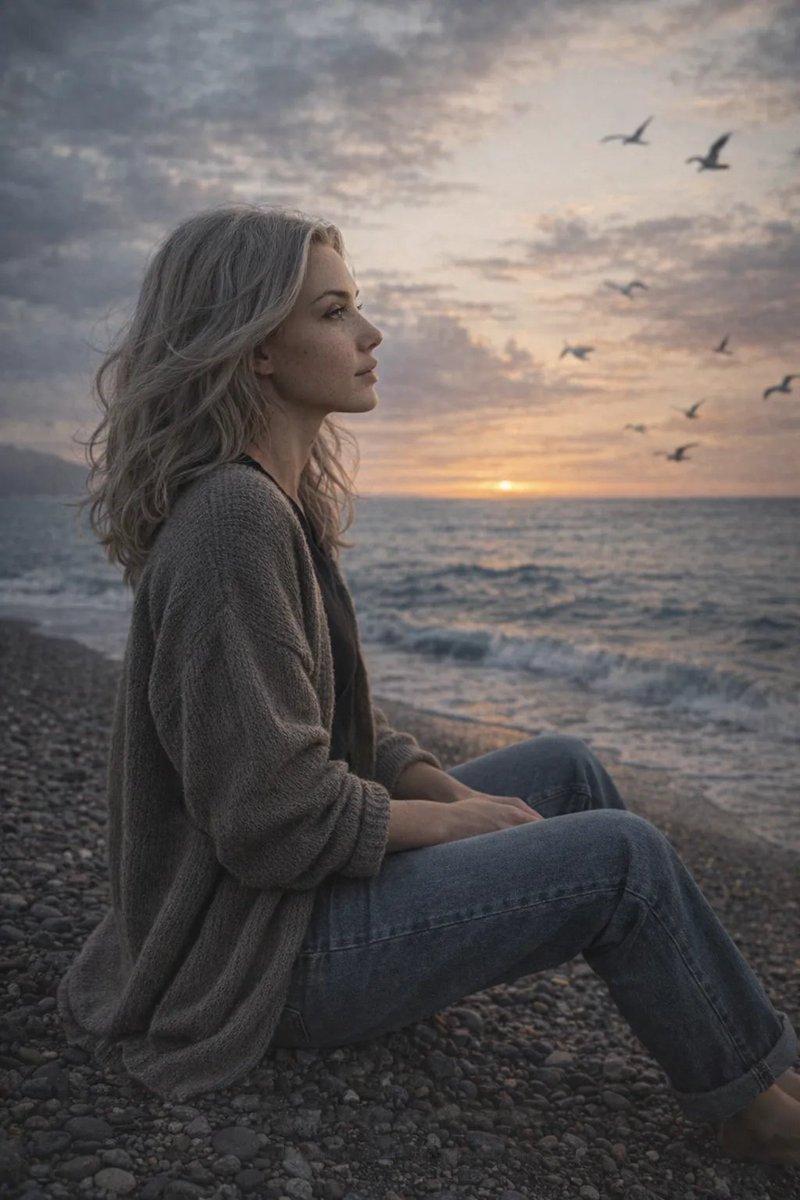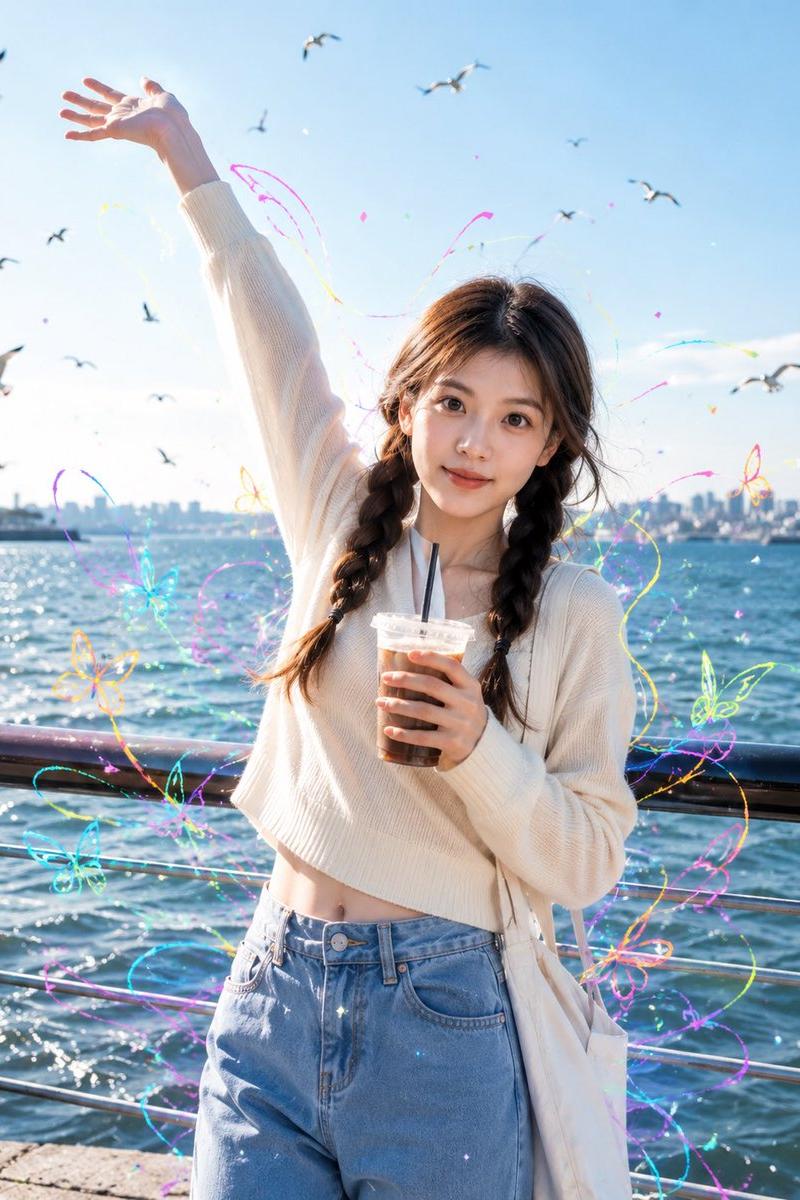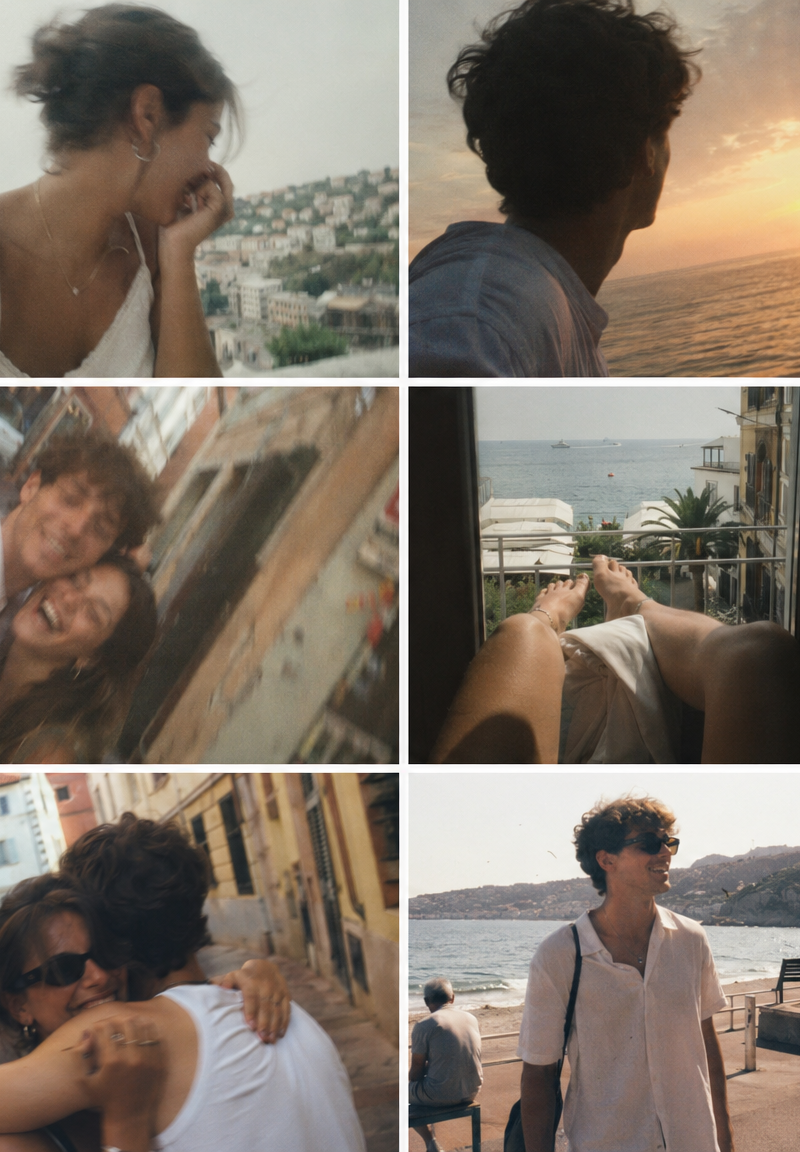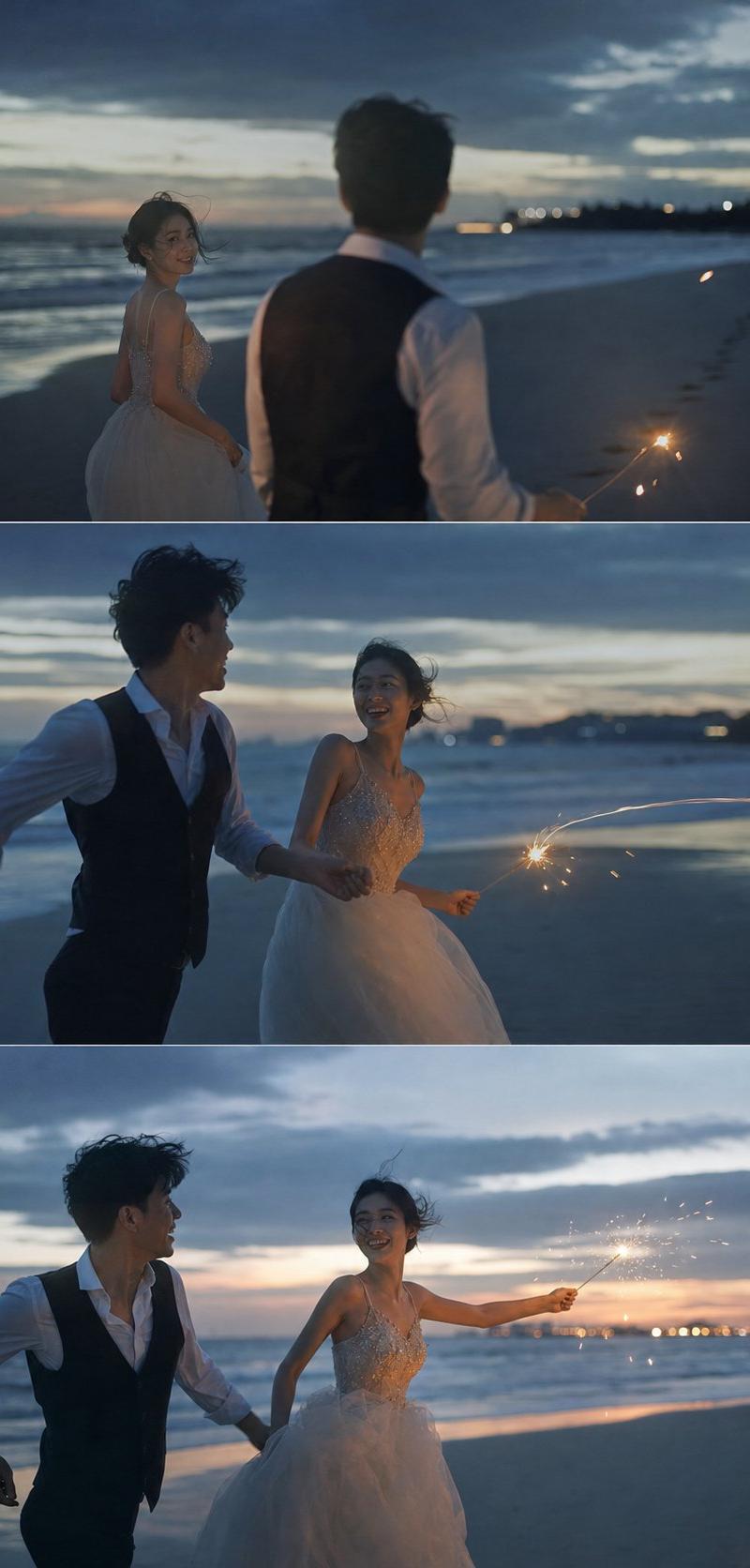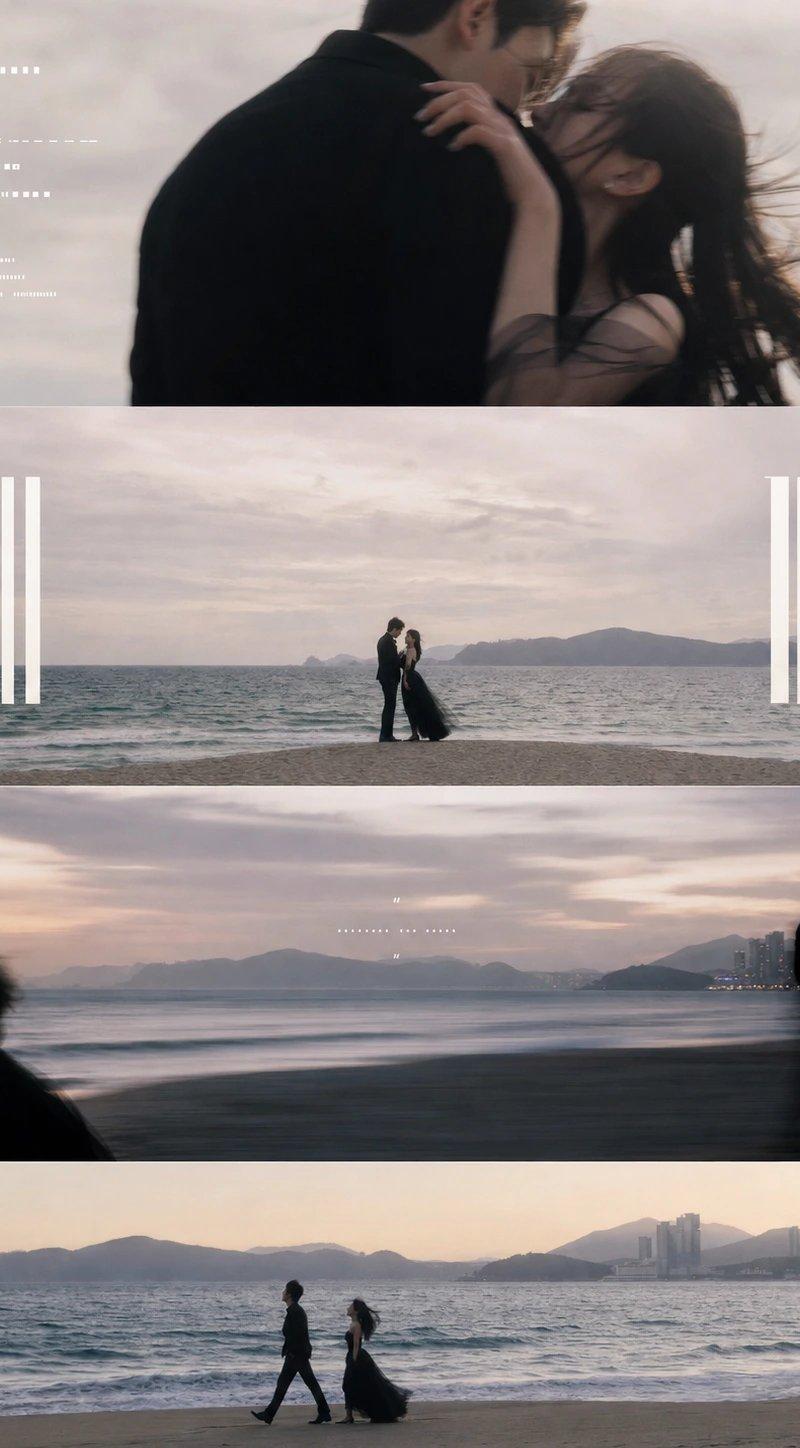
傍晚海边新人分段式影像叙事海报
Prompt
Generate a photographic segmented narrative image around any theme, breaking the theme into several continuous but emotionally progressive visual segments: the top features a large area of light-colored airy background carrying a close-up, motion-blurred, intimate and pressing partial image, with small-sized information text neatly embedded on the left to create a calm archive feel; the middle section uses a quieter long shot to compress the core relationship of the theme into a small silhouette or action moment in the center of the frame, leaving ample space on both sides for high, narrow, solid, movie-title-style large heading text, keeping a restrained distance between the title and the character or theme subject; the main visual segment presents a low-illumination, slow-shutter blur, and open-space theme scene with the largest area, letting the subject distribute at the bottom or edge of the frame like memory traces, while retaining a soft narrative short sentence in the center; the bottom concludes with a clear long shot where the theme subject passes through the frame along a horizontal motion line, leaving a complete sense of time. The overall feel is not a magazine collage but the same video clip cut into several silent film strips, with clean boundaries between layers, clear rhythm, and sufficient white space. Colors are extracted from the theme's own environment, textures, and emotions, maintaining a large area of low-saturation bright base, a small amount of clear dark subjects, soft transitions between warm and cold, and a relationship role for clean white information text, with brightness tending towards clear and quiet, dark parts being clear and not muddy, and grain and slight out-of-focus only serving the sense of cinematic memory. Typography adopts a strong hierarchy between small-font information layers and large-font main titles, with relaxed letter spacing, precise alignment, and low information density, the final image presenting a restrained, private completion like an unreleased short film poster. —————— Change the scene to: A newlywed couple walking, hugging, and kissing at the beach at dusk, maintaining the segmented narrative feel. Release scene: Wedding photography portfolio cover or social media preview poster. Text to keep: Date, location, photographer signature, couple's English names, and a soft short sentence. Output size: Vertical 3:4
- Category
- Charts & Infographics
- Model
- ChatGPT
- Creator
- @xiaoxiaodong01
- Source language
- zh-CN
- Source ID
- 16352
- Published
- Jun 20, 2026
Views53