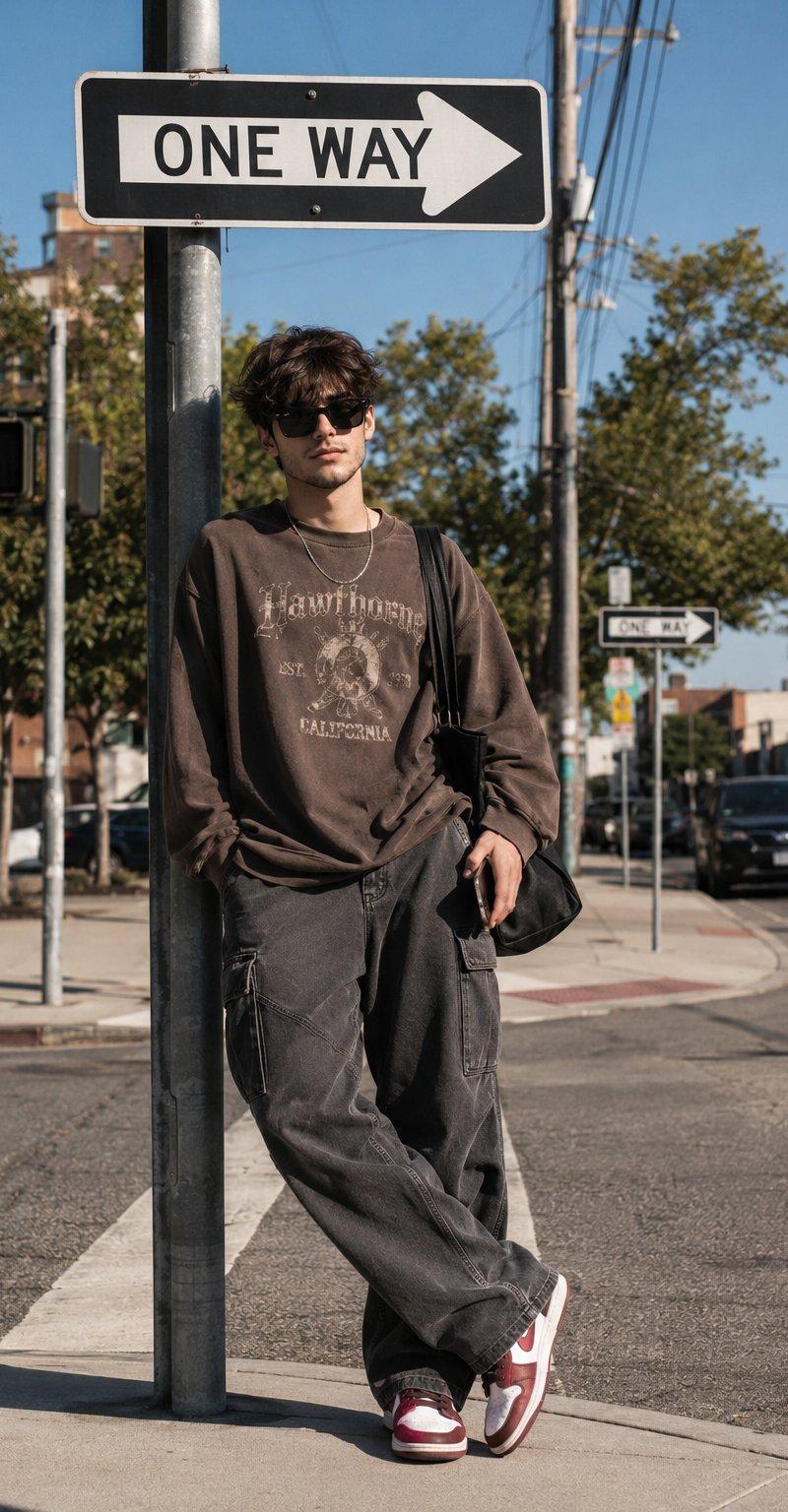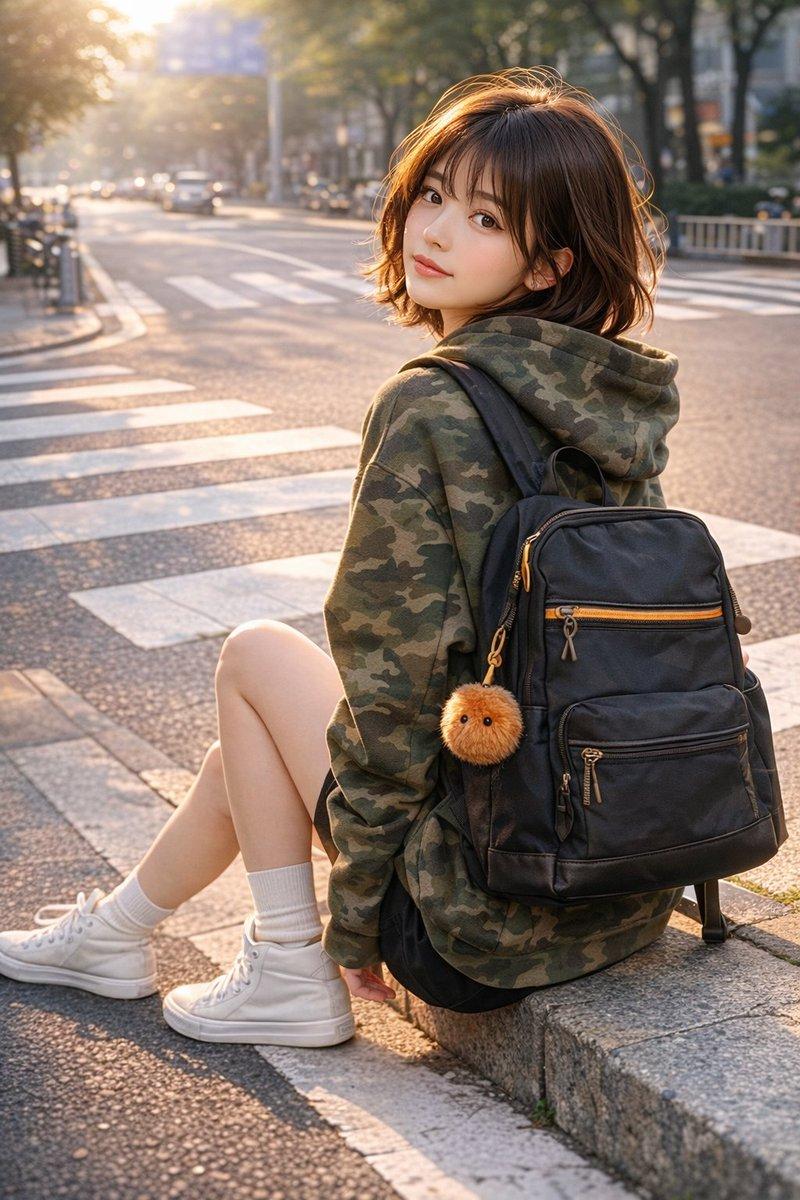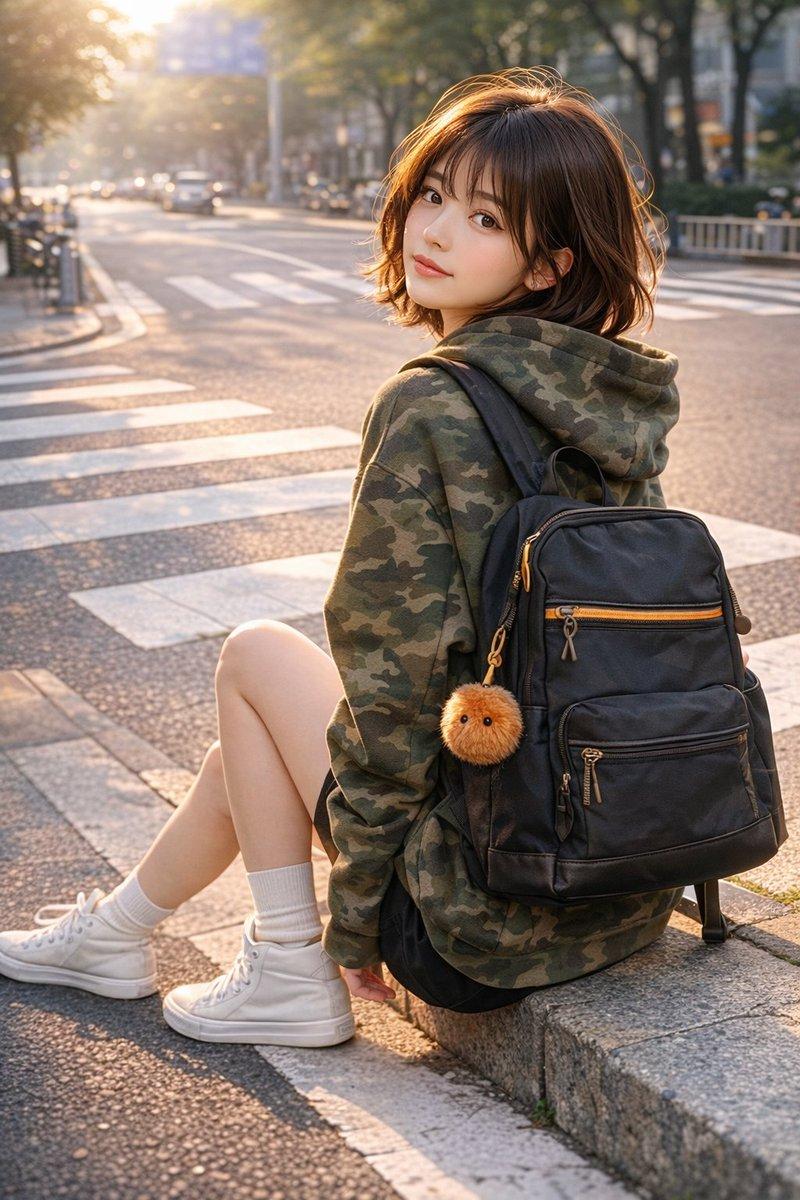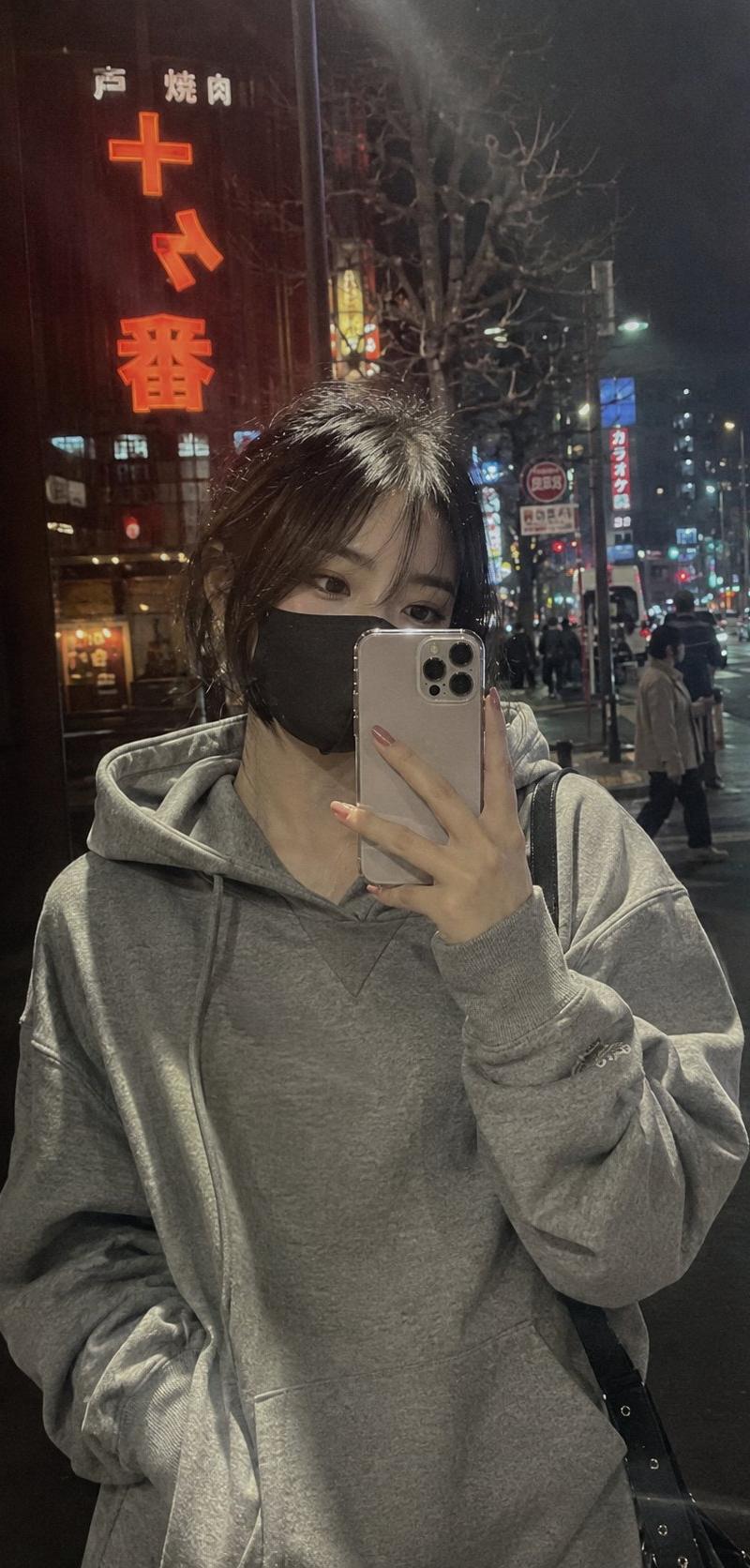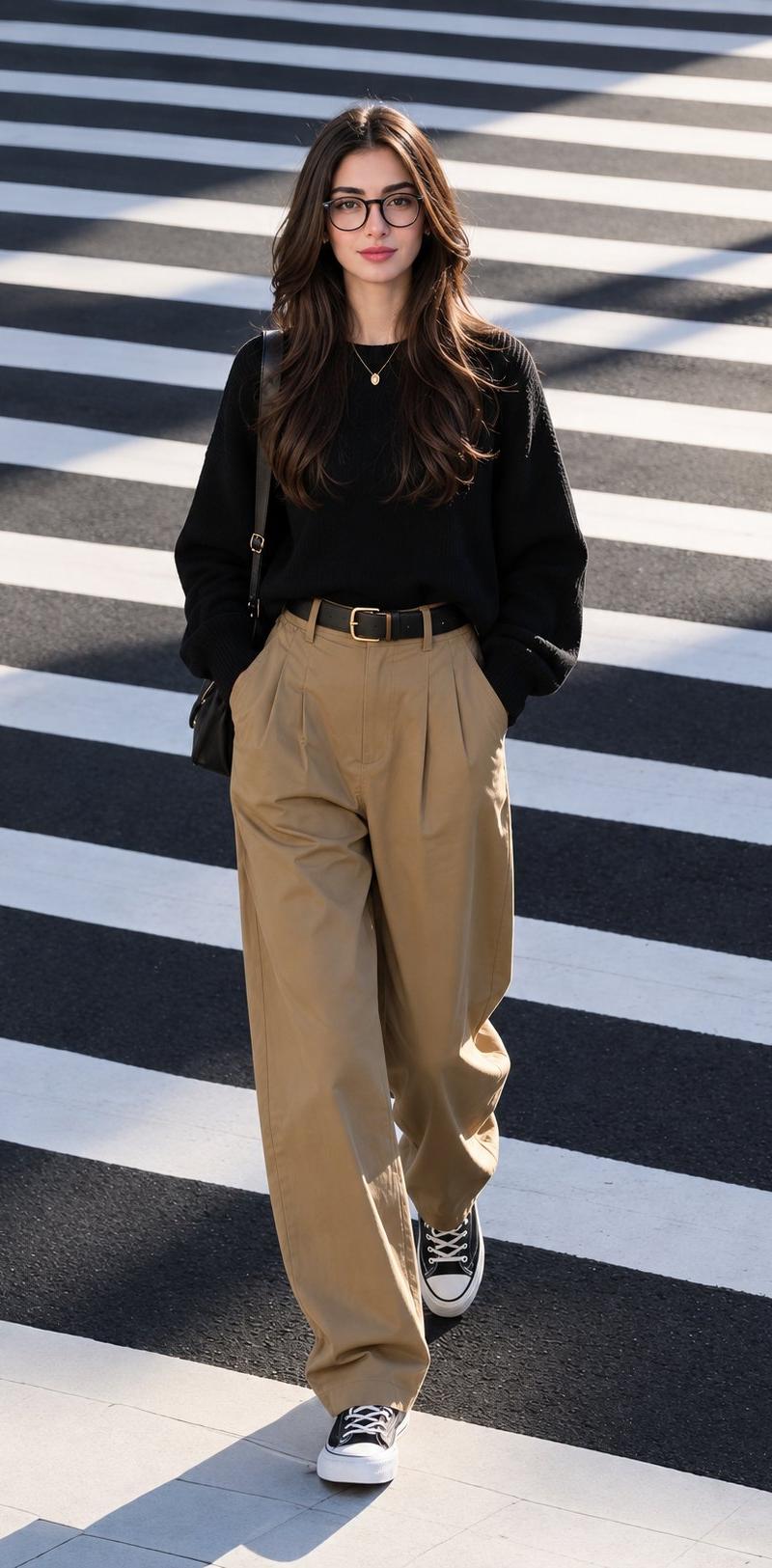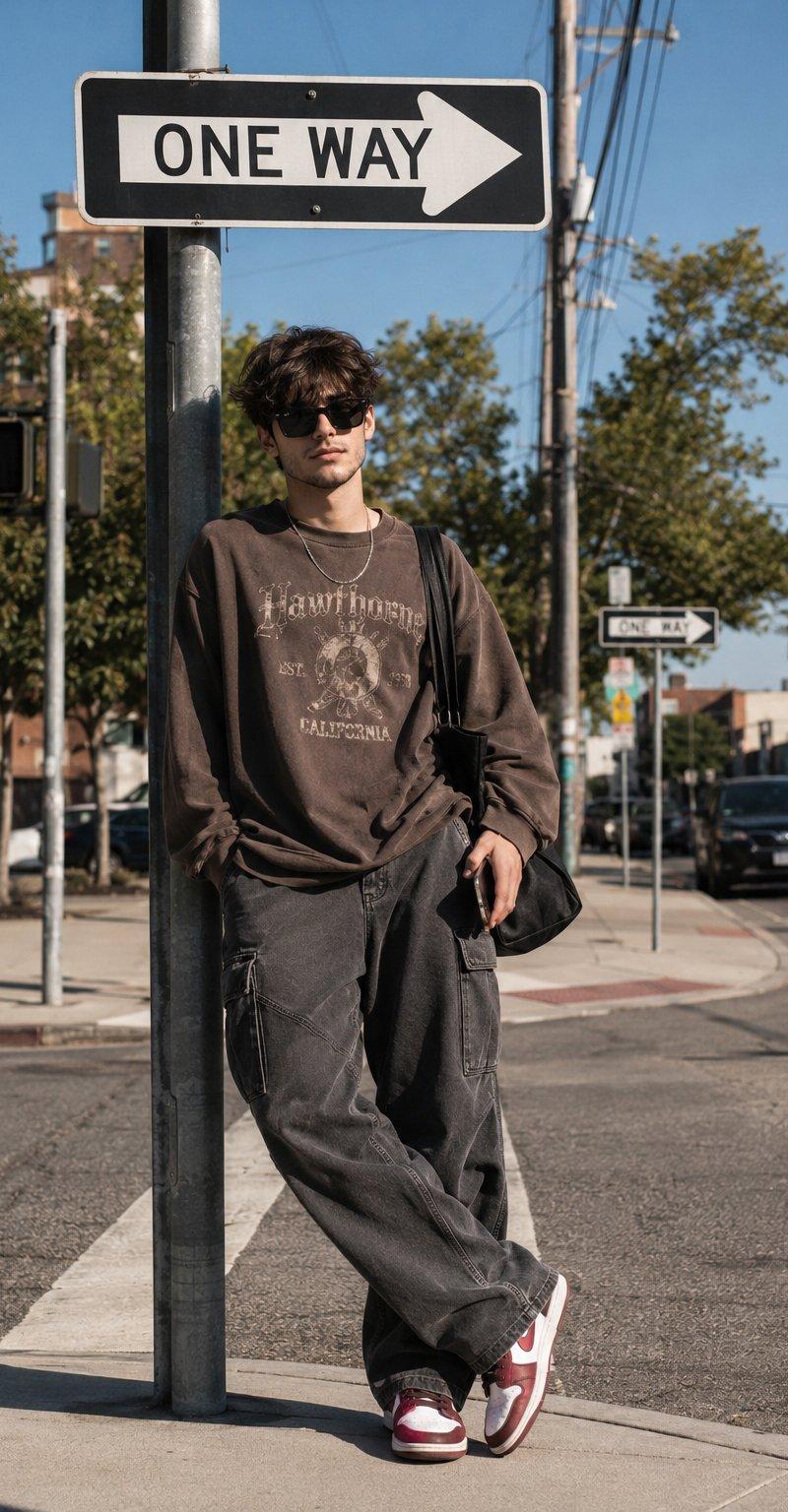
阳光午后都市街角韩系街头风格男装人像
Prompt
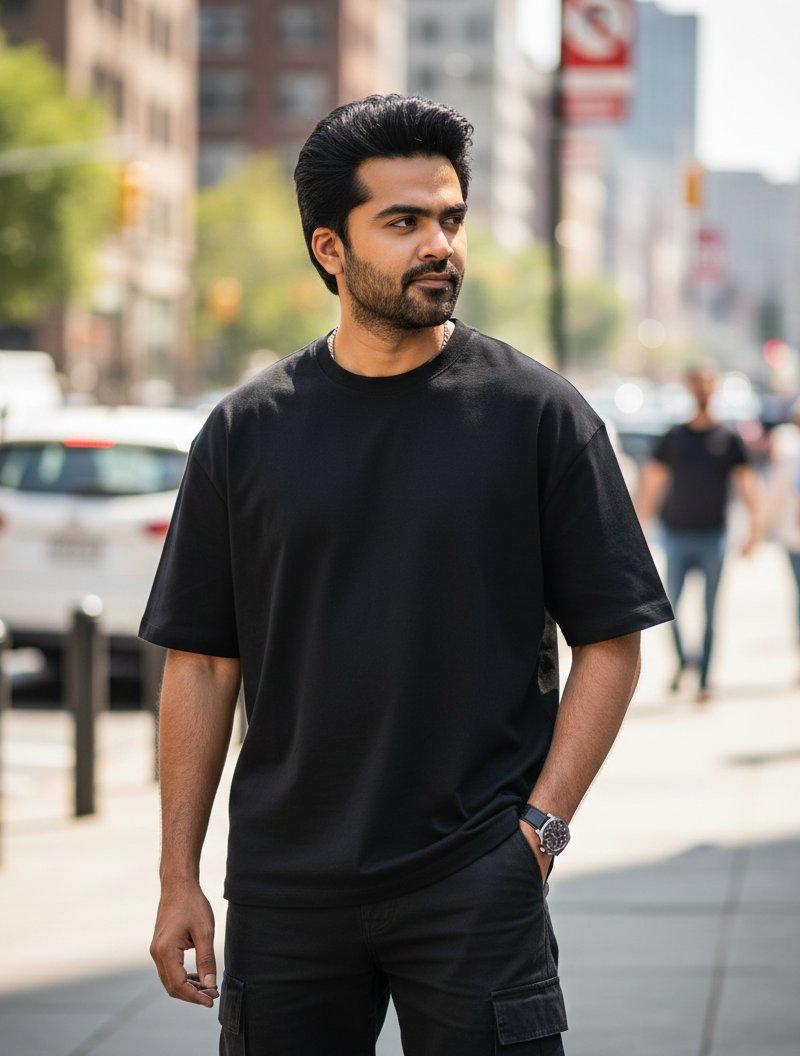
A cinematic street fashion editorial portrait of a stylish young man standing casually at the corner of a quiet urban intersection on a bright sunny afternoon. He leans naturally against a stainless steel traffic signal pole beneath a large black and white "ONE WAY" street sign, creating a clean, minimalist city composition. His posture is relaxed with one shoulder lightly touching the pole, one hand tucked inside the pocket of his oversized charcoal gray cargo trousers, while his legs are loosely crossed at the ankles. The other hand casually holds a smartphone by his side.
The subject wears an oversized vintage washed brown graphic sweatshirt with subtle distressed typography and faded cream printed artwork across the chest. The relaxed fit gives a contemporary Korean streetwear aesthetic. He pairs it with loose charcoal gray cargo pants featuring utility stitching and oversized pockets. On his feet are classic white and deep red Nike sneakers with matching red details. A thin silver chain necklace rests naturally around his neck, and a black leather shoulder bag hangs from one shoulder. He wears oversized rectangular black sunglasses, adding a calm, confident editorial expression while looking directly toward the camera.
His hair is medium length, thick, slightly messy, and naturally wavy with textured volume, softly illuminated by direct sunlight. His facial expression remains neutral and effortless, conveying quiet confidence.
The environment features a realistic American style city street with wide concrete sidewalks, crosswalk markings, traffic lights displaying a red pedestrian stop signal, utility poles, overhead cables, parked cars, green trees, brick buildings, and additional one way signs receding into the distance. The street is clean, quiet, and naturally active without feeling crowded.
Strong midday sunlight creates crisp shadows across the pavement, producing realistic contrast while maintaining balanced skin tones. The blue sky is completely clear, enhancing the fresh daytime atmosphere.
The composition places the subject slightly off center beneath the prominent street sign, using the sidewalk and road as natural leading lines that draw attention toward him. Vertical framing emphasizes both the environment and the fashion styling.
Photographed on a full frame camera with a 50mm lens, f/2.8, ISO 100, natural daylight, shallow depth of field with subtle background separation while keeping much of the street environment recognizable.
Style: premium fashion editorial, Korean streetwear, urban lifestyle photography, cinematic realism, documentary aesthetic, natural candid pose, photorealistic, ultra detailed fabric textures, realistic skin texture, sharp focus, subtle film grain, rich natural colors, HDR, 8K, luxury magazine quality, Instagram editorial style.
Aspect Ratio: 2:3 (Portrait)
- Category
- Charts & Infographics
- Model
- ChatGPT
- Creator
- @harboriis
- Source language
- zh-CN
- Source ID
- 16937
- Published
- Jun 28, 2026
Views21